-
-
Home
-
SampleArticle
-
SummarizedContent
-
Tag
-
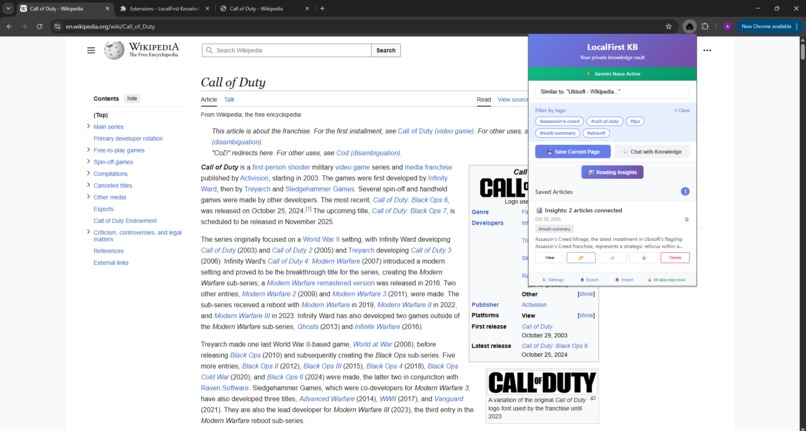
ContentConnection
-
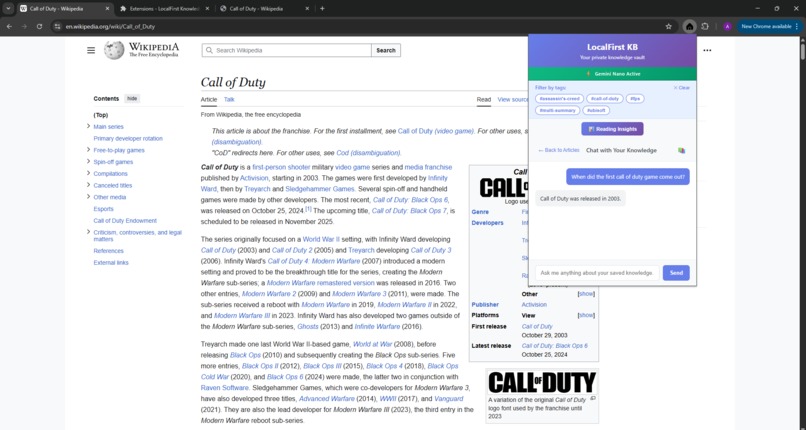
ContextGroundedChat
-
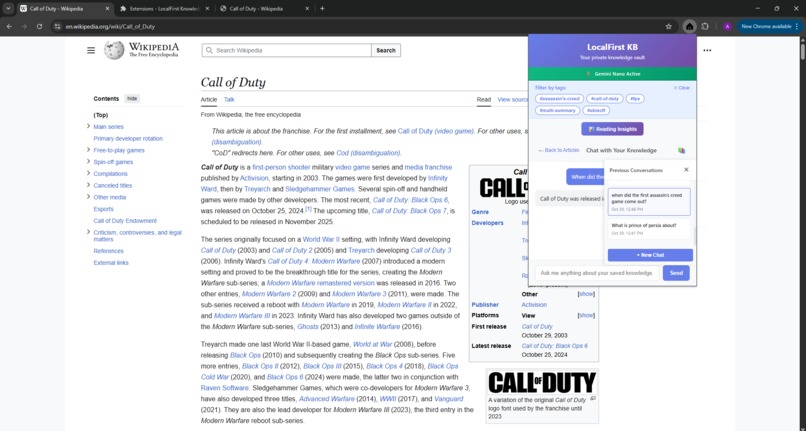
ChatHistory
-
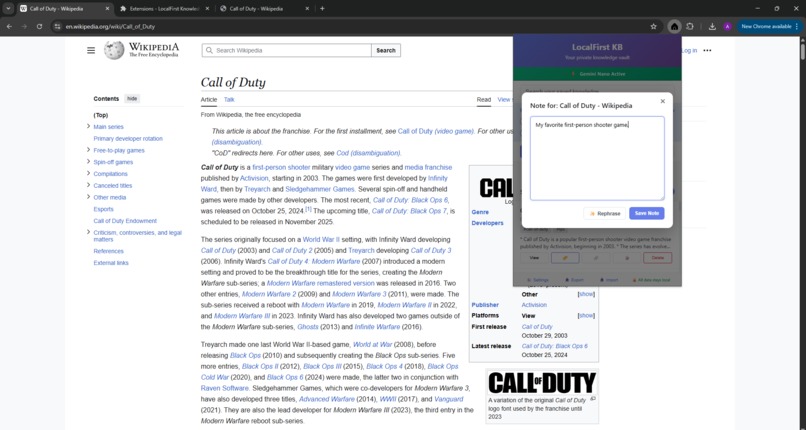
PersonalNote
-
SampleExport
Inspiration
As a researcher, I'm constantly reading articles and papers, but my knowledge ends up fragmented. Traditional bookmarks are a "data graveyard," and I'm deeply uncomfortable with cloud-based AI tools that require sending all my private reading data to a server. This project was born from a simple question: "Can I build an intelligent 'second brain' that is 100% private and runs entirely on my own machine?"
Chrome's built-in AI APIs provided the perfect opportunity. My research on multimodal fusion (combining text, audio, and video) inspired me to think about how I could fuse different types of user data—saved articles, notes, and chat history—into a single, unified, and intelligent knowledge base.
What it does
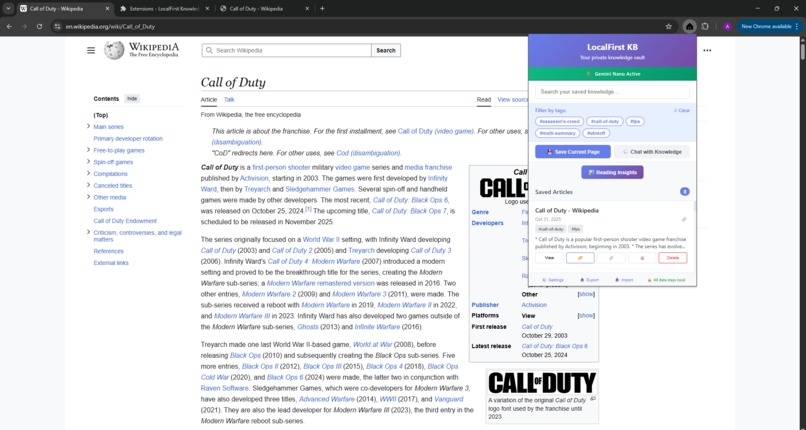
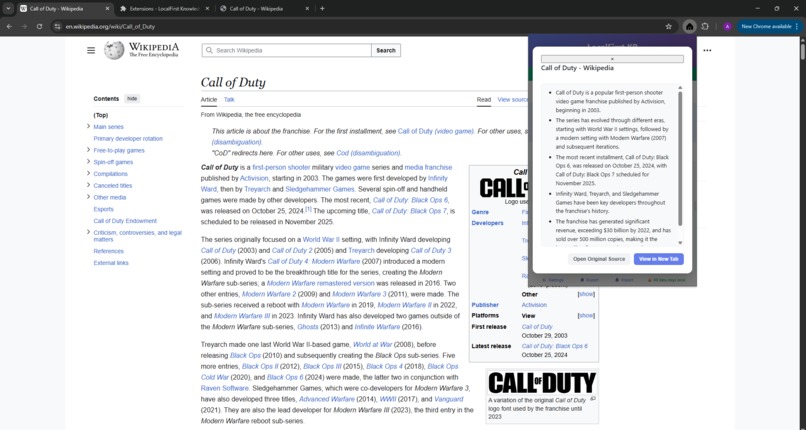
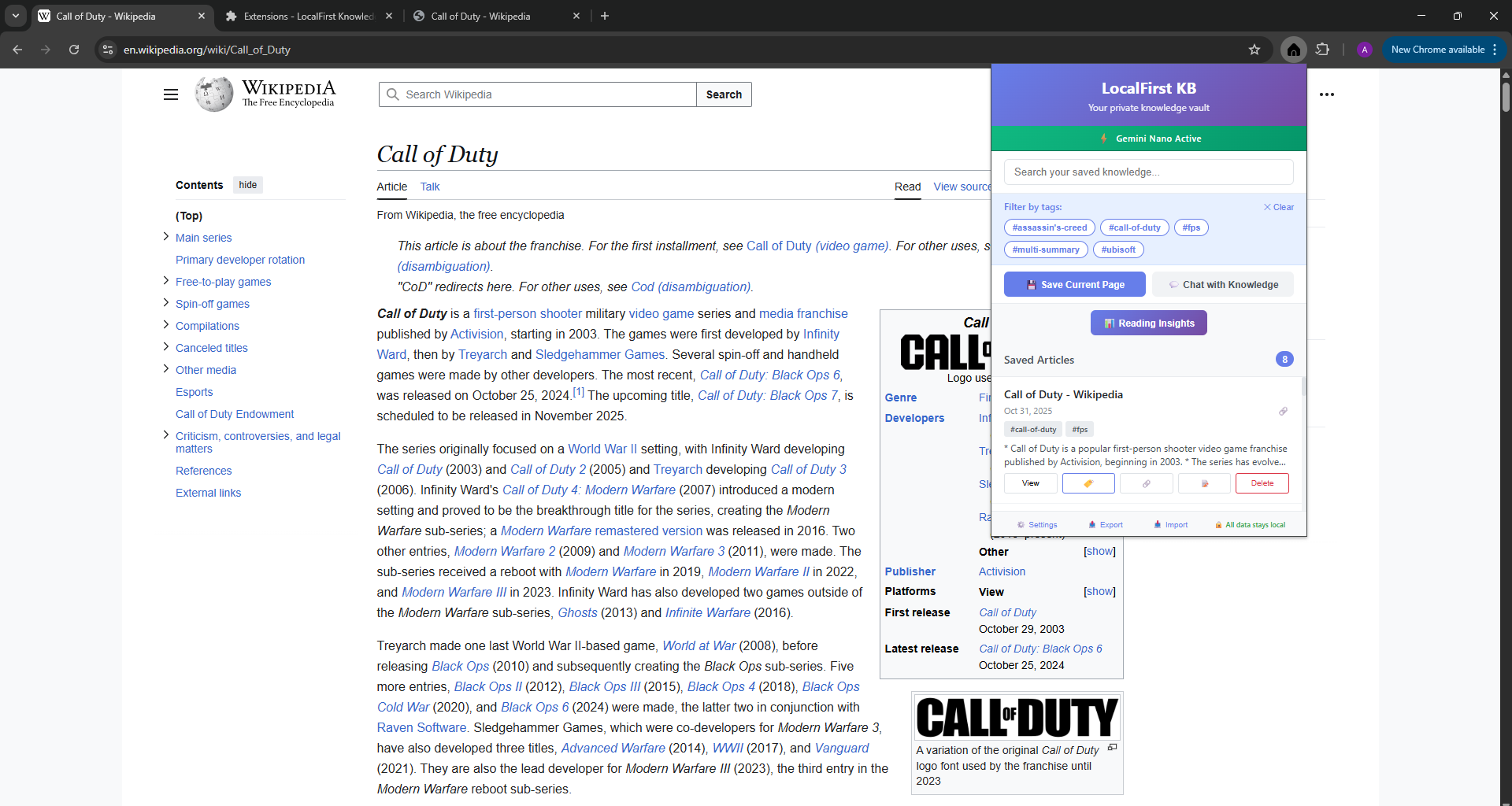
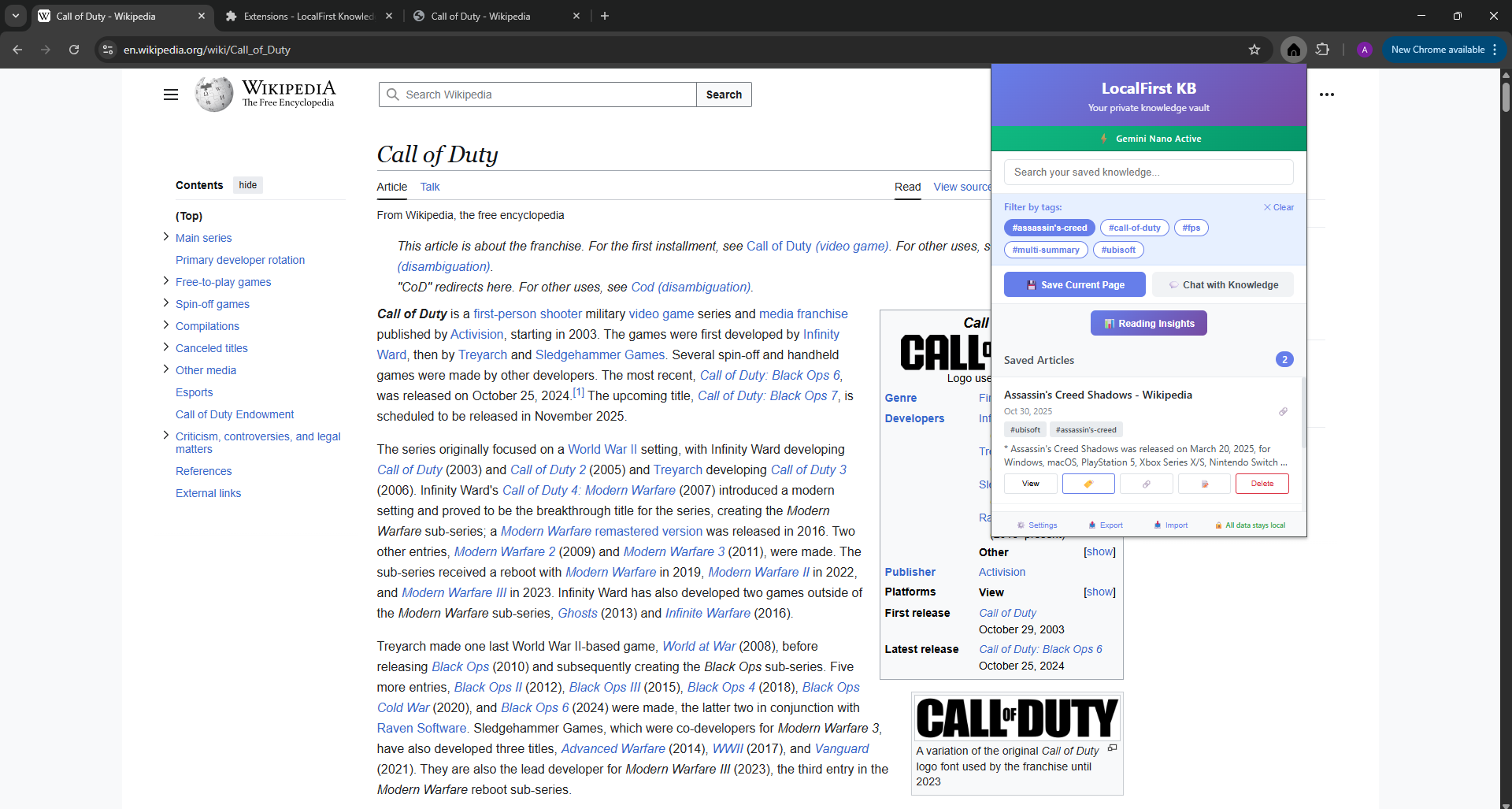
LocalFirst KB (LFKB) is a Chrome extension that transforms your browser into a private, on-device knowledge base. It leverages Chrome's built-in Gemini Nano APIs to save, summarize, and connect your knowledge—all 100% locally.
Here are the key features I implemented:
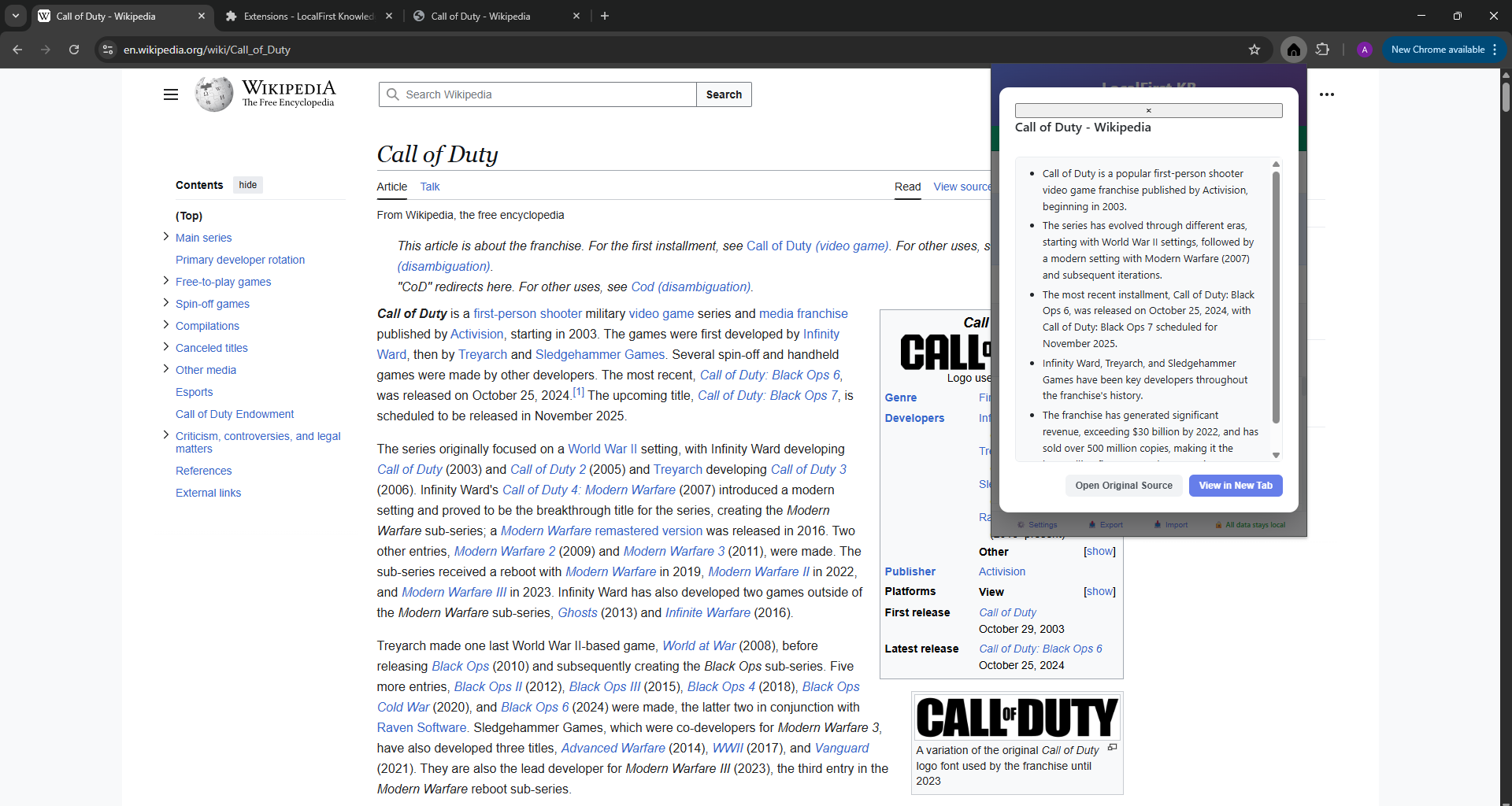
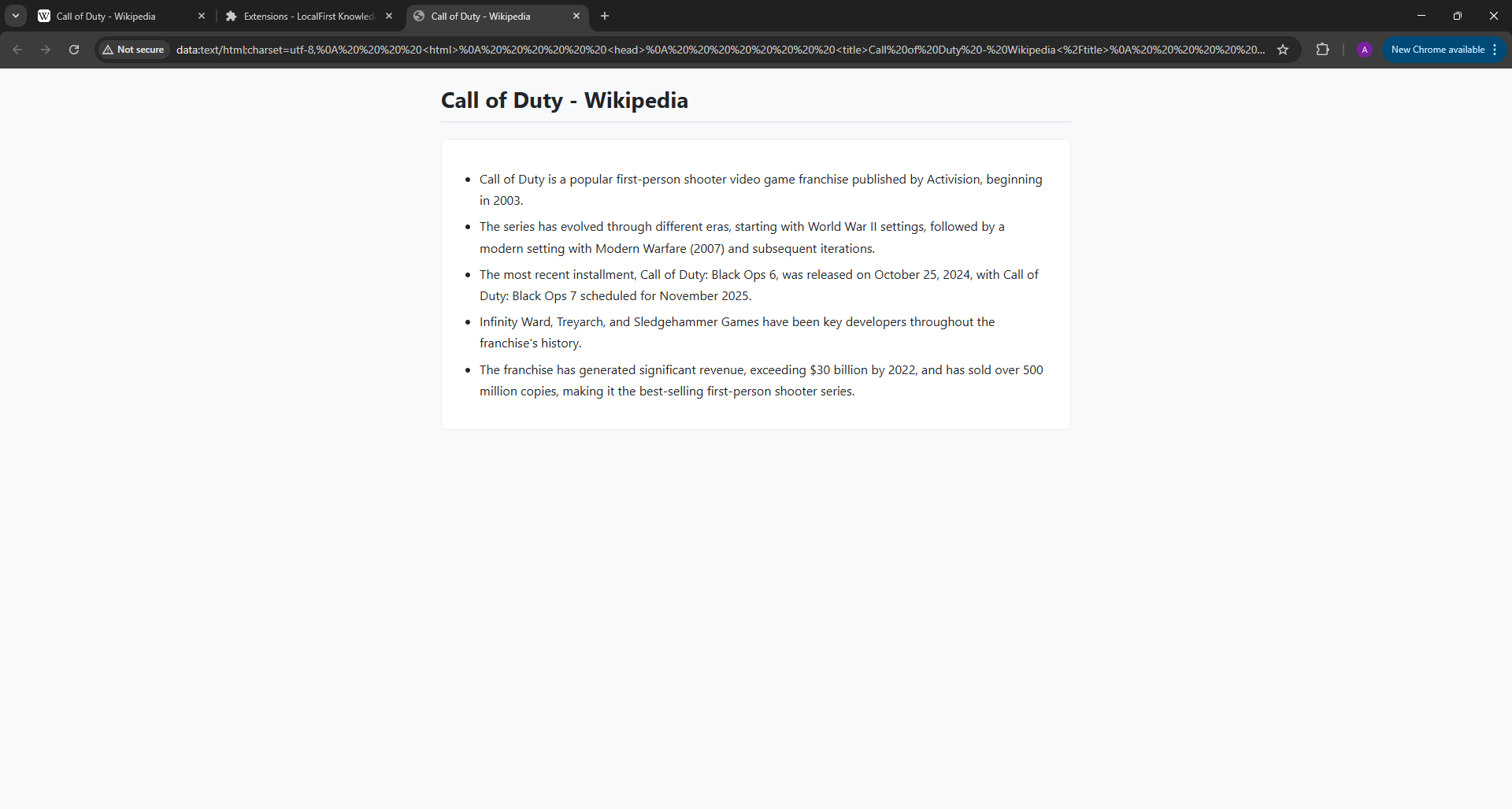
- Save & Auto-Summarize: Save any webpage with
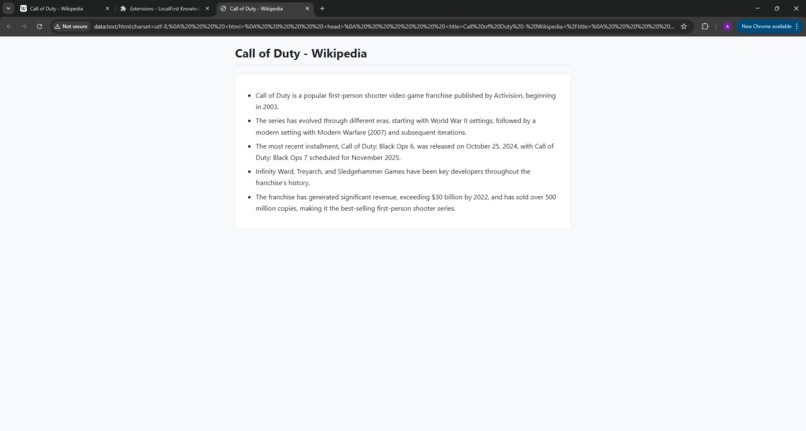
Ctrl+Shift+Sor via the context menu. The content is immediately scraped and a high-quality summary is generated by the on-device Summarizer API. - Hybrid Vector Search: A search bar that thinks in concepts, not just keywords. On every save, the extension creates a custom BM25 vector embedding for the article's content. The search engine then combines traditional keyword matching with this semantic (vector) search to find the most conceptually relevant results.
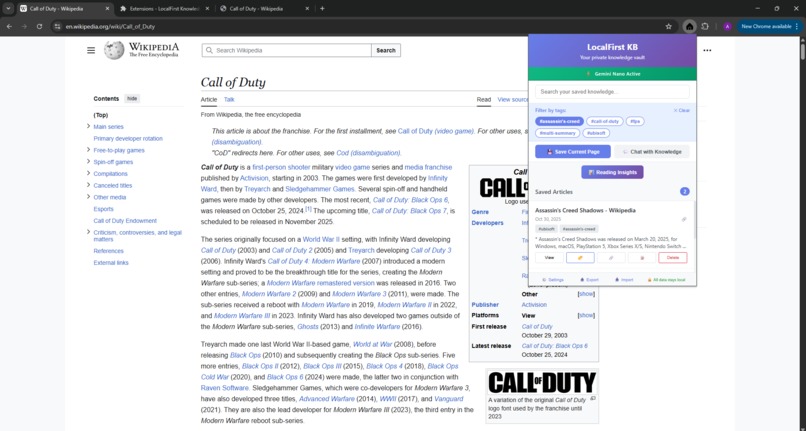
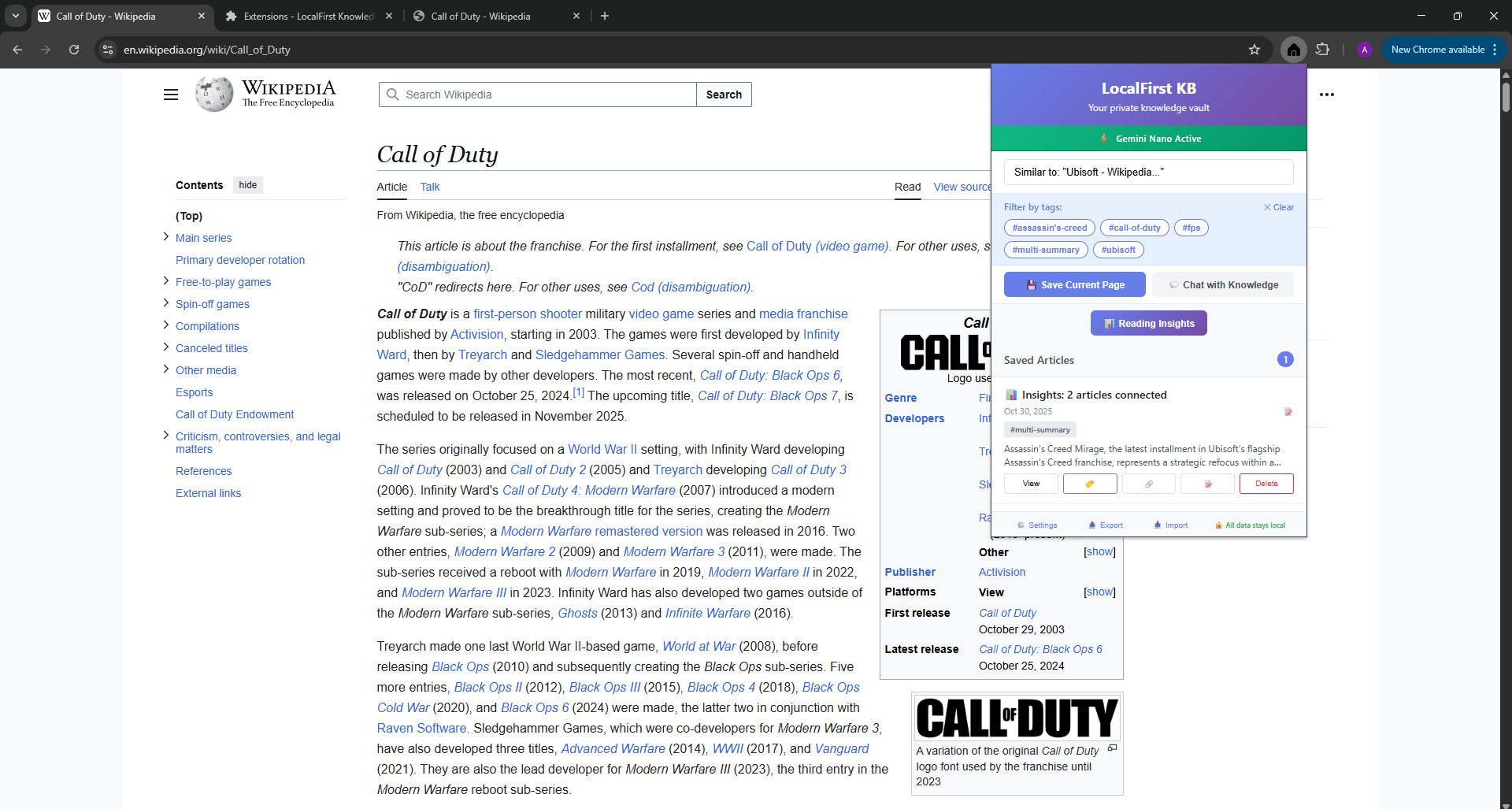
- Content Connections (Find Similar): Every article features a "Find Similar" (🔗) button. This runs an instant vector similarity search to show you all other related articles you've saved.
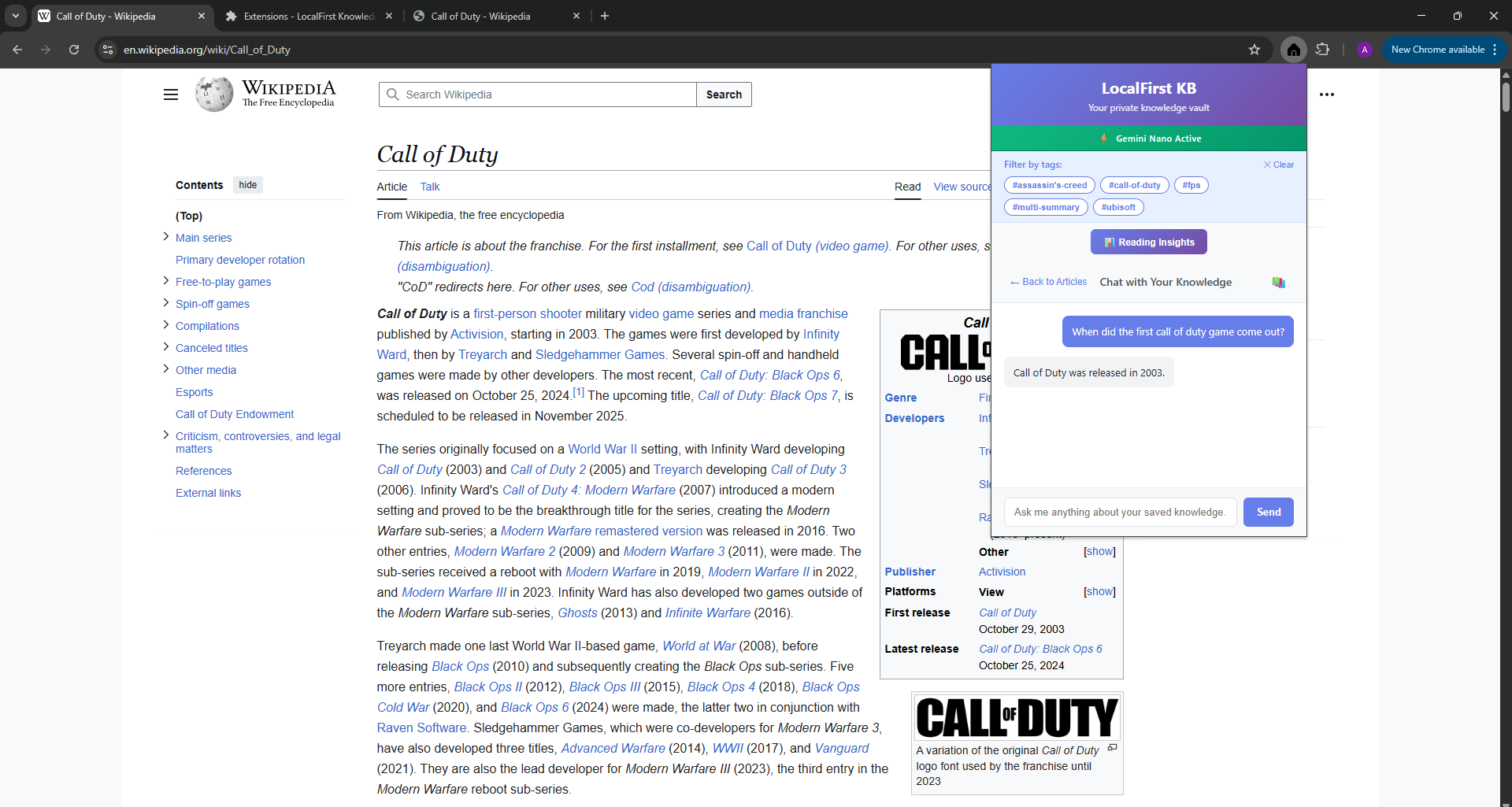
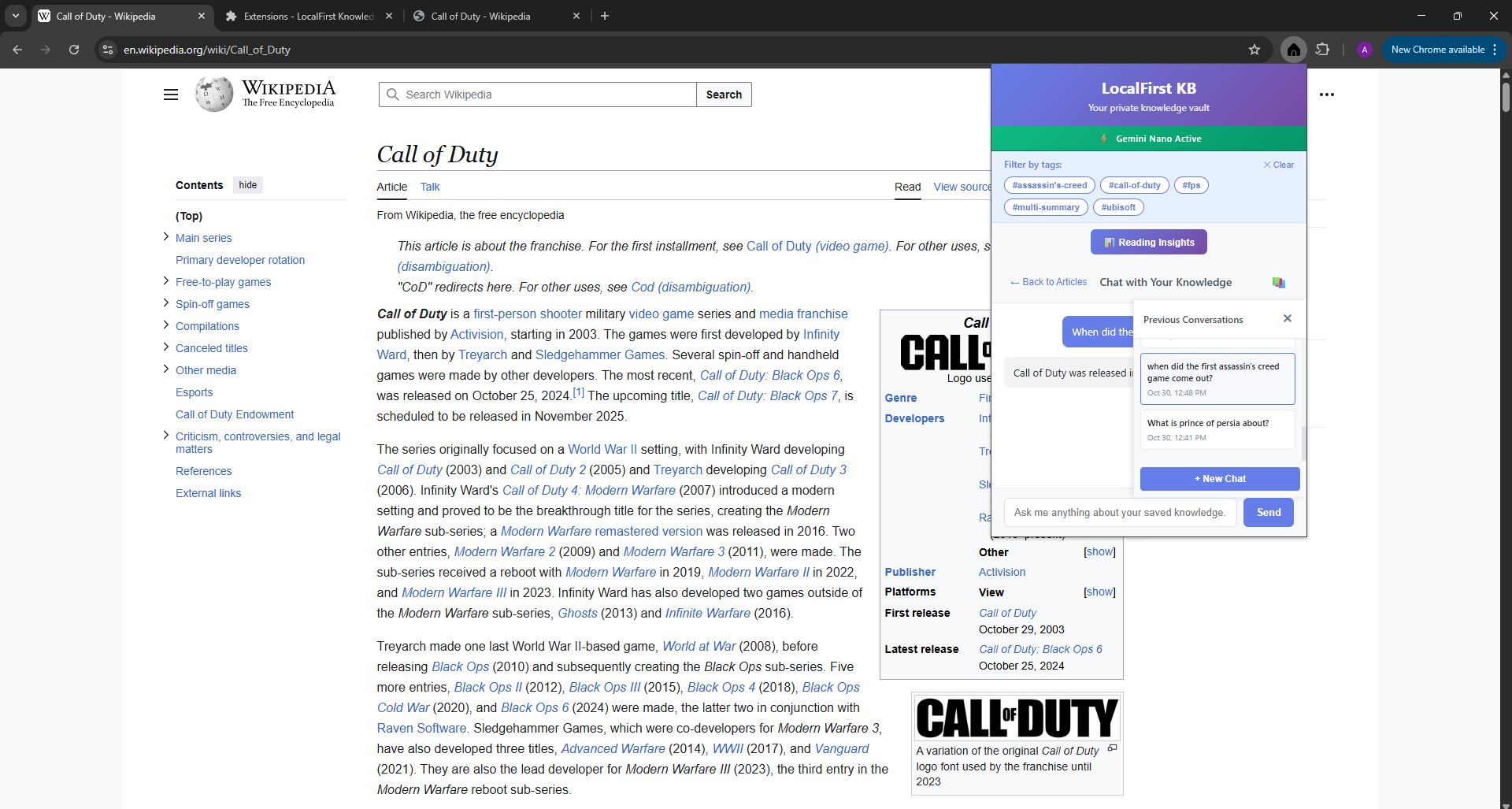
- Context-Grounded Chat (RAG): A full-featured chat bot powered by the LanguageModel (Prompt) API. It's grounded in your data, meaning it only answers questions based on your saved articles and the recent chat history.
- Conversational Memory: The chat bot remembers the last turn of conversation, allowing for natural, follow-up questions.
- Multi-Article Insights: You can select two or more articles, and the AI will generate novel insights and identify common themes between them.
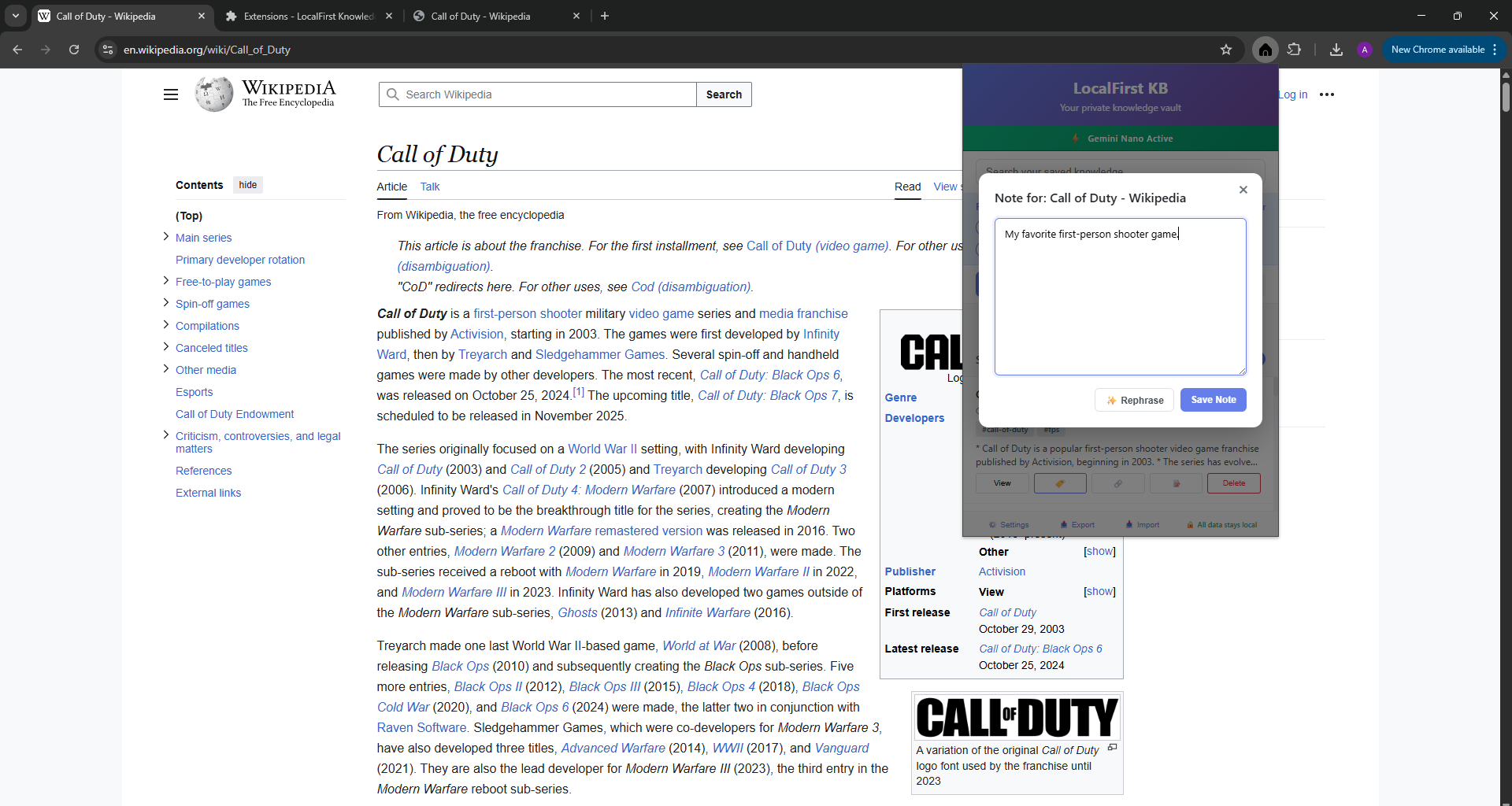
- Advanced Notes & Rephrasing: Add persistent notes to any article and use the LanguageModel API to "Rephrase" your writing for clarity.
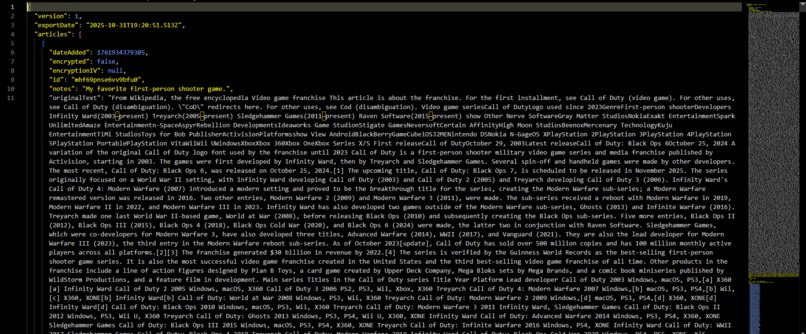
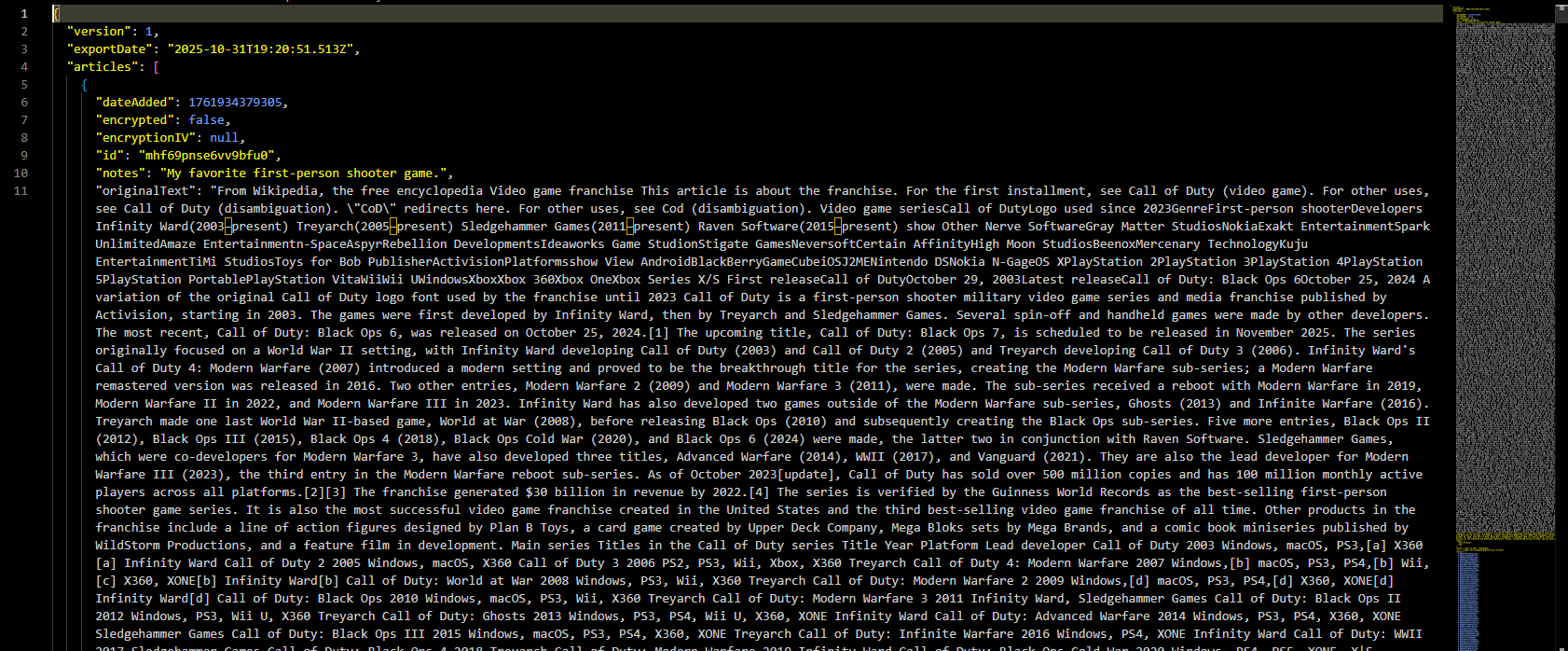
- Full Data Portability: You can export or import your entire knowledge base as a single JSON file.
How I built it
As a solo developer on a tight hackathon deadline, I prioritized speed and robustness. The entire extension is built with 100% vanilla JavaScript (ES6+), HTML, and CSS—no frameworks.
- Core Architecture: It's a standard Manifest V3 extension.
service-worker.jsis the brain, handling all background tasks, API calls, and message passing.popup.jsmanages all UI logic, from rendering articles to handling chat messages.content.jsis injected to scrape webpage content and show save notifications.
- Database: I opted to use
chrome.storage.localfor the entire database. It's simpler than IndexedDB for this prototype and perfectly capable of storing all articles, tags, and chat sessions. - AI Engine:
gemini-api.jsis a custom wrapper that manages all interactions with the Summarizer API and LanguageModel API. It includes fallback logic in case the AI models are unavailable. - Semantic Search: This was the most complex part. I implemented a custom BM25 vectorization algorithm (
generateBM25Vector) instorage.js. This function creates a vector embedding for every article upon saving, which is then used by thesearchArticlesandfindSimilarArticlesfunctions to perform high-speed semantic search.
Challenges I ran into
The AI "Helpfulness" Bias: My biggest challenge was forcing the chat bot to be "grounded." The AI is trained to be helpful, so it would ignore my instructions and answer general knowledge questions (like "What is Call of Duty?") from its own training data.
- Solution: After many attempts, I implemented a "jailbreak" prompt. I moved all rules out of the
systemPromptand into the mainpromptitself, wrapping the user's query with a strict set of commands like "DO NOT use your own general knowledge". This finally forced the AI to be obedient and stick to my provided context.
- Solution: After many attempts, I implemented a "jailbreak" prompt. I moved all rules out of the
Context Window Limits: The chat became slow and irrelevant once I added a few articles and chat history. I realized the total prompt was exceeding Gemini Nano's token limit.
- Solution: I "aggressively pruned" the context, reducing the number of articles sent to the AI from 10 to the top 3 and the chat history from 10 messages to just the most recent 1. This kept the prompt size manageable, making the AI fast and focused.
Service Worker Instability: I kept getting the
Extension context invalidatederror, which would break the save workflow.- Solution: I built retry logic directly into my
content.jsscript, which automatically retries sending the message if it detects the service worker has crashed or is restarting.
- Solution: I built retry logic directly into my
Accomplishments that I'm proud of
- Building a Hybrid Search Engine from Scratch: I'm incredibly proud of the
generateBM25VectorandsearchArticlesfunctions. Implementing a custom vectorizer and a hybrid (keyword + vector) search engine in vanilla JS was a huge challenge and is the core of the app's "magic." - Solving the "Grounding" Problem: Winning the "battle" against the AI's helpfulness bias was a major breakthrough. The final "jailbreak" prompt that forces the AI to only use the user's data is what makes this a true private knowledge base, not just another chat bot.
- Feature-Complete Solo Project: Implementing 10 distinct features from my original plan, including advanced ones like multi-article synthesis and "find similar", all by myself in a short time.
What I learned
- Prompt Engineering is the Real Challenge: The API calls are easy. The hard part is mastering the prompt. I learned that AI models have strong biases (like "helpfulness") and that you must be extremely explicit and "wrap" your query with rules to override them.
- On-Device Models Have Hard Limits: You must respect the context window. My "smart skim" summarizer and my "pruned" chat context were crucial design decisions forced by this.
- Vanilla JS is Still Powerful: You don't need heavy frameworks to build a complex, fast, and feature-rich application.
What's next for LocalFirst Knowledge Base
This project is a powerful proof-of-concept for 100% local, on-device AI. The current features create a robust "second brain." The next steps would be to make that brain proactive, turning the tool into a true research assistant.
Proactive Knowledge Agent (The "Session" Idea): This is the "Version 2.0" vision for the extension. Instead of passively waiting for the user to save, the extension would become an active assistant during a "research session." It would:
- Monitor Dwell Time: Automatically flag and summarize paragraphs the user spends a significant time reading, assuming they are important.
- Detect Context Switching: Notice when a user reads a paragraph, then opens a new tab to search for a term. It would then use the LanguageModel API to find connections between the original article and the new search page.
- Use an Event Queue: These "events" (dwell time, context switch) would be pushed to a processing queue (the "stack") and handled by the service worker in the background, building a rich, interconnected knowledge graph without user friction.
Client-Side Encryption: Implement the
Web Crypto APIto allow users to set a master password. This would encrypt the entirechrome.storage.localdatabase, ensuring all saved articles and notes are unreadable to anyone but the user.Browser History Integration: As a key step toward the "Proactive Agent," this would add the
historypermission. This would allow the chat bot to find connections between your saved knowledge and your recent browsing patterns, answering questions like, "What was that article I was reading yesterday about 3D models?".Proofreader API Integration: Integrate the
Proofreader APIdirectly into the "Notes" modal. This would provide real-time grammar, style, and clarity suggestions for your personal notes, polishing your thoughts as you type them.
Built With
- bm25
- chrome.storage.local
- chromeextensionapis
- css
- gemininano
- html
- javascript
- json
- manifestv3
- promptapi
- serviceworker
- showdown.js
- summarizerapi

Log in or sign up for Devpost to join the conversation.