-
-
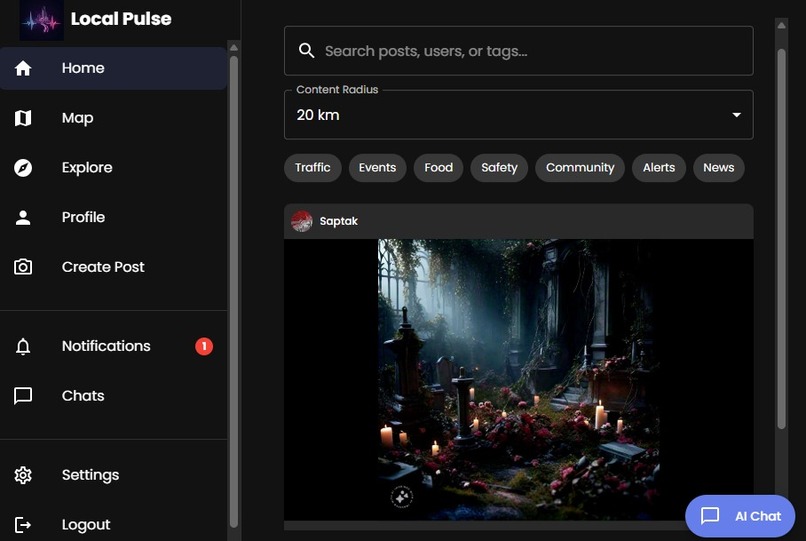
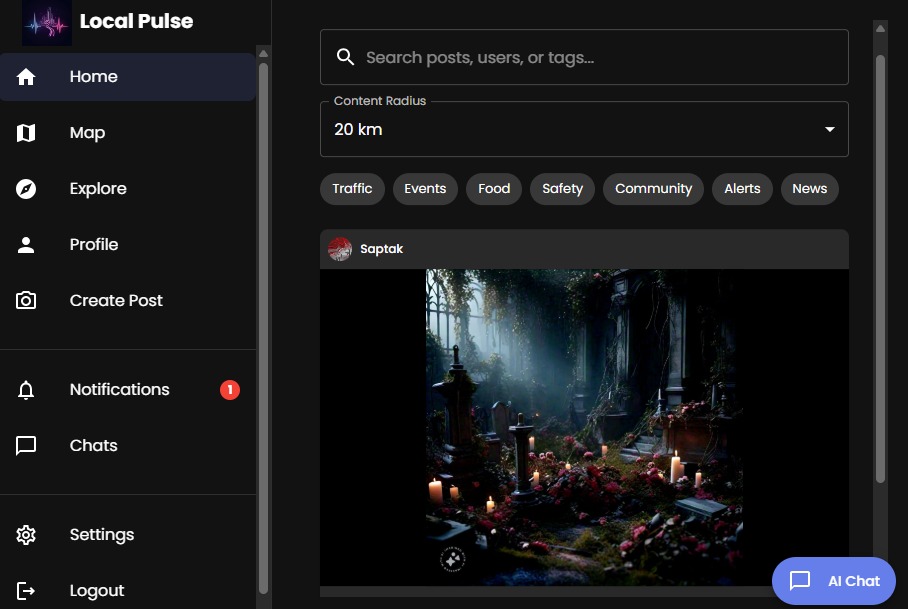
Home Page
-
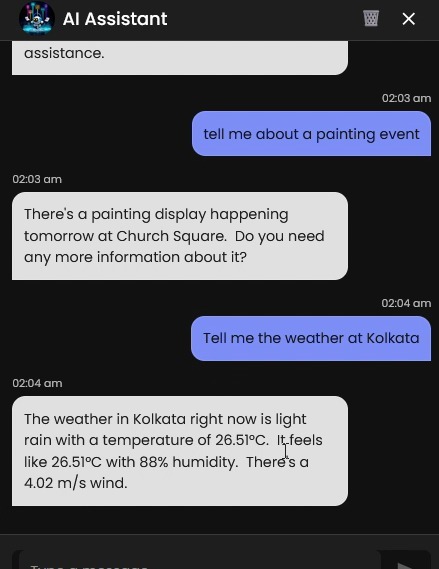
AI Powered Chatbot's responses are based on the application's database
-
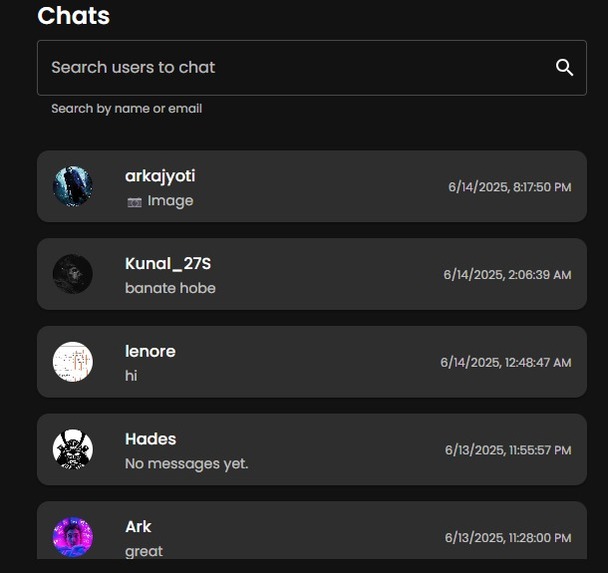
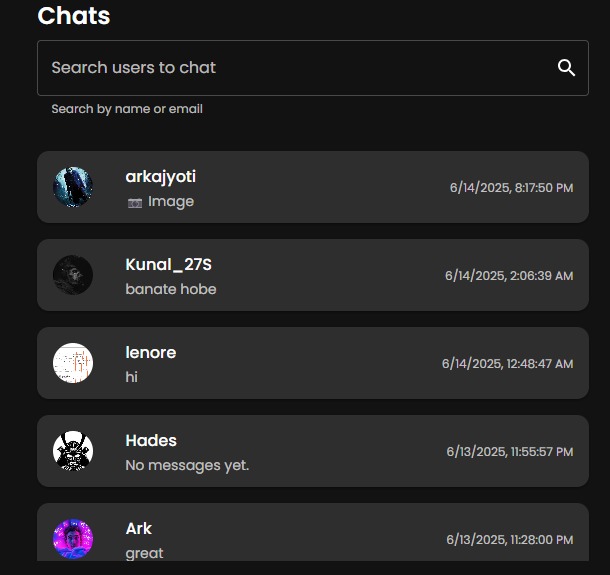
Chat Page
-
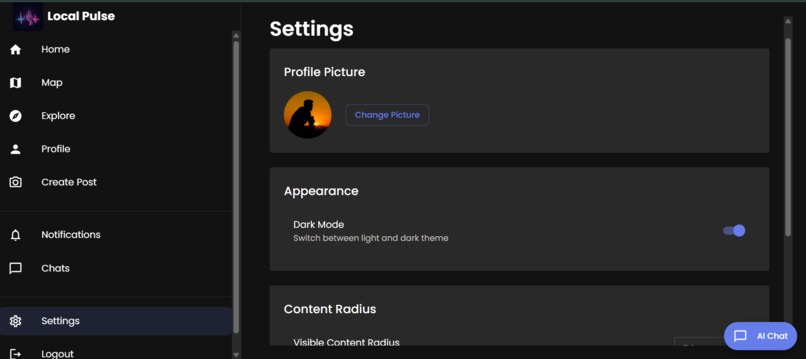
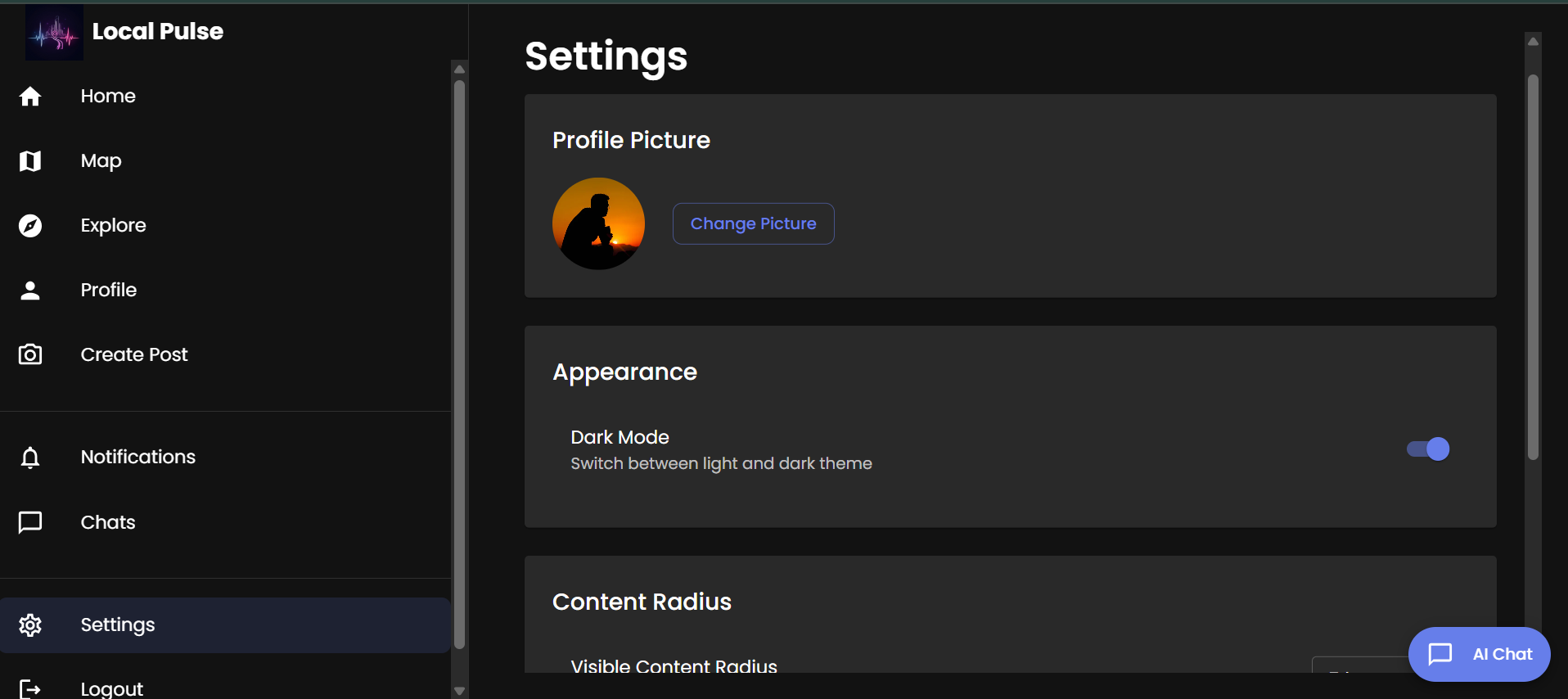
Settings Page
-
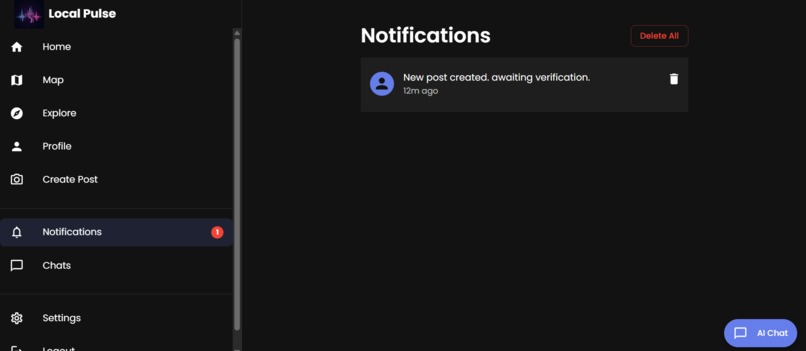
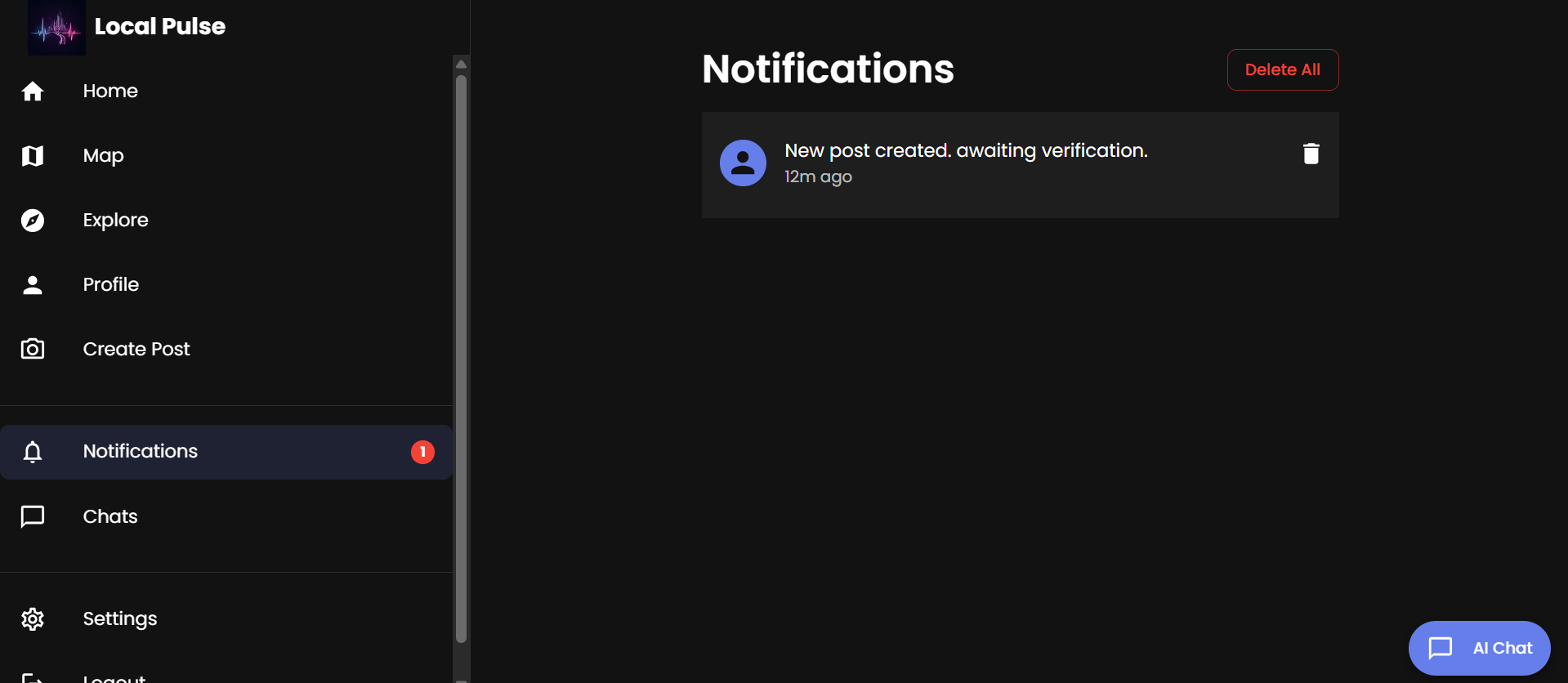
Notifications Page

Local Pulse - AI powered Location-based Social Media app 🌍
Inspiration
Local Pulse was born from the observation that while there are numerous social media platforms, none truly leverage location-based content sorting. Also, the innovative concept of searching through the app's own database to generate relevant information in the AI Chatbot sparked the creation of this unique platform.
Overview
Local Pulse is an AI-powered social media application that revolutionizes how users interact with their local community. By focusing on location-based content delivery, it creates a more relevant and engaging feed for users. The platform is designed to foster community growth and local connections through:
- Location-based content sorting
- AI-powered chatbot
- Automatic image safety detection
- Time-limited posts (1-24 hours visibility)
What We Learnt
Throughout the development of Local Pulse, we gained valuable experience in various technologies and methodologies:
DevOps & CI/CD
- GitLab CI/CD implementation and best practices
- Automated deployment workflows
Cloud Infrastructure
- Google Cloud Platform (GCP) deployment
- API integration and management
- Cloud service orchestration
Data Storage & Management
- Firebase Storage implementation
- Real-time database management
- Data security and optimization
Maps & Location Services
- Google Maps API integration
- Location-based services
- Geospatial data handling
AI & Machine Learning
- Google Cloud Vision API for image safety analysis
- Cloud Natural Language API for text moderation
- Vertex AI implementation
- Text embedding generation
- Prompt engineering with Gemini
- RAG (Retrieval-Augmented Generation) systems
- Langchain Vector Store and Chains
Full-Stack Development
- End-to-end application development
- System architecture design
Technical Stack
Frontend (@/frontend)
- Framework: React with Vite
- UI Libraries:
- Material-UI (MUI)
- Emotion (for styled components)
- State Management: React Context API
- Routing: React Router DOM
- Maps Integration:
- Google Maps API
- Authentication: Firebase Authentication
- Storage: Firebase Storage
- Database: Firestore
- Deployment:
- Docker
- Nginx
- Google Cloud Run
Chatbot (@/chatbot)
- Frontend:
- React
- Material-UI
- WebSocket for real-time communication
- Backend:
- Python
- FastAPI
- Vertex AI
- Langchain
- Vector Store
- AI Integration:
- Google Gemini
- Vertex AI RAG Engine
- Text Embedding Models
- Database:
- Firestore for chat history
- Vector Database for embeddings
Content Verification (@/content_verification)
- Framework: Python
- APIs:
- Google Cloud Vision API
- Cloud Natural Language API
- Containerization: Docker
- Deployment: Google Cloud Run
- CI/CD: GitLab CI/CD
- Database: Firestore for verification logs
- Authentication: Firebase Admin SDK
Key Features
1. User Onboarding
- Mandatory location access for personalized content
- Unique username requirement
- Interactive 4-step guide for new users
- Custom nickname for better recognition
2. Home Feed
- Location-based post feed
- Adjustable radius for content visibility
- Advanced search functionality for users and posts
- Tag-based post filtering system
3. Post Interaction
- Like functionality
- Eye witness marking
- Comment and reply system
- Post deletion (for creators)
4. Map View
- Visual representation of posts on map
- Live location tracking
- Tag-based filtering
- Interactive post viewing
5. Explore Section
- Trending posts from last 24 hours
- Popular tags showcase
- Location-independent content discovery
6. User Profile
- Comprehensive user information display
- Post statistics (active + expired)
- Engagement metrics
- Profile customization options
- Privacy-focused (email hidden from public view)
7. Post Creation
- Media upload capability
- Title and caption support
- Tag selection
- Customizable post duration (1-24 hours)
- AI-powered content verification
- Even after a post expires, it stays in the Profile section for some time
8. Notification System
- Real-time engagement notifications
- AI verification status updates
- Interactive notification management
9. Chat System
- User search by username/nickname
- Media sharing capabilities(Use the plus button on the right)
- Profile quick access
- Rich media support
10. Settings
- Profile picture management
- Theme customization
- Default radius configuration
- Account deletion option
11. Security Features
- Logout functionality
- Privacy controls
- Content moderation
AI Integration
1. AI Assistant
- Powered by Gemini, Vertex AI
- responses relevant to nearby posts
- resolution of any locality-based query
- Contextual responses
- Database-aware information retrieval
- Intelligent query handling
2. Content Safety
- AI-powered image and text verification
- Verify all posts before posting
- Automatically exclude posts that contain harmful information
- Automatic content moderation
- Safety-first posting system
Challenges Faced
1. Location-Based Content Management
- Implementing efficient geospatial queries for real-time content filtering
- Balancing performance with location-based radius calculations
2. AI Integration Complexity
- Fine-tuning Gemini prompts for context-aware responses
- Implementing efficient RAG (Retrieval-Augmented Generation) systems
- Balancing response time with accuracy in the chatbot
3. Real-Time Features
- Implementing WebSocket connections for live notifications
- Managing real-time updates across multiple components
- Handling connection drops and reconnection scenarios
- Optimizing real-time data synchronization
4. Content Moderation
- Balancing automated content verification speed with accuracy
- Managing content verification queue during high traffic
5. Performance Optimization
- Optimizing map rendering with multiple markers
- Managing large datasets in Firestore
- Implementing efficient caching strategies
- Balancing client-side and server-side processing
6. Security Concerns
- Implementing secure user authentication
- Managing sensitive user location data
- Preventing unauthorized access to private content
- Securing API endpoints and service communications
7. Deployment & Infrastructure
- Setting up and managing multiple microservices
- Implementing efficient CI/CD pipelines
- Managing cloud resources and costs
8. User Experience
- Creating intuitive location-based interfaces
- Implementing smooth transitions between features
Special Mention
GitLab's smooth CI/CD Pipeline tool along with Google Cloud's Deployment service helped us to to implement automatic deployment system very easily.
Built With
- cloud-natural-language
- docker
- fastapi
- firebase
- firestore
- gemini
- gitlab
- google-cloud-vision
- google-maps
- javascript
- langchain
- node.js
- python
- rag
- rag-engine
- react
- text-embedding
- vector-store
- vertex-ai
- vite
- websockets


Log in or sign up for Devpost to join the conversation.