-
-
Local needs and donation tracker
Inspiration
What it does
How i built it
Challenges we ran into
Accomplishments that we're proud of
What I learned
What's next for Local Needs & Donations Tracker
The Local Needs & Donations Tracker was inspired by the desire to create a platform that connects local communities, making it easier to track donations and needs. While volunteering at local charity events, I realized that there was often a gap in communication between people who needed specific items and those who wanted to donate them. This project aims to bridge that gap by creating a transparent system where anyone in the community can easily track and manage their donations and needs.
What I Learned Building this project helped me further develop my skills in web development and database management. I worked with Streamlit to create an interactive and user-friendly interface and used SQLite to store the donation data. Through this process, I gained hands-on experience with:
Designing a simple but functional user interface using Streamlit. Creating and managing a relational database with SQLite. Implementing different functionalities for users to add, update, and track donations. How I Built It The project was built using Python and the Streamlit library. I used SQLite as the database to store donation data. Here’s how the project is structured:
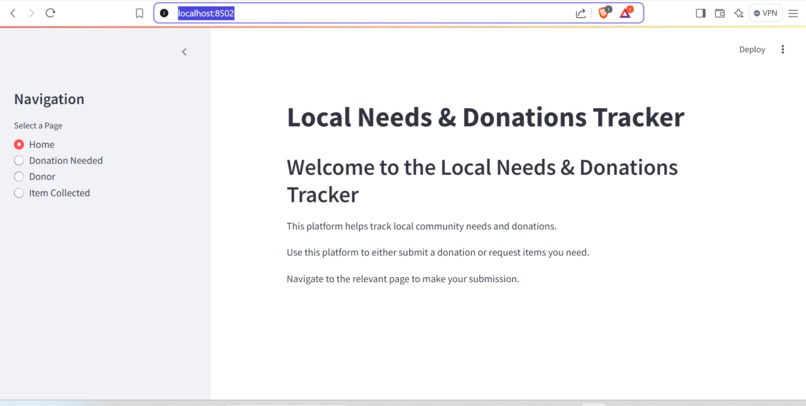
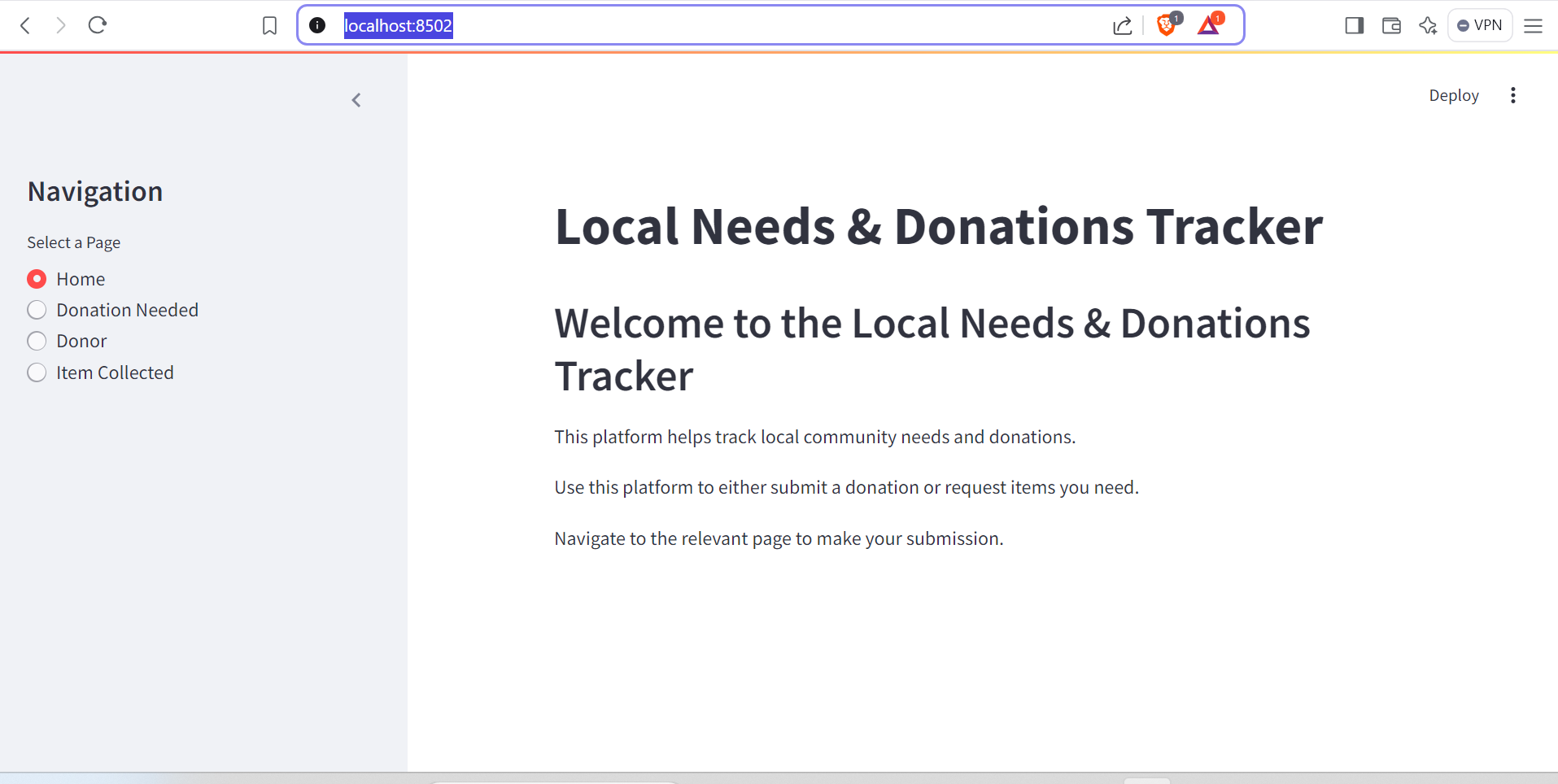
Home Page: Provides an overview of the platform and navigation options. Donation Needed Page: Allows users to submit requests for needed items and track their status. Donor Page: Enables users to log their donations. Item Collected Page: Allows items that have been donated or collected to be marked and removed from the database. Challenges Faced During the development of this project, I faced a few challenges:
User Input Validation: Ensuring that users input valid data, such as the quantity of items, without causing errors in the database. Database Management: Handling updates and deletions correctly when items were marked as collected or donated, especially ensuring the database remained consistent. UI/UX Design: Making the interface both intuitive and responsive so that users can easily navigate through the pages. Despite these challenges, the process taught me valuable lessons about problem-solving and creating interactive web applications.


Log in or sign up for Devpost to join the conversation.