-
-
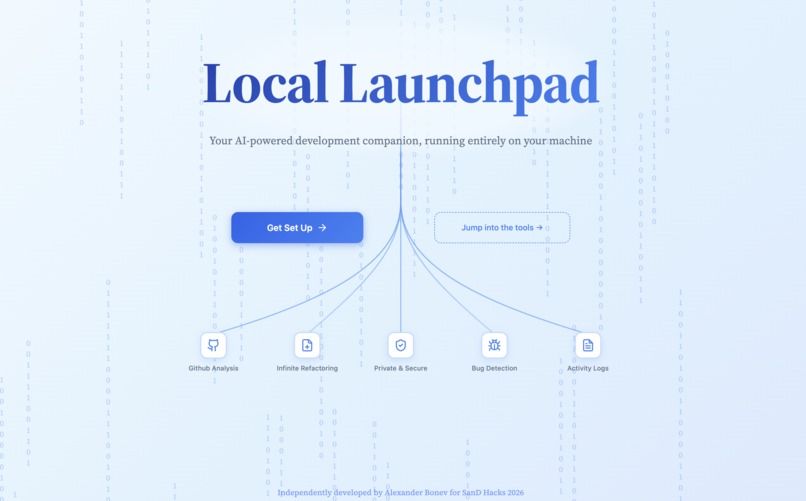
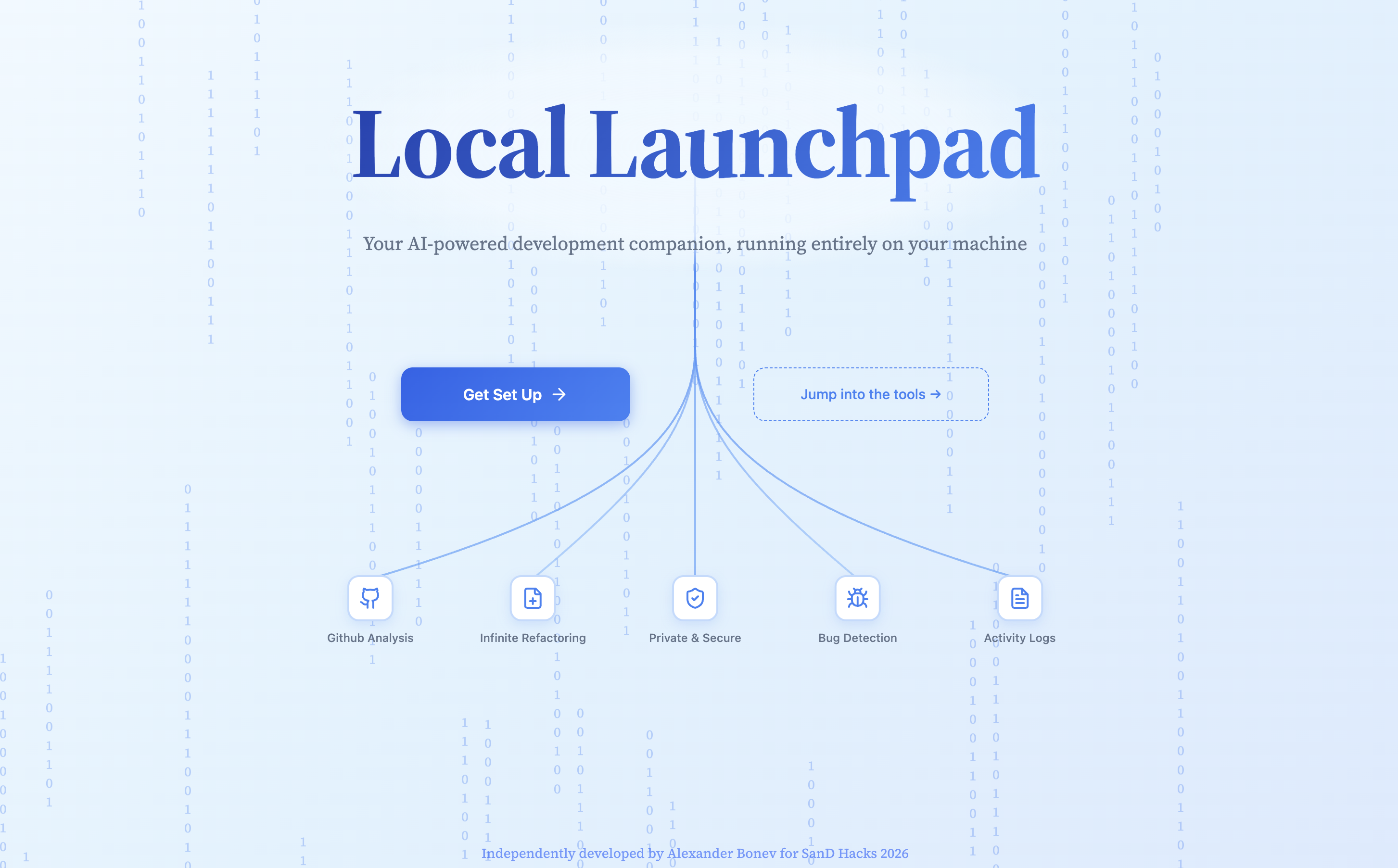
The Local Launchpad landing page
-
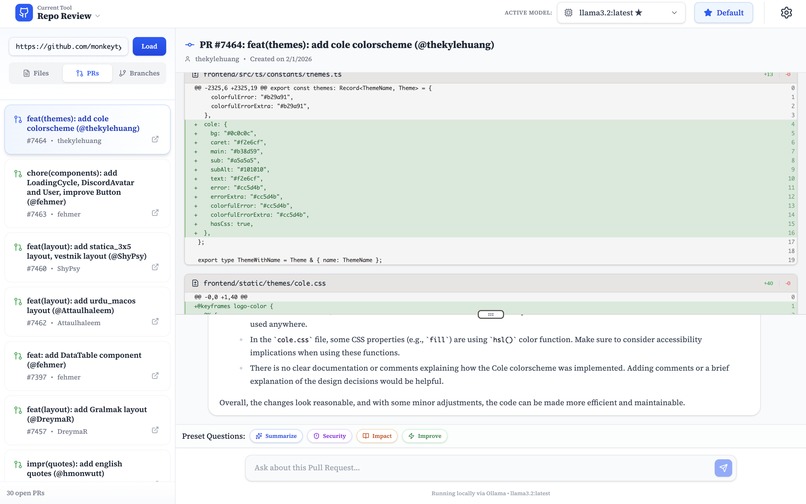
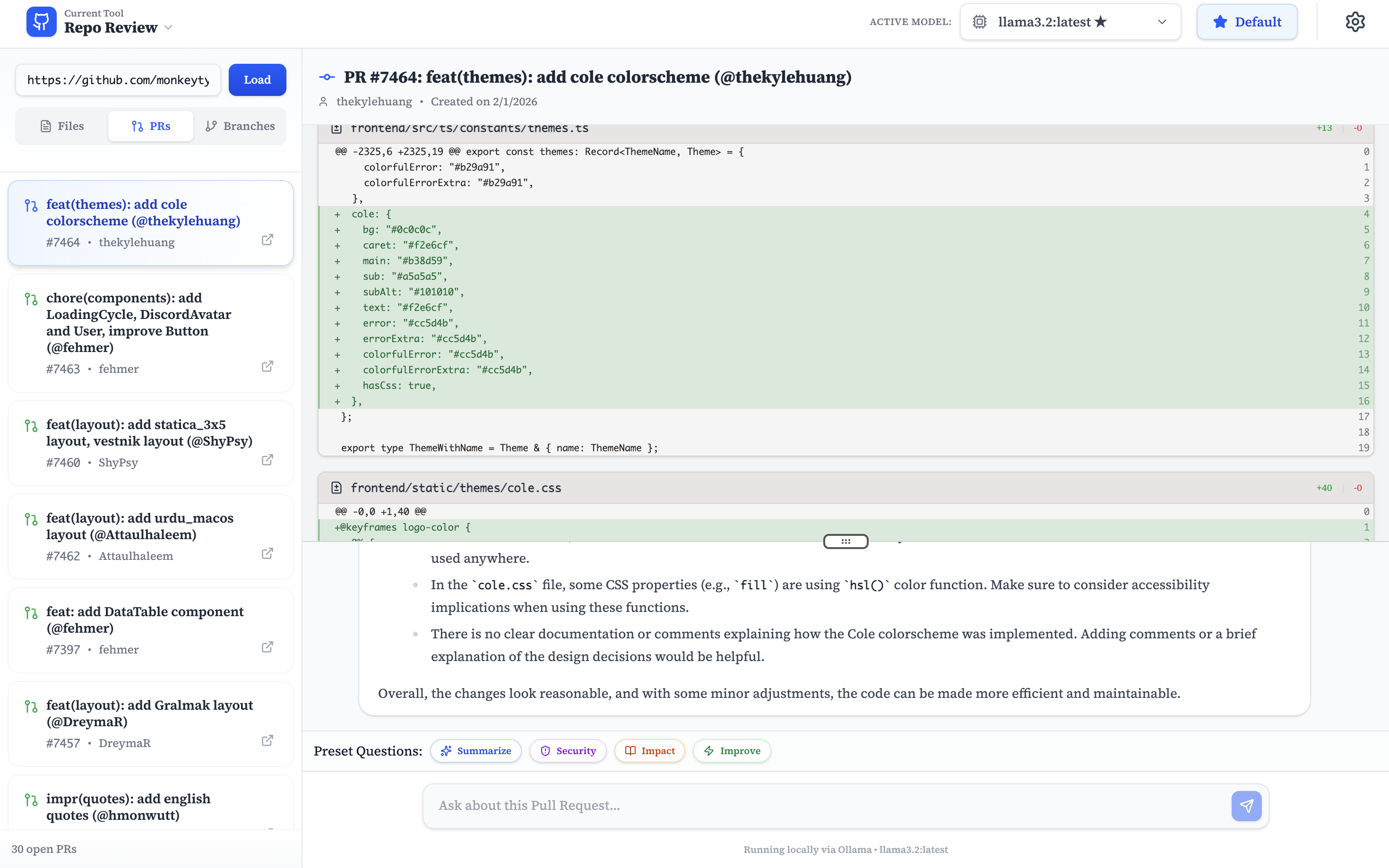
Summarizing Pull Requests in Repo Review
-
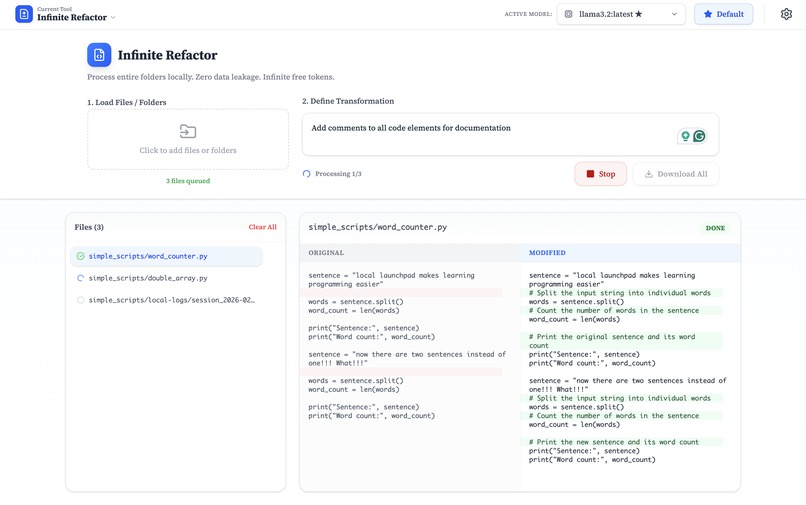
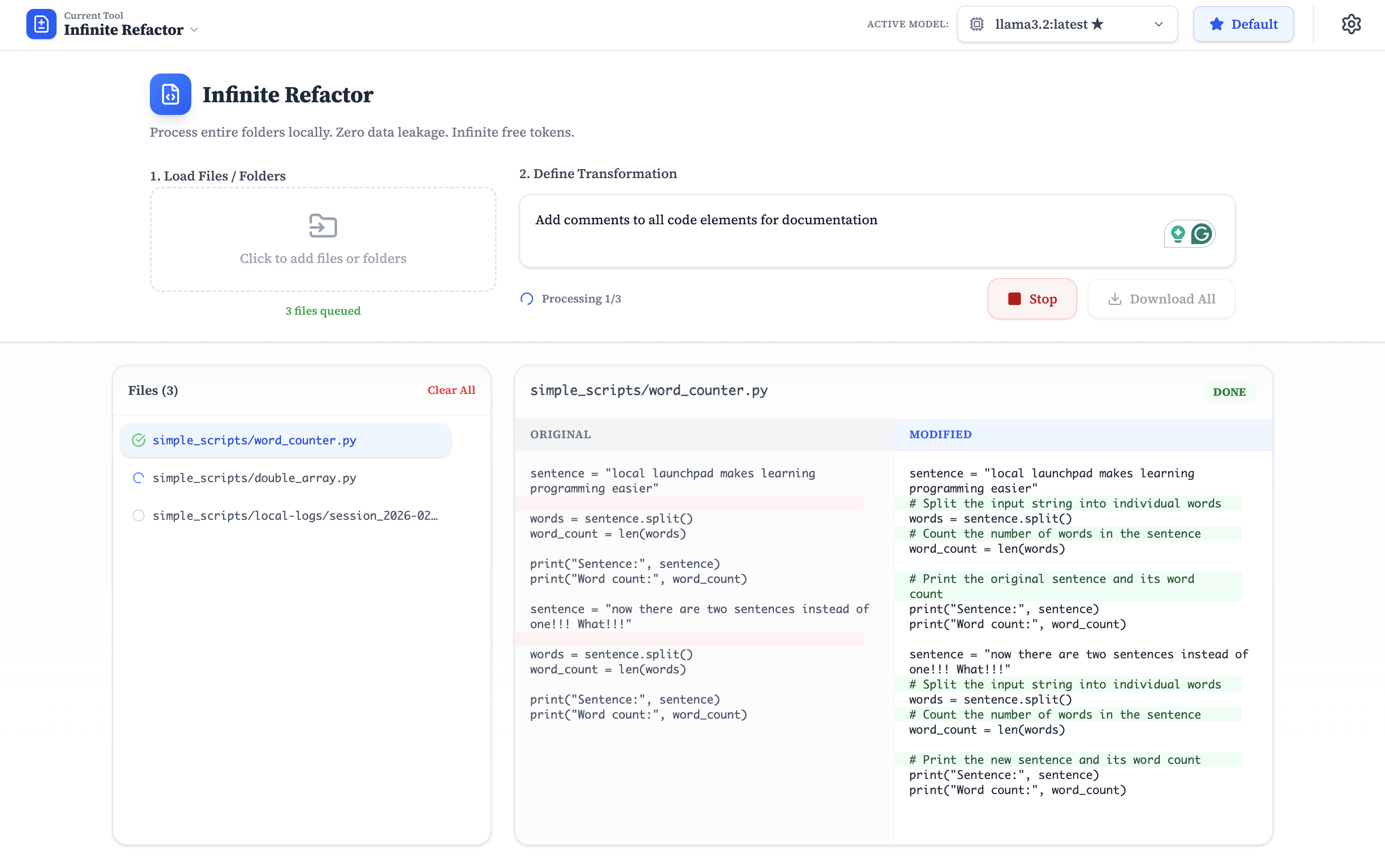
Refactoring all files in a directory upon a given prompt
-
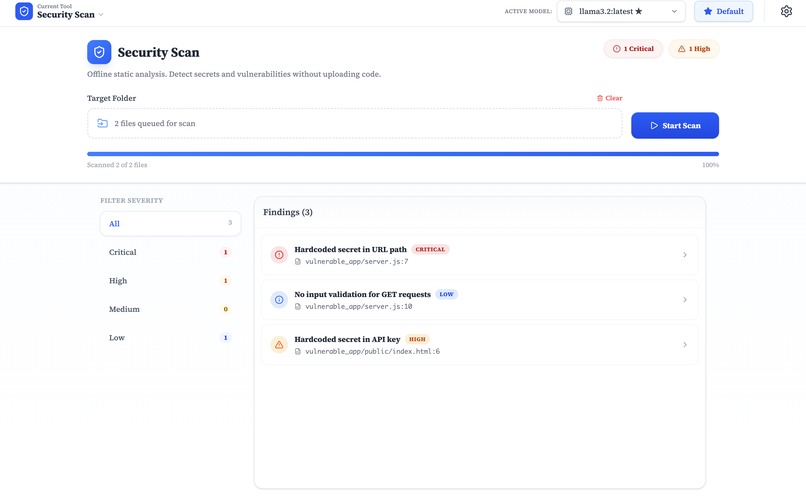
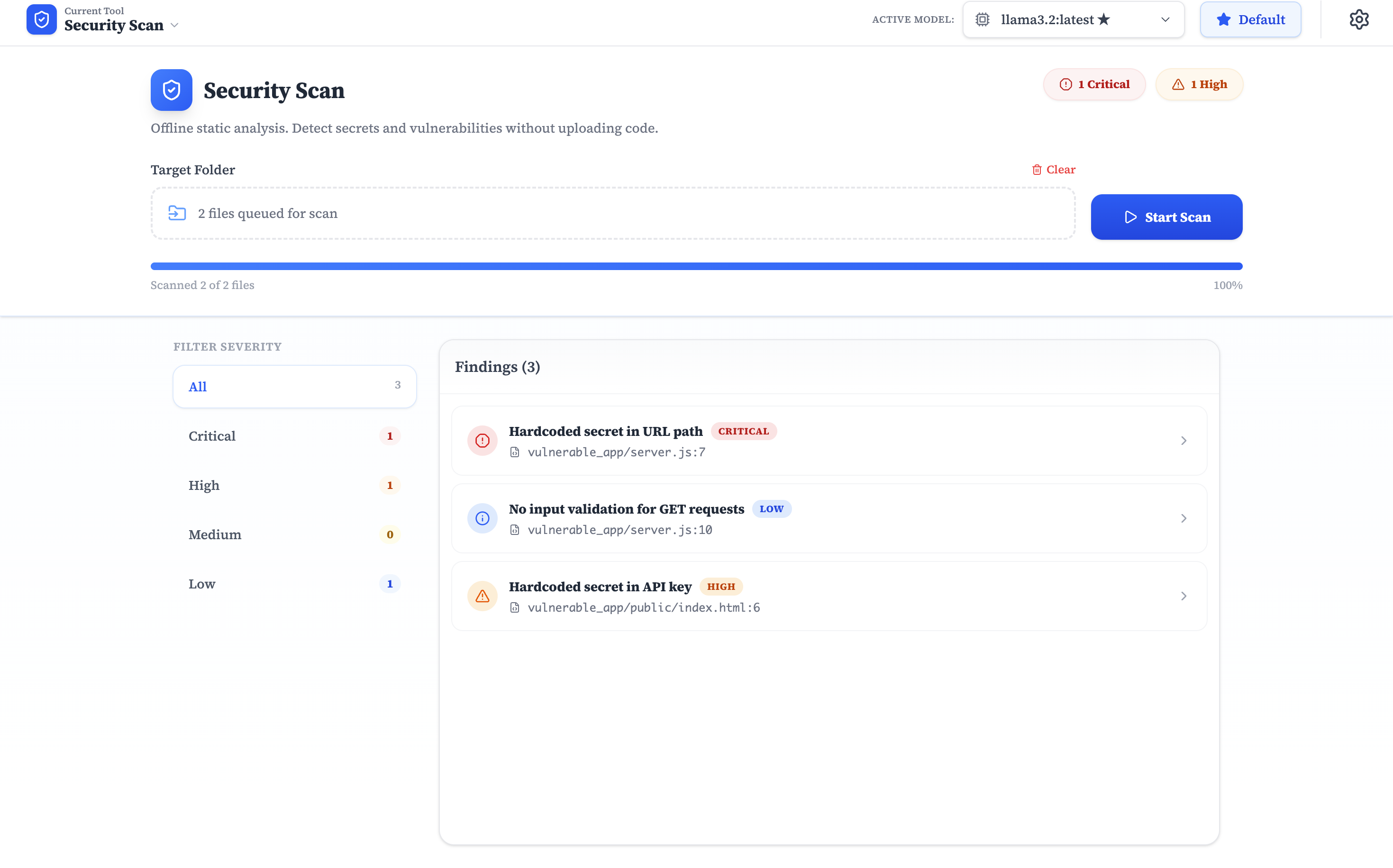
Security Scanner analysis of vulnerable project
-
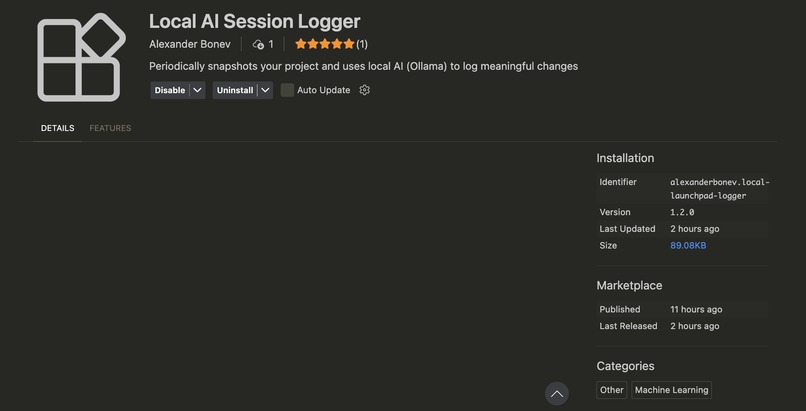
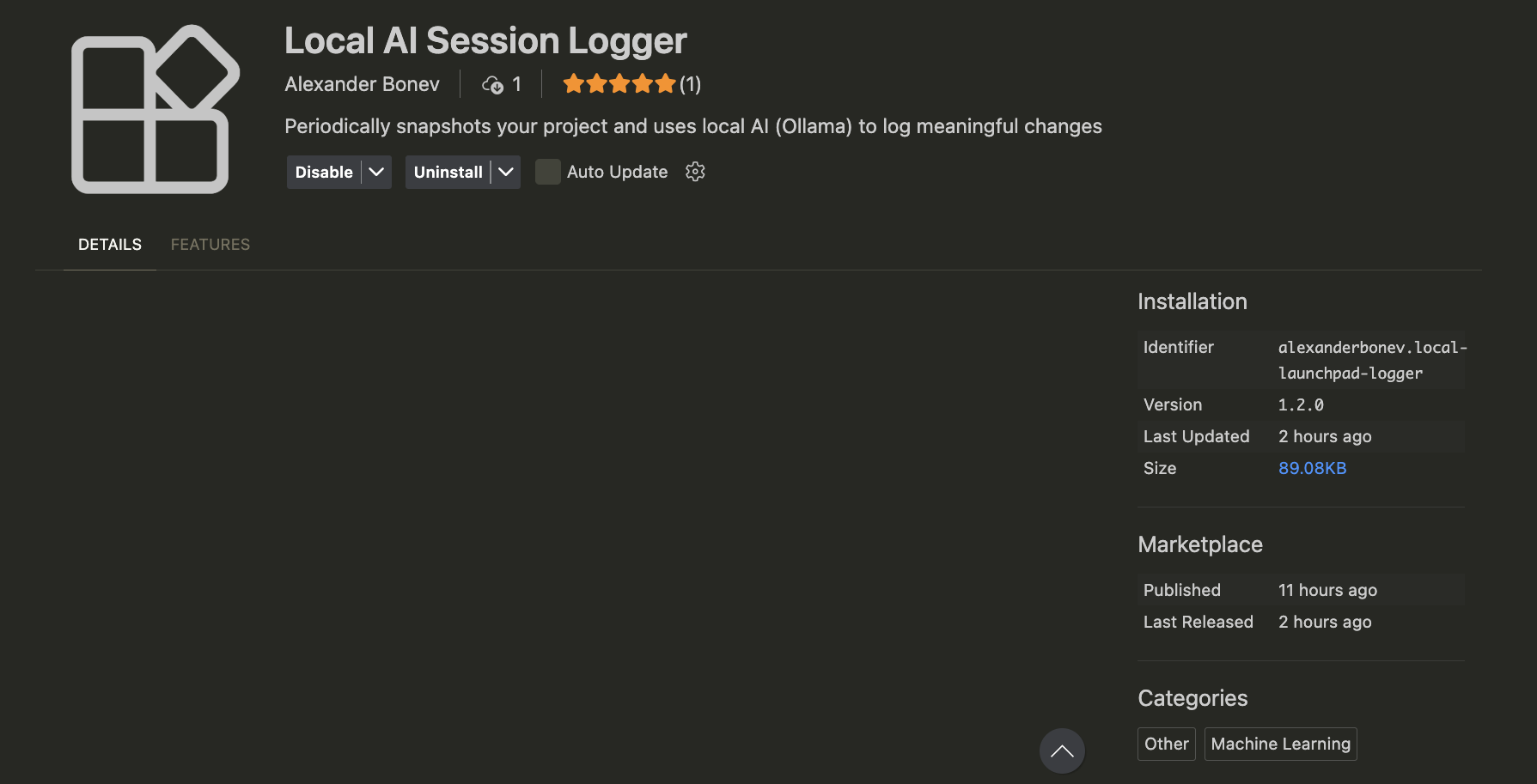
Local Logger Extension Page
Inspiration
The discourse around AI coding assistants is exploding, but there is a glaring problem: the best tools are locked behind paywalls and cloud subscriptions.
As I dove into the world of AI agents, I realized that developers are renting intelligence rather than owning it. I wanted to challenge the status quo. Why rely on proprietary APIs when modern hardware can run powerful models right on the metal?
I noticed a significant gap in tooling for Local LLMs. While the cloud offers massive reasoning power, local models offer something different: Infinite Queries. You don't have to worry about token costs, rate limits, or data privacy, since it's all being run on-machine. Local Launchpad was born from this philosophy—building a suite of tools specifically designed to exploit the "unlimited" and "private" nature of local AI.
What it does
Local Launchpad is a unified toolkit that transforms your locally hosted LLM into a powerhouse developer agent. It bypasses the limitations of cloud AI by leveraging "brute force" tactics that would be too expensive to run via paid APIs.
The toolkit features five specialized modules:
- Repo Review: An on-demand code consultant. It intakes GitHub repositories to answer architectural questions, review PRs, and analyze merge conflicts without ever outsourcing beyond the machine.
- Infinite Refactor: This plays to the greatest strength of local models: Zero cost to prompt. You can ask it to iterate through every single file in a directory and to "Convert all Tailwind classes to CSS" or "Add JSDoc to every function." It methodically processes thousands of lines of code, a task that would cost a fortune in API credits.
- Security Scan: The impossible-to-leak privacy auditor. It scans your codebase for vulnerabilities and sensitive leaks. Because the AI is local, you can safely scan proprietary code or .env files without fear of data leakages, providing another layer of protection between you and a really embarrassing commit history.
- Log Detective: A debugging agent that correlates crash logs with your file structure. It acts as a bridge between the stack trace and the source code to pinpoint the bug and suggest a fix immediately.
- Local Logger (VSCode Extension): My custom-built extension that uses the "unlimited query" aspect of local models to act as a quiet reporter in the background of your work. It periodically logs updates of your coding session, generating a clean Markdown summary of your productivity, architectural decisions, and direction by the time you close the editor. ## How I built it Frontend: Built with Svelte, chosen for its reactivity, lightweight footprint, and high levels of abstraction, making it quick to build with, a crucial aspect when time is tight. Backend: I integrated the GitHub API for repository fetching and Vercel for deployment. AI Integration: The system connects to local inference engines (the app assumes Ollama by default) to handle prompt context and token generation. UI/UX: We used libraries like svelte-french-toast to ensure the UI feels as buttery smooth as the code it generates, as well as tailwindCSS for rapid styling. Extension: The Local Logger was built using the VSCode Extension API, bridging the gap between the editor environment and the local model's context window. ## Challenges I ran into The largest recurring challenge throughout this project was finding portions of the development lifecycle that a locally-run model would be better suited for (as opposed to a cloud-based model). Coming up with new, creative ways to take advantage of the "unlimited" tokens offered by local models and the data security inherent to running code fully on-machine was very difficult (but also one of the most fun parts of development).
Additionally, I chose to compete as a solo developer. Balancing full-stack web development, extension architecture, prompt engineering, and UI design was a grind. Managing the scope while fighting exhaustion was more a test of grit than technical ability, but an equally daunting challenge.
Accomplishments that we're proud of
Quite frankly, just making it out alive is a pretty big one, and making it out with a functional project is even better. Making it through the whole hackathon, maintaining my focus, and overcoming challenges through perseverance are all things I am proud of myself for having done.
From a more technical perspective, something I'm particularly happy with was the final UI/UX Design* that I landed on for the app. From my personal experience, the majority of devtools are either overly pragmatic and lack **aesthetic appeal, or far overfit to my use cases and ultimately overwhelming. Though I may be biased, as the creator, I'm quite happy with the general look that Local Launchpad has, and the relatively simplistic procedural flow between components, especially given their complexity.
What I learned
From this project, I've grown much more familiar with model contexts, as they were the primary form through which I would elevate the functionality of an otherwise lackluster model. Additionally, obligatory, creating my own VSCode extension taught me a lot about the underlying structure of extensions (which was much less mystical than I had initially anticipated).
What's next for Local Launchpad
One massive design change/upgrade I intend to make is to port Local Launchpad to a bona fide desktop application rather than a tab in a browser (perhaps via Electron), as it would make connecting to models running on a local network much easier.
Additionally, some tangential ideas for Open-Sourced AI tooling that I hope to add to the scope of Local Launchpad would be expanding this into a full IDE-fork, much like Cursor, powered entirely by Open-Source models and shaped to enhance their strengths. No subscriptions, no token limits, just pure innovation and code.
Finally, I'd like to implement a "Can my PC run it?" feature that benchmarks the user's hardware against various model sizes (Llama 3, Mistral, etc.) to recommend the best balance of speed vs. accuracy.
Built With
- github
- ollama
- svelte
- sveltekit
- tailwindcss
- typescript
- vercel


Log in or sign up for Devpost to join the conversation.