-
-
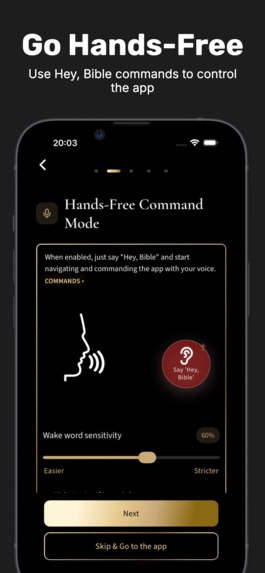
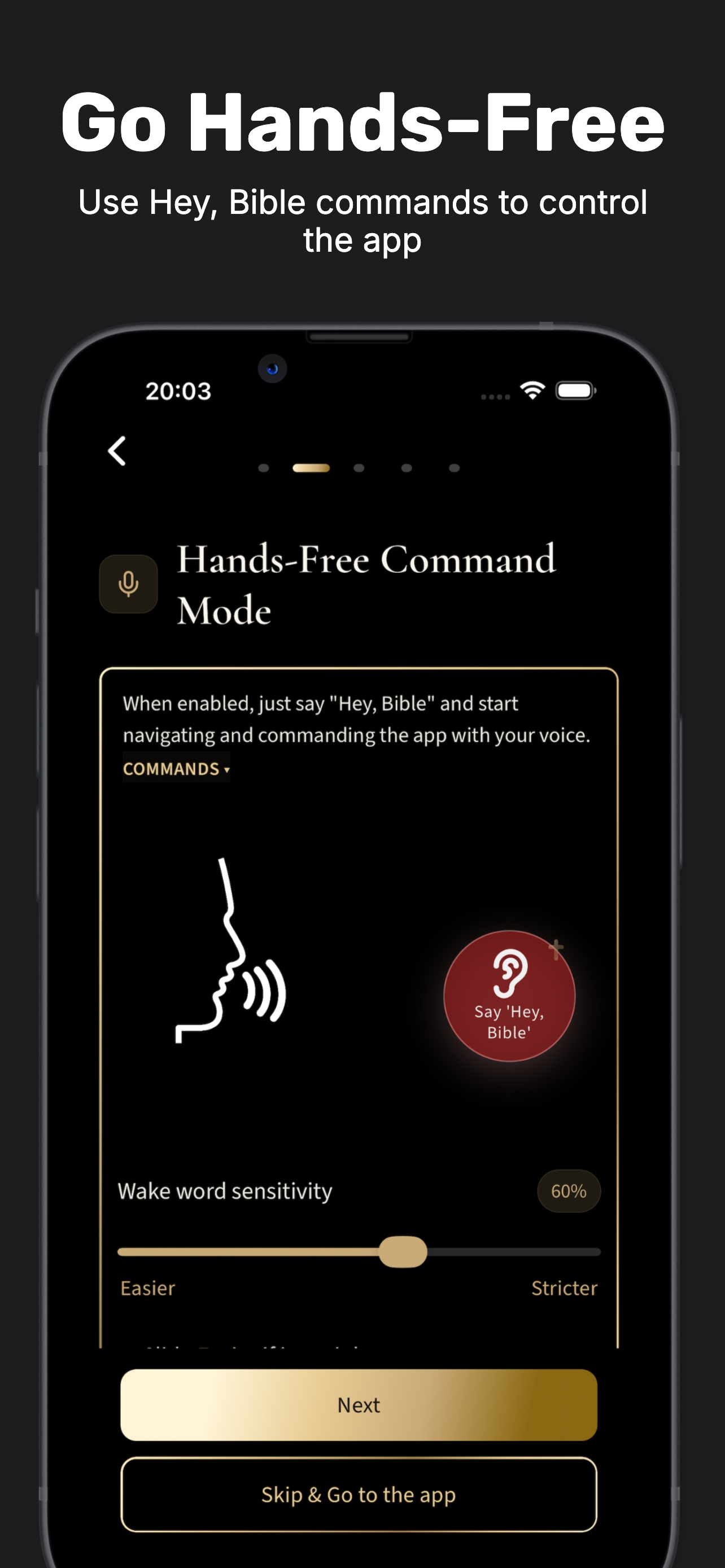
Say “Hey, Bible” to activate hands-free voice control—designed to make the app easier to use without relying on sight or touch.
-
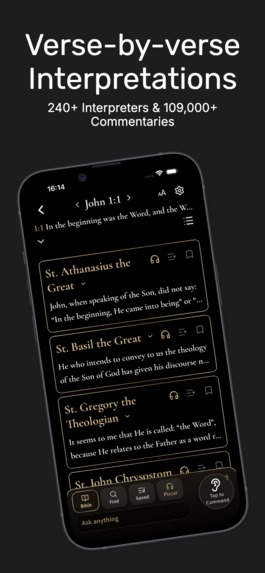
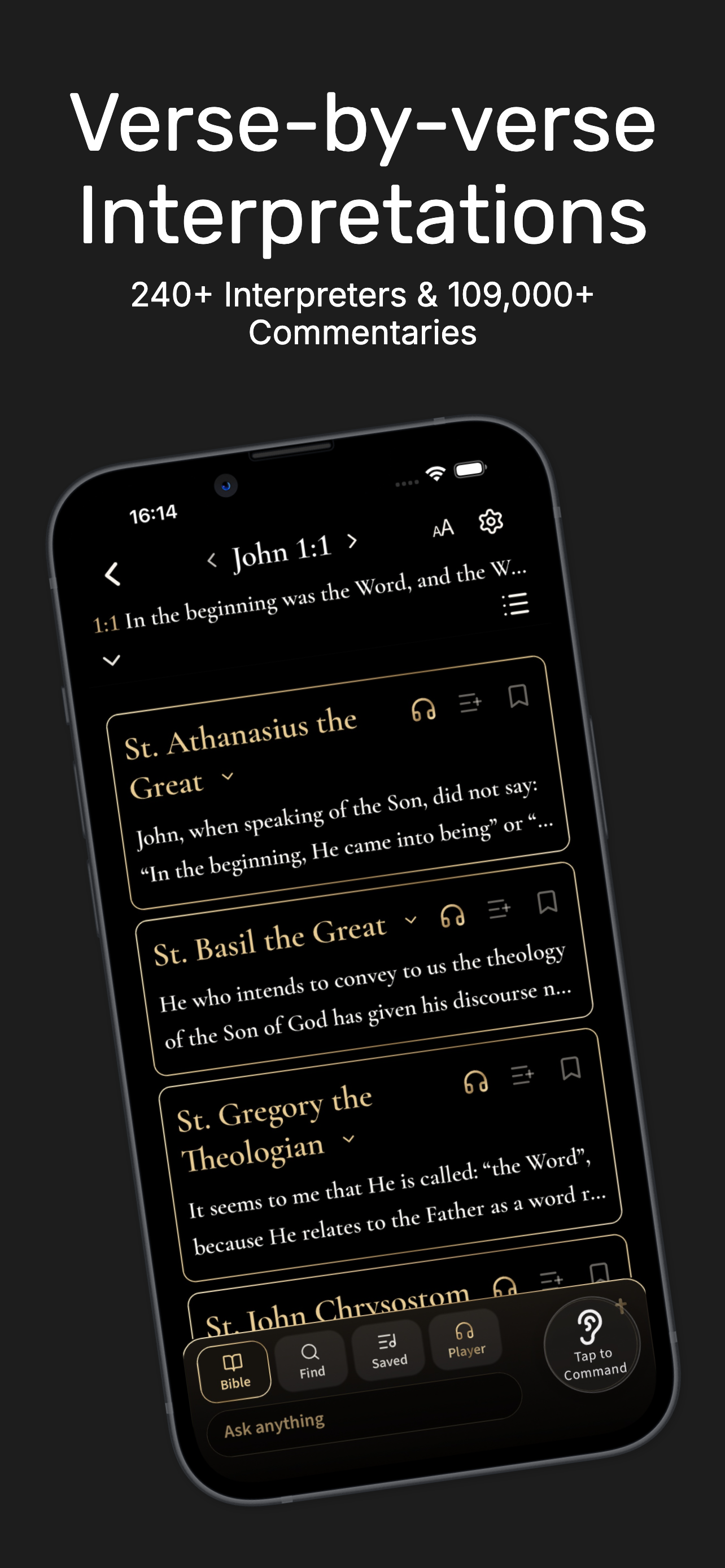
Explore 109,000+ interpretations from 240+ early Church interpreters, organized verse by verse and available offline.
-
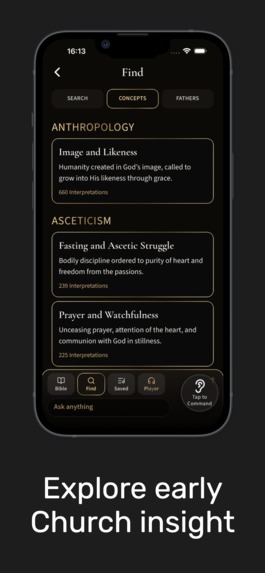
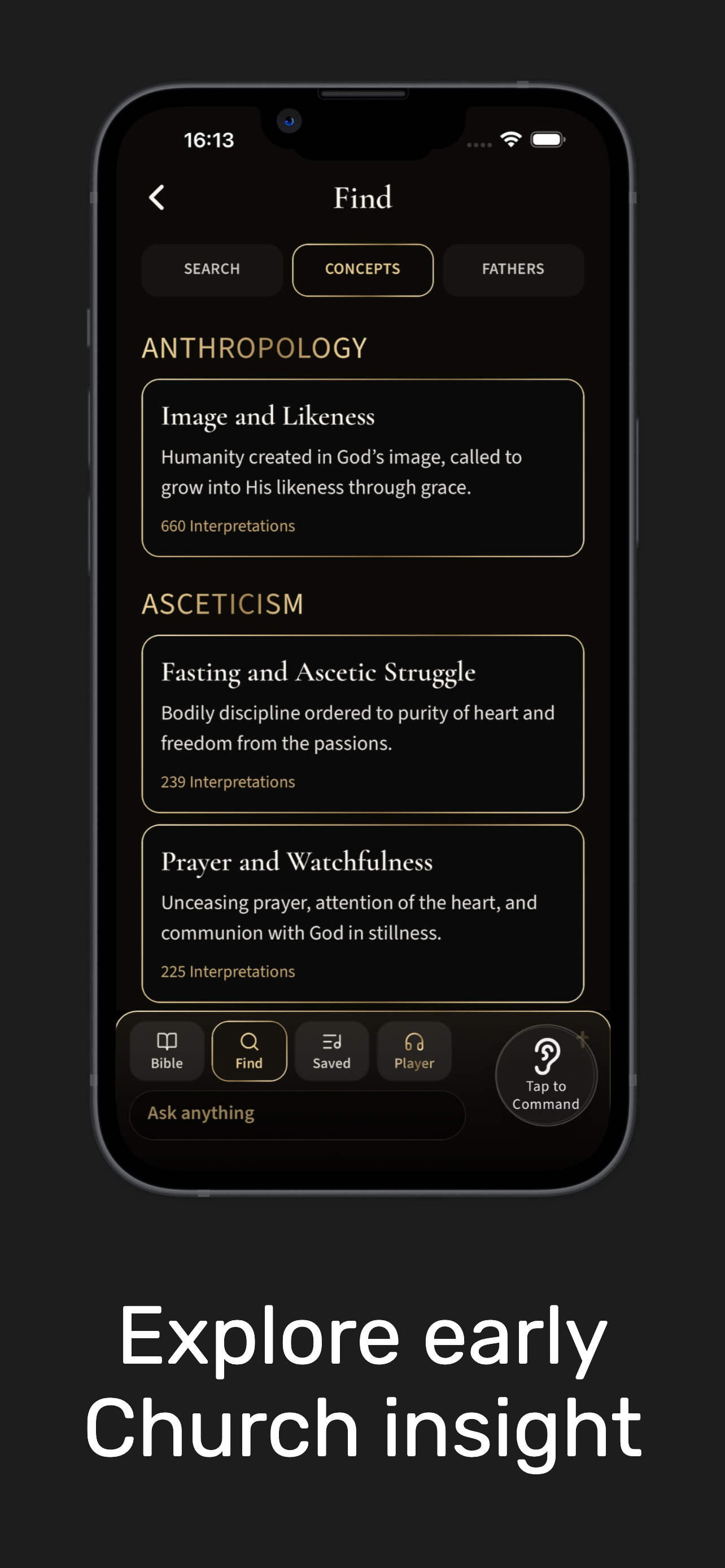
Discover what early Church interpreters wrote about core Christian concepts, instantly retrieved from a vast library stored on your device.
-
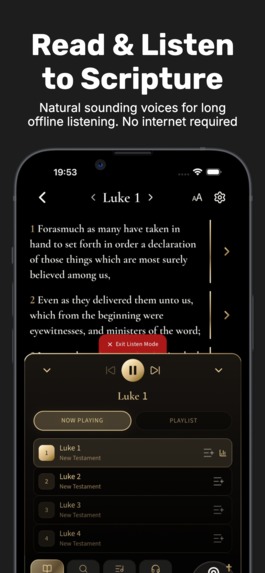
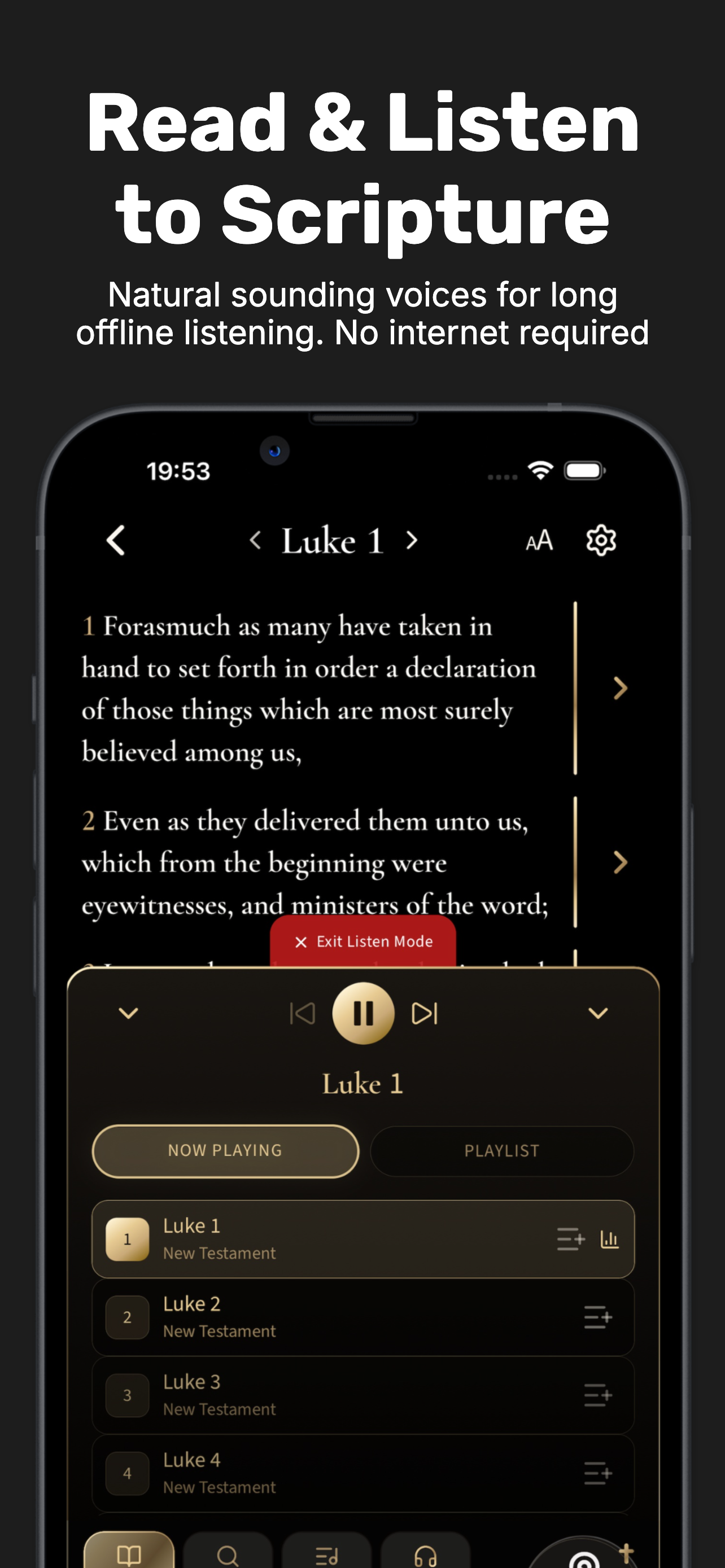
Read Scripture or hear it naturally with on-device neural TTS—offline, private, and especially useful when reading a screen is difficult.
-
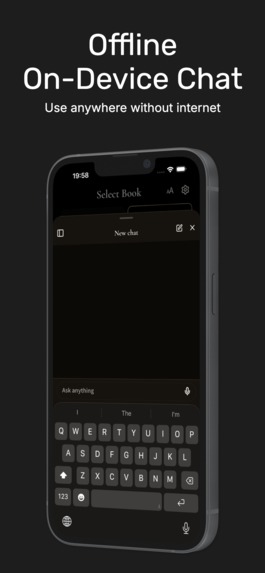
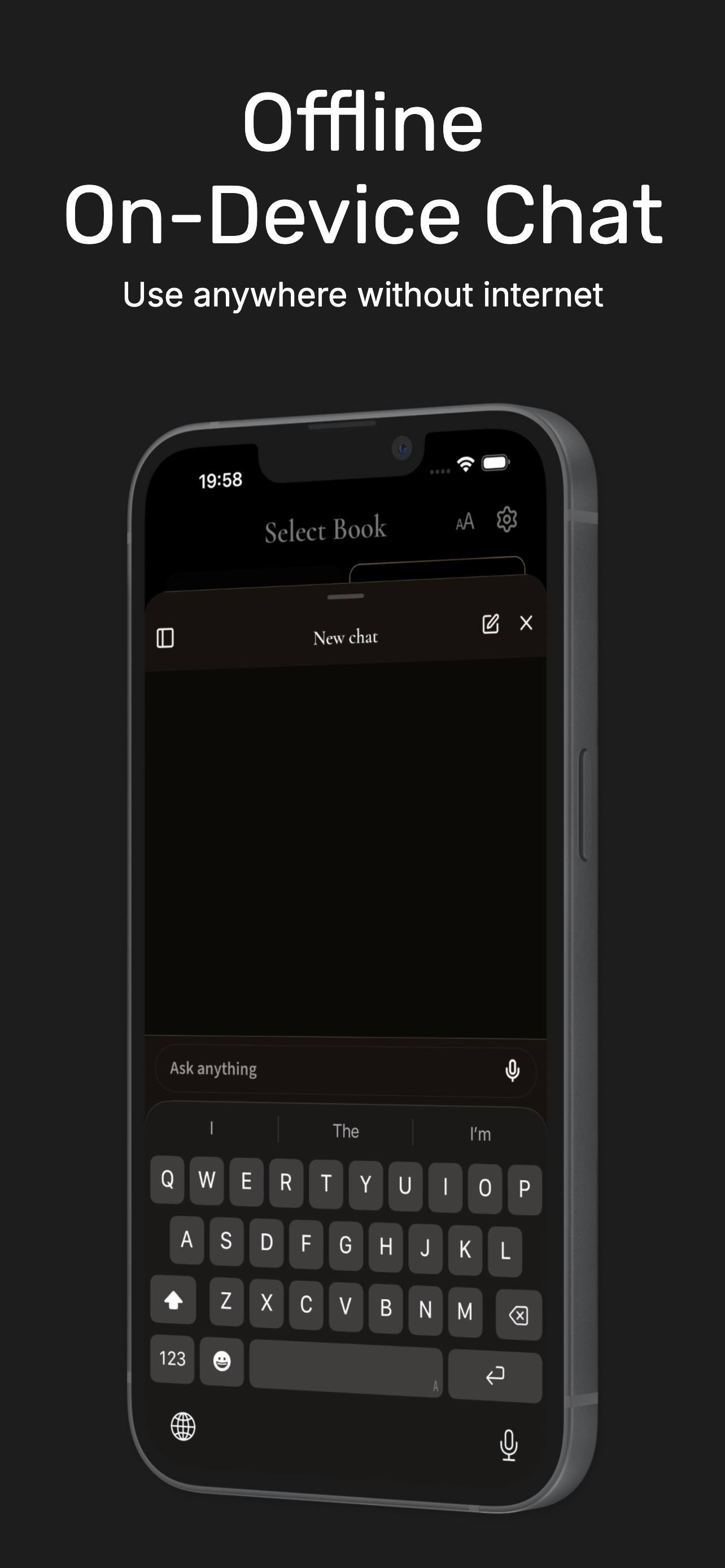
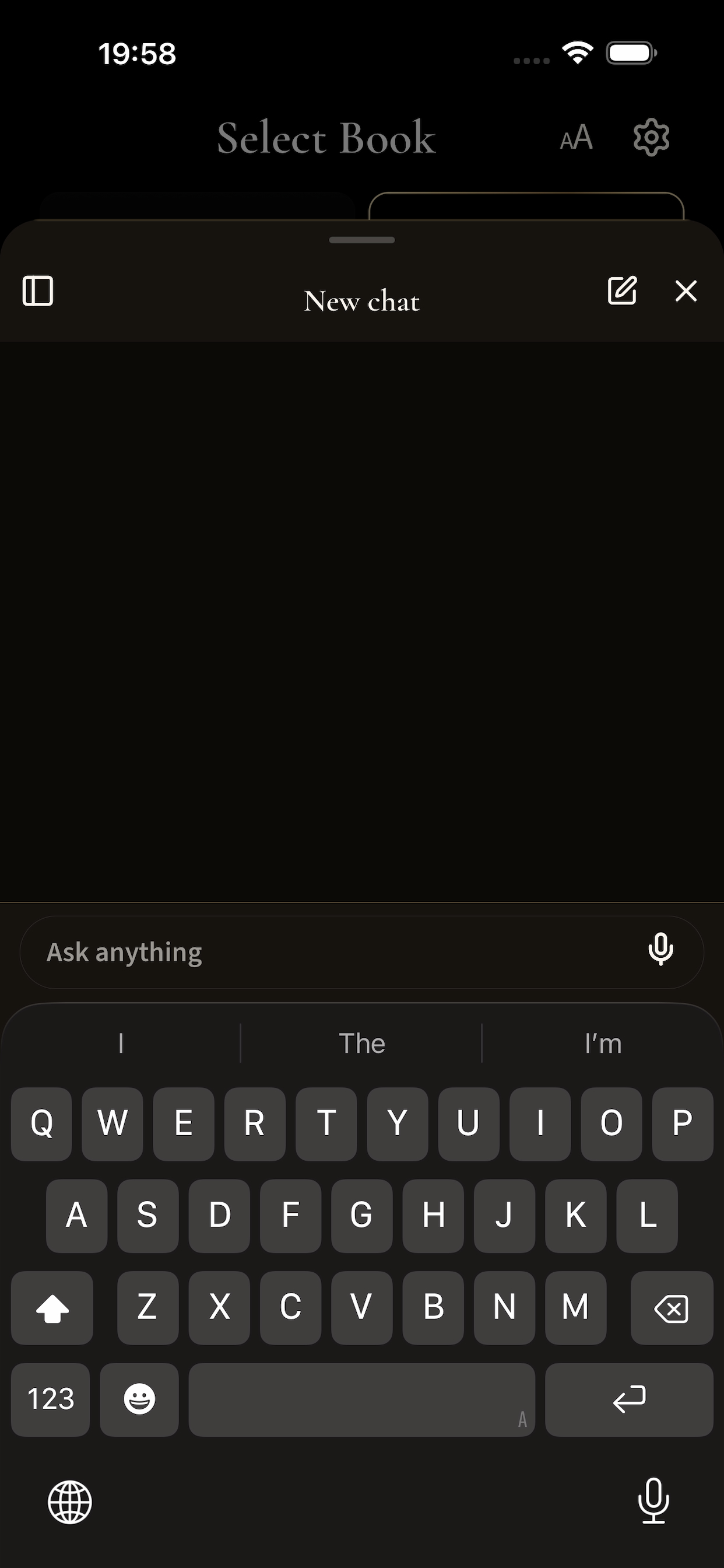
Ask, summarize and explore Scripture with a compact AI model running locally on your phone—no cloud or internet required.
-
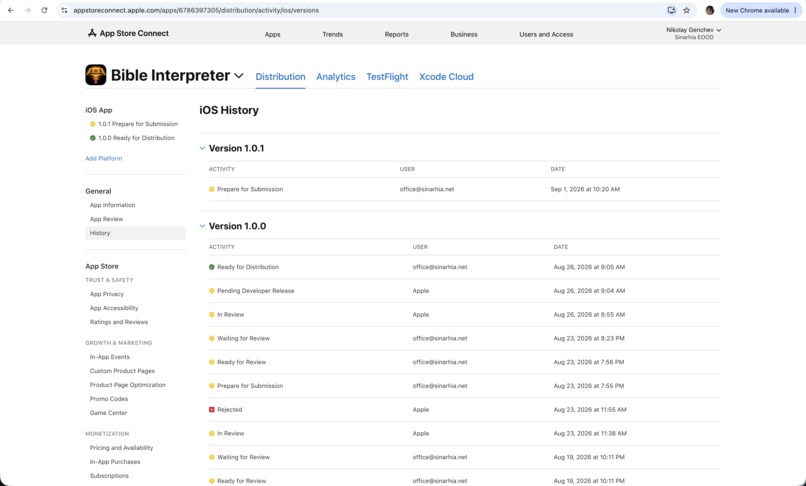
Release date eligibility
-

App icon 1024x1024
-
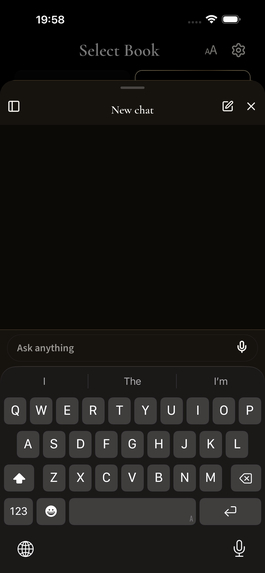
Actual offline AI chat interface—the compact language model runs locally on the device without requiring a cloud connection.
-
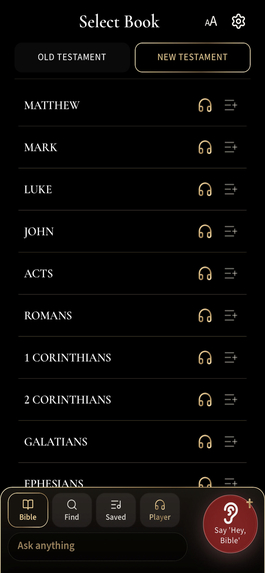
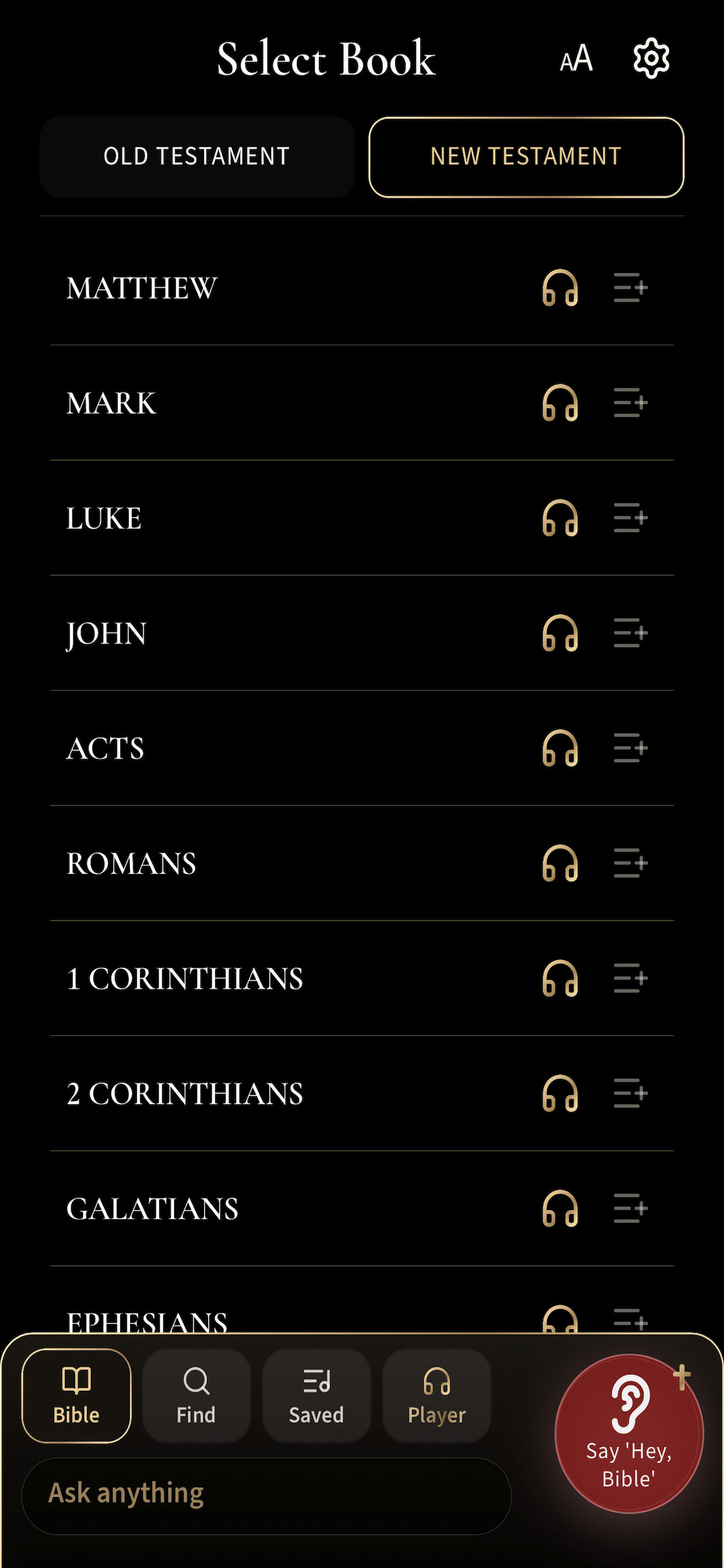
Actual unframed app screen showing the offline Bible library, with the active “Hey, Bible” Wake-Word orb visible at bottom right.
-
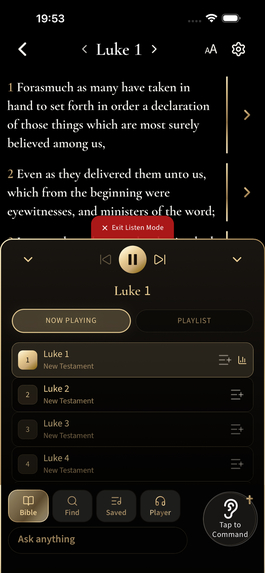
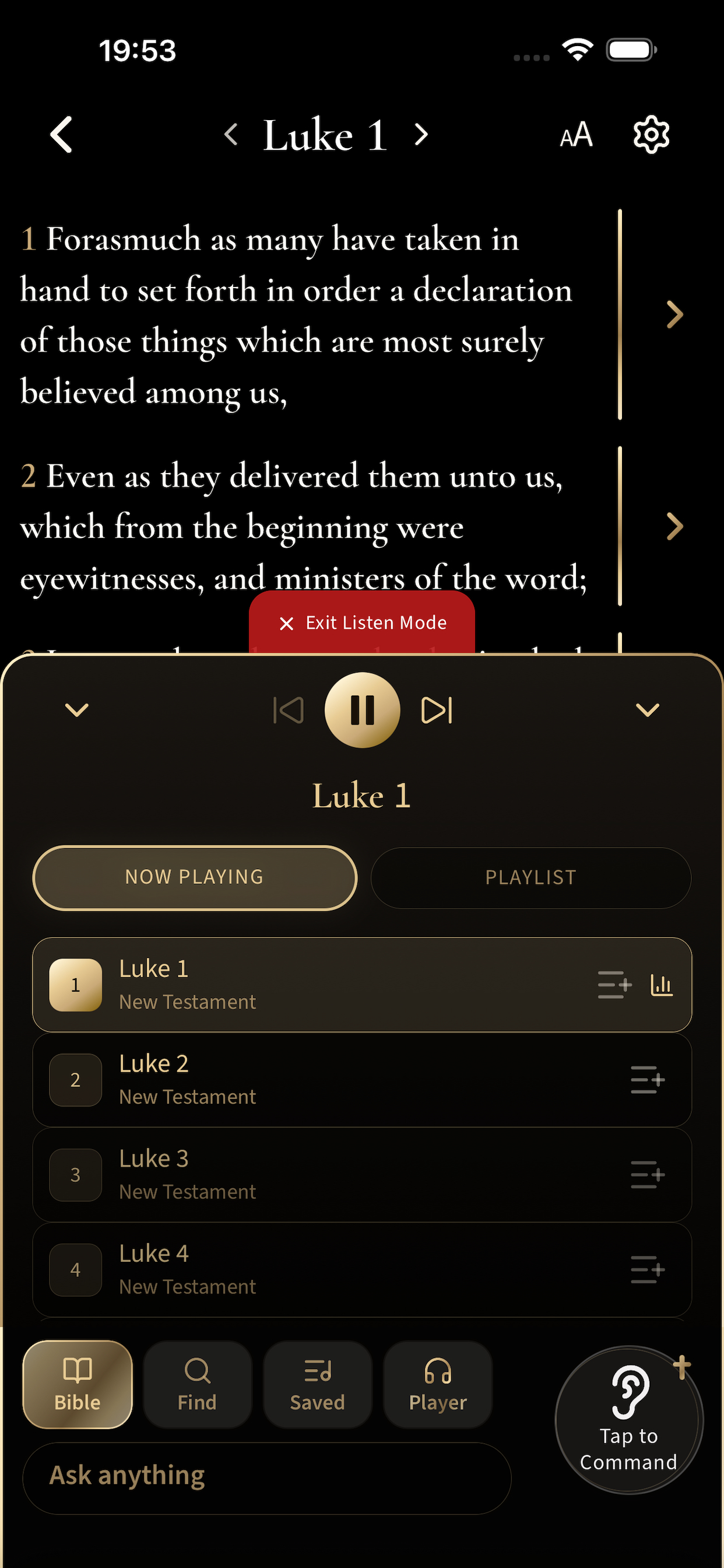
Actual app screen: Scripture and commentary can be read or listened to with local on-device neural TTS in the audio player.

Inspiration
The ultimate goal of Bible Interpreter is not simply to put another Bible application on a phone.
Bible Interpreter started from a simple idea: On-device. Private. Offline. Voice Interface Accessible. Local scripture with verse-by-verse interpretations, local neural human-like text-to speech and a local AI study companion should not depend on the internet, cloud services, or even the ability to fully see and navigate a screen. For visually impaired or challenged users, traditional buttons, menus, and screen-based navigation can become barriers. We wanted to make centuries of biblical and early Church wisdom accessible not only in people’s hands—but increasingly without using their hands at all.
The Bible has inspired and brought peace to people across countries, cultures for centuries, so our goal is the voice accessibility to become more than just an add-on. We want it to become an alternative way of operating the application itself.
We also want this app to serve as an example for a local voice control layer that can be safely added to other apps, so all users can have equal access to them.
What it does
Local: Bible Interpreter combines Scripture, 109,000+ verse-by-verse interpretations from 240+ interpreters, local (Kokoro) human-like neural voice reading, local (qwen) offline AI chat, and hands-free (Heed) wake-word control—all on-device. Say “Hey, Bible,” speak to your phone, and let it become your eyes and hands for exploring Scripture. The result is a Bible study companion that can bring knowledge and peace anywhere—including places with limited or no internet connectivity.
Bible + huge early Church commentary + neural TTS + Wake-word voice control + AI study assistance—all designed around local, on-device operation.
The result is a combination of technologies that would normally depend heavily on online services.
How we built it
The app was developed through an AI-assisted workflow, with AI used extensively to accelerate implementation and iteration. The product architecture, feature design and direction were human-led, while AI-assisted coding helped turn those ideas into working software.
The mobile app is built with React Native/Expo with native iOS components, while Scripture and interpretations are structured in local SQLite database for fast offline RAG retrieval. We integrated on-device (Heed) wake-word detection, iOS system speech recognition and Kokoro neural TTS, allowing users to say “Hey, Bible”, navigate and request content by voice, and hear Scripture and interpretations naturally—all without requiring an internet connection. The AI study companion (qwen2.5 0.5B) also runs locally on-device. Instead of expecting the model to memorize the entire library, the app retrieves relevant Scripture and interpretations locally and supplies them as context to the AI, which the AI then summerises. The result is an integrated offline pipeline: “Hey, Bible” → Voice Command → Local Retrieval → Neural Voice Response/Local AI This architecture allows Bible Interpreter to remain private, offline and accessible, while making voice a genuine alternative interface for visually impaired, or challenged users.
Challenges we ran into
The biggest technical challenge was making several demanding on-device systems work together without interfering with each other. Local: Bible Interpreter combines local (Kokoro) neural TTS, “Hey, Bible” (Heed) wake-word detection, speech recognition, and a tiny local (qwen) AI model. Each competes for the phone’s memory and processing resources and must activate, pause, and release those resources at exactly the right time. Preventing one system from slowing down, interrupting, or breaking another required significant optimization and coordination. A serious challenge was finding the right runtimes and configurations for Kokoro and wake-word detection. The app needs to sustain long listening sessions without overheating the device or draining excessive resources, while still performing well on lower-resource mobile hardware. Achieving the right balance between responsiveness, memory use, CPU load, Metal, ANE, battery consumption, and thermal performance required extensive testing and iteration. Another challenge was the small local AI model. Because everything must run efficiently on-device, we cannot rely on a massive cloud model's capabilties. The challenge was making a compact model reliably understand and summarize retrieved Scripture and early Church interpretations without losing their meaning or important context. Ultimately, the it was not simply getting each technology to work independently—it was getting all of them to coexist as one stable, responsive, resource-efficient, completely local experience.
Accomplishments that we're proud of
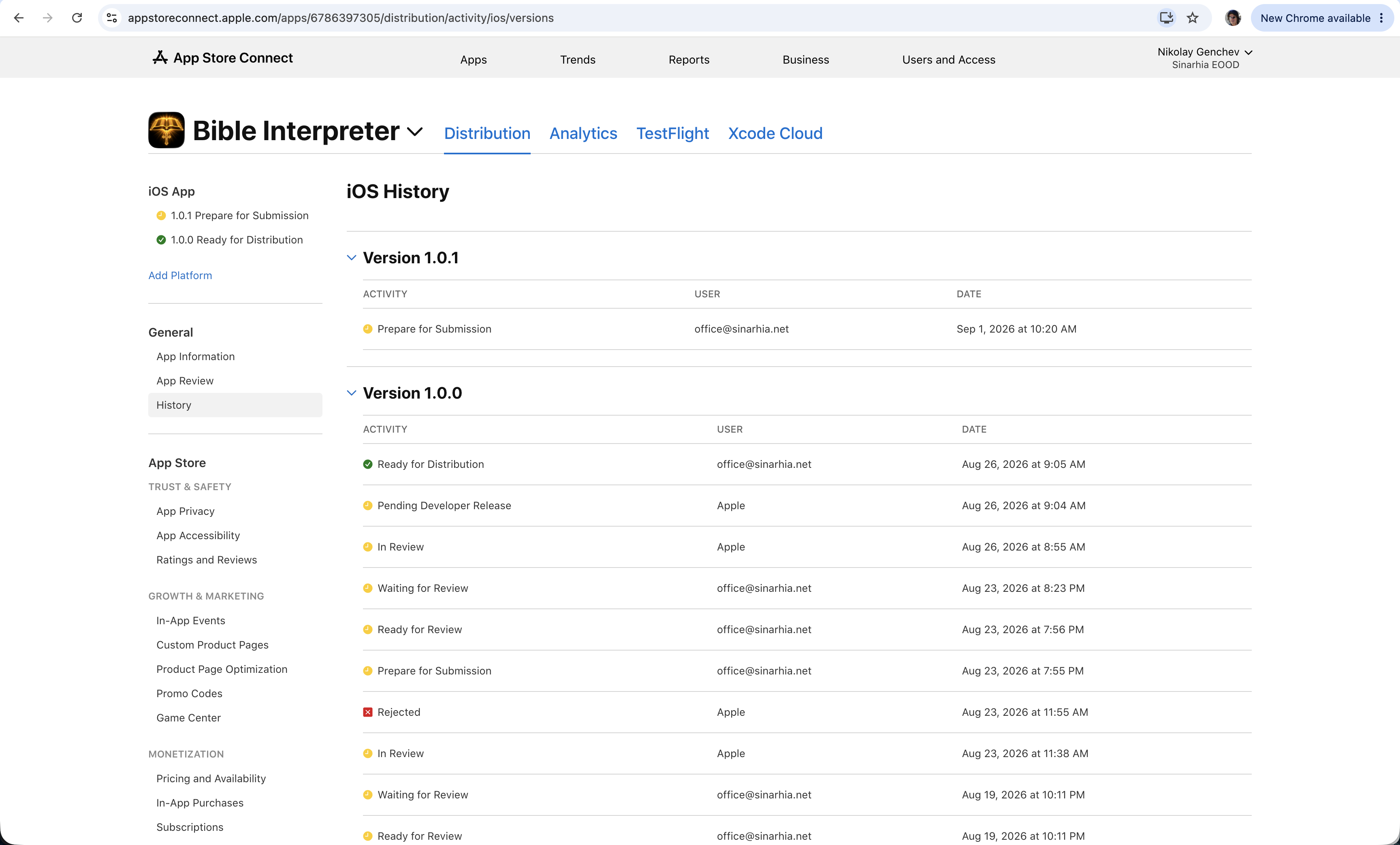
We are proud that Bible Interpreter has moved beyond being the concept - where voice also can be the interface, and is now a real application already available to users on the AppStore. For someone who is visually impaired, or challenged, listening is not simply a convenience and this case is also where local AI and voice technology can have a genuine human impact.
Of course the app is suited for all users, that would like a hands free experience.
Most importantly, we proved that local-first does not have to mean a compromised experience. Even a modest modern smartphone can provide a rich, intelligent and accessible Bible study experience while remaining independent of constant connectivity and cloud infrastructure.
All local models are under the Apache 2.0 or MIT licences.
What we learned
We learned that on-device intelligence is not about having the biggest model—it is about building the right system around smaller, specialized components. A relatively small local AI can become surprisingly capable when it is given the right retrieved context and a clearly defined task. Likewise, wake-word detection, speech recognition and neural TTS do not need enormous resources individually—but making them cooperate efficiently is what creates a powerful experience. We also learned how important resource orchestration is on mobile hardware. Sometimes the solution was not making a component faster, but deciding precisely when it should run and when its resources should be released to another component. The biggest lesson was that today's phones are capable of much more locally than we initially expected. Privacy, offline operation and accessibility do not necessarily have to come at the expense of a great intelligent user experience.
What's next for Local: Bible Interpreter
Local: Bible Interpreter is already functional and publicly available, but development continues. Our next major steps are:
- Android release Google Play submission is already in progress, bringing the application to a much wider range of devices and users.
- Multilingual expansion Translation into additional languages is already underway. This includes not only interface localization, but progressively expanding the biblical content, interpretations, voice capabilities, and AI-assisted interaction beyond English.
- Better on-device speech recognition We are working on integrating and optimizing a more capable local speech-to-text model, improving the accuracy and naturalness of voice interaction while preserving the app's offline-first architecture.
Built With
- cursor
- expo.io
- ios
- kokoro
- localllm
- offlinefirst
- ondeviceai
- rag
- reactnative
- speechrecognition
- sqlite
- swift
- tts
- typescript
- wakeword

Log in or sign up for Devpost to join the conversation.