-
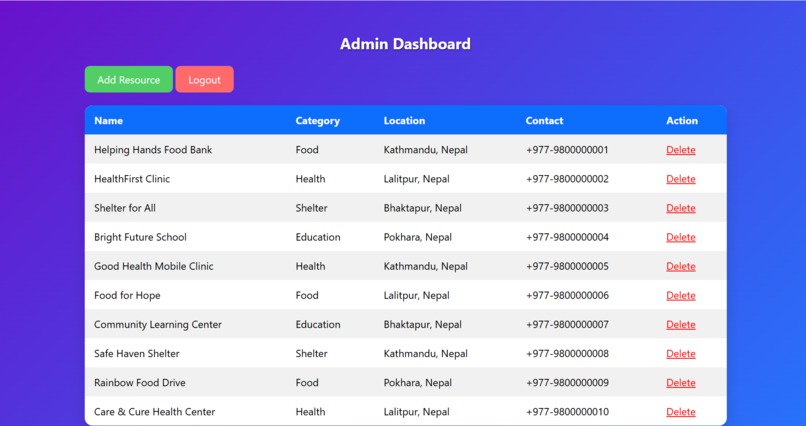
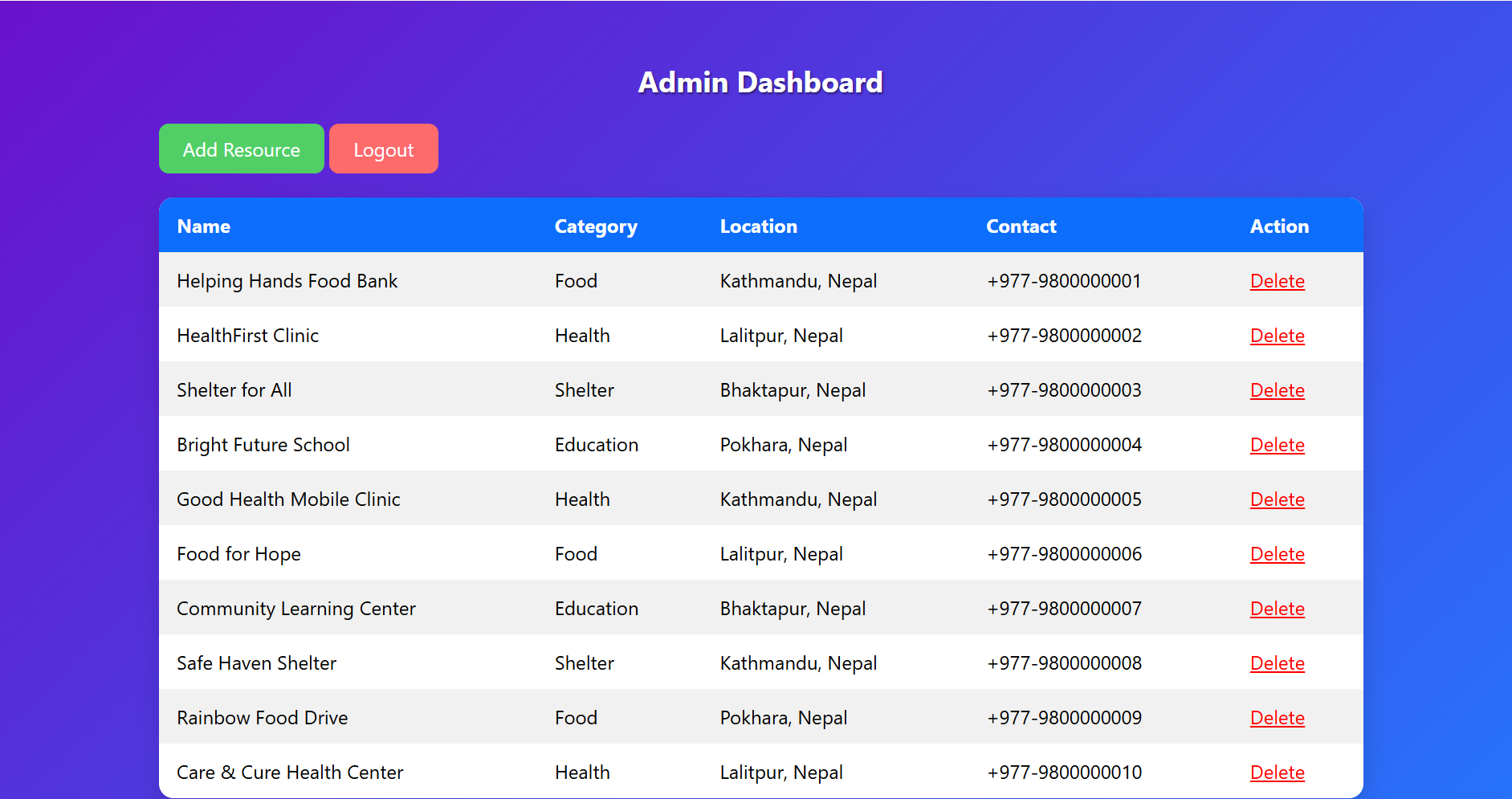
This page helps to maintain the website with only the available aids.
-
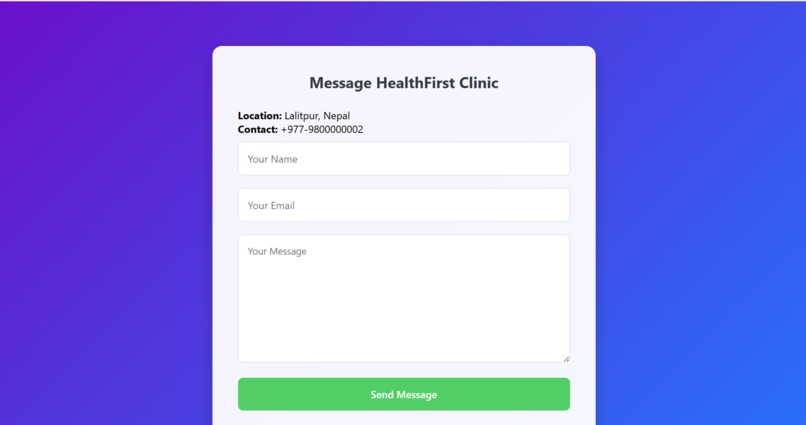
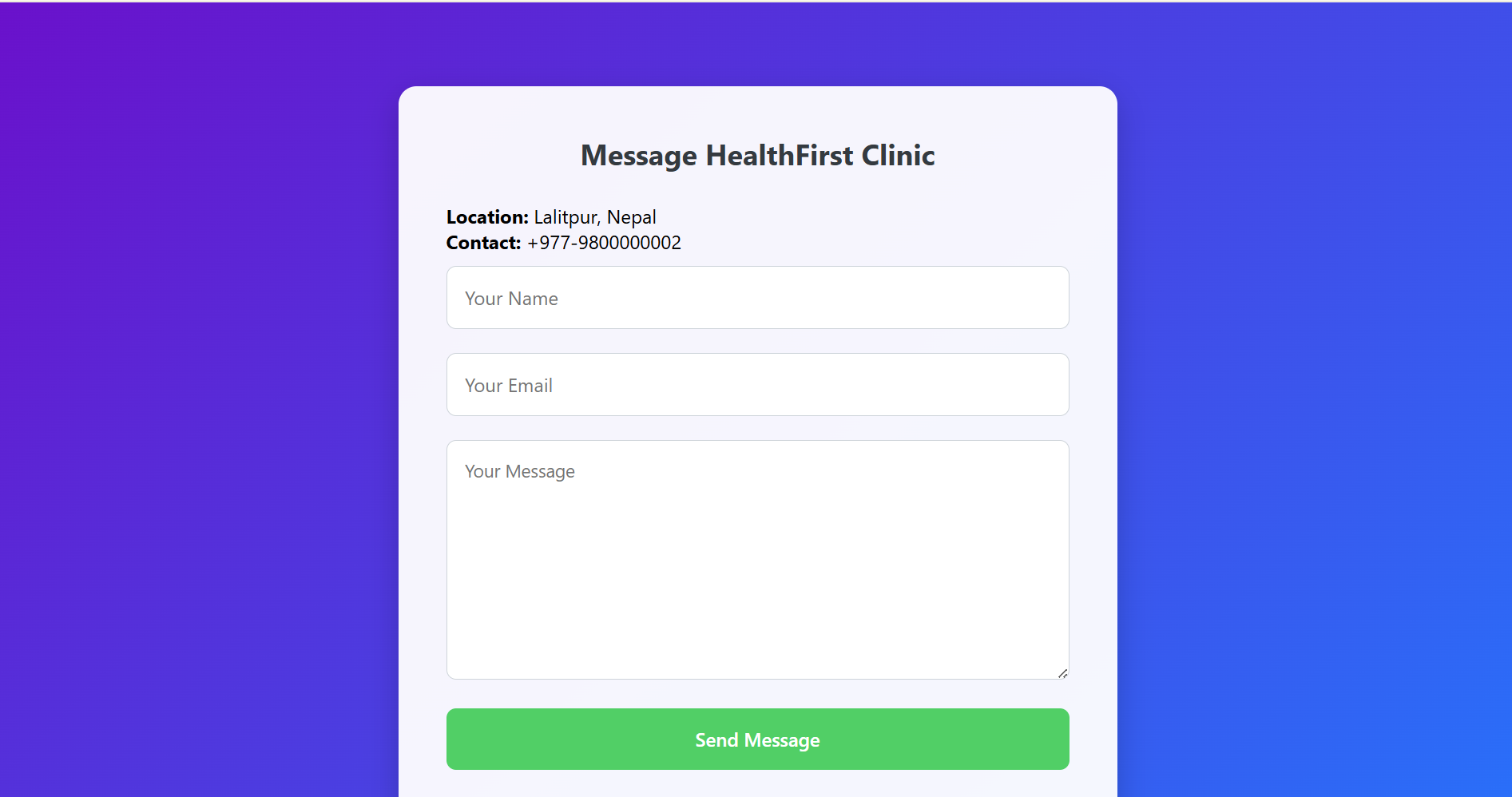
We can message the provider and provide them the email to contact and the idea.
-
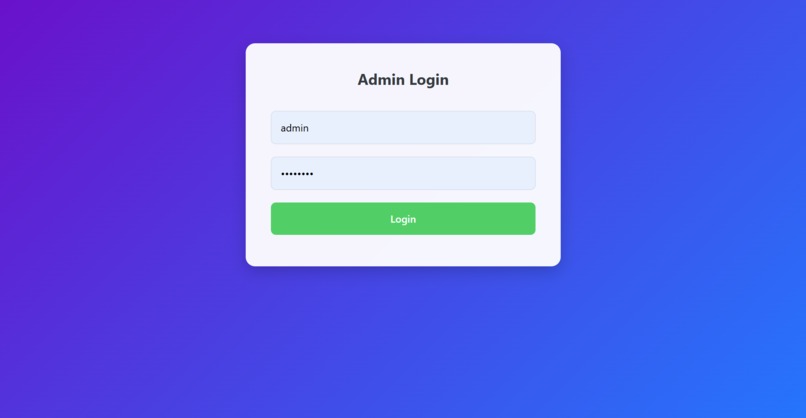
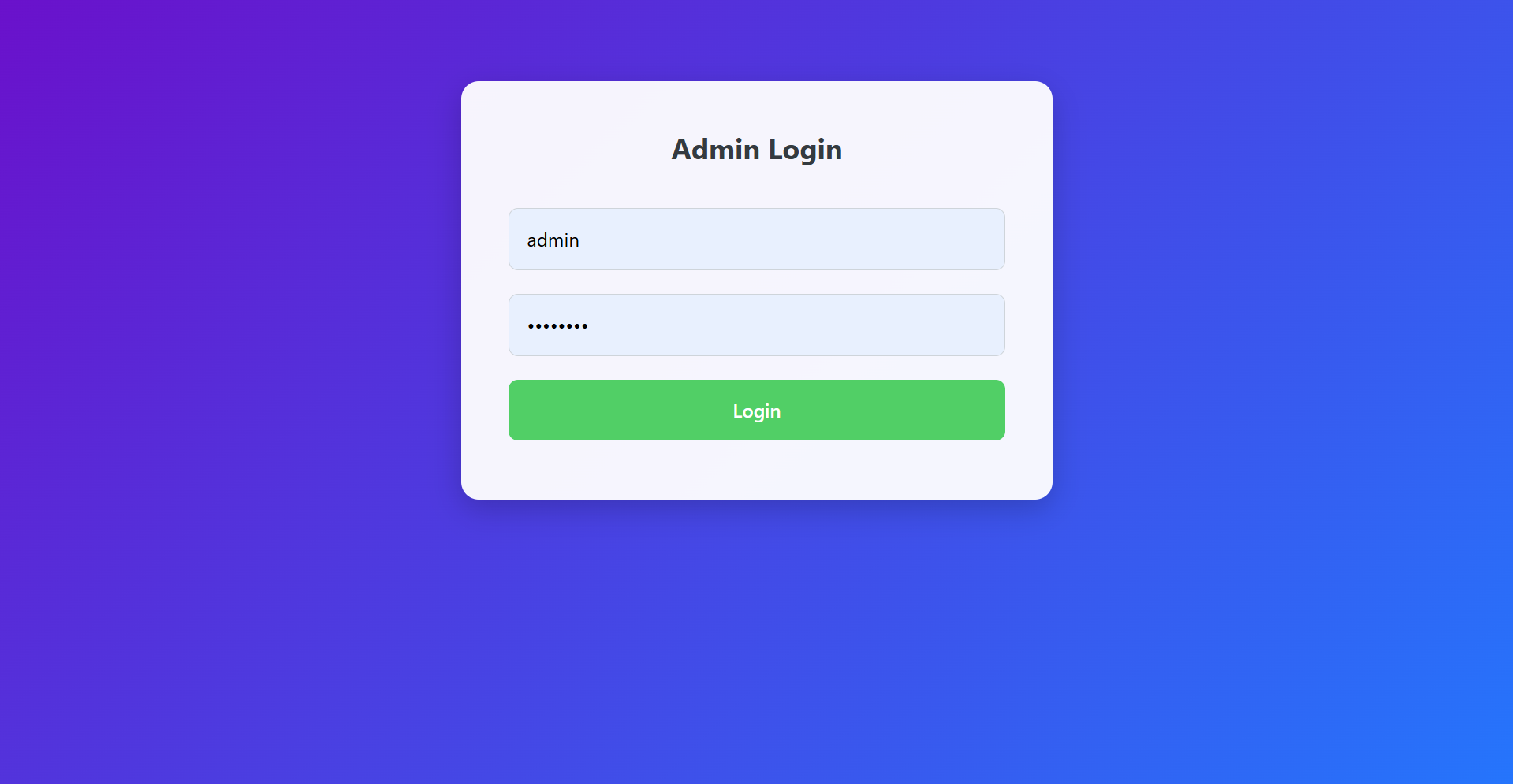
This is the login page through which the admin can only enter and maintain the website easily.
-
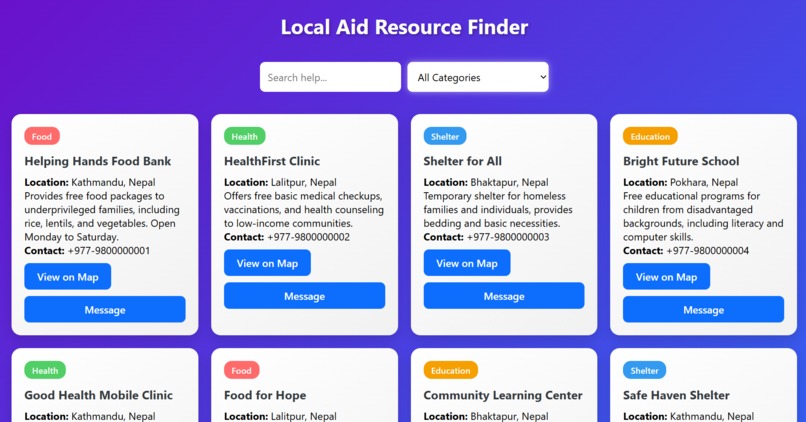
This is the page from which we can see the available Aids and we sort-out them according to their niche and contact them.
-
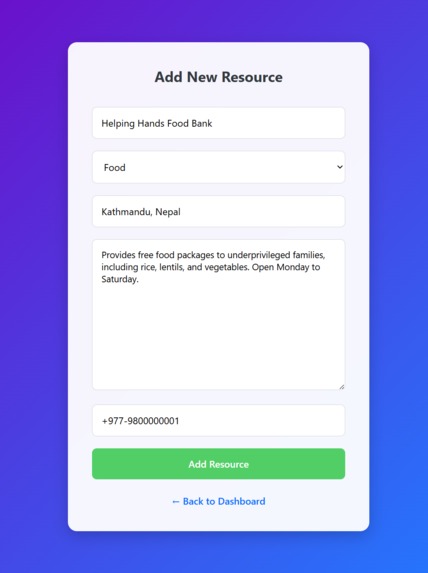
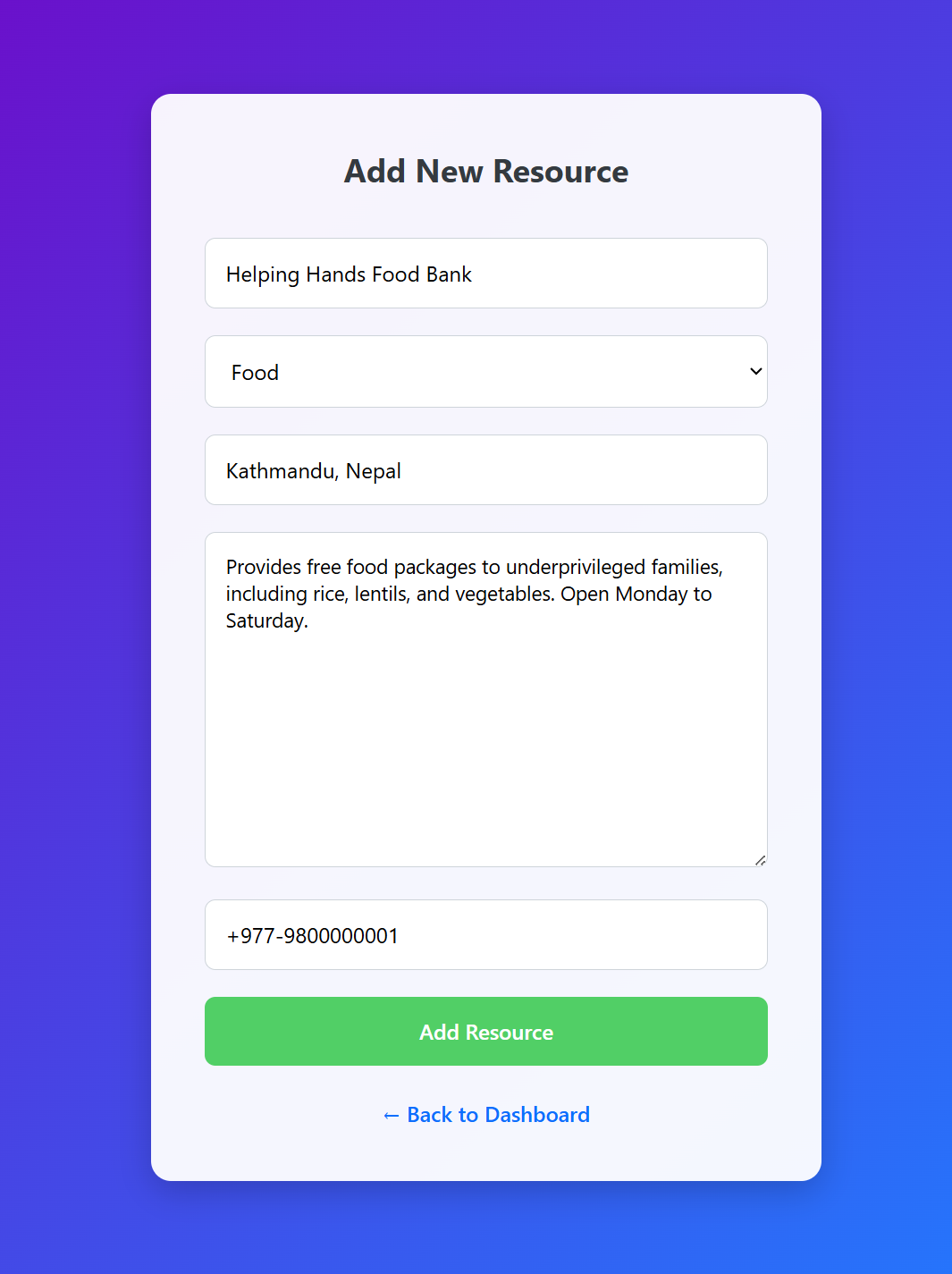
This is the page from which the admin can add the latest aids .
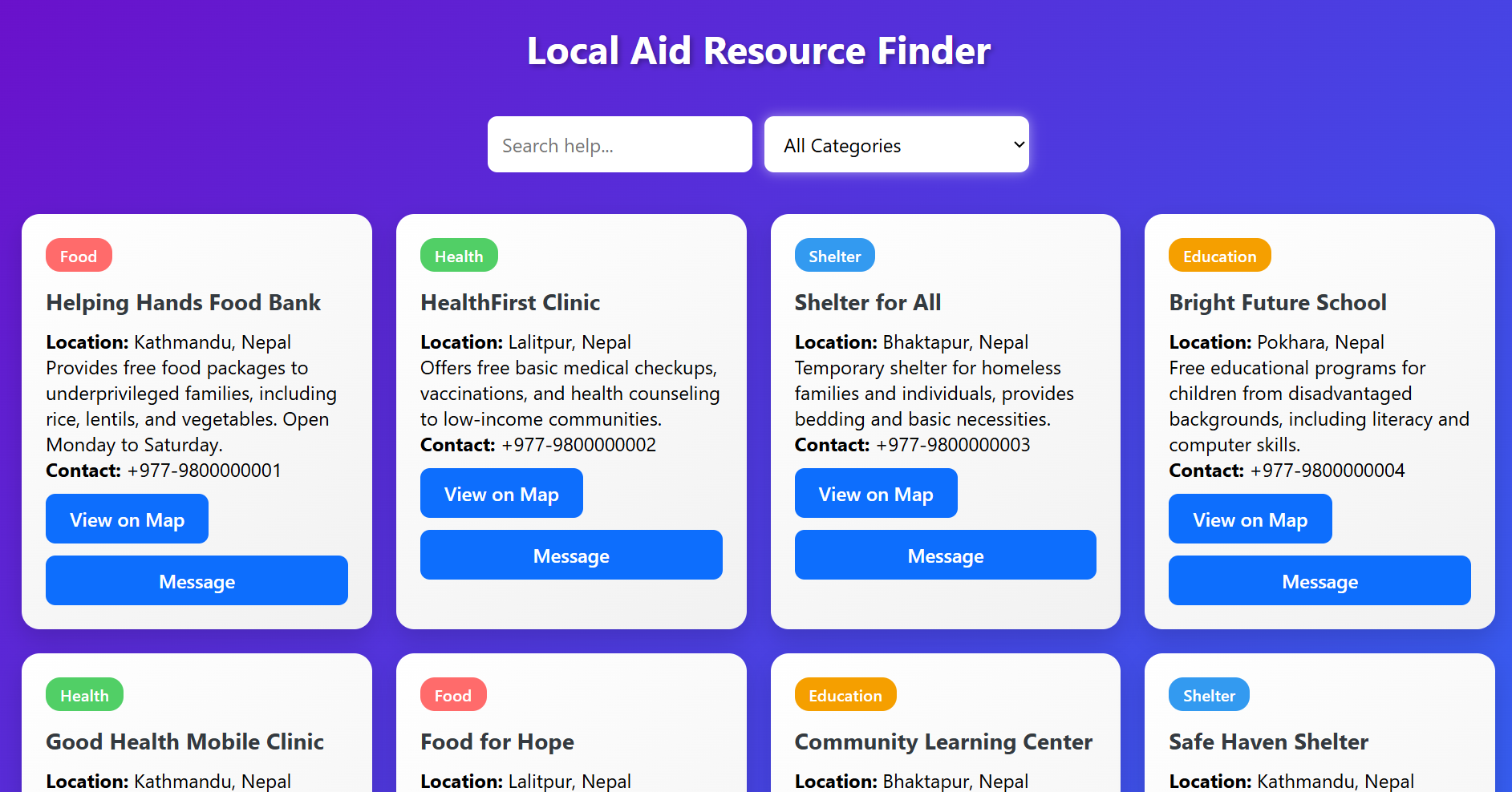
Inspiration I noticed that many people struggle to find reliable local aid resources, especially in urgent situations. This inspired me to build a platform that connects users instantly with nearby food, health, shelter, and education resources. My goal was to make help accessible for everyone, no matter where they are.
What I Built I created Local Aid Resource Finder, a web application that allows users to: Search for resources by category or keyword View location, description, and contact information Access resources via Google Maps links Send messages to resource providers directly through a dedicated messaging page The project is designed to be fast, intuitive, and user-friendly, with colorful cards, hover effects, and responsive layout.
Challenges & Lessons Learned Building this project taught me a lot about: Full-stack development: integrating PHP, MySQL, HTML, CSS, and JavaScript seamlessly Database design: creating tables for resources and messages and efficiently querying them UI/UX design: making a professional-looking interface with hover effects, filters, and clean layouts Problem-solving: handling search and category filters dynamically, and creating a functional messaging system One of the biggest challenges was making the filters work correctly with both search and categories, and designing a messaging system that feels like a mini messenger without overcomplicating the interface.


Log in or sign up for Devpost to join the conversation.