Inspiration
I'm a student preparing for the SAT and IELTS at the same time as school. A to-do list can look doable on paper while the day itself is not: too many hard tasks stacked together and no time to recover. Planners store tasks, but they don't tell you "this day is too much". I wanted a tool that does exactly that.
What it does
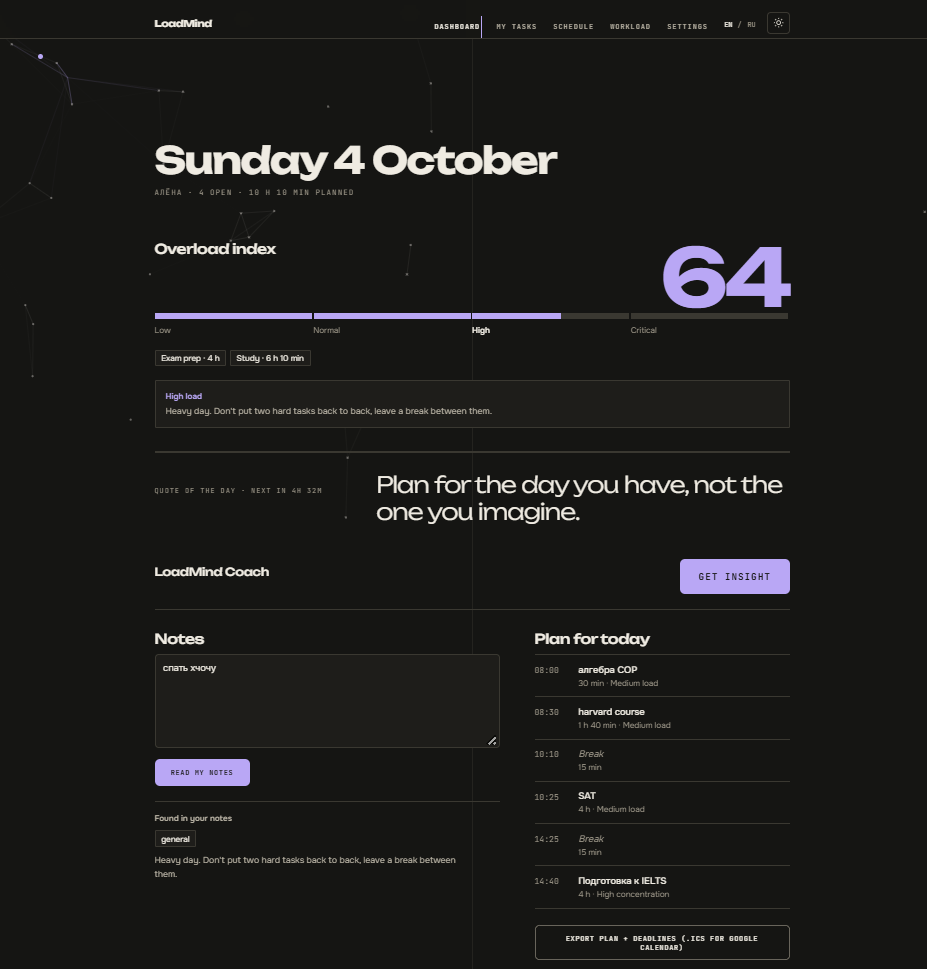
LoadMind is a workload assistant for students. It turns tasks into a realistic daily plan and warns you when a day is too much.
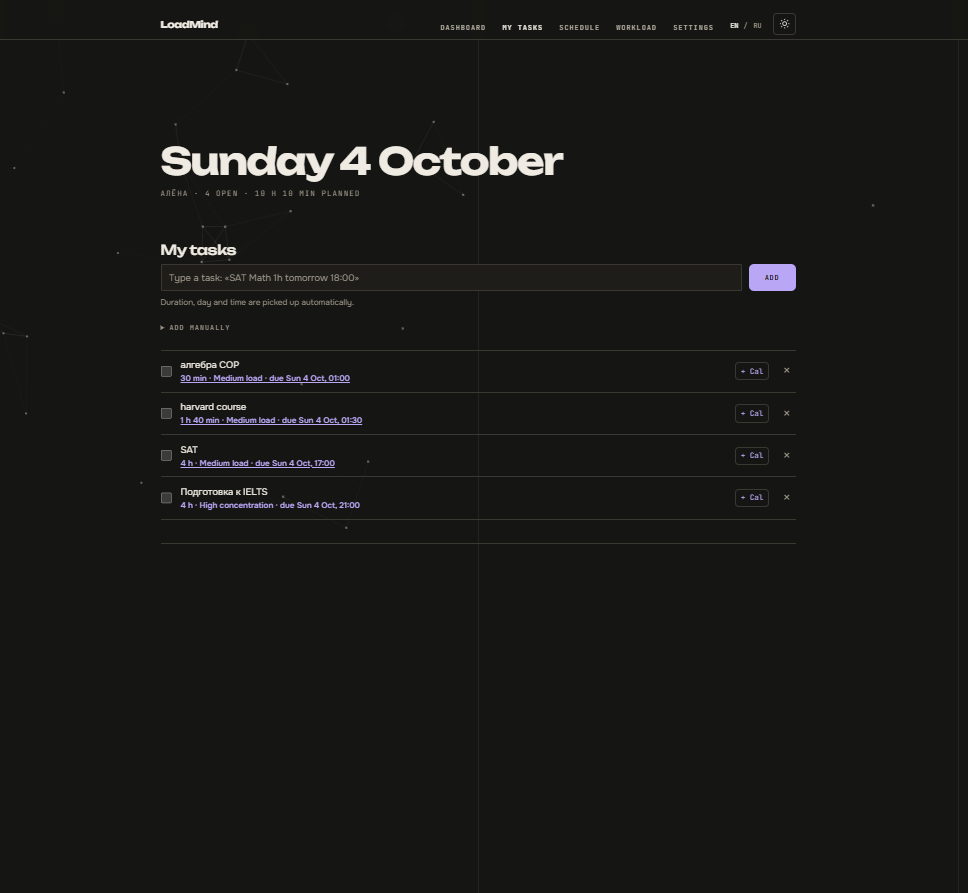
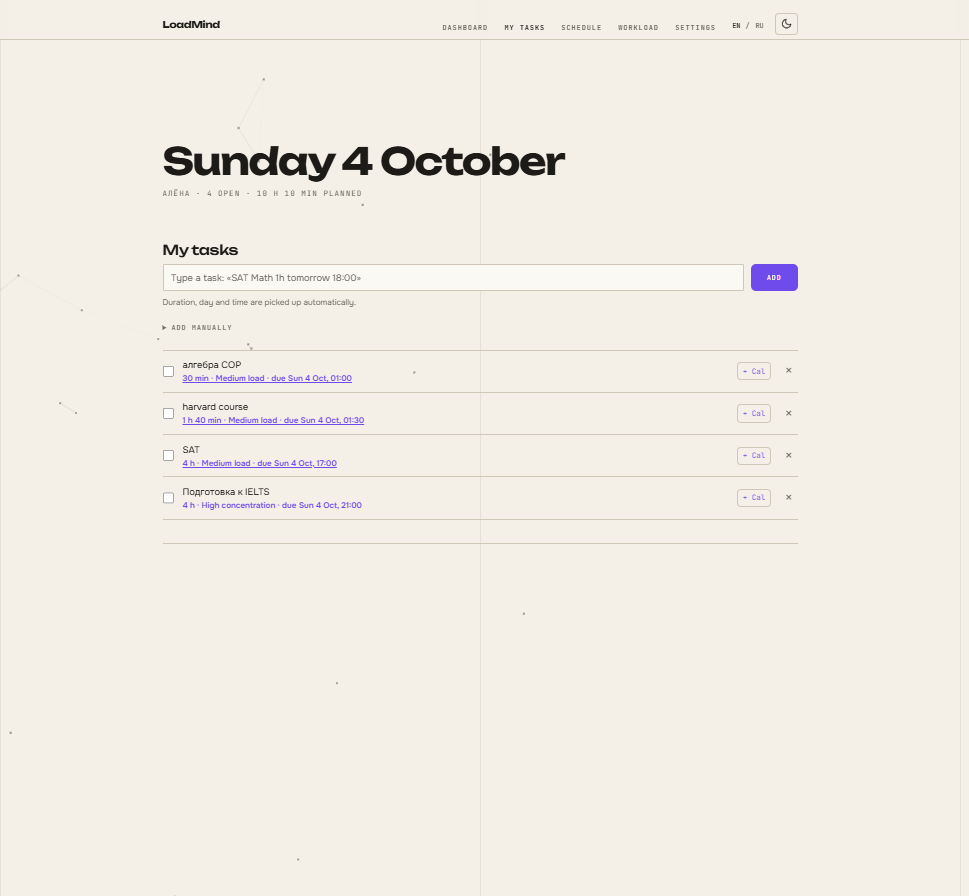
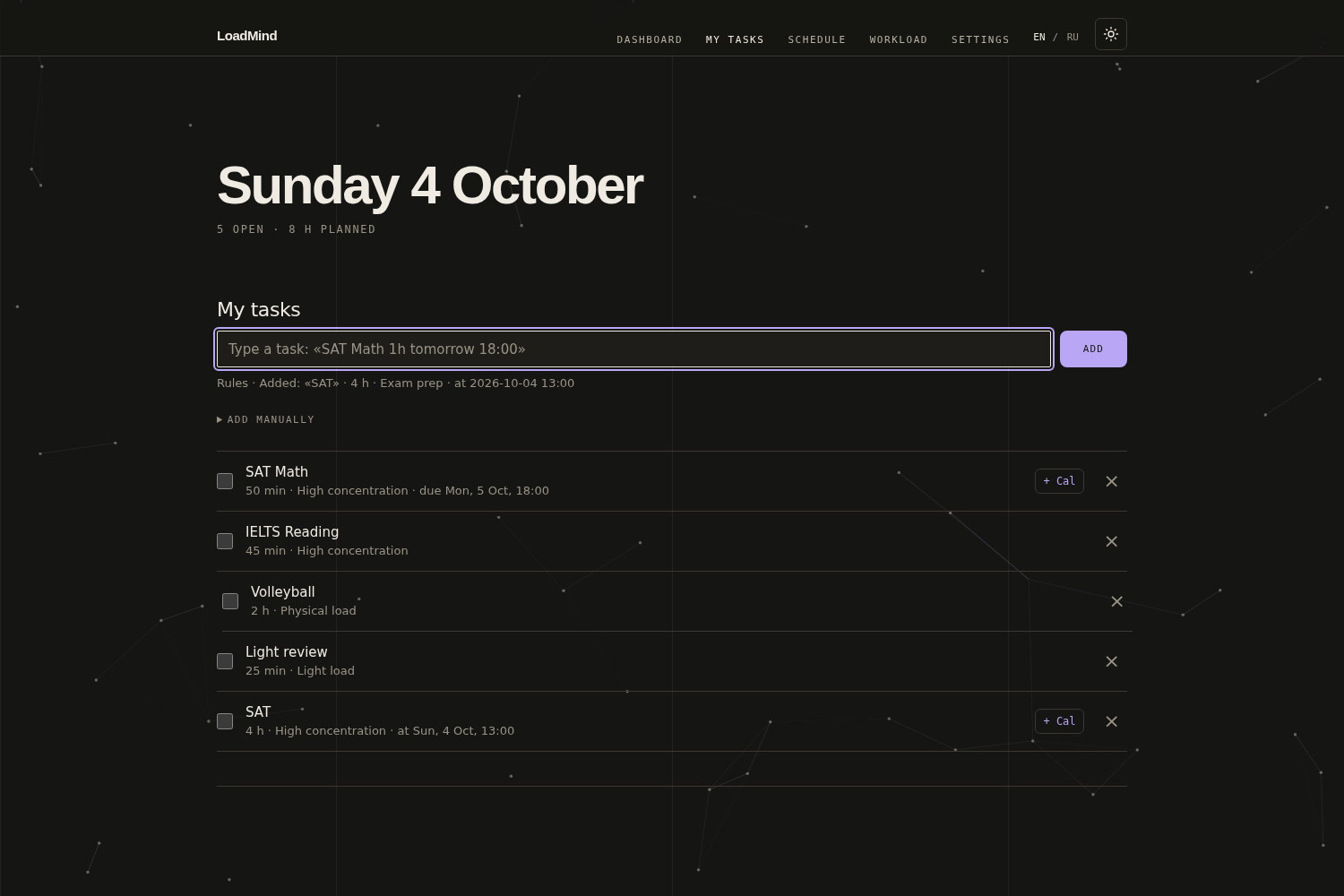
- Smart one-line input (English and Russian). Type "SAT 4 hours 13:00-17:00" and it becomes a task with a start time; "by Friday 18:00" becomes a deadline.
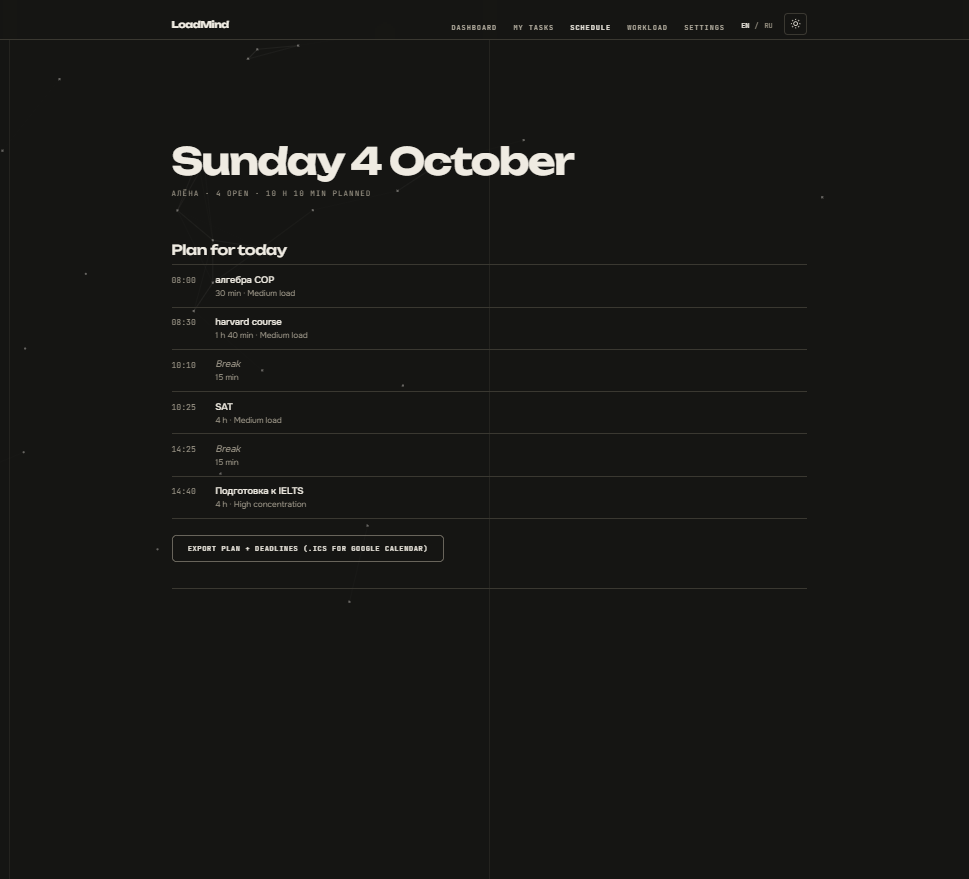
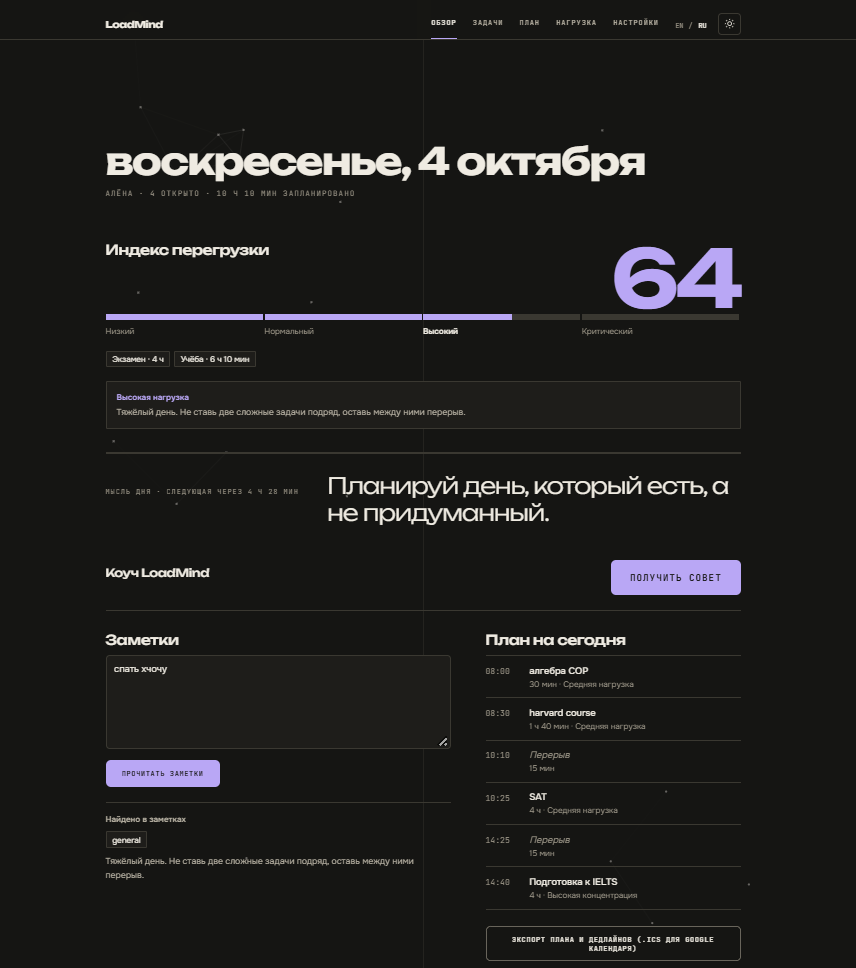
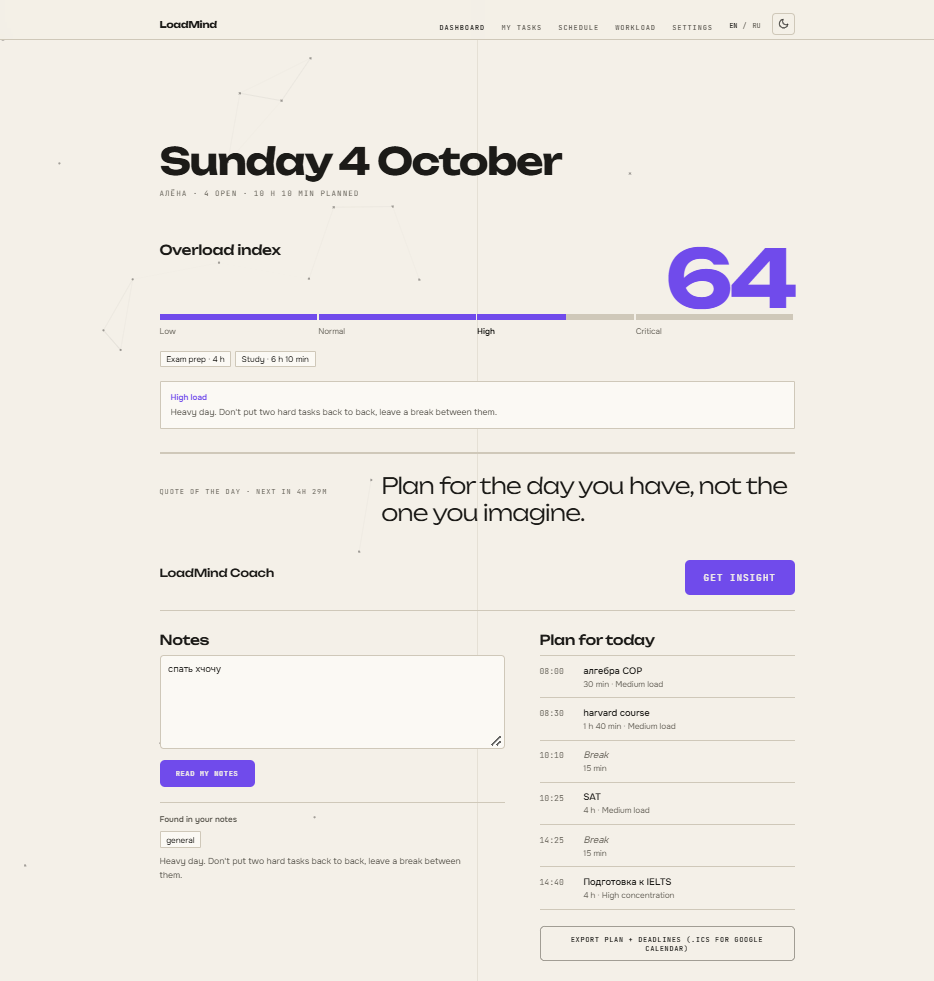
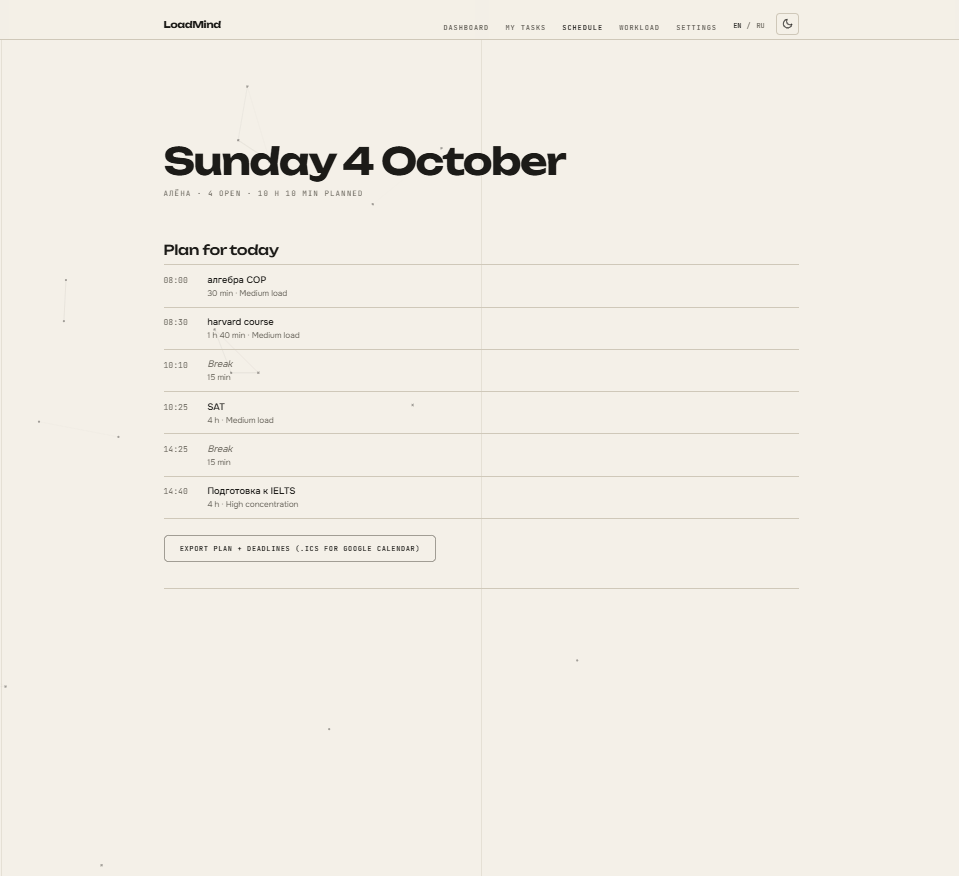
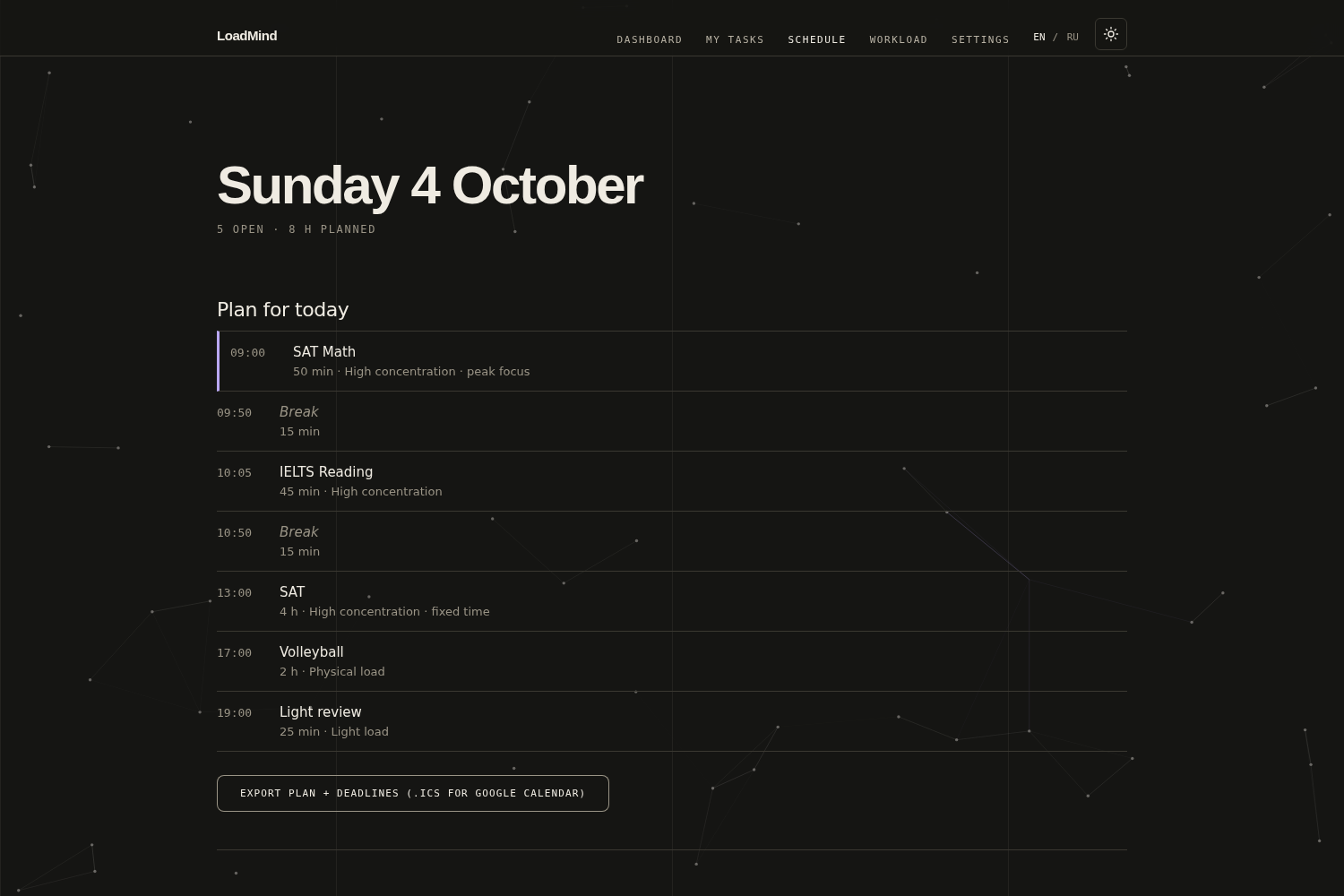
- Daily plan. Hard tasks go into your peak focus window, light tasks fill the time around it, and 15-minute breaks are added after long sessions.
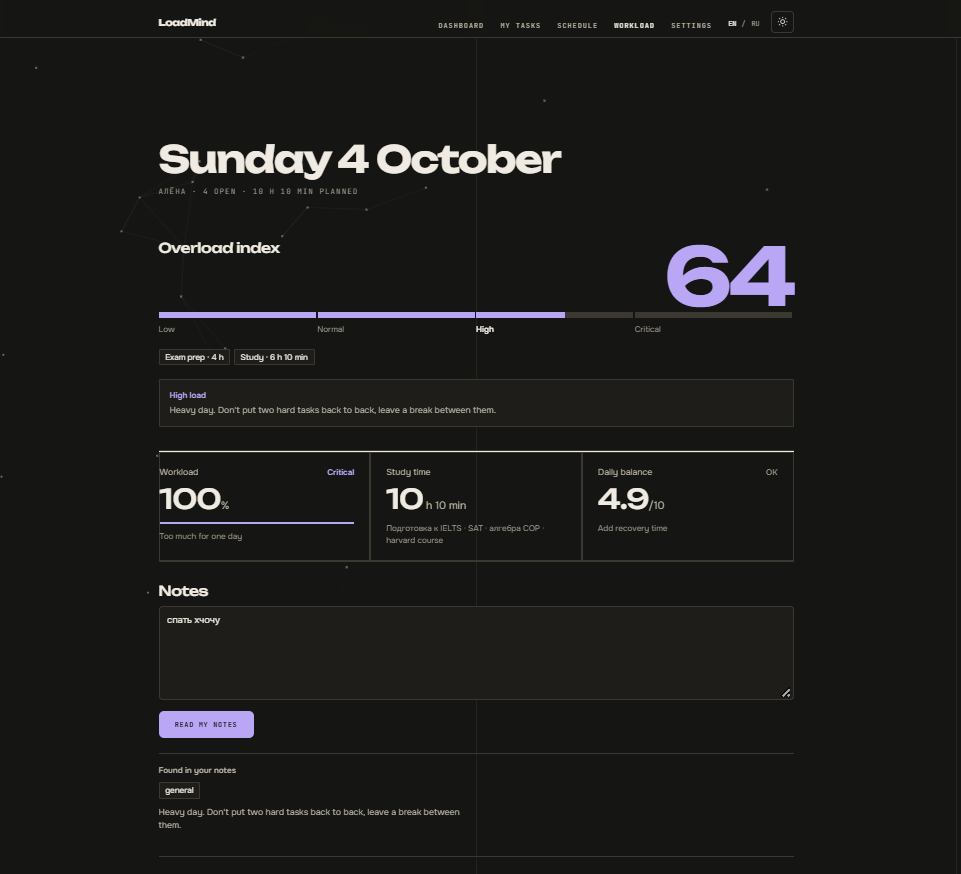
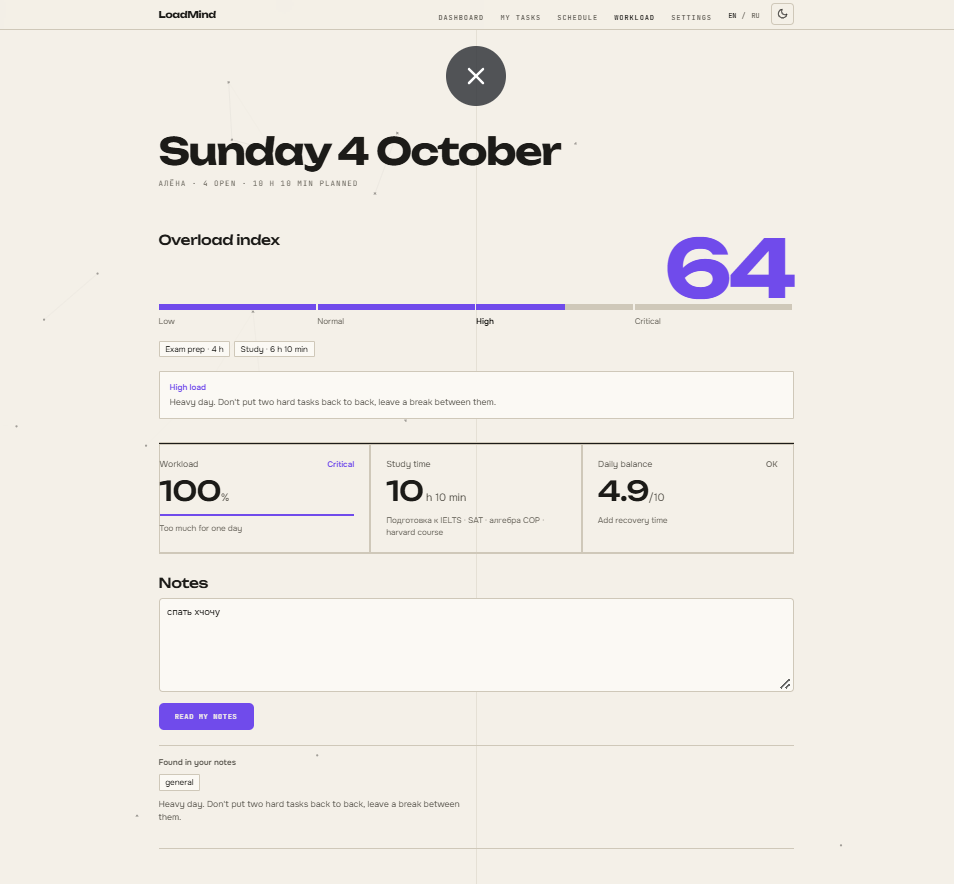
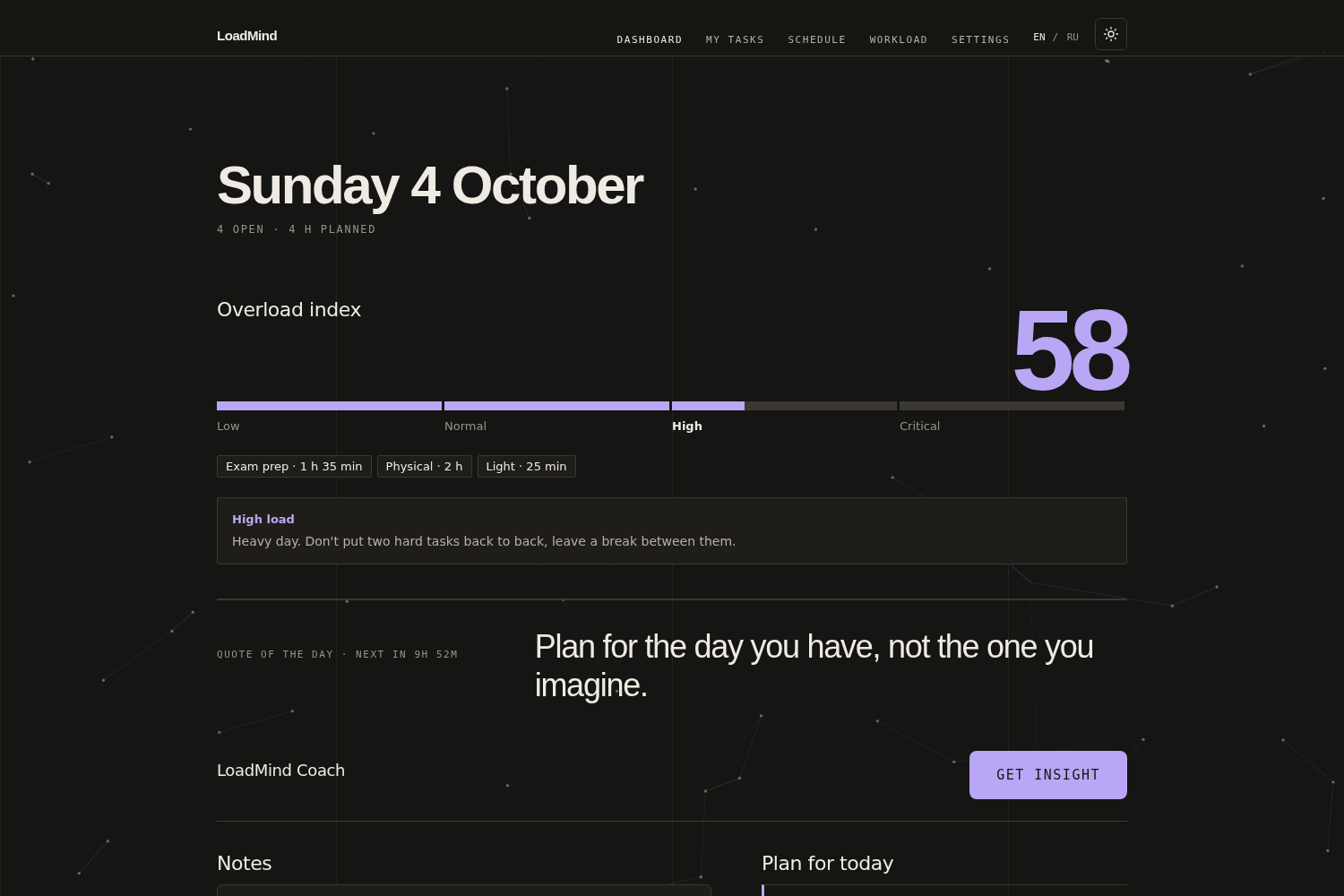
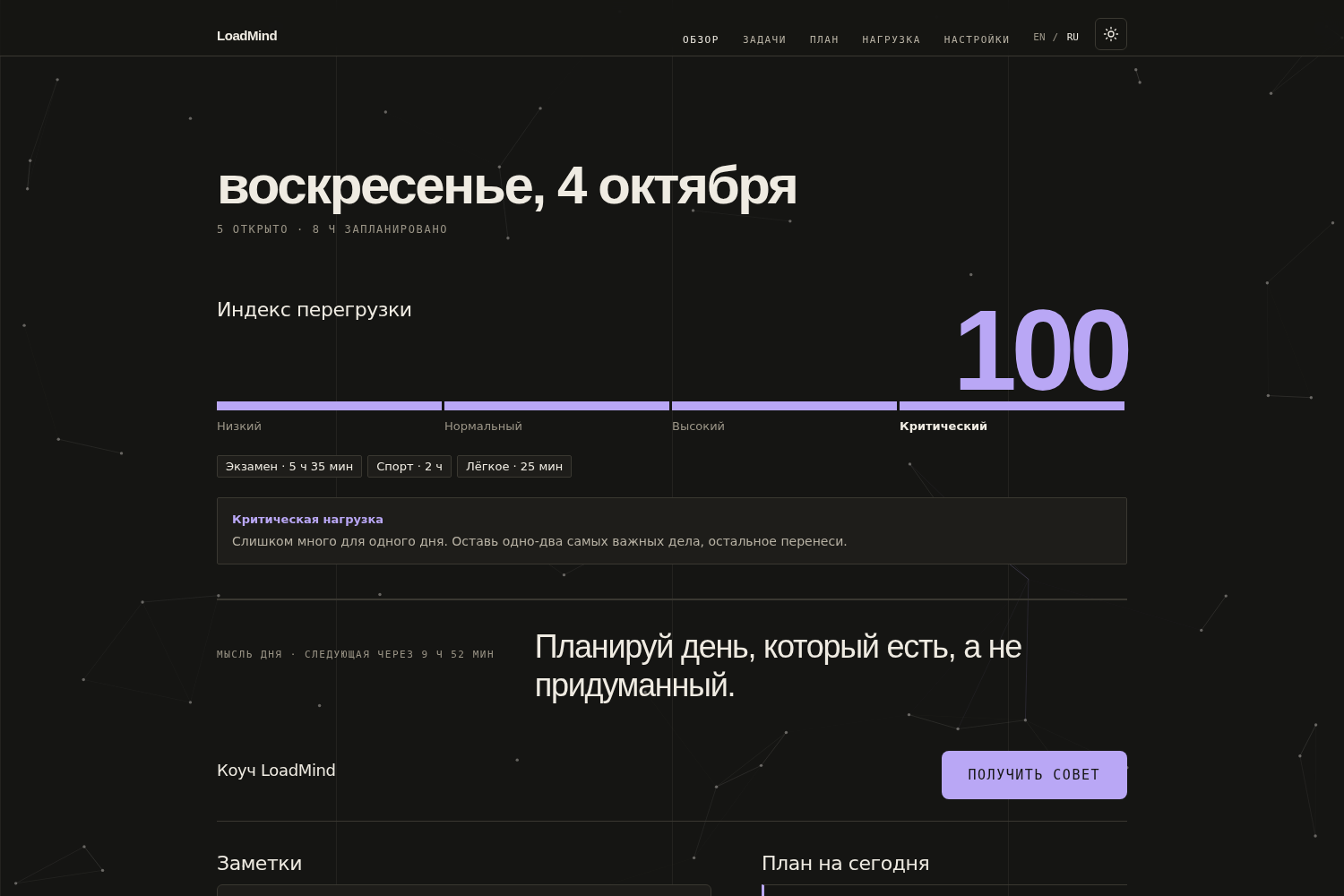
- Overload Index (0–100). Calculated from your open tasks, your daily capacity in hours and a short note about how your day feels.
- Coach. Short, concrete advice from Gemini: what to move or drop, what to do at peak time, where to rest. The AI only advises; the schedule itself is built by plain rules, so it stays predictable.
- Google Calendar export. Download the plan as an .ics file or add any task with one link.
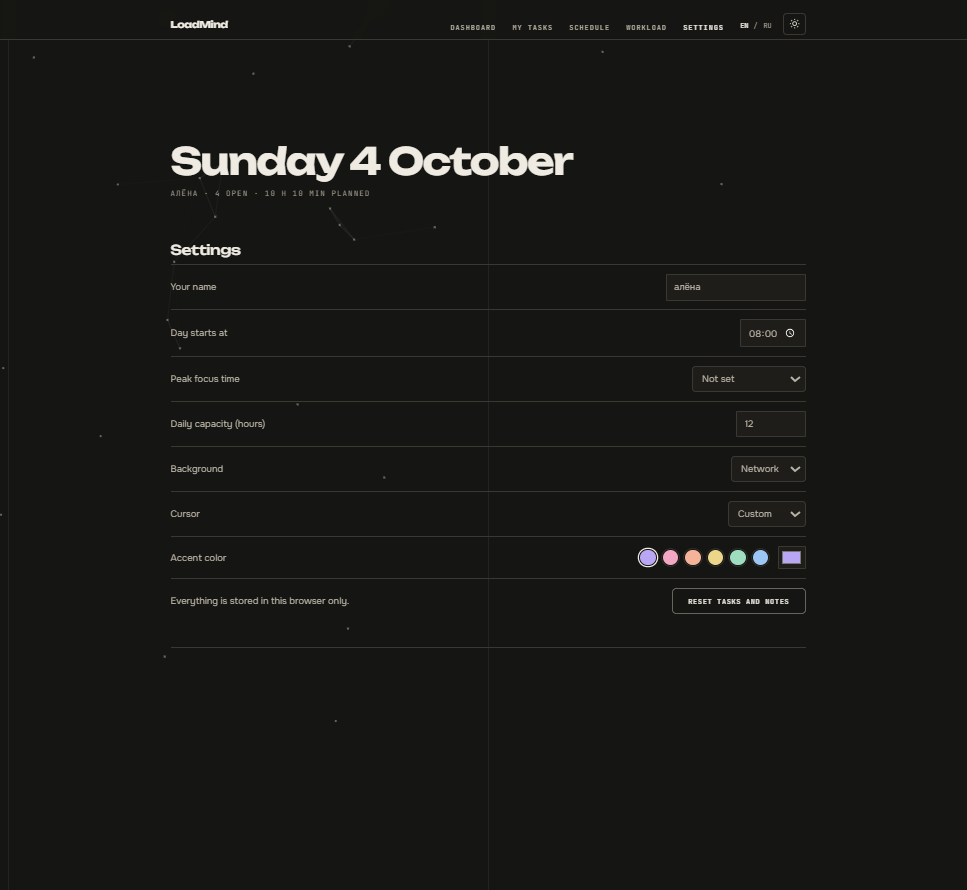
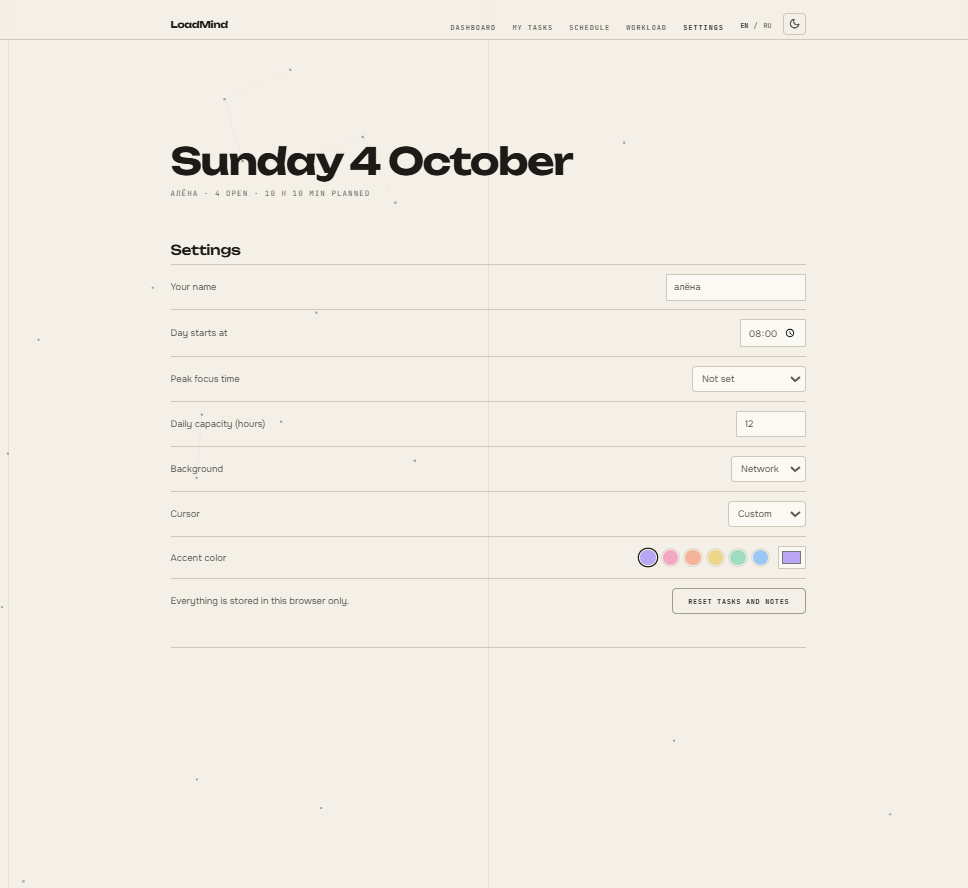
- EN / RU interface, light and dark theme, quote of the day.
How I built it
LoadMind is a plain HTML, CSS and JavaScript web app, no framework.
script.jsholds the task parser, the planner, the Overload Index and the calendar export.- Task parsing is rule-based first (regular expressions for times, durations, "today/tomorrow/сегодня/завтра", weekdays and deadlines). Gemini is called only when a phrase has no time or duration.
- AI requests go through a small Cloudflare Worker (
worker.js) that keeps the Gemini API key on the server, limits request size and checks the allowed origin. - The planner follows research I read: people focus better at their peak time of day (May, Hasher & Healey, 2023), but chronotype and grades are only loosely linked (Preckel et al., 2011), so the user chooses their own peak. Break length is based on Albulescu et al. (2022).
- The app itself is deployed on Cloudflare Workers.
Challenges I ran into
- Parsing real student phrases. People write tasks in many ways and in two languages. I had to handle ranges like "13:00-17:00", durations, weekdays and deadline words without breaking on simple cases.
- Keeping the API key safe. A key in frontend code is visible to everyone, so I moved AI calls to a Cloudflare Worker and had to get CORS and allowed origins right.
- Deciding what the AI should do. A schedule should be predictable, so rules build the plan and the AI is used only for advice and for phrases the rules can't understand.
- Free AI limits. The daily quota is small, so the app falls back to keyword analysis and shows a clear message when AI is unavailable.
Accomplishments that I'm proud of
I built and deployed the whole app solo: a working parser for two languages, a planner grounded in research, a secure AI proxy, and calendar export that works with Google Calendar.
What I learned
How to write a rule-based parser with regular expressions, how to deploy serverless functions on Cloudflare Workers and keep secrets out of the frontend, how CORS works, and how to combine deterministic logic with an LLM so the AI helps without making the product unreliable.
What's next for LoadMind
- User accounts and a database (Supabase), so tasks sync across devices
- A custom NLP model trained on real student notes
- Two-way calendar sync and Telegram reminders
- Kazakh language support
- A custom domain and the first real users
Built With
- cloudflare-workers
- css3
- gemini
- google-calendar
- html5
- javascript

Log in or sign up for Devpost to join the conversation.