-
-
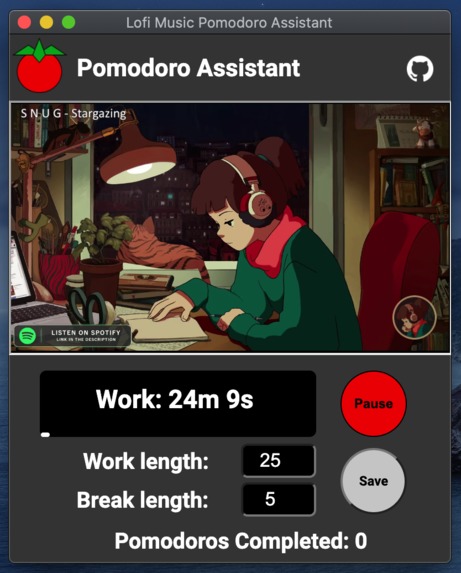
The Lofi-doro chrome extension
-
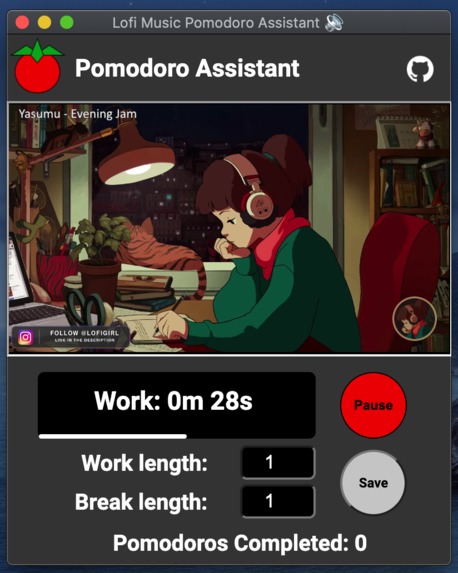
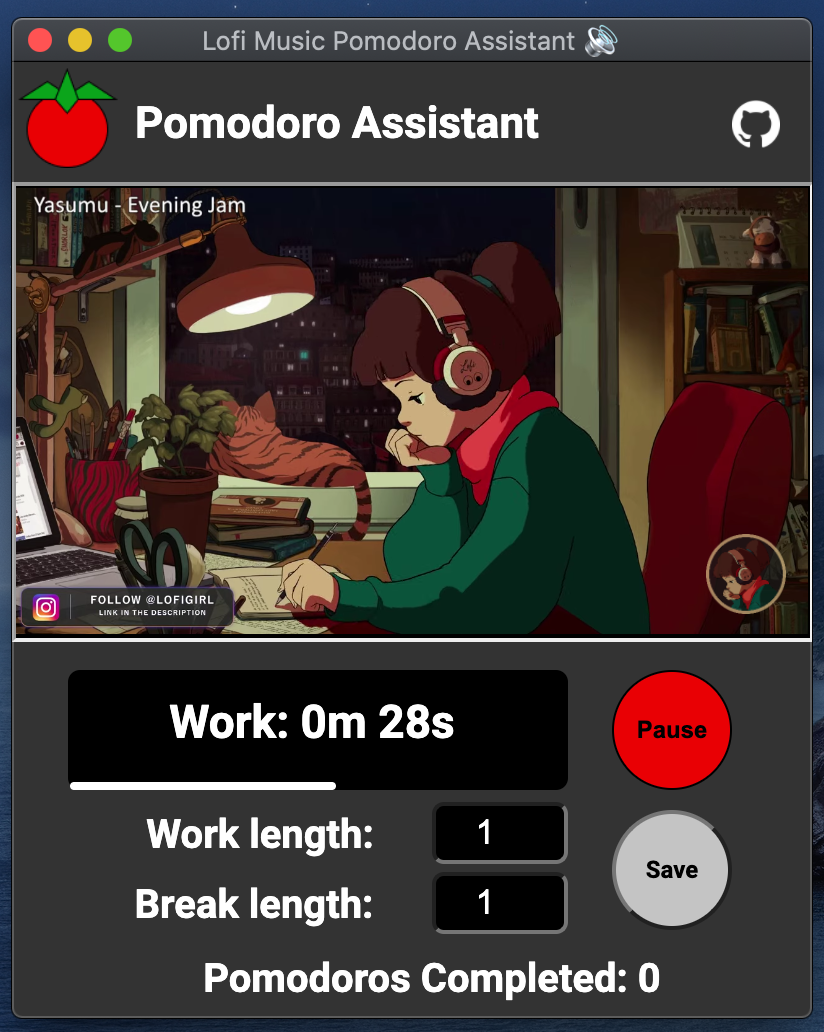
Work period duration and break period duration are customizable. The progress bar is also shown.
-
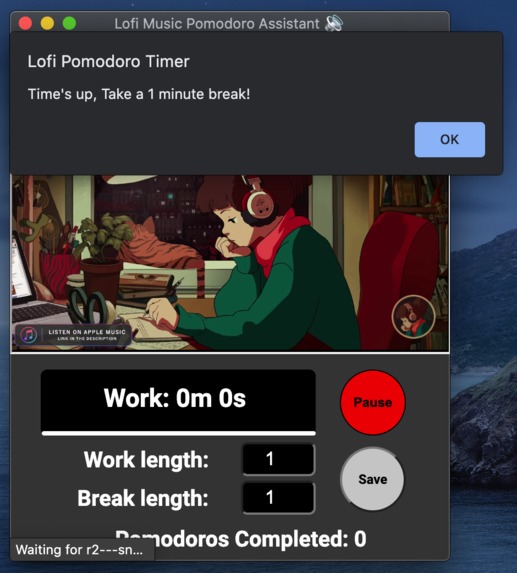
Alerts the user when time is up.
-
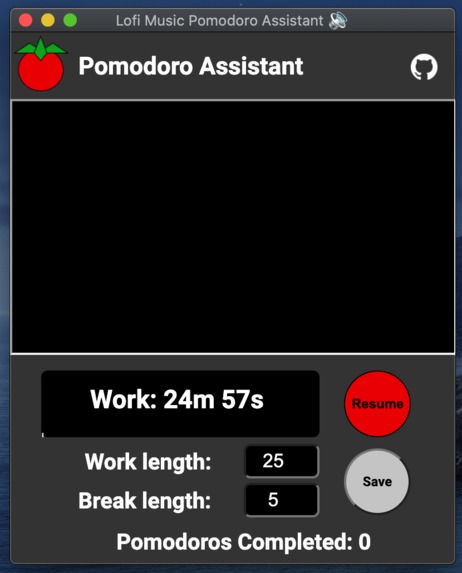
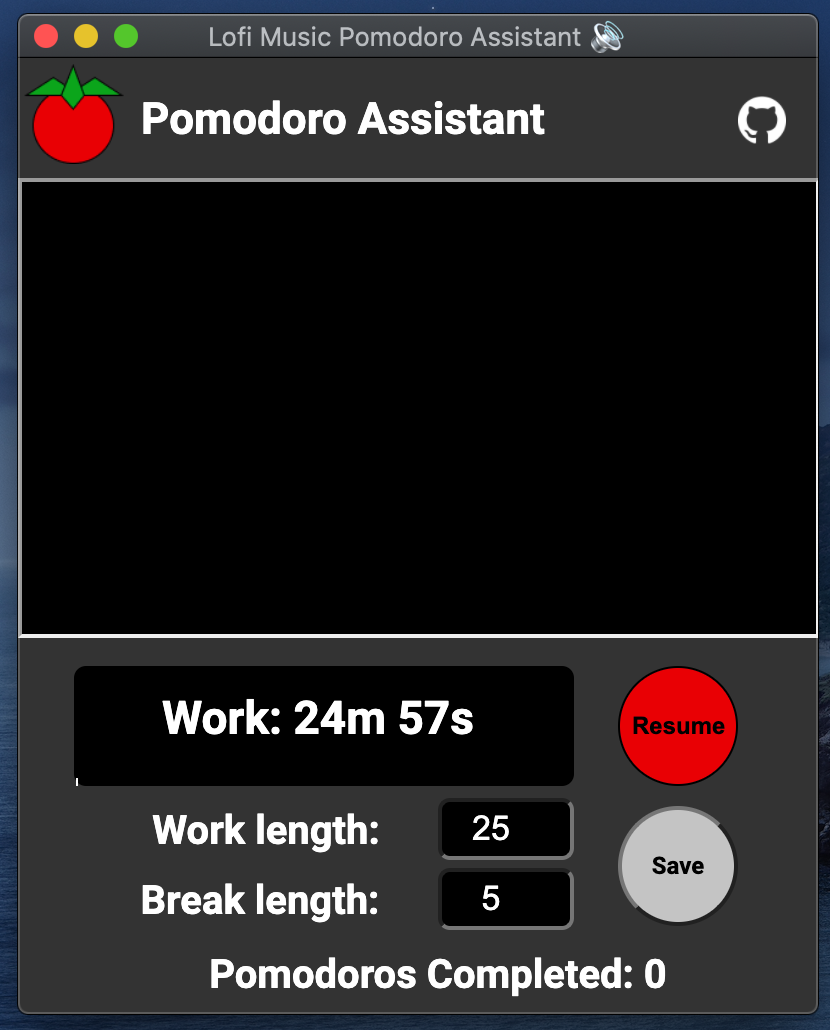
Timer and music can be paused.
-
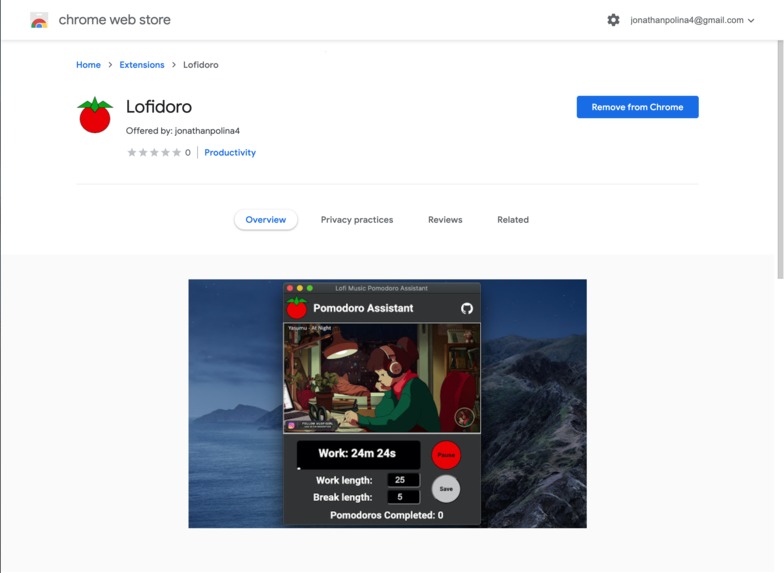
Published on the Chrome Web store



Inspiration
I was inspired by the Pomodoro technique and my own efforts to be productive to make this project. The Pomodoro technique is a productivity technique where you split up your work into 25 minute chunks of work and five minute breaks, and I've gained a lot of productivity from using the Pomodoro technique personally. In the past, I've found that there are countless Google Chrome extensions that specialize in helping you do the Pomodoro technique by timing the work and break intervals for you. Although these other existing extensions are useful, I found that it would be really helpful if they added ambient music like lo-fi music to help beat stress and anxiety, allowing you to concentrate while you work. This led us to create our own Google Chrome extension.
What it does
Our Google Chrome extension opens a window with the Pomodoro timer and a lo-fi music Youtube stream embedded. From there, the user can:
- Pause and resume the timer and music.
- Customize the number of minutes of the work and break periods.
The extension also shows the user:
- A timer which shows how long the current interval will last
- How many Pomodoros they've completed in their session. (1 Pomodoro is 1 cycle of work and break)
- A progress bar which goes along with the timer, showing the elapsed time against the time until the next interval.
- The embedded Youtube video stream.
The main feature behind our Pomodoro timer is that it embeds live streamed music from Youtube. Although this feature is relatively simple, it has a significant purpose. In my personal experience, it is very easy to get sidetracked when I start to get down to work, especially if I have to look for music to play on Youtube, Spotify, or Apple Music. Sometimes, I end up watching Youtube videos or looking for individual songs to listen to, instead of actually working. This is what makes our Chrome extension so special, the user only has to click an icon on the top bar of their chrome browser. Automatically, music will start to play and a Pomodoro timer will allow them to immediately start working. Lofi-doro simplifies your workflow down to one click, making it easier to be productive.
How we built it
We built this Google Chrome extension using Javascript, HTML, and CSS. We also used Figma to plan out the user interface of the extension, and uploaded our project to Github.
Challenges we ran into
The main challenge that we encountered was creating the Javascript Timer. This code is in the timer.js file. Working with the Javascript setInterval method was a bit confusing but was an educational experience. We used the setInterval method to count down the seconds, which is obviously necessary to create a timer.
Accomplishments that we're proud of
First, we're most proud of the features that we added to the extension. For example, we added the pause timer and music feature, as well as allowing the user to set the duration of the work and break periods. Second, we're proud that we were able to make our own Chrome extension, which can be distributed and used for free by users of the Google Chrome browser.
What we learned
Although this extension isn't as advanced and it doesn't alter the behaviour of websites on the browser, we learned that making Google Chrome extensions wasn't as hard as we expected. We also learned a lot about using Javascript, HTML, and CSS while doing this project.
What's next for Lofi-doro
In the future, we can add more features to our chrome extension. For example, we can add a note-taking feature, a to-do list, and more variations on the music that the user can play.
The project is published as unlisted to the Google Chrome Web store so that anyone with the link can use our Chrome extension for free. It can be demoed by downloading from the chrome web store from this link.
In the future, Lofi-doro can be published publically.

Log in or sign up for Devpost to join the conversation.