Inspiration
We've been interested in constructing VR demo for its immersive experience. Meanwhile, we planned to chose one challenge which is challenging enough for us to inspire our potentials and take advantage of various skills our team had. We'd like to learn something fascinating like building a VR demo with unity. That pushed our team worked with 200% of energy.
What it does
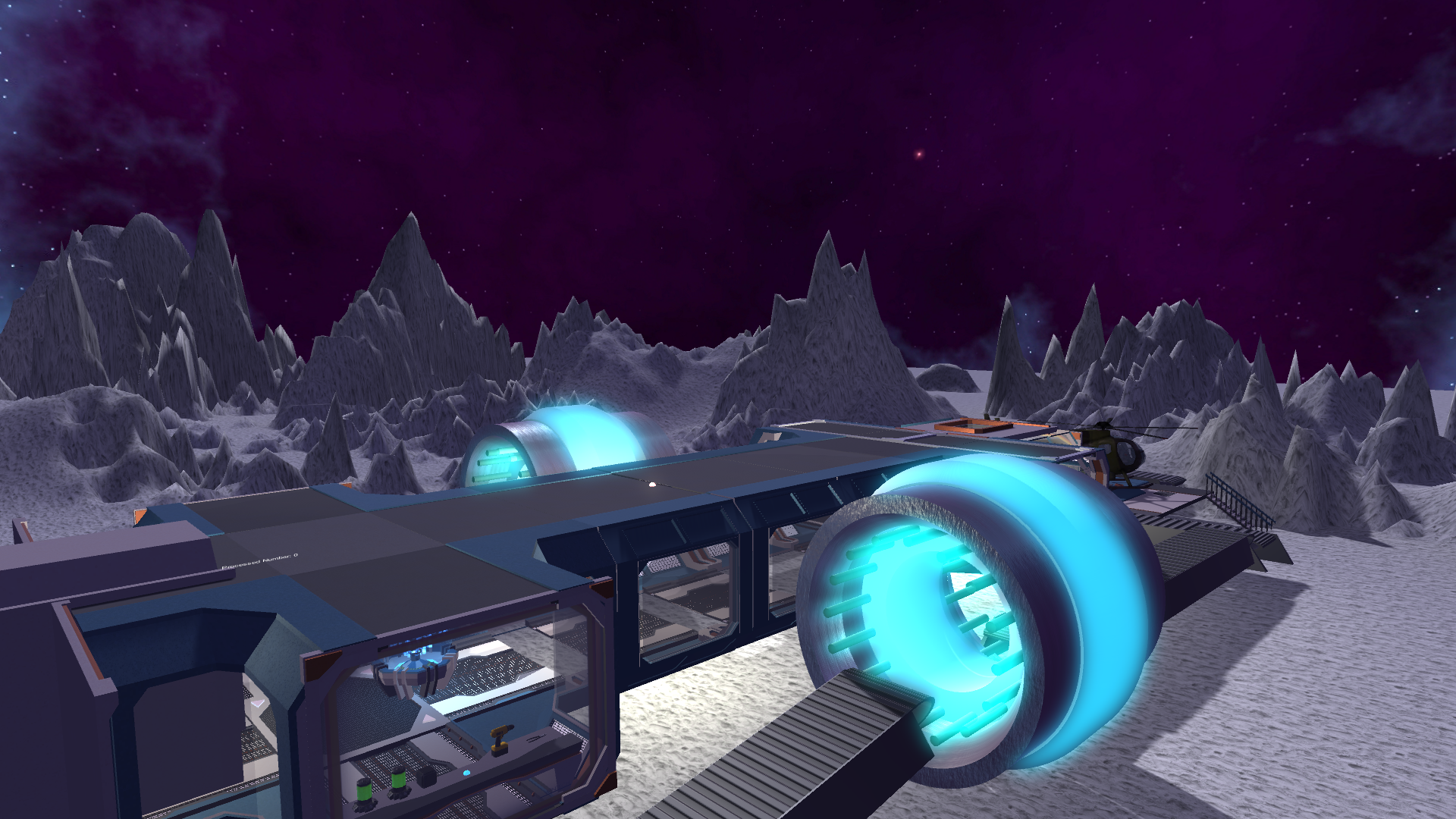
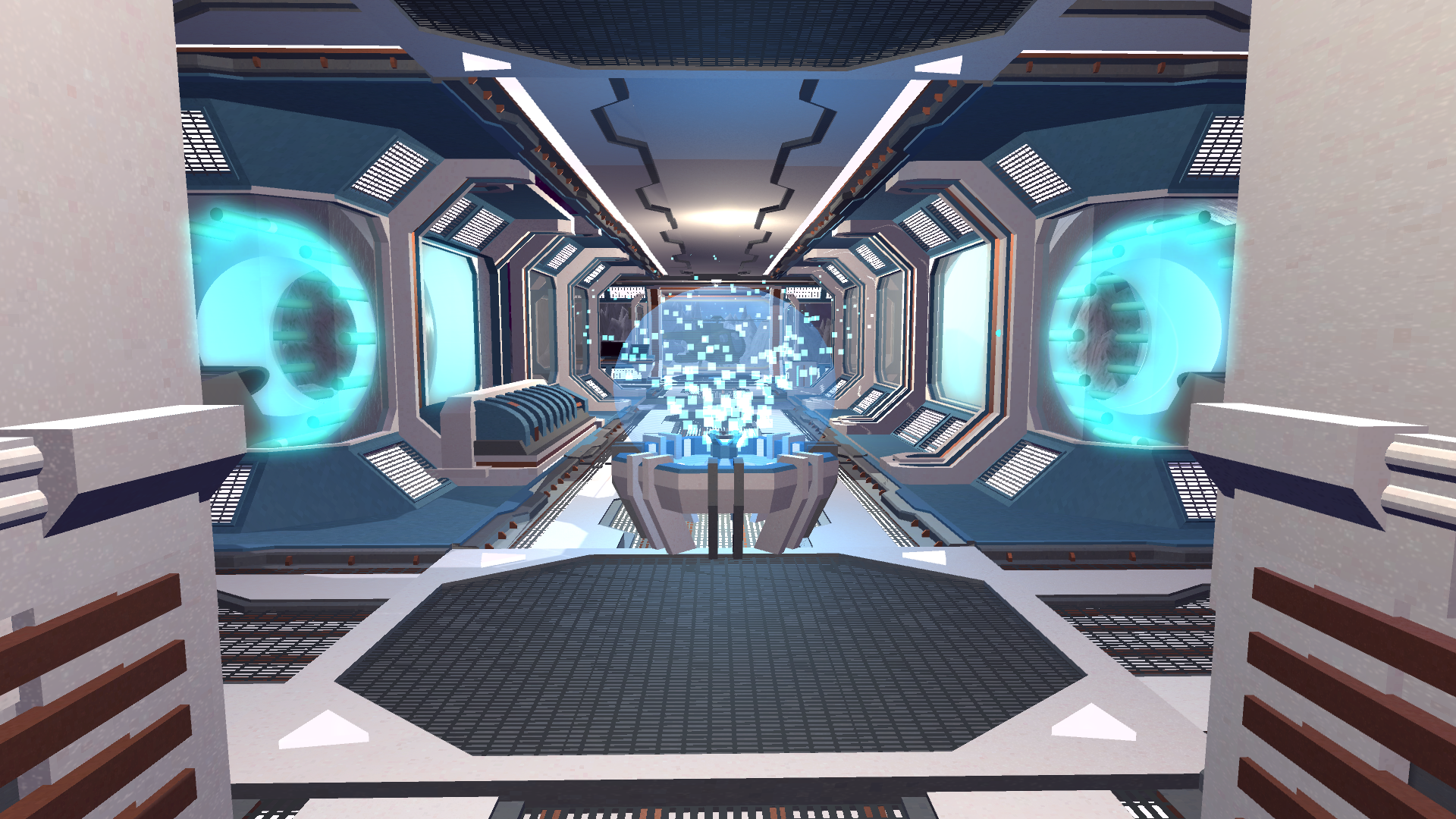
Browse through a Helicopter factory and interactive with objects in it. Useful to pre-design factory layout.
Challenges I ran into
Unity Version Bugs -- 5 hours Different versions of unity from our computer and LMCO computer causes the Steam VR Controller not visible. We solve this by compile the program on our computers. Machine codes does not have version issues.
In-Game Menu -- 6 hours Create or hide object when press button, also need to able to put or get things from it. The status change of one object is particularly hard.
Button Interaction -- 4 hours
Modeling -- 8 hours Make Models for machines are really time consuming.
Accomplishments that I'm proud of
Together, we solve all the hard problems listed above. We made a unity VR application that is not only working, but also beautifully designed and highly interactive.
What I learned
    Modeling using Blender
    VR development using Unity
What's next for LMCO VR Factory
    Robotic Arm Assembly with GUI VR control
             Be more specific on the assembly process, and make every part available to control in VR
    Mechanic and physics simulations in customizable parameters
    Customize and construct different machineries and buildings freely
    Detail to factory and more interaction -- tools


Log in or sign up for Devpost to join the conversation.