-
-
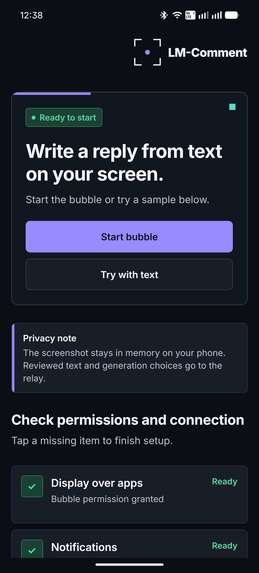
App Home screen
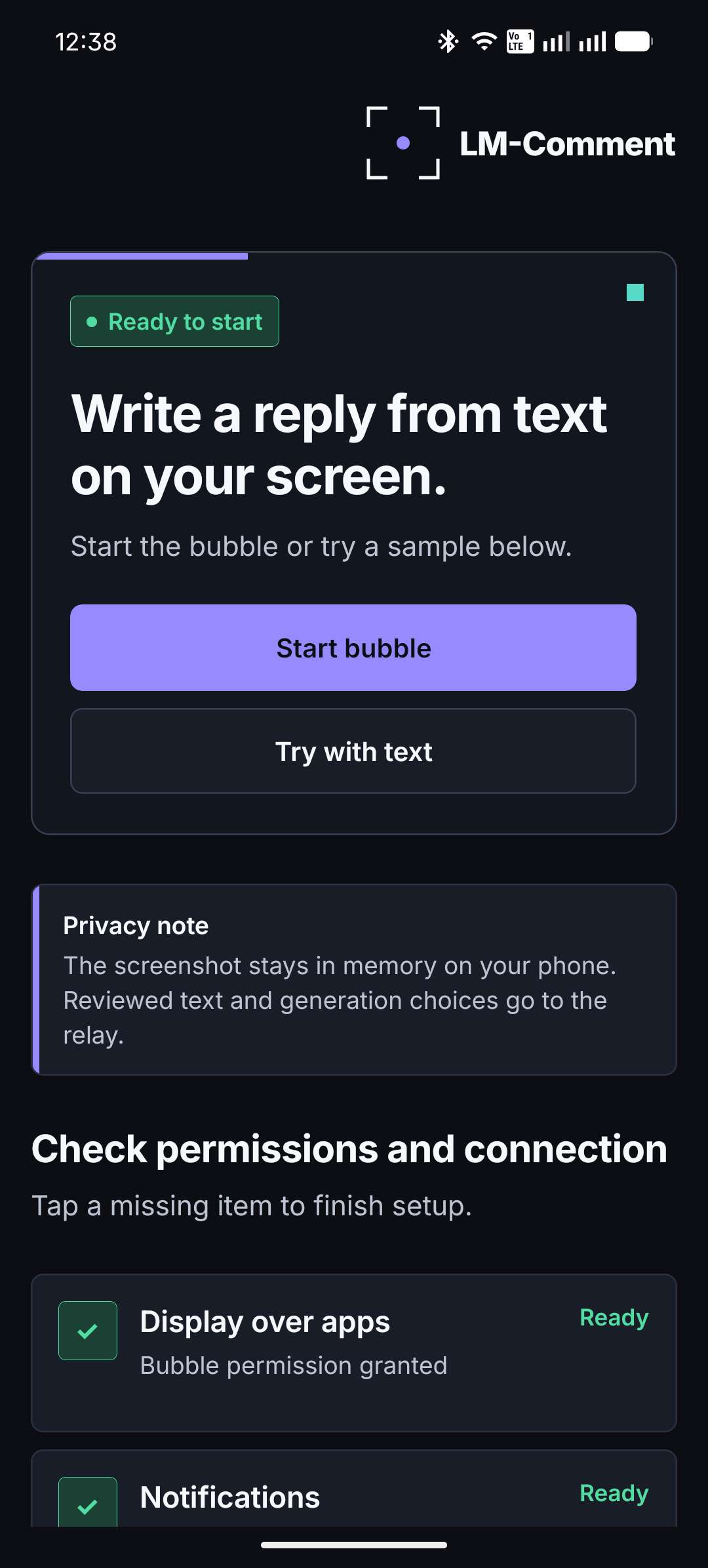
Inspiration
Have you ever found a post you genuinely wanted to respond to, opened the comments, and then struggled to find the right words? Many people miss opportunities to share their perspective and connect with new communities simply because they have never had enough practice writing thoughtful responses.
I built LM-Comment to turn that hesitation into a learning opportunity. Instead of posting on someone's behalf, it provides examples that people can study, edit, rewrite, and adapt in their own voice.
What it does
LM-Comment is an Android learning tool that works over any visible post, article, or message.
The user taps a floating lens, approves a one-time screen capture, and crops the relevant text. LM-Comment extracts the text locally using on-device OCR. The user can correct the extracted text, choose a tone, add an instruction, and generate up to three response examples.
Every generated response is editable. Learners can study an example, improve it, completely rewrite it, or use its structure to create their own response. When satisfied, they explicitly copy the result and decide whether to post it themselves. LM-Comment never posts or sends anything automatically.
How we built it
I built LM-Comment as a solo project using an Expo and React Native application shell with a native Kotlin and Jetpack Compose workflow.
- Capture & Processing: Android MediaProjection performs a one-time screen capture. The frame remains in memory and is passed to bundled Google ML Kit OCR on the device. Only the text reviewed by the learner is sent to a private Fastify relay.
- Backend & Security: The relay validates and limits every request before using Groq with the
openai/gpt-oss-120bmodel. The Groq API key remains entirely on the server. The relay is deployed in an isolated environment on an Oracle Cloud VPS behind Caddy and HTTPS. - UI & Features: The app also includes light and dark themes, fictional practice examples, editable results, multiple writing tones, a draggable floating lens, and a drag-to-close interaction.
Challenges we ran into
- Android Screen Capture: This was the largest technical challenge. The system permission window initially appeared inside the captured frame because the screenshot happened before the permission interface had fully disappeared. I fixed this by waiting for measured frame transitions and a committed capture cloak before accepting the one-shot frame.
- Floating Lens: This required careful work so it could reach the real edge of the display, preserve its position, and support a familiar drag-to-close target.
- Architecture: Another challenge was connecting an Expo application to a secure native Android workflow while keeping screenshots memory-only and ensuring that every capture resource was released correctly.
- Model Migration: Finally, I had to replace the originally planned Groq model after learning that it was being retired. The relay now uses
openai/gpt-oss-120bwithout exposing model selection or provider credentials to the mobile application.
Accomplishments that we're proud of
- LM-Comment provides a complete capture-to-learning workflow without taking control away from the learner.
- The app can capture context from another Android application, crop it, recognize text locally, generate several response examples, allow complete rewriting, and copy the final result without automatically posting anything.
- The screenshot is never saved or uploaded. The signed APK contains no Groq key or direct provider endpoint.
- The application has a consistent custom visual identity across its launcher icon, floating lens, interface, notification icon, diagrams, and animated repository artwork.
- The project includes a deployed HTTPS relay, a signed ARM64 APK, automated quality checks, native Android tests, fictional demonstration content, and a complete public repository.
What we learned
- I learned that AI becomes more educational when its output is treated as an example rather than a final answer. An editable response field creates space for comparison, reflection, and active rewriting.
- I also learned how sensitive Android MediaProjection timing can be, how to coordinate React Native with a native Compose activity, and how privacy requirements can lead to a simpler and stronger architecture.
- Most importantly, I learned that solving the small moment when someone's mind goes blank can help them practise a much broader skill: communicating confidently with other people.
What's next for LM-Comment
The next step is testing LM-Comment with more learners and studying which features genuinely help them become more confident writers.
- Future Improvements: Clearer explanations of why a response works, guided rewriting suggestions, multilingual practice, improved accessibility, and more structured feedback.
- Public Release: Any wider public release would also receive additional security, privacy, device-compatibility, and policy review.
Built With
- ai
- android
- caddy
- docker
- expo.io
- fastify
- github
- google-ml-kit
- gradle
- groq
- jetpack-compose
- kotlin
- machine-learning
- mediaprojection
- node.js
- oracle-cloud
- react-native
- rest-api
- typescript

Log in or sign up for Devpost to join the conversation.