-
-
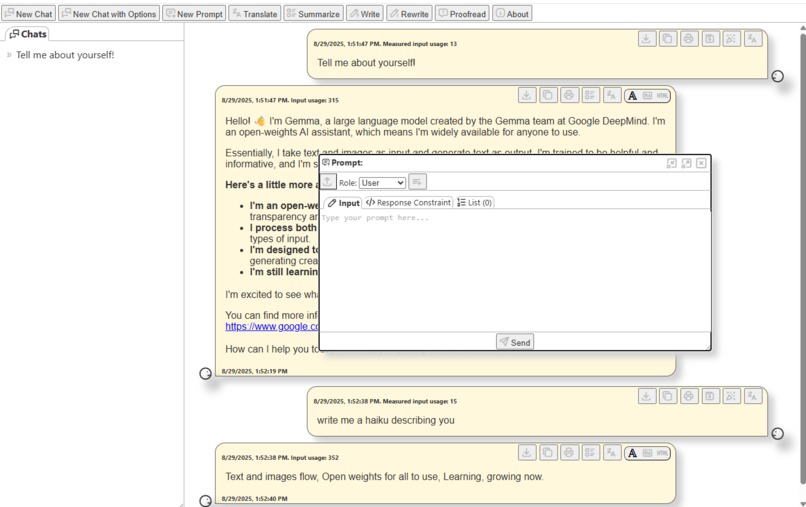
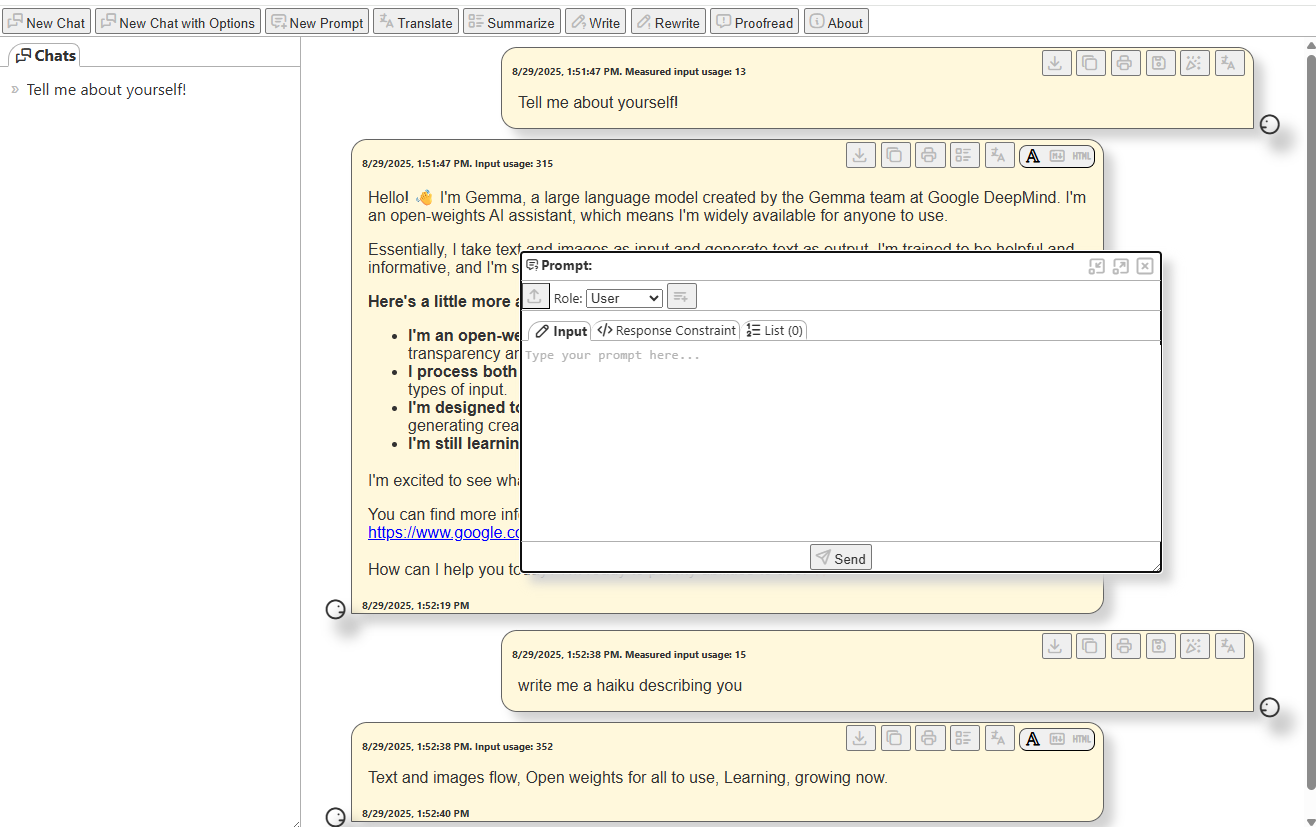
Screenshot of the LLMdeling user interface, displaying a chat with local Gemini Nano
Inspiration
When I first heard about google chrome's built-in AI features I wanted to have a way to explore them. Building this playground provided a nice incentive to use all built-in AI API's, and as a bonus I got a development tool that lets me quickly prototype ideas to gauge their feasability.
What it does
The welcome page of the tool checks the availability of the APIs, provides links to the flags to enable them, as well as links to API documentation. For the available APIs, it offers dialogs that let you play with them, as well as import and export the results. For the prompt API it offers a complete chat app that stores the chats so you can review the results later, and which lets you pick up the conversation where you left off last time.
How we built it
This is a pure html5 application based on vanilla javascript and css.
Challenges we ran into
Nothing much really - building this was a great way to get the feet wet and resulted in an actually useful development tool.
Accomplishments that we're proud of
Proud is a lot to say, but LLMDeling is typically my first go to if I want to prototype an new application idea for any of the built-in AI APIs. The tool works both on Google Chrome and Microsoft Edge too.
What we learned
LLMDeling provides a UI for each built-in AI API and exposes virtually all their features so they can be readily explored and tested. It gave me a good understanding of how to use them for end-user applications. Also, the tool itself provides a constant source of learning on how to apply the built-in AI API's to ideas I have for future applications.
What's next for LLMDeling
The UI could be a little more intuitive, and there is room for improvement for storing and reusing prompts and response constraints.
Built With
- css
- html
- javascript
- languagedetector-api
- languagemodel
- prompt-api
- proofreader-api
- rewriter-api
- summarizer-api
- translator-api
- writer-api


Log in or sign up for Devpost to join the conversation.