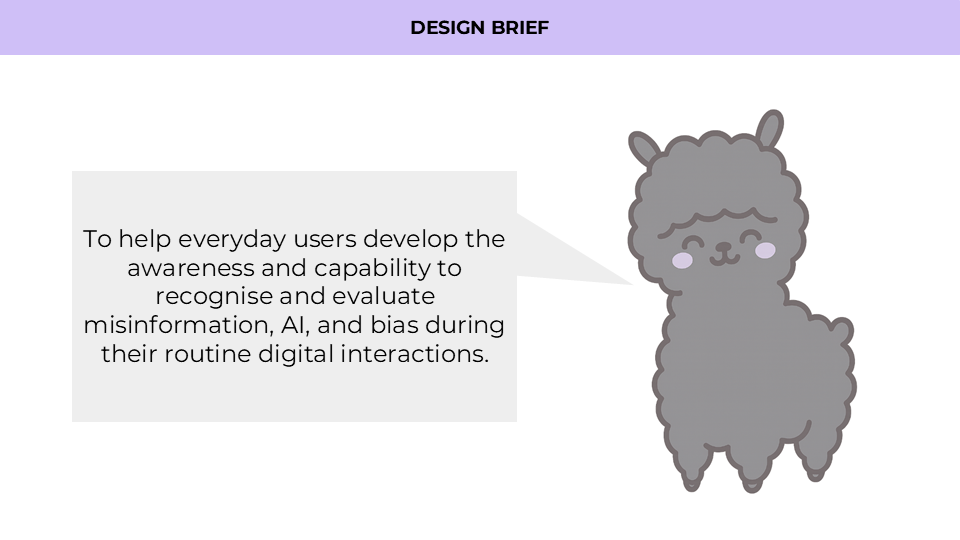
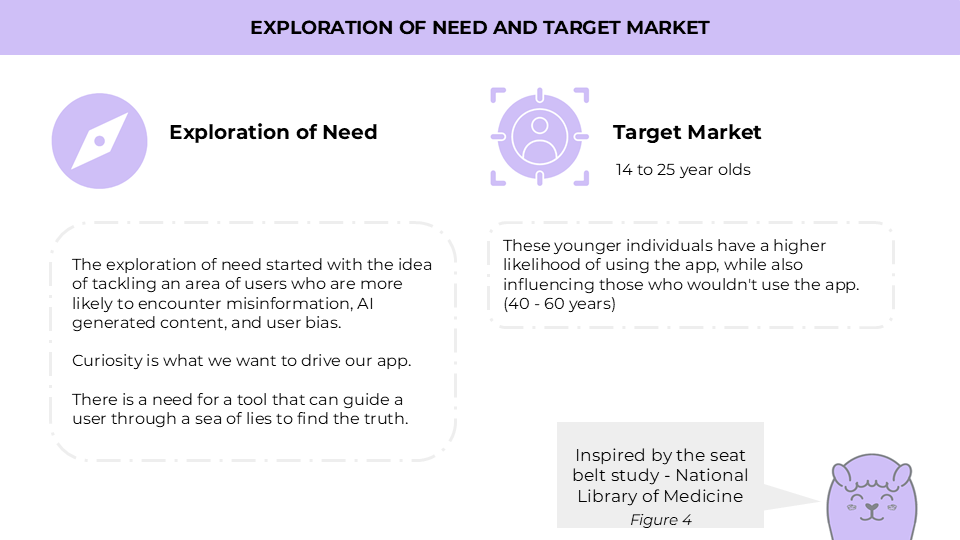
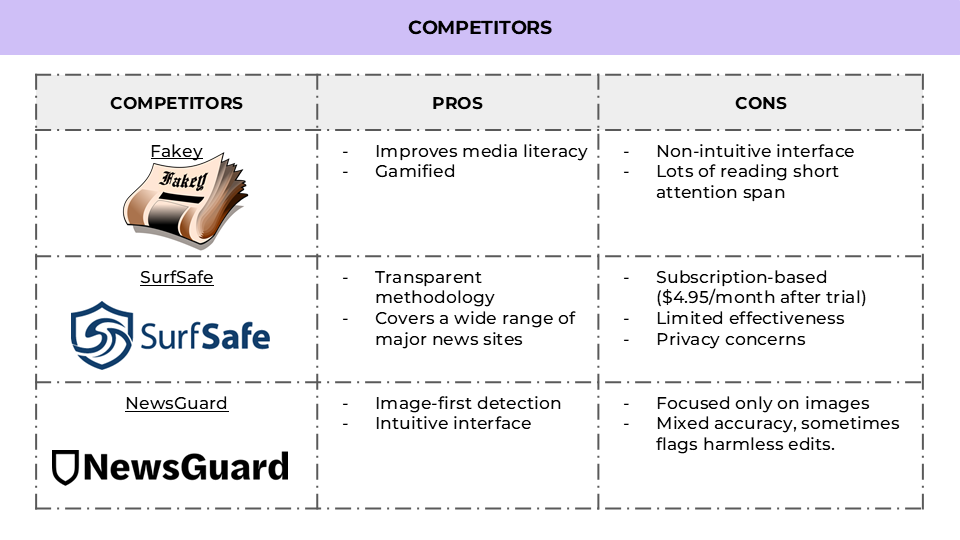
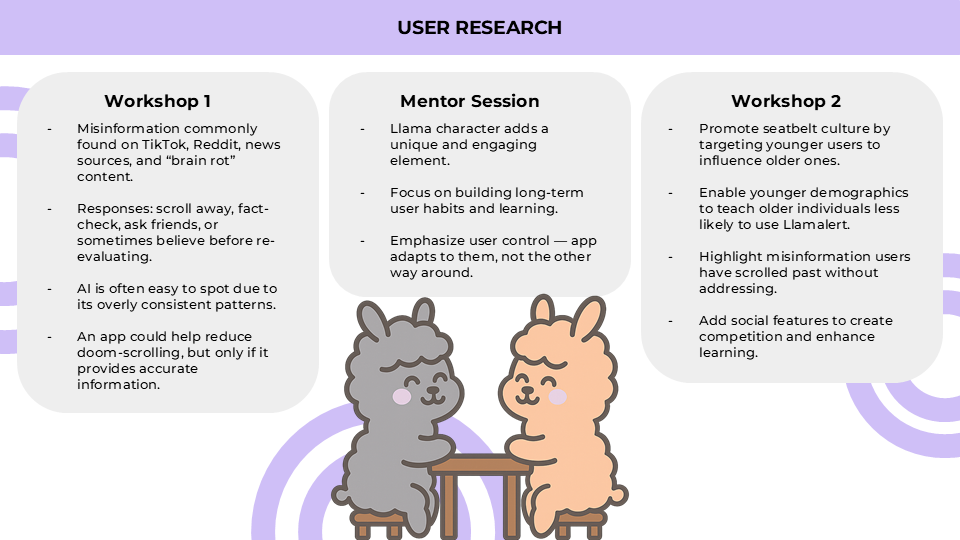
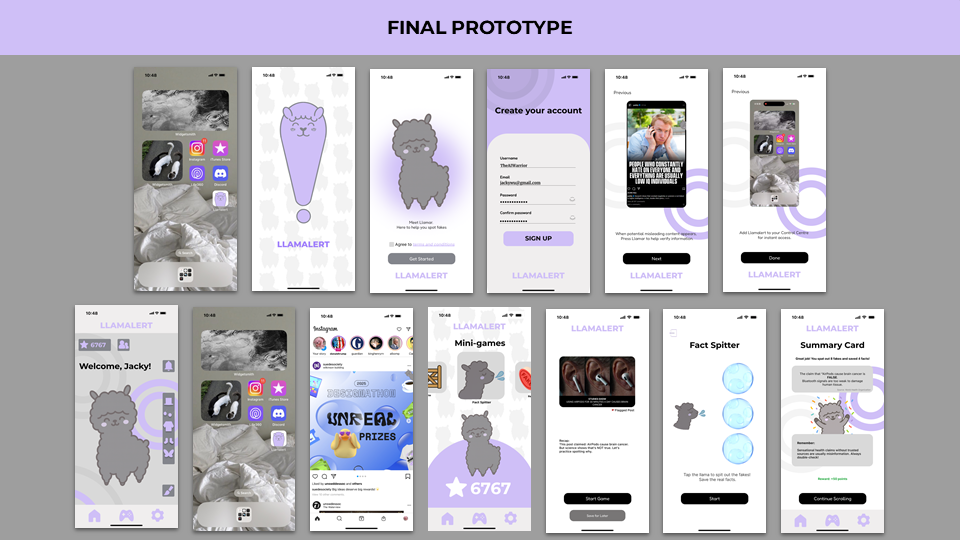
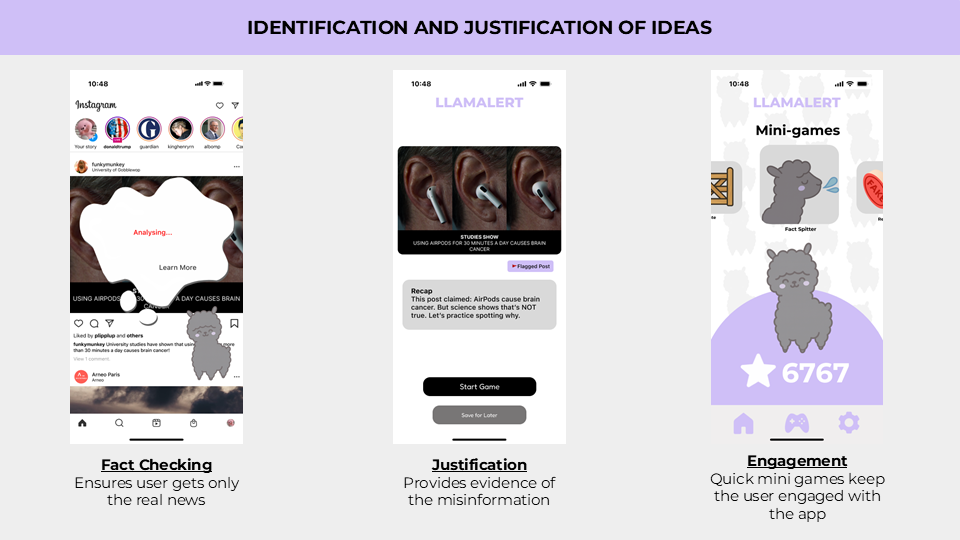
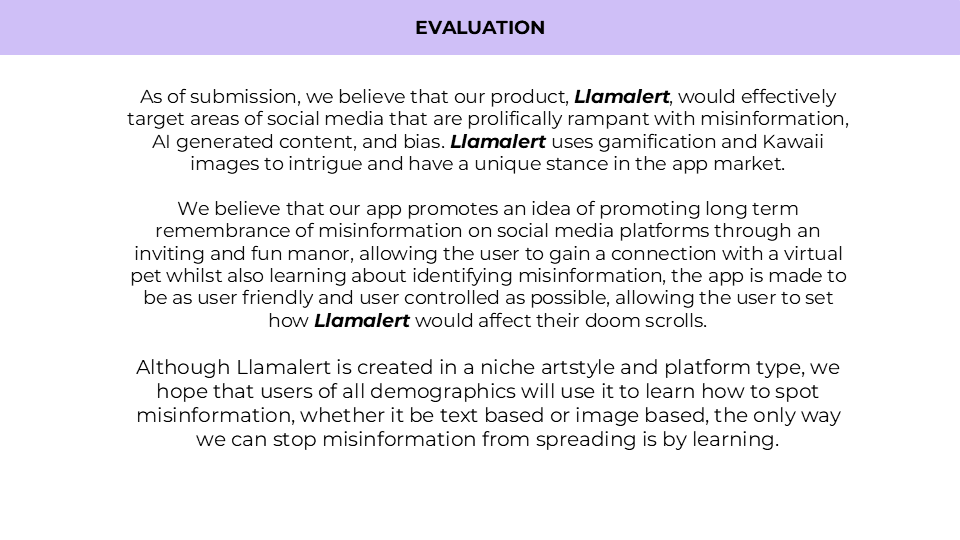
Inspiration We drew inspiration from apps like Duolingo, which turn education into a fun and engaging game for users. Instead of focusing on languages, however, our goal was to educate users about misinformation and the role of AI in mainstream media. We also explored existing apps such as SurfSafe, which had a similar layout to our concept. While SurfSafe offered useful features, it lacked interactivity and did not actively teach users how to identify misinformation themselves—a valuable skill, especially in the absence of tools like Llamalert. What it does LlamAlert is a mobile app that helps users spot misinformation hidden in social media feeds. When suspicious content appears, a llama mascot pops up, scans the post, and alerts users if it’s misleading — spitting on fakes and giving a quick explanation. Users can then choose to learn more through a short interactive mini-game, turning misinformation into a playful learning experience. Designed for younger audiences, LlamAlert empowers them to build critical digital habits while influencing older generations through awareness and shared behaviour.
How we built it
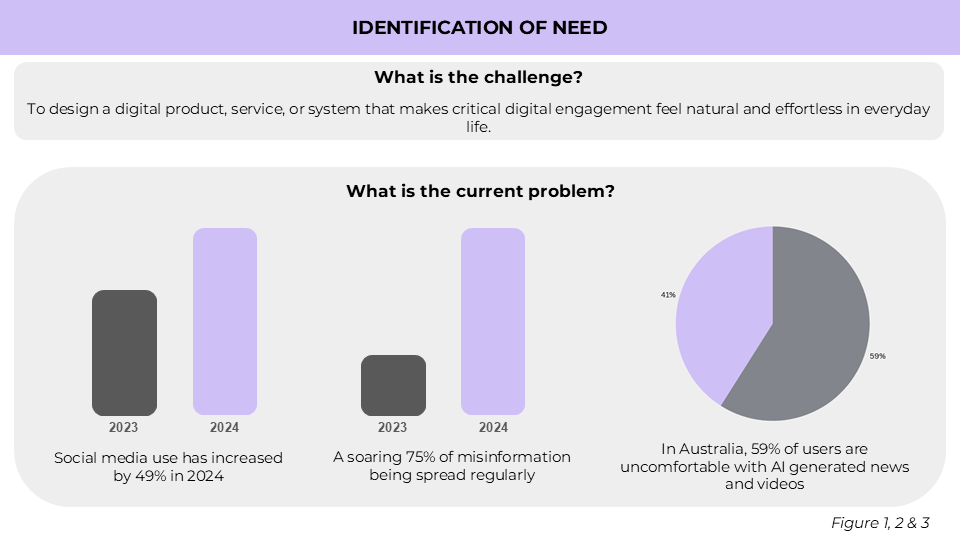
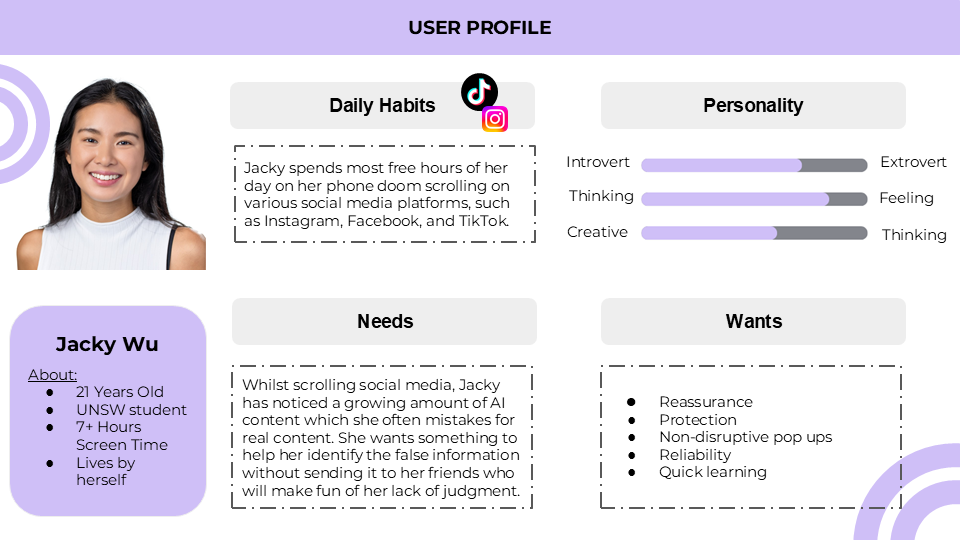
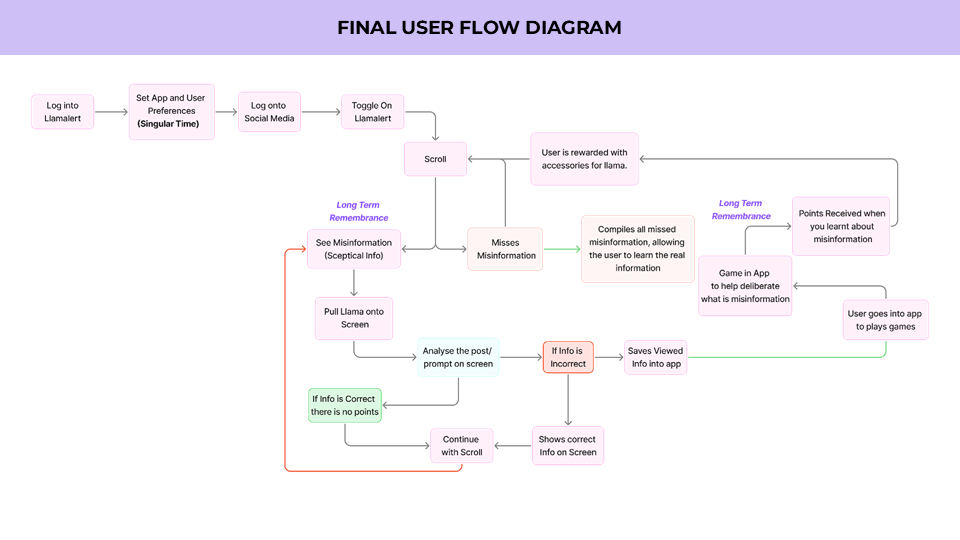
Understanding the User Journey We started by mapping out a user journey to understand how people encounter misinformation while scrolling. This helped us identify key pain points: Fast scrolling makes fact-checking unlikely. Users often feel overconfident in spotting fakes. Labels alone aren’t engaging enough. This gave us clarity on where our app could intervene and make the biggest impact.
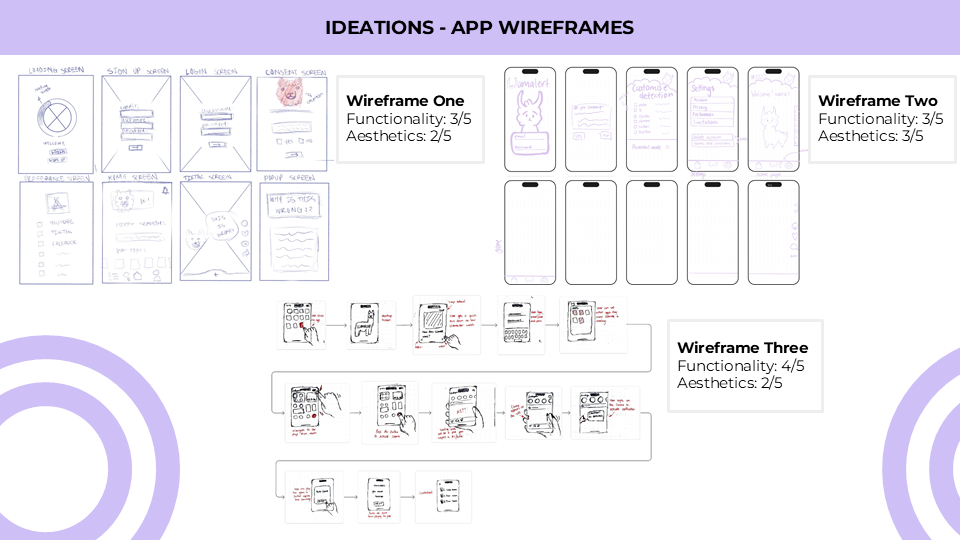
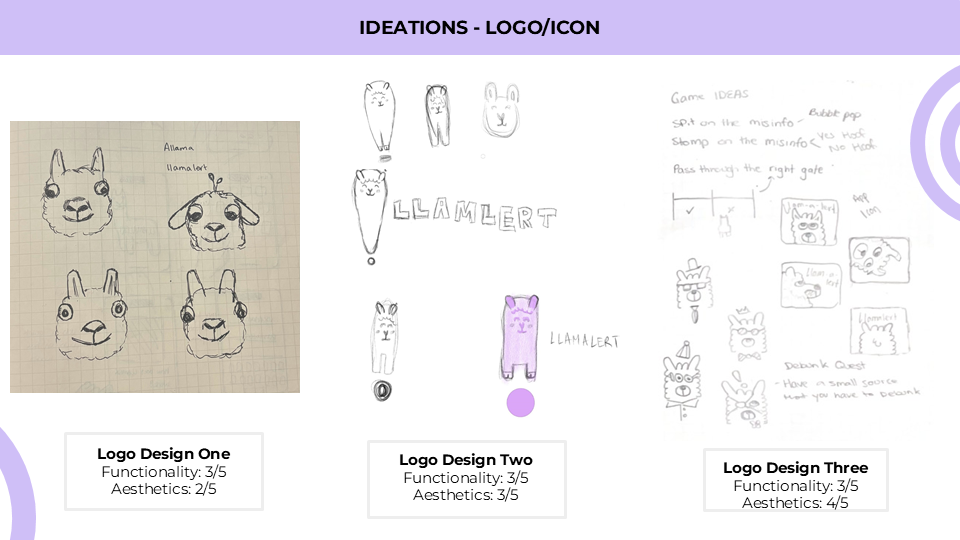
Early Iteration. Paper Sketches With the journey in mind, we explored different UI layouts through quick paper sketches. We tested placements of the llama mascot, overlays, and toggles to see what felt natural and least disruptive to scrolling.
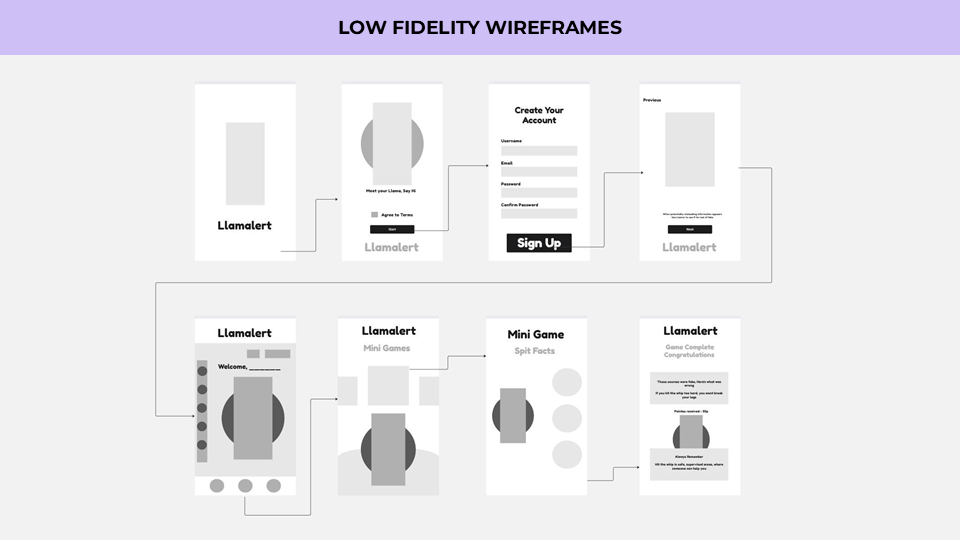
Wireframes & Mockups Once we agreed on a direction, we created low-fidelity wireframes to map out all the app’s pages — from onboarding and control centre setup, to detection overlays and mini-games. This stage let us fully visualise the app flow without worrying about polish.
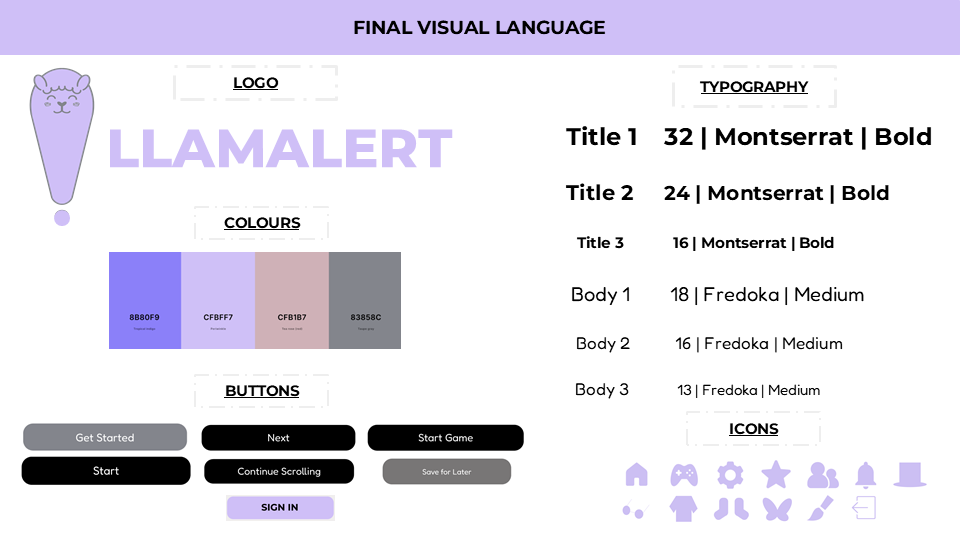
Graphic Consistency & Visual Design After the structure was clear, we refined our graphic style:w vwvv dDd Friendly, playful mascot (llama). Consistent colours for alerts (green = true, orange/red = false). San Francisco (iOS system font) for clarity and accessibility. This ensured the app felt both fun and trustworthy.
Figma Prototype Finally, we translated everything into Figma. Here we: Linked buttons and overlays to create an intuitive, simple flow. Built animations for the llama expanding, scanning, and spitting. Added the Fact Spitter mini-game as a demo of how users could practice and learn. The result is a prototype that feels interactive, even if not fully functional.
Challenges we ran into One of our initial challenges was figuring out how to keep users engaged long-term. If the llama popped up too often — especially since platforms like Instagram and TikTok can have entire feeds of AI content — it risked becoming irritating and disruptive. The early version of the app also offered minimal interaction beyond detection, which meant users might lose interest quickly. We realised we needed to balance detection with engaging, optional interactions that made the app playful rather than annoying.
Accomplishments that we're proud of We're quite pleased with the outcome of our prototype, as it is now usable (though only in select areas that we want to follow the narrative of how to use the app). We think this is an awesome accomplishment, especially with it being done in such a limited time. We were also proud of how well we worked together within such a short timeframe. Although it’s not a full-fledged operable app, we think our idea, process, and overall outcome are something to hold high
What we learned A lot of Figma skills were learnt in the making of this product, especially to make the app look as professional and usable as one would be thats downloaded from the app store, we also believe that critical thinking skills were used with great success, finding and deliberating on problems quickly so that a solution could be found and performed allowing us to progress further into the app build, with little downtime.
What's next for Llamalert LlamAlert has the potential to grow from a detection tool into a full misinformation literacy platform. Future directions could include smarter AI detection, customisation features, social and community elements, educational partnerships, and cross-platform support. By expanding in these ways, LlamAlert can move beyond novelty to foster curiosity, humour, and critical thinking in how users engage with online content.
Built With
- canva
- figma
- slides


Log in or sign up for Devpost to join the conversation.