
Inspiration
Back in freshman year, it was always a struggle to find my classes, and I often found myself lost in the vast hallways of the high school trying to find a specific room.
What it does
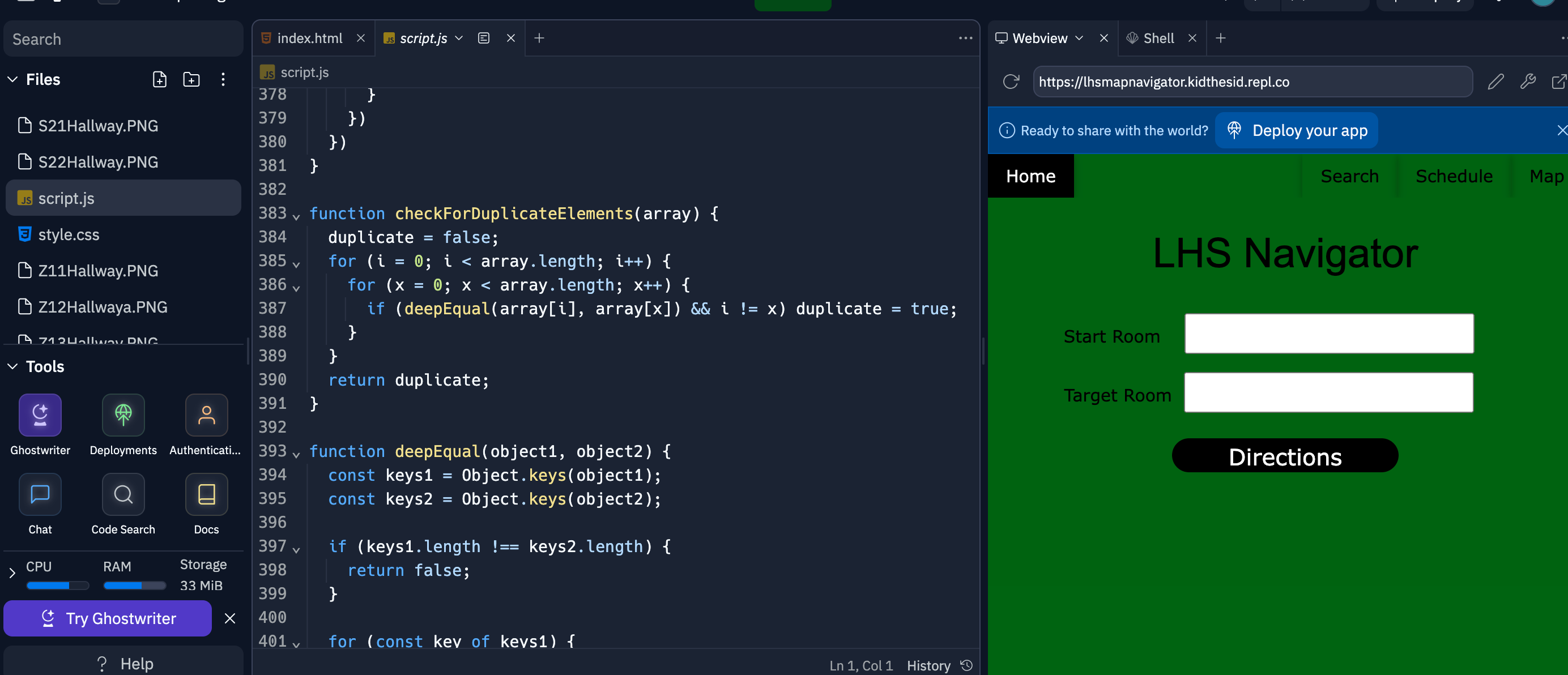
The LHS Navigator allows a student to enter their desired destination in Livingston High School, and directs them visually and textually until they have arrived.
How we built it
I used HTML, CSS, and Bootstrap for the front end of the project. For the backend, javascript was used and I used the depth first search algorithm to find the fastest route from room to room.
Challenges we ran into
It was very tedious to format every single room into the data set used for the application. PNG's of every hallway needed to be created for the directions, which was also very challenging.
Accomplishments that we're proud of
The implementation of depth first search was the accomplishment I was most proud of. I first learned this algorithm in CS50: Intro to AI, and was excited to implement it into an application, and saw the opportunity here. It definitely took a while and some tinkering to figure out, but I was able to do it.
What we learned
I learned how to implement the depth first search algorithm in a different context than I am used to, to help students navigate the school using the program.
What's next for Livingston High School Navigator
I would like to expand this idea to other schools potentially, so that new students from across the country can simply enter their school in the app and be able to navigate their school with ease. I want to also add schedules and timers for each class, to make the high school experience more seamless.

Log in or sign up for Devpost to join the conversation.