-
-
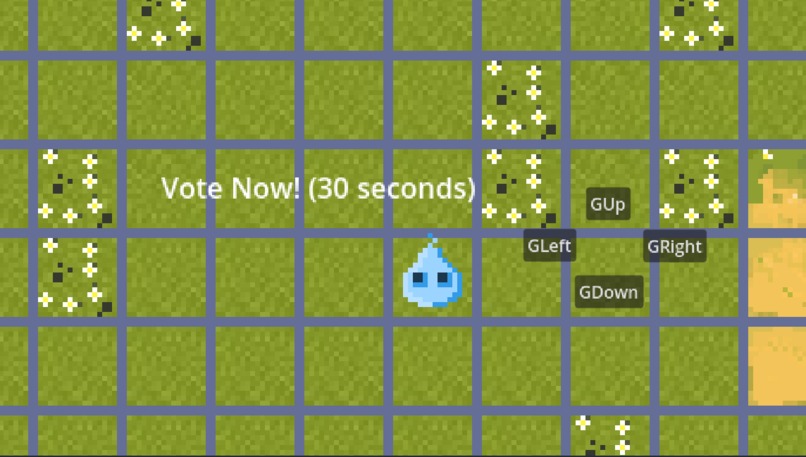
In game
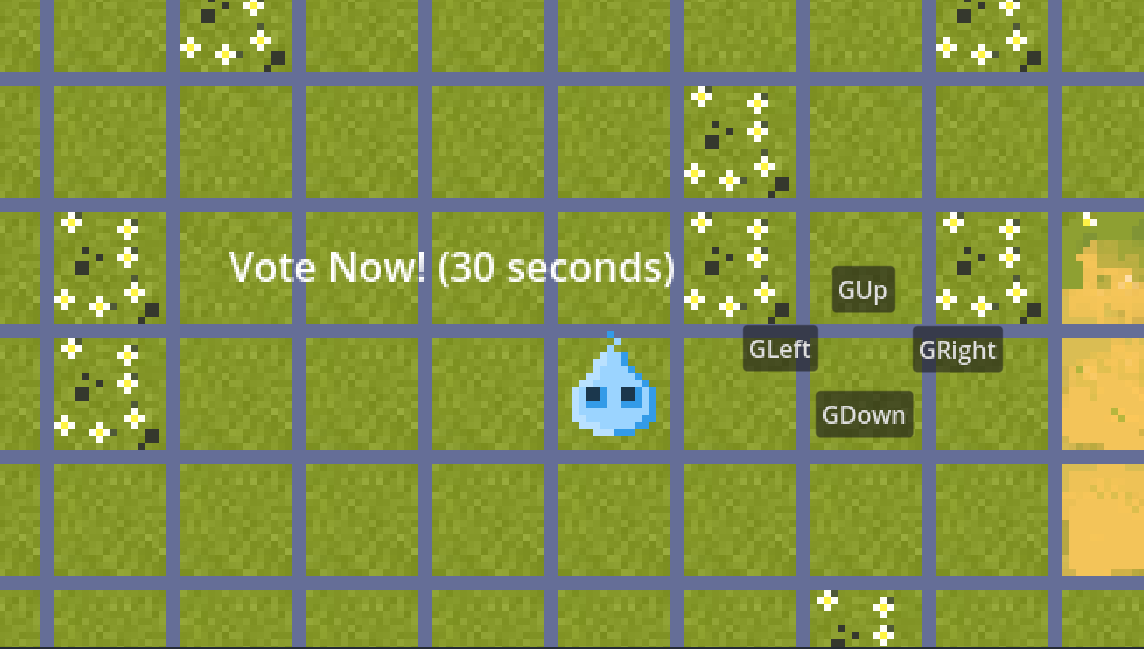
Inspiration:
We wanted to make livestreams more interactive by letting viewers directly influence what happens in the game, almost like a “Twitch Plays” experience but built for a smaller community or custom games.
What it does:
LiveStream Lobby allows viewers to vote on actions (like movement directions) through an on-screen UI. After a set timer, the system counts the votes and executes the majority action in the game, moving the player and triggering animations.
How we built it:
We used Godot to handle the game logic, UI, and animations. A CanvasLayer hosts the voting buttons, a Timer sets the voting window, and the player character listens for the final majority vote through signals. Smooth movement and animations are managed with tweens and sprite sheets.
Challenges we ran into:
Getting signals to connect correctly between the UI and the player. Making sure movement worked consistently with CharacterBody2D. Syncing animations so they play at the right moment with the chosen direction.
Accomplishments that we're proud of:
Built a working majority-vote system that feels fun and interactive. Integrated a functional UI that appears seamlessly when the game starts. Got character movement + animations tied to live votes.
What we learned: How to structure a Godot scene with UI layers and game layers. The importance of clear signal connections between nodes. How to combine timers, tweens, and animations to make smooth interactions.
What's next for LiveStream Lobby: Add real Twitch/YouTube chat integration so votes come directly from viewers. Expand beyond movement to include other actions (attacks, items, emotes). Polish the visuals and make the lobby system more customizable for streamers.
Built With
- api
- godot
- liveperson-chat
- openai
- pixeleditor
- youtube


Log in or sign up for Devpost to join the conversation.