Inspiration
I kept coming back to one simple, frustrating fact: the farmers who could benefit most from AI are usually the ones who can't reach it. Out in the field, internet is unreliable or absent. A vet might be hours away or too expensive to call for every small worry. And the AI tools everyone talks about all assume two things a typical farmer doesn't have — a constant connection and a powerful computer.
I wanted to flip that. What if the assistant lived entirely on the farmer's own laptop? No signal needed, no data leaving the device, no expensive hardware. Just a practical helper that knows your animals and helps you think things through — the kind of advice you'd get from an experienced neighbour, available any time, even with the WiFi off.
What it does
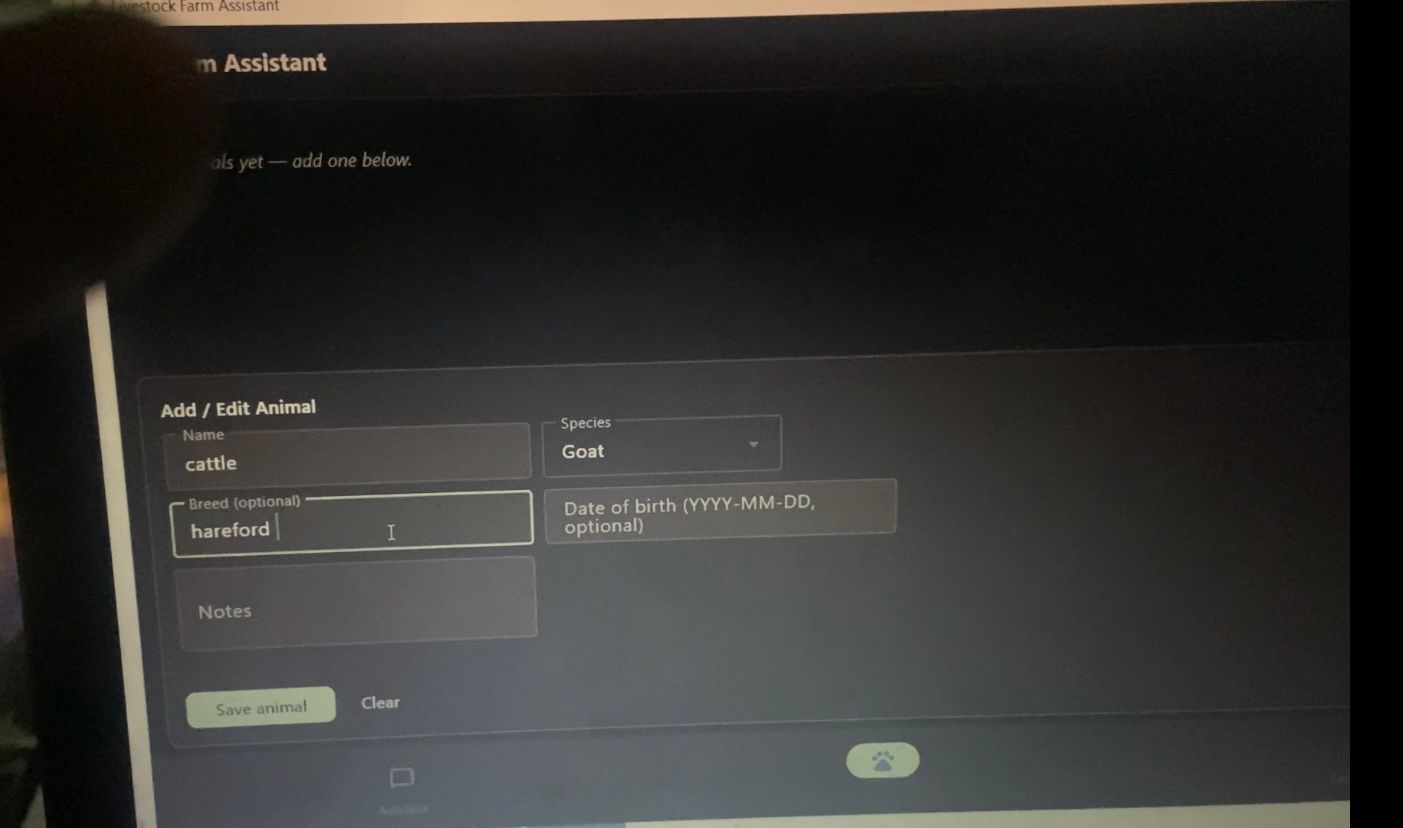
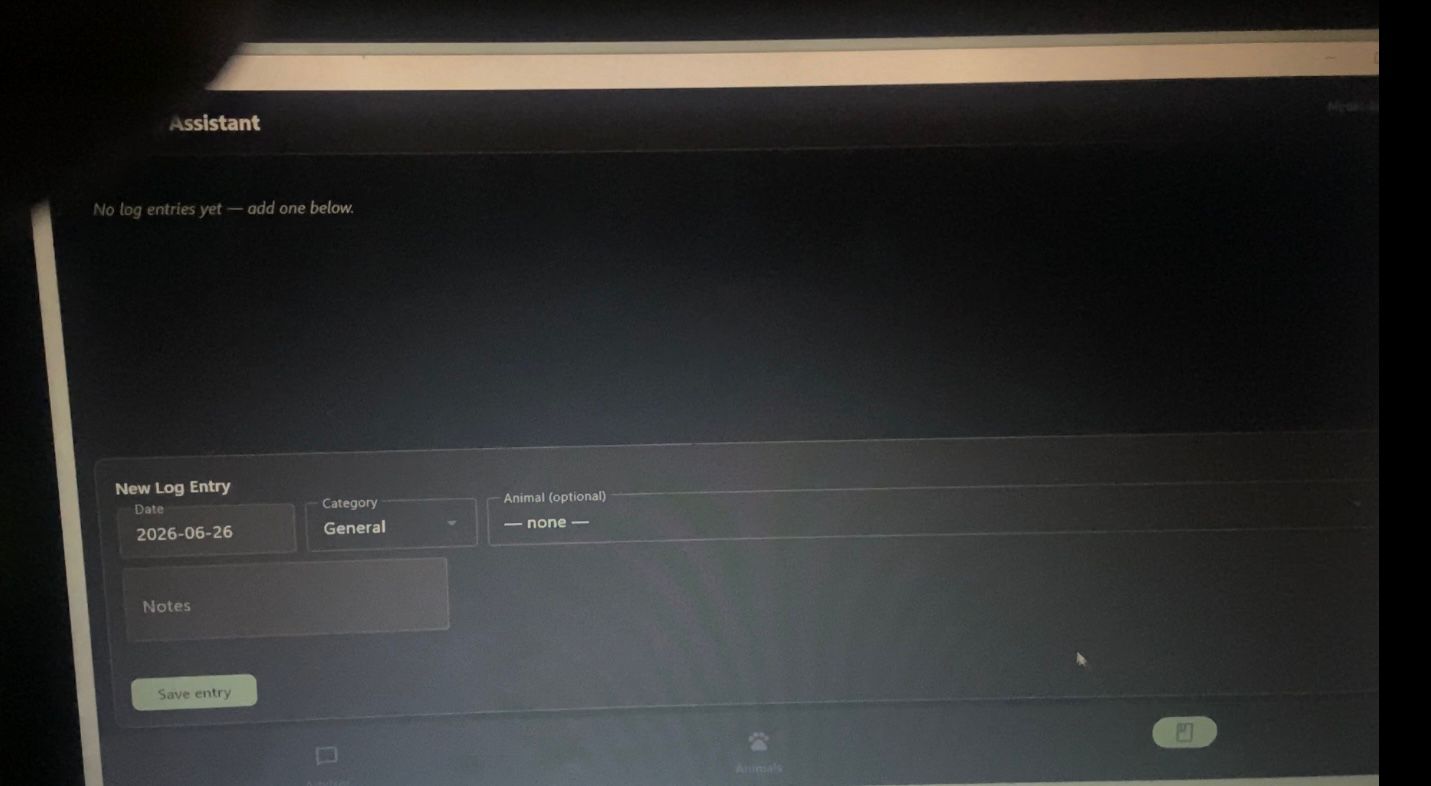
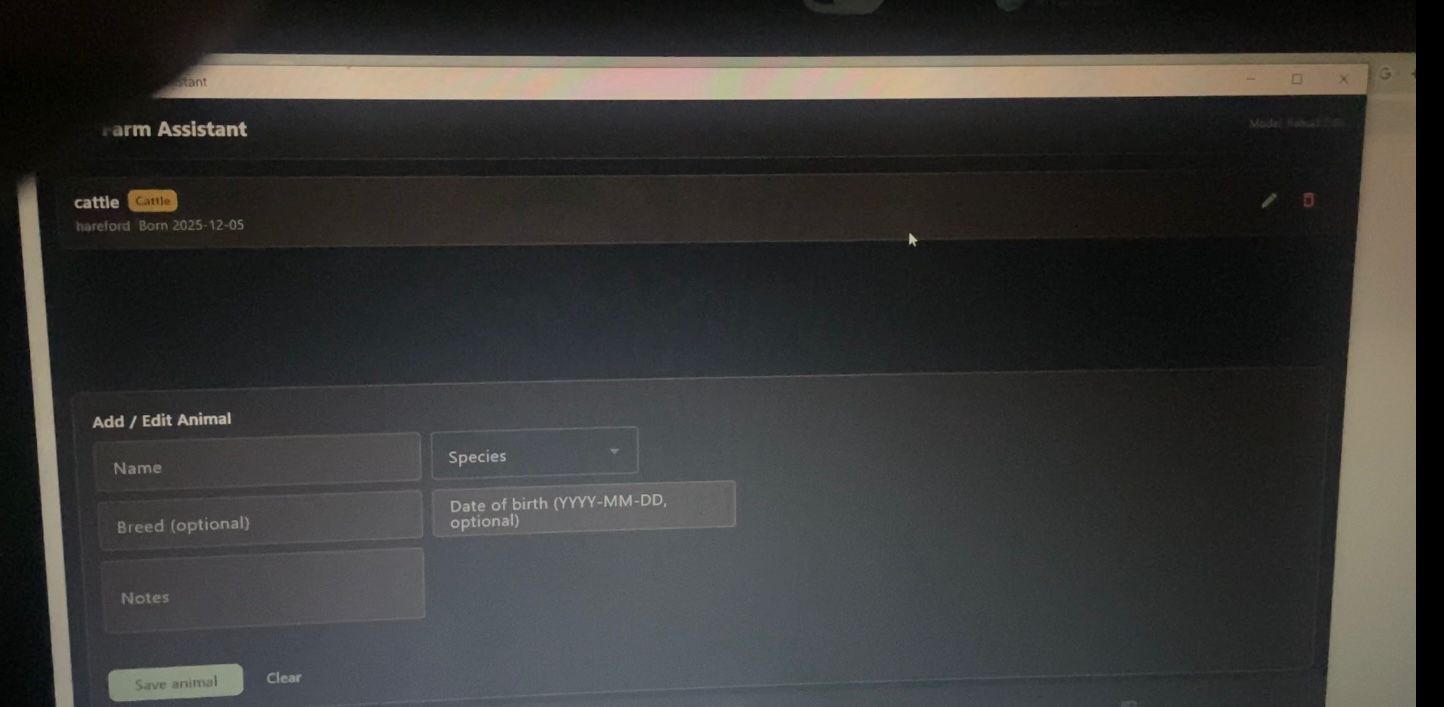
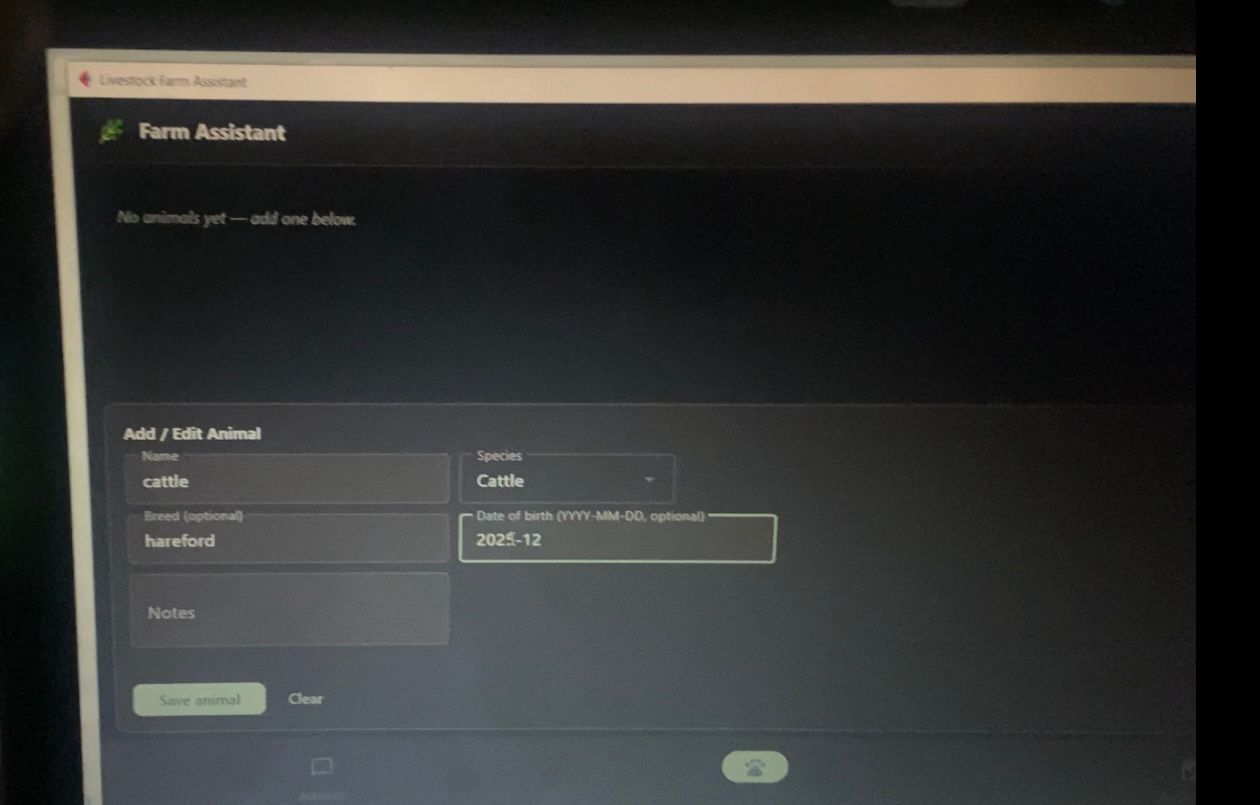
The Livestock Farm Assistant is a desktop app with three parts:
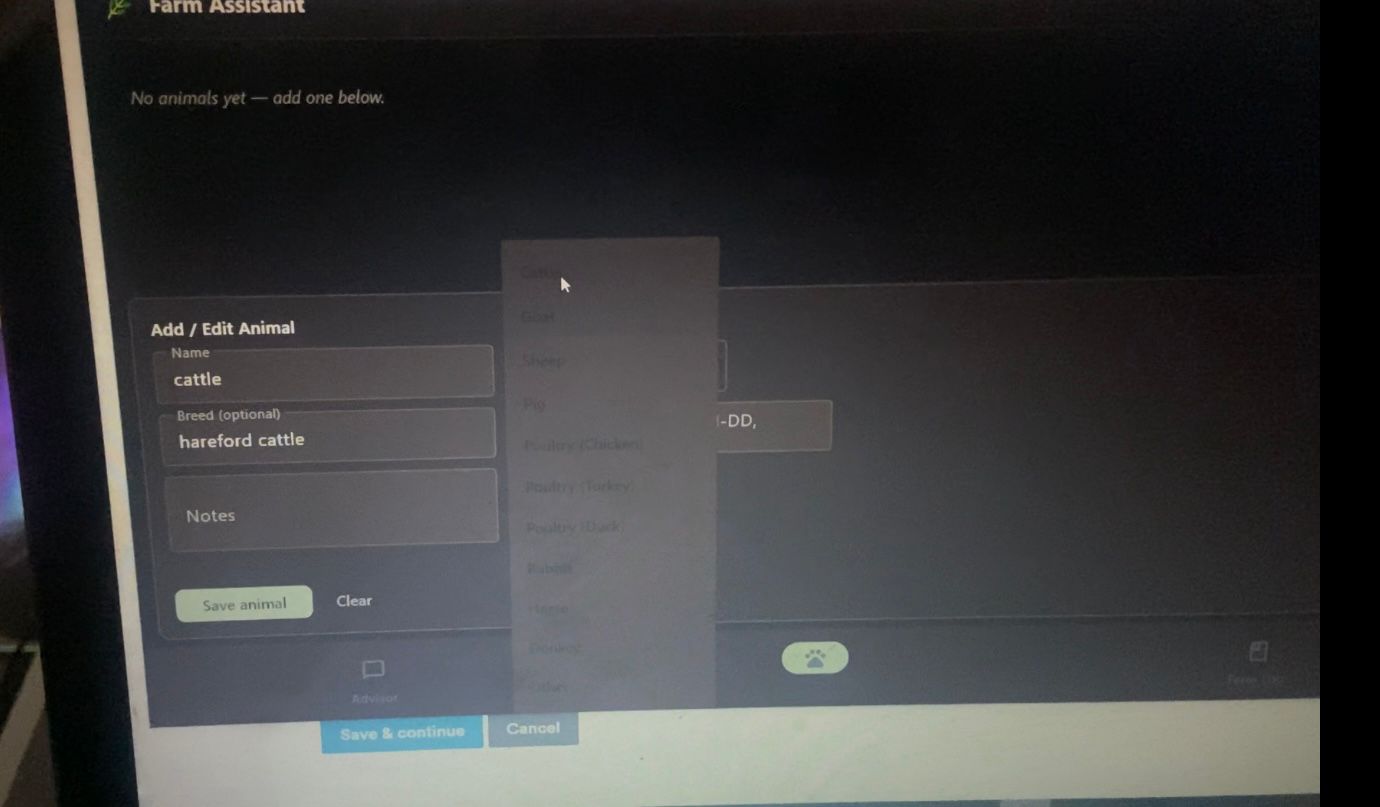
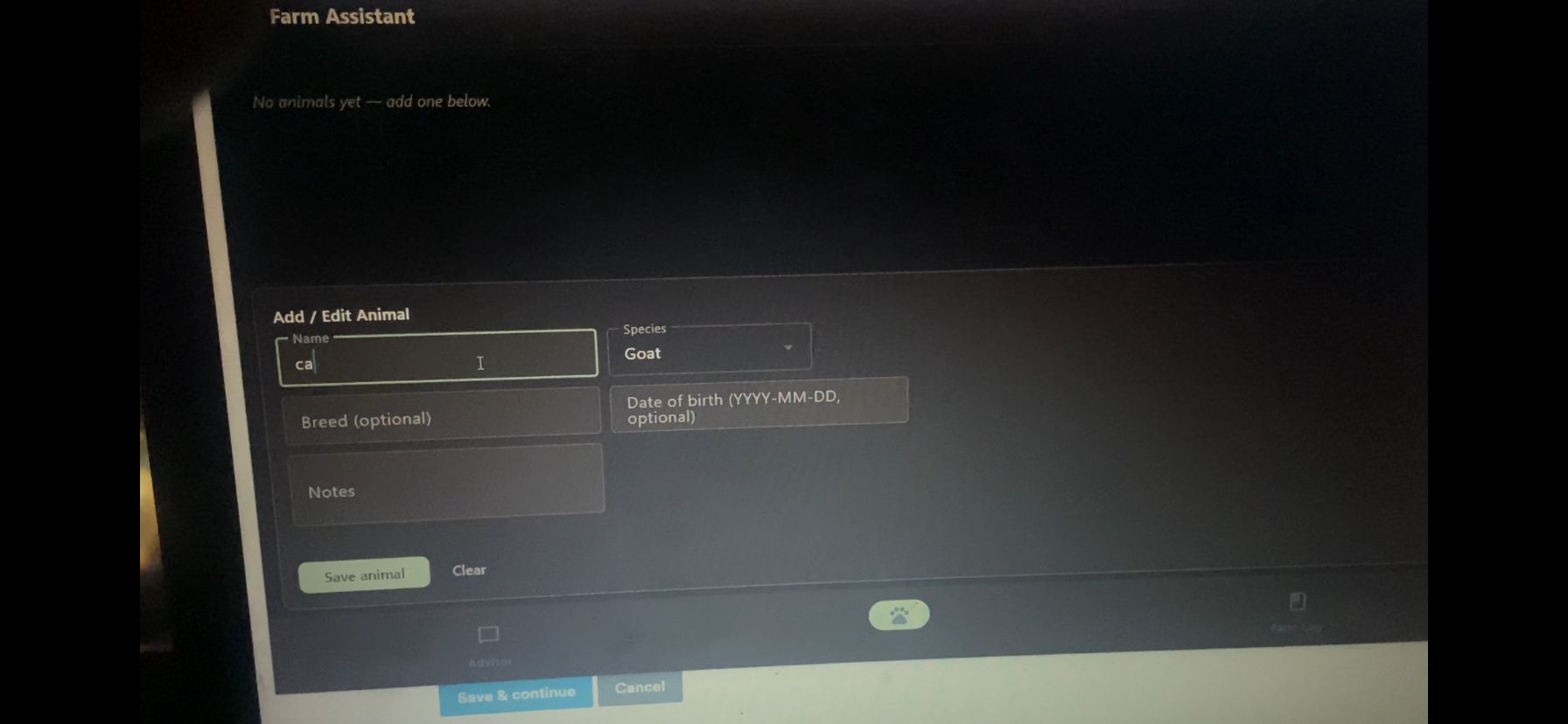
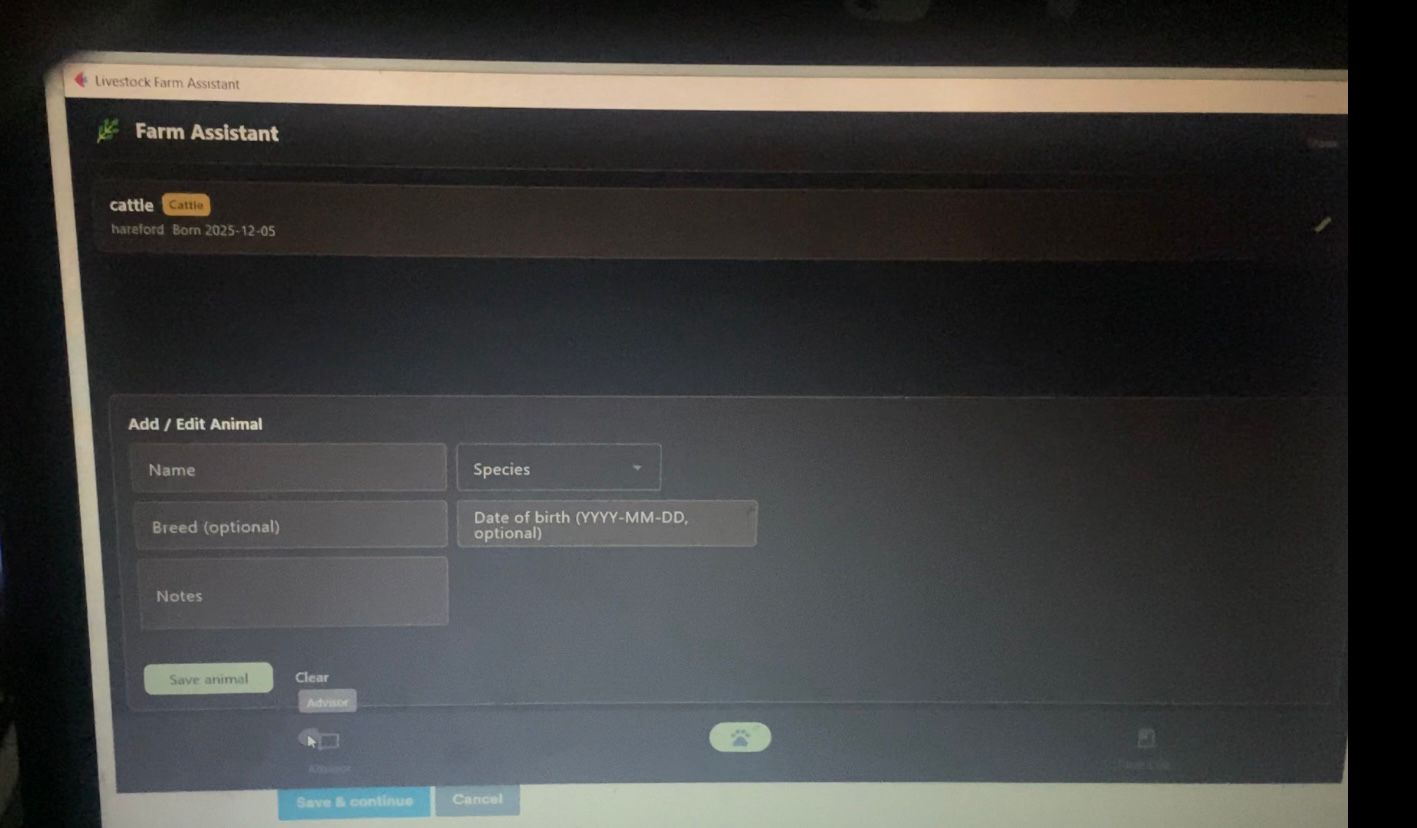
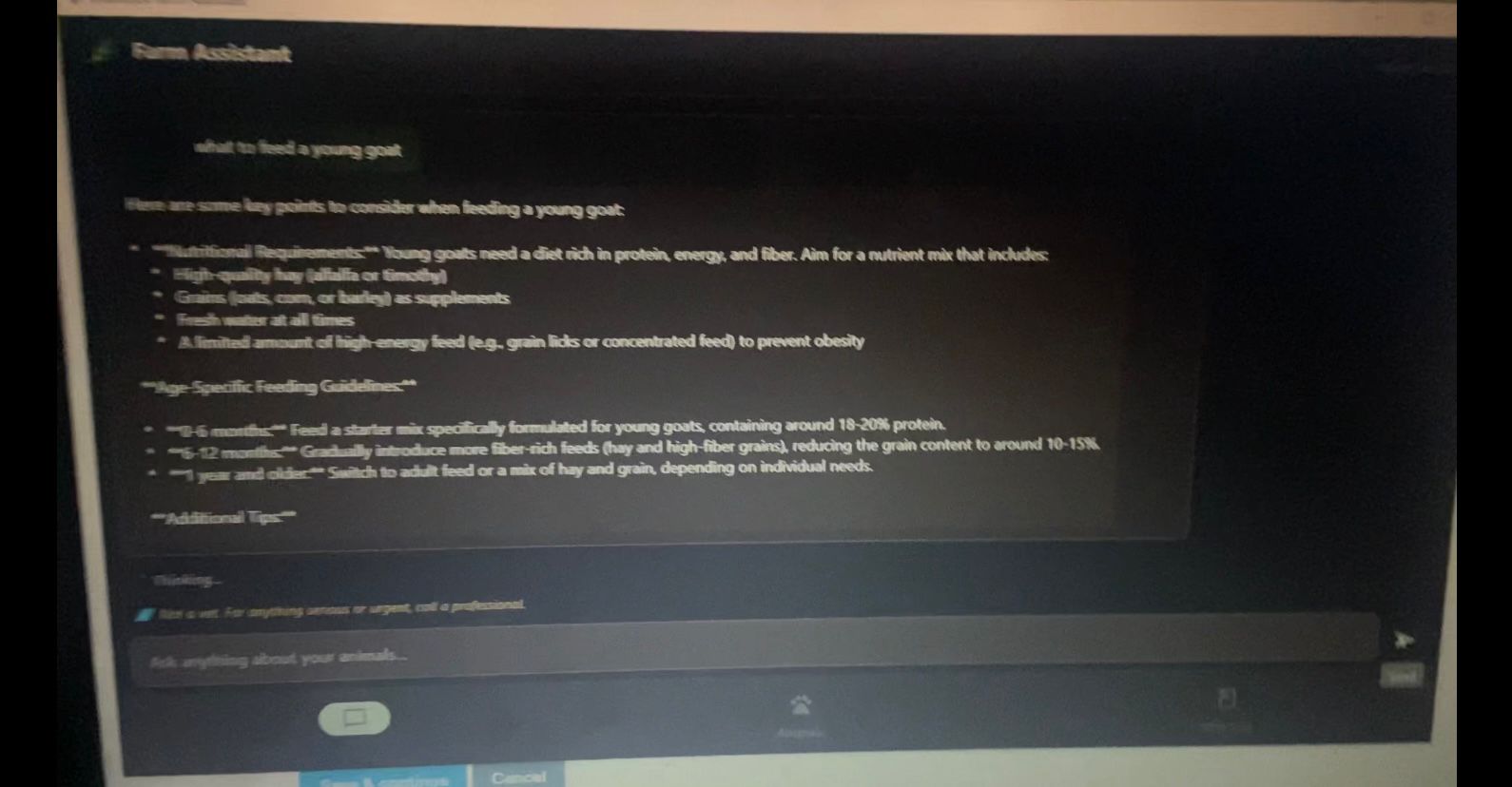
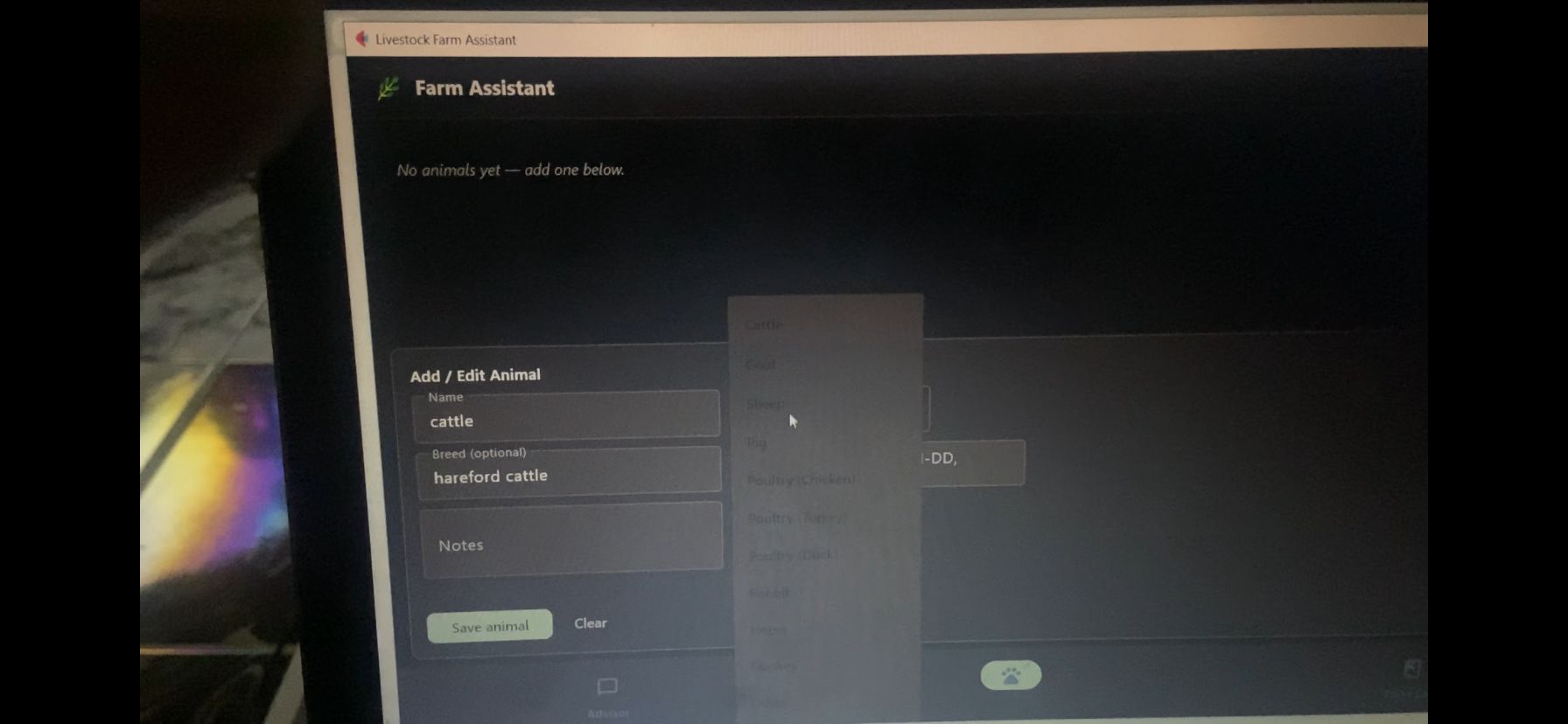
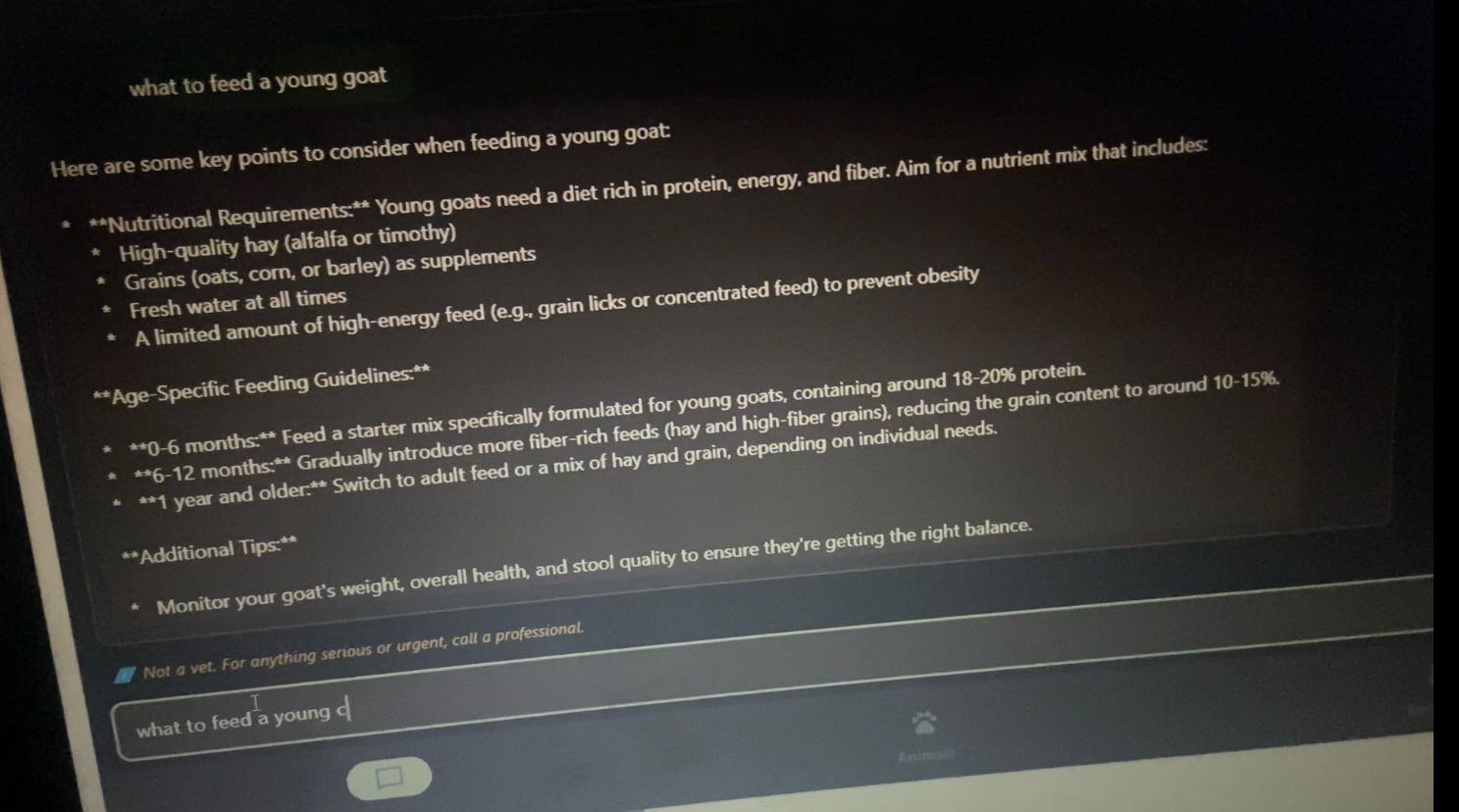
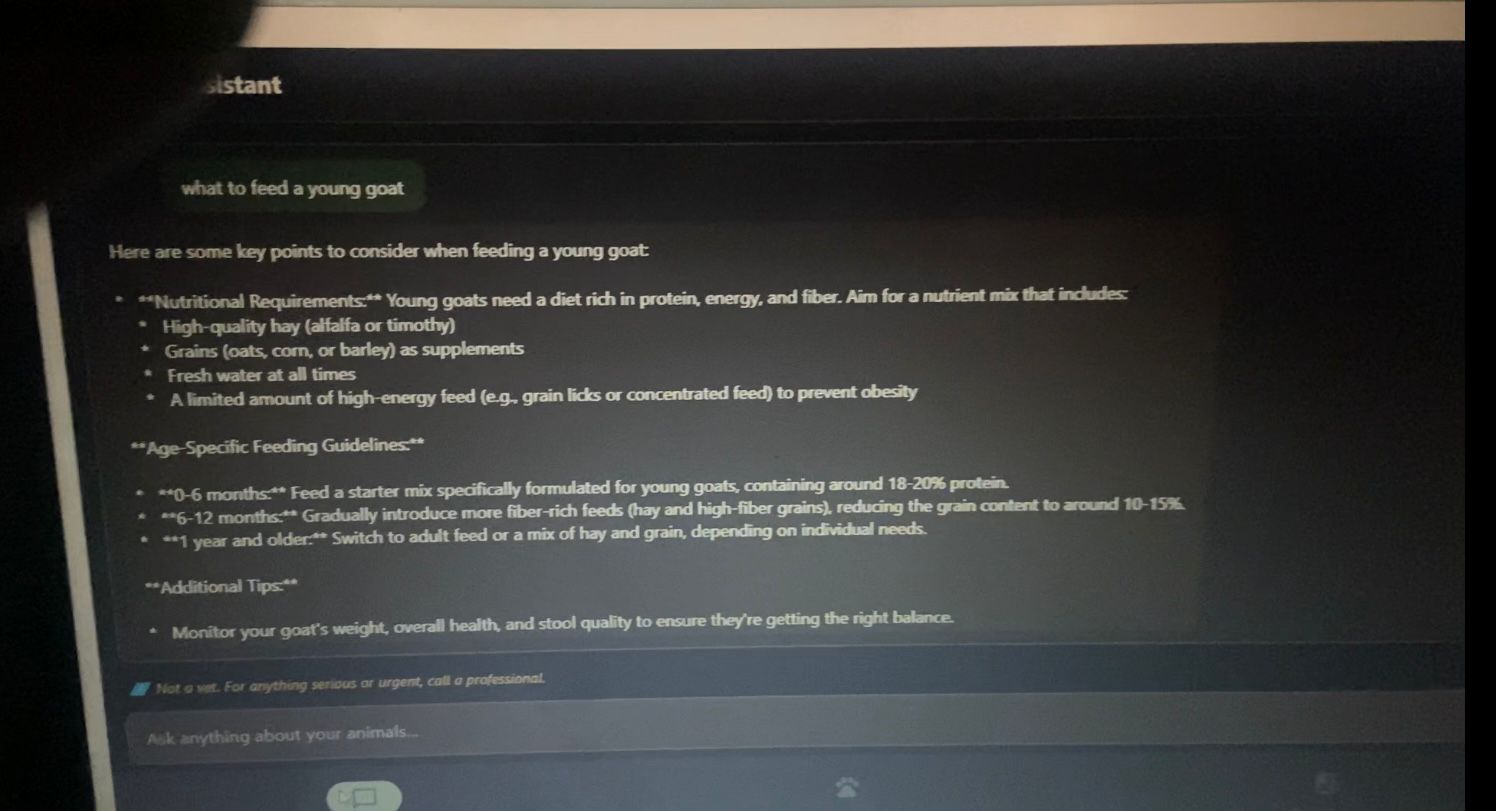
1.Advisor — a chat where you ask anything about feeding, breeding, housing, or symptoms to watch for. It quietly pulls in your animal records and recent log entries, so you can ask "Is Daisy due for anything?" and it actually knows who Daisy is. 2.Animals — a simple registry where you record each animal's name, species, breed, date of birth, and notes. 3.Farm Log — dated entries tagged by category (Health, Feeding, Breeding, Weight, Housing, General), each optionally tied to a specific animal.
Everything is saved locally on the machine. It works completely offline once it's set up. And it's careful about its limits — it always reminds you it's not a vet and to call a professional for anything serious.
How we built it
The whole thing is Python. The interface is built with Flet, which turns Python into a real desktop window without any web build step. The intelligence comes from a local language model (llama3.2:3b) running through Ollama, so all the thinking happens on the device itself. Records are stored in a single readable JSON file in the user's home folder — no database to set up, nothing to break.
The trickiest design goal was memory. The target was a budget laptop with only 8 GB of RAM and no graphics card, where going over 7 GB means instant disqualification. So I chose a small-but-capable 3B model, capped the context window to keep memory low, limited the CPU threads to match a budget processor, and streamed the answers so the farmer sees words appearing right away instead of waiting in silence. In the end the whole thing runs in under 4 GB — comfortably under the ceiling.
Challenges we ran into
Honestly, the hardest part wasn't the AI — it was getting everything to run on a real budget machine. Python wouldn't install on the PATH correctly at first, files kept saving with the wrong names and extensions, and the version of the UI library on the test laptop was older than expected, which broke parts of the interface that worked fine elsewhere. I had to rewrite chunks of the app to match exactly what that machine supported, and test each piece carefully before trusting it.
The other challenge was speed. On a CPU with no GPU, the first answer of a session can take a while because the model has to load into memory. I learned to keep the model resident between questions and to stream the output, which made the experience feel far more responsive even though the raw speed is limited by the hardware.
Accomplishments that we're proud of
Making it work and successfully running.
What we learned
I learned that "works on my machine" is a trap, and that building for constrained, real-world hardware forces much better decisions than building for a powerful one. Every megabyte mattered, and that pressure made the final app leaner and more thoughtful. I also got a real feel for how much capability you can pack into a small local model when you respect its limits and design around them.
What's next for Livestock Farm Assistant
I'd like to add region-specific guidance, support for local languages, and optional voice input so farmers with limited literacy can use it just by speaking. The foundation is offline, private, and runs on hardware people already own — and that's exactly where I want to keep building.


Log in or sign up for Devpost to join the conversation.