


Problem
Selling things online sounds easy.
Actually creating listings is not.
Titles, descriptions, categories, shipping, pricing, photos – every marketplace UI adds more tiny decisions and clicks. I personally kept procrastinating on selling my own stuff just because I hate filling out those forms.
Inspiration
The idea came from a very simple, very real pain:
yesterday I was thinking about how many things I want to sell,
and how much I avoid it because of the UI and forms.
I searched for an AI agent that could watch the screen and fill listings for me.
I found tools that generate text, but nothing that really drives the on‑screen workflow end‑to‑end. So, one day before the deadline, I decided to build the agent I wanted for myself.
By background I’m a psychology student, not a professional software engineer.
But I’ve been learning to code through AI agents and hackathons, so this project is also me testing how far I can go in ~24 hours with Gemini Live.
What is LiveGSeller?
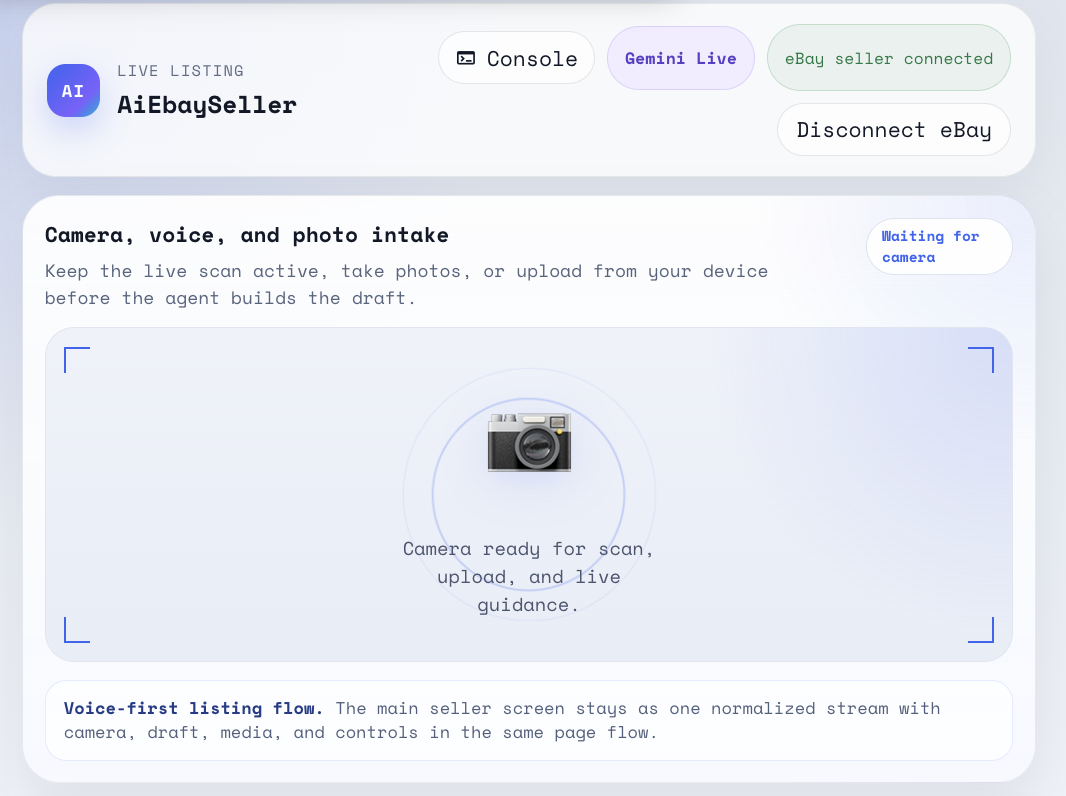
LiveGSeller is a multimodal AI agent powered by Gemini Live that helps create product listings from your voice while understanding the live UI on the screen.
You talk, the agent:
- sees the current marketplace listing page
- listens to your voice description of the item
- suggests titles, descriptions and key fields
- and then fills in the form step by step in real time.
Instead of manually fighting each input field, you collaborate with a screen‑aware agent that understands both your intent and the current UI state.
How it works (high level)
- The browser captures the screen and streams visual context into a Gemini Live session.
- Your voice is captured via Web Audio / MediaDevices APIs and streamed as text/audio into the same session.
- The agent builds an internal view of the current UI (what fields exist, what is missing) and of the item you want to sell.
- Based on that, it decides which field to fill next and how to interact with the page (typing, clicking, choosing options).
Conceptually, you can think of it as optimizing a simple objective:
[ \text{maximize}(\text{listing_quality} - \text{user_effort}) ]
where listing_quality is about clarity, completeness and relevance of the final listing,
and user_effort is how many manual steps you still have to perform.
How I built it
- Frontend: React + TypeScript for the UI, screen capture, and audio capture.
- Backend: Node.js + Express as a thin API layer orchestrating Gemini Live sessions.
- AI layer: Google Gemini Live API via the Google GenAI SDK, keeping a live multimodal conversation that mixes UI screenshots and user speech.
- Cloud: Deployed on Google Cloud Run, with Google Cloud Firestore / Storage to persist basic session and config data.
All of this was hacked together in roughly one day: from “I wish this existed” to “I can record a demo of it actually driving a real listing UI”.
Challenges
Building a live, screen‑aware agent in 24 hours came with some fun challenges:
- Figuring out how to stream just enough visual context to Gemini Live to keep latency low but still give the model the full UI state.
- Designing prompts and tool calls so the agent doesn’t just describe the page, but actually takes actions in a reliable order.
- Handling edge cases in the listing flow (missing required fields, validation errors, unexpected UI states).
The biggest personal challenge: doing all this as someone who doesn’t come from a classic CS background, and learning as I go. This project is both a real tool I wanted for myself and a proof that with Gemini Live you can ship a useful, screen‑aware agent in a weekend.
Built With
- cloud
- google-genai-sdk
- typescript


Log in or sign up for Devpost to join the conversation.