Inspiration
In the world of video generation becoming the norm, we noticed two major problems. First, speed: most state-of-the-art video generation models like Sora, Veo, and Kimi take minutes to generate just a few seconds of video, making them impractical for real-time or interactive use. Second, control: once a video is generated, making edits usually means regenerating everything from scratch.
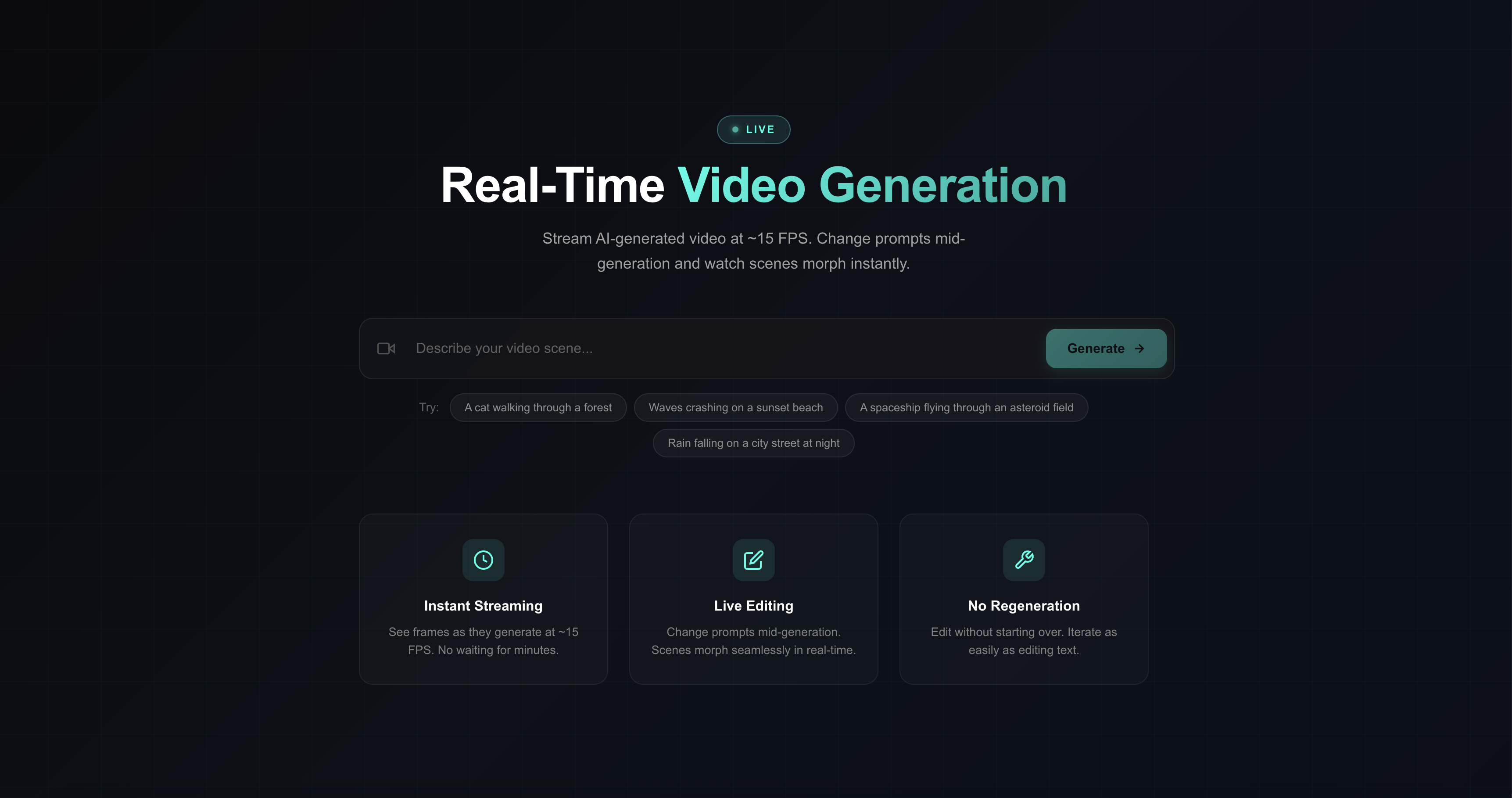
With LiveCut, we wanted to explore applied state-of-the-art research that enables real-time video generation and interactive editing, allowing users to iterate on videos as easily as editing text - directly through prompts.
What it does
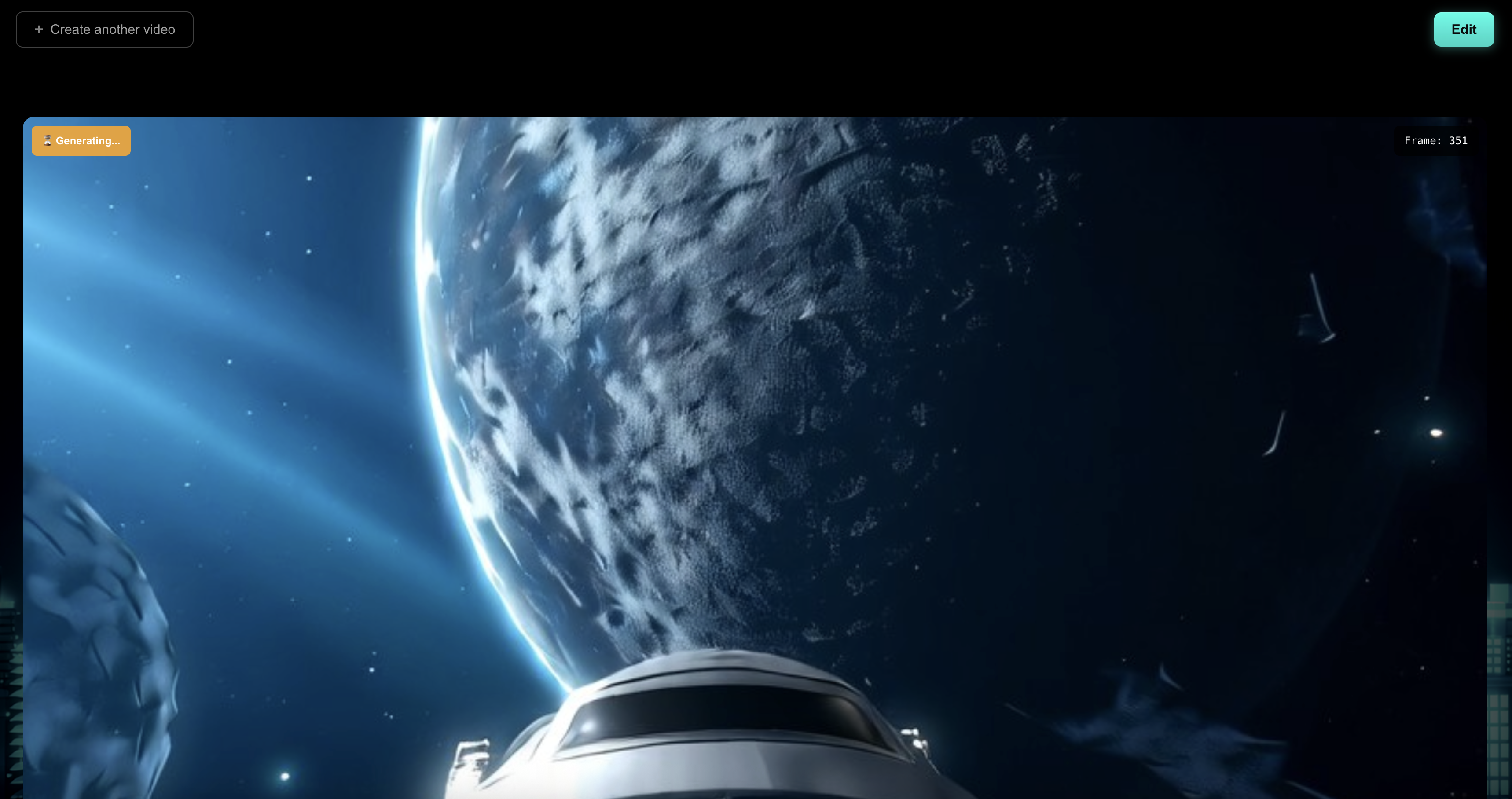
LiveCut is a real-time text-to-video generation platform that streams video frames directly to your browser as they're generated. Unlike traditional video generation that makes you wait minutes for a result, LiveCut displays frames at ~15 FPS as the model produces them.
The key feature is interactive prompting: you can change your text prompt mid-generation, and the video seamlessly transitions to the new scene without restarting. Want to change "a cat walking through a forest" to "a cat walking through a snowy mountain"? Just update the prompt and watch the scene morph in real-time.
How we built it
We built on top of NVIDIA's LongLive research, which uses frame-level autoregressive diffusion with causal attention and KV-recaching. The architecture enables generating video frames sequentially while maintaining temporal coherence. We used Fetch AI agents to break the video into scenes, then sent descriptions to ElevenLabs to generate audio for each one.
Our stack:
- Backend: FastAPI with WebSocket streaming for real-time frame delivery
- Inference: PyTorch with the Wan2.1-T2V-1.3B model, modified for causal chunk-based generation
- Frontend: Browser-based client that receives JPEG-encoded frames and renders them in real-time
The KV-cache recaching mechanism allows us to switch prompts mid-generation by reprocessing recent frames with new text conditioning, creating smooth transitions.
Challenges we ran into
- Memory management: Streaming long videos accumulates tensors. We had to carefully manage what stays on GPU vs CPU, minimize queue buffering, and avoid passing accumulated video through the async queue.
- Latent-to-display bottlenecks: Converting latent frames into browser-renderable images (VAE decode → encode → stream) introduced non-trivial latency. We optimized this path to keep frame delivery smooth and synchronized with generation.
- Balancing speed vs quality: The inference is the bottleneck. We tuned blocks_per_chunk to find the sweet spot between chunk latency and generation quality.
- Prompt switching artifacts: Getting seamless transitions when changing prompts required understanding the KV-recache mechanism and tuning how many frames to reprocess.
Accomplishments that we're proud of
- Achieved real-time streaming at ~15 FPS playback with generation running concurrently
- Built a working interactive demo where prompt changes take effect within seconds
- Decoupled inference from frame delivery using an async producer-consumer architecture that maximizes GPU utilization
- Kept memory efficient enough to run on a single GPU
What we learned
- Deep dive into how autoregressive video diffusion models work, especially KV-caching and causal attention
- The importance of memory profiling when dealing with video tensors (they add up fast) - How prompt embeddings interact with the diffusion process and what makes prompt transitions smooth vs jarring
What's next for LiveCut
- Multi-user support: Scale to handle concurrent generation sessions
- Higher resolution: Currently limited by VRAM; explore model sharding or lower-precision inference
- Editing timeline: Build a full editor UI where users can scrub through generations, branch at any point, and compare different prompt variations
- Fine-tuning: Train LoRA adapters for specific styles or characters that users can apply on the fly
- Multi-GPU Support for inference through FDSP
Built With
- cuda
- fastapi
- flash-attention
- python
- pytorch
- torchvision
- typescript
- vite

Log in or sign up for Devpost to join the conversation.