-
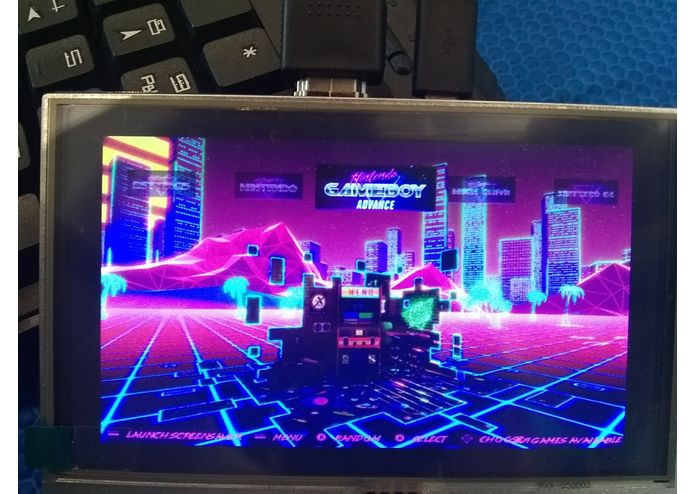
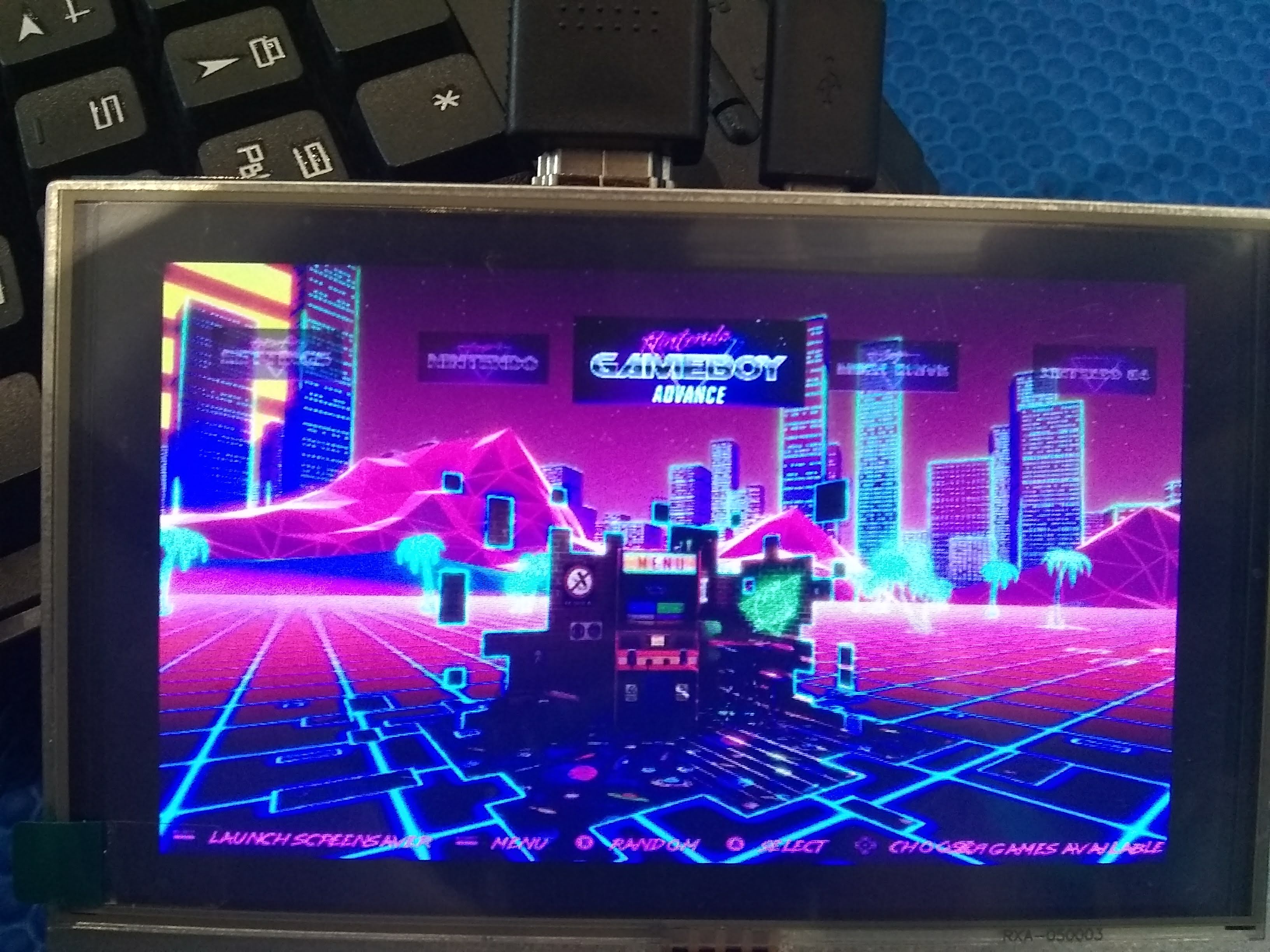
Main menu to select a game
-
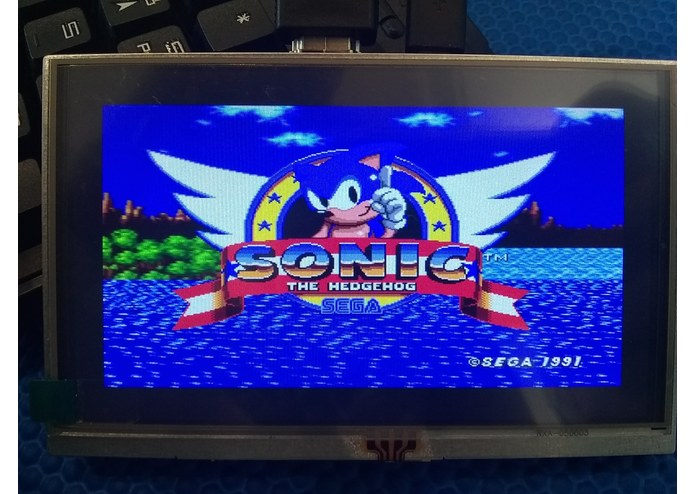
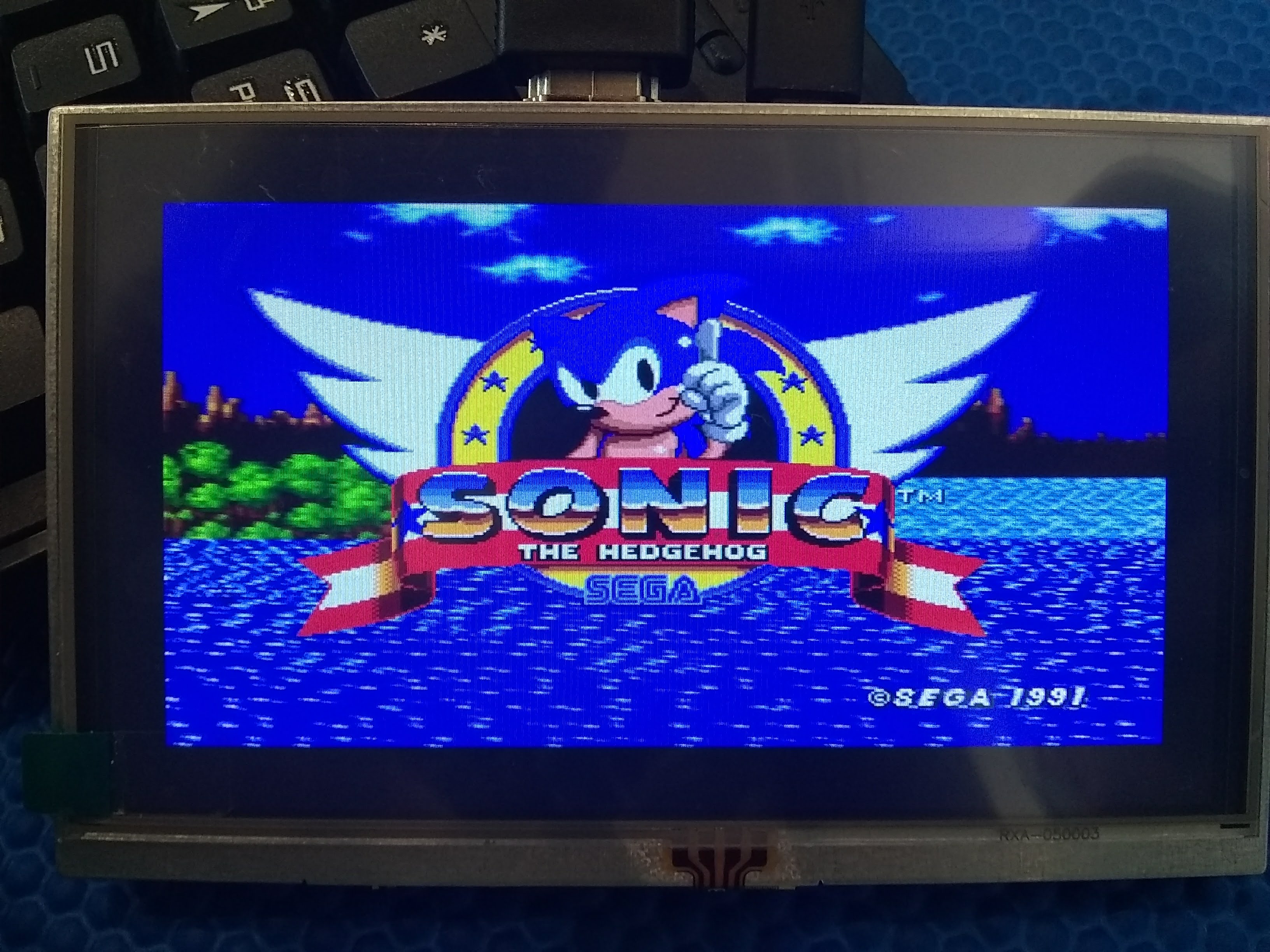
Specific game
-
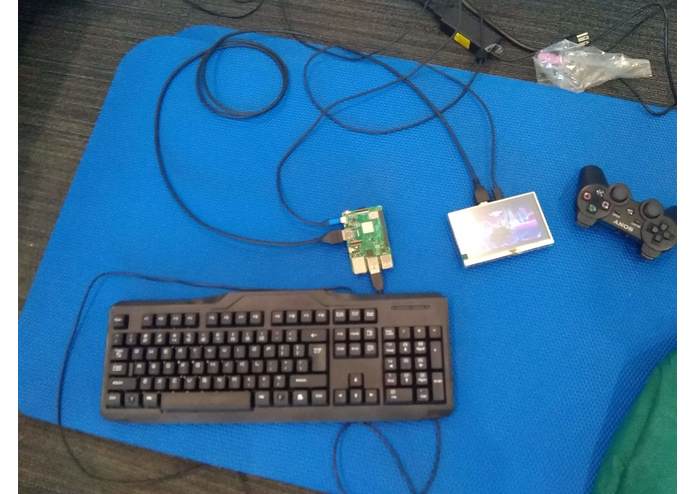
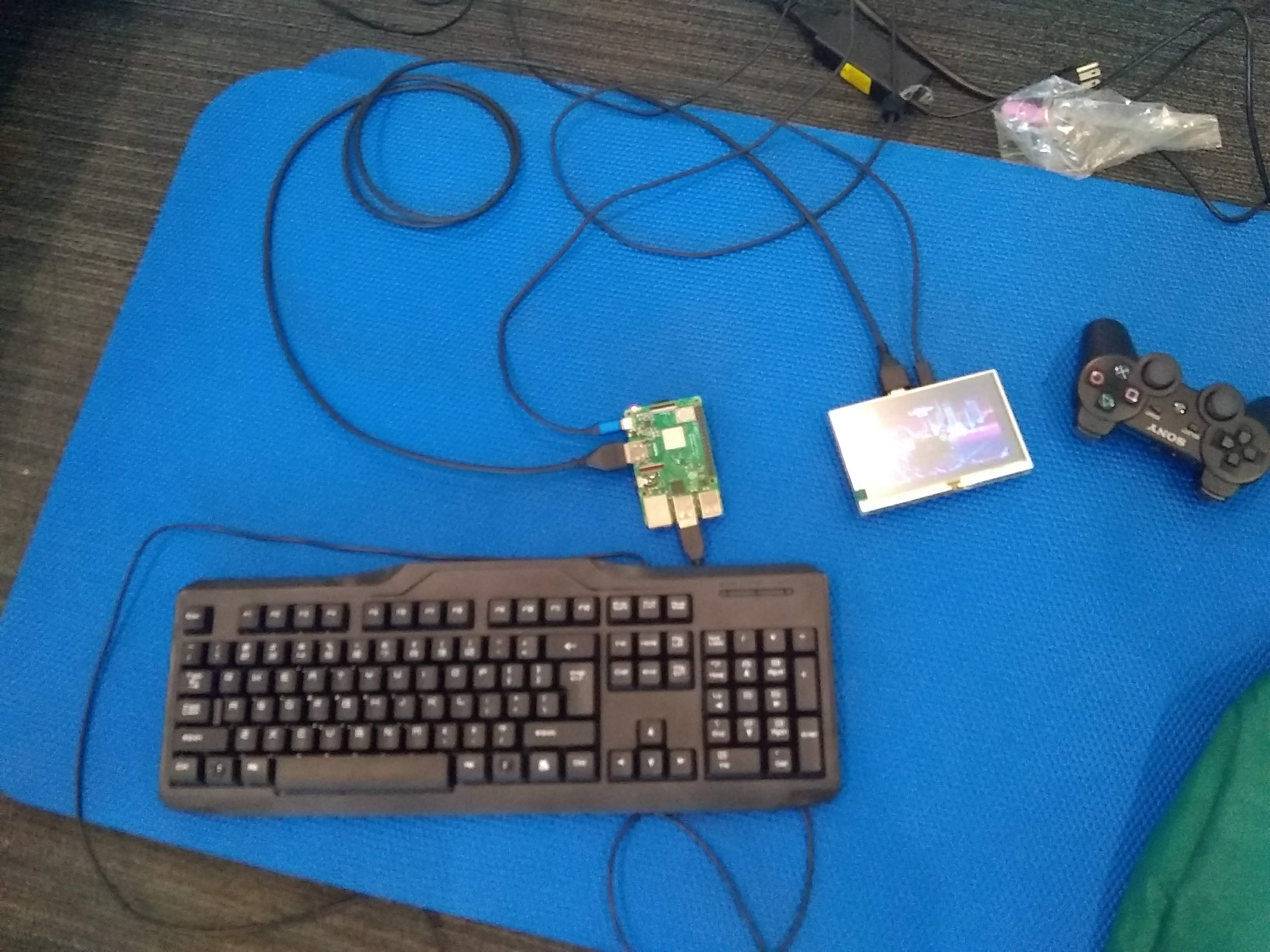
The whole system
-
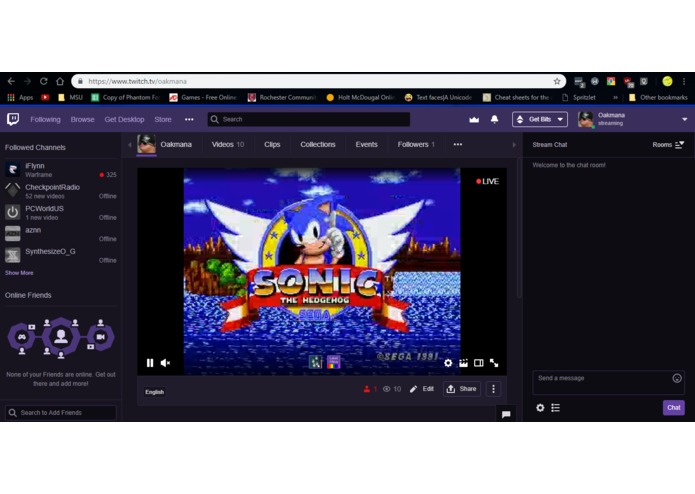
Example of Livestream

Inspiration
I've always wanted to play those old games again, but I never had the right console nor the parts to fix them. Once I heard cheap, small computers were entering the market, I knew it would be perfect for small projects like this
What it does
LiveRetroPie emulates the game in real-time for me to play with my PS3 controller, and then records it and saves it to twitch's RMTP server, Where it get's live streamed and view can interact with my stream
How I built it
After downloading The RetroPie Image and burning it onto my SD card, I then installed my list of ROMs and setup my controller. After this then came the live streaming aspect, I had to install FFmpeg, because natively RetroPie doesn't support recording nor video files. I then would have to rebuild the OS as several system files get edited in the process of FFmpeg's installation that break the emulation side of the software. After rebuilding the system, I then had to create custom emulator configs so that when a game launched it would record it and save it to twitch's server. After doing that I realized Twitch only supported certain video type and FFmpeg record in a different format then Twitch accepts. So i had to create a recording config file in which I tested changing one setting at a time, such as video or audio encoding, until Twitch would accept my stream.
Challenges I ran into
Finding out which video settings Twitch accepts, and to change several config files, you have to connect through something like SSH and then be able to change it easily.
Accomplishments that I'm proud of
being able to connect a controller to the Raspberry pi, as it would be pretty hard to play games off a keyboard.
What I learned
How to SSH into clients and how an RTMP server works to create live streams.
What's next for Live RetroPie
Adding support for larger consoles like the Nintendo Wii and the PlayStation 1.

Log in or sign up for Devpost to join the conversation.