-
-
screenshot
Inspiration
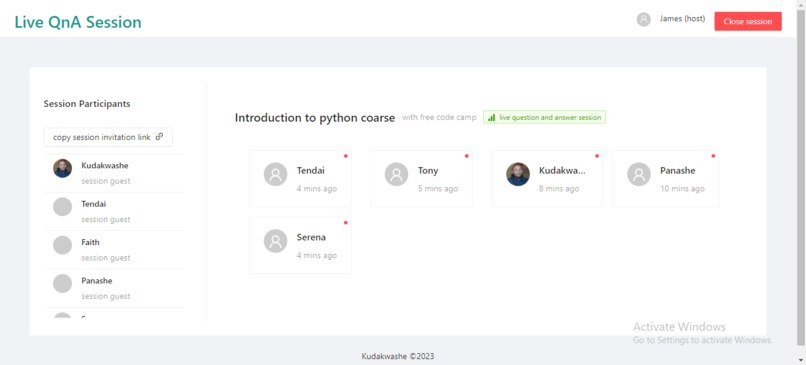
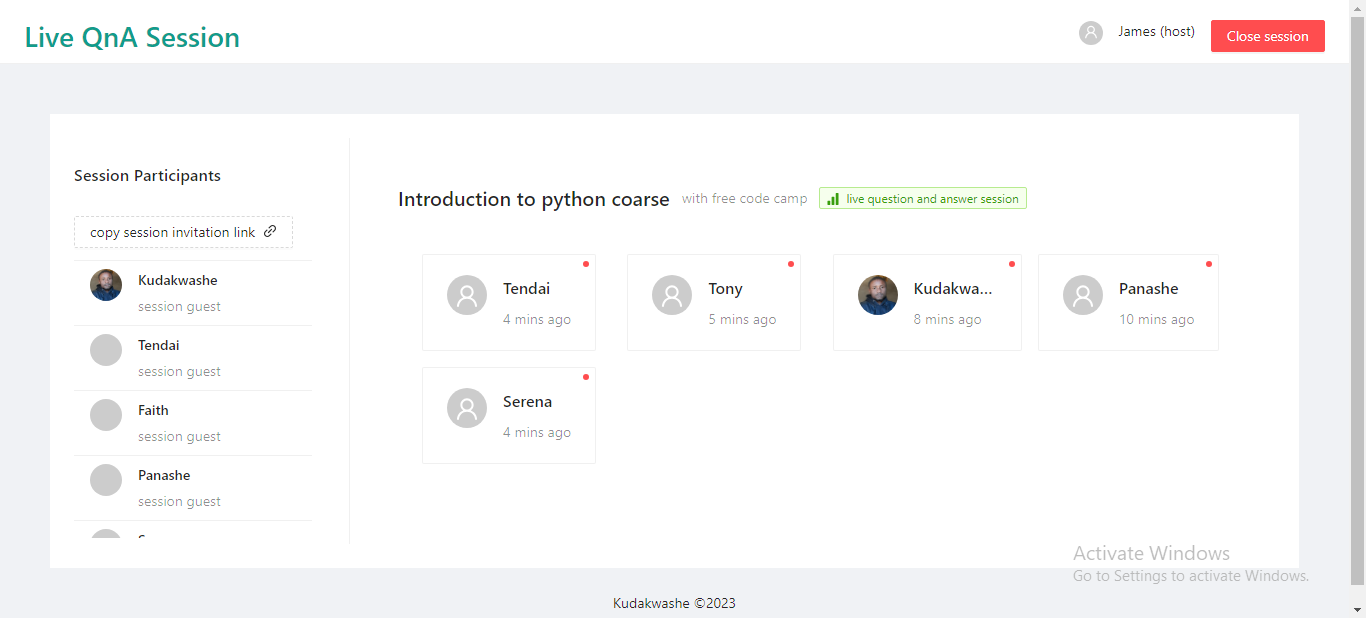
Question from the audience is of utmost importance during live tutorials and should never be overlooked. The aim of this dashboard is to provide a separate interface that helps tutors address questions more efficiently. The dashboard offers a clearer and more structured format for displaying questions.
What it does
This system allows students to send questions to their tutor, and the tutor can manage those questions much more easily. In some scenarios, a meeting can be hosted on Zoom and broadcasted on different platforms like YouTube. This system aggregates all those questions on a single platform in a structured and manageable way.
How we built it
We built the system using Angular for the front-end technology and used Python FastAPI with MongoDB as the backend solution. The system utilizes Ngrx for statement management in Angular and NX to create a mono repo. The source code is managed using Git and GitHub. Additionally, the system employs Pytest to perform integration testing of the API in FastAPI. We started building the front-end using mock data before moving on to the backend implementation.
Challenges we ran into
It was very difficult to balance this project and other prioritises.
Accomplishments that we're proud of
As my first hackathon at MLH, I'm very excited about the progress we've made. It seems like a good start!
What we learned
We learned the importance of avoiding shortcuts, such as not creating a simple UI mockup or even a paper prototype. Cutting corners initially may save time, but it can lead to getting stuck later when changing colors and adjusting CSS padding. Creating a simple UI mockup can actually save a lot of time and effort.
What's next for Live Question and answer session
There is a need to restructure both the UI and API file structures to increase scalability and maintainability. Currently, the code is challenging to read for anyone except me. LOL 😄

Log in or sign up for Devpost to join the conversation.