Inspiration
Video editing is powerful but slow, expensive, and hard for non-editors. We wanted to make editing feel like a conversation: upload footage, describe your vision, and get a polished cut fast
What it does
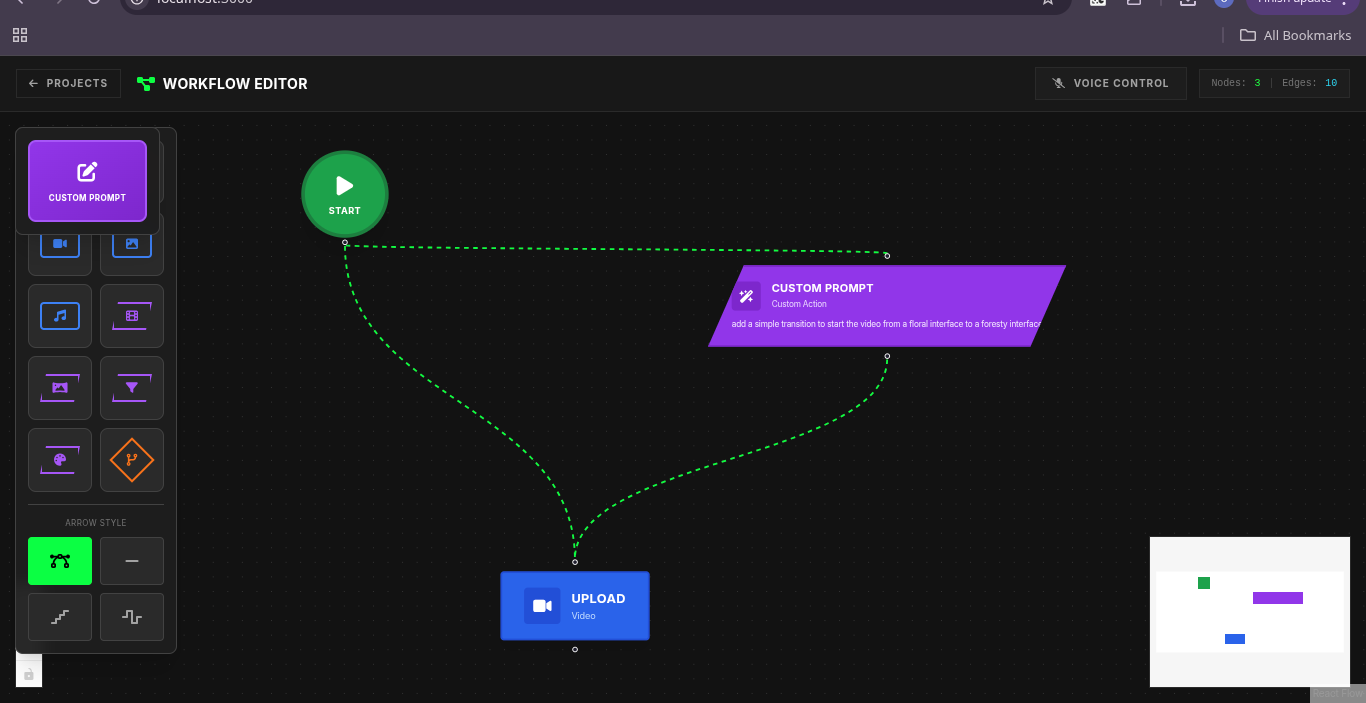
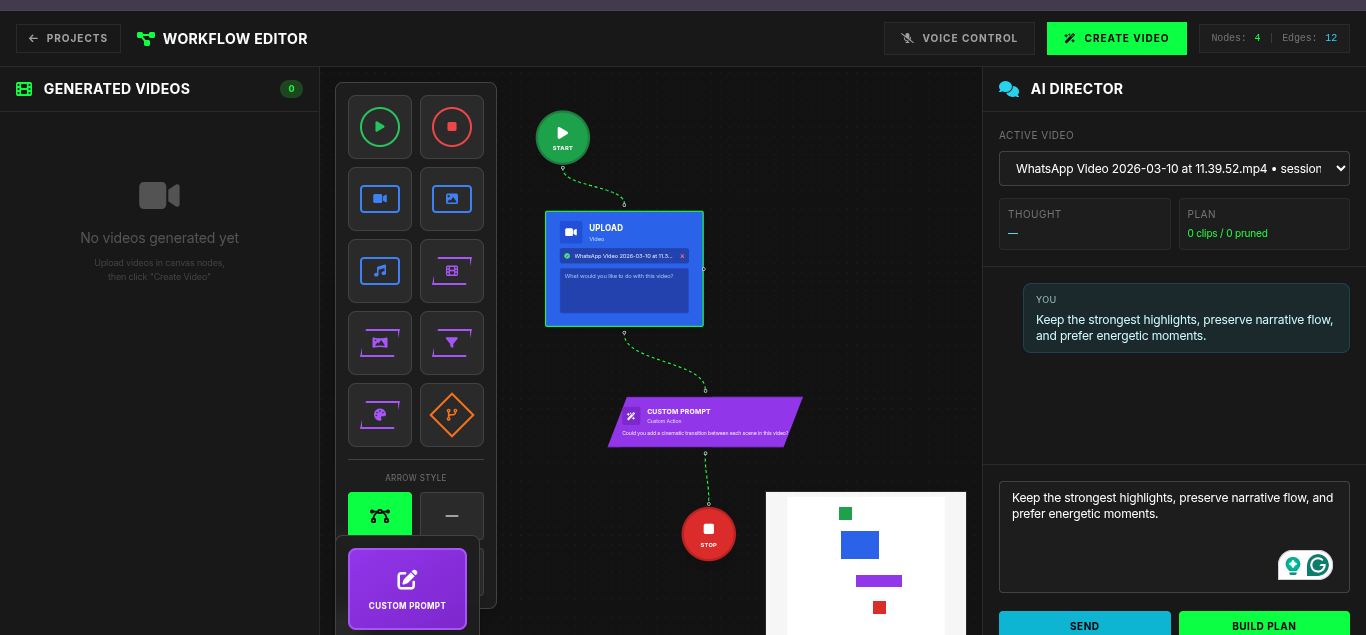
Live Edit is an AI video editing copilot. It ingests raw video, analyzes scenes, supports conversational edit direction, generates a structured edit plan, and renders a final output. Users can create trailers, highlights, and social-ready clips in minutes.
How we built it
We built Live Edit with a React + TypeScript frontend and a Flask backend. The backend runs AI-driven scene understanding and plan generation, then executes edits with a rendering pipeline. We deployed frontend and backend on Google Cloud Run and connected Vertex AI + Cloud Storage for scalable media workflows.
Challenges we ran into
API quota and model compatibility issues during early Gemini integration Migrating from free-tier API flow to Vertex AI production flow Session persistence problems in a stateless cloud environment CORS and environment mismatches across local, staging, and production
Accomplishments that we're proud of
End-to-end AI editing workflow from upload to rendered output Conversational “director” experience with structured planning Successful cloud deployment of both frontend and backend Improved reliability with retries, model fallbacks, and session persistence
What we learned
We learned that production AI apps need more than good prompts: they need robust infra, session management, observability, and fail-safe deployment patterns. We also learned to design AI outputs as structured data, not just text.
What's next for Live Edit
Real-time collaborative editing sessions Better style presets (cinematic, documentary, social-first) Timeline-level manual controls on top of AI suggestions Smarter audio/music syncing and brand-safe templates Team workspaces, version history, and export pipelines for creators/agencies


Log in or sign up for Devpost to join the conversation.