-
-

live agent
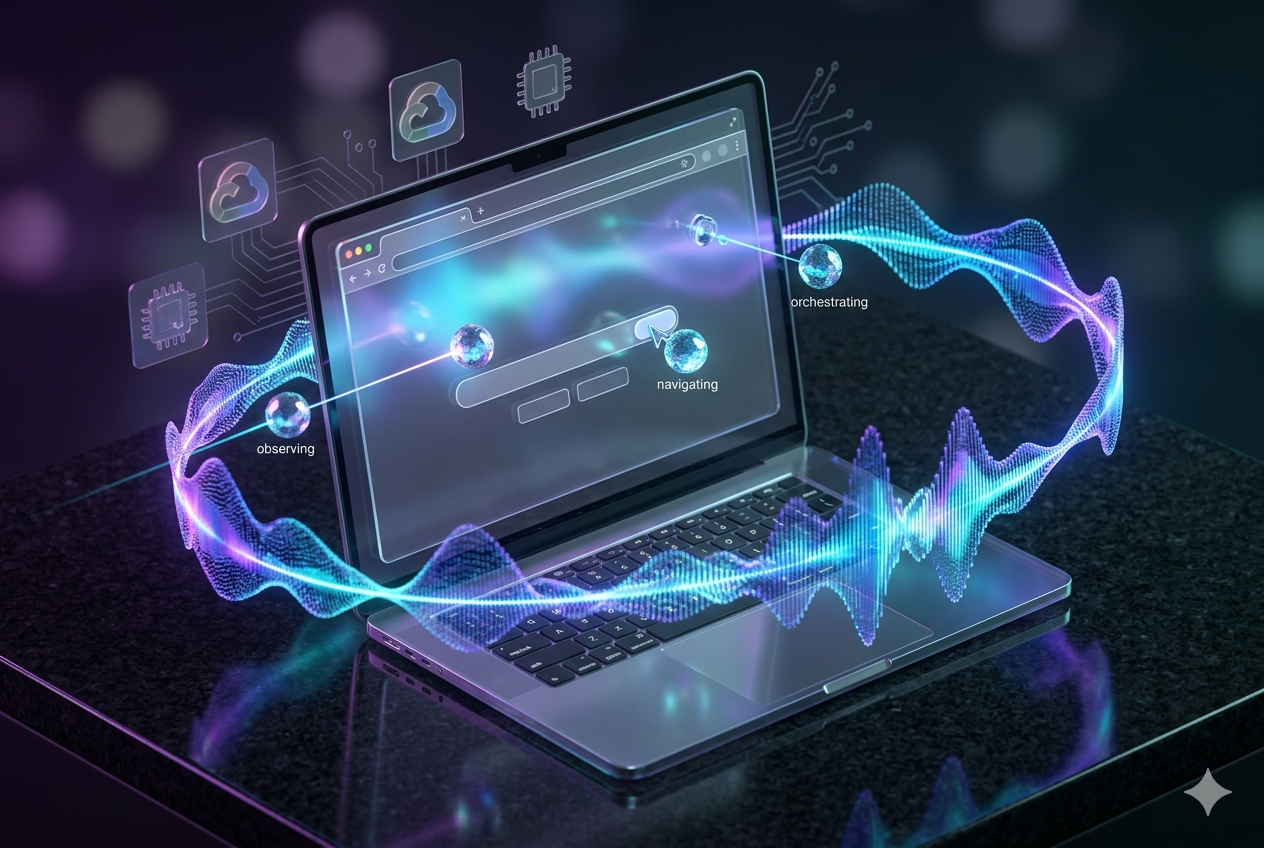
Project Story: Live Agent
Inspiration
The inspiration for Live Agent came from the desire to make the web more accessible and testing more intuitive. We wanted to bridge the gap between human intent and browser action by building an agent that becomes the user's hands on the screen. Why write complex automation scripts when you can just tell your computer what you want to achieve? We envisioned a "Live" assistant that navigates the web exactly like a human, but with the speed and precision of AI.
UI Navigator ☸️ (Project Focus)
Our project specifically targets the UI Navigator track. Live Agent is designed for deep Visual UI Understanding & Interaction. Unlike traditional scrapers, our agent observes the browser display, interprets visual elements using Gemini's multimodal capabilities, and performs actions based on user intent. It serves as a universal web navigator and a visual QA testing agent that "sees" what the user sees.
What it does
Live Agent is a voice-controlled, vision-enabled AI browser assistant. It allows users to:
- Navigate complex websites using natural language voice commands.
- Perform tasks like "find the cheapest flight" or "check my dashboard for errors" through visual interpretation.
- Receive real-time audio feedback on what the agent sees and does.
- Automate repetitive UI testing flows by interpreting screen states without strictly relying on brittle DOM selectors.
How we built it
We implemented a Multi Swarm Agent Architecture to handle high-complexity browser tasks, all hosted on Google Cloud for maximum scalability:
- Computer Use Model: The agent leverages specialized "computer use" patterns to interact with the OS and browser as a human would.
- Multimodal Intelligence: Powered by Google Gemini, which interprets screenshots and screen recordings in real-time to output executable actions.
- FastAPI Swarm Orchestration: A backend that manages multiple specialized agents (navigators, observers, and executors) using Playwright and
browser-use. - Voice Loop: Integrated Google Cloud STT/TTS for a seamless, hands-free experience.
- Next.js Frontend: A slick dashboard maintaining a live websocket connection to watch the swarm in action.
Challenges we ran into
- Multimodal Latency: Syncing real-time screen recordings with Gemini's visual reasoning required building a highly efficient pipeline on Google Cloud to avoid "lag" in voice responses.
- Swarm Coordination: Ensuring that multiple agents in the swarm don't conflict when performing simultaneous browser actions.
- Visual Ambiguity: Handling complex SPAs where elements might look identical but have different functions. We solved this by providing the swarm with both visual and relative coordinate context.
Accomplishments that we're proud of
- Achieving zero-script automation: The agent can navigate through multi-step flows just by "looking" at the screen.
- Successfully implementing a Multi Swarm Agent Architecture that distributes tasks like observation and action execution.
- Building a robust system on Google Cloud that meets the mandatory multimodal Gemini requirements for the challenge.
What we learned
We gained a deep understanding of Agentic AI patterns—specifically how to coordinate swarms and manage autonomous loops. We also learned that visual context is often superior to DOM access for building truly "universal" navigators.
What's next for Live Agent
- Cross-Application Workflows: Expanding beyond the browser to automate tasks across different desktop applications.
- Improved Swarm Intelligence: Developing more specialized agent roles within the swarm for even faster decision-making.
- Enhanced Visual Memory: Allowing the agent to "remember" UI layouts across sessions for even faster navigation.
$$ \text{Total Efficiency} = \frac{\text{Manual Steps Removed}}{\text{Voice Interaction Time}} $$ (Our goal was to maximize this ratio!)