-
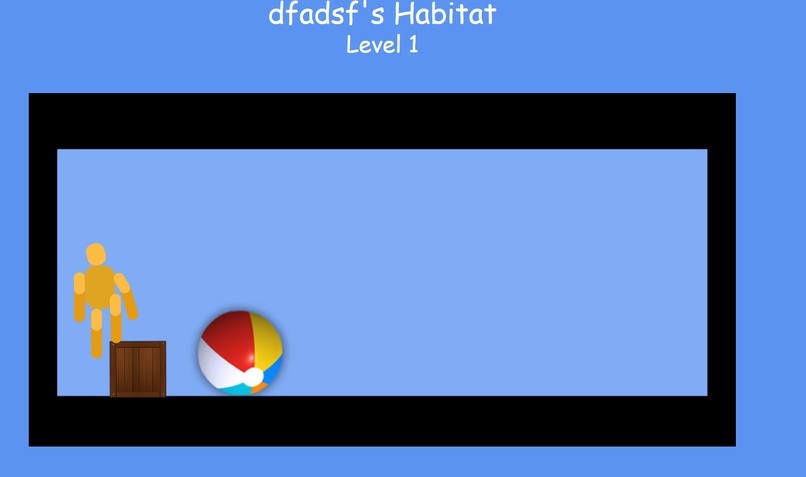
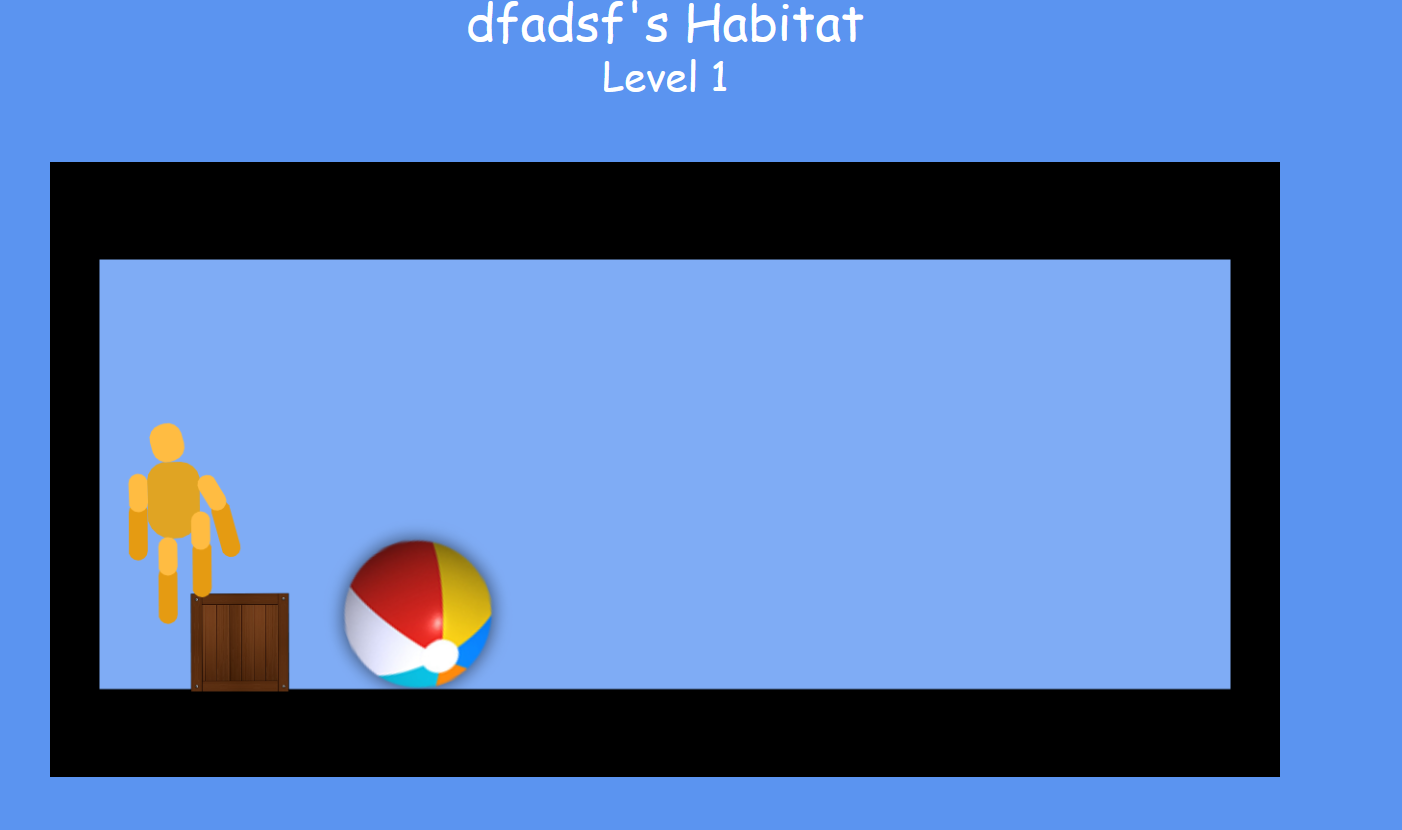
Habitat example of the virtual environment to play with your friend.
-
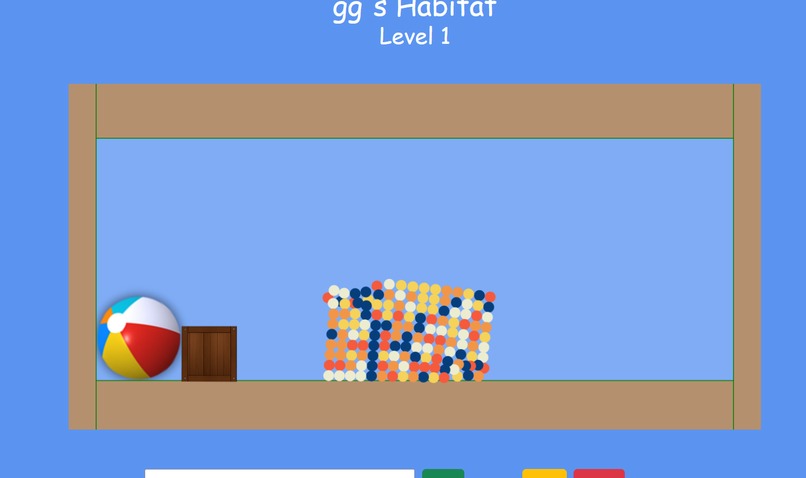
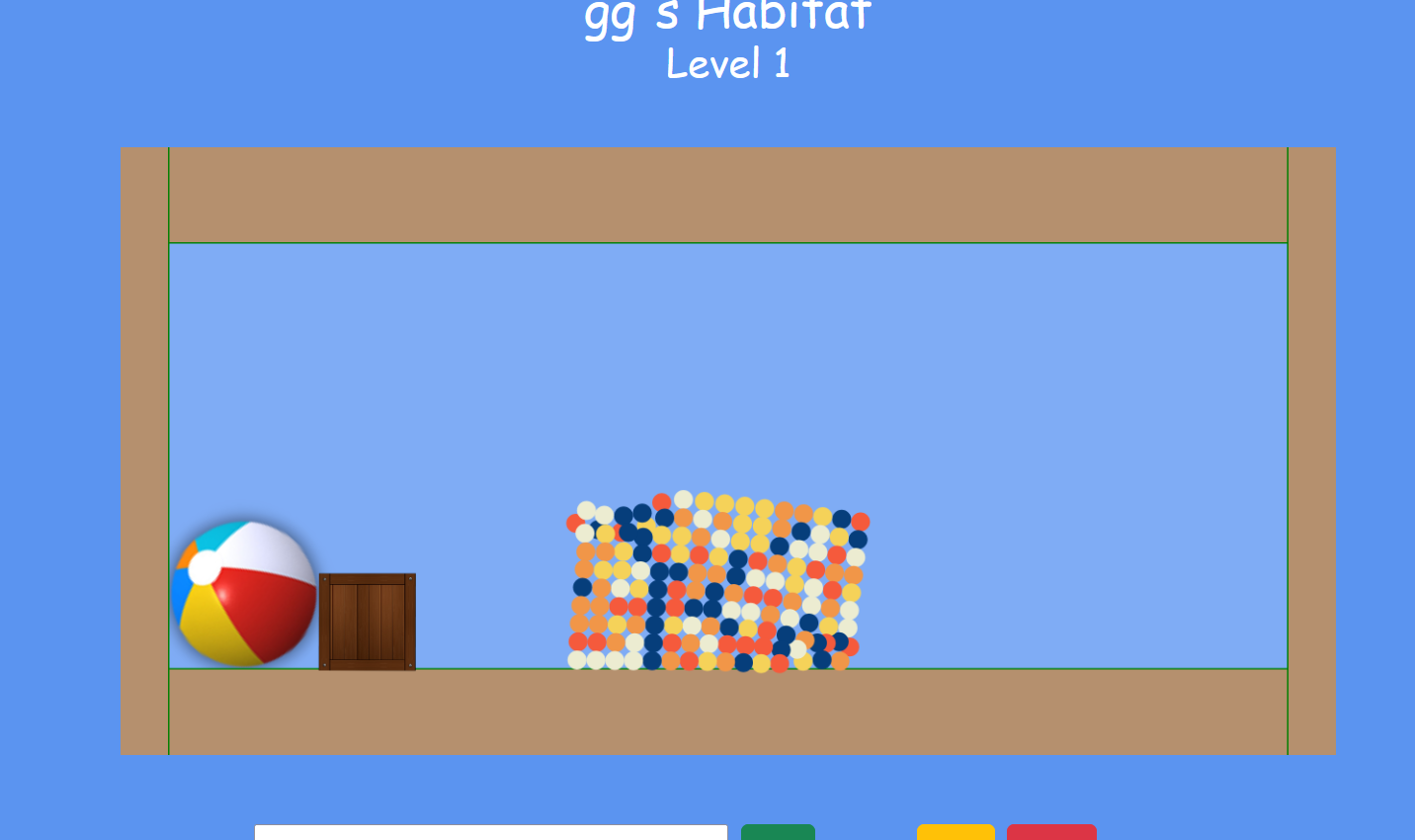
An example of another type of pet, the Ooze.
-
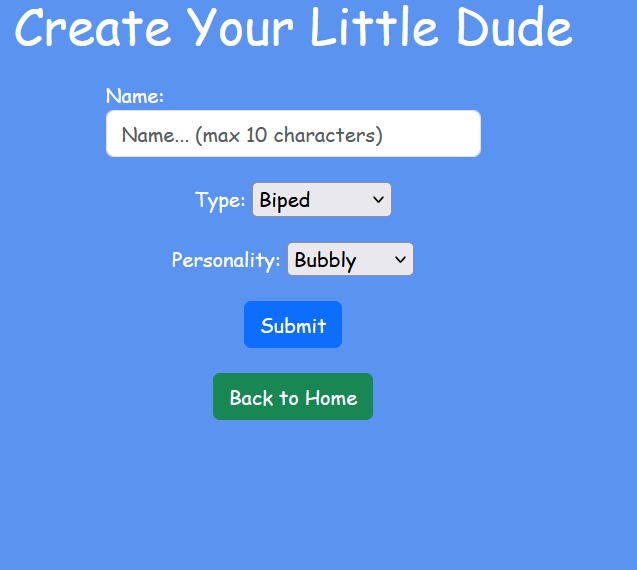
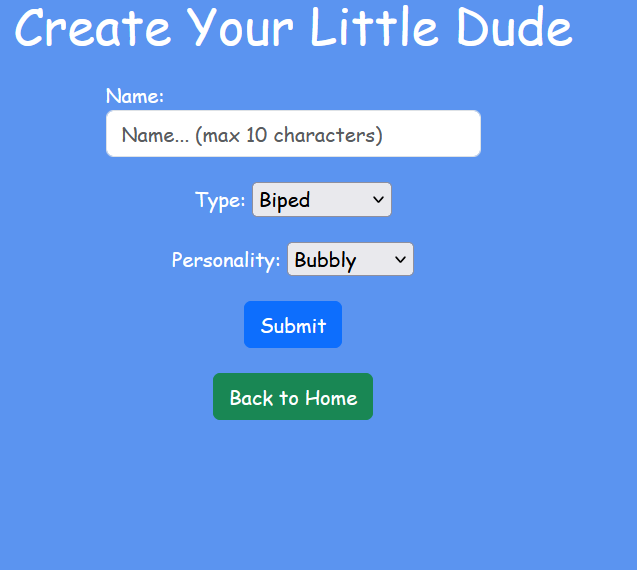
Creation of LittleDude screen!
-
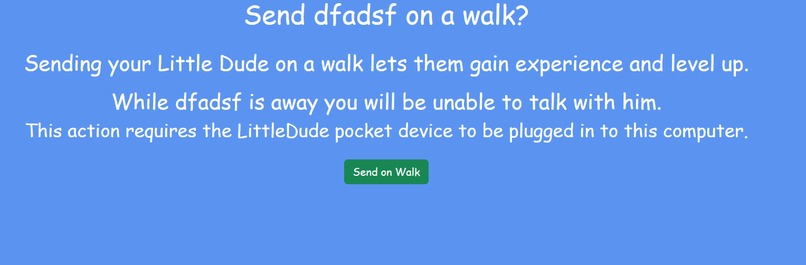
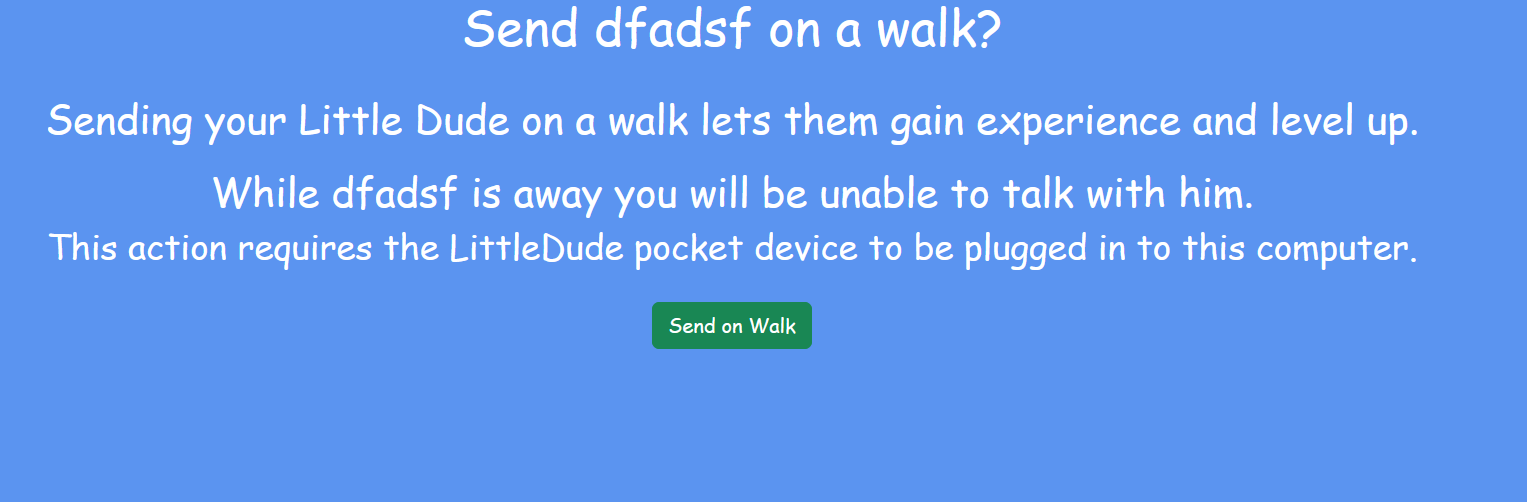
Want to go for a walk? Take your LittleDude!
Inspiration
We always wanted a Tamagotchi growing up that was more than just feeding. By making the system more interactive and customizable, it enhances the user experience of a virtual pet simulator. Having the choice to customize your pet makes you feel closer to it in the end.
What it does
The LittleDude virtual pet starts off with a screen that allows you to log in and create an account. This allows the LittleDude to recognize your name and allocates you to draw your LittleDude in a custom paint studio. Once the LittleDude is drawn, they are turned into one of the three types of LittleDudes based on the recognition of the closest drawn to the type. These types are the Ooze, Biped, and Quadriped. From there, you get to choose its personality! Ooze creatures come from the blob/slime family. Bipeds look similar to humans, and Quadripeds are like the bipeds, but with four legs. Personalities include barbaric, which is similar to talking to a war-driven caveman, hater, shy, bubbly, stoic, and wise. Having the option to customize the LittleDude's personality is important because of the chatbot feature, allowing you to communicate with your new friend. You may talk to your virtual friend, give it food when hungry, play with it, and take it for a walk. To play with your friend, there are objects in the habitat that can be thrown towards the LittleDude. The little guy can also be thrown around by being clicked and dragged. When hungry, the LittleDude will announce to you as such. You can then throw food onto the LittleDude to keep him fed. If you don't feed him enough times, the LittleDude retires (dies) and you must start over with a new virtual pet friend. The option to take the LittleDude for a walk allows the user to go mobile with their friend and get more connected through exercise. An Arduino-pedometer system with an LCD screen was created to allow for this experience. There is a button on the device that allows you to switch from the picture of the LittleDude to the steps and distance counter for the pedometer. This allows you to make sure your LittleDude is still there while you take it for a walk. All of these features together allow the user to have an enhanced Tamagotchi-esque experience with the ability to take their virtual friend around the town like the Tamagotchi.
How we built it
Arduino: Starting with the Arduino-pedometer system, C++, ArduinoIDE, Python via VSCode, a GY-61 accelerometer, and a .96in LCD screen were all connected. The system is configured in a way that it fits in a custom portable cardboard box. The Arduino system allows that when a button is pressed, the image of the LittleDude appears. At first, the Arduino-pedometer system is plugged into the computer, where you go through the steps of making the LittleDude, as mentioned before. The Python script allows a JSON data file with the LittleDude image to be sent to the Arduino through the serial communicator port on the Arduino. The accelerometer is used for x and y acceleration and their magnitude. Through this, the steps and distance are calculated. The average person walks .75m with each step, and that is how the steps were calculated. Then the Arduino is disconnected. Arduino has memory, so it stores the pedometer code with the JSON file on it. The Arduino needs to be powered, so a 9V battery is hooked up to the Arduino. Through the custom cardboard box, there is a hole in the bottom that allows for the battery to be easily taken out, if wished.
LittleDude online: Using a django framework, the project was created. Google Gemini AI was used to make a chatbot. Information and personality types were given to the chatbots. The habitat, and all other visual representations of the LittleDude were made in the django framework. HTML, CSS, and Python were used to make your friend come alive!
Challenges we ran into
Arduino: At first, we wanted the Arduino to communicate wirelessly through Bluetooth using a Nano33 BLE. There were issues with the Nano33 BLE driving enough voltage to power the screen, and thus the screen did not work with it. Instead, we switched to an Arduino Uno. The Uno allowed us to complete our project, but it did limit us in the sense that there had to be a wired connection through the serial port at some point. Getting the Arduino to read the JSON file and connect was also tough. We weren't allowed to run the Python script for connection and have the Arduino serial monitor open to debug the screen at the same time, which was unavoidable, but limiting. It was hard to fix the connection of the data being displayed on the screen because we couldn't see it all at once. We had to manually go in and troubleshoot line by line with easy print statements, because of this issue.
Accomplishments that we're proud of
We are proud of building a system that allows you to pass time, build connections, and get connected with the outdoors through walking. It is our passion to make games and seek connections through technology and engineering. Specifically, through the Arduino system, we are proud of getting the Arduino to communicate effectively and receive the JSON data file with the image of the LittleDude. With the web-based application of the LittleDude, we are proud of the ability to make a customizable friend. Being able to draw the LittleDude is fun and allows you to be creative, along with creating its personality type.
What we learned
Arduino: We learned that sometimes using Arduino can be a little buggy. At certain steps, the code would not work, and if you closed out the IDE and reran it, it suddenly would work. Or, the screen would randomly reset sometimes in the beginning iterations while using the pedometer. Thankfully, we were able to work through these issues. We also learned about the compatibilities of the Nano33 BLE with LCD screens and the use of Bluetooth to send JSON files through Python to the Arduino.
Other: Learned how to implement front-end javascript into our django framework project.
What's next for LittleDude
Changing the Arduino to a better and bigger Bluetooth-capable one would be ideal. This could be through the application of a module or even through changing the model. This would allow the system not to have to be plugged into the computer at the start, and would be easier for the user to use. Additionally, getting the image of the LittleDude to be animated through walking on the LCD screen would be fun and exciting. A text-to-speech feature where the LittleDude verbally talks to you would be implemented, and we would like to add a variety of more games to keep the user even more interested in their friend.


Log in or sign up for Devpost to join the conversation.