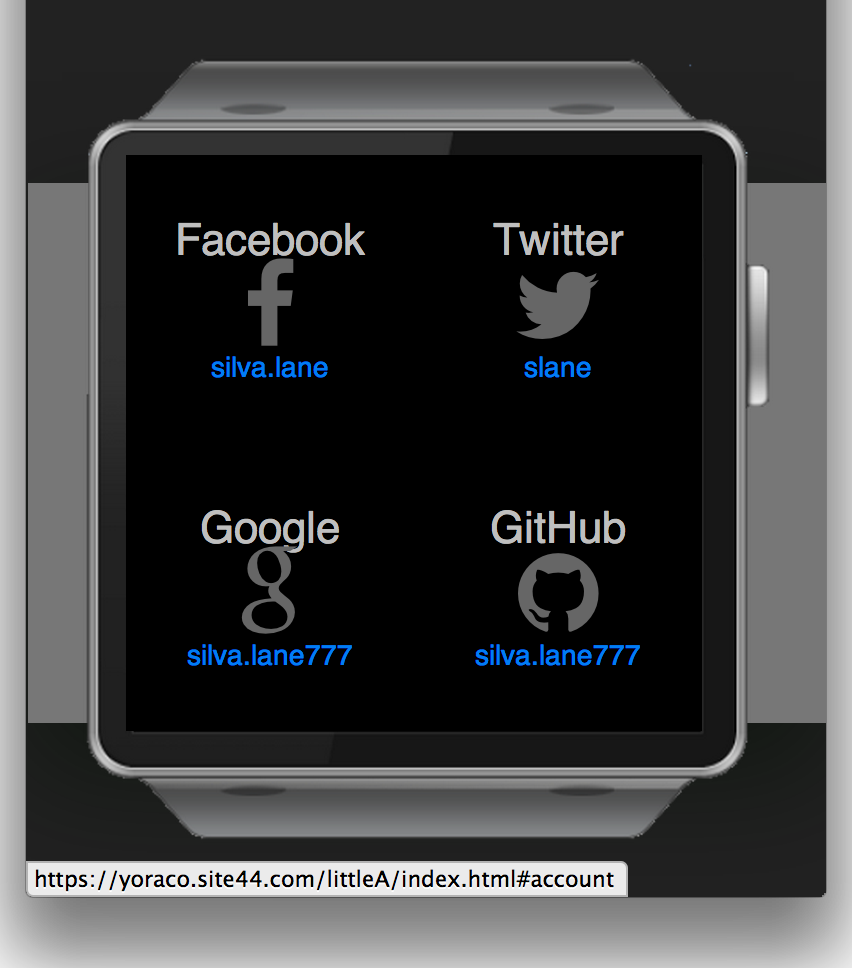

LittleA enables two-factor authentication (2FA) to your wrist. It scans QR codes and manages up to four user accounts from popular services such as Github, Google, Twitter, Bitbucket, Yahoo, Amazon, and several others.
How-to import a new security token:
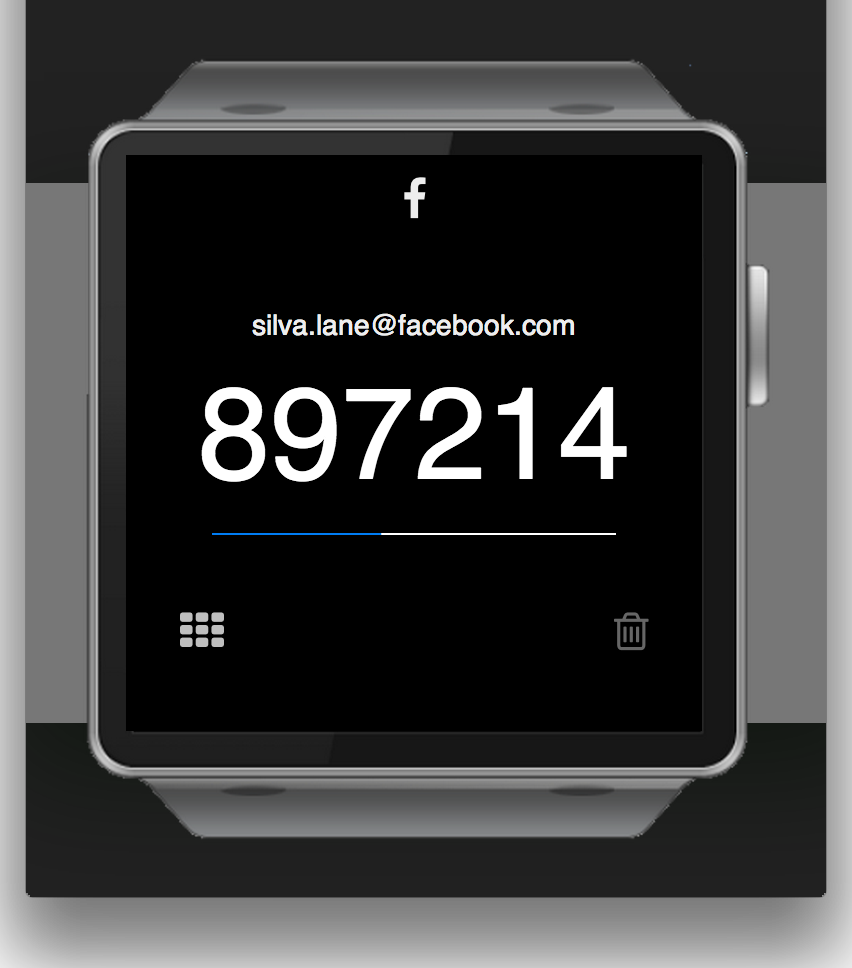
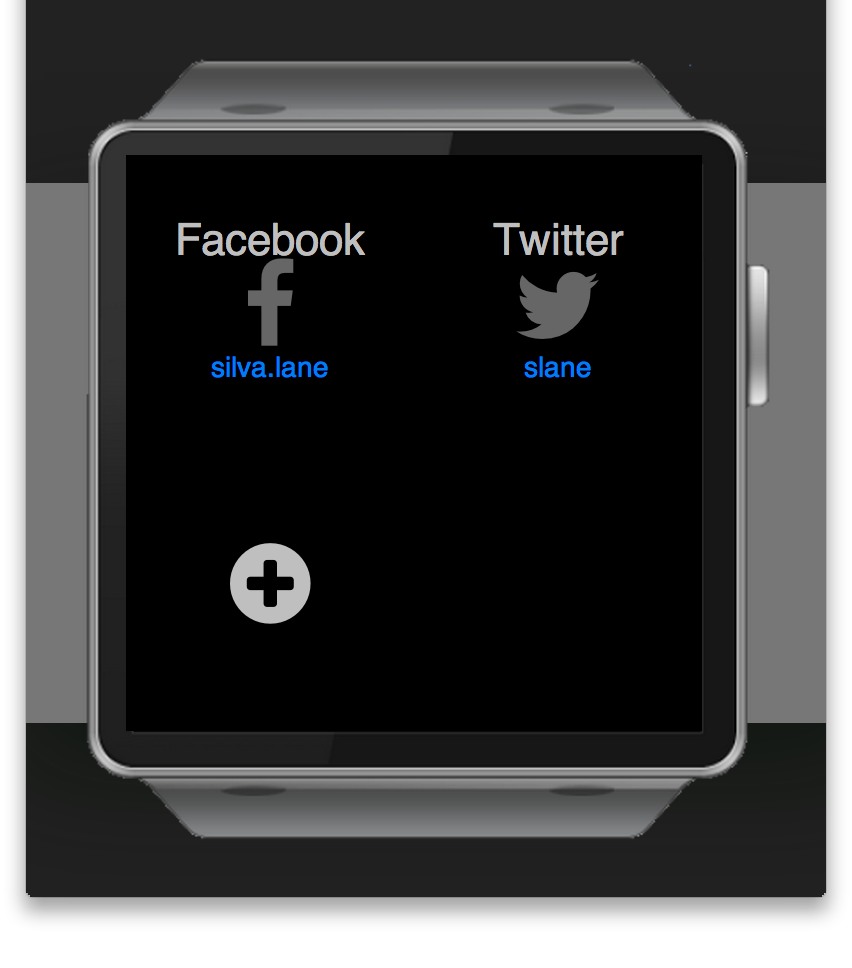
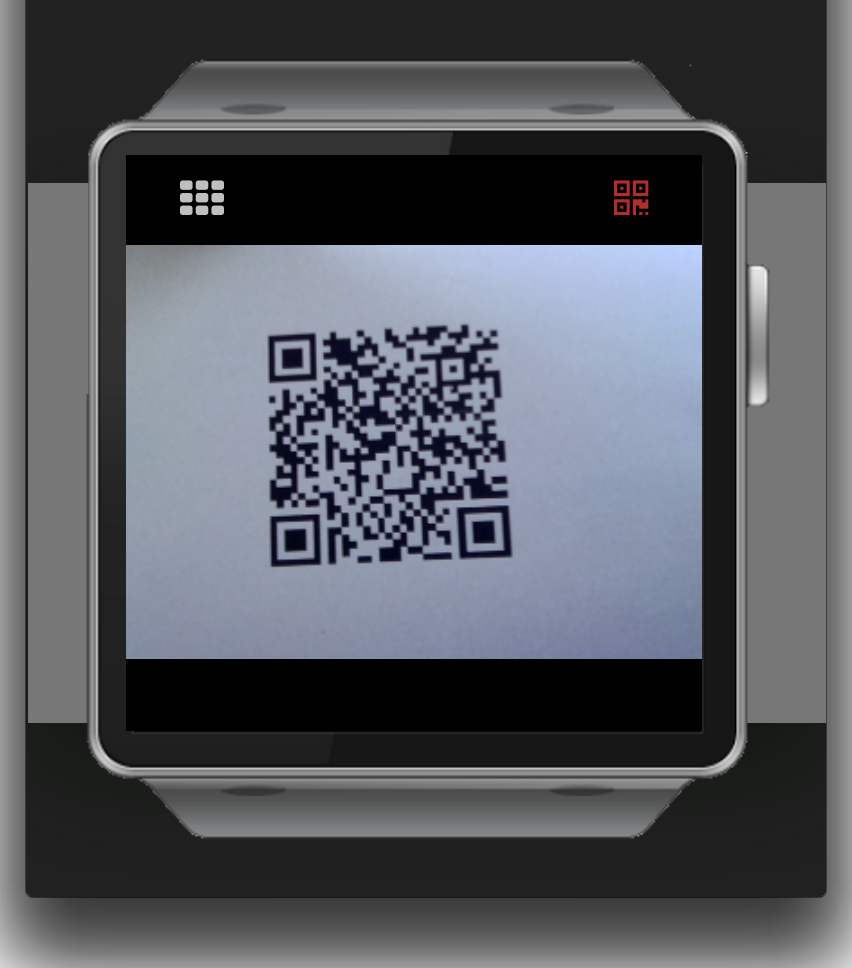
★ Switch on the 2-factor authentication on the service account ★ Start LittleA ★ Tap on the plus sign ★ Scan the QR code displayed ★ Confirm the import was successful with the resulting 6-digit code ✔ DONE!
Now enter each time you log in additionally a 6-digit code too:
★ Log into the service account with your username / password - you will be asked for a 6-digit code ★ Start LittleA ★ Tap the service button on your dashboard ✔ Voila! There is the code.
By definition such code living for 30 seconds only - LittleA refreshes the codes automatically.

Log in or sign up for Devpost to join the conversation.