-
-
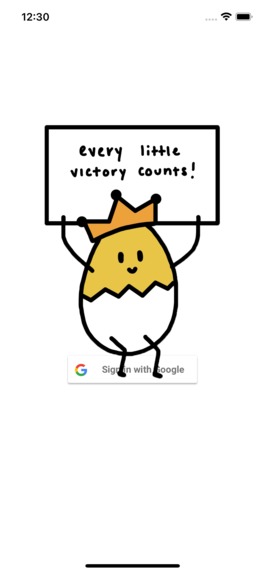
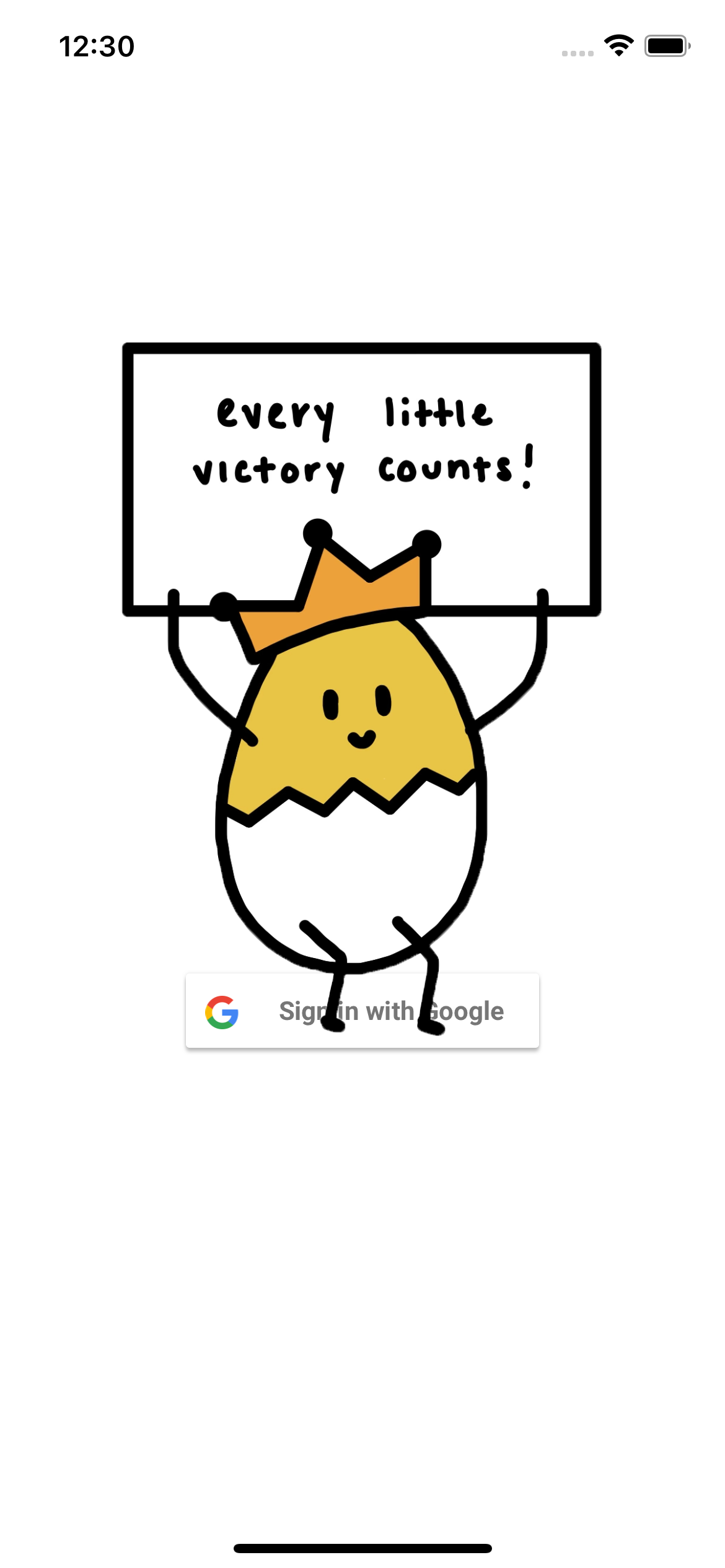
The login screen, featuring Google Authentication and our mascot, the Egg Man! Once the user logs in, the frontend sends a token to backend.
-
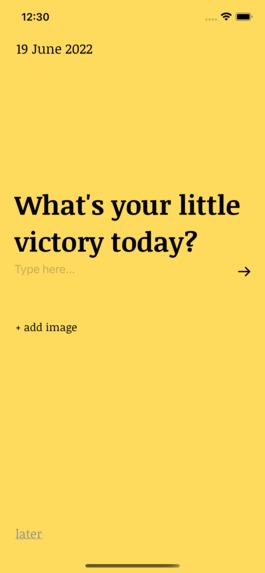
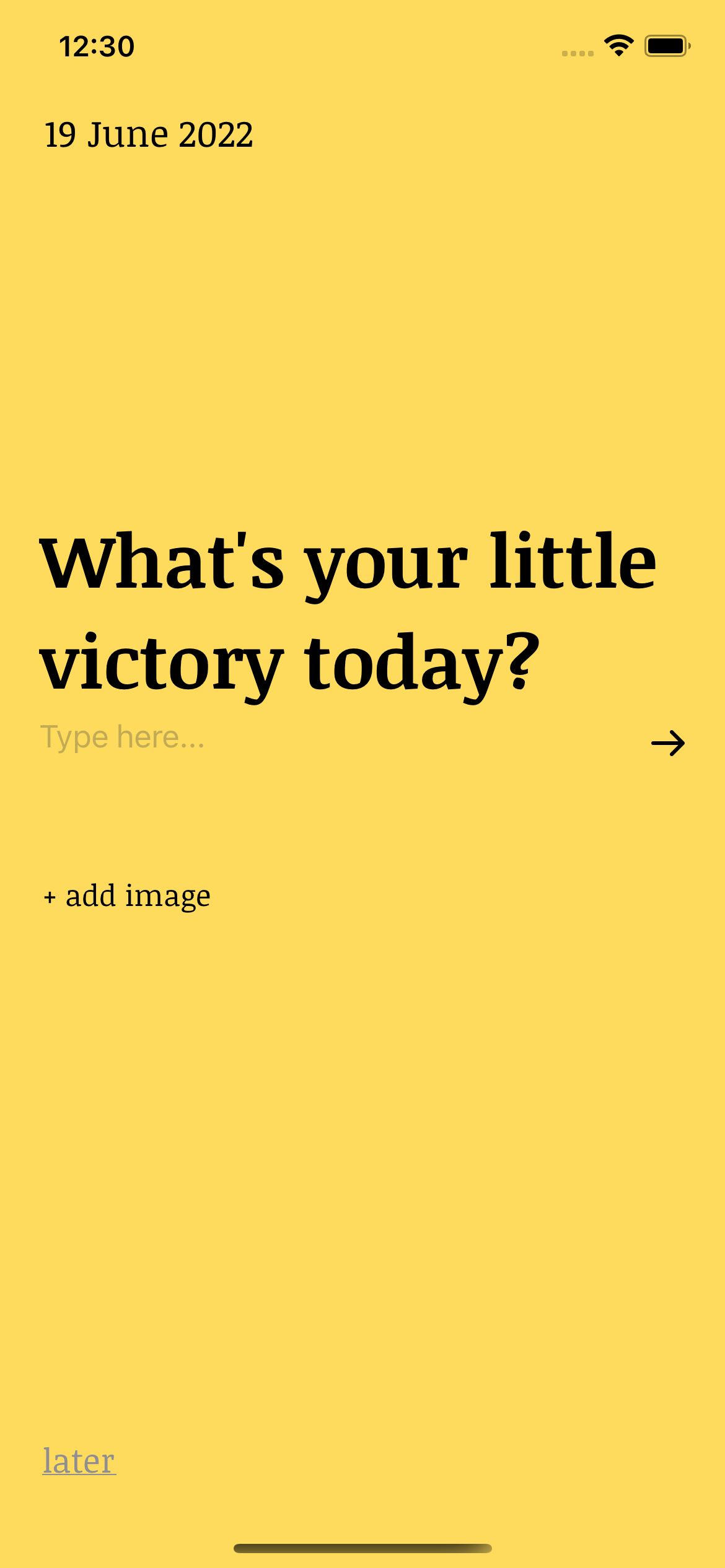
Firstly the user is prompted with whether or not they have a victory they are eager to share!
-
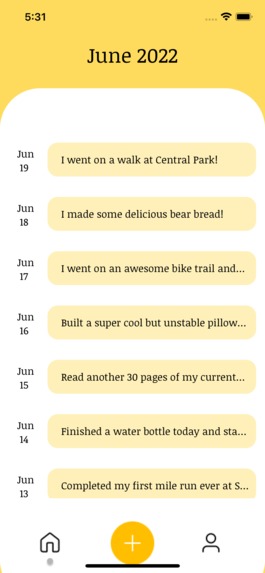
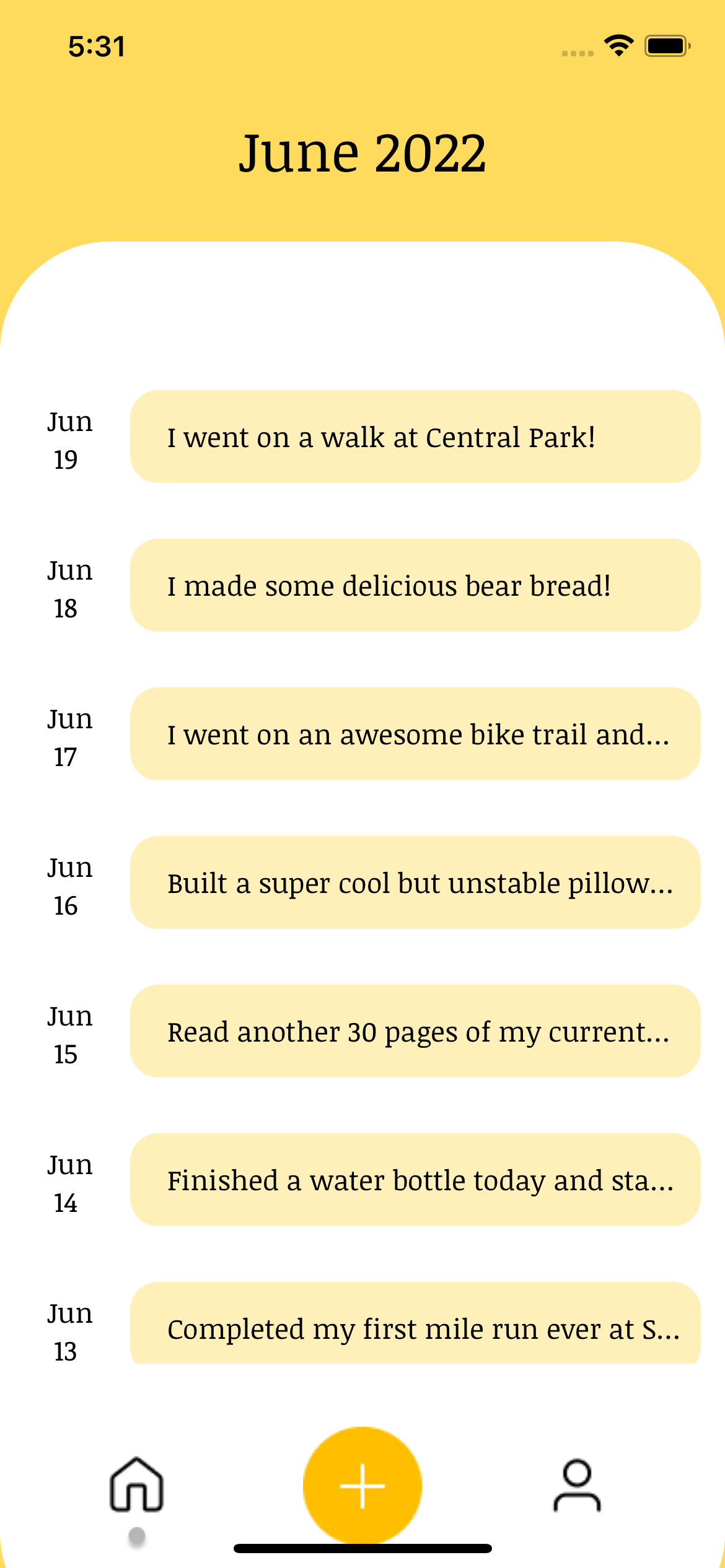
This is the home page, where users can view and see previous victories that they posted.
-
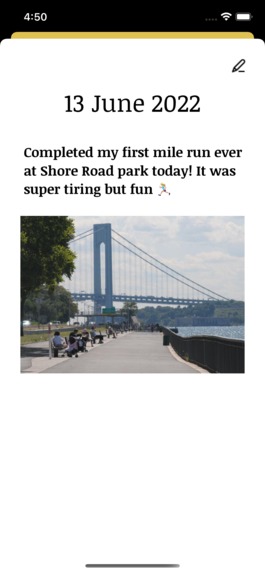
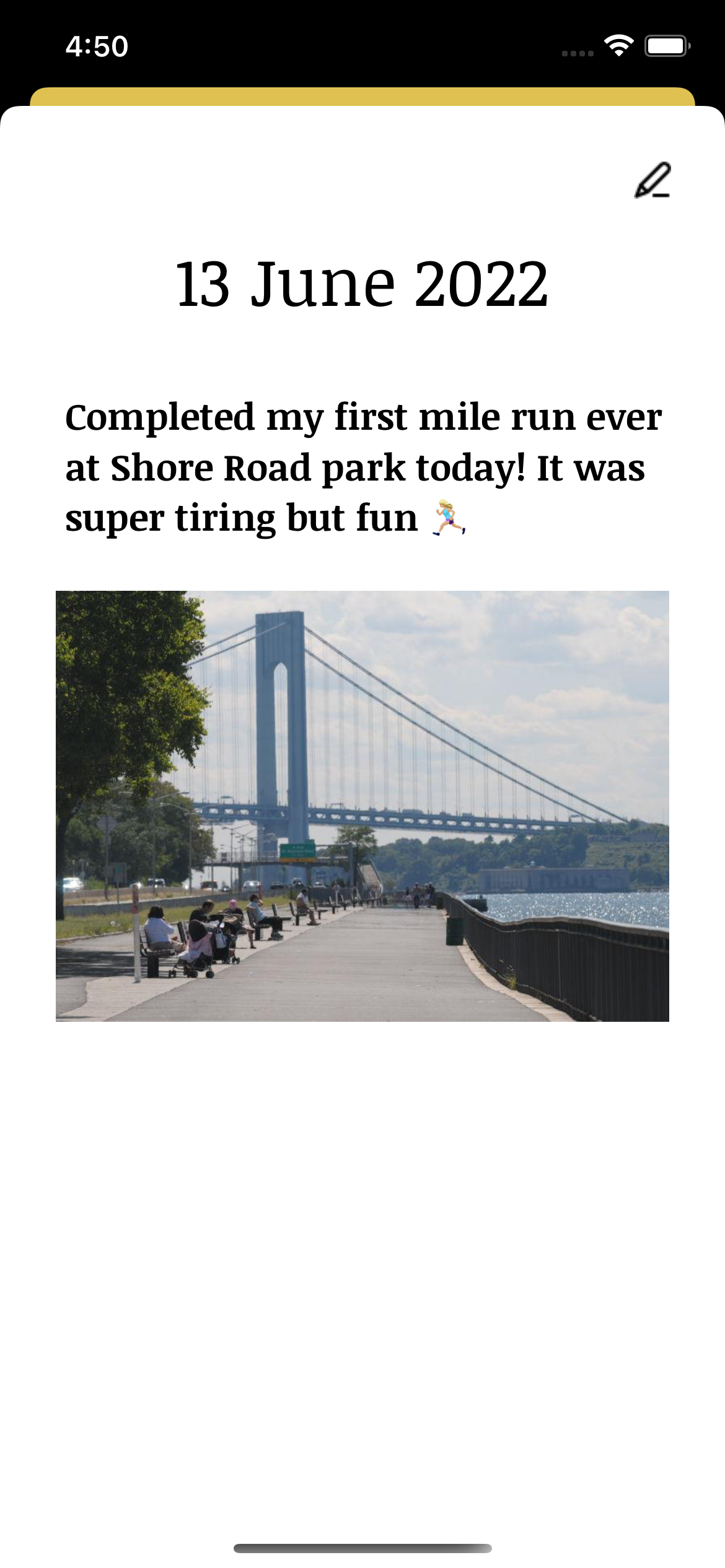
By clicking on a victory, users can see an expanded view along with the photo that they uploaded in conjunction with the victory.
-
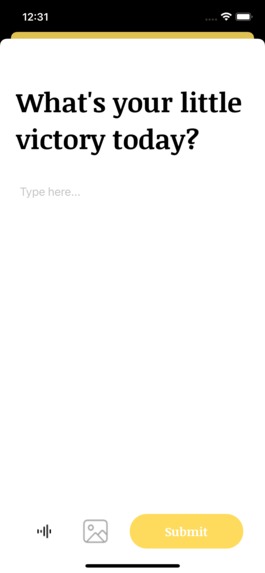
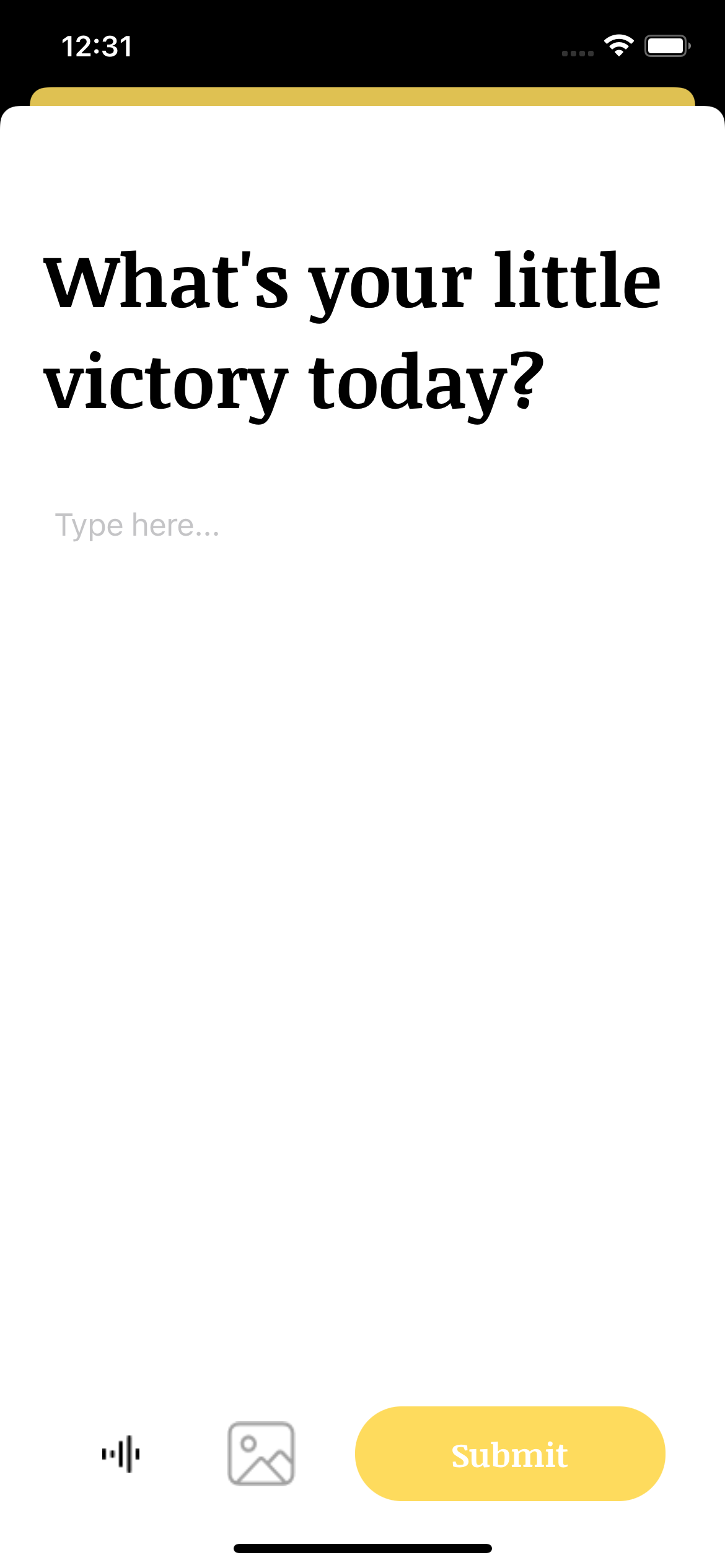
Users can also add a victory here (by clicking the + button) and also submit a photo as well.
-
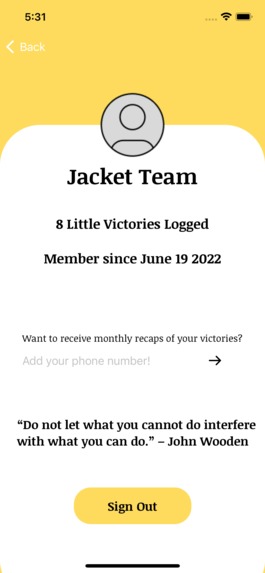
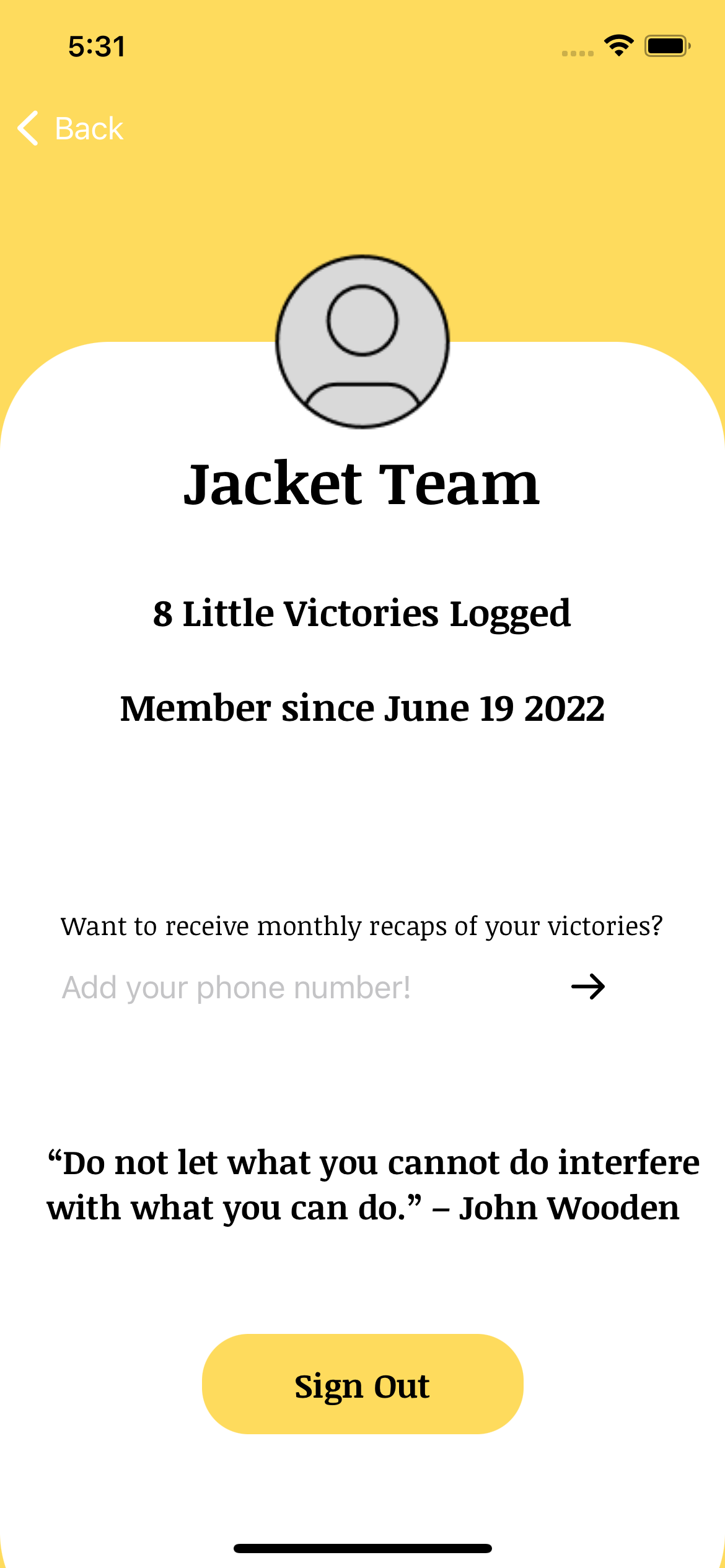
The profile tab features a phone number input for text messages via Twilio, a sign out button, and random encourage for extra positivity!
Inspiration
We wanted to create something related to the theme of mental health that was simple, quick, and evoked positivity. That was when we thought of our lives as university students. Having just completed our first year at university, we realized that we tended to get caught up in the whirlwind of trying to balance our academic and social life that we neglected our mental health at times. We figured that this is probably the case for many people in all stages of life, albeit under different circumstances. As our responsibilities and aspirations grow (or as life passes in general), it is important to remind ourselves to celebrate even the little things in life. Celebrating the small things can help one practice positivity and gratitude which can help to reduce feelings of anxiety and depression. And that’s why we decided to build Little Victories–to help people highlight the positive aspects of their life no matter how small they may be.
What it does
To begin engagement with the application, users must sign in through a Google account (Google OAuth). In short, Little Victories allows users to record short entries of their daily wins. This could be as small as taking a step outside to making your bed or something as big as completing a long-term project. Users can choose to attach a photo that relates to their victory that gets saved to their entry. Users will be able to look back on their entries and view the attached photos with a simple tap on desired victory as well as edit their entries. Users’ profile page will display the number of entries they have as well as display a motivational quote. The profile page will also display a question that allows users to opt into monthly reminders by entering their phone number.
How we built it
The backend was built using Flask and Sqlalchemy in Python. The frontend was built using Swift in Xcode. We hand drew the mascot (egg man). We also referenced school projects for inspiration and to remind ourselves of proper syntax.
Challenges we ran into
Since this is the team’s first hackathon, we faced many challenges as we are still familiarizing ourselves with frontend and backend development. Some issues we ran into were implementing images into our application and using AWS buckets. In addition, implementing Google OAuth also presented issues especially when including session tokens. We also ran into many debugging errors and inconsistent file versions when pushing to GitHub. Despite these challenges, we enjoyed participating in the MLH Mental Health Hackathon II as it helped us grow, learn, and practice all of our skills in new ways outside of the classroom.
Accomplishments that we're proud of
Creating a design for our app is something we are proud of since this is something we have never done on our own before. In regards to the backend, we are proud of setting up a cron job that sends monthly text messages to users using Twilio reminding them to celebrate themselves. In regards to the frontend, the network requests were the most difficult and we are proud of how they turned out.
What we learned
During this process we strengthened a lot of the skills we learned during classes such as syntax, networking, setting up models, and more. We were able to gain experience implementing many functionalities of our app. Using GitHub was also a challenge for us, but we now better understand how repositories work and how beneficial they can be especially when collaborating with others. During this hackathon we also used Figma to design our app for the first time and learned a lot more about the design process, as we had mainly worked with a separate designer for previous projects. Dipping our toes into designing definitely helps us feel a lot more connected with our app as it gives us complete control over the user experience.
What's next for Little Victories
We actually wanted to implement a calendar view into our app but did not get to it so that is something we would like to implement in the future. We also would like to include more forms of media for our entries such as a voice recording option or video option. Even expanding victory entries to provide users with new prompts to answer and new moments or activities to log, such as events/things that made them happy, something they are grateful for, or something that piqued their interest. Our app also sends monthly text messages to users to remind them of all the amazing things they have accomplished in the past month, but in the future we would like to expand on this feature so that the message could include a link that would bring the user back into the app and display a visually appealing monthly recap of their victories with victory highlights and photos from their entries to encourage further engagement with the application.

Log in or sign up for Devpost to join the conversation.