-
-
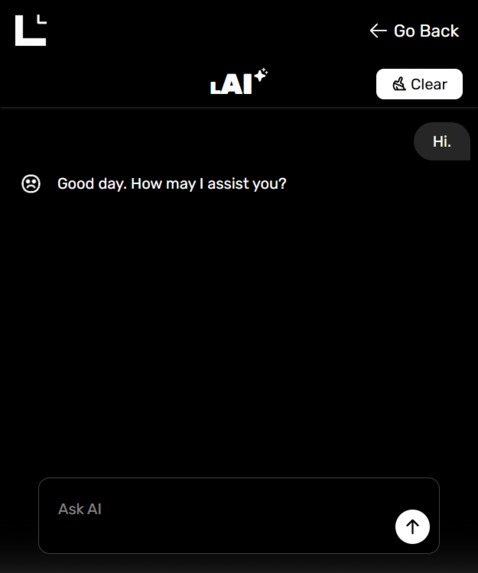
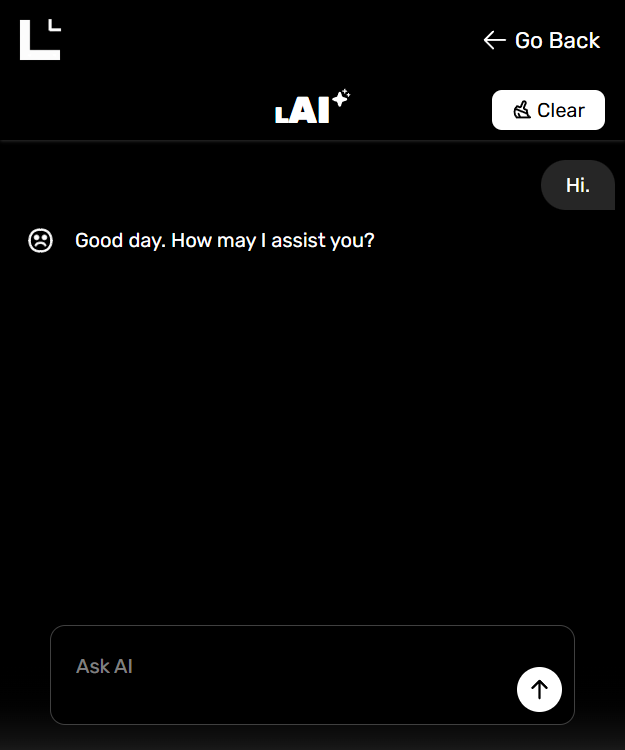
Little AI
-
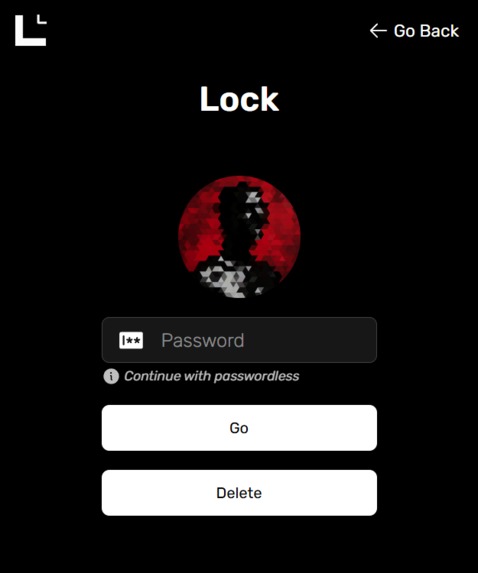
Lock Profile
-
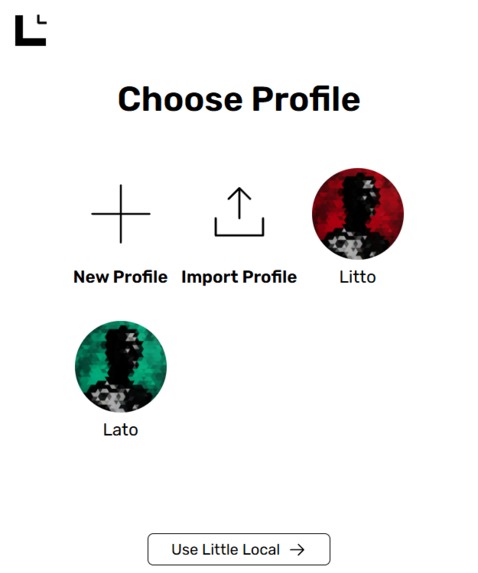
Profile Menu
-
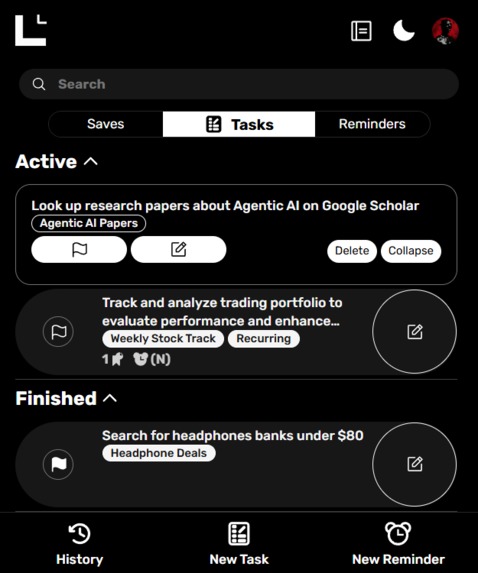
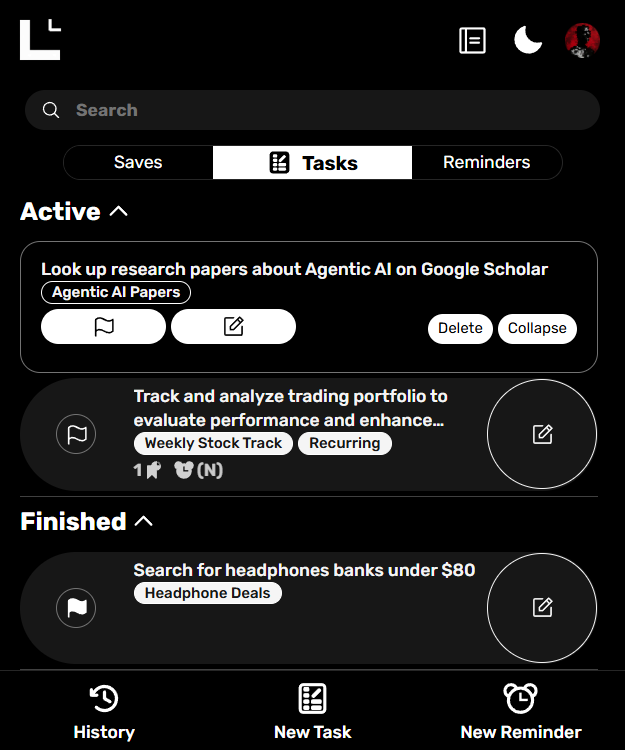
Tasks
-
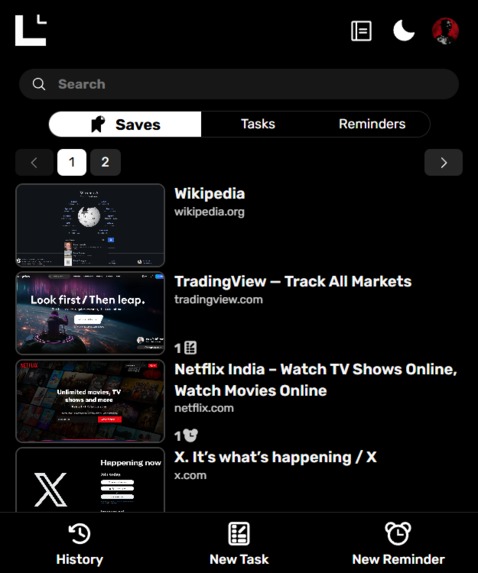
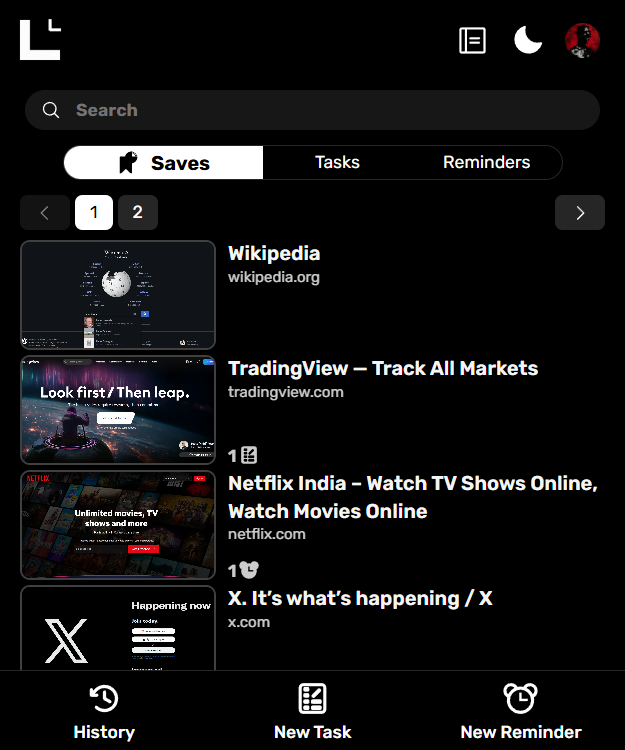
Visual Bookmarks
-
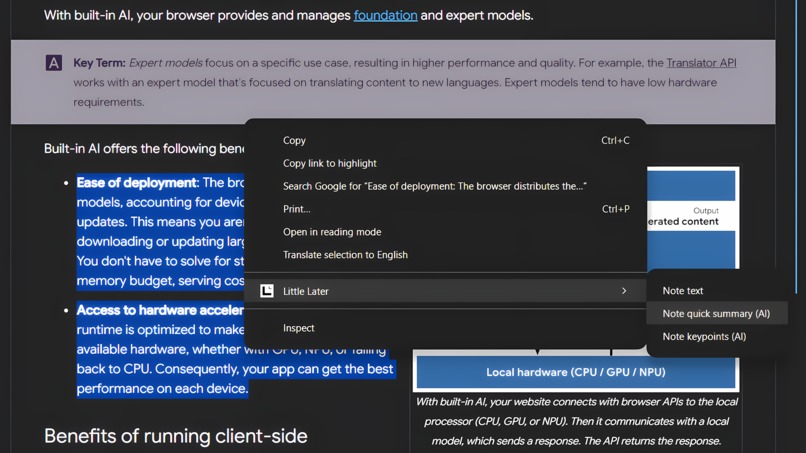
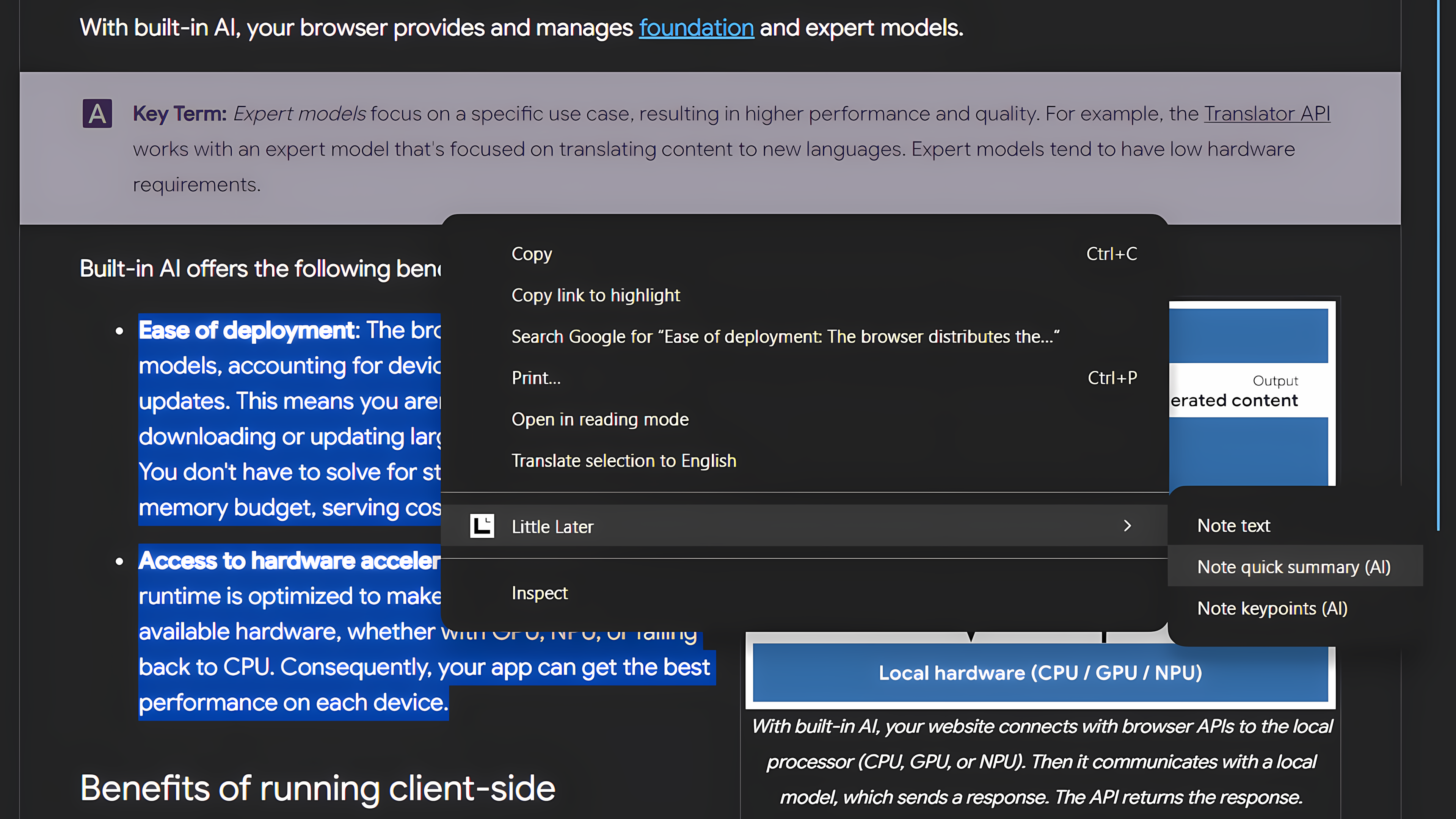
Web Context Menu Options


Inspiration
I spend most of my time on the internet — researching, learning, building, and constantly jumping between tabs. Often, I find myself deep in an interesting read or project when another task suddenly demands attention. I needed a way to pause that moment — to save it neatly, with context and a visual preview — and return to it later without losing focus. That’s how Little Later was born — a simple way to give my brain a break and bring a bit more structure to my browsing.
What it does
Little Later helps you organize your online activity seamlessly — right inside your browser. You can:
- Save any page as a visual bookmark with a preview.
- Create reminders that appear when you open Chrome.
- Add quick notes or to-dos while browsing.
- Revisit your saved sessions — without clutter or losing context. It’s built for people who live inside their browsers — students, researchers, developers, and anyone who wants a calmer, more intentional digital space.
How we built it
We built Little Later as a connected system consisting of a Chrome extension and an ElectronJS desktop application. 🔹 Chrome Extension
- Frontend: React + TypeScript for a dynamic and modular UI
- Styling & Animations: Tailwind CSS and Framer Motion
- Database: IndexedDB (via Dexie) for storing bookmarks, notes, and reminders
- AI Integration: Groq API and Chrome’s built-in AI for smart context handling
- Build Tools & Icons: Vite for fast bundling, Phosphor Icons for visuals
- Background Worker: A service that uses Chrome Alarms to periodically capture webpage data (~every 30 seconds), process reminders, and handle context menu actions 🔹 Desktop App (Little Local) Framework: ElectronJS + TypeScript Database: Better-SQLite3 for efficient, file-based local data storage Server: Node.js + Express + Socket.io — to bridge communication with the Chrome extension Builder: Electron Builder for packaging and releasing the app We designed the architecture so that users can switch the data provider — either store and process everything locally in the desktop app or inside the Chrome extension. When connected to the Electron app:
- AI requests are routed through the local app before hitting the APIs.
- Notifications are handled natively via Electron (even when Chrome is closed).
- Socket.io syncs database changes between the app and the extension in real time.
- Users can even use the extension across multiple Chrome profiles and still access the same shared data via the Electron backend.
Challenges we ran into
- Understanding how Content Scripts, Background Workers, and the Popup UI interact in Chrome extensions was initially confusing.
- Debugging was tricky — some Chrome APIs only work in the actual extension environment, not during localhost development.
- Choosing a compatible database setup for both the browser (IndexedDB) and desktop (SQLite) took several experiments to align data formats.
- Integrating AI APIs with both the extension and Electron while maintaining smooth sync and performance was another major hurdle.
- Honestly, nearly every part of this system had its own learning curve — but that’s what made it so rewarding.
Accomplishments that we're proud of
- We were able to design a pretty good ui of the extension with mostly reusable components
- We were able to process the data flow in the extension
- We were able to provide the user a secondary option to store and process their data.
- We were able to implement different AI APIs such as Groq API and Chrome-built-in API
- We were able to impement workspaces where the chrome extension and electron application uses some common libraries from a shared project
- We're made some other accomplishments too but we're short of remembering them
What we learned
- Managing and synchronizing data across browser and desktop environments.
- Building and debugging Chrome extensions efficiently.
- Structuring projects with monorepos/workspaces and shared packages.
- Integrating AI APIs and optimizing their performance.
- Designing with scalability and cross-platform communication in mind.
What's next for Little Later
- Add more AI-powered features — such as smart session summaries and personalized recommendations.
- Improve sync and notification reliability.
- Enhance user productivity with better UI/UX and cross-device support.
- Reduce bugs, polish the system further, and possibly release it publicly for feedback and open-source contributions.
Built With
- better-sqlite3
- chrome
- chrome-built-in-ai
- css
- dexiejs
- electron
- electronjs
- express.js
- framer-motion
- github-actions
- groq
- html
- indexeddb
- javascript
- phosphoricons
- pnpm
- react
- socket.io
- tailwindcss
- typescript
- vite

Log in or sign up for Devpost to join the conversation.