Inspiration
In high school, I burned out creatively. I used to paint and draw all the time, and then one day I felt like i "burned out" and stopped. It wasn't that I didn't want to make art anymore. Every time I sat down, my mind went blank. I didn't know what to make, and the longer I went without making anything, the harder it felt to start again. I felt like I was loosing my passion.
What I needed wasn't another feed full of perfect artwork or a chatbot giving me a wall of text. I needed someone to say: "You have 10 minutes and a pencil? Try this. Here's step one."
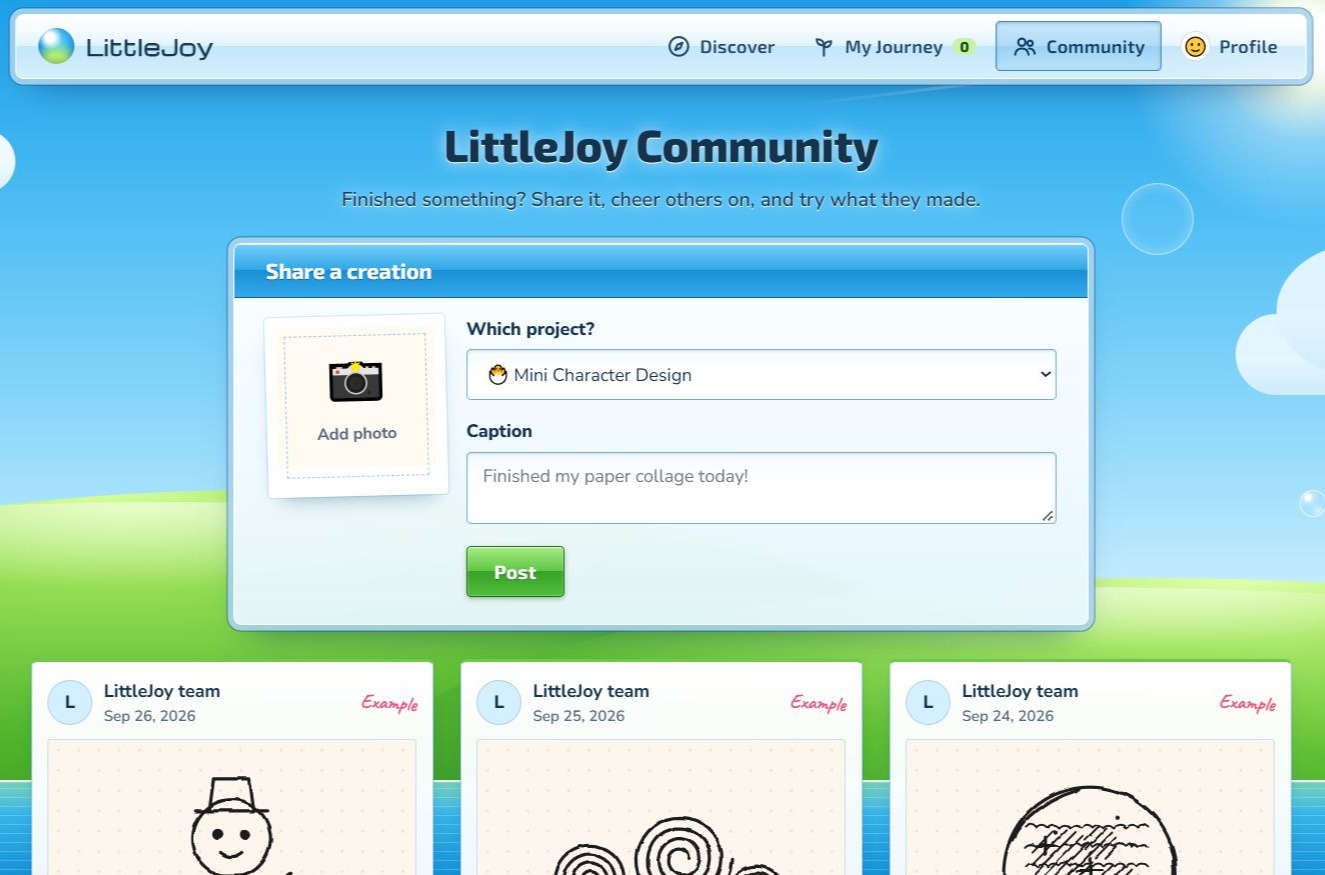
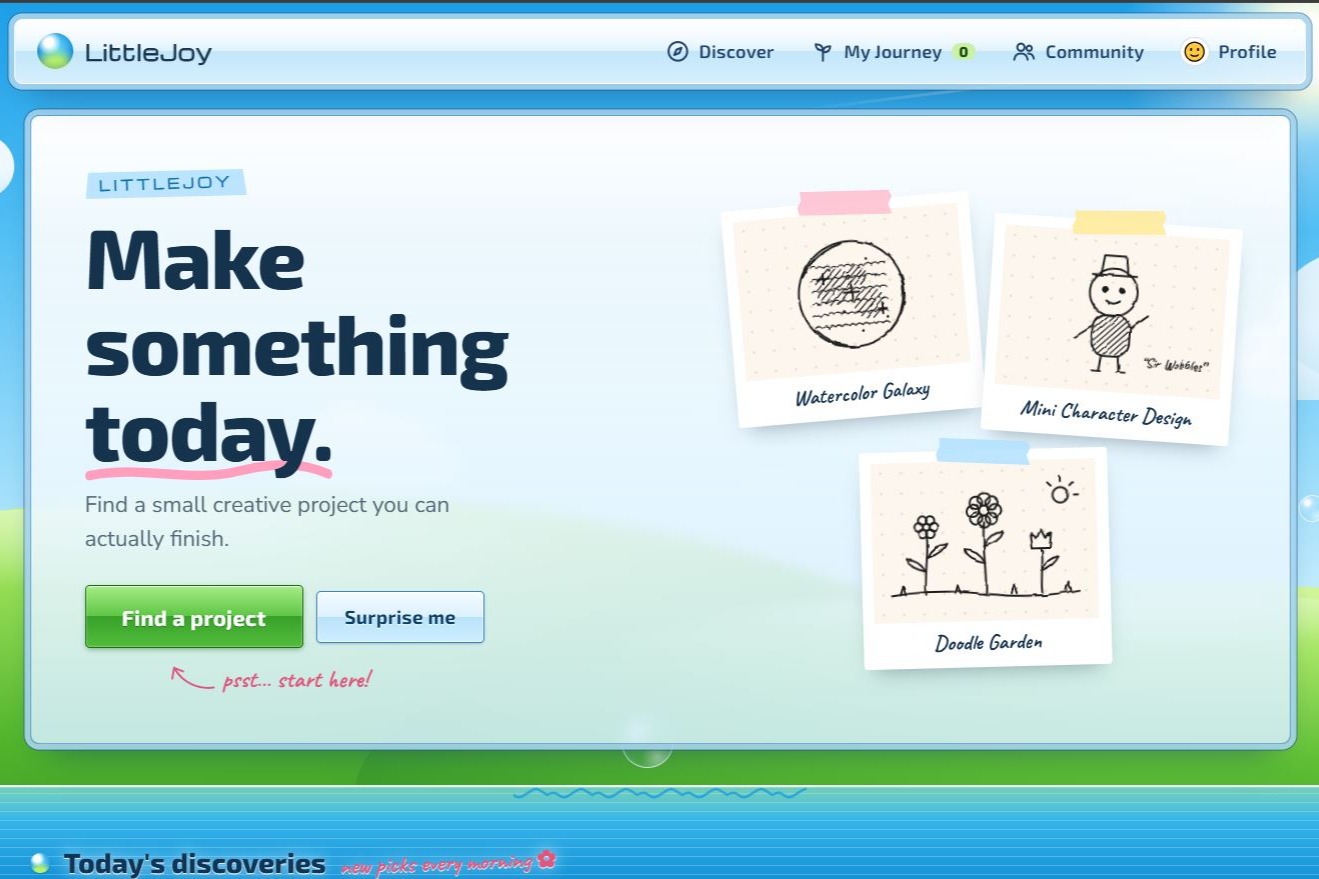
That's what LittleJoy is. It helps you pick a small art project you'll actually enjoy, one that fits the time and supplies you have right now, and walks you through it. It's for anyone who stopped drawing or crafting and misses it, and wants a gentle way to get that spark back.
What it does
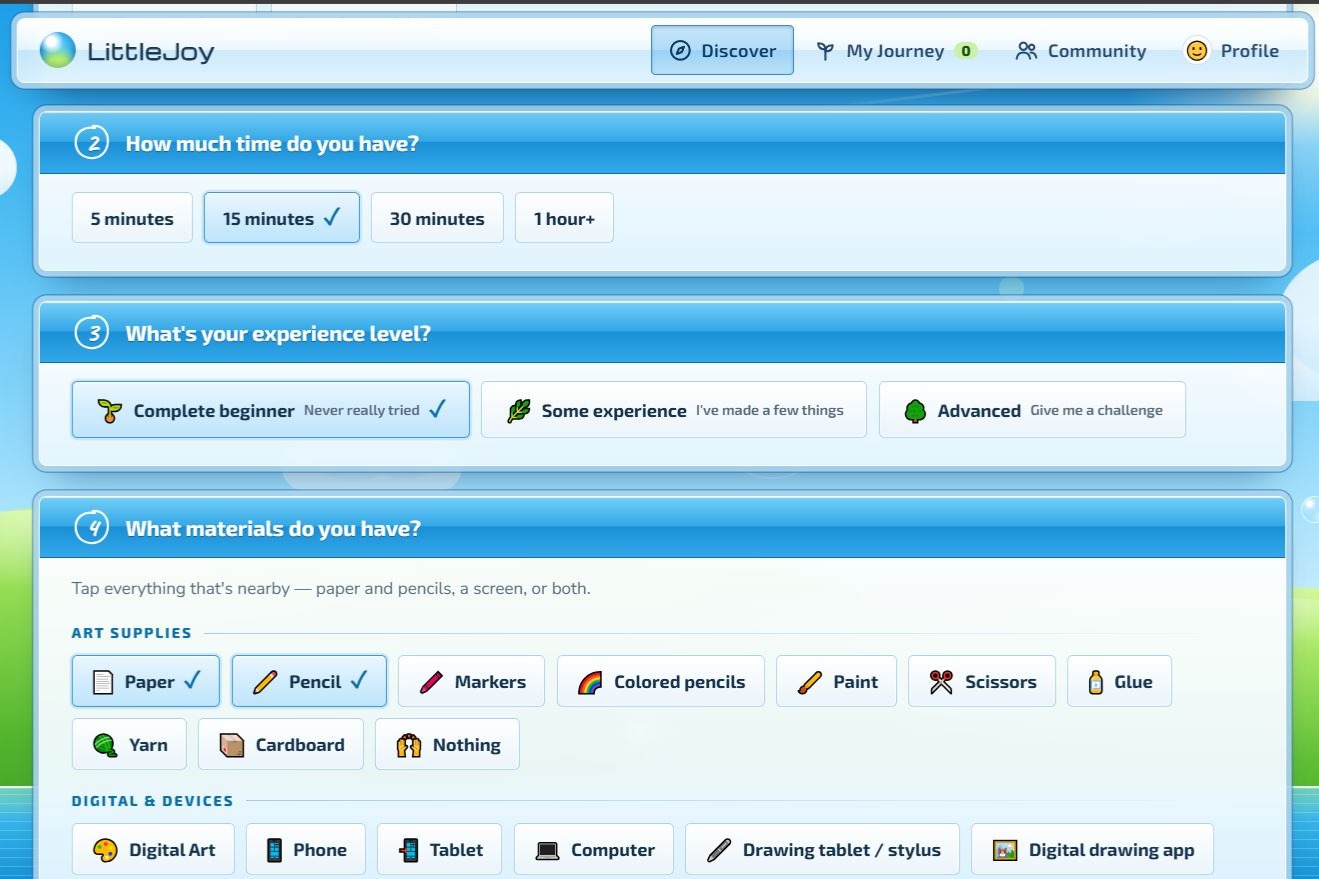
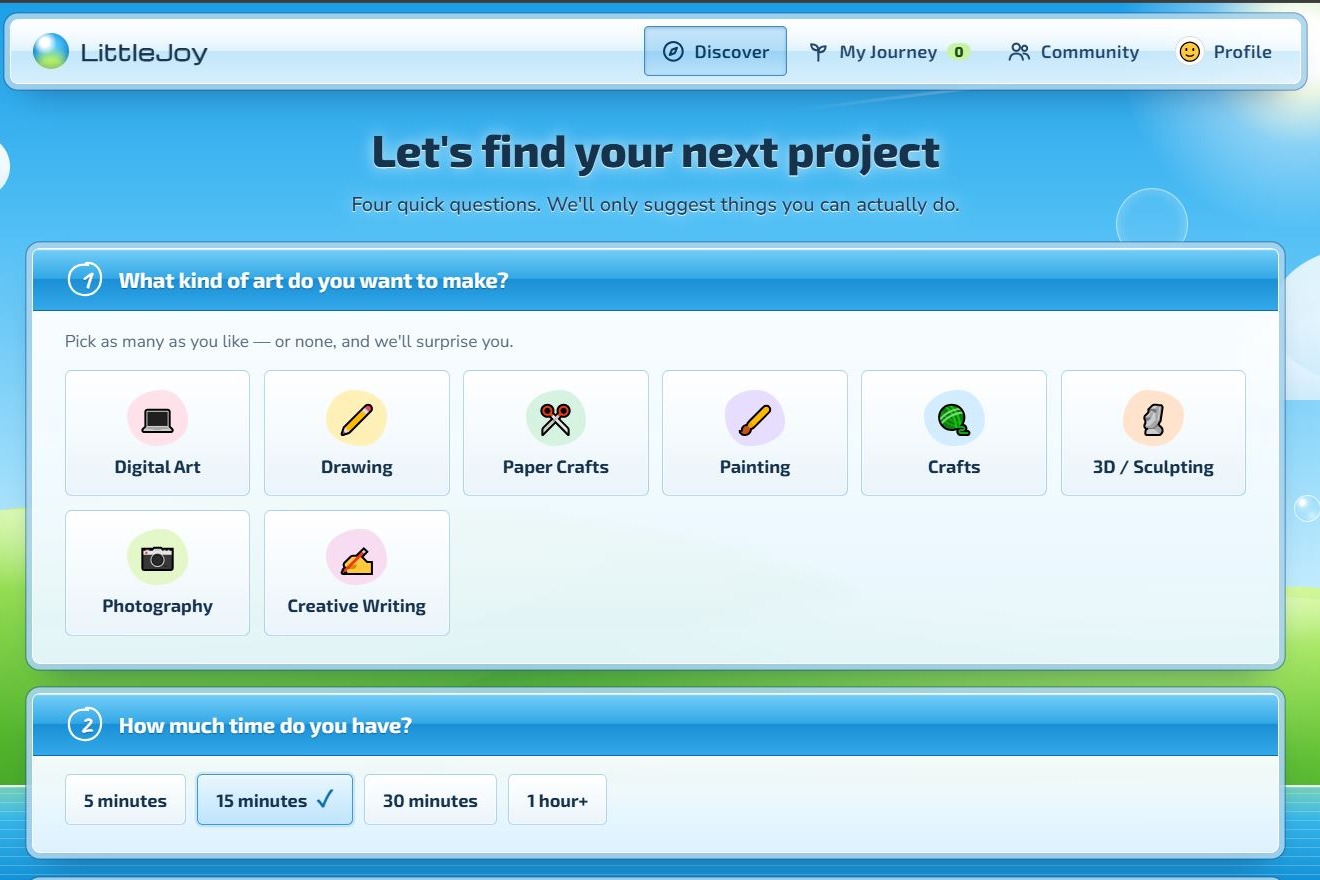
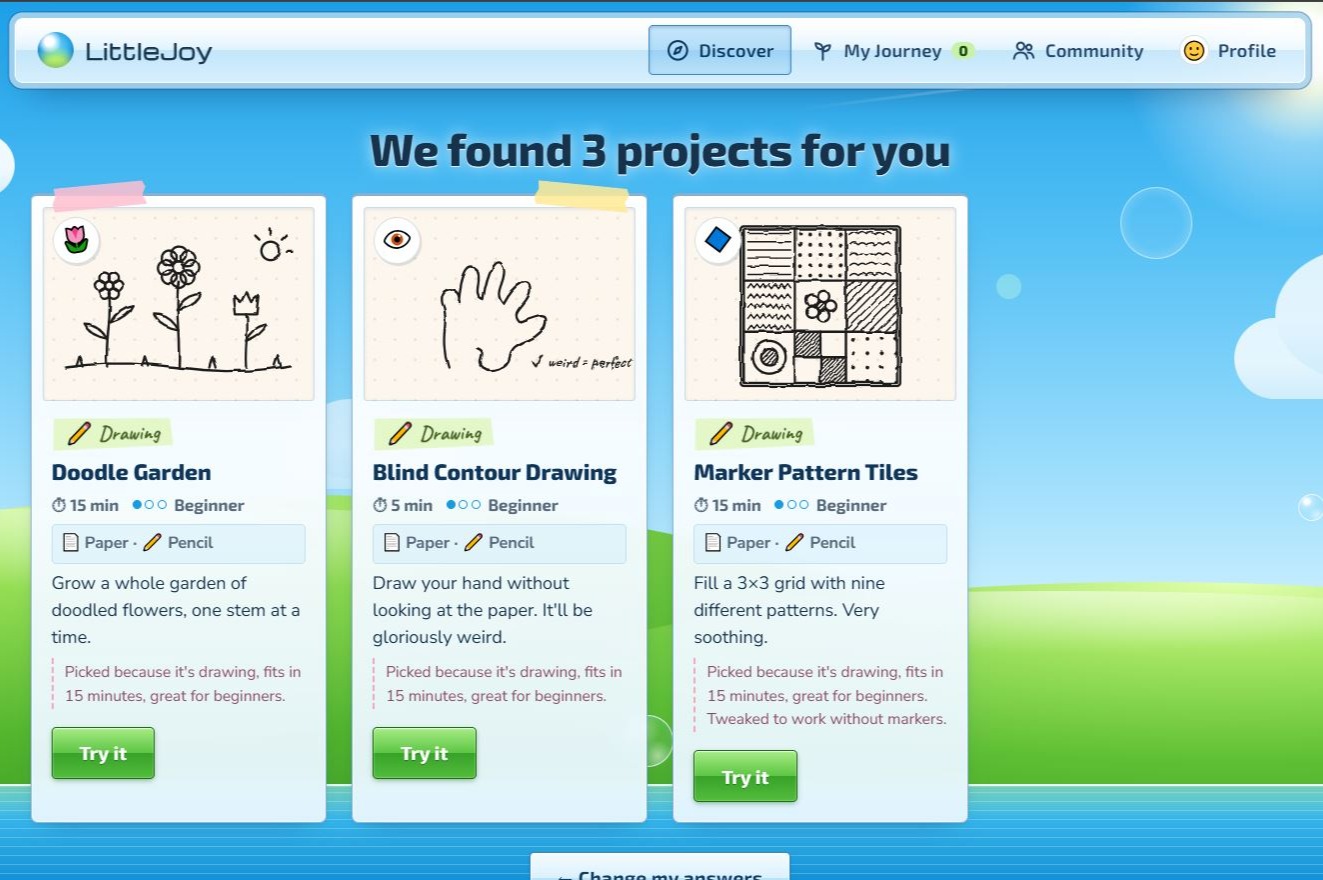
-You answer four quick questions: what kind of art, how much time you have, your experience level, and what's nearby (paper and pencils, a phone, or both).
- LittleJoy recommends Three projects you can actually finish. If you're missing something, like scissors, it rewrites the steps so you're never stuck.
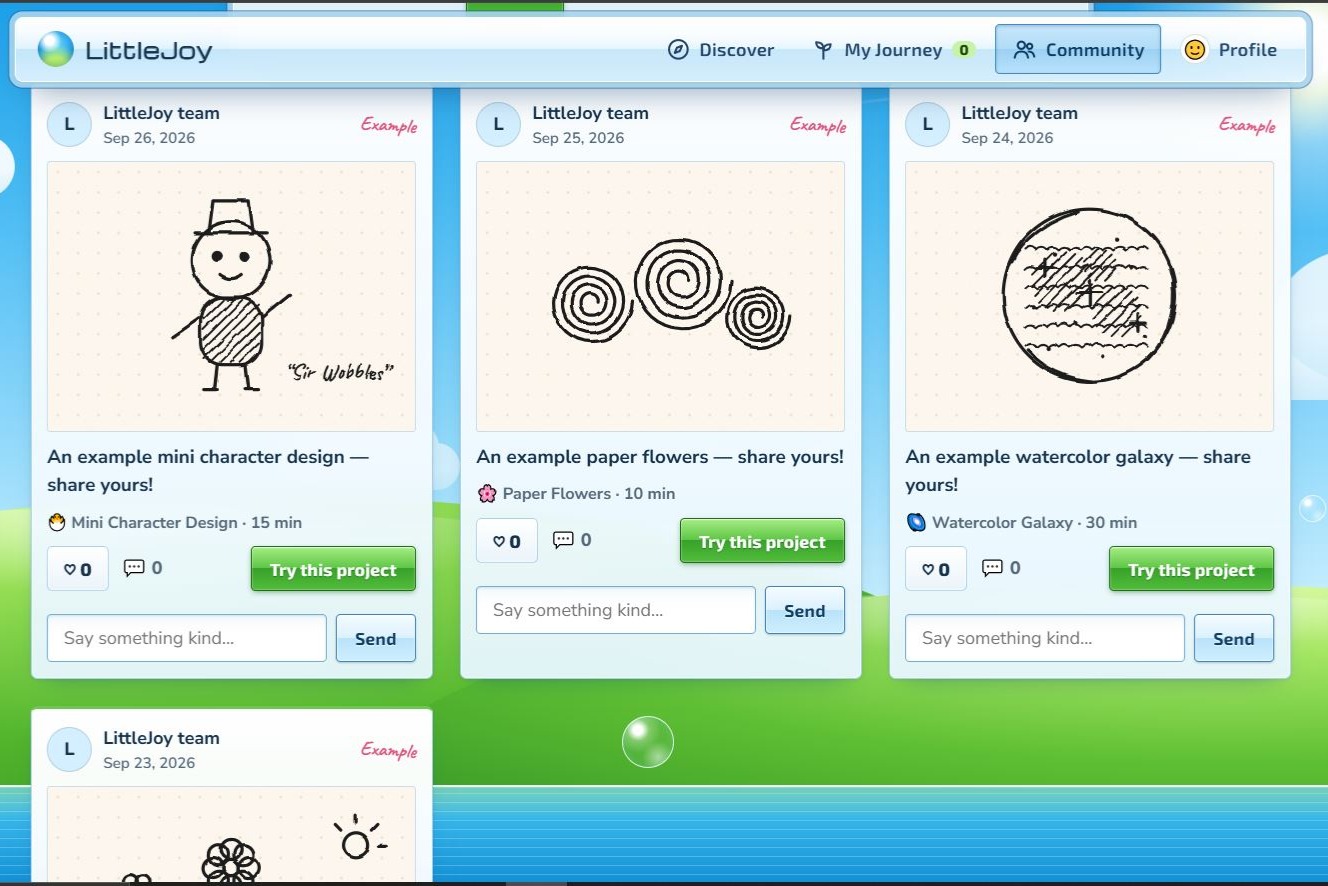
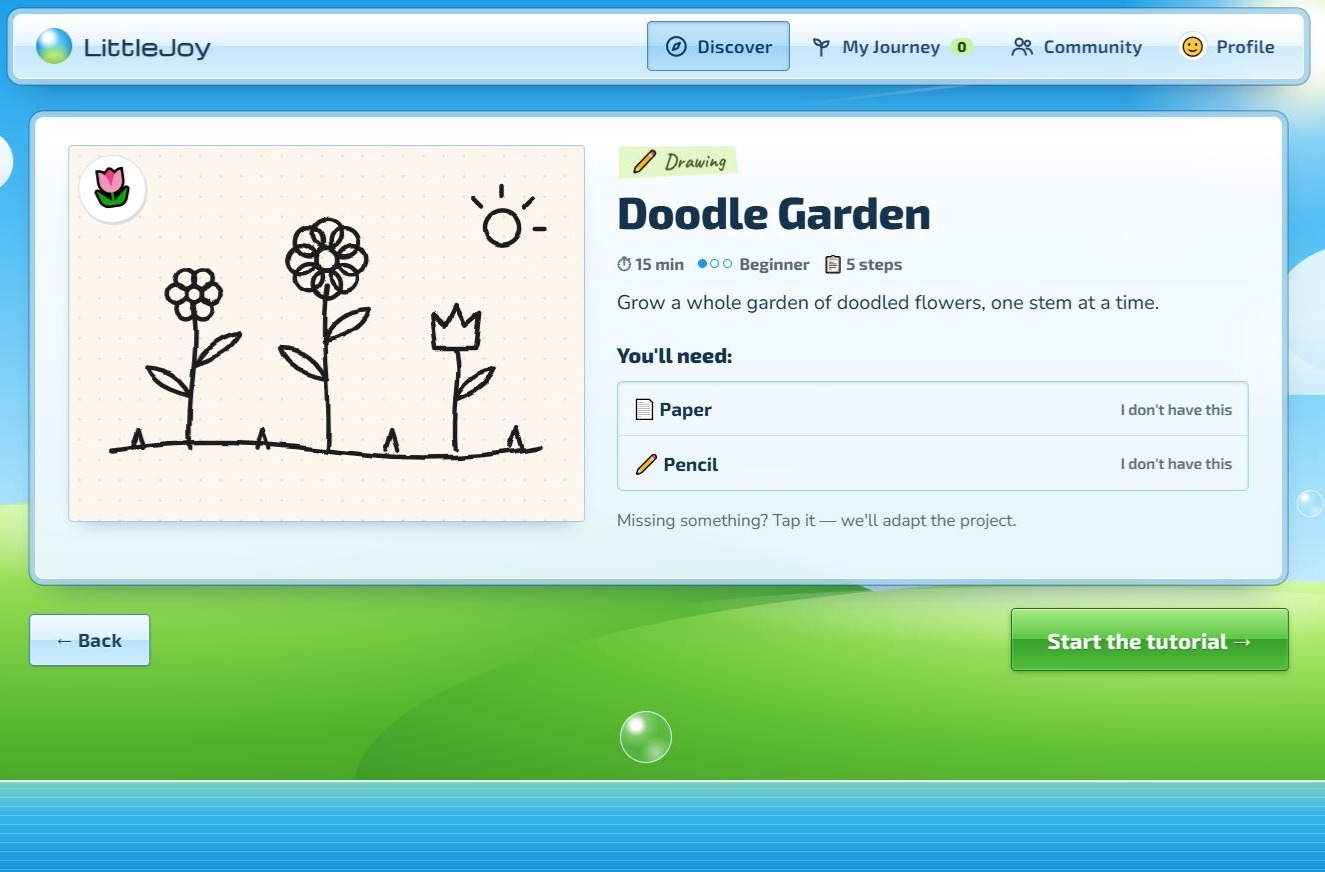
- Step by Step tutorials show a simple sketch that helps people who learn visually.
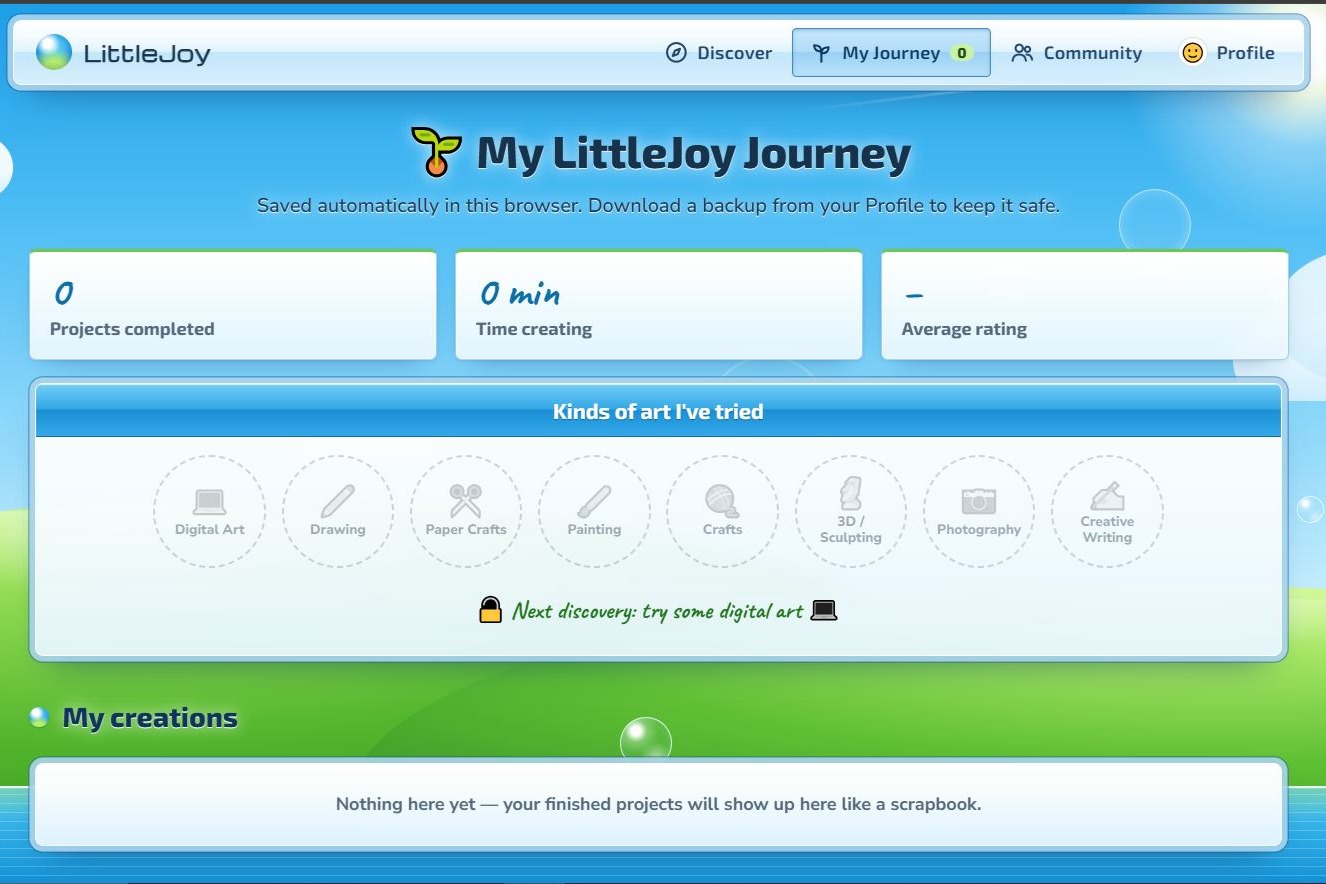
- When you finish, you can rate it on a 5 star scale, and it goes into My Journey, your personal scrapbook. Your ratings shape what it suggests next.
How I used Built it and used AI
I built LittleJoy with help from Claude (Anthropic's AI assistant). I'm still learning to code, so Claude guided me through the code and helped me debug it. My job was deciding what LittleJoy should be: the idea, which features to add or cut, how it should look and feel, and testing everything to make sure it actually worked.
Working this way taught me a lot. I learned how the pieces fit together, like how the recommendation engine scores projects and how the site saves your progress. I also learned to ask better questions, give clear feedback, and make hard decisions, like turning off Google sign-in when it wasn't working reliably.
- A project library of 36 beginner-friendly projects across drawing, paper crafts, painting, crafts, sculpting, photography, writing and digital art.
- A recommendation engine that first filters out anything you can't do (not enough time, missing supplies, too advanced), then scores the rest. Your ratings become a taste profile:
$$ w = \text{rating} - 3 $$
A 5-star project adds $+2$ to its category and tags, and a 1-star project adds $-2$. Future projects that share tags you loved get a boost.
- A sketch engine that draws each tutorial step in code (SVG). Earlier lines stay light grey and the new step appears in black, so you can see exactly what changed.
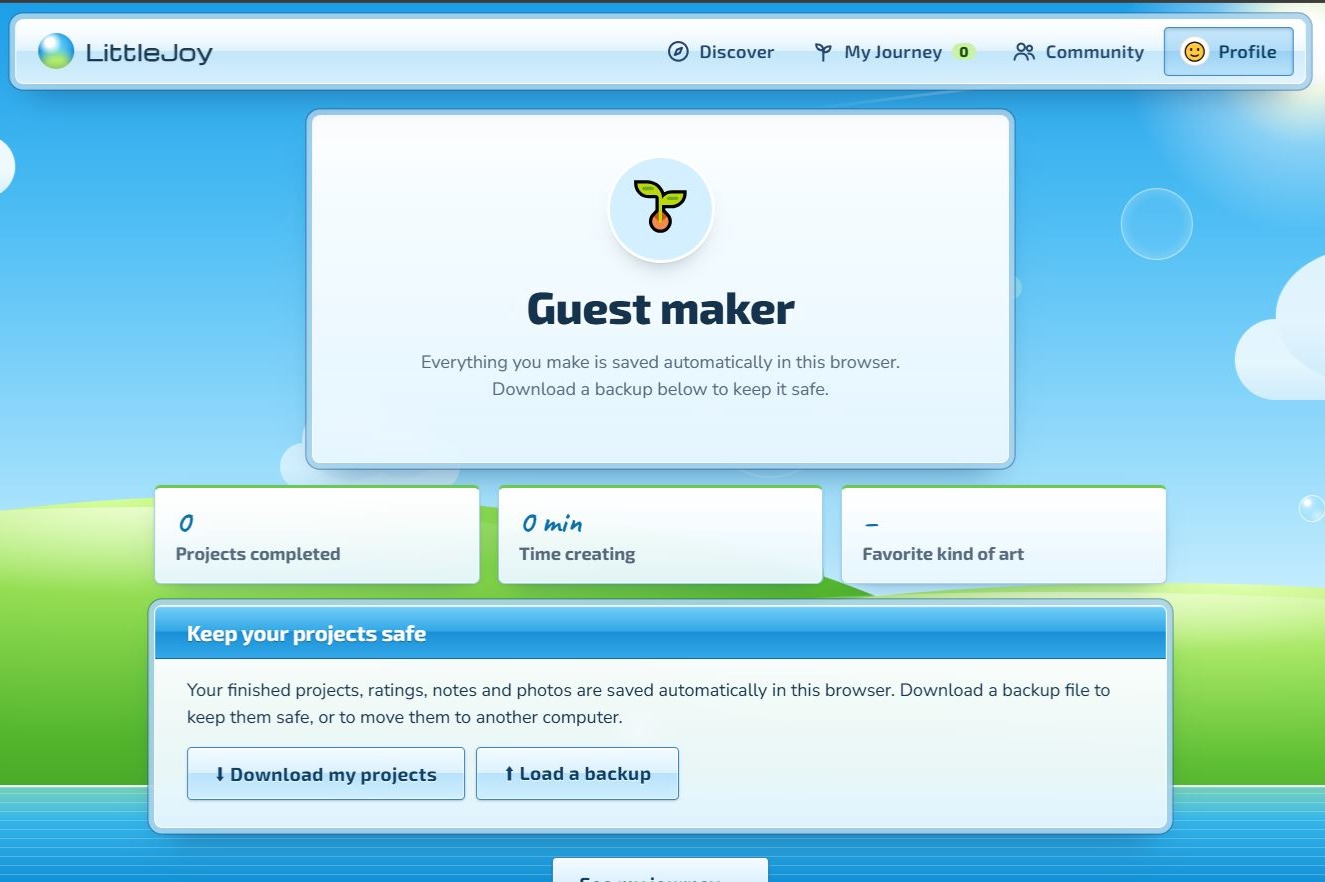
- Local saving in the browser, plus a backup file you can download, and a "Still making" list so you can come back to unfinished projects.
- A design inspired by the glossy Frutiger Aero / Windows Vista era, mixed with scrapbook touches like washi tape and handwritten notes.
- It's hosted on GitHub Pages, so it works on any phone or computer.
I also used an AI coding assistant to help write and debug code, while I made the decisions about what LittleJoy should be, how it should feel, and what to keep or cut.
Challenges
- Making it feel human. My first versions felt like generic AI template, I lacked a lot of details and things I should add. I kept redesigning until it felt like something a real artist would make: nostalgic, playful and a little imperfect.
- Google sign-in. I spent a long time trying to add Google accounts with Firebase. It kept failing because the site was opened as a local file, and later because the page waited on a database that didn't exist yet. In the end I made a hard call: I turned sign in off and focused on reliable local saving with backups. A simpler feature that works beats one that doesn't.
- Accidentally exposing a key. When I first uploaded to GitHub, I got a security alert for a Firebase key in my code. I learned to remove secrets before pushing and to switch off exposed keys.
- Tricky bugs. In the digital art tutorials, the "color" layer was drawn on top of the ink lines and hid them. I fixed it by stacking layers the way real drawing apps do.
What I learned
- How to design a recommendation system from scratch, and how a simple scoring idea can feel personal.
- How to use Git and GitHub: commits, pushing, fixing conflicts, and publishing a live site. (GitHub improvement.
- That scope matters. Cutting a feature can make a project better.
- That design isn't decoration. How something feels decides whether someone keeps using it.
Most of all, I learned that the thing I needed back in high school was simpler than I thought: a nudge and a first step. I hope LittleJoy can be that for someone else!
Built With
- claude
- firebase
- git
- github
- google-font
- html5
- javascript
- local-storage
- svg
- vs-code


Log in or sign up for Devpost to join the conversation.