-
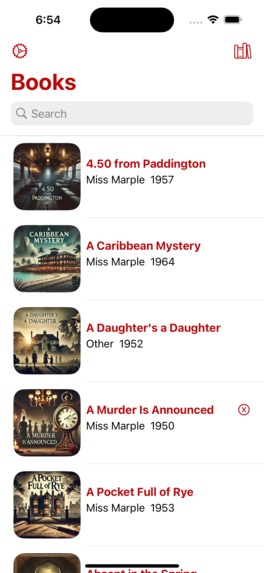
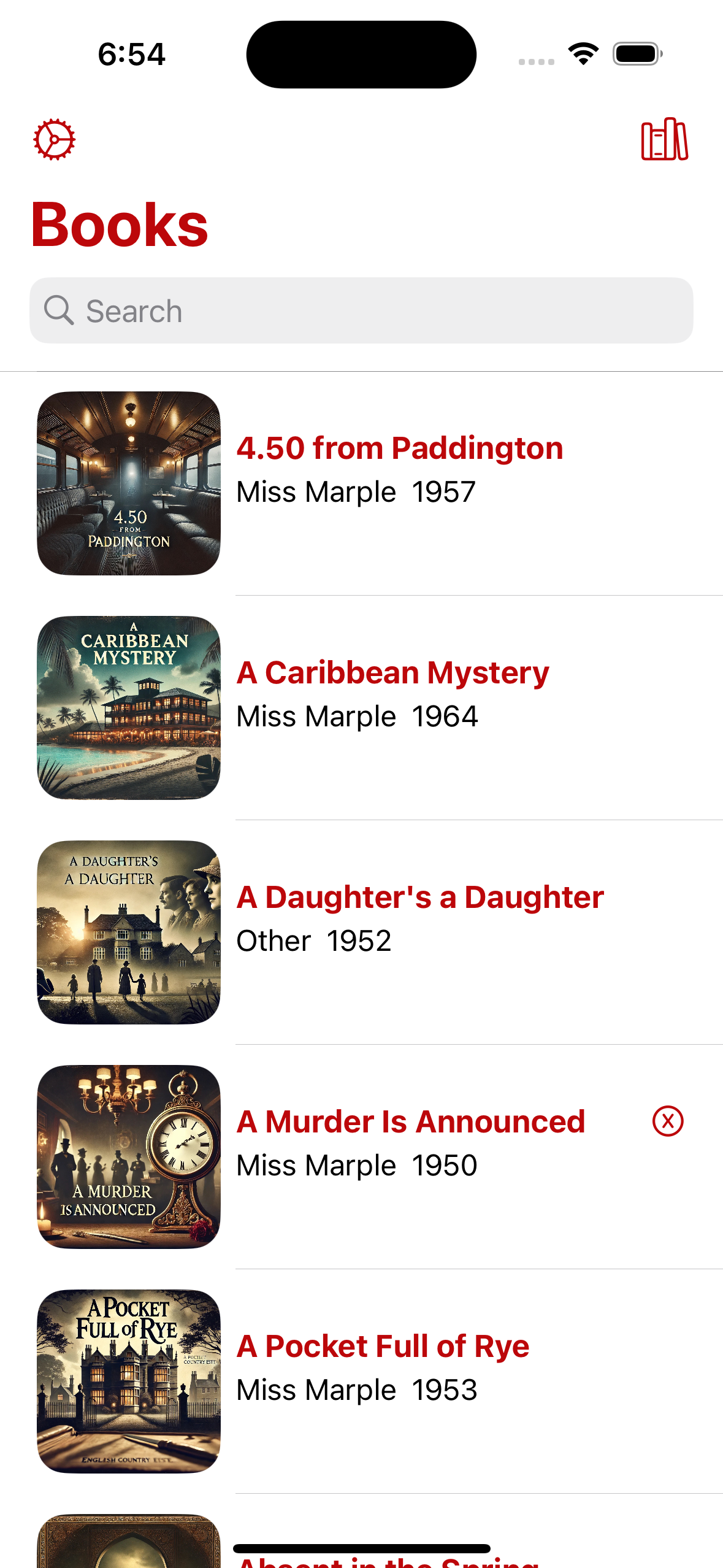
Book List without device frame
-

app icon

Inspiration
I am so excited to introduce the Little Grey Book app! This is a companion app while you read Agatha Christie's books. For the past year, I have been constantly reading Agatha Christie's books and had a hard time keeping track of all the characters. I was looking for a way to write down everyone and the clues I found along the way. And so, I decided to create an app for that :)
What it does
In the app, you can take down notes of clues you might find while reading, incredible Poirot quotes, or anything else you find interesting.
You can filter the books by the status you set (unread, reading, or completed), and search for a specific book.
There is also a widget to see the icon of the book you are reading, as a nice way to remind you to keep reading.
The app includes a special Whodunit Challenge:
In each book's detailed view is a list of the book's characters. While you read the book, you can guess the culprit and when you complete the book, you can see if you cracked the case!
How we built it
The app includes JSON files with all the books and characters which are "converted" to SwiftData to persist the user information that is added or changed while they use the app. The icons in the app were created using ChatGPT4o to give a more unique look to each book. The app is 100% native SwiftUI and uses SwiftData as the persistence model.
Challenges we ran into
The most difficult challenge was not a technical one, but a data collection one. There are so many characters in each book and entering them all myself would have taken so much time that I would have not been able to start coding the app. For that, I used ChatGPT to create JSON files of the characters in each book. Additionally, I needed to know the murderer in each book, but since I'm reading the books and don't want spoilers, ChatGPT was helpful (to some extent) in creating the murderers JSON. However, ChatGPT is not correct 100% of the time, so there were some instances where I had to check the correlation between the list of characters and the murderer myself (seeing some spoilers in the process).
One technical challenge was SwiftData, specifically the Predicate, which is why the app currently includes only a search and filter by book status (unread, reading, and read).
I wanted to use SwiftData (and not CoreData or any other database) as a way to learn a new technology. It's a good method to use the new (and sometimes limited) tech in your projects, so you can understand how it works and the limitations, without holding back a larger scale or client project.
Accomplishments that we're proud of
It might be very small, but the thing I had in my head for the app was a drop of blood dripping down, which is why the app color is very close to Blood Red (my sister-in-law helped with the design and made me change the color a bit). The implementation was pushed back, in place of more basic functionality, but now the app does have that drop in the the character list. Yay.
What we learned
So much SwiftUI. This is my first project which is 100% SwiftUI. It has also been a roller coaster ride using SwiftUI - making the UI in a fraction of the time but in contrast, it took me time to find the right modifier, how to place the views to appear as I would like them to, and passing data around.
What's next for Little Grey Book
There is so much I want to do, but the thing I'd like to have (maybe even for v1) is accessibility, specifically for book readers, like large text. I'd also love to integrate Apple Intelligence and allow the user to change the book icon using Image Playground.

Log in or sign up for Devpost to join the conversation.