-
-
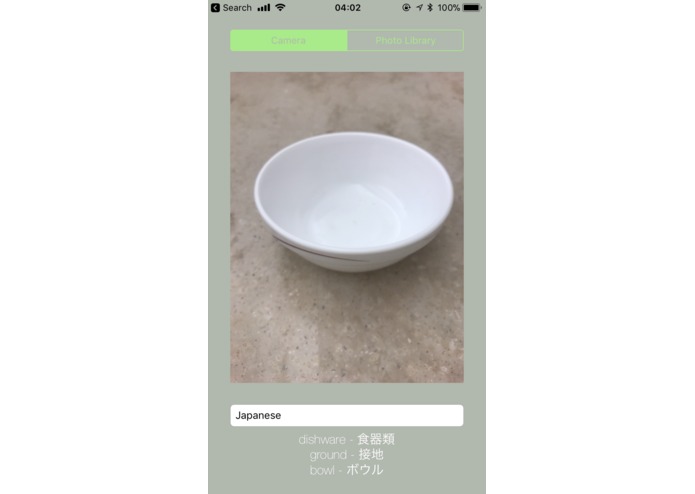
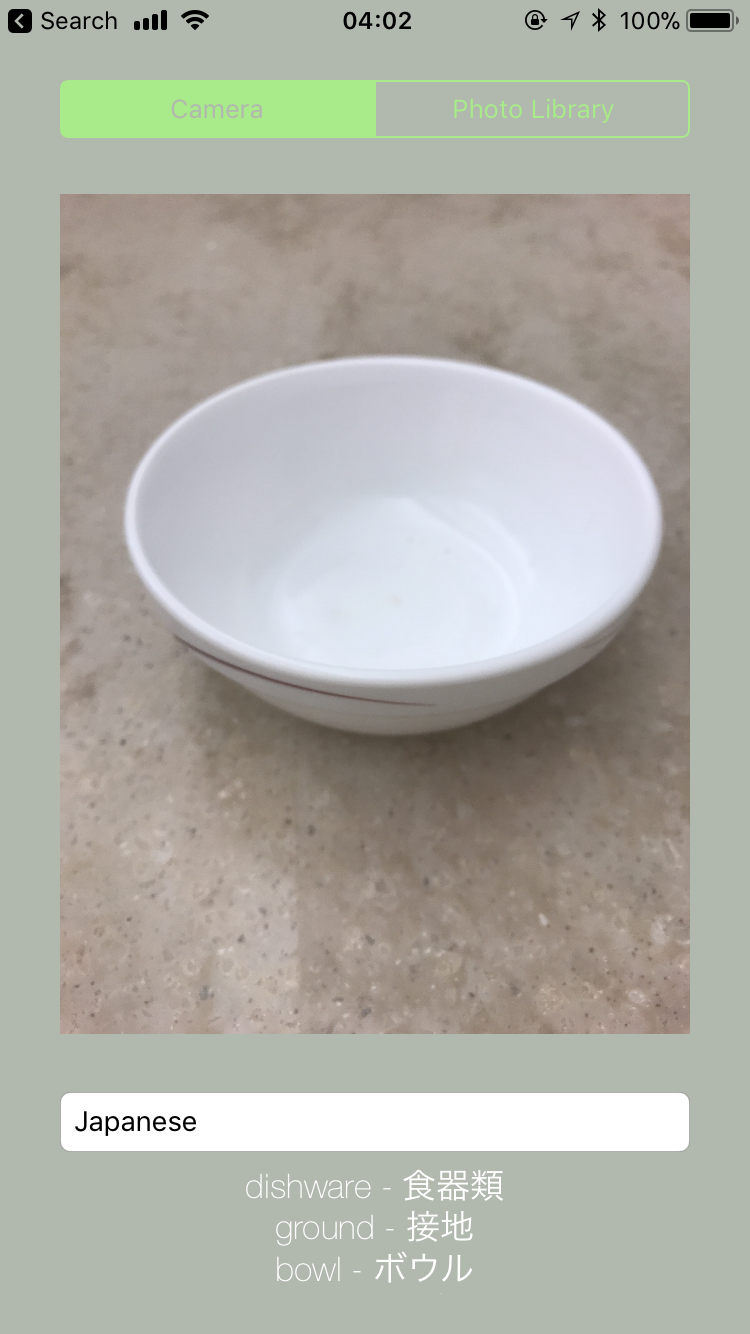
Detecting a bowl and translating bowl-related tags into Japanese
-
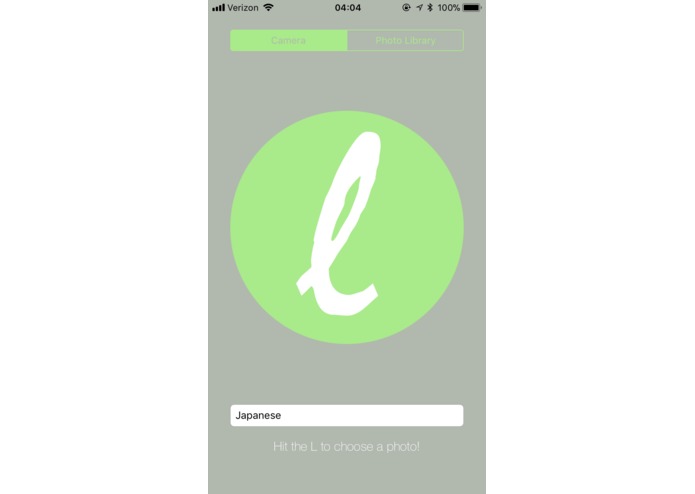
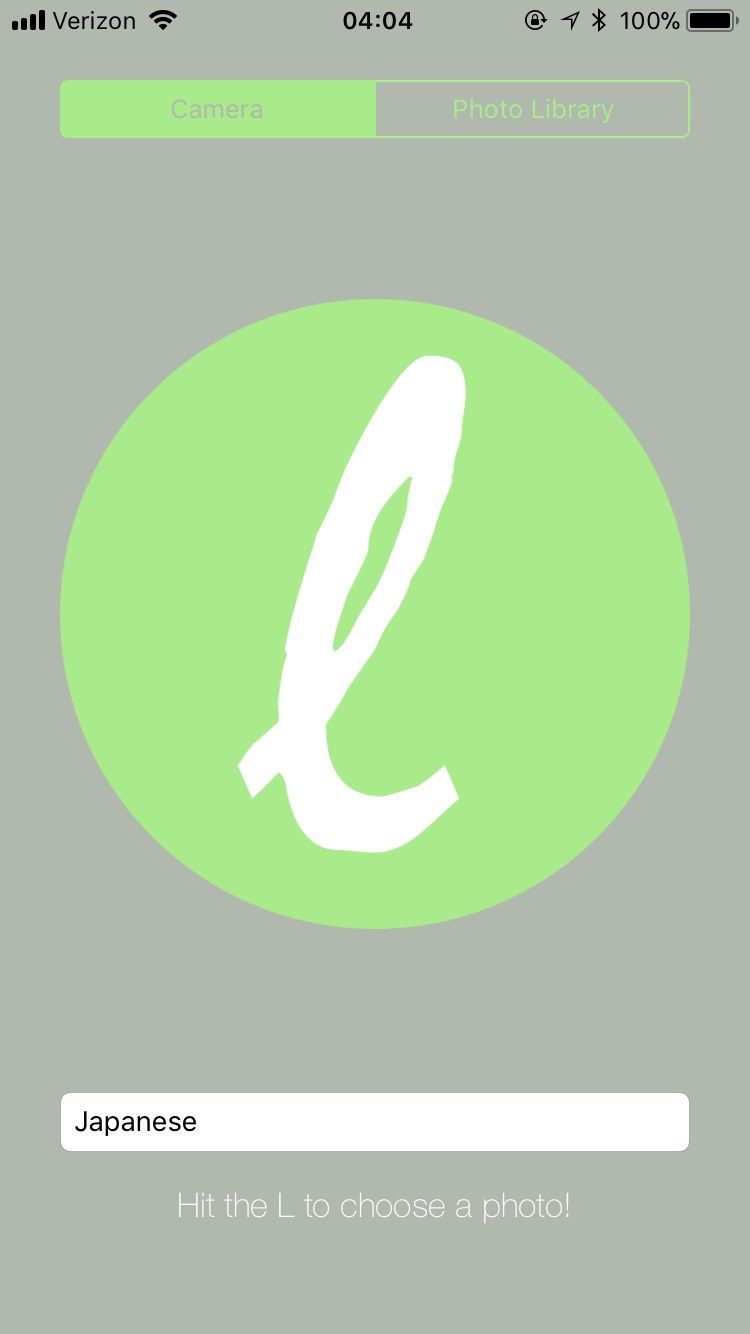
The screen you see when you start up the app
-
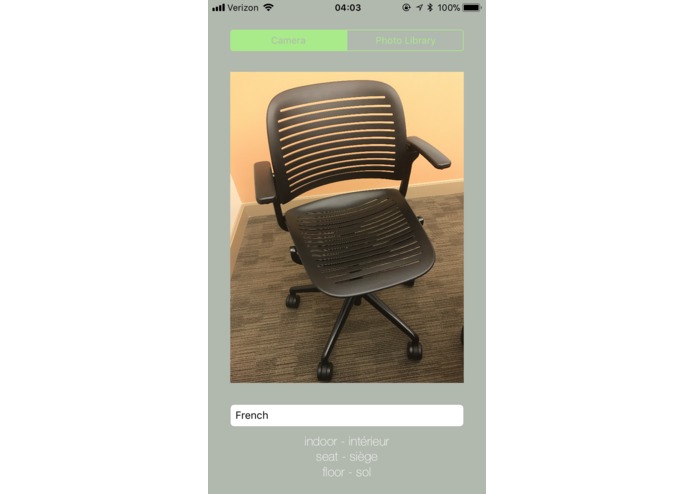
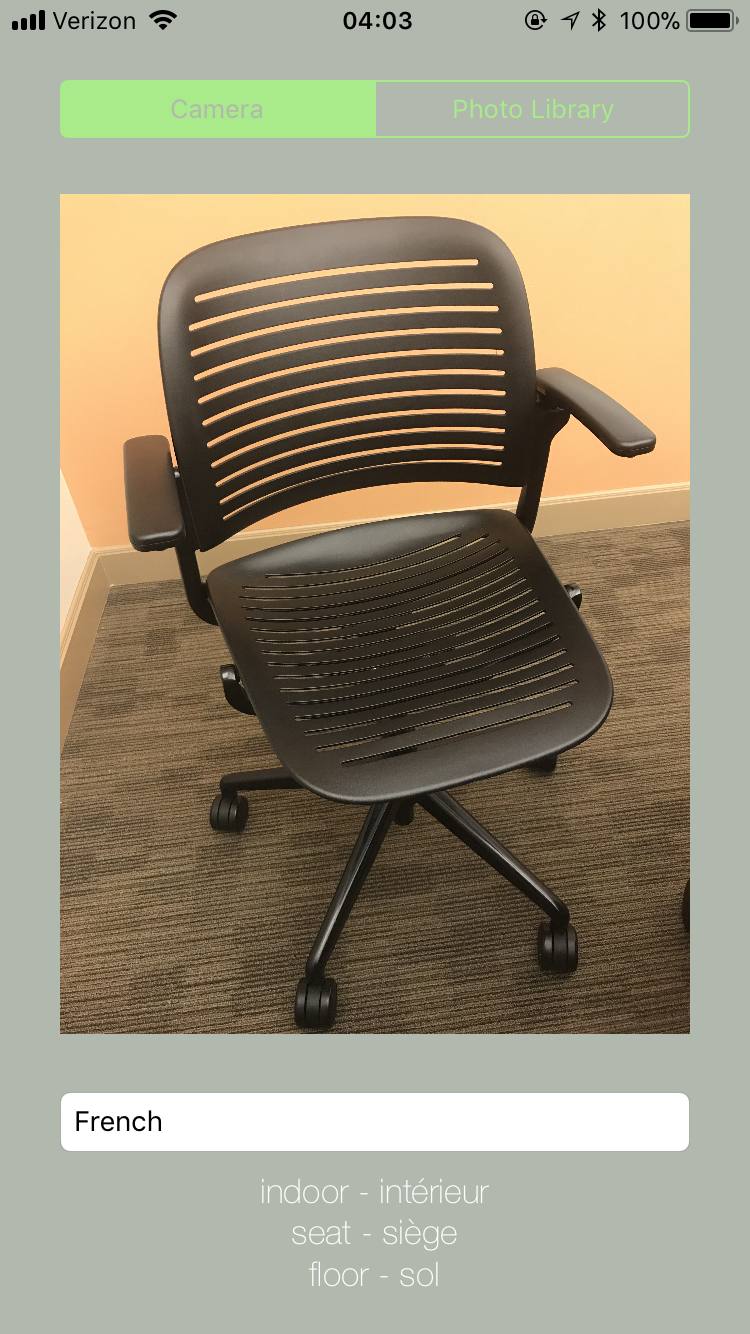
Detecting a chair and translating chair-related tags into French
-
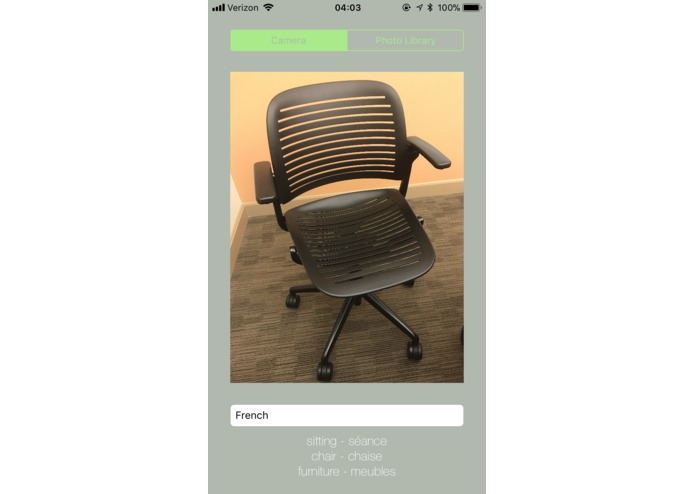
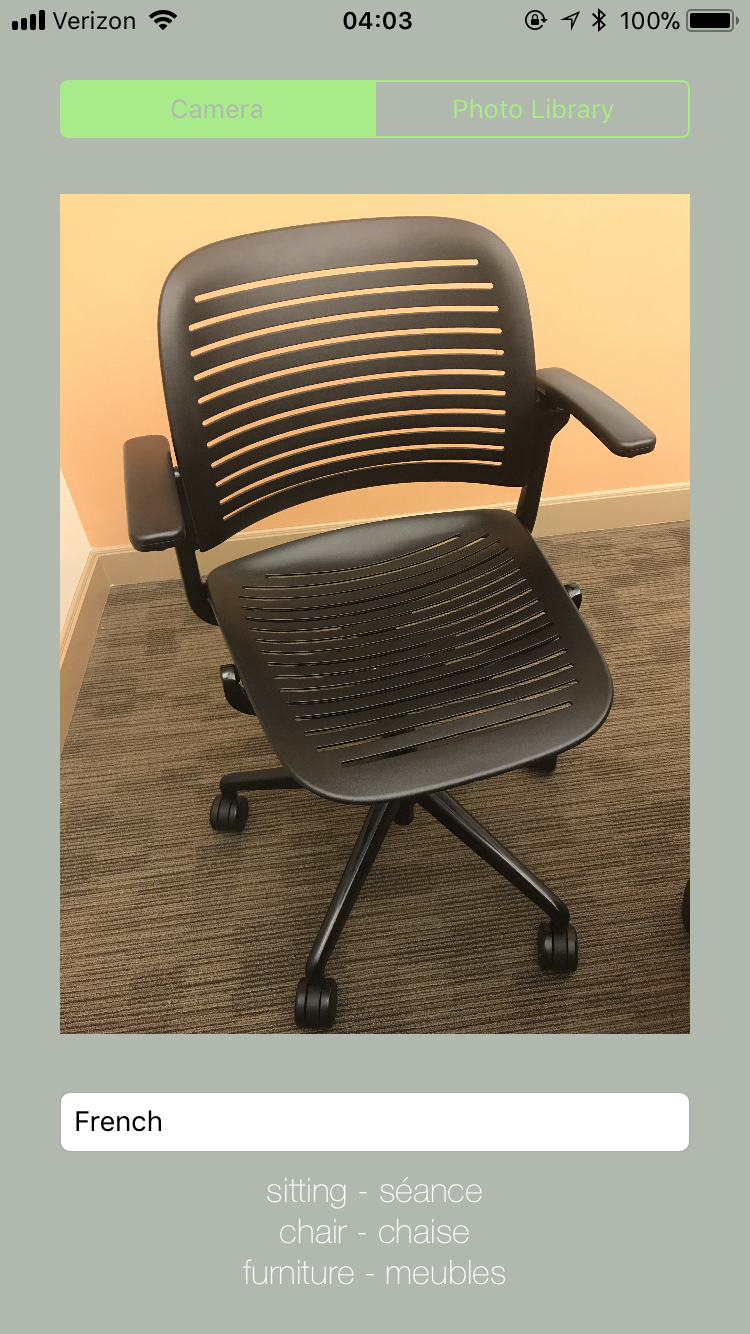
More tags relating to this image with a chair, in French!
-
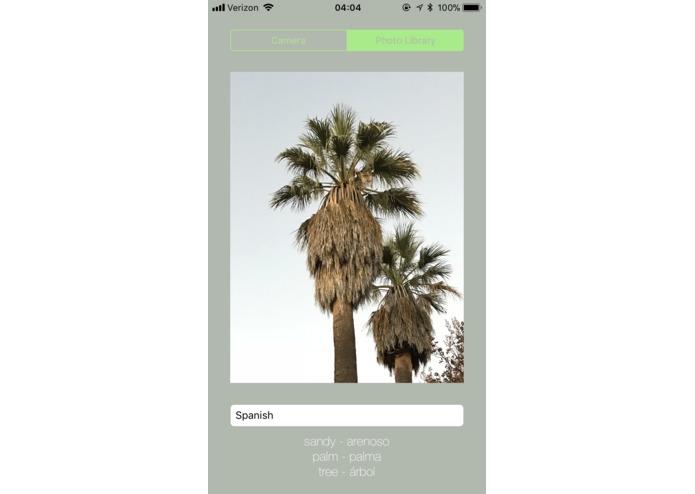
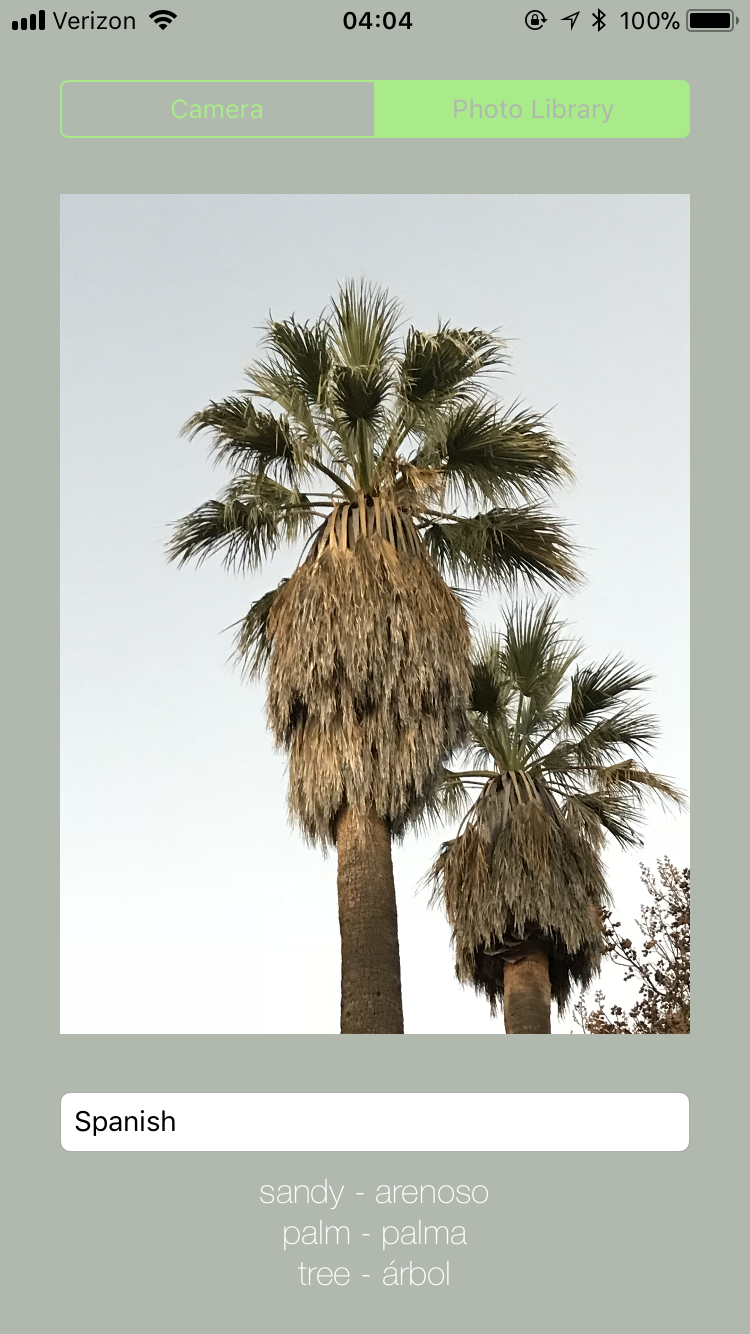
Palm trees and more in Spanish!
-
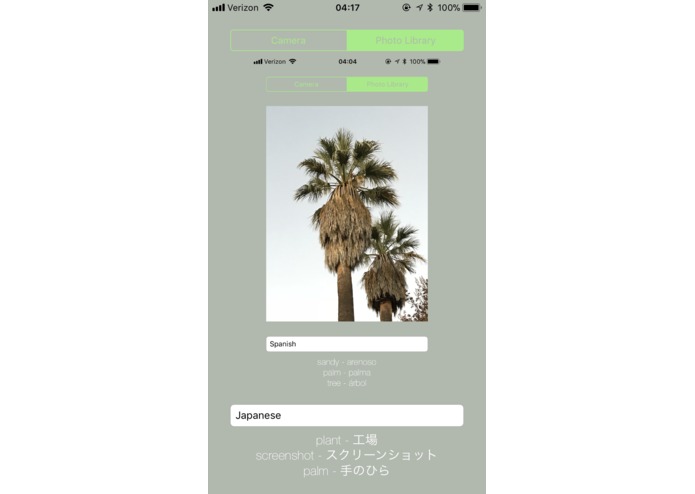
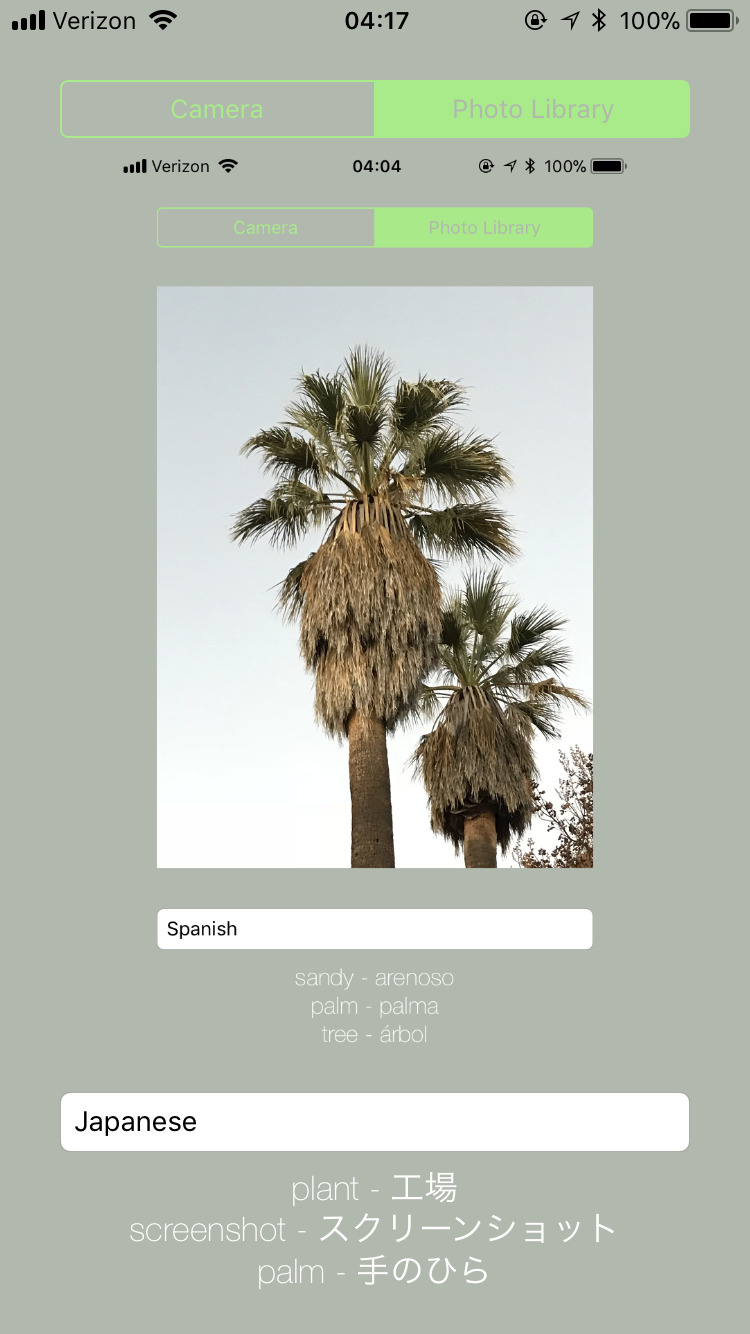
A description of the app's description of palm trees! Super meta!!
Inspiration
We all love learning languages, but one of the most frustrating things is seeing an object that you don't know the word for and then trying to figure out how to describe it in your target language. Being students of Japanese, it is especially frustrating to find the exact characters to describe an object that you see. With this app, we want to change all that. Huge advances have been made in computer vision in recent years that have allowed us to accurately detect all kinds of different image matter. Combined with advanced translation software, we found the perfect recipe to make an app that could capitalize upon these technologies and help foreign languages students all around the world.
What it does
The app allows you to either take a picture of an object or scene with your iPhone camera or upload an image from your photo library. You then select a language that would like to translate words into. The app then remotely contacts the Microsoft Azure Cognitive Services using an HTTP request from within the app to create tags from the image you uploaded. These tags are then uploaded to the Google Cloud Platform services to translate those tags into your target language. After doing this, a list of english-foreign language word pairs is displayed, relating to the image tags.
How we built it
The app was built using Xcode and was coded in Swift. We split up to work on different parts of the project. Kent worked on interfacing with Microsoft's computer vision AI and created the basic app structure. Isaiah worked on setting up Google Cloud Platform translation and contributed to adding functionality for multiple languages. Ivan worked on designing the logo for the app and most of the visuals.
Challenges we ran into
A lot of time was spent figuring out how to deal with HTTP requests and json, two things none of us have much experience with, and then using them in swift to contact remote services through our app. After this major hurdle was overcome, there was a concurrency issue as both the vision AI and translation requests were designed to be run in parallel to the main thread of the app's execution, however this created some problems for updating the app's UI. We ended up fixing all the issues though!
Accomplishments that we're proud of
We are very proud that we managed to utilize some really awesome cloud services like Microsoft Azure's Cognitive Services and Google Cloud Platform, and are happy that we managed to create an app that worked at the end of the day!
What we learned
This was a great learning experience for all of us, both in terms of the technical skills we acquired in connecting to cloud services and in terms of the teamwork skills we acquired.
What's next for Literal
Firstly, we would add more languages to translate and make much cleaner UI. Then we would enable it to run on cloud services indefinitely instead of just on a temporary treehacks-based license. After that, there are many more cool ideas that we could implement into the app!
Log in or sign up for Devpost to join the conversation.