-
-
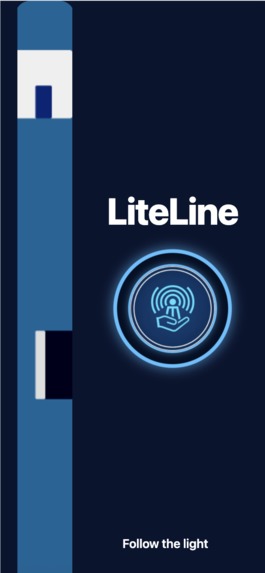
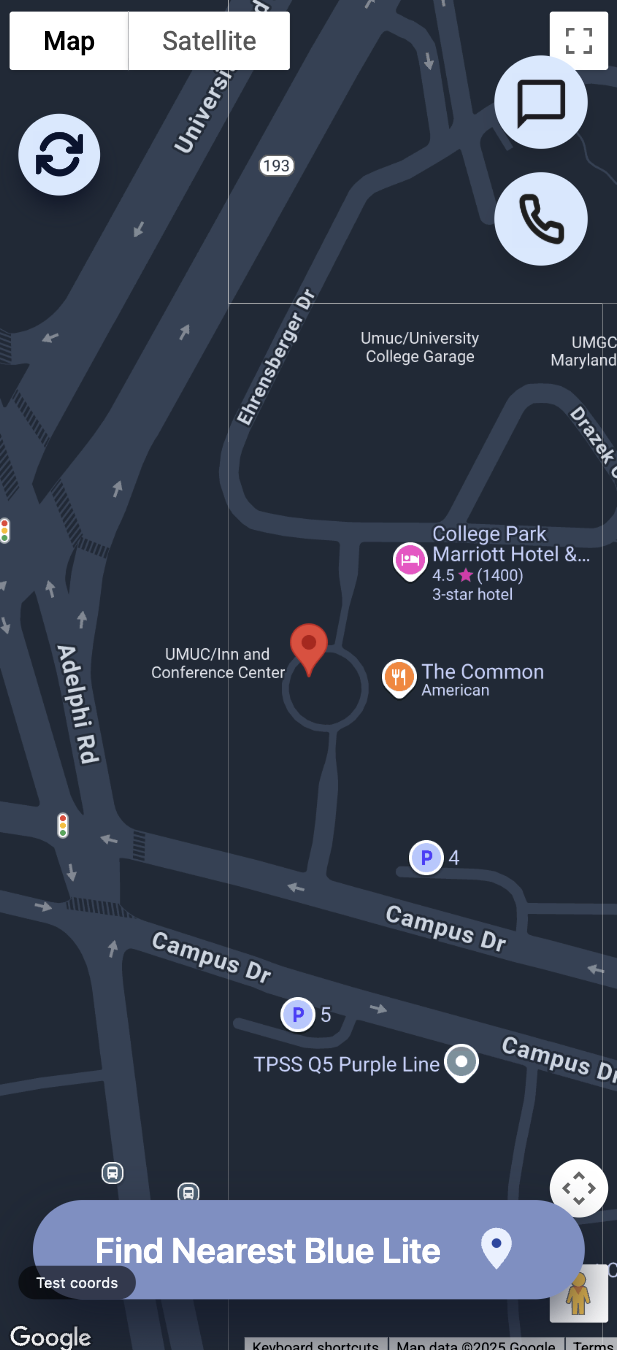
Main screen
-
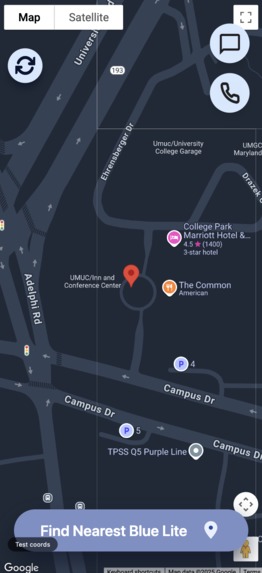
Technica location!
-
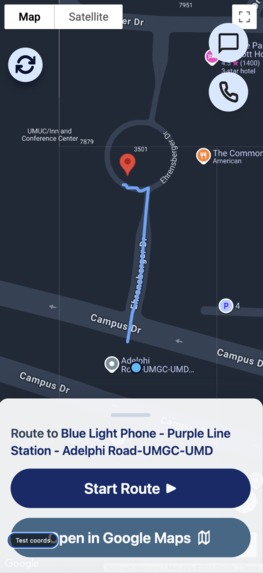
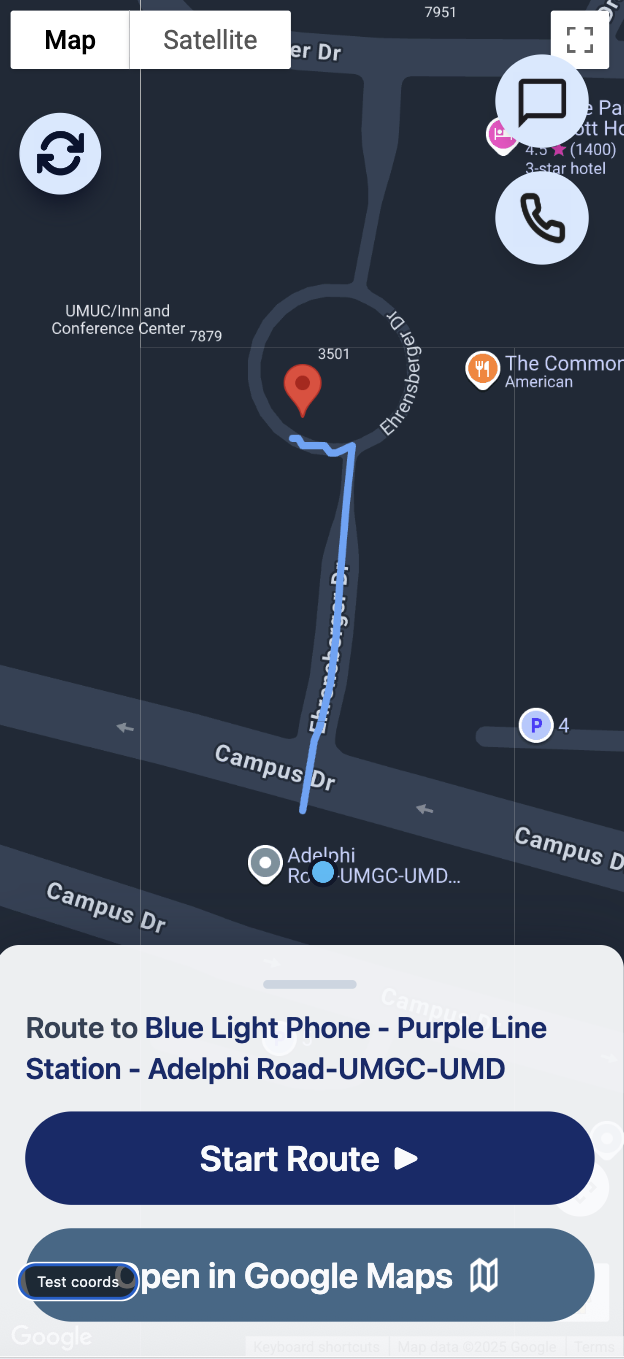
Nearest LiteLine from Technica location
-
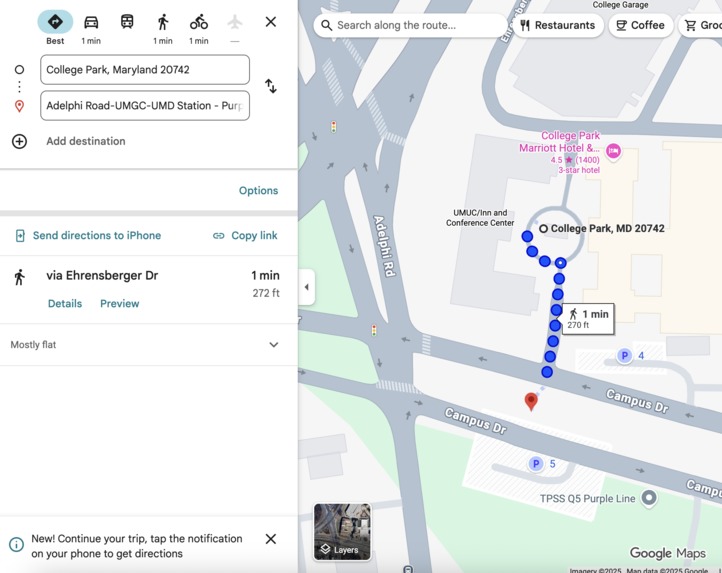
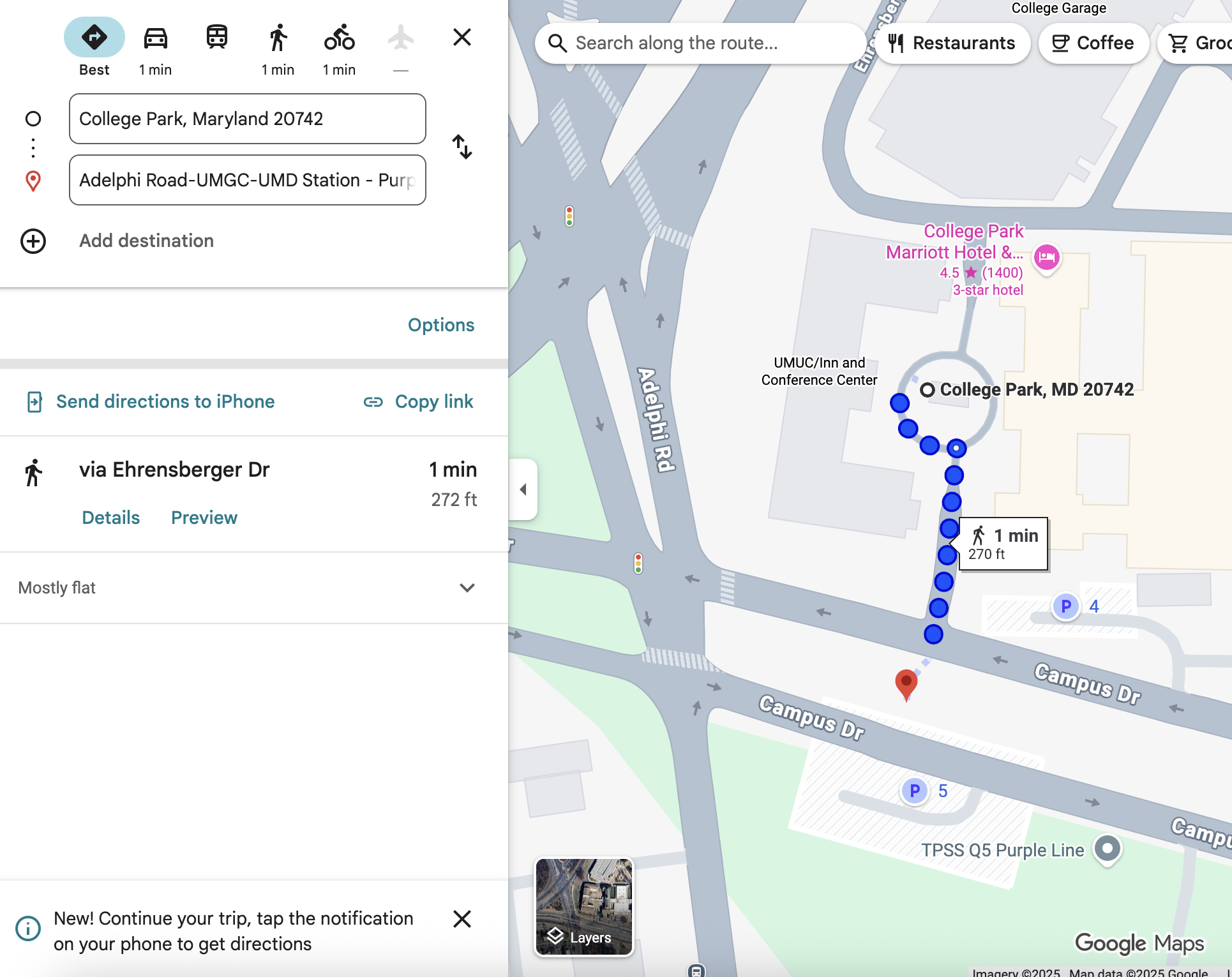
Jumps to Google Maps
-
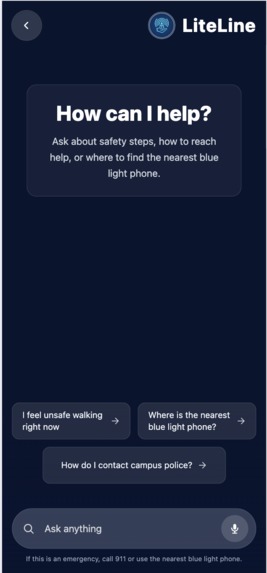
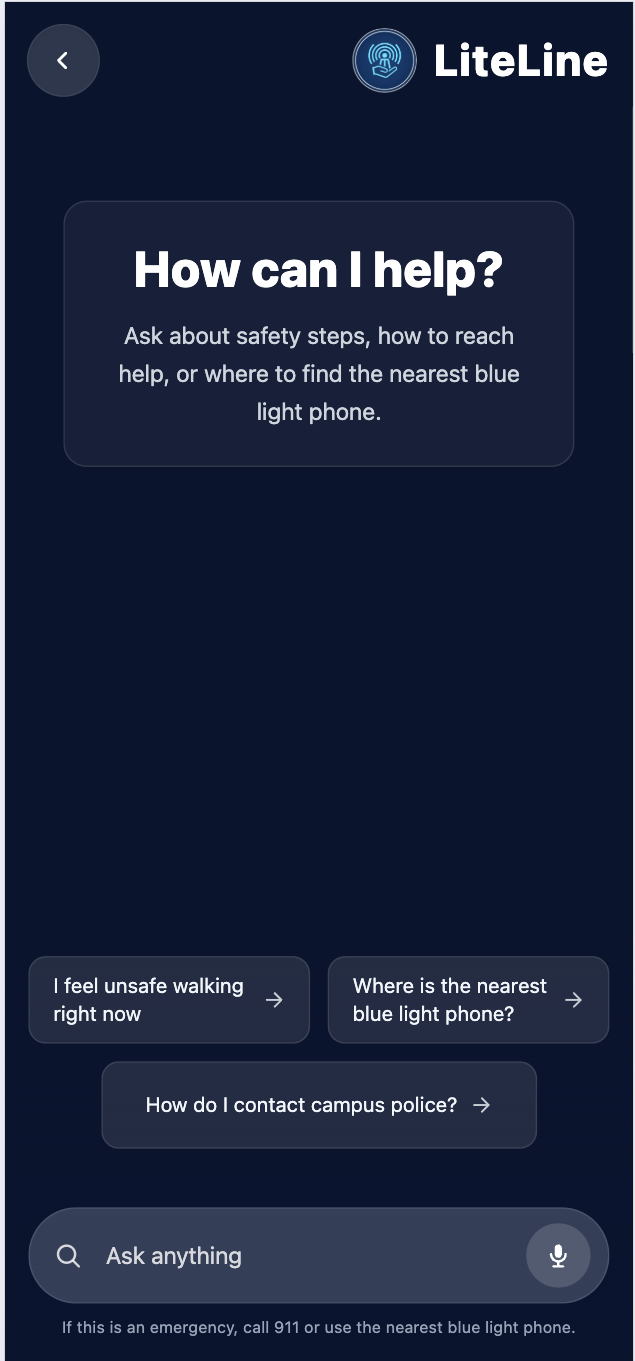
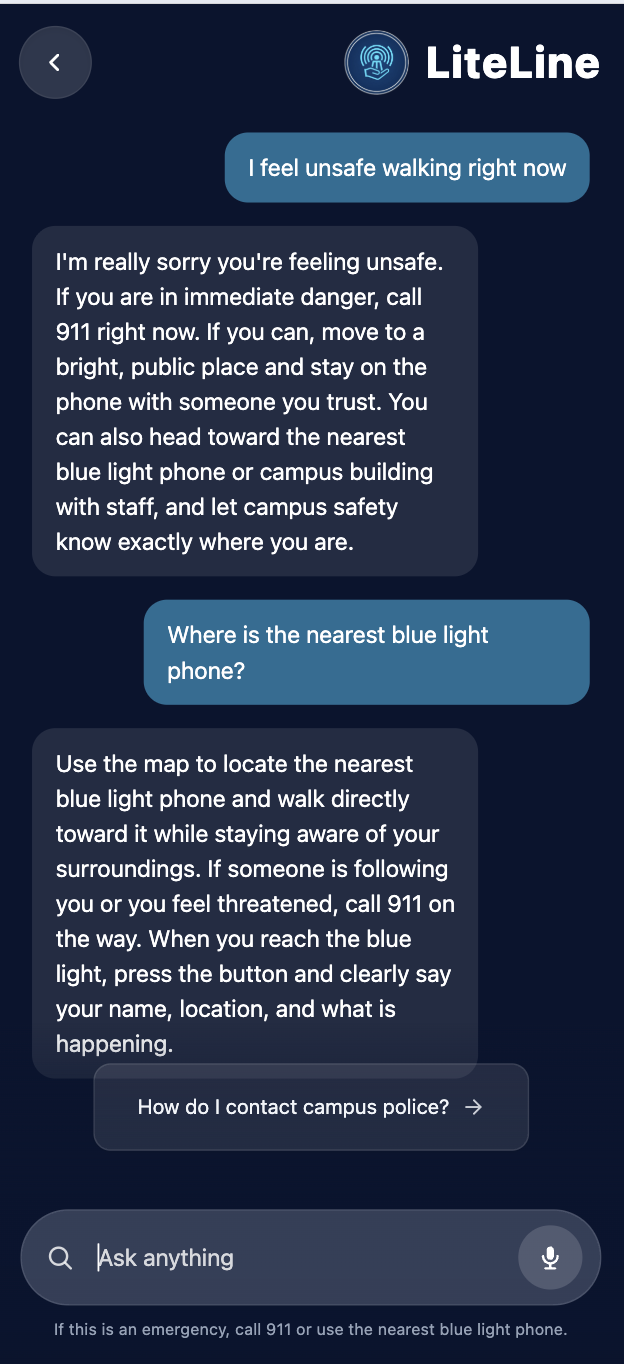
Chatbot
-
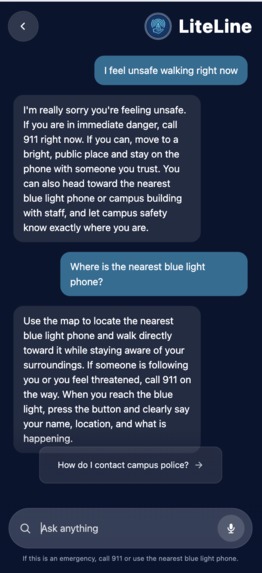
Converse with Chatbot
-
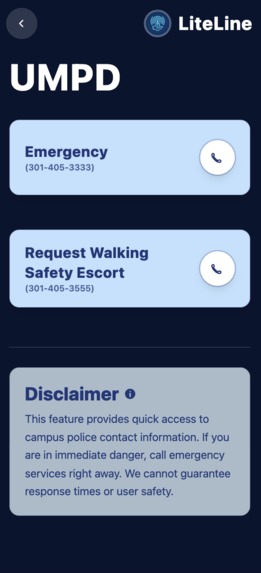
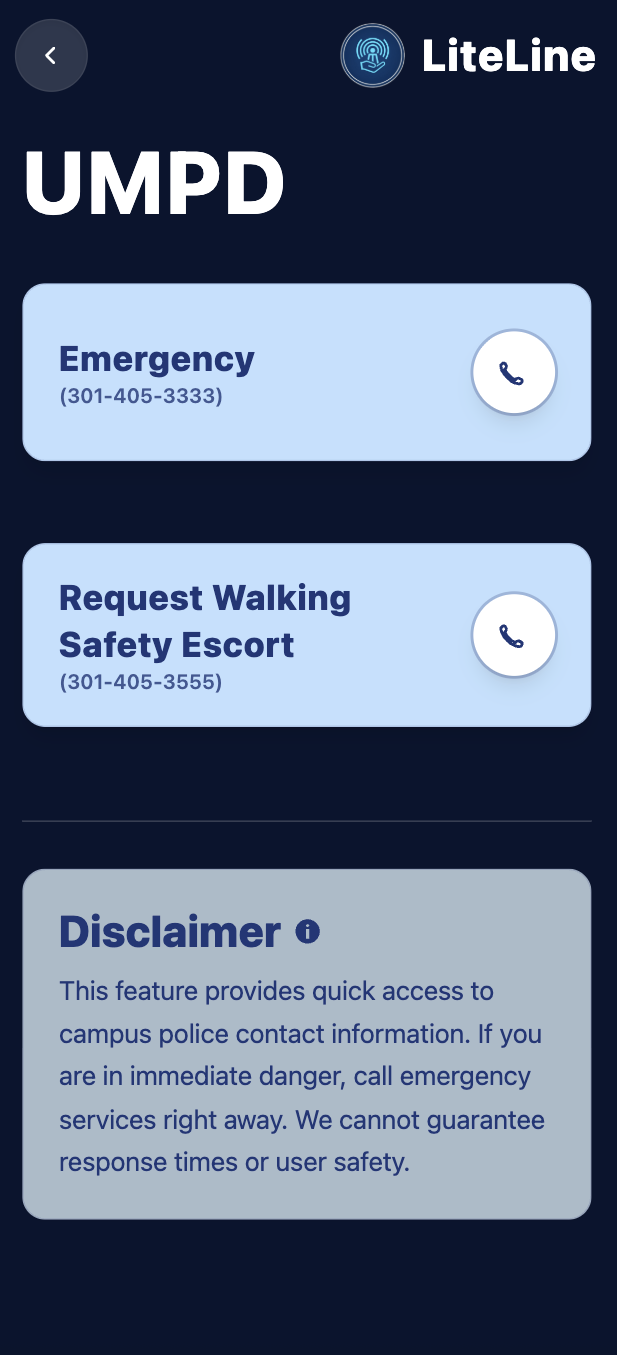
Important Contacts
Inspiration
College campuses are supposed to feel like home, but for many students, especially at night, they don’t always feel that way. Surveys show that over half of college students feel unsafe walking alone after dark. Late-night study sessions, club meetings, and work shifts mean students constantly walk home through dim paths and confusing campus layouts, often relying on slow-loading maps that aren’t built for emergencies.
We’ve felt it too—walking back from McKeldin at 1 AM, earbuds out, keys in hand, hoping the shortcut we’re taking is actually safe. Most students don’t know where the nearest blue light station is, and campus maps make it hard to find one quickly when you’re anxious.
What it does
LiteLine gives students fast, clear access to campus safety resources during their most vulnerable moments. In just two clicks, the app:
- Finds your real-time location
- Identifies the nearest blue light emergency station
- Provides a clear, safe walking route
- Shows essential safety info without loading delays or clutter
LiteLine is simple, fast, and designed specifically for students walking alone at night, because safety should be immediate and not something you have to search for.
How we built it
We built the frontend with React, TypeScript, Vite, and Tailwind CSS, using the Google Maps JavaScript API for live maps and walking directions. The backend is a Node.js + Express API that serves blue light locations from a JSON dataset and finds the nearest one. We also containerized the backend with Docker to run it in a production‑style environment. For the chat component, we allowed users to receive feedback if they have questions during a potentially dangerous situation.
Challenges we ran into
One feature we particularly struggled with was the opening page. It was difficult to implement the glowing feature of the app logo and the animation of the blue light figure, as that we had never been exposed to app animation before. Nonetheless, we are proud with how the opening page turned out, giving our app a cleaner look and more user-friendly. For the back-end component of our app, we struggled with connecting all the moving pieces: Google Maps geolocation + directions, our Express API, and the frontend state, especially when debugging why routes sometimes failed. Configuring Google Maps API keys (localhost vs IP) and learning Docker for the first time were also confusing. On top of that, managing GitHub branches and merges under time pressure caused a just a few stressful moments...
Accomplishments that we're proud of
We're proud of our teamwork, such as how our front-end and back-end components came together to produce a cohesive app that can have social good by allowing individuals to travel safely across campus (especially as rookies).
What we learned
The main feature our app was the map component. The problem was, our group had never used a Google Maps API before, so we were excited to learn how to utilize this feature for the first time through LiteLine. Finally, and most importantly, we learned about the over 300 locations of blue light phone emergency stations that are positioned throughout the UMD campus.
What's next for LiteLine
For future iterations, we plan to expand LiteLine beyond basic campus safety tools. First, we want to automate our blue-light data. Instead of manually entering each station, we aim to build an AI-powered system that continually pulls and updates blue-light locations, making it easier to scale LiteLine to more campuses and cities.
We’re also exploring an AI-generated voice bot that can simulate a phone call to help users get out of unsafe situations or keep them calm during stressful moments. Finally, we hope to add a “hold-to-confirm” panic button that, once activated, immediately notifies trusted friends through text or email if the user is in danger.


Log in or sign up for Devpost to join the conversation.