-
-
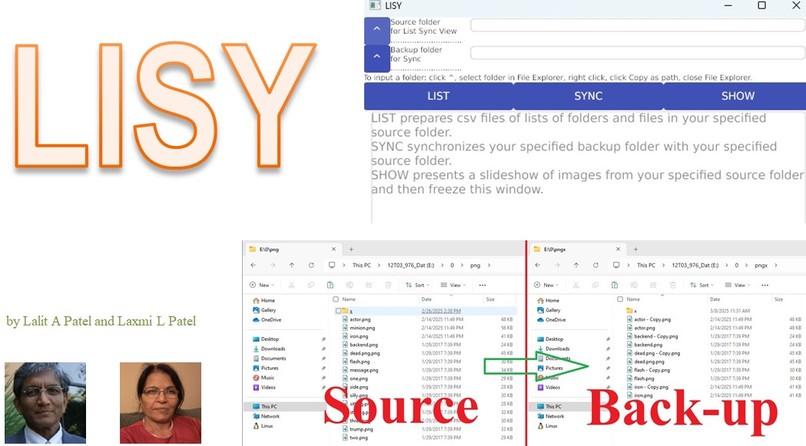
Project
-
App
-
Back-up
Inspiration
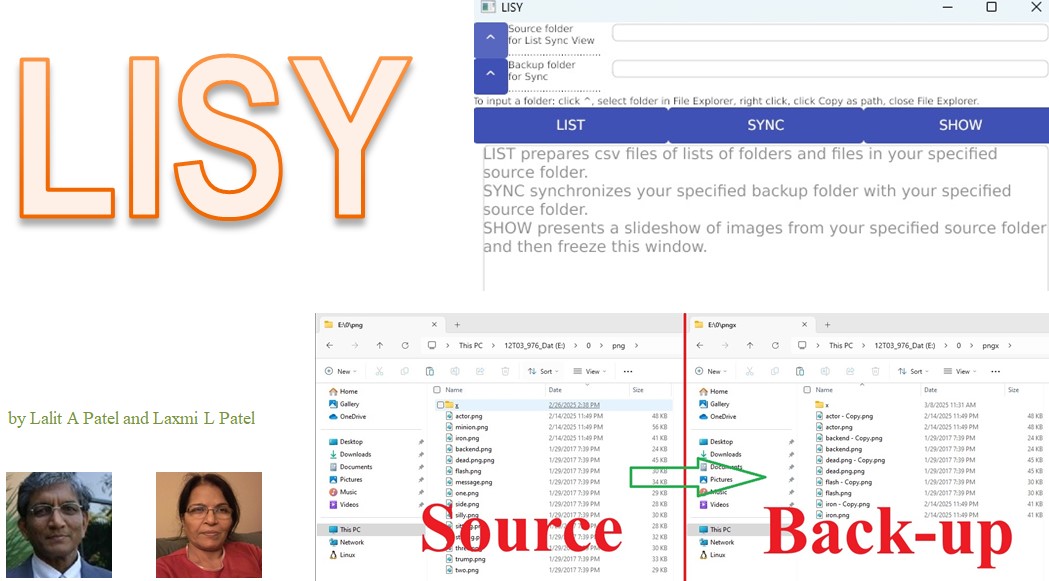
- Keeping an inventory of digital files on computers is of paramount importance.
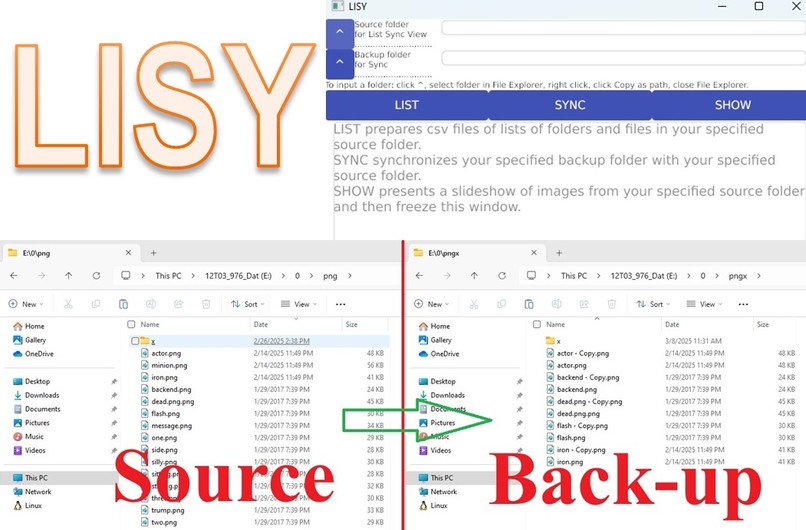
- All of us routinely need to create back ups of drives or folders.
- We often like to have a slideshow of pictures stored in a folder.
What it does
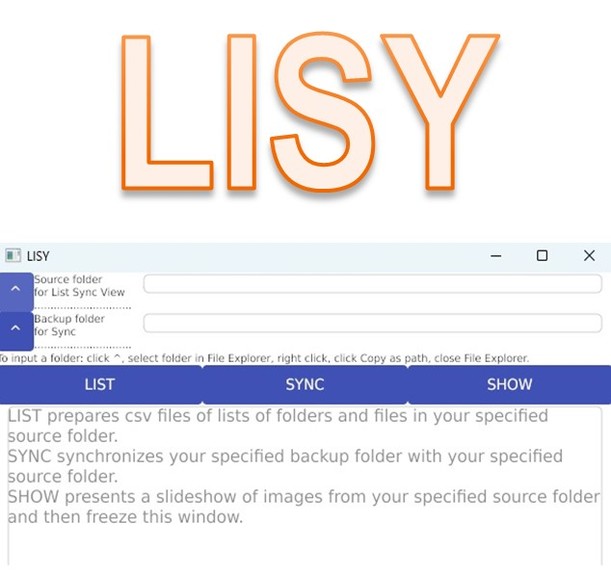
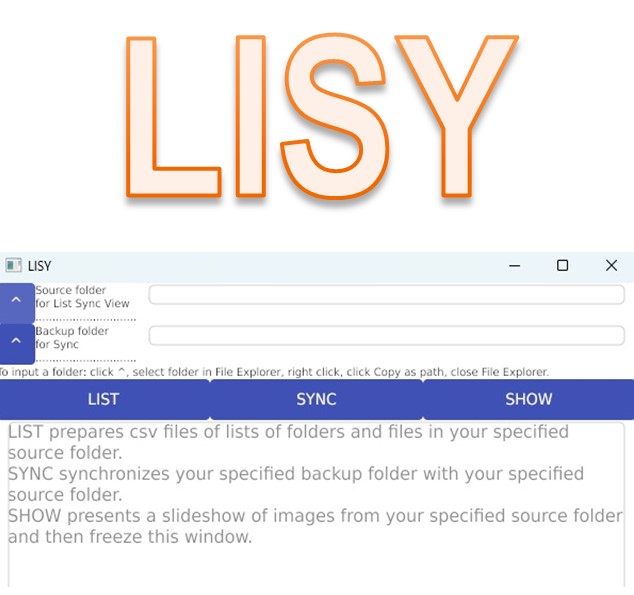
- Lisy’s List button allows us to prepare lists of contents in a selected folder.
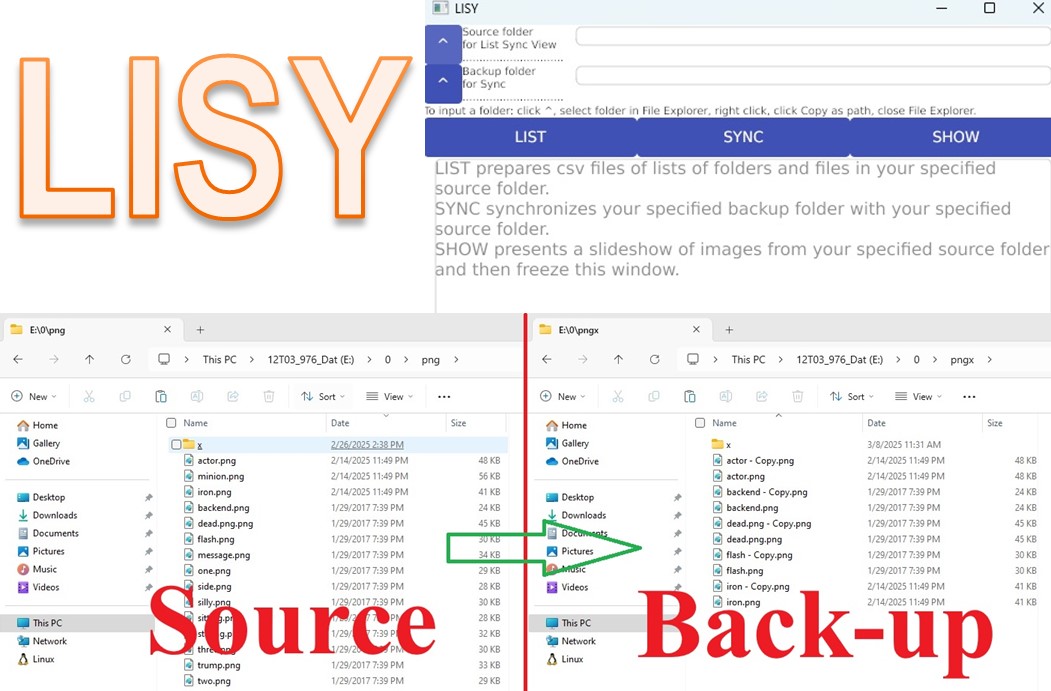
- Lisy’s Sync button can be used for syncing a target back-up folder with a source folder.
- Lisy’s View button allows us to slide through image files in a folder.
How we built it
- Lisy has been written using Google’s Go programming language, which is efficient and easy to use.
- After reviewing pros and cons of various GUI approaches, we have used Gioui package for the front-end graphical user interface.
Challenges we ran into
- We had to do several iterations for coding Lisy's View part.
Accomplishments that we're proud of
- The Windows executable file Lisy.exe that we have built is small, portable, and immensely useful.
What we learned
- We have sharpened our skills in Go programming languages.
- We now understand different GUI approaches available for Go.
How to try:
- Download lisy.exe.txt from https://github.com/Lapyl/Lisy/lisy.exe.txt or https://lipy.us/docs/lisy.exe.txt to your local folder.
- Remove .txt from the name of the downloaded lisy.exe.txt file.
- If you want, you can add a shortcut of your local lisy.exe file.
- When needed, click lisy.exe (or its shortcut).
- For listing contents of a folder, fetch or write the folder's path in the Source folder box, and click List button. It will add two csv files of lists, in the folder.
- For backing up a folder A to another folder B, [carefully] fetch or write A's path in the Source folder box and B's path in the Backup folder box, and click Sync button.
- For a slideshow of image files from a folder, fetch or write the folder's path in the Source folder box, and click Show button. Close the app, when done.
What's next for Lisy
- Enable Lisy to accept arguments when used through a command prompt.
- Allow Lisy's Sync modules to remember and reuse users' inputs.
- Make Lisy's View part to close silently.
Built With
- gioui
- go

Log in or sign up for Devpost to join the conversation.