-
-
Home
-
HowItWorks
-
Upload
-
About
-
Dashboard
-
ListDetail
-
Settings
-
Contact
-
ProjectBoard
Inspiration
When I started selling digital art on Etsy, the creative side was thrilling. Generating artwork with AI was quick and fun, but turning it into a complete Etsy listing was not. Each listing required repetitive steps - watermarking, zipping files, uploading to Google Drive, creating preview videos, and writing titles, tags, and descriptions. My creative energy was being drained by all the repetitive work I had to do. The tasks weren't hard, they were just monotonous. As someone who builds software, I saw a chance to solve this with automation, and that’s what led me to create ListGenie.
What it does
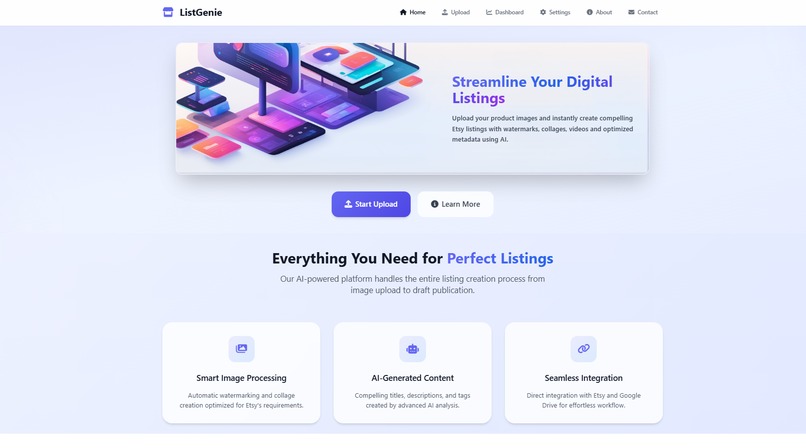
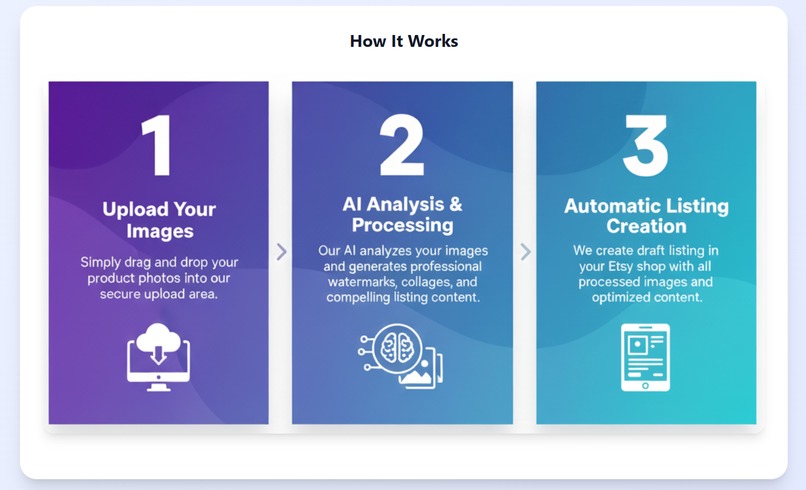
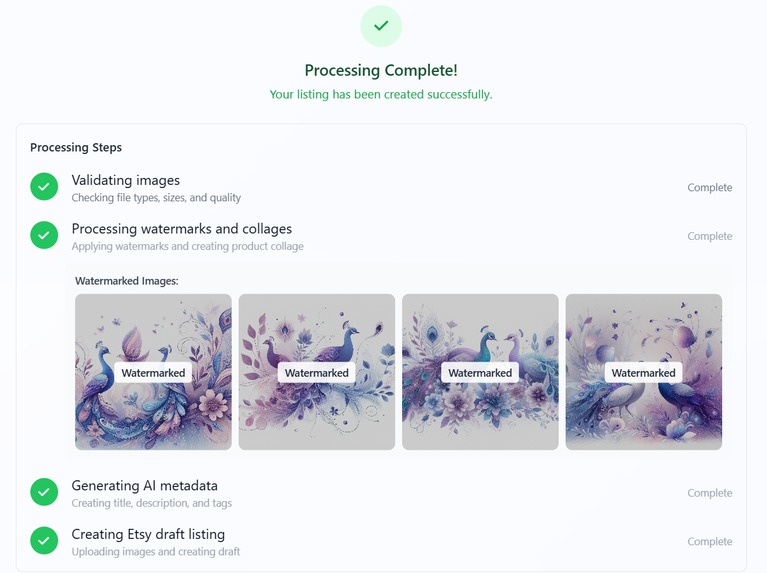
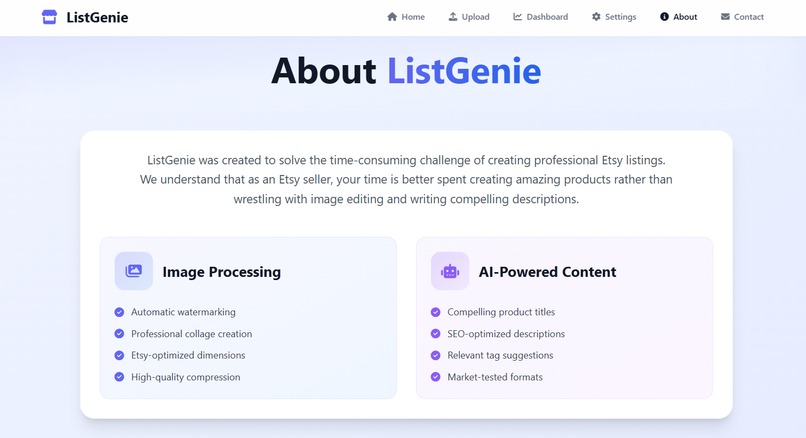
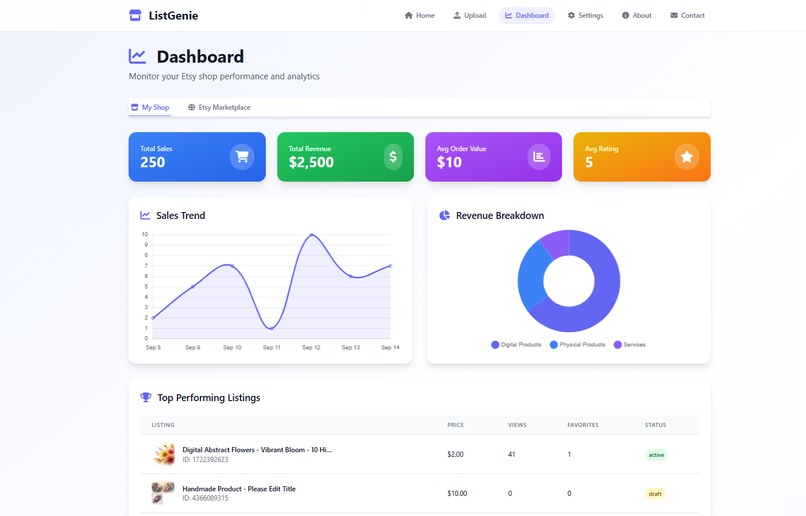
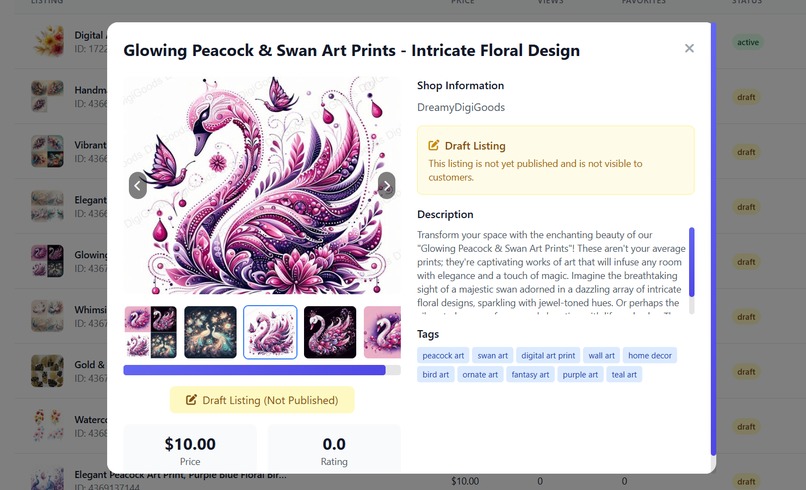
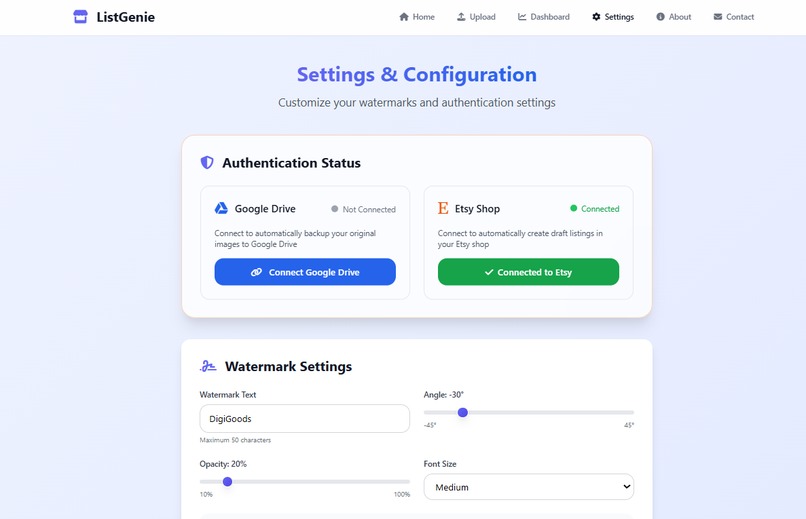
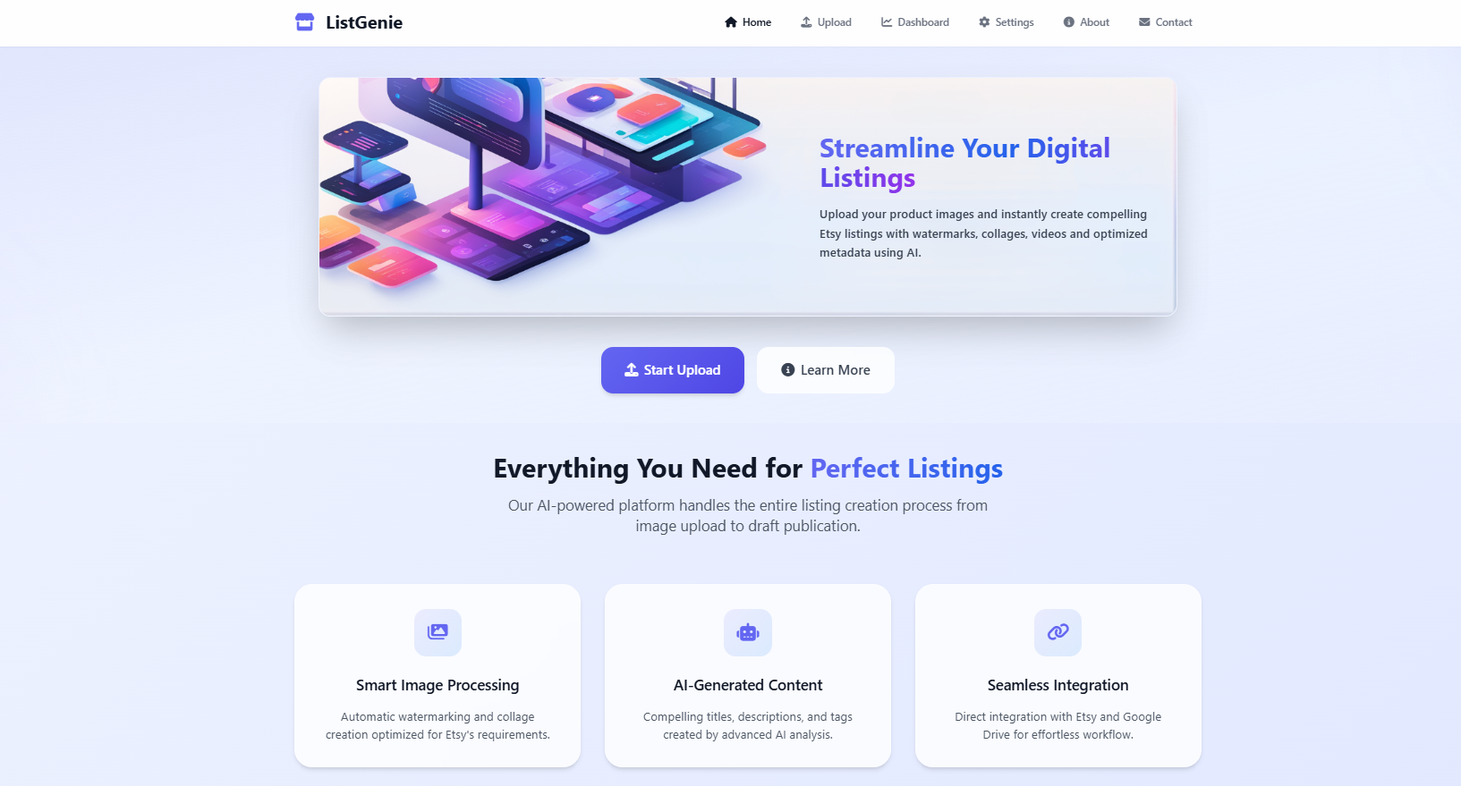
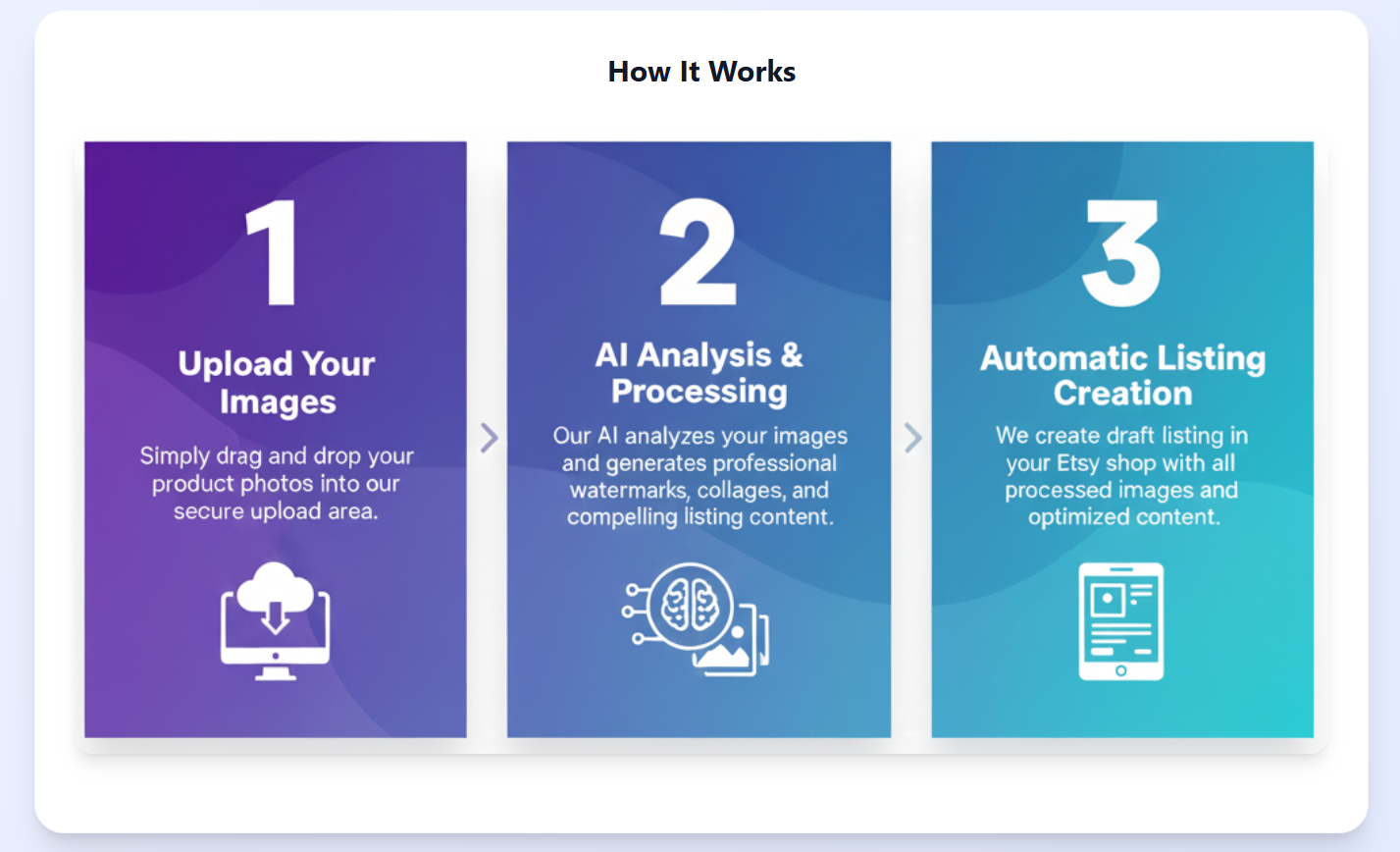
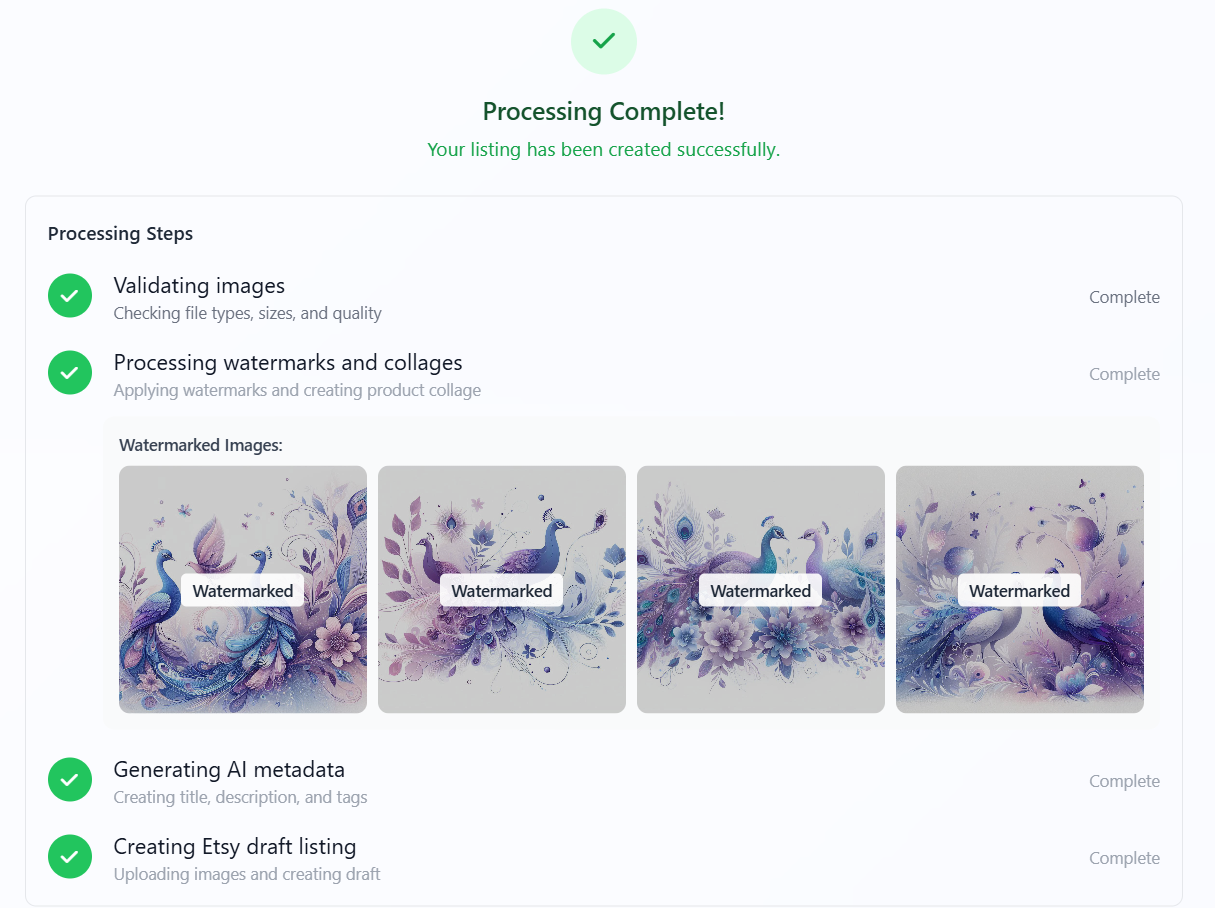
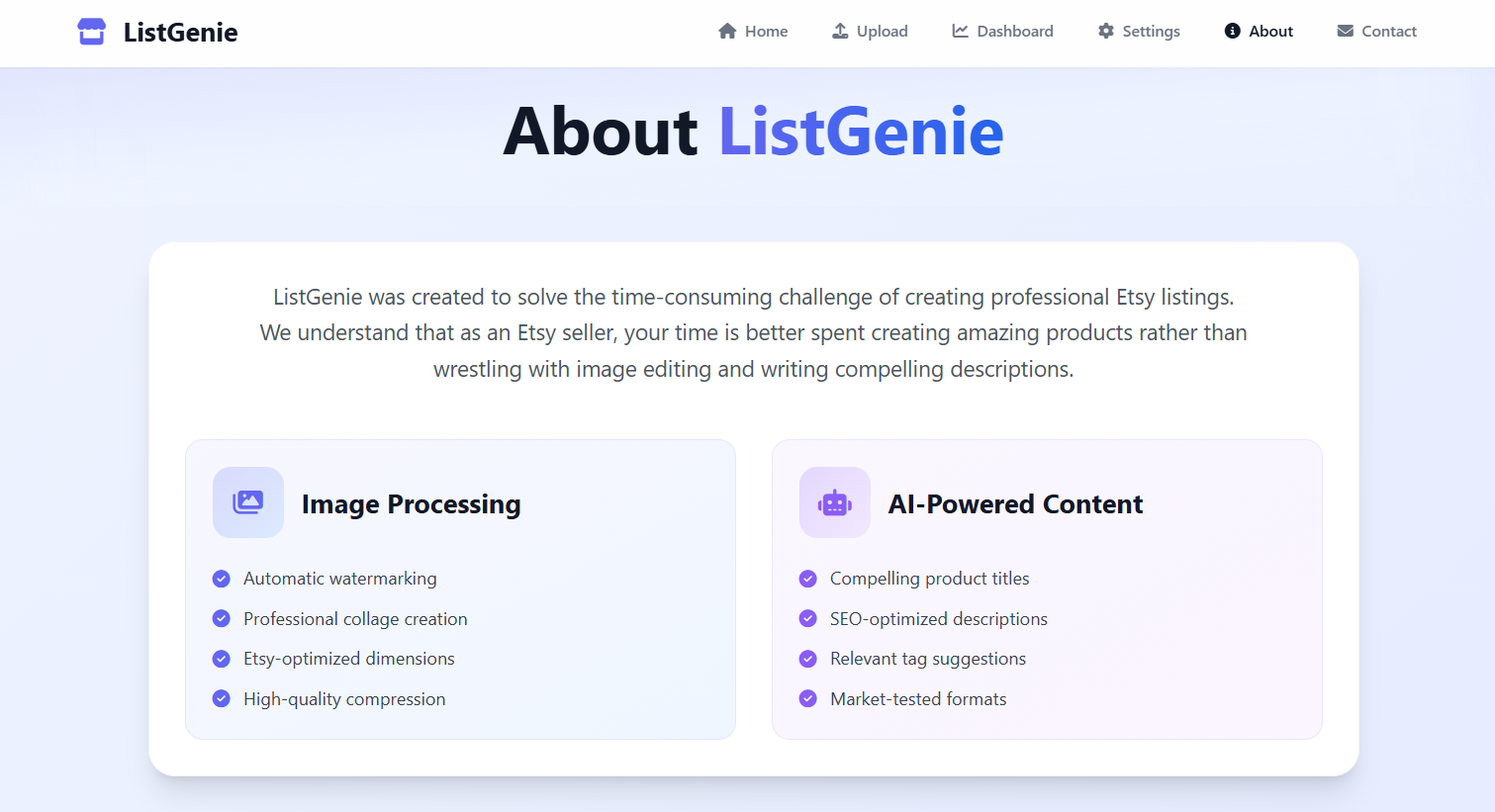
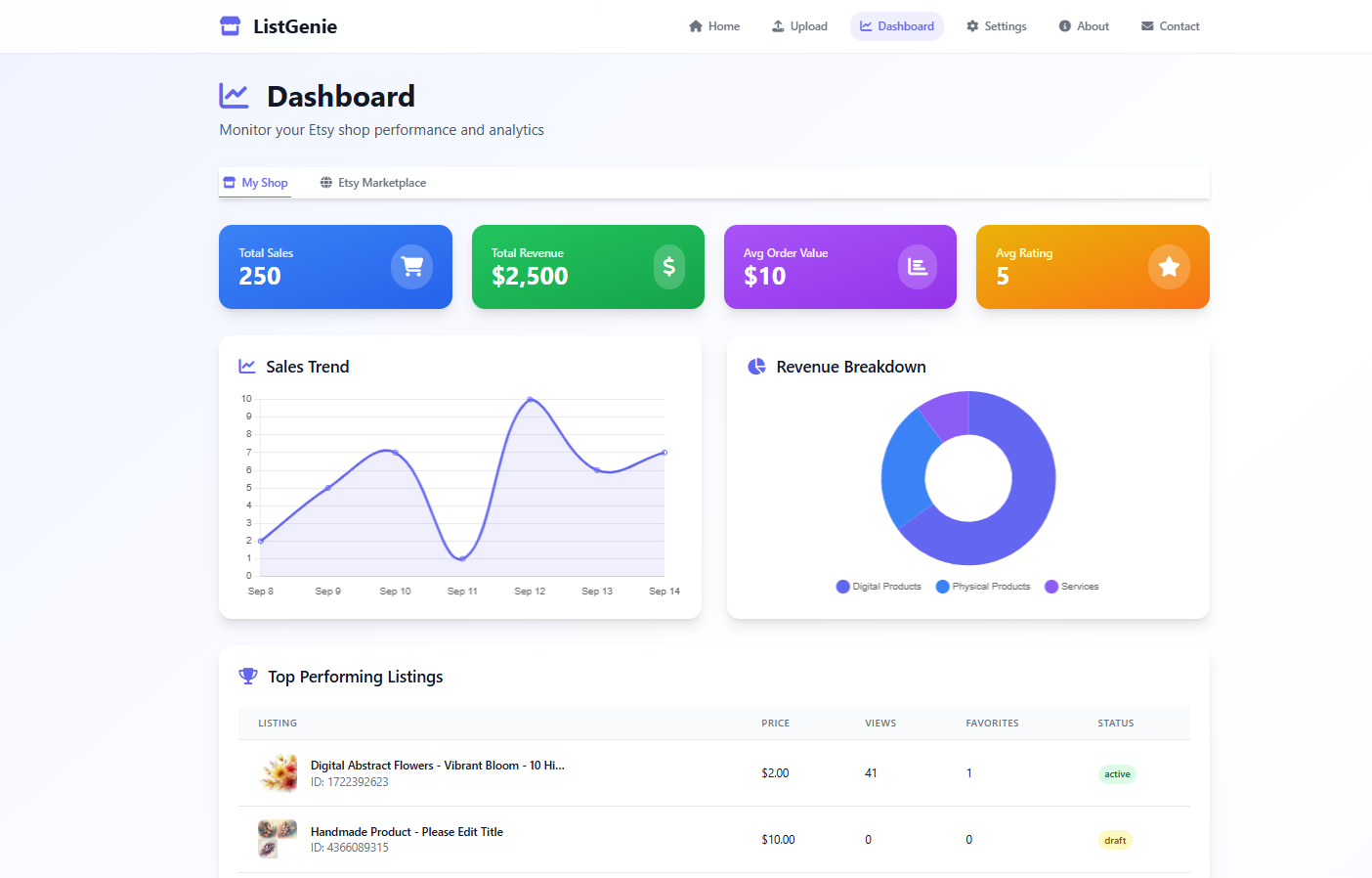
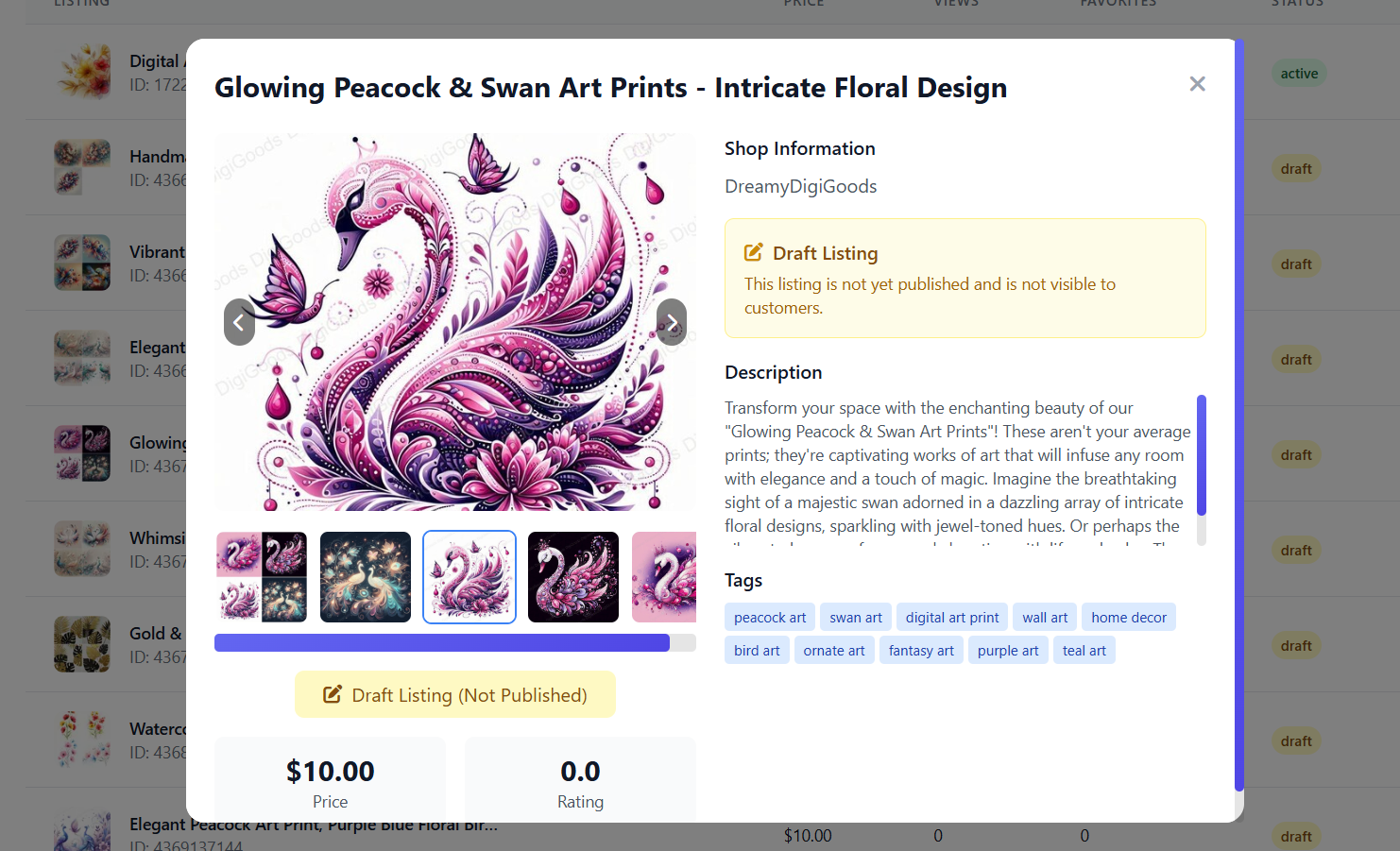
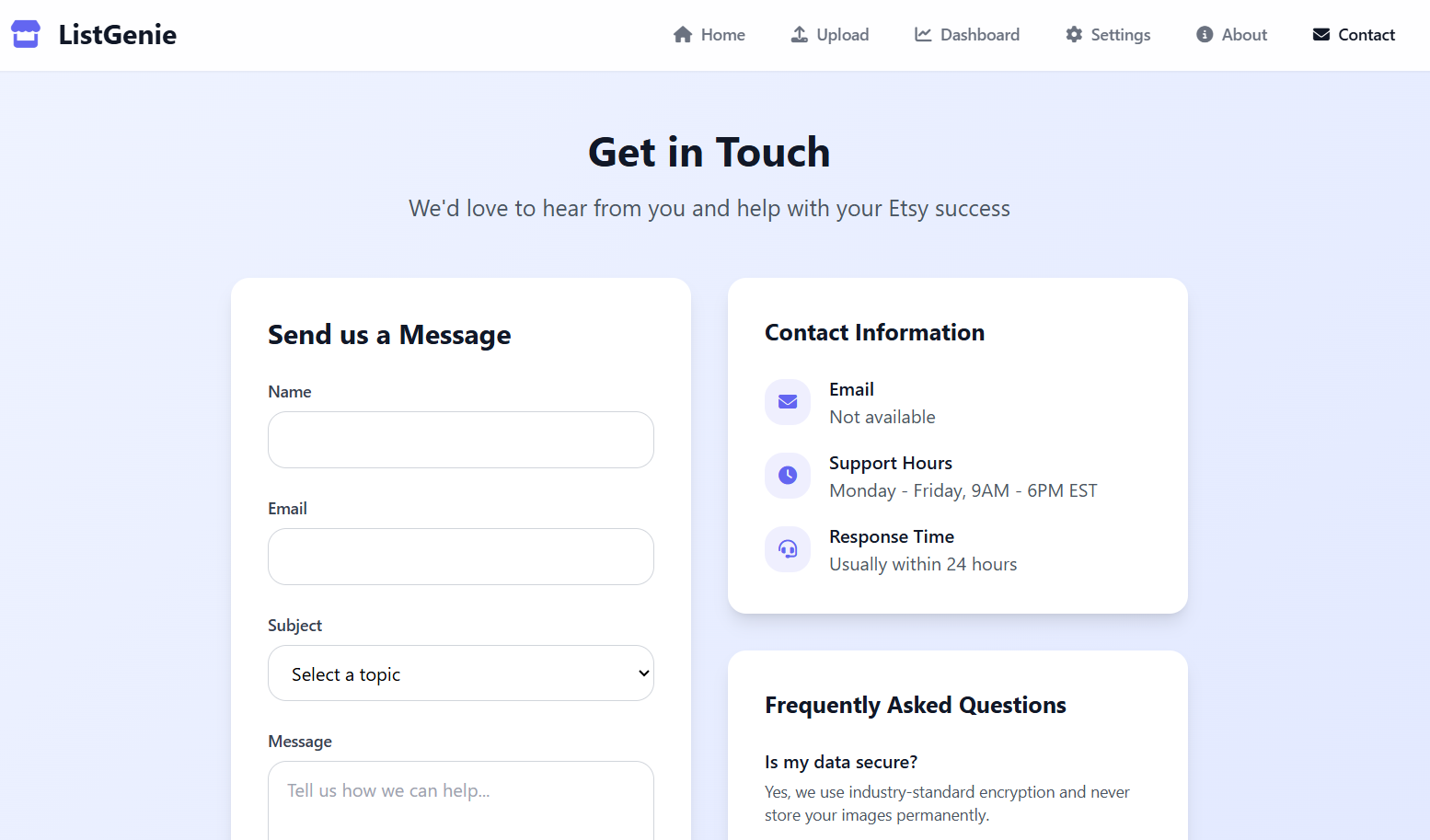
ListGenie automates the busywork of creating Etsy listings so sellers can focus on creativity. Current features include: • Image processing: Add watermarks, generate collages and create preview videos. • Smart packaging: Bundle files into ZIPs for buyers or backups, then upload to Google Drive. • AI-powered writing: Generate titles, tags, and descriptions with Google Gemini. • Listing automation: Create draft listing directly into Etsy. • Dashboard: Track your listings with stats and details in one place. • Modern interface: Simple, responsive UI built with Tailwind CSS. Today, it’s especially useful for digital sellers (printables, templates, AI art) but with mockup capabilities, it could easily extend to physical product sellers as well.
How we built it
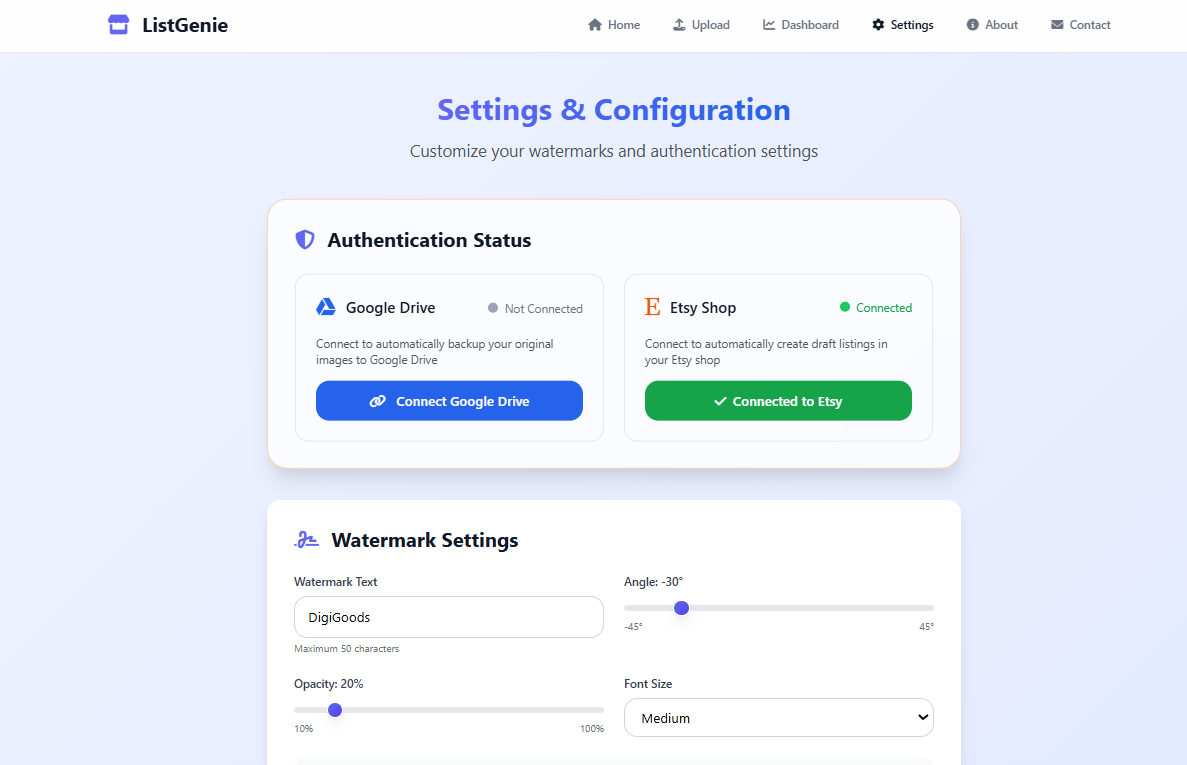
• Backend: Node.js with Express • Frontend: Tailwind CSS for responsive design • Image tools: Sharp and Jimp for watermarking and collage generation • AI: Google Gemini for product metadata • APIs: OAuth-secured connections to Etsy and Google Drive The repo is cleanly structured with separate client, server, and script folders to keep contributions straightforward.
Challenges we ran into
• Handling OAuth integrations with Etsy & Google Drive. • Designing workflows that feel simple while handling multiple steps under the hood. • Balancing automation with customization, since Etsy listings still need a human touch.
Accomplishments that we're proud of
• Built a full workflow from raw image → Etsy draft listing in seconds. • Integrated AI-generated product descriptions, tags, and titles. • Designed a simple, easy to use, non-technical UI for Etsy sellers.
What we learned
Working on ListGenie with Kiro taught me several important lessons from a technical perspective: • Spec-driven vs. vibe coding – Kiro showed the value of spec-driven development for reliability, but also highlighted that a “vibe-driven” approach can speed up experimentation. Balancing both is key. • Limitations and human oversight – While Kiro generates and scaffolds code, the user still needs to review and understand it. This ensures issues are caught early and makes debugging much easier. • Act as a partner, not a manager – Treating Kiro as a collaborative partner rather than a strict manager made development more fluid. Reading the task summaries after each step helped me stay in sync with what Kiro was doing and plan next actions effectively. • MCP servers in action – GitHub integration made it seamless for Kiro to keep issues up to date automatically. Beyond that, in this project I also added PostgreSQL, TestSprite, and Pexels, showing how additional services can be integrated into agent-driven workflows.
How Kiro Helped
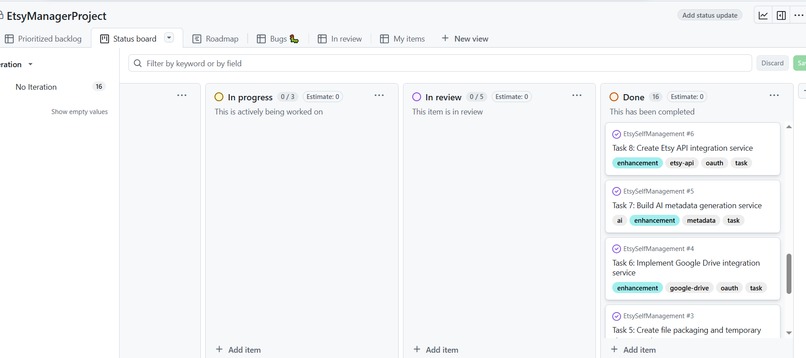
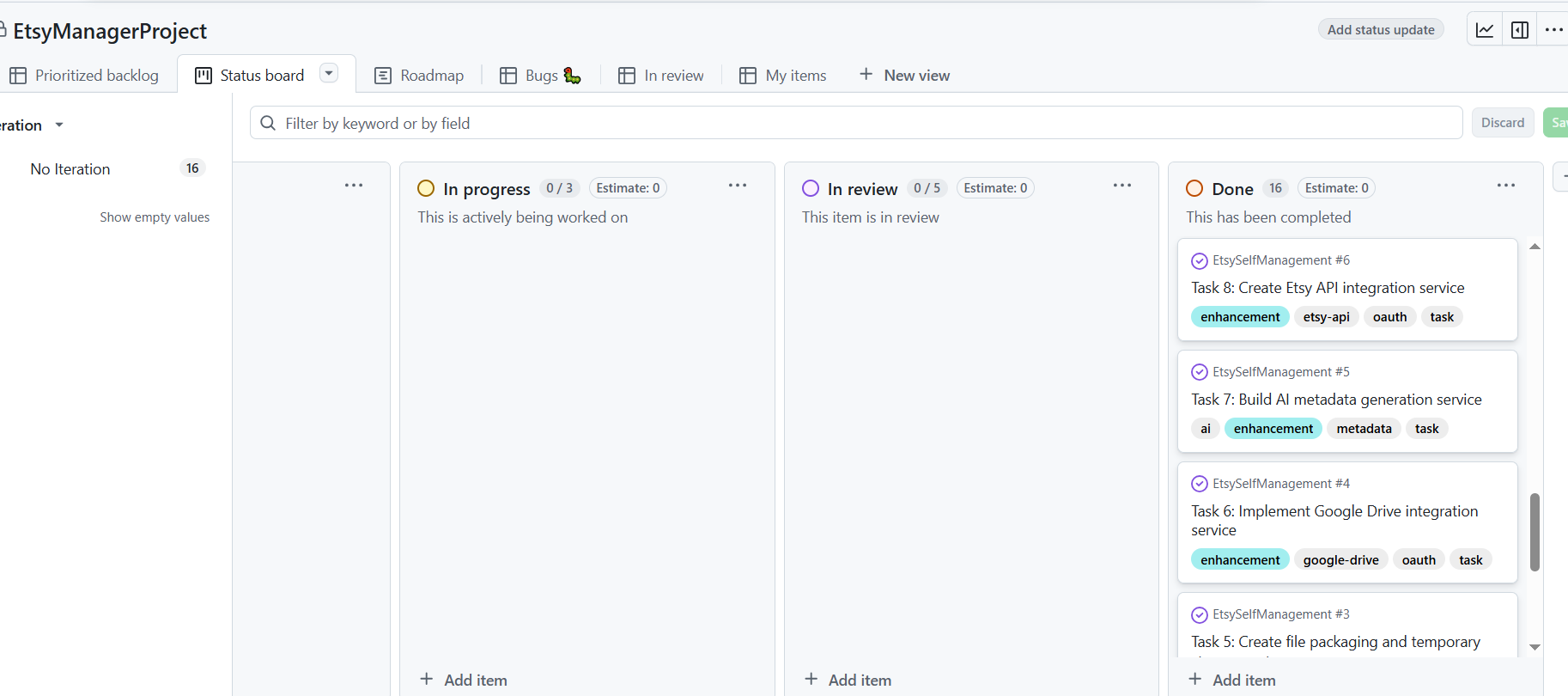
Kiro was a game changer during development, acting like a coding partner and project architect rolled into one: • Agent hook: Key automations in the project: o Code Optimizer Hook: Provides focused suggestions for code improvements (up to 5 at a time, can be more if needed). Even though I ran it once, it ensures ongoing code improvements in future iterations. o Auto-commit Hook: Stages changes and prompts for commit when a task is marked complete. This helps timely commit after finishing a feature. o Task Monitor Hook: Updates corresponding GitHub issues automatically as task statuses change. This keeps project progress synchronized without manual intervention. • MCP servers: Integrated with GitHub to create and update issues directly from the workflow. • Steering: Allowed me to define tech stack, design expectations, coding standards, and architecture rules, keeping the project consistent. Instead of just generating code, Kiro supported the entire development lifecycle. It made the process faster, cleaner and more educational.
Most Impressive Code Generation & Agent Hooks
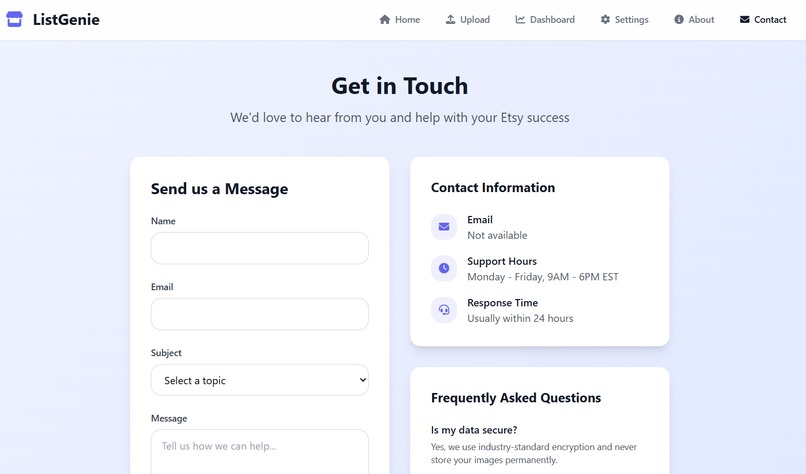
With only a written description of my idea, Kiro generated a full project specification and reliable architecture aligned with my steering document. It even kept GitHub issues automatically in sync as tasks were completed. 🔗 Impact on ListGenie: Gave me a solid foundation to build on, letting me move quickly without sacrificing structure. Extra bonus: Adding last-minute goodies - like a GitHub page, GitHub Action, or actual email sending through the contact page—was effortless. Nothing seemed too hard to start, thanks to Kiro.
What's next for ListGenie - Digital Listing Automation Tool
• Expand mockup creation for physical product listings. • AI image generation to centralize creative workflows in one place. • Cross-platform posting to reach more customers efficiently.
Why Kiro is a tool to go for developers
Using Kiro on this project showed me why it’s worth every developer’s attention. It’s not just about speeding up coding. It helps manage architecture, maintain standards and track project progress without friction. With GitHub integration, automation hooks and steering, it feels like having an extra teammate who never forgets a detail.
For developers, Kiro is the kind of tool that lets you focus on problem-solving while it handles the repetitive coordination work.


Log in or sign up for Devpost to join the conversation.