-
-
Login View
-
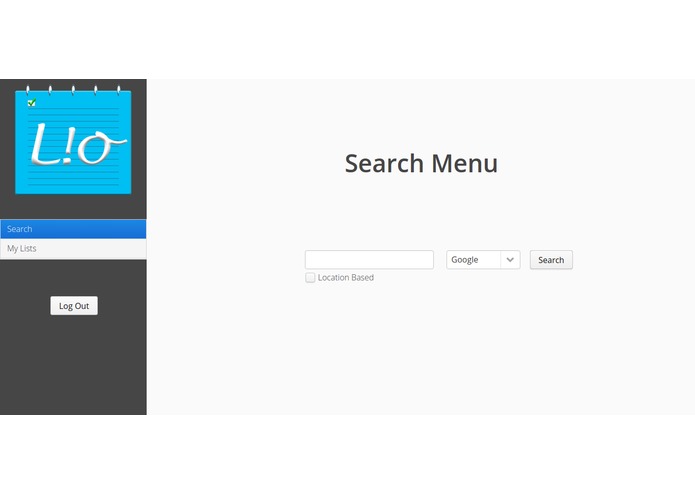
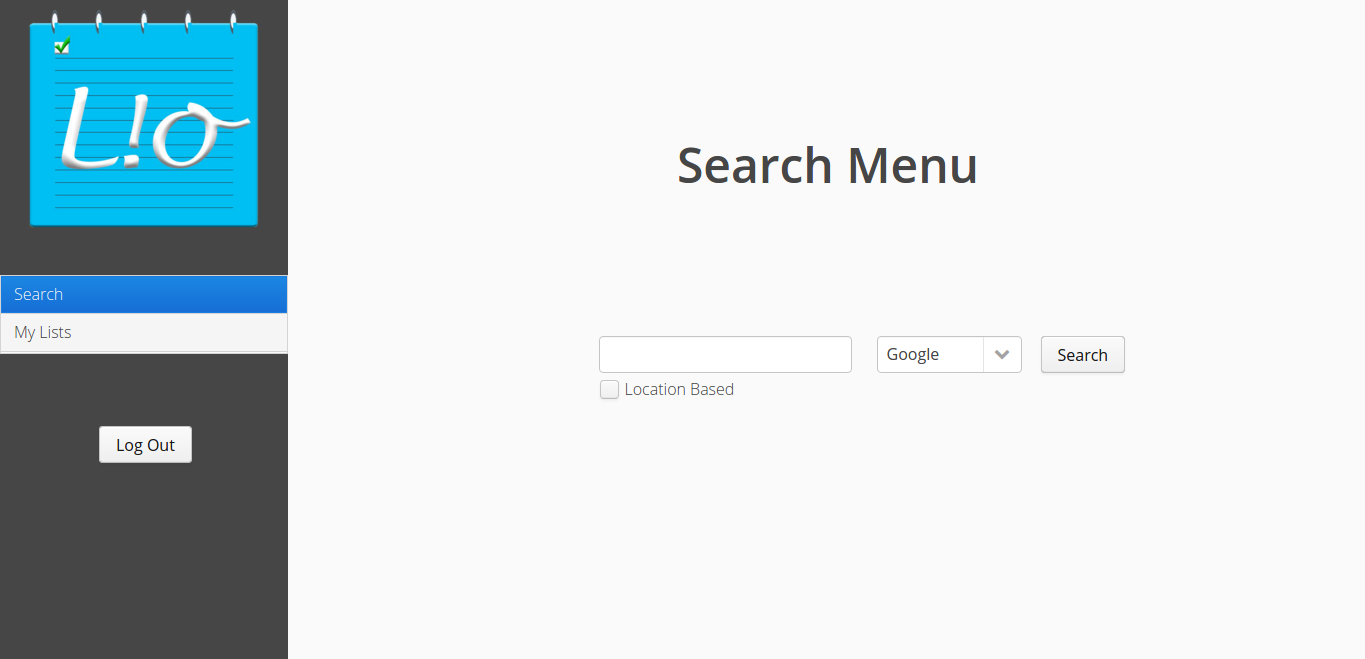
Search Menu
-
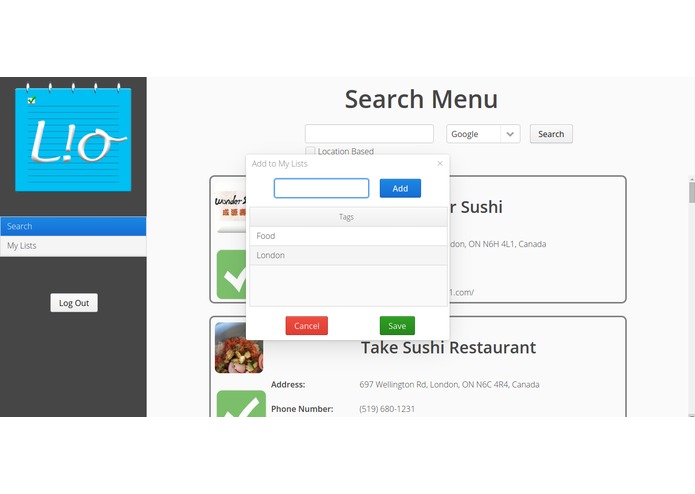
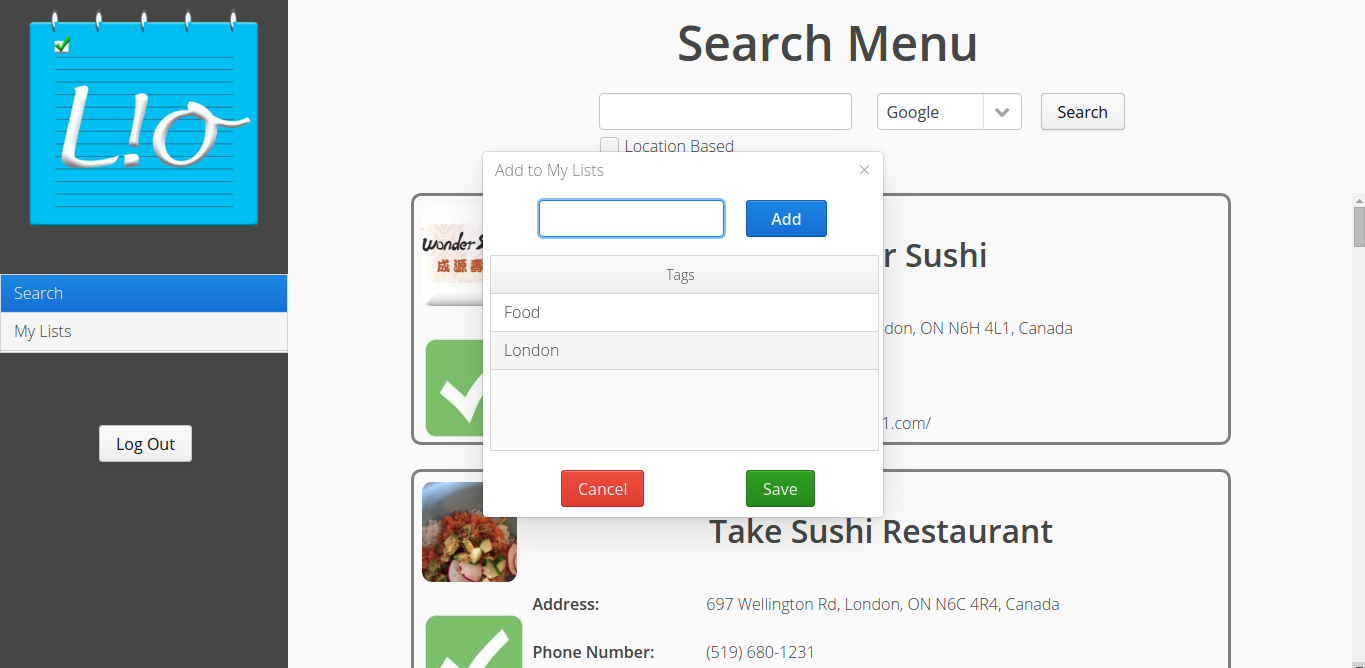
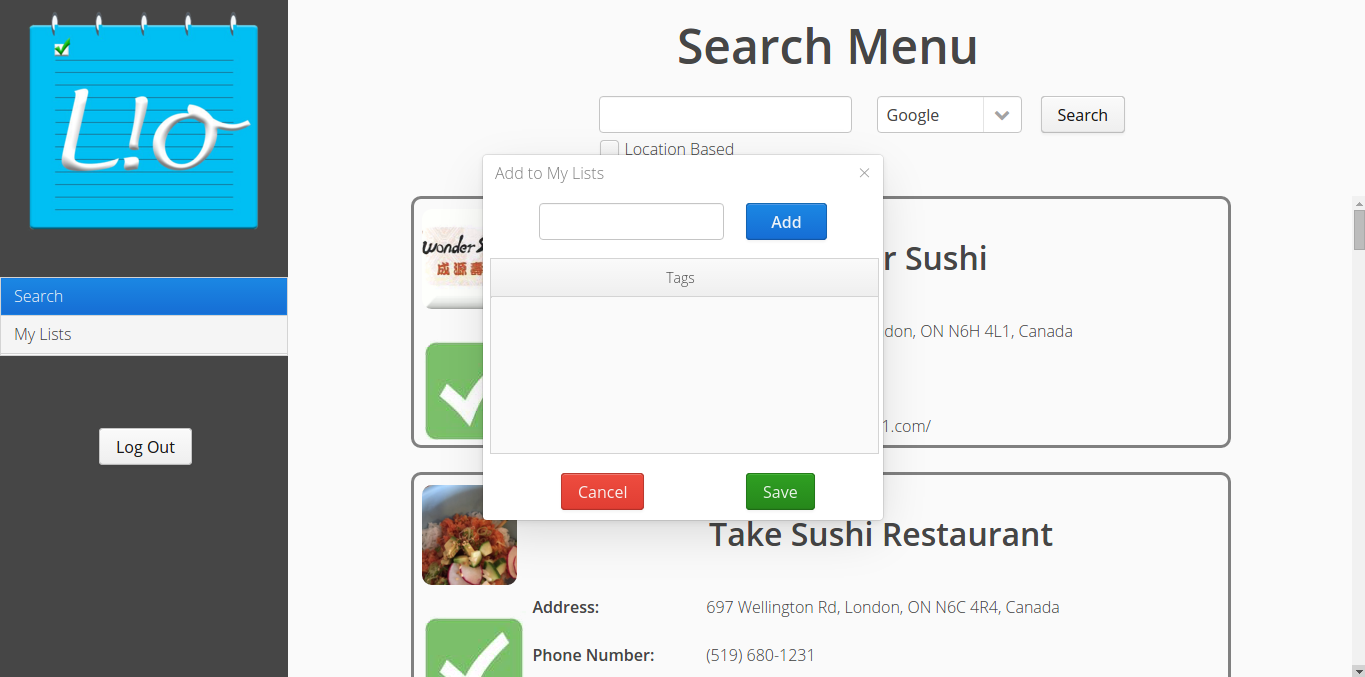
Add Tags/Items
-
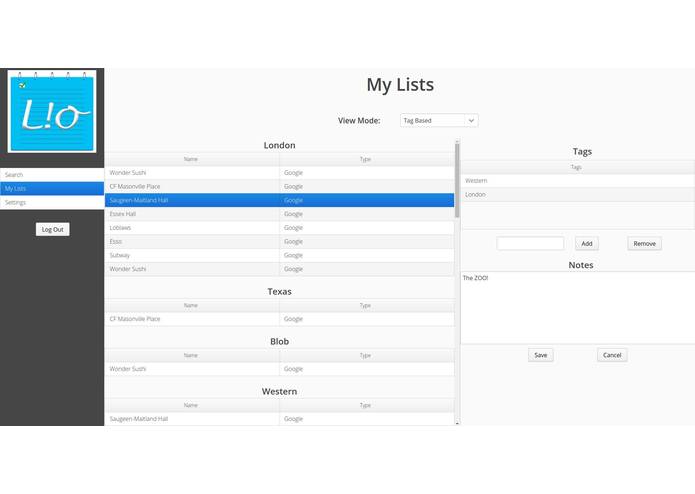
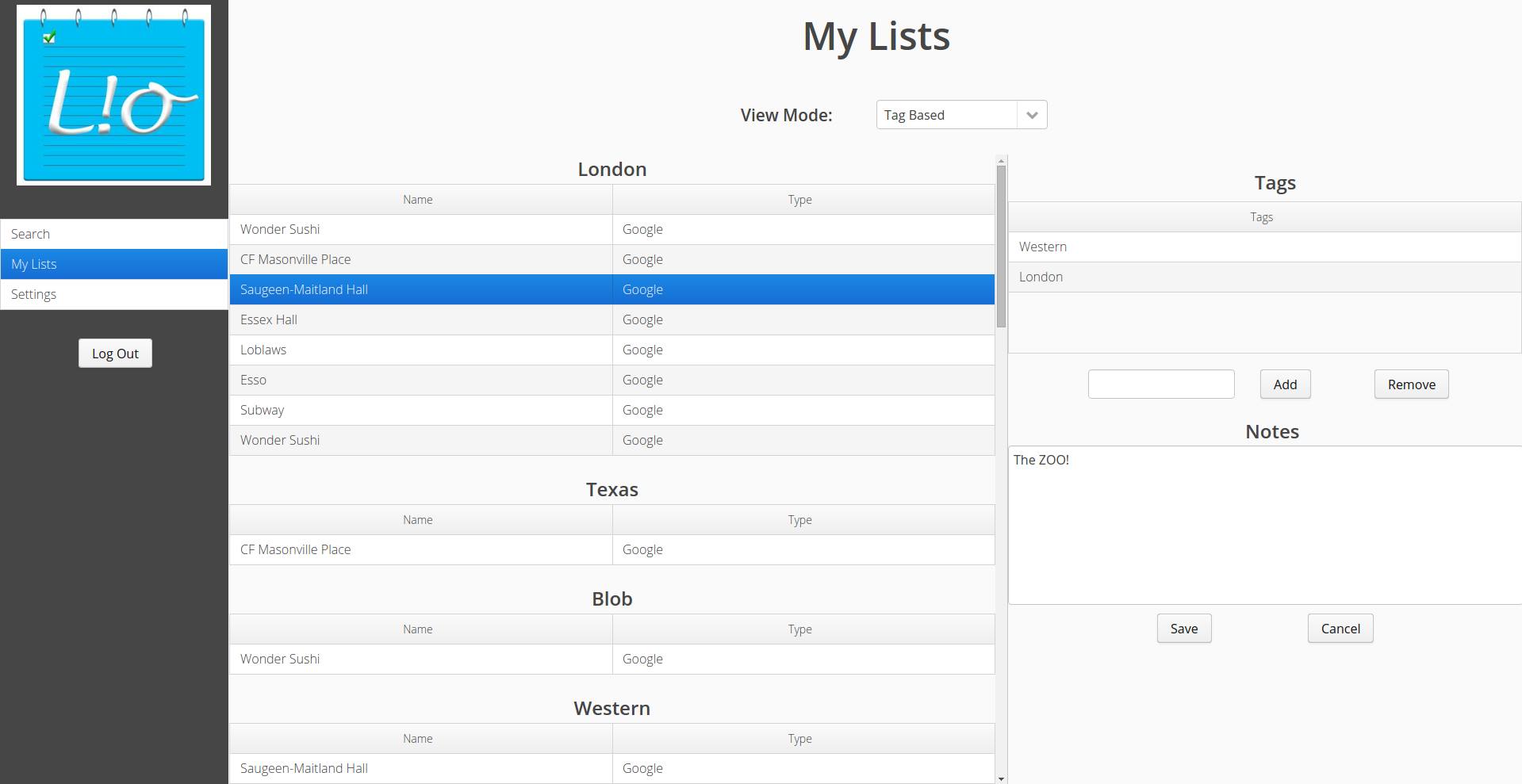
Tag View
-
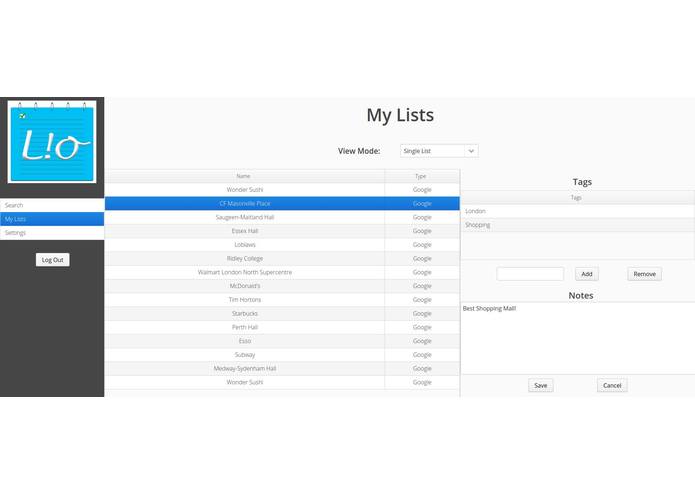
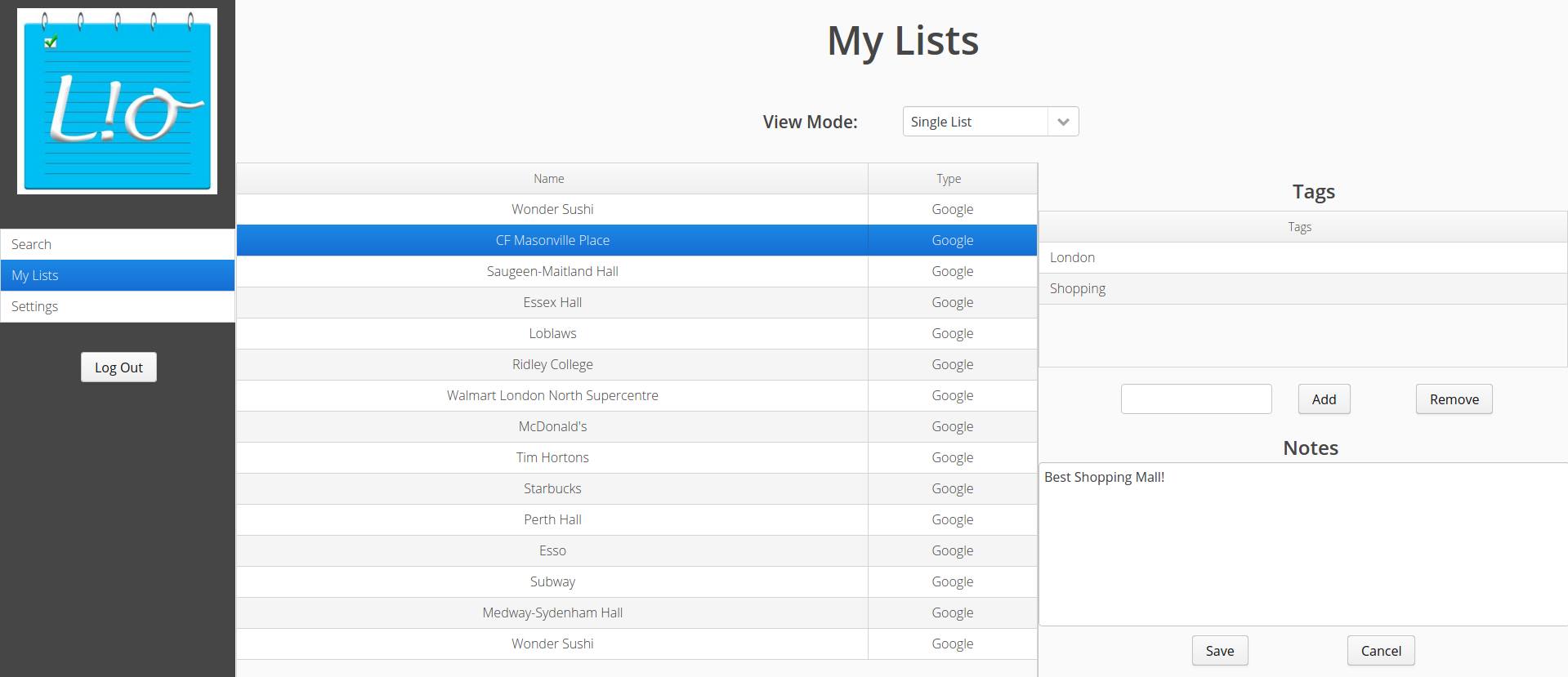
Single List View
-
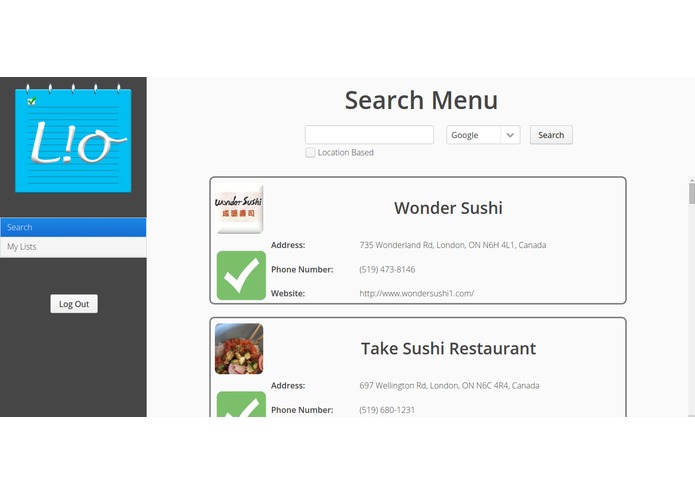
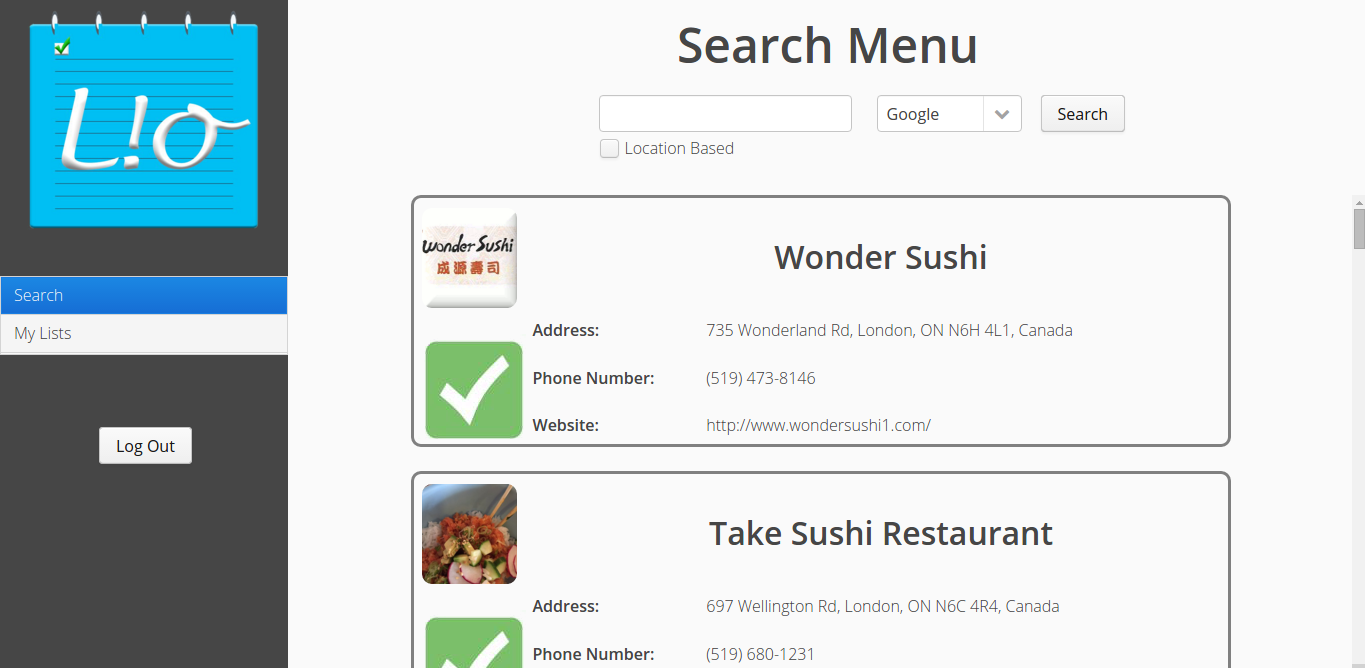
Search Results
-
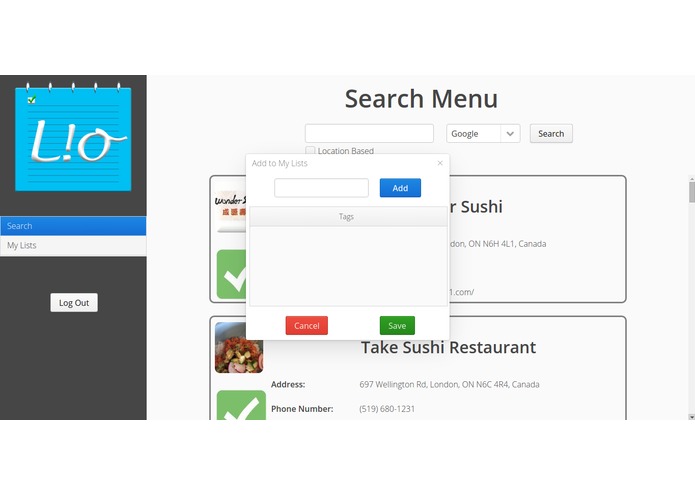
Add Tags/Items
Inspiration
Organization is essential - we decided to create a clean and light-weight solution to increasing productivity in every day life. We are constantly using many different search engines and directories to find specific items such as a place you want to frequent, a book you want to read or a product you want to purchase.
What it does
LIO uses available api's from the most used and most populated databases of information such as google-places or amazon product advertisement api. It allows the user to have a personal profile where they are able to search these databases for anything they could normally search on google maps or on amazon, save it in a visually appealing list and add tags for easy reference. We wanted to offer a simple, unified solution to searching and offer benefits over favouriting or bookmarking information. We make it our goal to offer a polished product that the user is able to use,enjoys using and feels efficient using.
How I built it
The team built the web application using vaadin, a framework derived from GWT. The application relies on an Apache Tomcat server to run. The declarative UI was created in HTML and SCSS and back end logic written in Java.
Challenges I ran into
Constant merge-conflicts with Git. Occasional Apache protocol and port forwarding errors caused compilation time errors. Lack of documentation for Amazon and Google APIS made implementation difficult.
Accomplishments that I'm proud of
- Learning GIT
- Learning Vaadin
- New Friends
- Sexy Design ## What I learned
- GIT
- Vaadin
- Patience ## What's next for LIO
- Addition of more api's to search through to offer the best user experience.
- eBay -Audible -CarsDirect and many more...
- feature addition --> more options for annotating
- improved reliability
How to Use:
Username: [email protected] Password: password *LOOKING AT SEARCH RESULTS: * clicking the green check mark, brings up the addItem/Tag window

Log in or sign up for Devpost to join the conversation.