-
-
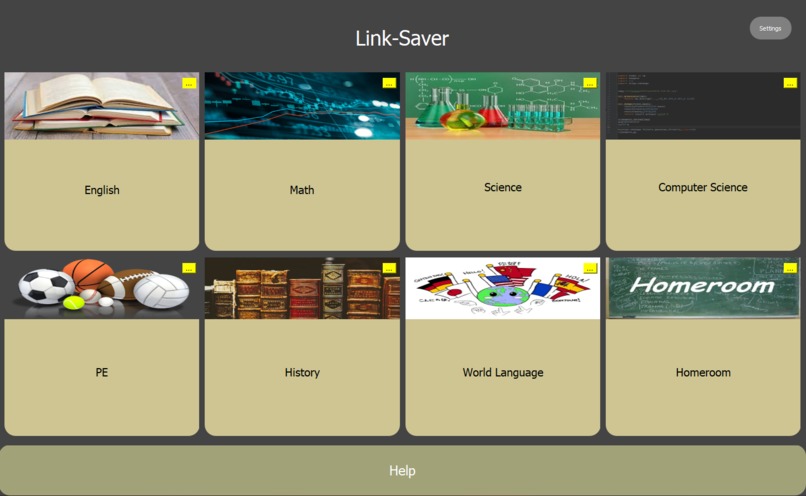
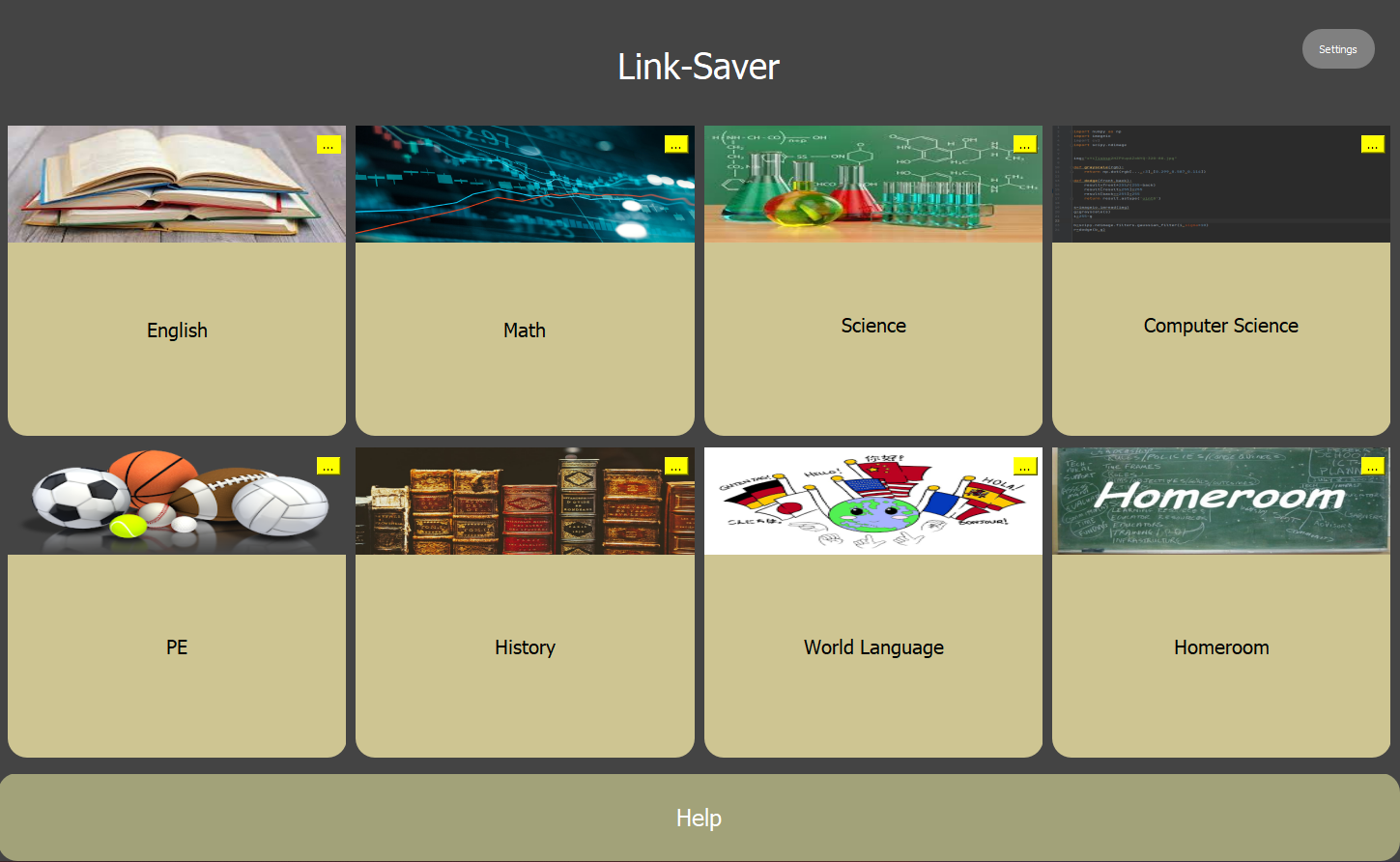
Home Page
-
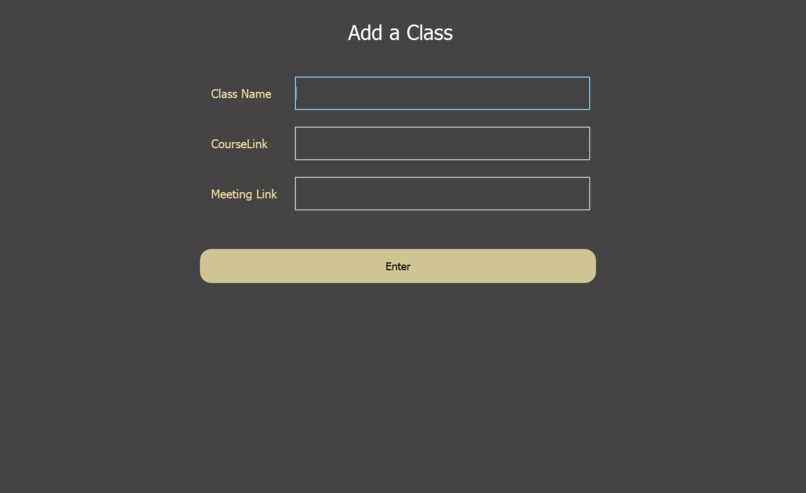
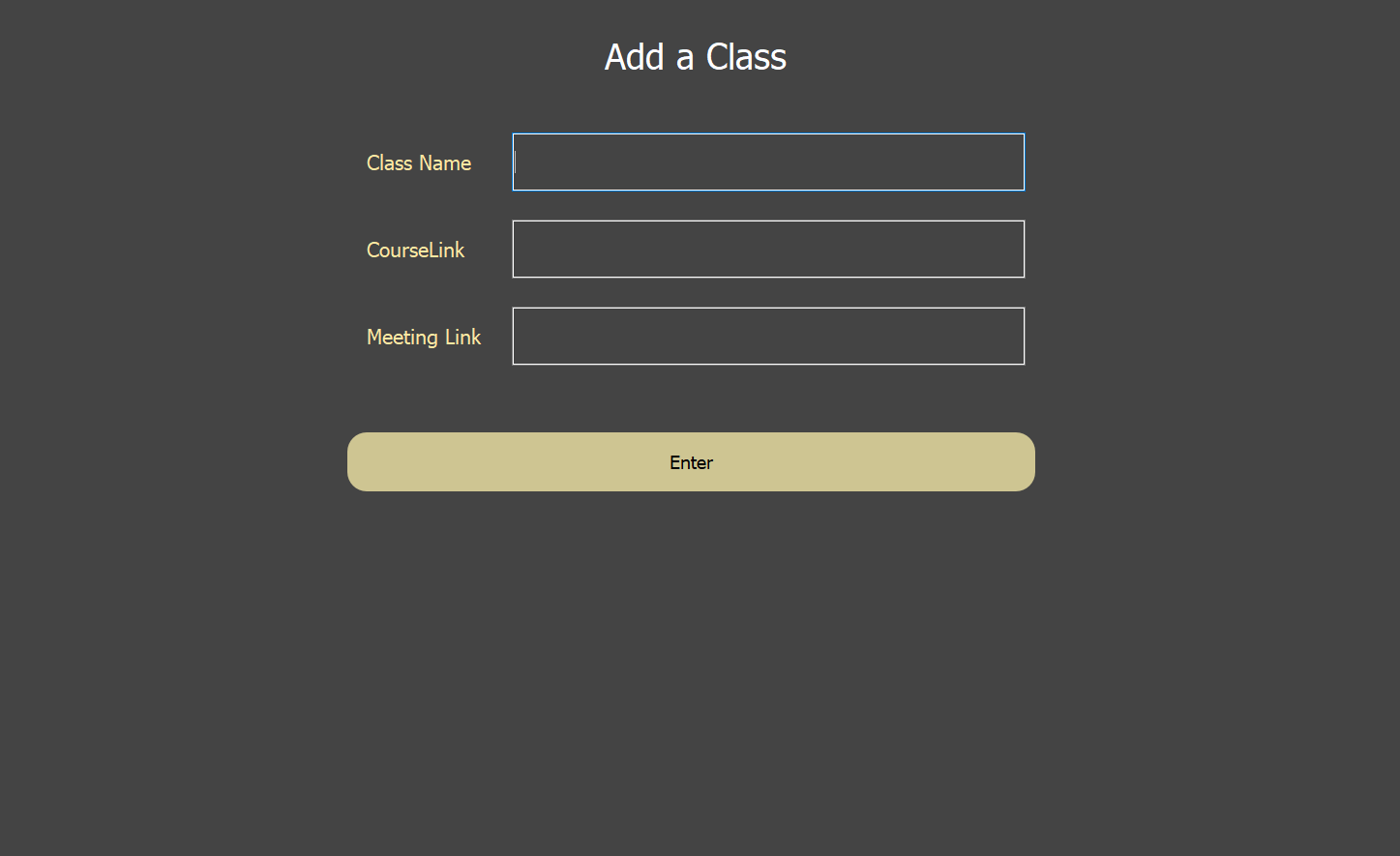
Add A Class
Inspiration
During the pandemic, keeping track of all the meeting links we use to get to class was a mess. Many resorted to desktop text files or a google doc. And some were forced to wait for 5 or 6 pages to load in order to finally join their class. We knew a simple solution was needed and we took the initiative with Link-Saver
What it does
Enter Link-Saver, an app that stores, not only your class meeting links but also your Google Classroom or Schoology Course Links! This is done with a clean and simple GUI where you can click a single button to open your Zoom and Schoology links.
How we built it
In the first version, Link-Saver was built with Java using mostly built-in libraries. This version was extremely primitive. In this second revision of the app, we have taken it to Python in order to elevate the user experience and simplify installation. We used Python Qt for Graphics and store user data in a locally stored JSON file.
Why Python? A lot of devices do not have Java installed despite a majority of devices containing the runtime environment. Furthermore, installing Java is confusing and not user-friendly, especially for those who are not too tech-savvy. To combat the issue of user-friendliness, we turned to Python. This language comes pre-installed on macOS devices, is rather simple to bake into a future mobile application, and can be simply installed by a Windows user via the Microsoft Store. In addition to the aforementioned benefits, Python allows for more powerful processes, giving room for future expansion.
Challenges we ran into
A major challenge we ran into was connecting the file storage system to the GUI. This was challenging because the data was stored but the returned strings would not register in the Add Class window or the Home window.
Accomplishments that we're proud of
Moving towards Python was a huge step for Link-Saver and the team. Python is a new language for all of us and half of the team have never attended a hackathon before. We are proud of how far we have gotten in only two days!
What we learned
We learned a lot about how a Hackathon works and how to collaborate when coding. Alex learned about solving GitHub merge conflicts and how to avoid them, managing different commits, and refreshing page contents without creating new pages. We also learned a lot about programming in Python and how to store data for later retrieval.
What's next for Link-Saver
Next, we plan to take Link-Saver to the cloud, where it can sync across your devices for ease of access and a better user experience. After Link-Saver is cloud-based, we can take it to mobile with native support via React Native. With all OS and devices supported, Link-Saver can become your go-to all in one link saving app!
Emails:
Kamran - [email protected]
Alex - [email protected]
Leo - [email protected]
Ameya - [email protected]
Built With
- pyqt
- python


Log in or sign up for Devpost to join the conversation.