-
-
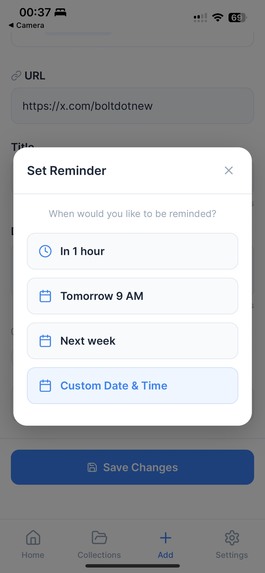
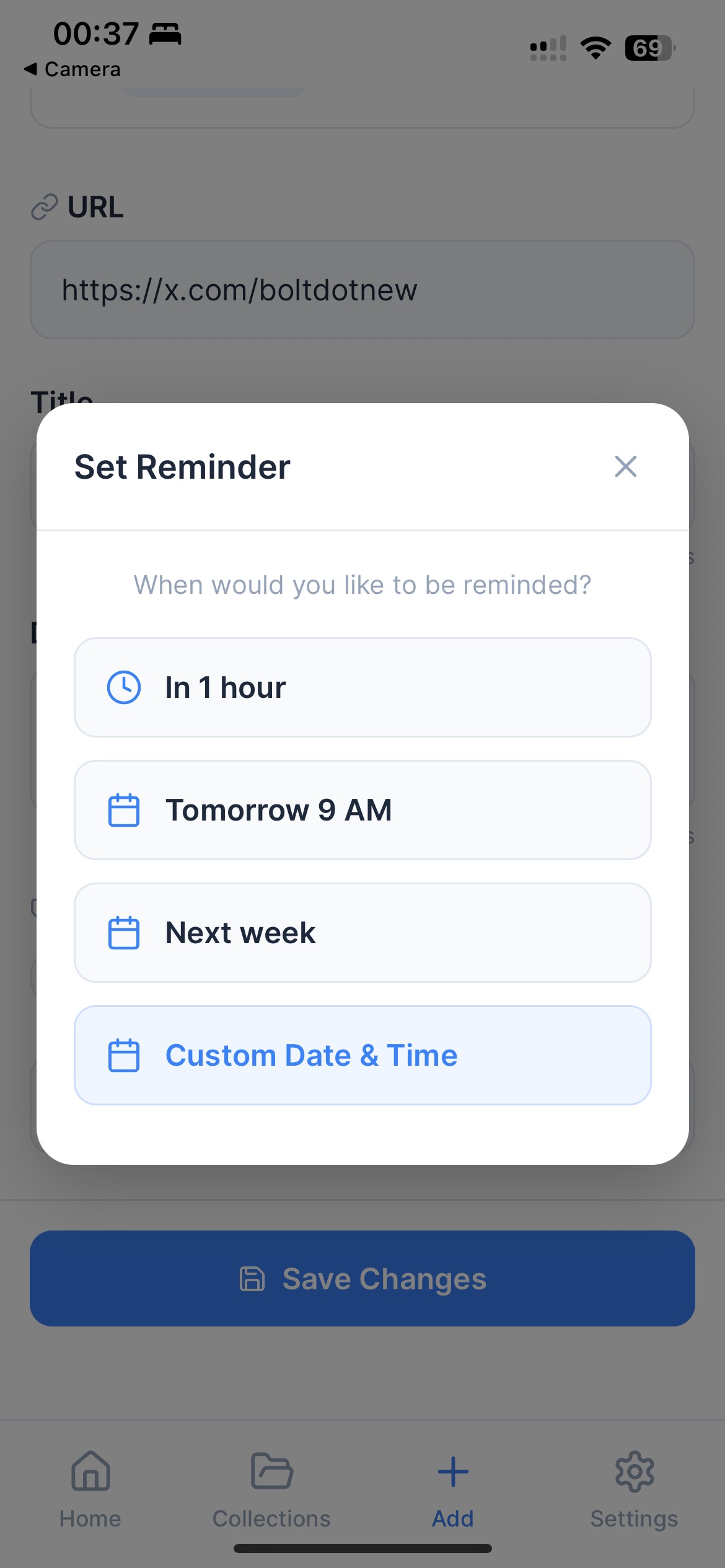
Reminders
-
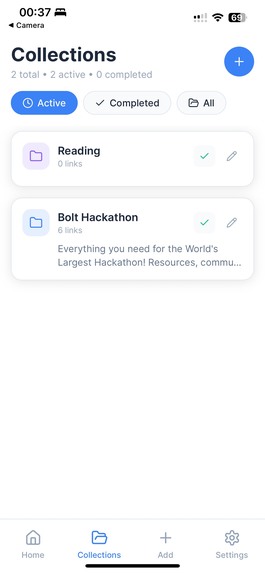
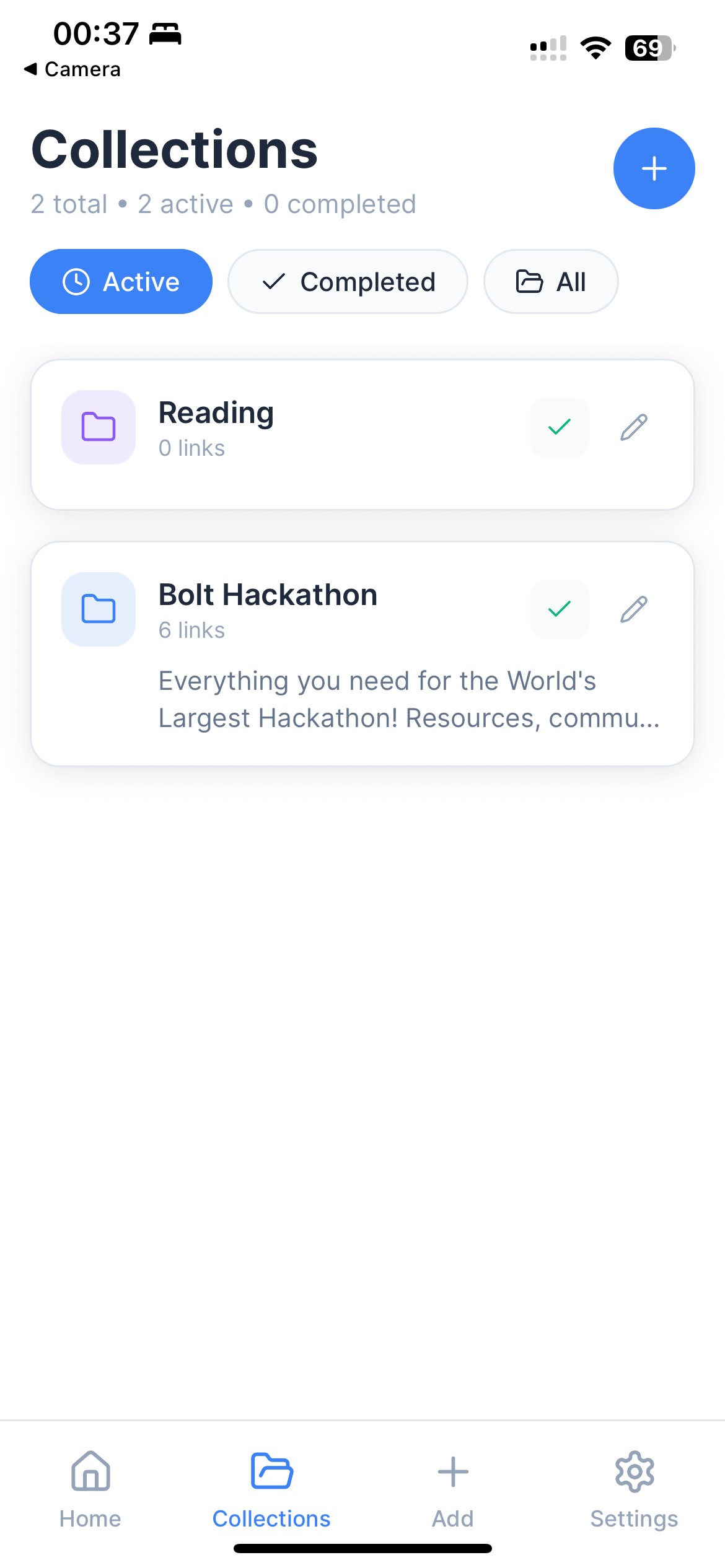
Collections View
-
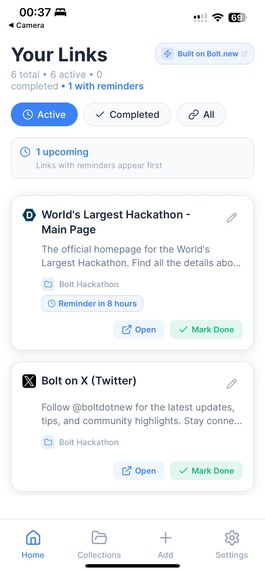
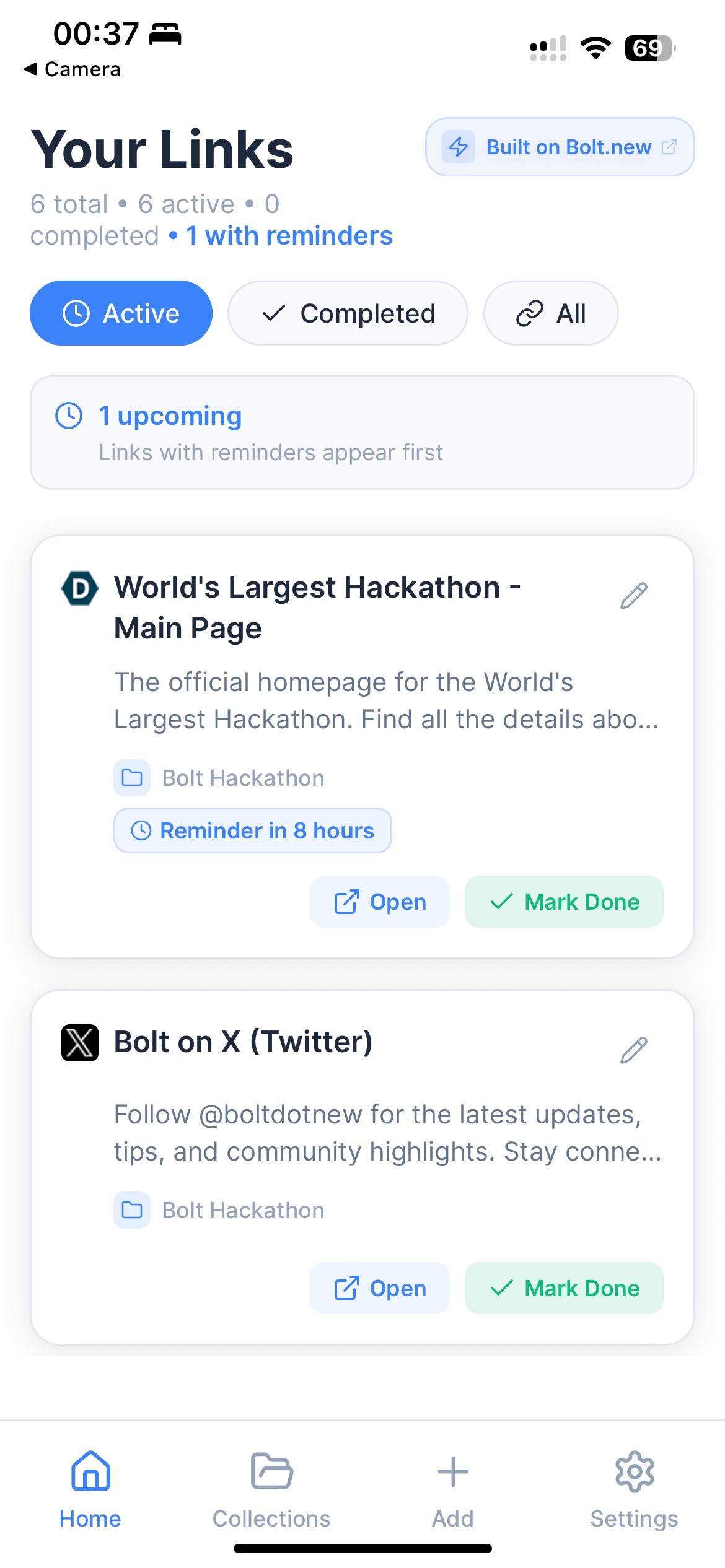
Homepage View
-
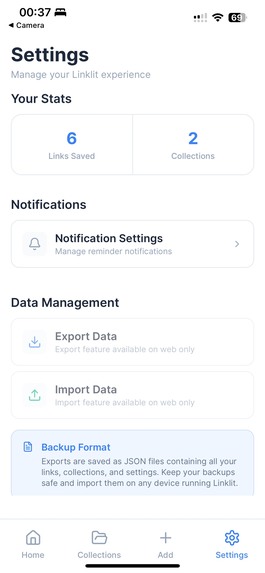
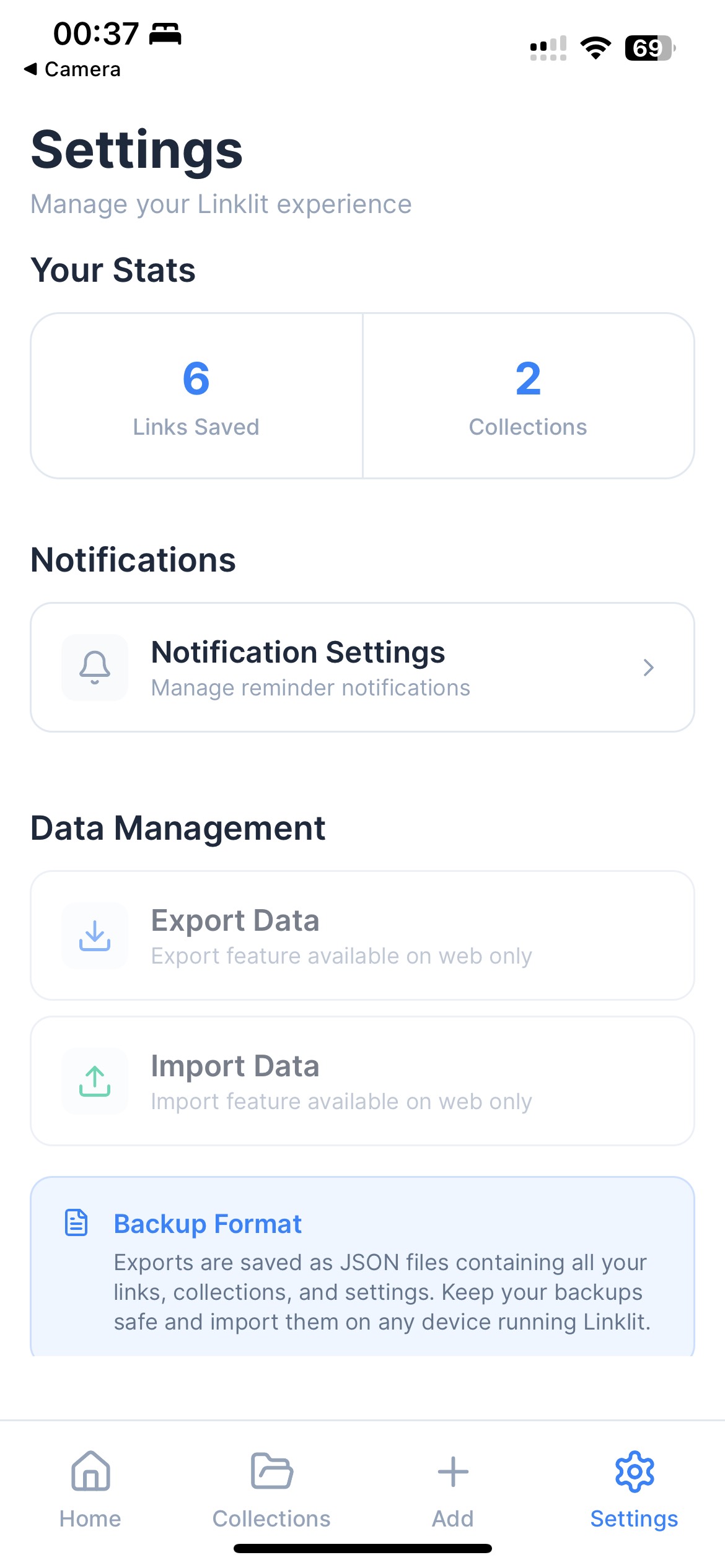
Settings
Inspiration
Have you ever felt that nagging sense of "I saved that thing somewhere, but where?" Or worse—"Did I even save it at all?" We live in a world overflowing with content—articles, videos, products, posts. And while much of it is valuable, we rarely have time to engage with it in the moment. So we save it. Or at least, we try to.
My browser is stuffed with bookmarks I never revisit. My WhatsApp chat to myself has turned into a chaotic dumping ground—links from YouTube, LinkedIn, Medium, Amazon, Twitter, you name it. I save a recipe video and forget it the next day. I find a job I want to apply for, save the link, and never open it again. I come across a brilliant thread on X and think, “I’ll read this later”, but later never comes.
Every app gives you a way to save things—but none of them help you organize it all in one place. And after a while, your saved content becomes a black hole. You dig through it only to realize: you either forgot to save it properly or don’t even remember why you saved it at all.
That’s when it hit me—there’s no single, simple way hold onto what matters, across platforms. And that frustration led to the creation of Linklit: a minimalist link-saving app that helps you quickly save content, optionally set a reminder, and return to it when the time is right.
What Linklit Does
The idea behind Linklit is simple: to help me stay on top of my digital to-dos and make room for what truly matters.
Whenever I come across interesting or important content—no matter the platform—I can quickly save the link in Linklit. I can drop it into a relevant Collection, add a short note if needed, and even set a reminder to revisit it. Once I’ve followed through, I mark it as done and move on.
A Real Example: Planning a Birthday Party
Let’s say I’m organising a surprise birthday party for my roommate. I create a Collection called 'Birthday'.
- I stumble upon a YouTube video showcasing creative games to play—I save it.
- I find some cool decorations on Amazon and Temu, but I don’t have time to decide which ones to buy—so I save the links for comparing later. (Maybe I could some old decoration from a friend so I don't have to buy everything.)
- A few friends recommend restaurants for catering—I store their map locations to personally visit when I have time.
- I come across a beautiful website for designing custom invitations—perfect for this event, so I save it with a reminder to finalize it mid-week.
All of this content lives in one tidy place, under one Collection. And once the party’s over, I mark everything as done and the project is complete—no clutter, no loose ends. That’s the power of Linklit: keeping your digital life sorted, scheduled, and stress-free.
How I built it
This idea had been living in my head for a while, but I honestly didn’t know if I could ever bring it to life.
I’m not a software developer. I don't have the budget to hire someone to build this from scratch. Then I came across the Bolt hackathon—and I couldn't believe my eyes! Is it possible to build complete apps and website just by chatting with AI? The universe was giving me a sign - I had to try this.
I started by brainstorming with ChatGPT, to create a detailed Product Requirements Document (PRD) to get a clarity on what the app should (and shouldn't) do. I wanted Linklit to stay minimalistic.
I deliberately avoided adding AI features like summarising content or recommending similar links. While those are flashy, they add complexity—and my goal was the opposite: to declutter digital life, not complicate it. I also made a firm decision: no login wall. Personally, I find it frustrating when an app demands my email before I can even try it—only to later flood my inbox with marketing spam.
I wanted Linklit to be different. Just download it and start using it. No friction. No nonsense. All your data stays on your device. If you want to export it, you can.
Once I had crystal-clear requirements, I turned to Bolt’s AI prompting to build the app.
It wasn’t a one-shot success—I went through several iterations, tweaking the logic, refining the experience, and carefully explaining how I wanted certain features to work.
Bit by bit, I shaped something real. Eventually, I had a working prototype. I pushed the code to GitHub, deployed the frontend via Netlify, and saw Linklit come to life!
Challenges I ran into
As someone who isn’t a developer, I often found myself staring at error messages I couldn’t fully understand. Some bugs took over 10 iterations to troubleshoot—and even then, I occasionally had to rebuild entire features from scratch just to make things work.
Connecting the project to GitHub came with its own share of hiccups. But after a few tries (and a lot of Googling), I finally got it working.
I’m proud to have successfully deployed the web version via Netlify. Given how close I was to the deadline, I didn’t have time to go through all the steps for store deployment.
For someone who started this project with no software background, getting a live, working version online is a huge win.
Accomplishments that I'm proud of
I never imagined I’d be able to build a real, functioning app—let alone in just a few weeks. I’m incredibly grateful for the experience of vibe coding with AI—I gave the direction and AI wrote all the code for me.
What I learned
This project taught me that with the right tools, mindset, and curiosity, anything is possible. The gap between an idea and execution is now smaller than ever—and that anyone, even without a traditional tech background, can bring their vision to life.
Built With
- bolt
- chatgpt
- netlify


Log in or sign up for Devpost to join the conversation.