LinkGallery
Inspiration
Managing photos across different devices is still fragmented. My Android phone, Windows PC, camera, and other devices all have separate galleries and different ways to browse or transfer media.
I wanted a single desktop application that could manage all of them from one place instead of relying on different apps or cloud ecosystems.
What it does
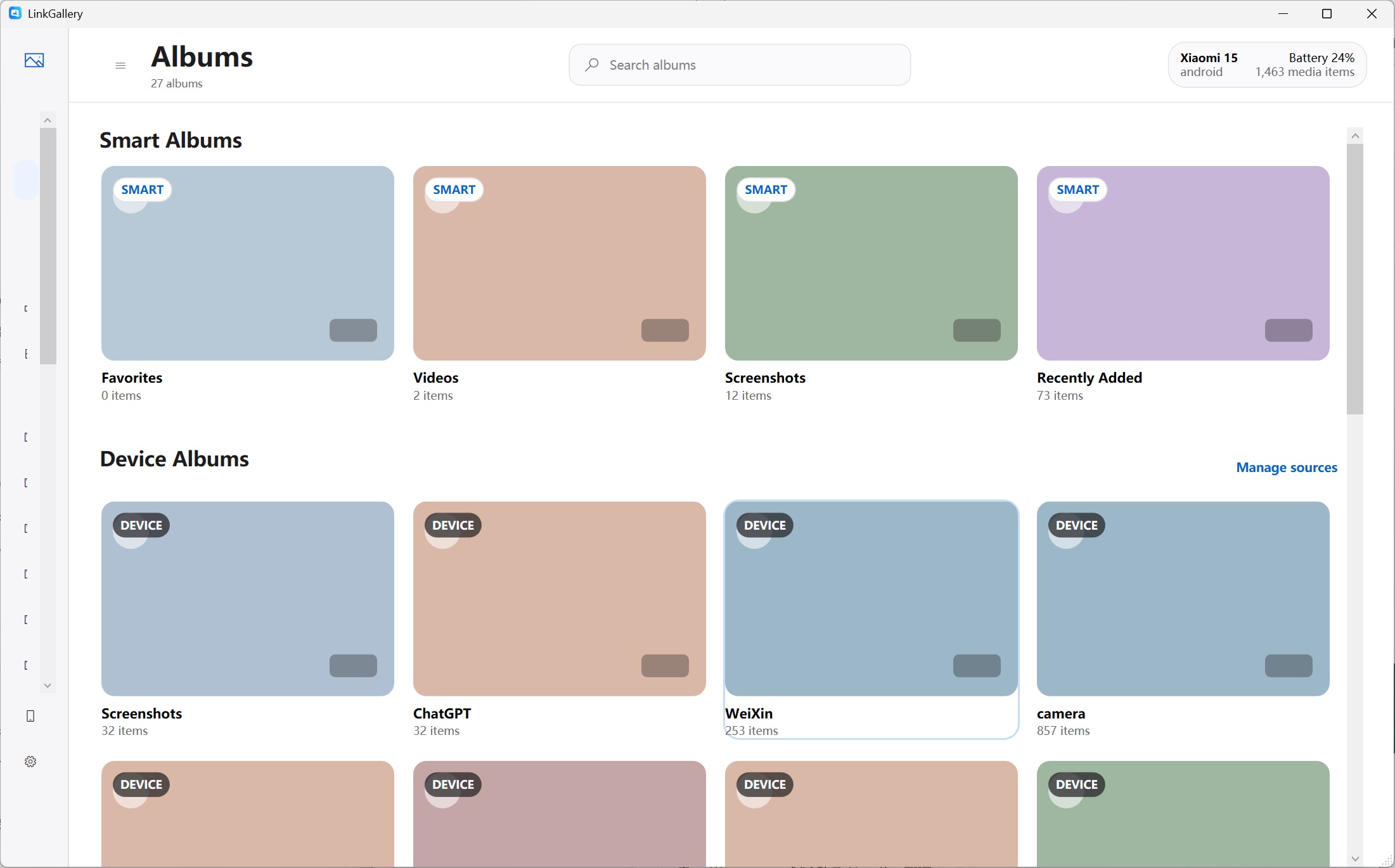
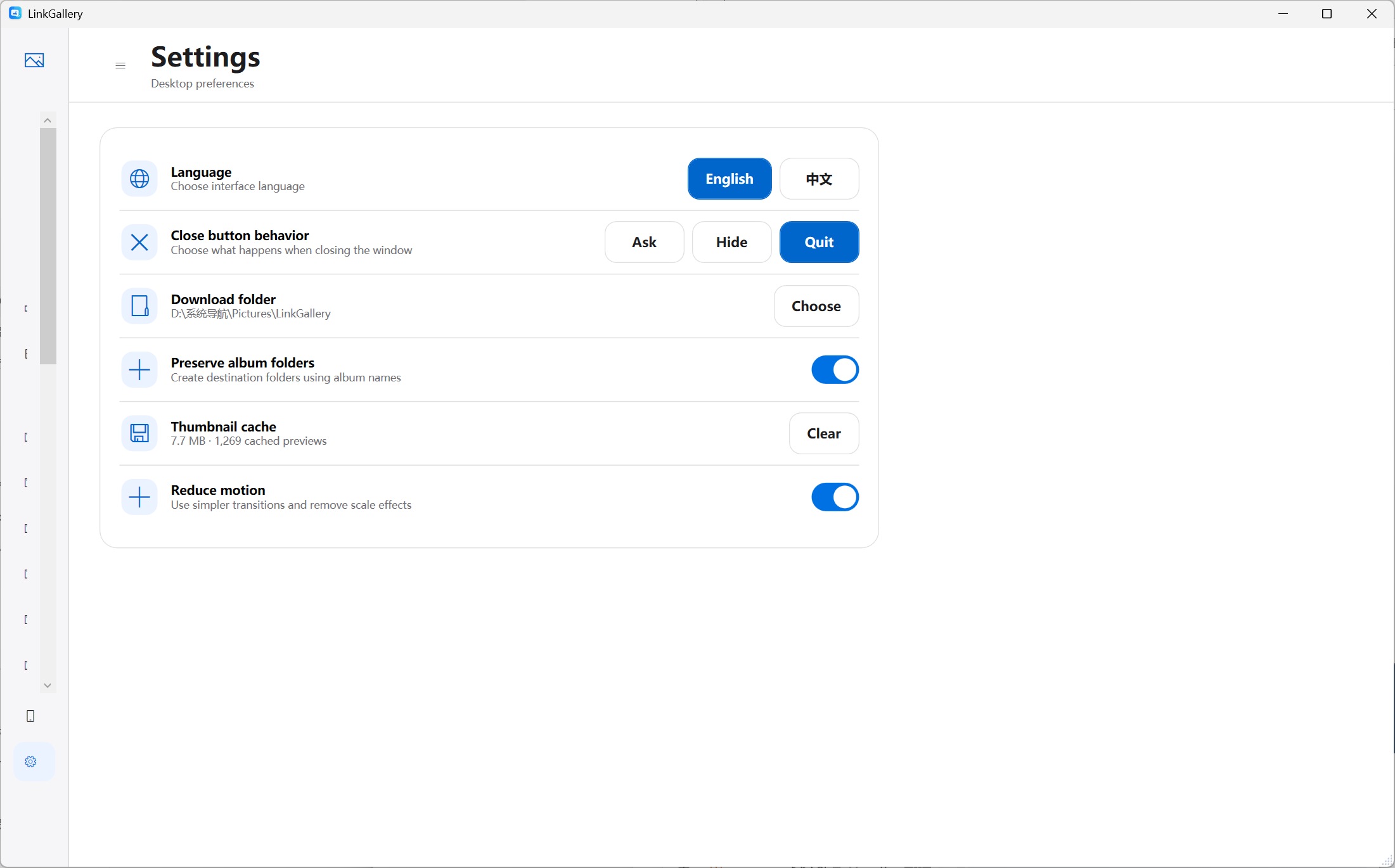
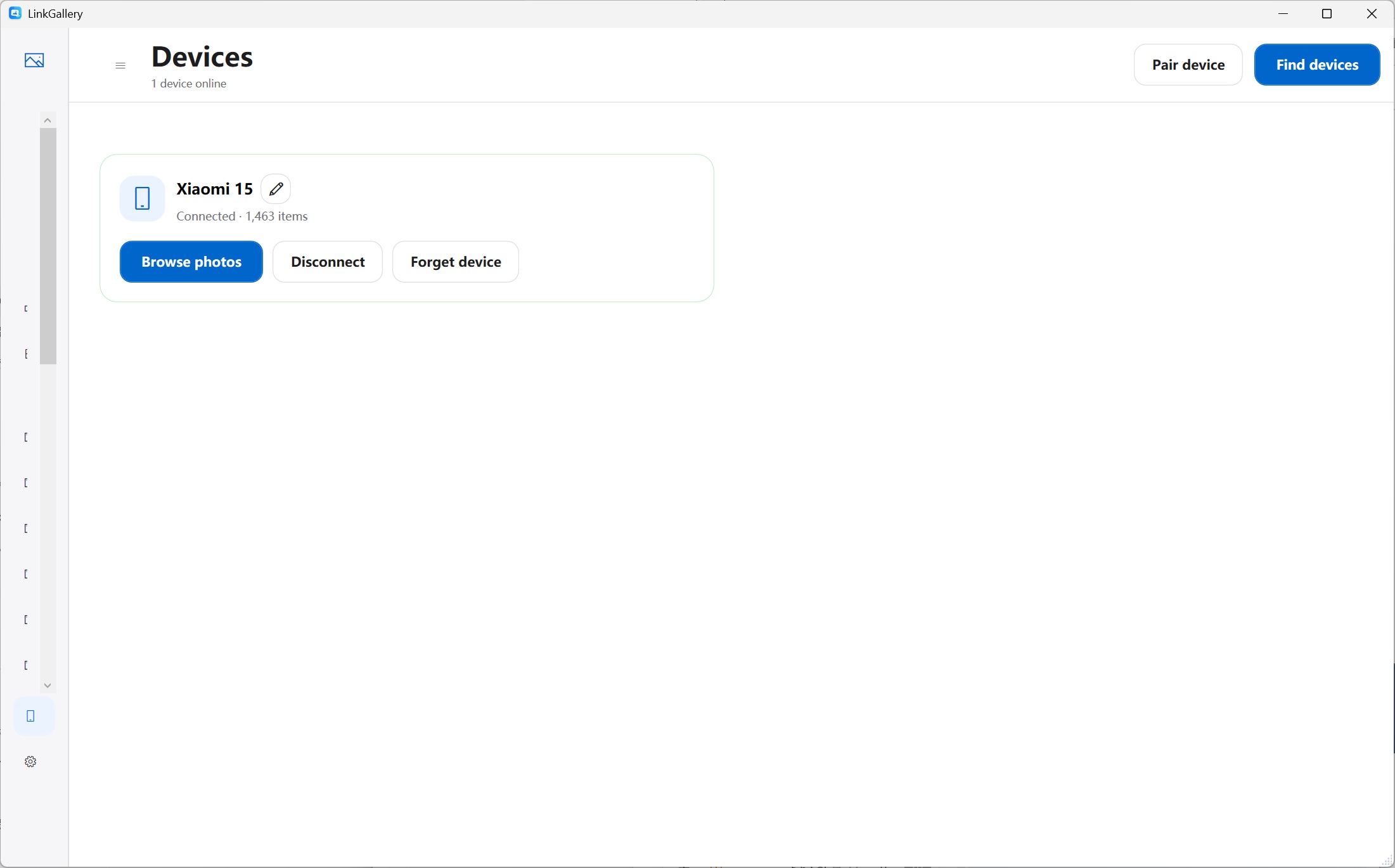
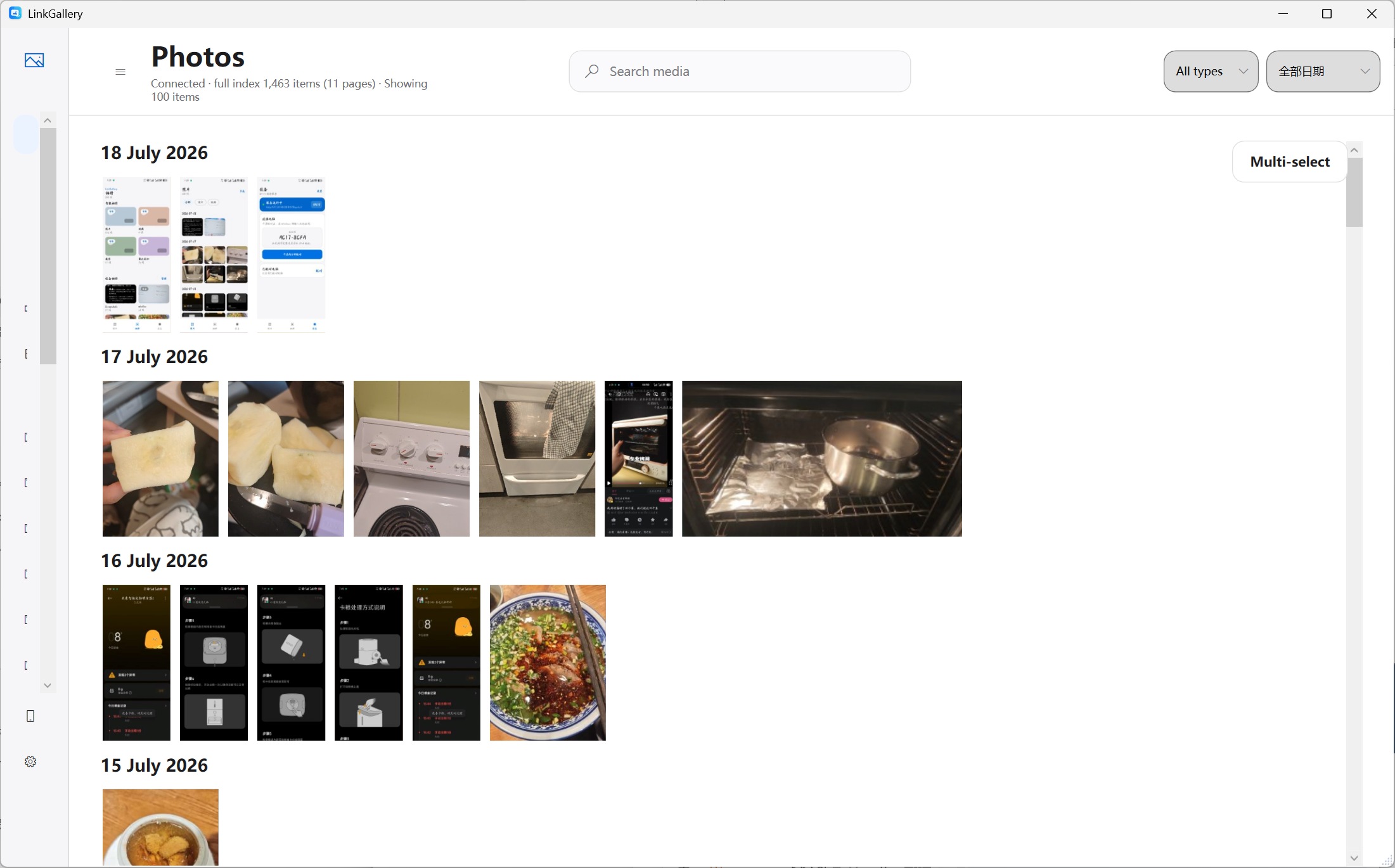
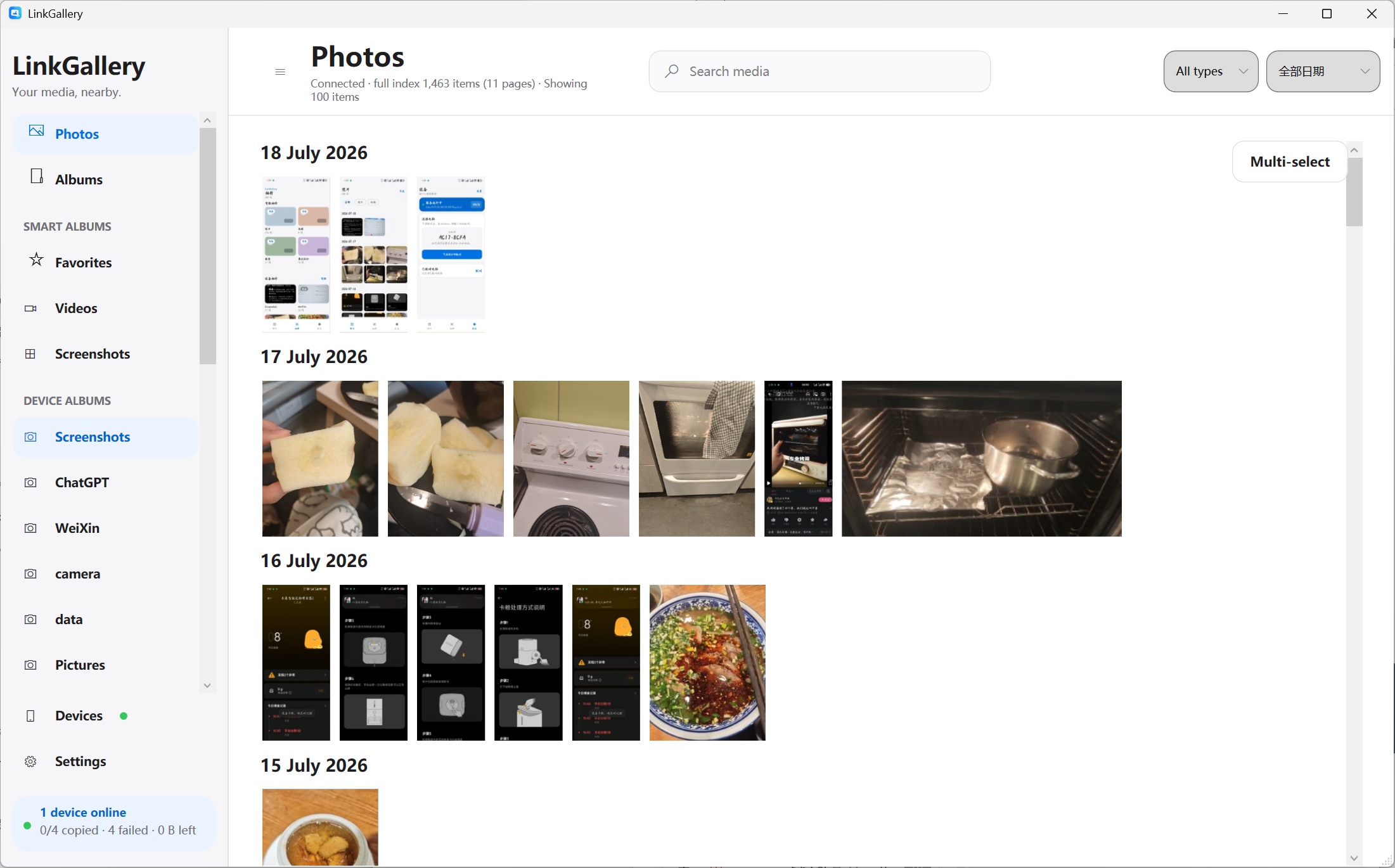
LinkGallery is a Windows-based unified photo terminal.
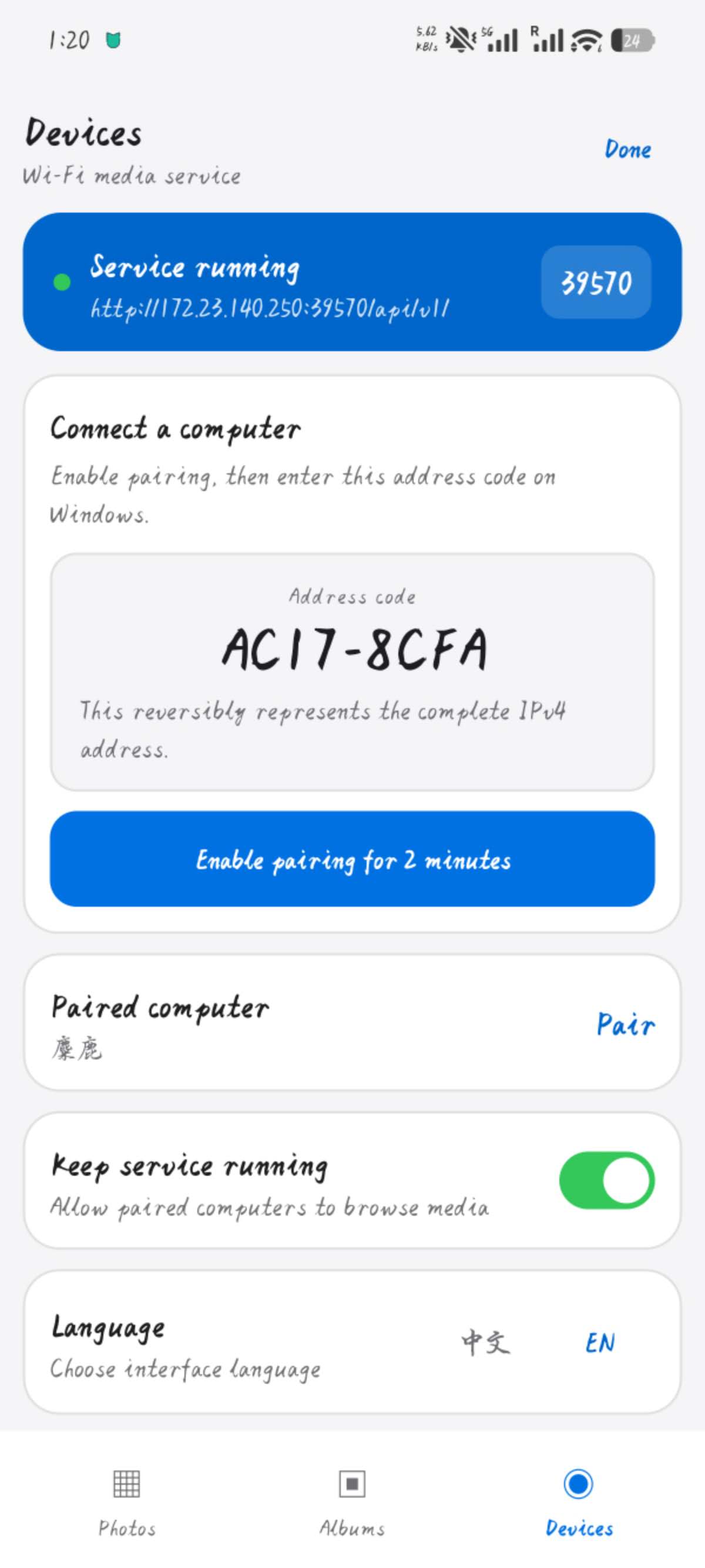
It connects to different personal devices and presents them through one consistent gallery interface. Users can browse, search, preview, and transfer photos without switching between multiple applications.
The project is designed with an extensible adapter architecture, making it easy to support more devices in the future.
How I built it
- Windows application built with WPF and .NET 8
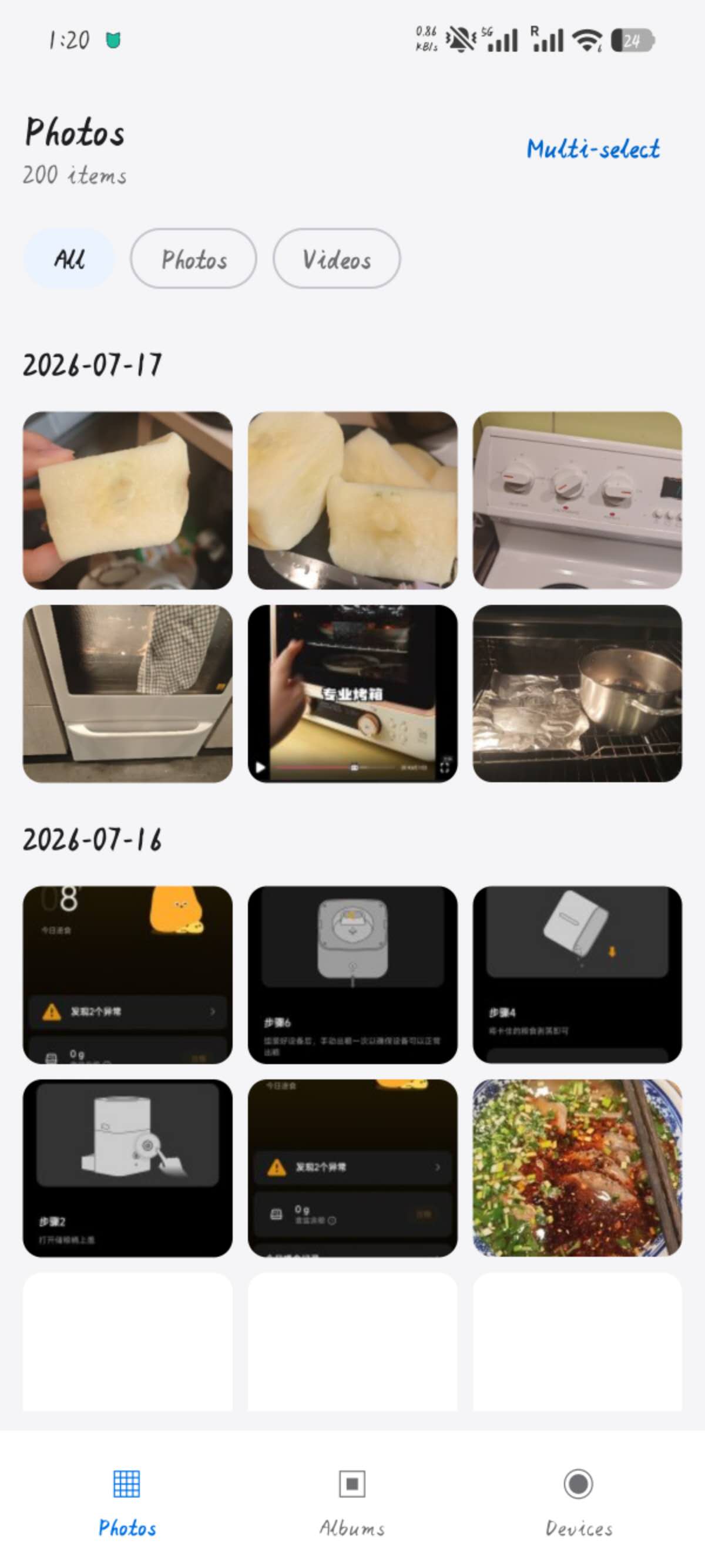
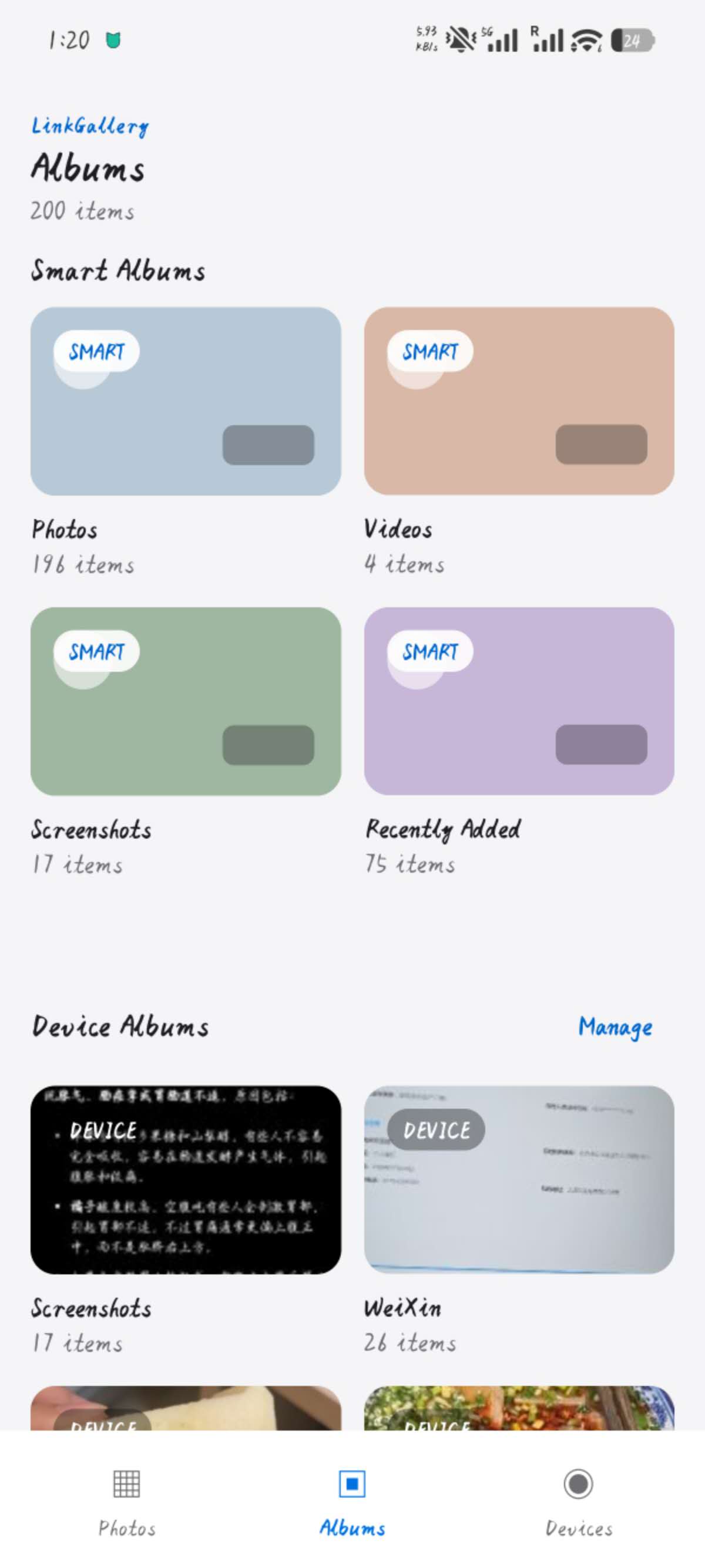
- Android client built with Kotlin and Jetpack Compose
- Local network communication
- Device adapter architecture
- Local-first design
During OpenAI Build Week, I used Codex and GPT-5.6 to help design the architecture, generate boilerplate code, improve the networking layer, and iterate on the project structure.
Challenges
The biggest challenge was designing a common interface for different devices.
Android, Windows folders, cameras, and future devices all expose media differently. Instead of writing device-specific logic everywhere, I designed an adapter-based architecture so every device behaves like the same media source.
What's next
Future plans include support for:
- DJI Pocket 3
- iPhone
- SD cards
- NAS
- AI-powered natural language search
- Duplicate detection
- Smart organization


Log in or sign up for Devpost to join the conversation.