-
-
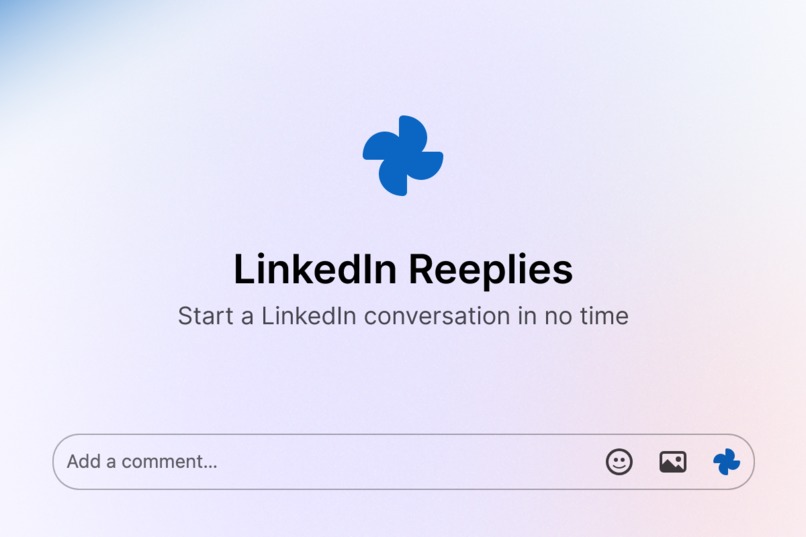
Easy replies
-
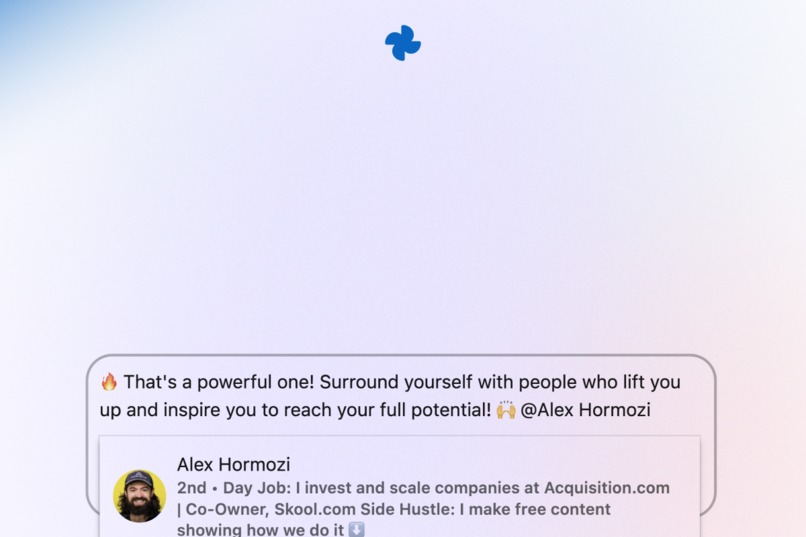
Extracts author
-
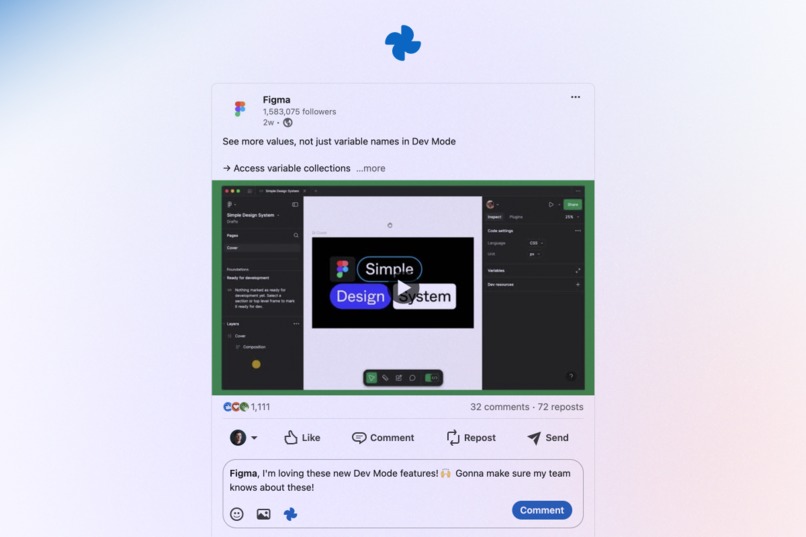
Gets context
-
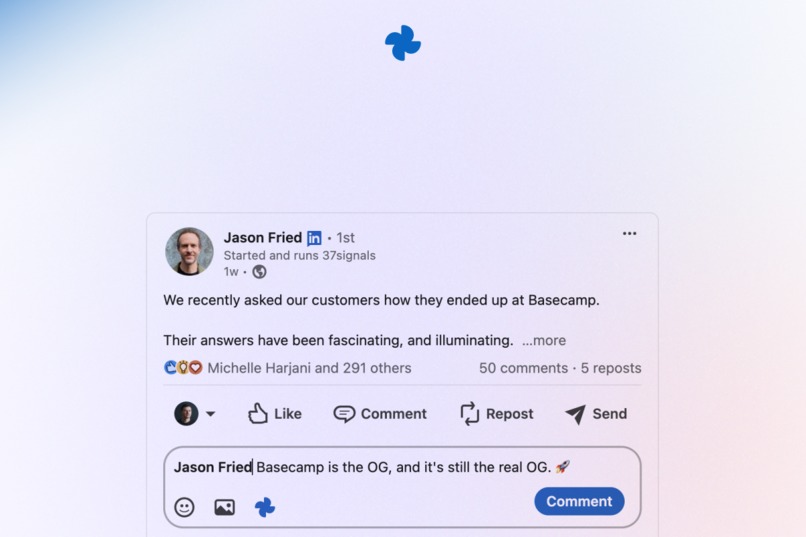
Just comment
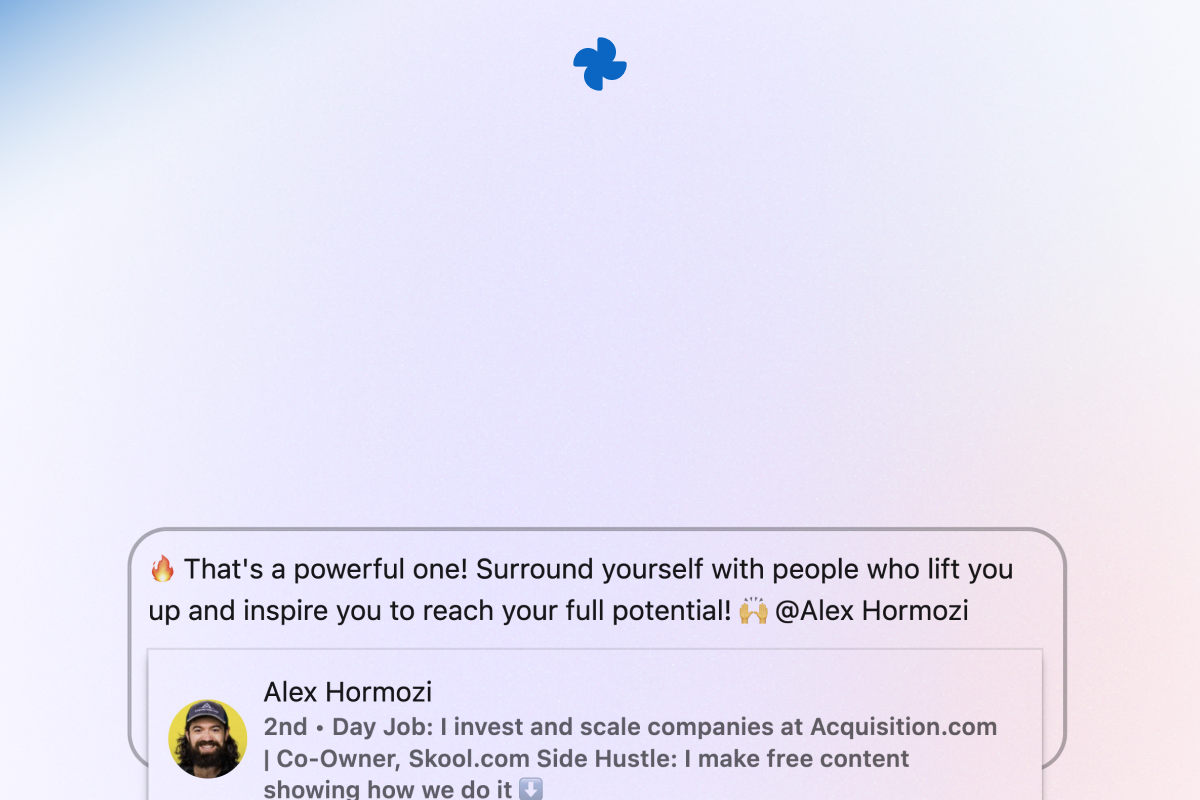
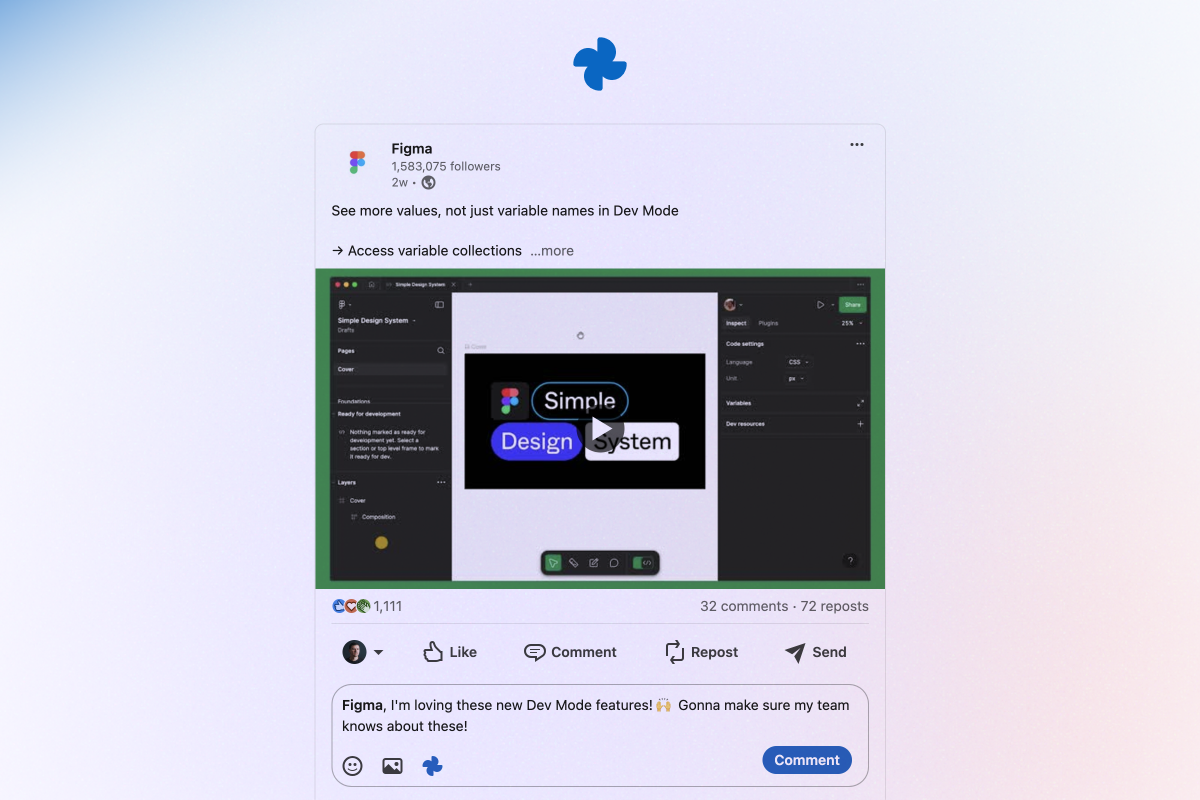
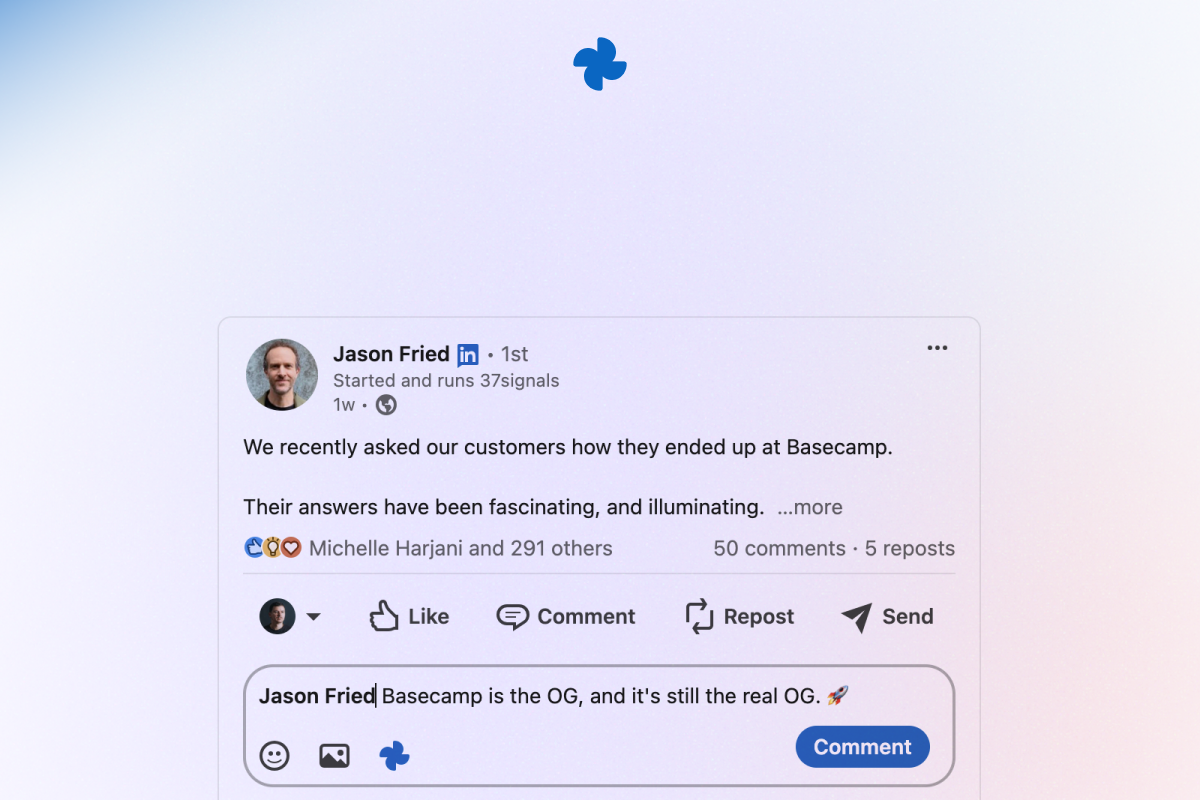
I created LinkedIn Reeplies to solve a problem many people face — writing thoughtful comments on LinkedIn. I wanted to be more active and engage with posts, but it wasn’t easy.
Sometimes I couldn’t find the right words, and other times I just didn’t have the energy to craft something unique.
The default LinkedIn replies (eg. "Thanks for sharing") felt repetitive and didn’t add value to conversations.
Inspiration 💬
The project was inspired by my own struggles with commenting and staying consistent on LinkedIn. I realized that many professionals likely face the same challenges:
- Feeling stuck on what to say.
- Worrying about not sounding professional or thoughtful.
- Getting tired of using LinkedIn’s boring, default replies.
I wanted to create something that would make commenting fast, easy, and fun while still keeping it personal (by adding the post author’s name and some emojis).
How It Was Built 🤖
The extension was built using Google Chrome Built-in AI APIs, especially Prompt API, which enabled it to:
- Understand the context of a LinkedIn post.
- Generate thoughtful, personalized comments.
- Add extra touches like the author’s name and emojis to keep the comments engaging.
The integration with the Chrome APIs allowed the extension to work seamlessly in the browser without needing additional installations, tools or endpoints.
Design and user experience were the most important. I tried to make the iteractions as simple and straightforward as possible, and provide subtle feedback to keep the user engaged.
Challenges 🤯
One major challenge was the documentation for Chrome’s AI APIs. It is still a work in progress, and finding detailed examples of how to implement features with Gemini Nano wasn’t easy. I spent a lot of time experimenting and piecing together small bits of information from different sources to make everything work.
Another challenge was ensuring that the AI-generated comments didn’t feel robotic. I had to fine-tune the prompt so output will sound natural while still being relevant to the context of the post.
What I Learned 📘
This project taught me:
- How to use Google Chrome’s AI APIs (at least a small part of it).
- The importance of UX when designing tools that combine automation with personal touch.
- The power and flexibility of Gemini Nano for building lightweight AI solutions in the browser.
I also learned to embrace challenges, explore and have fun.
Why It Matters ❤️
LinkedIn Reeplies is more than just a commenting tool — it’s a way to start meaningful conversations with less effort. It helps you break the ice, saves you time, and ensures you still sound like yourself.
You can tweak the comments to add your own personality, making it both helpful and empowering.
This project has been a rewarding journey, and I’m excited to see how it helps others connect and grow their network!
Accomplishments that I'm proud of 🏆
Building stuff is nothing new to me but keep in mind that I'm just a designer. This is my first Chrome extension, it wasn't easy manage both dev and UX. I am really happy how everything work out in the end.
What's next for LinkedIn Reeplies 🚀
Add some settings so the user can tweak the prompt to match his/her personality better.
If everything works out, I'd like to add the same features for X (Twitter)... and rename the product. 😅
Built With
- css
- html
- javascript
- prompt-api


Log in or sign up for Devpost to join the conversation.