-
-
-
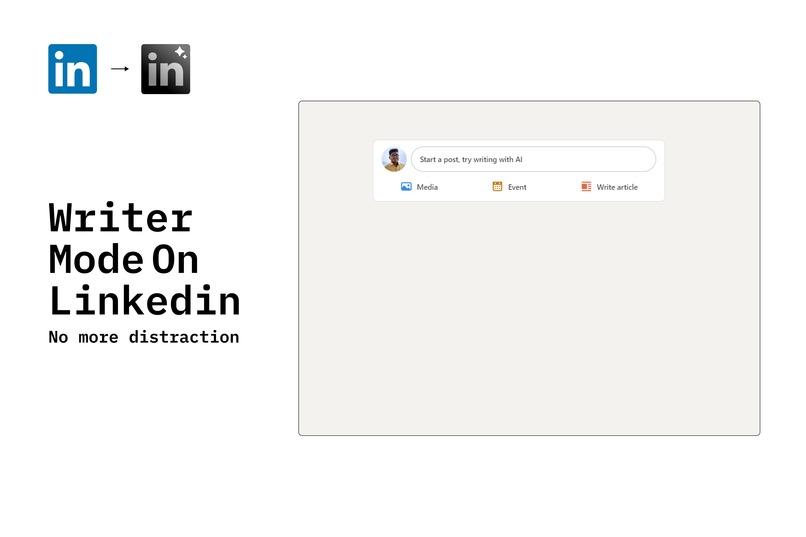
A special mode for writers that puts LinkedIn to quarantine
-
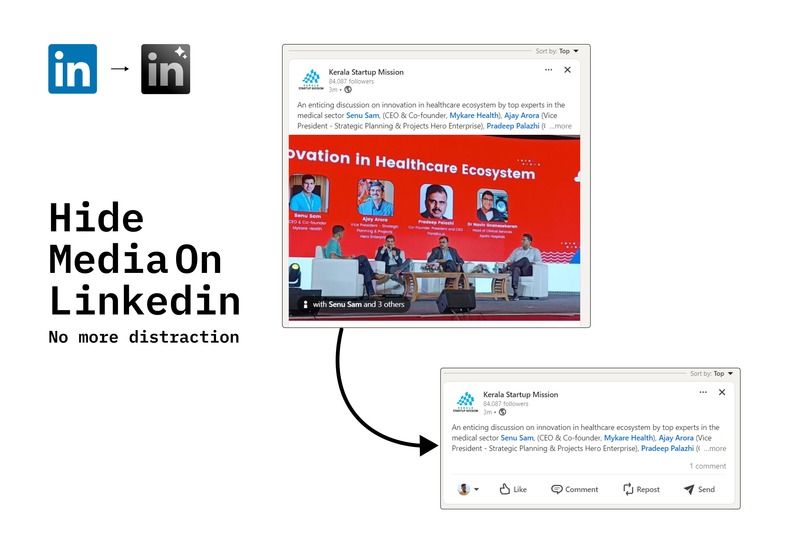
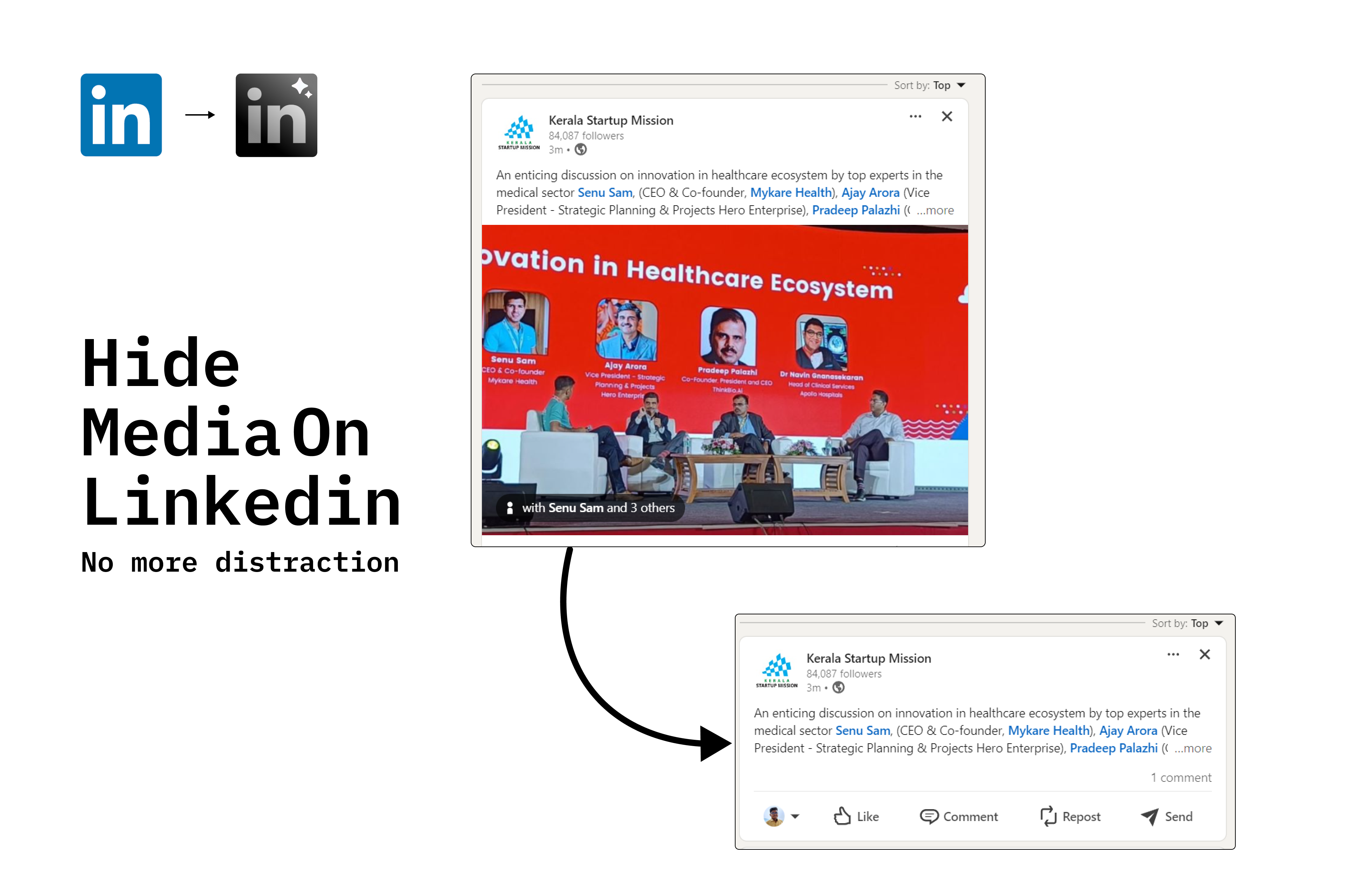
No media -> Less distraction
-
Inspiration
We’ve all been there: opening LinkedIn to check one notification and, 30 minutes later, finding ourselves deep in a rabbit hole of “CEO at 14” posts, engagement-bait polls, and motivational quotes. It’s like a black hole but with more hashtags. We thought, what if we could reclaim our time and sanity while still being 'professional'? Thus, LinkedIn Pro was born: the extension that says, “No more scrolling, Susan.”
What it does
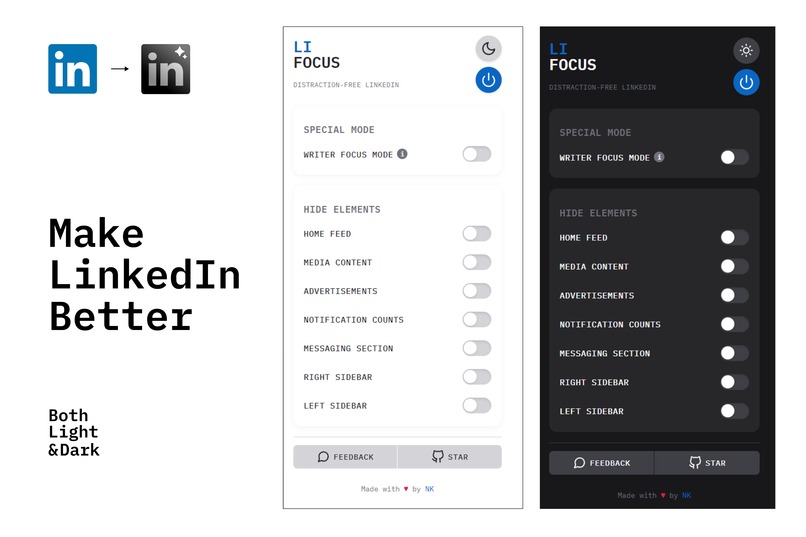
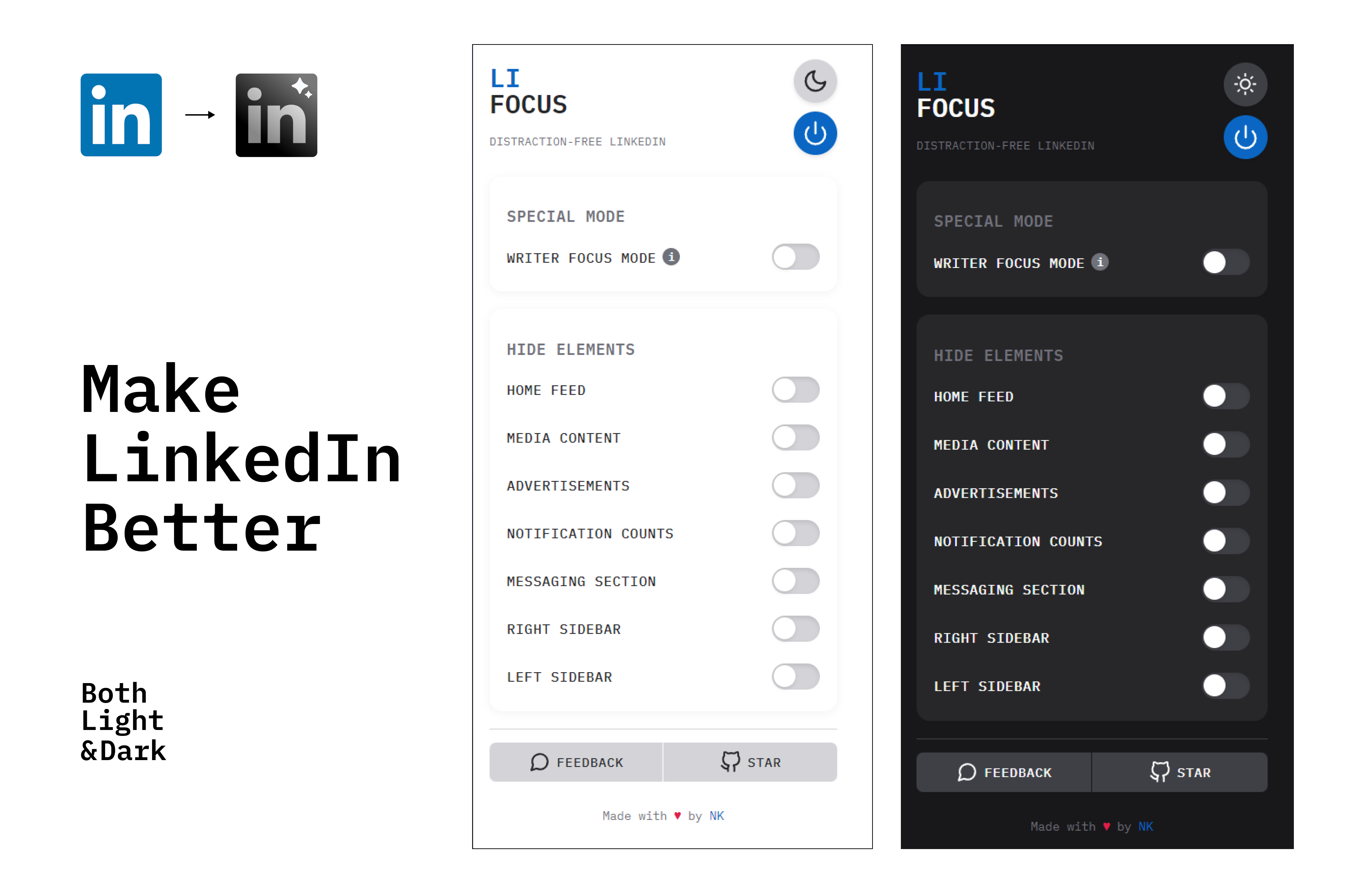
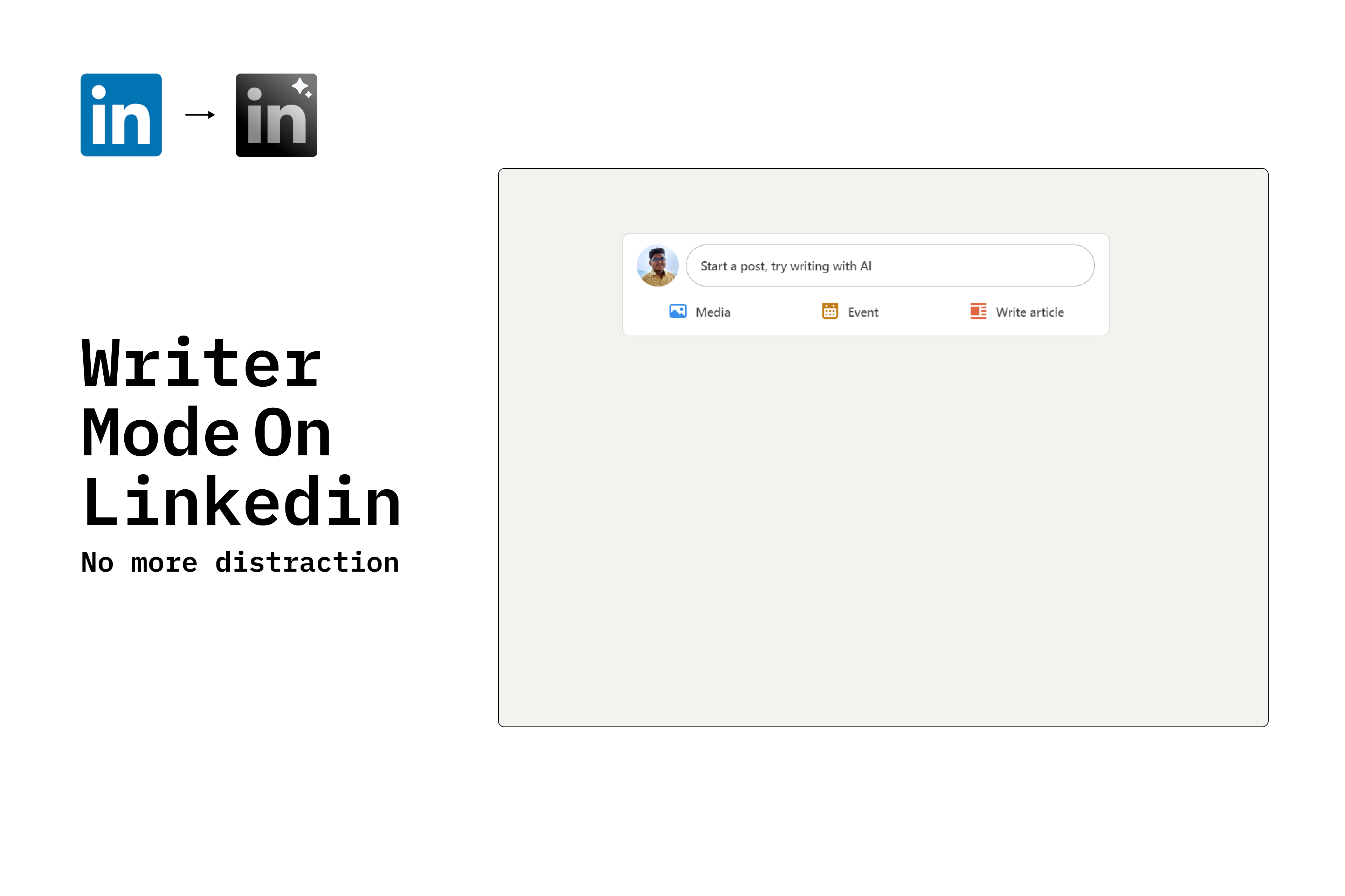
LinkedIn Pro is your personal focus guardian. It hides all the distracting fluff—media, notifications, "People You May Know" (but don’t want to know), and even that pesky notification count that screams, CLICK ME. You decide what stays and what goes, turning LinkedIn from chaos into calm. Writer mode -> You can only write with out any distraction
How I built it
Armed with caffeine, a questionable playlist, and a browser extension framework, we dove into the LinkedIn DOM (which feels like a labyrinth designed by engineers who love nested divs). Using JavaScript, CSS, and a sprinkle of tears, we created a toggle-friendly, user-controlled solution to declutter your LinkedIn feed. Definitely with help of AI tools ChatGPT, Claude, tried multiple tools like Cursor, PearAI, etc.. Even used for writing this (Sorry guys)
Challenges I ran into
LinkedIn’s codebase is like a treasure map... but the treasure is buried under 47 layers of divs. Balancing the removal of distractions without accidentally hiding actual important stuff. Fu**ing performance is difficult to maintain (Even removed few feature because we ran out of time) Testing the extension without getting lost in LinkedIn ourselves—ironically proving why this extension is needed.
Accomplishments that I'm proud of
Made it work, First Hackathon UI
What I learned
LinkedIn is sneakily addictive—removing distractions should be considered a public service. Browser extension development is 50% coding, 50% figuring out what LinkedIn broke this week. Sometimes, the simplest solutions (like hiding a notification count) have the biggest impact.
What's next for LinkedIn Pro: A extension to make LinkedIn distraction free
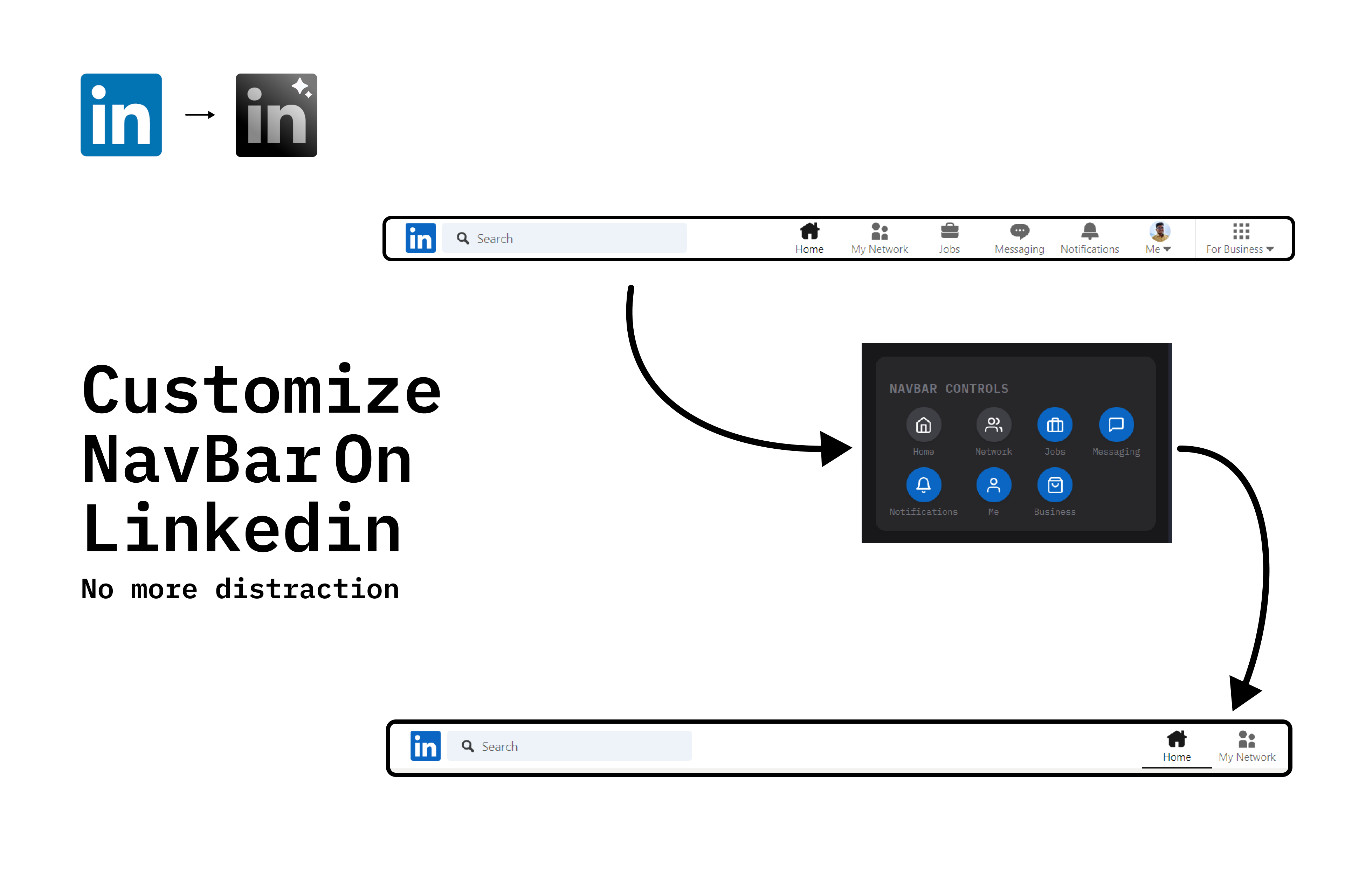
Launching it in chrome web store (No budget 🥲) Add more features (Already noted in My notepad) & Started to work on it Advanced customization: Want to hide that one annoying connection’s posts? Done.
With LinkedIn Pro, I'm not just building an extension; I'm building a better way to professional-scroll without guilt. Let’s make LinkedIn great again—or at least tolerable.
Tracks I'm Going for:
And this is my 2nd Hackathon Smart India Hackathon (Just submitted ), Actually first that I worked really worked for it.
- ciara cade best professional dev
- WPPOIL
- Pear AI (https://youtu.be/6sqlEWjEP4k)
- LAKOG (I hope)
- best overall yay (Yay its meeee) #brainrothackathon #morganyoung Linkedin Post -> https://www.linkedin.com/posts/naveen-kumar-v-link_brainrothackathon-morganyoung-brainrotted-activity-7268896285661773824-yZVc And if some other track fits I accept
Built With
- css
- figma
- html5
- javascript



Log in or sign up for Devpost to join the conversation.