
Inspiration
We all save links we never open again. Articles, recipes, tutorials and product pages get scattered across open tabs, chat threads, screenshots and "read later" lists nobody reads. When we finally need one, it's gone. I wanted a place where saving a link takes a second and finding it later is easy.
What it does
LinkBuckets turns saved links into a personal library you actually come back to.
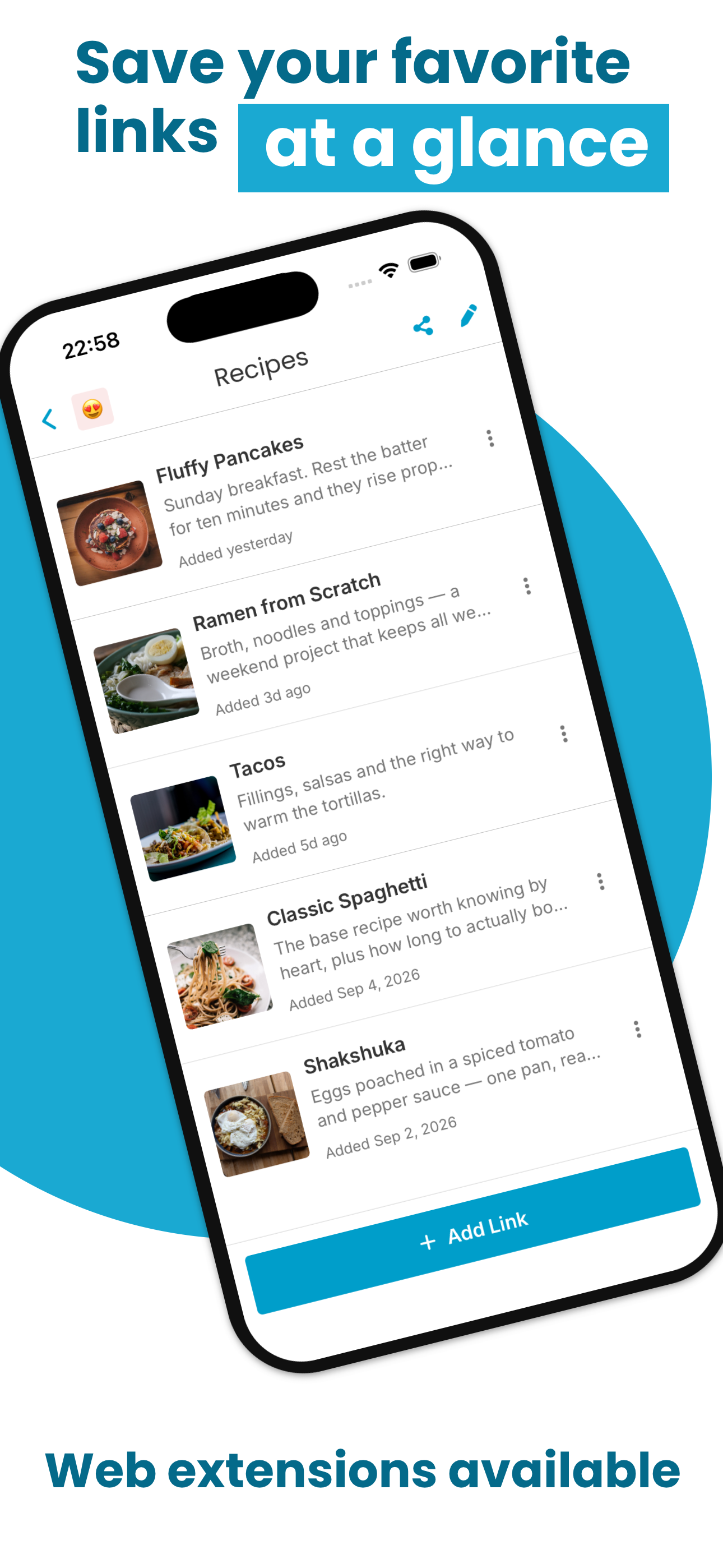
- One-tap saving from the iOS and Android share sheet, and from the Chrome and Firefox extensions.
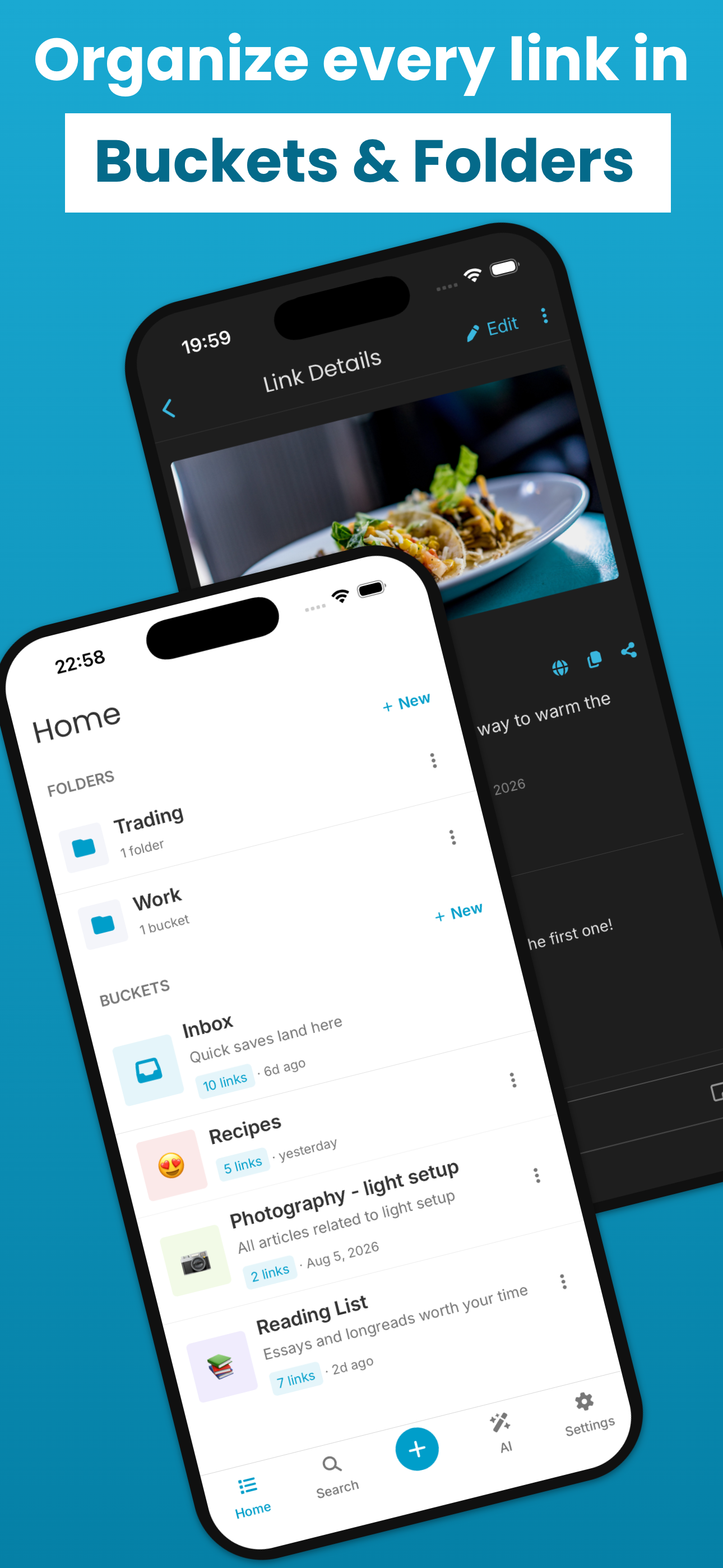
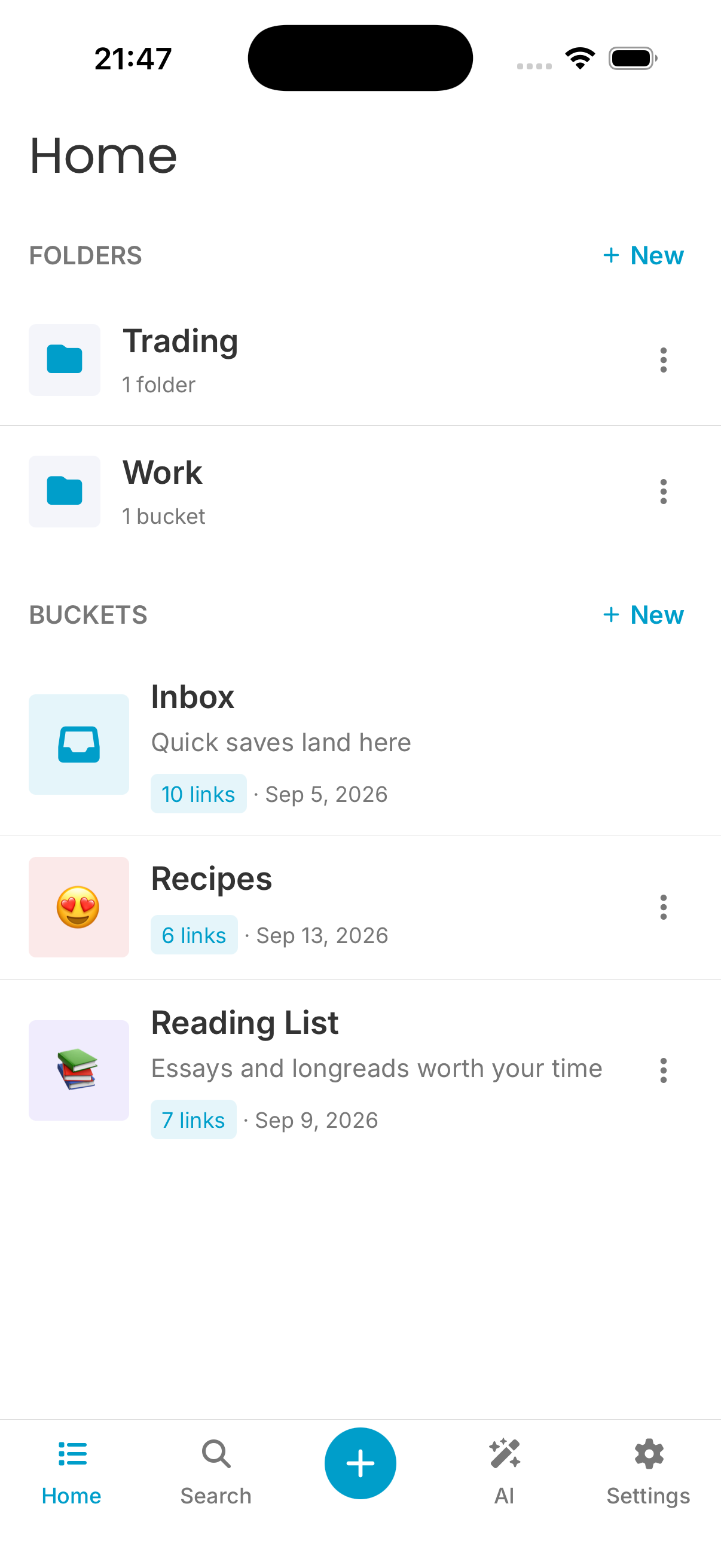
Buckets: simple visual collections like "Trip to Japan" or "Design inspiration". The share sheet suggests the bucket you're most likely to want, so saving stays quick.
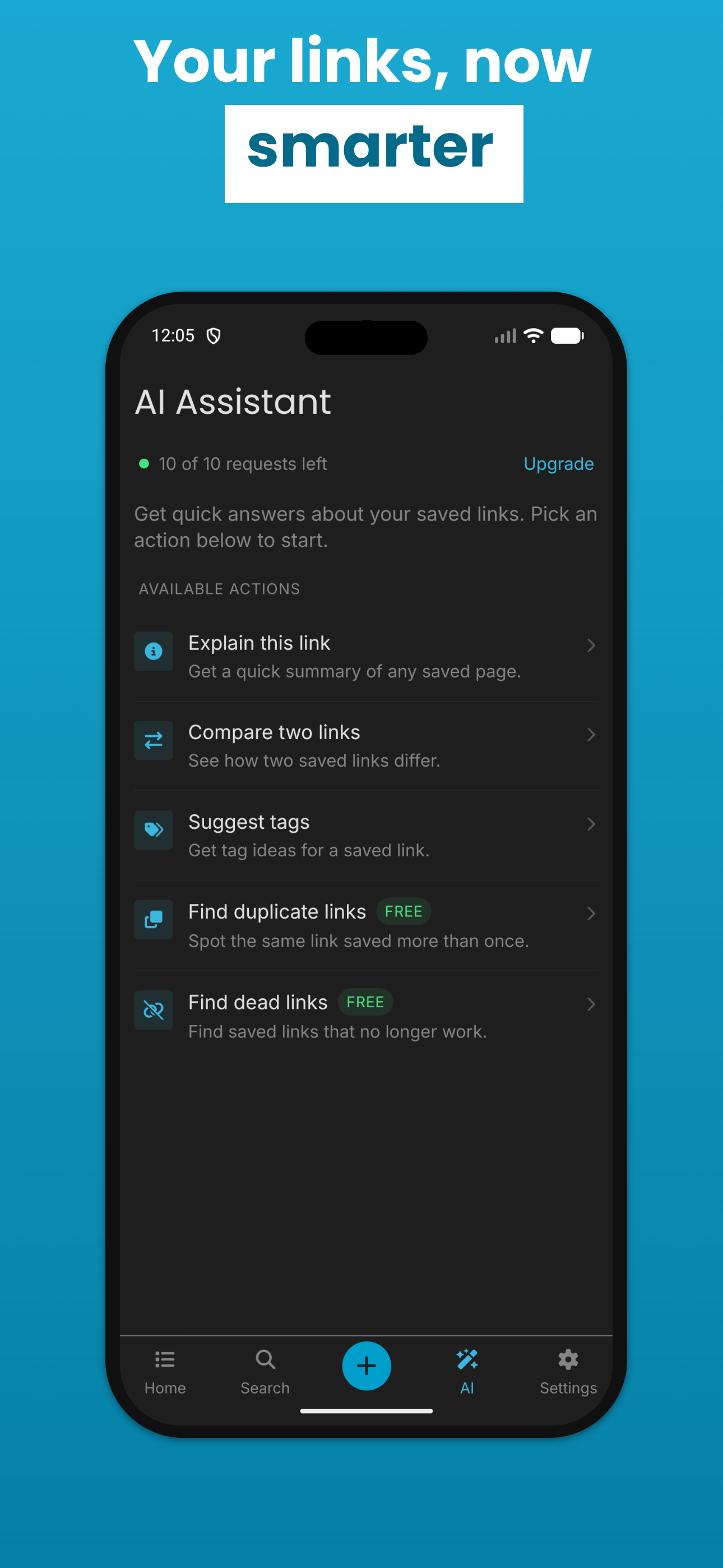
An AI assistant explains a link, compares several links, suggests tags, finds duplicates and flags dead links, so your library stays tidy.
Sync across phone and browser.
How I built it
- Mobile app: React Native for iOS and Android, with TanStack Query and Zustand for state.
- Backend: Supabase.
- AI: an Edge Function with interchangeable providers.
- Browser extensions: built with TypeScript and Vite.
- Landing page: built with Astro.
- Subscriptions: RevenueCat, with plan limits enforced by database triggers.
- Native integrations: the iOS Share Extension, Siri suggestions and Android Sharesheet shortcuts.
Challenges I ran into
- Native share targets: iOS and Android each have their own model for share targets, so bucket suggestions needed native bridges that had to stay in sync with the database schema.
- Dead-link accuracy: rate-limited or bot-blocking sites look broken when they aren't. The checker had to be taught to tell the two apart.
- Enforcing plan limits: limits had to hold even when writes arrive from three different kinds of client.
Accomplishments that I'm proud of
- A live product on iOS, Android, Chrome and Firefox, built from a single backend.
- Saving a link takes one tap, and the bucket is usually already suggested.
- AI features that are useful rather than decorative, with keys kept server-side and costs under control.
What I learned
- Revenuecat setup
- Native platform integrations are where "simple" apps get hard.
- Small details, like remembering your reading position or suggesting the right bucket, matter more to users than big features.
What's next for LinkBuckets
- Safari extension for macOS.
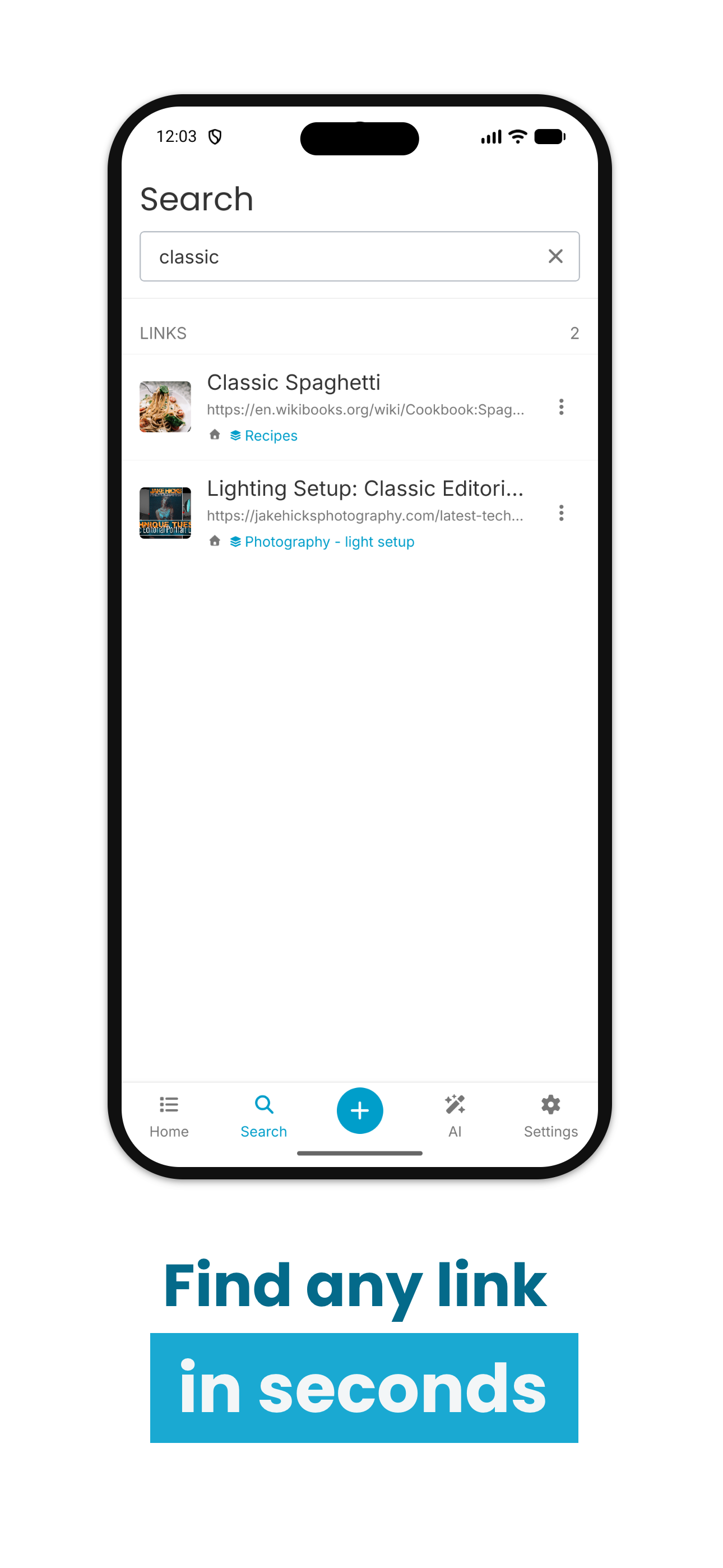
- Smarter AI: automatic organisation, summaries of whole buckets and semantic search across everything you've saved.
- Shared buckets for teams and friends
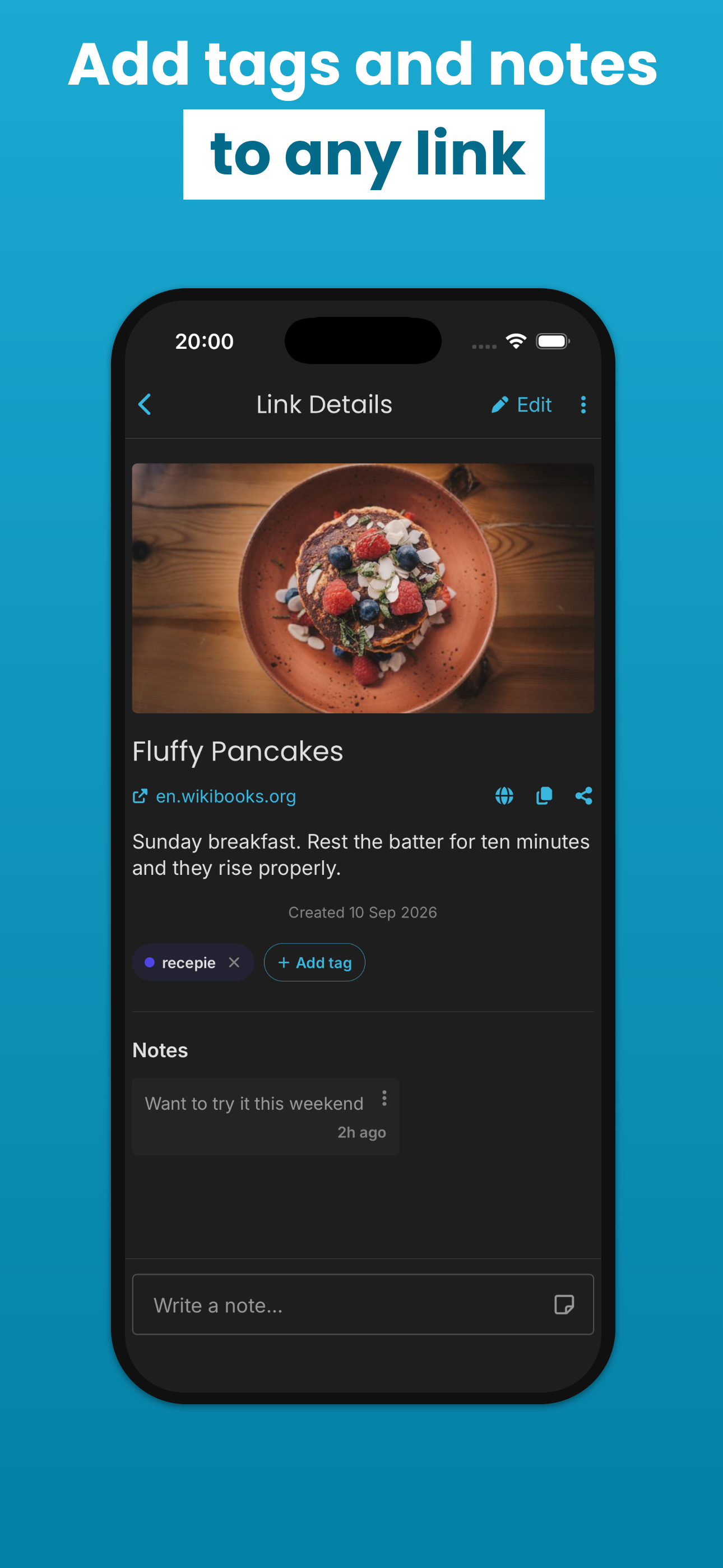
- Reader mode strips pages down to clean, distraction-free text that works offline once opened. You can highlight passages, add notes, and pick up where you stopped reading.
Built With
- astro
- react-native
- revenuecat
- supabase
- typescript

Log in or sign up for Devpost to join the conversation.