What it is and who it's for
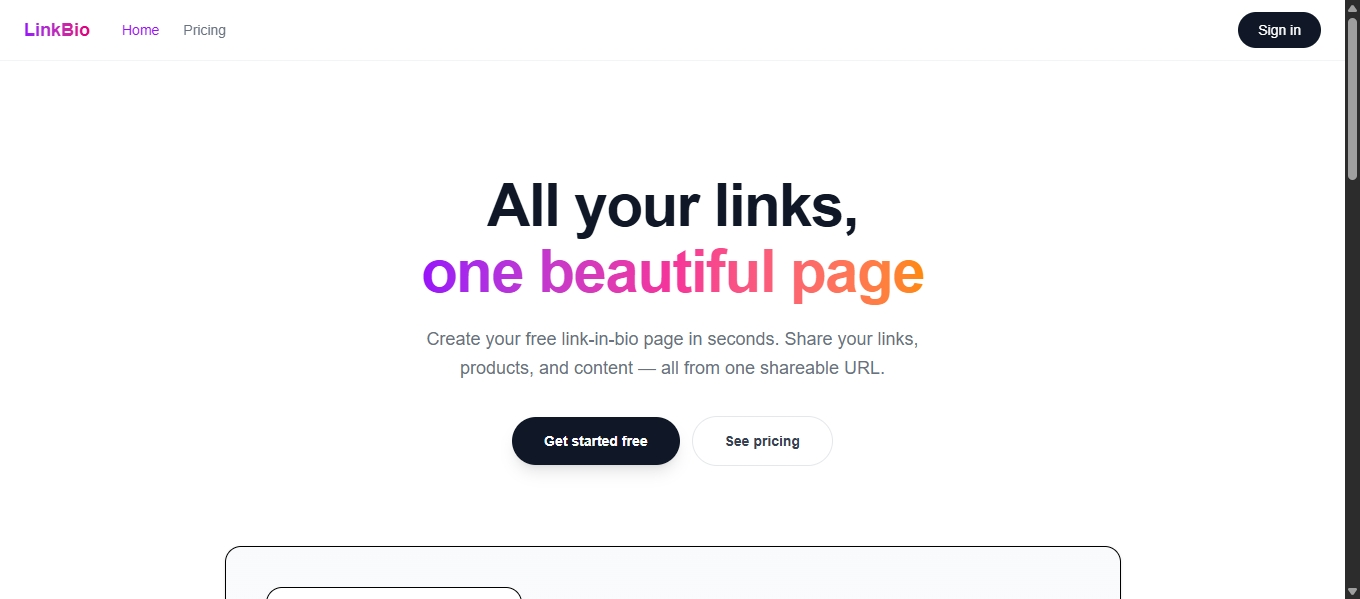
LinkBio is a link-in-bio page for creators who don't want to pay $12 a month for a list of buttons. Small YouTubers, TikTok sellers, artists setting up a portfolio — people who need a clean page that collects their links, their shop, and their content in one place without a monthly subscription fee hanging over their head.
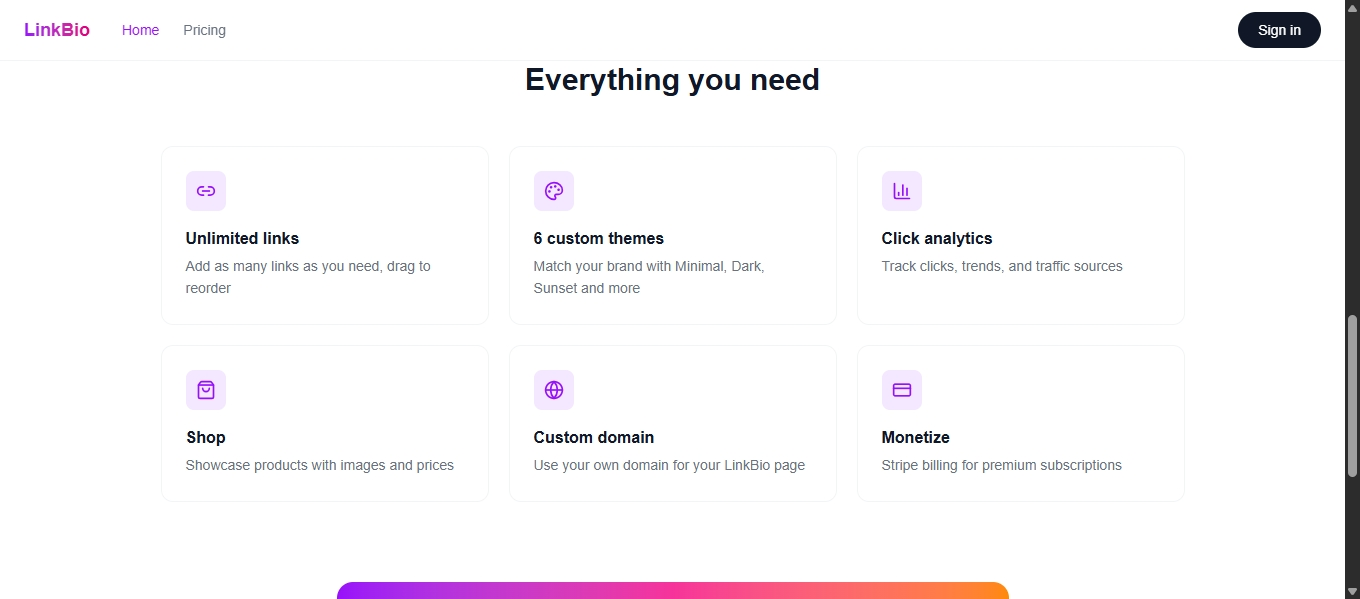
The free tier gives you unlimited page views, 3 links, analytics, and all 6 themes. The Pro tier ($6/month) unlocks unlimited links, custom domains, a product shop, and full analytics. The gap between free and Pro is real but not insulting — you can use the free version and not feel like you're being held hostage.
Why DynamoDB
I picked DynamoDB because a link-in-bio page is a textbook key-value workload. Every page load needs exactly four things: resolve the username to a user ID, then fetch the profile, the links, and the products. That's four indexed lookups. No joins, no transactions, no relational queries. With a single-table design using composite PK/SK keys, each page load runs in under 10ms at the database layer.
The schema is built around actual access patterns, not entity relationships:
- Username → userID resolution —
USERNAME#{handle}/PROFILEgives O(1) lookup without a secondary index. This was the first access pattern I designed for, because every single public request starts here. - Profile + links + products for a page — all under the
USER#{userId}partition key with sort key prefixes (LINK#,PRODUCT#). A server component fires three parallelQuerycalls withbegins_withand gets everything in one round-trip each. - Click analytics —
CLICK#{linkId}partition key withTS#timestampsort keys. This lets me run time-range queries for the analytics charts without scanning the entire events table. When someone views the analytics page, I query clicks for the last 7/30 days by filtering on the sort key prefix — it's efficient because DynamoDB sorts by SK natively. - Click tracking redirects —
LINKID#{shortId}/METAis a simpleGetItemto find the target URL. The tracking endpoint records the event, then does a 302. The whole thing is maybe 50ms including the redirect.
This is not a schema you'd arrive at by normalizing entities. It's a schema you arrive at by asking "what queries will this app actually run?" and then working backward. That's the whole idea behind single-table design, and it's why DynamoDB fits this project specifically.
Click tracking —
The tracking endpoint at /api/track/{linkId} does three things:
- Looks up the target URL from
LINKID#{linkId} - Writes a click event to
CLICK#{linkId}withTS#{timestamp}, referrer, and user agent - Redirects the browser to the target URL
The analytics page then queries those click events grouped by day for trend charts and by referrer for the source breakdown. Because the sort key is timestamp-based, the date range filter is built into the query itself — no filtering in application code, no scanning old data. This matters because over time, a popular link could have thousands of click events. Without the sort key design, every analytics query would degrade.
The referrer tracking was a late addition. I noticed most click analytics tools just show a raw referrer string, so I parse it into a category (Google, Twitter, YouTube, Direct, etc.) before storing it. It's a small thing but it makes the analytics page immediately useful instead of showing a wall of URLs.
What shipping taught me
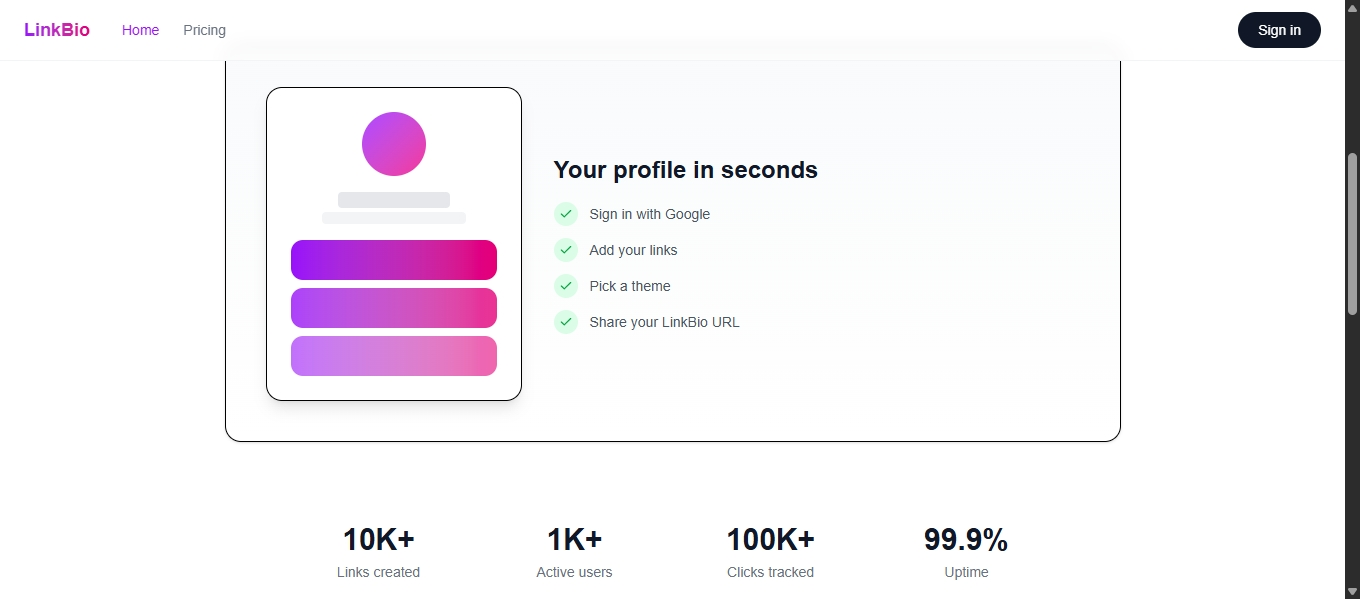
A friend who runs a small sticker shop on Etsy and wanted a page where she could link her shop, her Instagram, her Twitter, and a "commission me" form. She set it up in about 90 seconds. Her feedback was what I needed to hear: the themes are genuinely good (Sunset and Forest are the most-used), the shop integration makes sense for her use case, and the free tier doesn't feel like a trial.
The feature she (and everyone else who tested it) wants most is drag-to-reorder. The links are stored with a position integer and sorted on retrieval, but there's no drag UI yet. It's the next thing I'm building. Also on the list: link scheduling (auto-publish and expire links on dates), and a cold start improvement for serverless functions that haven't been hit in a while.
The database screenshot
The screenshot in this submission shows the DynamoDB table (linkbio) in the AWS Console with the items view open, showing a mix of USER#, USERNAME#, LINK#, CLICK#, and LINKID# partition keys. The table has about 50 items from testing. No GSI or LSI — everything is handled through the primary key structure.
Built with
Next.js 16, TypeScript, Tailwind CSS 4, Amazon DynamoDB, Amazon S3, NextAuth v5 (Google OAuth), Stripe, Recharts, deployed on Vercel.
Built With
- amazon-dynamodb
- amazon-web-services
- next.js-16
- nextauth-v5-(google-oauth)
- recharts
- stripe
- tailwind-css-4
- typescript
- vercel

Log in or sign up for Devpost to join the conversation.