Inspiration
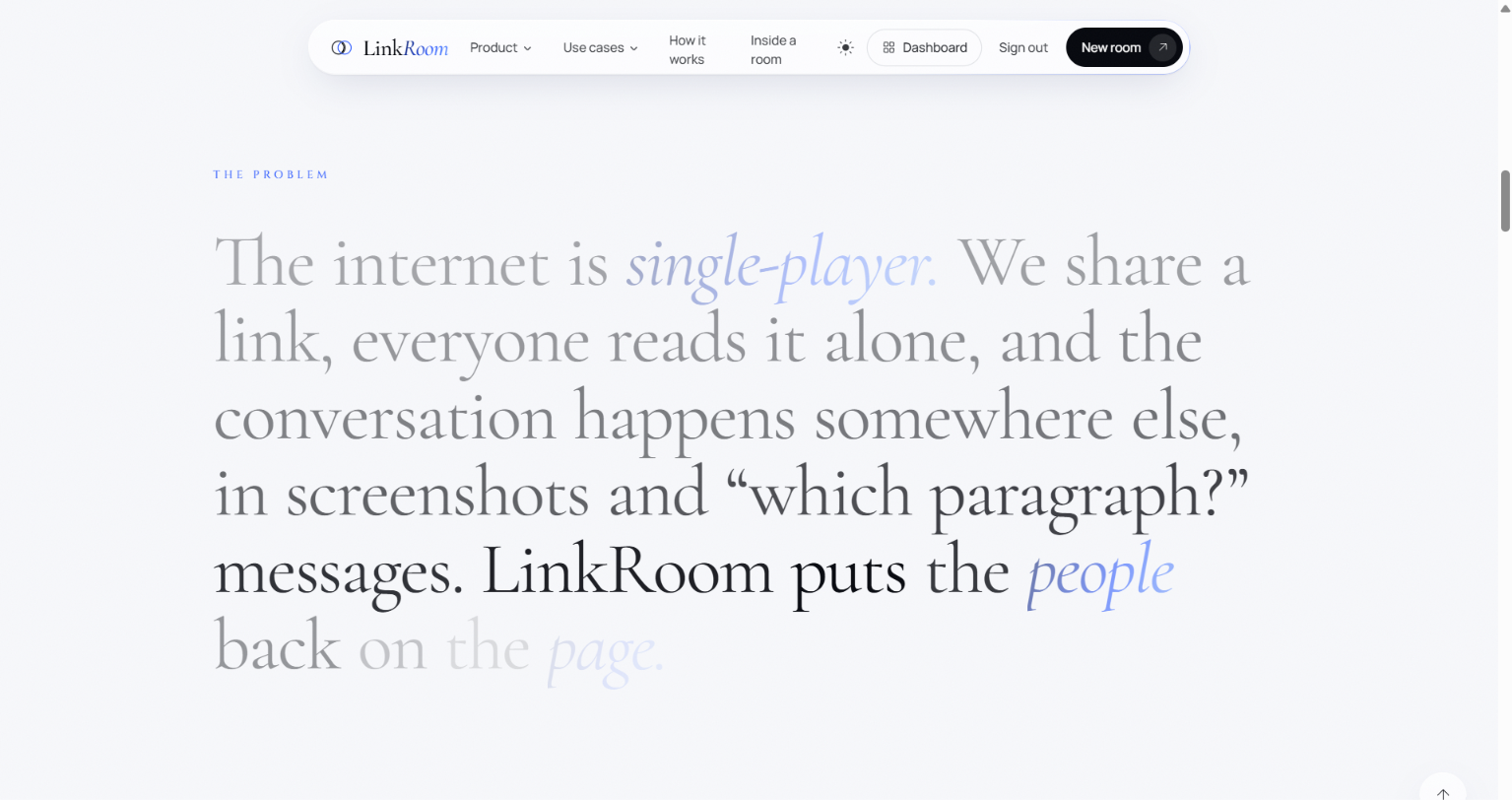
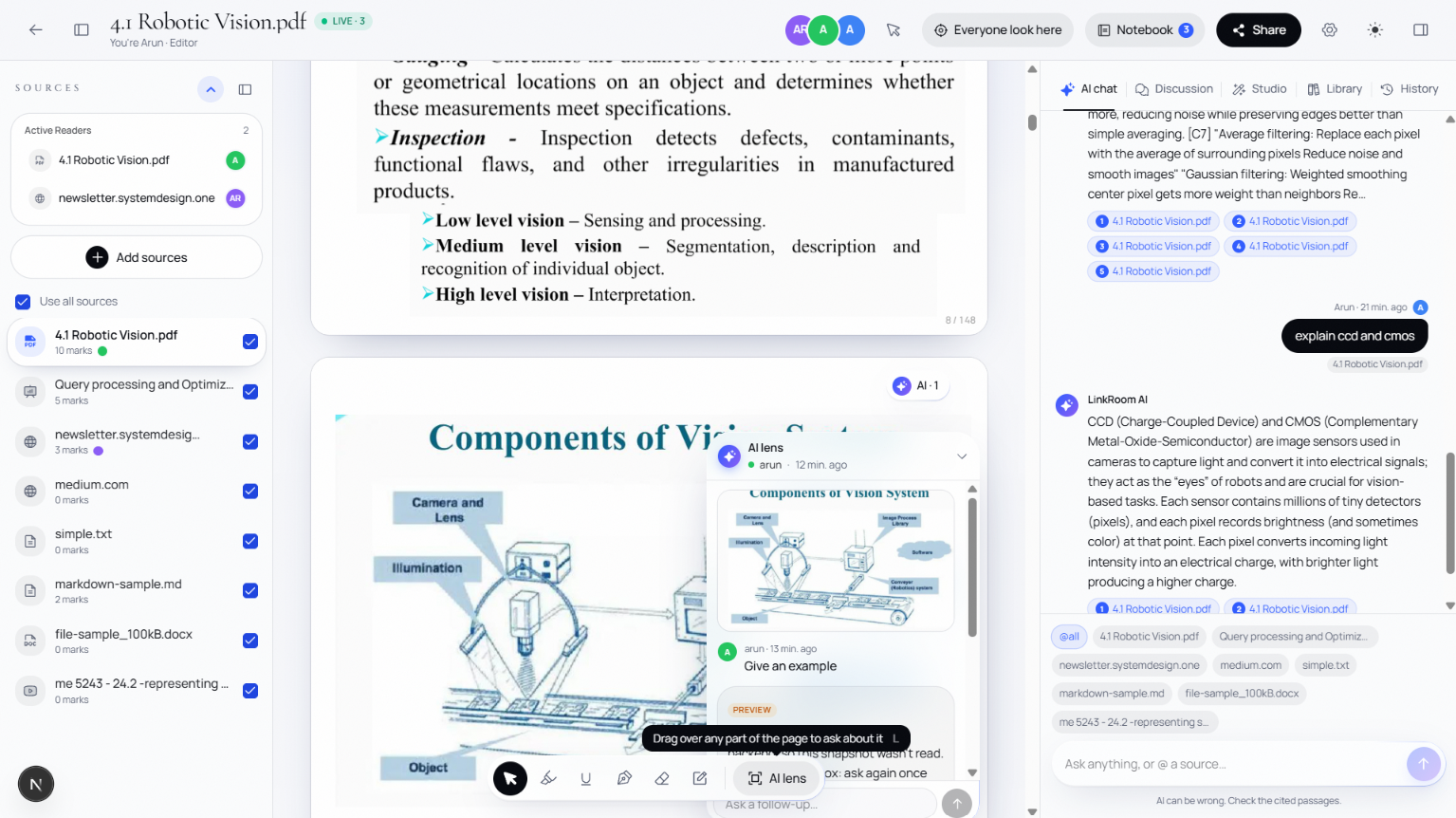
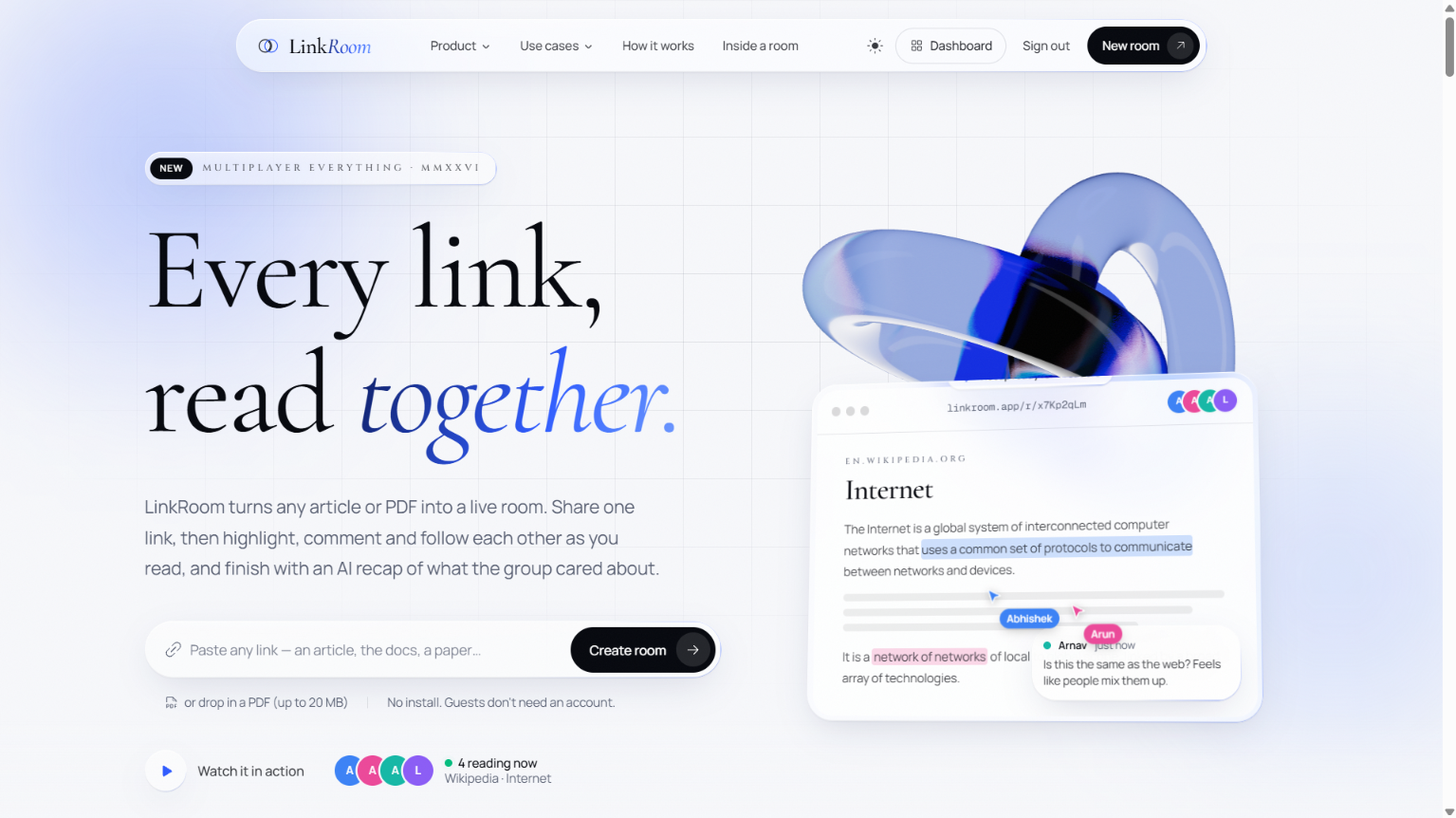
When we share a link in a group chat, everyone reads it alone. The discussion then happens through screenshots and "which paragraph?" messages. The theme was Multiplayer Everything, and we noticed that reading on the internet is still single-player. So we built LinkRoom: the internet is single-player, LinkRoom makes every link multiplayer.
What it does
- Paste any link (Wikipedia, a blog, docs, news) or drop a PDF (a paper, lecture notes, slides).
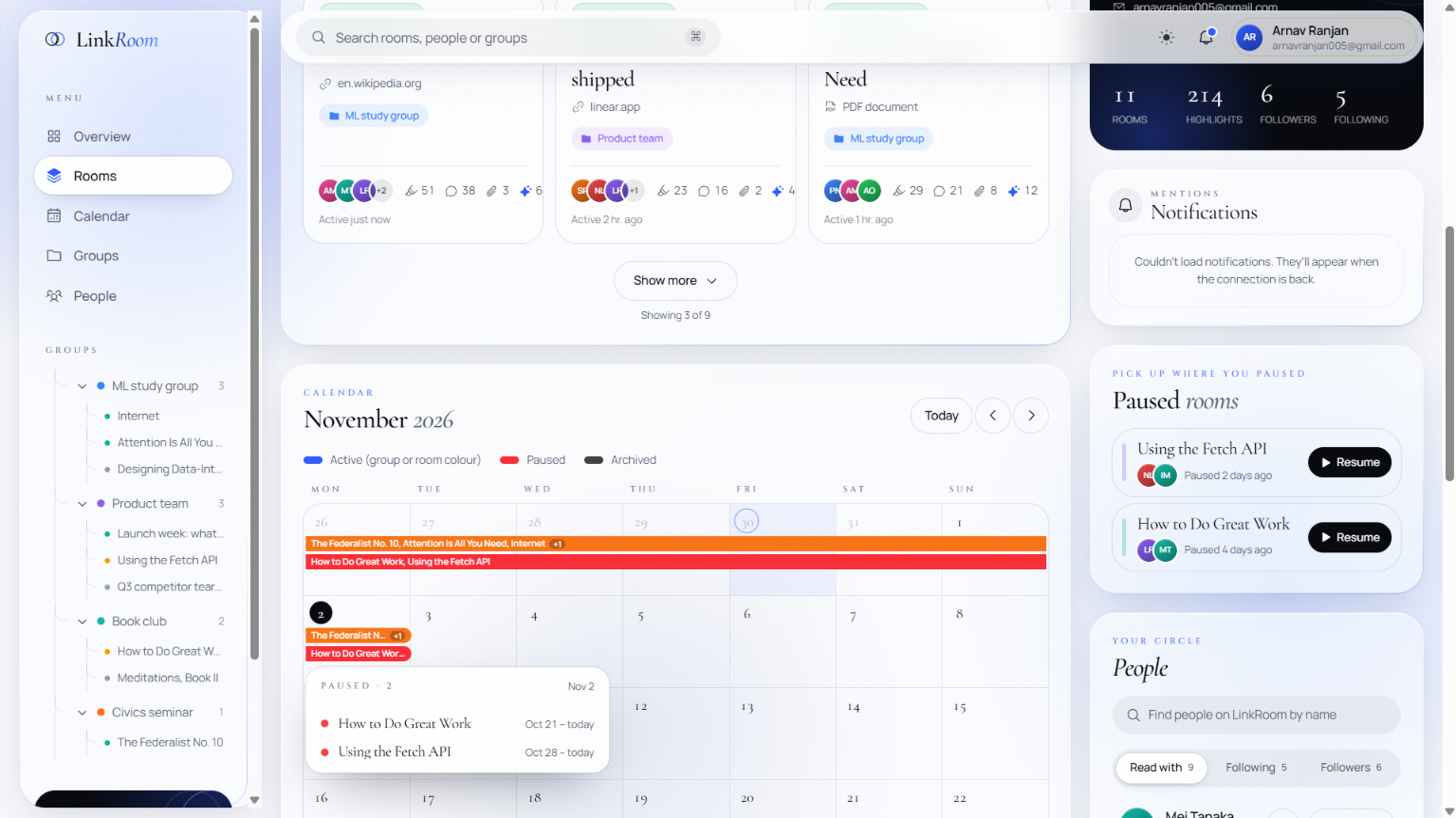
- LinkRoom creates a room with a short link you can share.
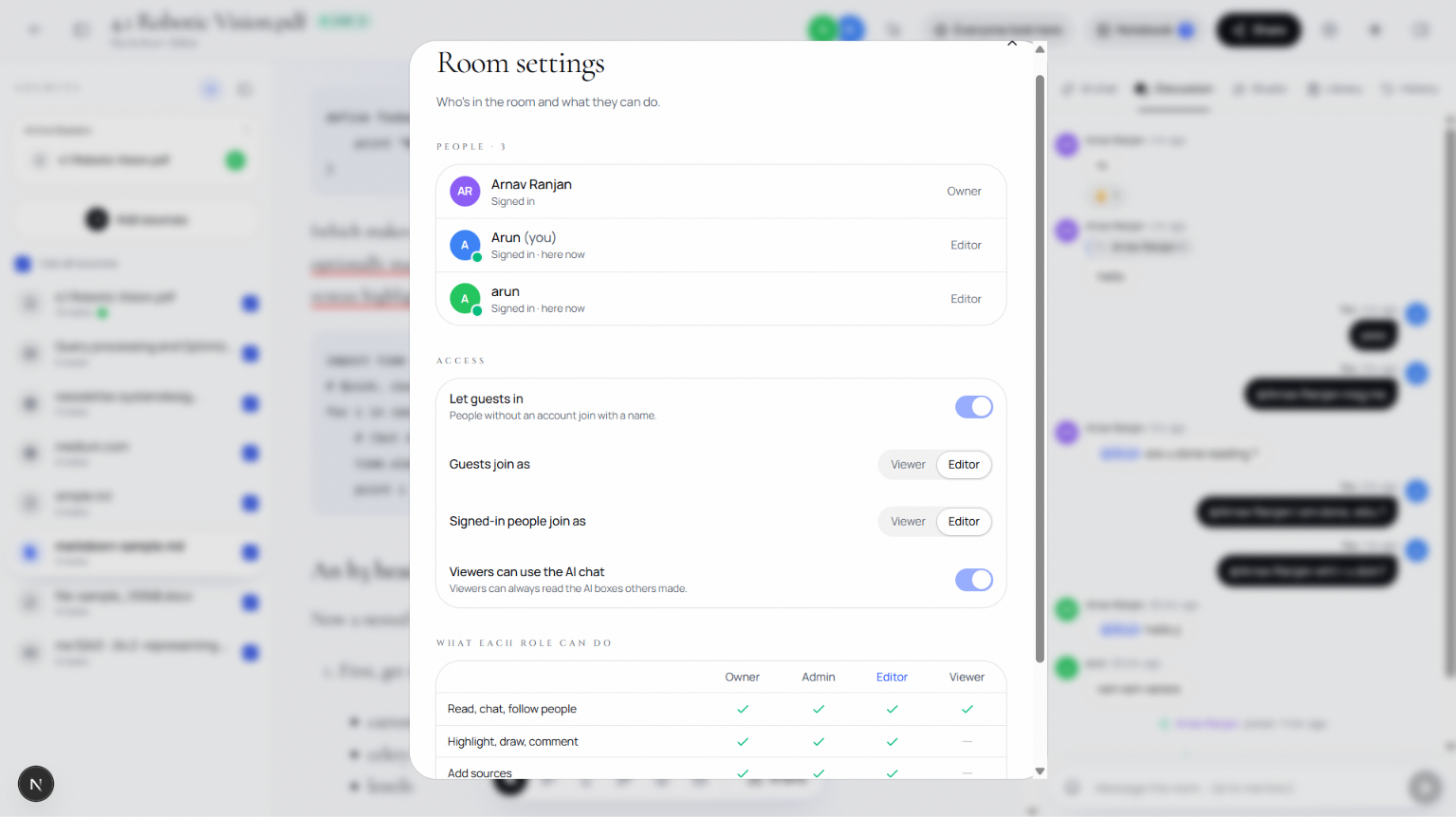
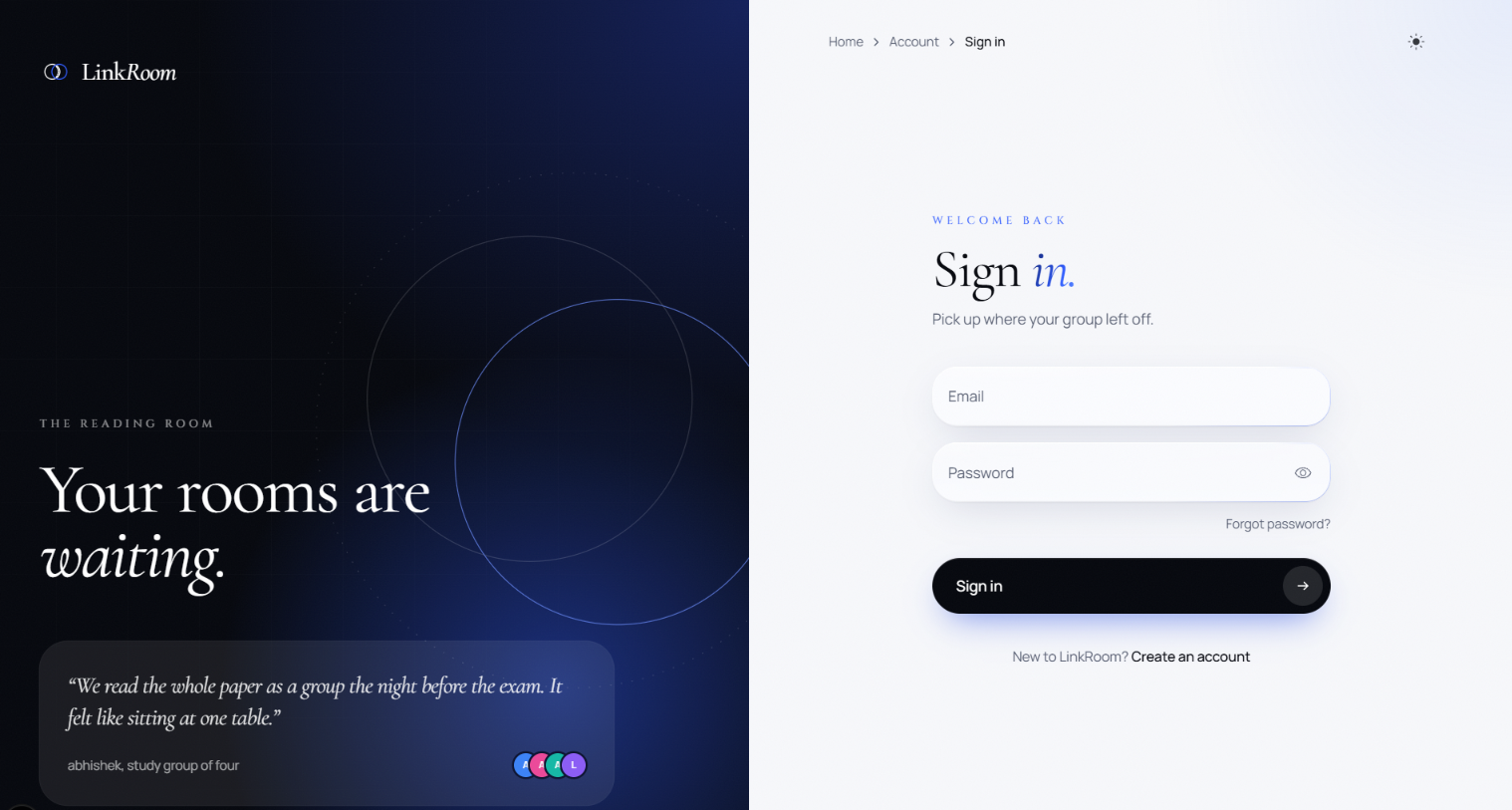
- Friends open the link, type a name and join. They don't need an account or an install.
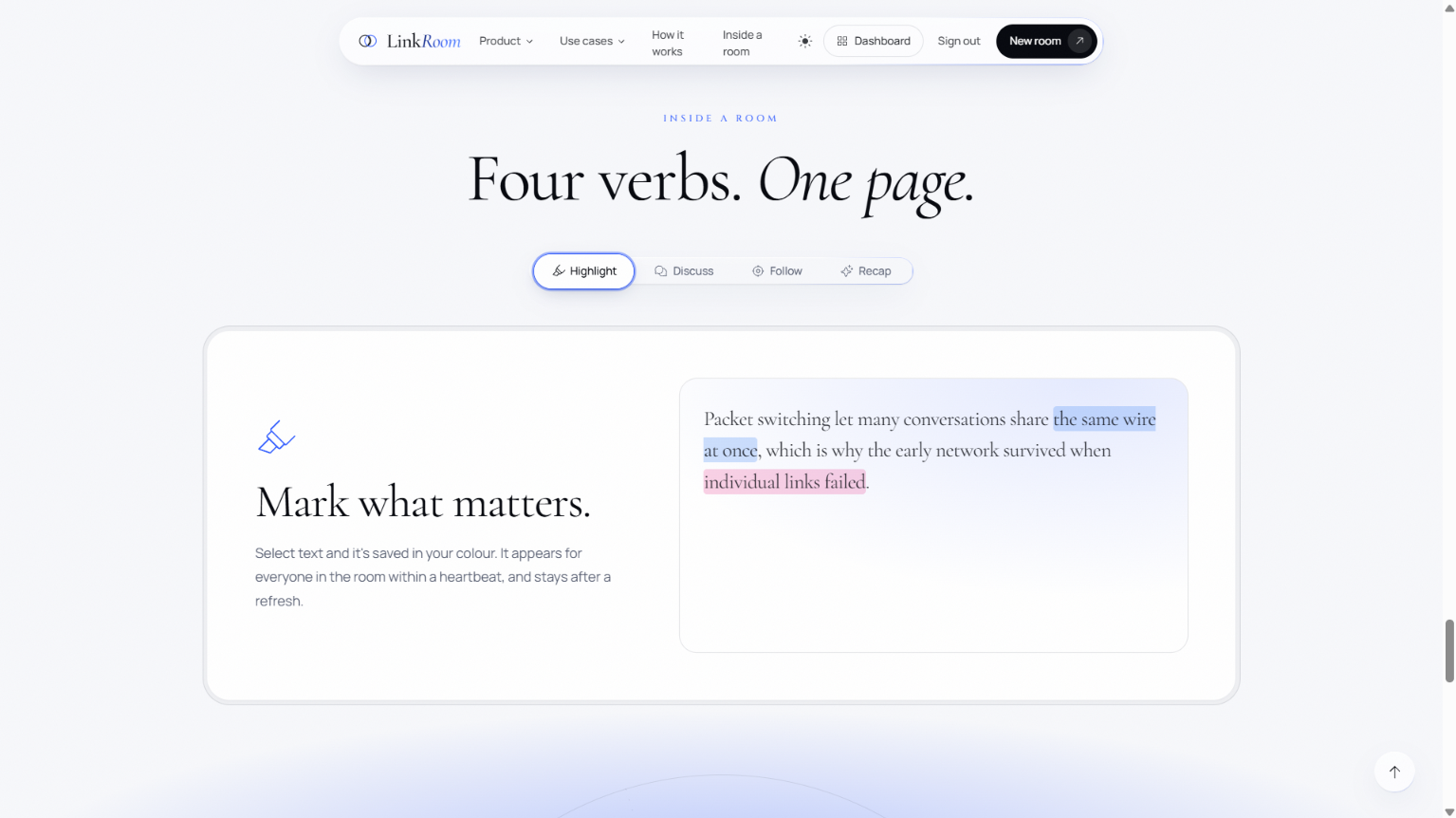
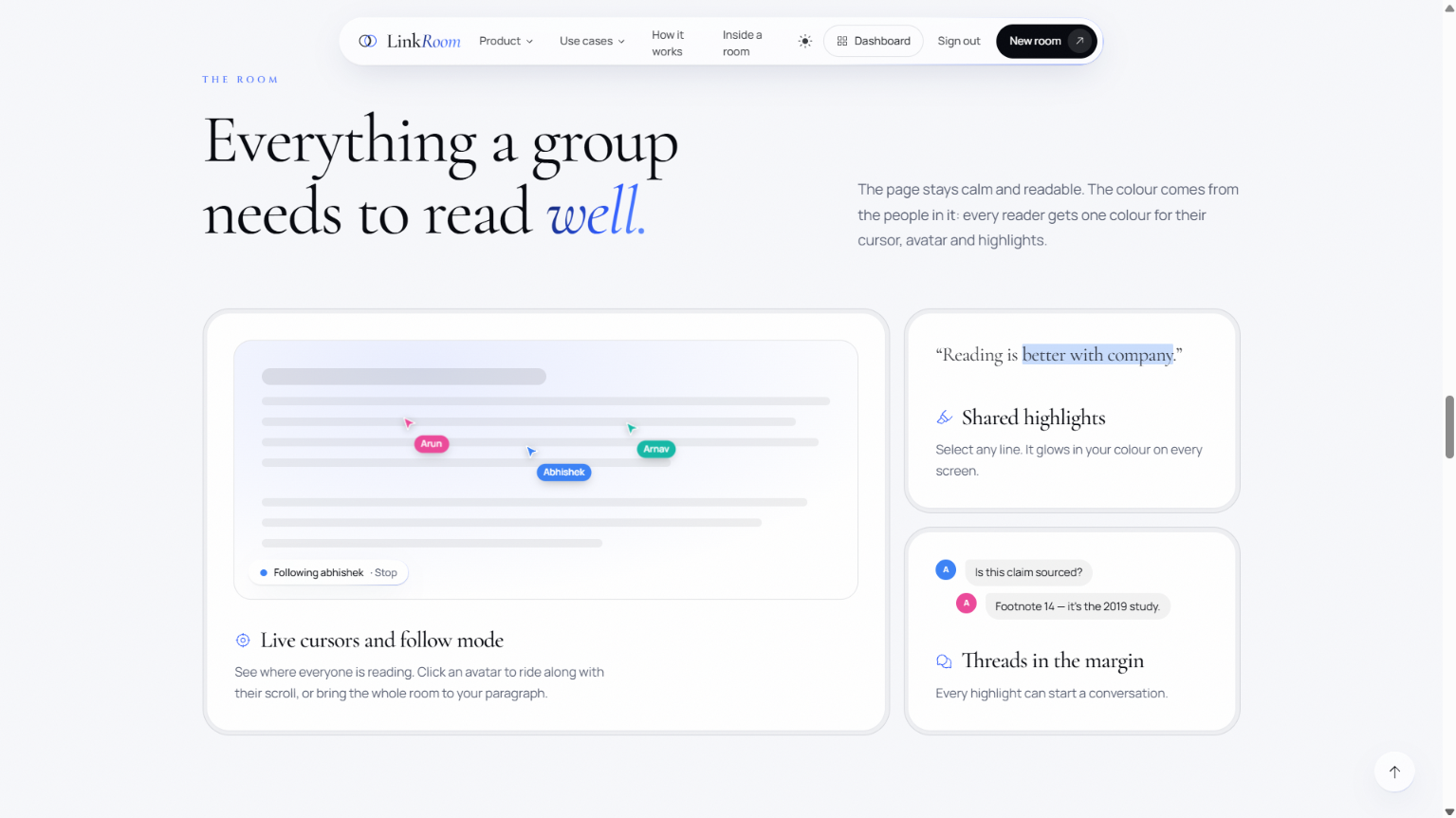
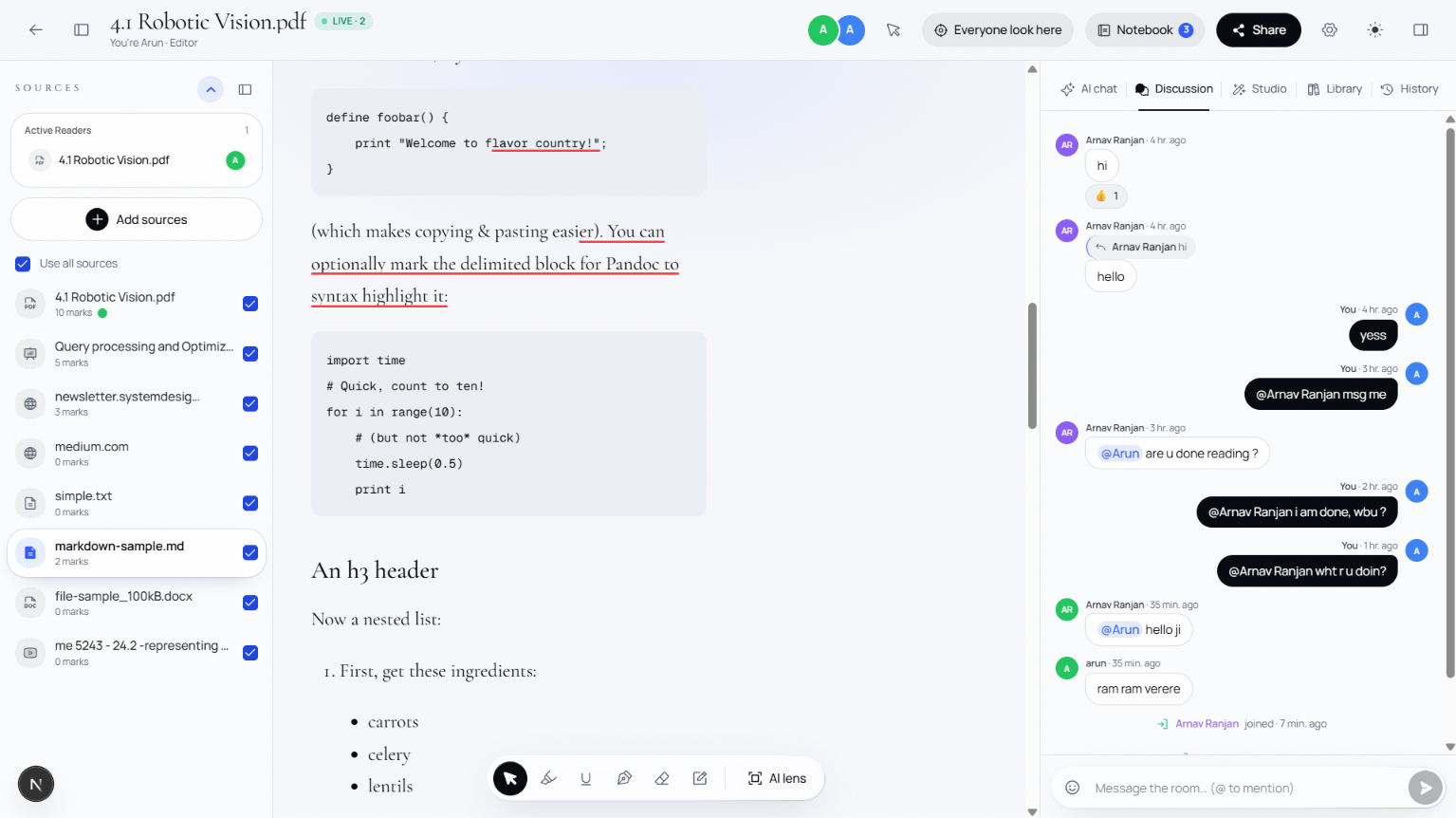
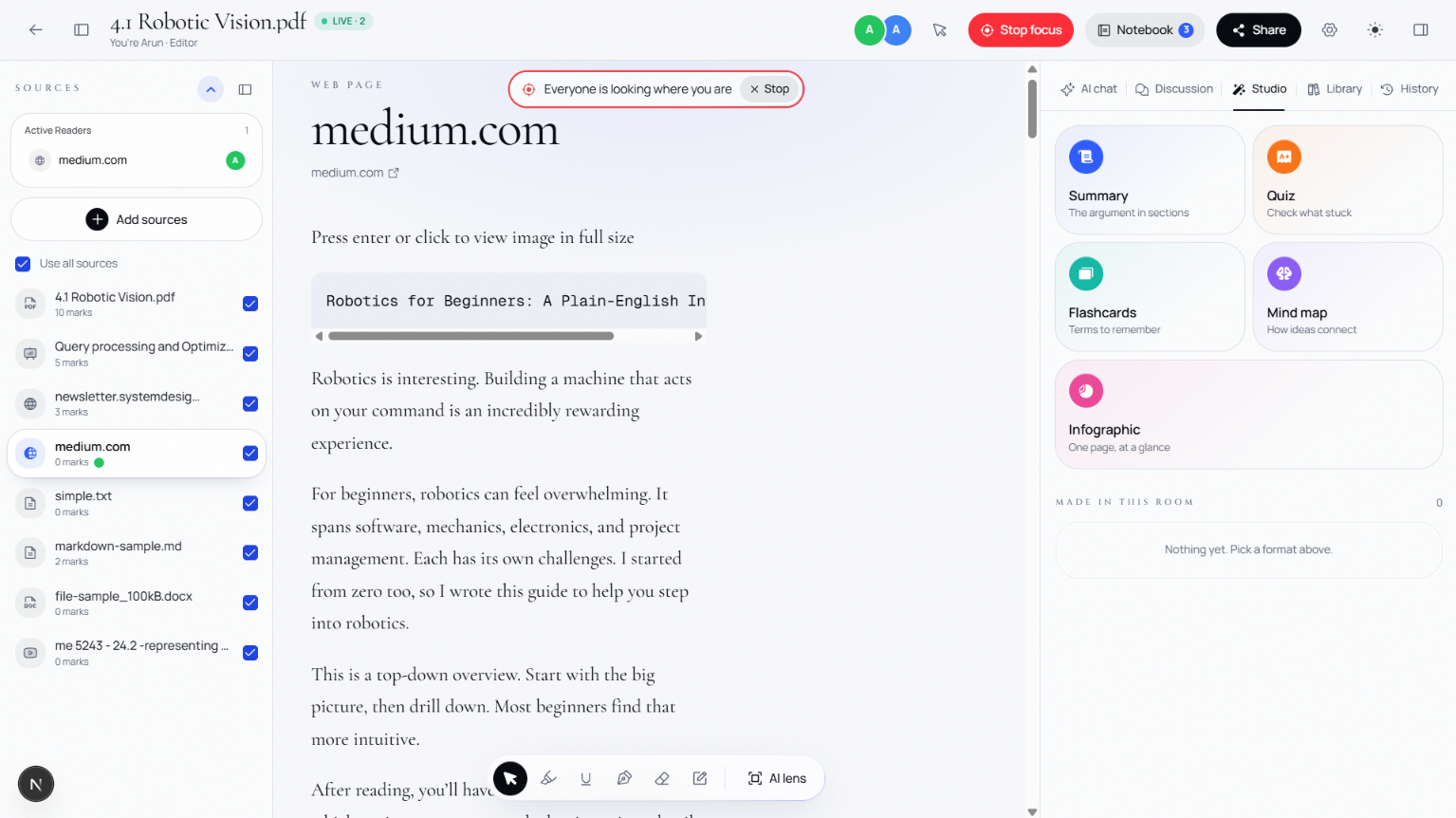
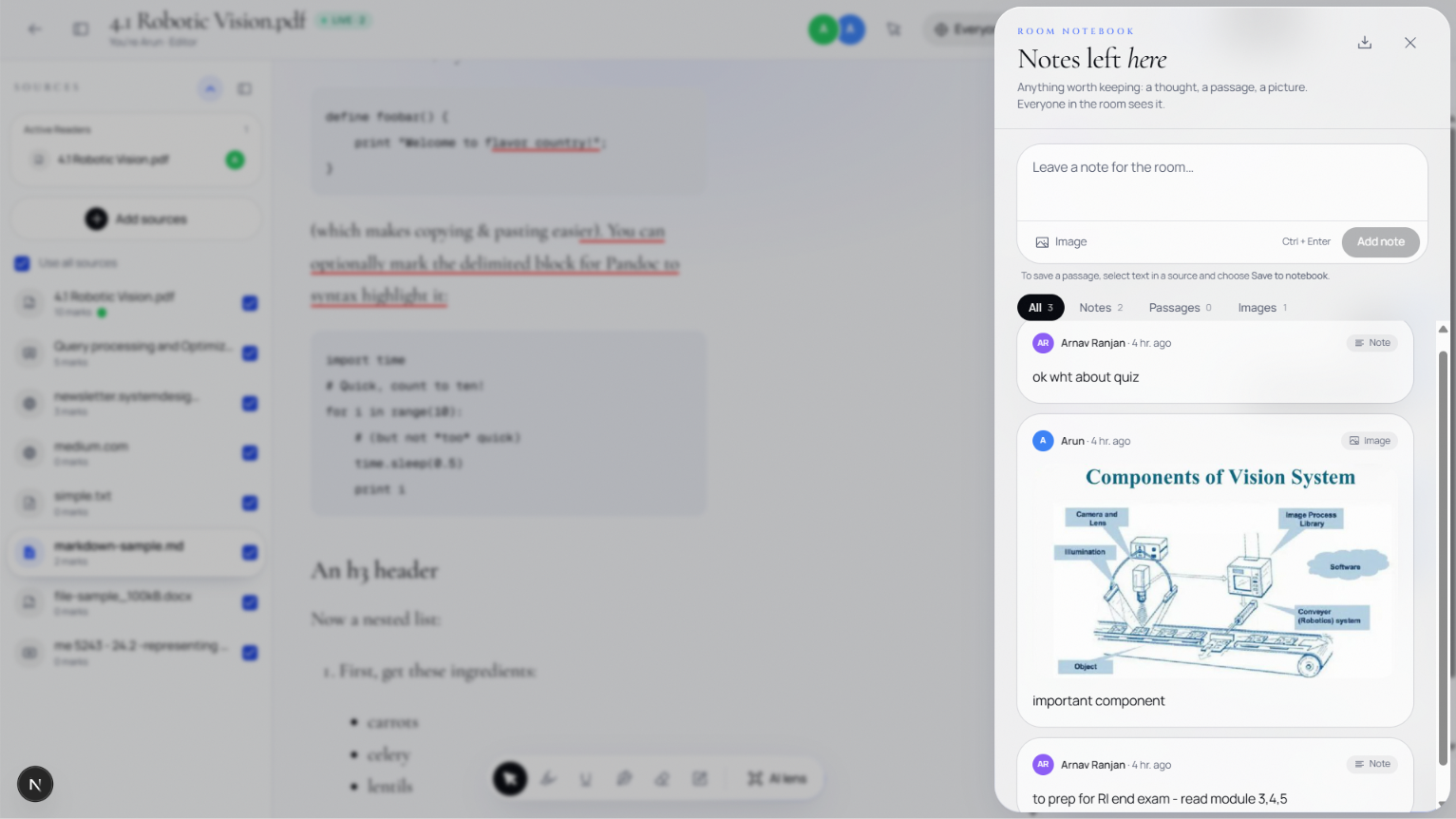
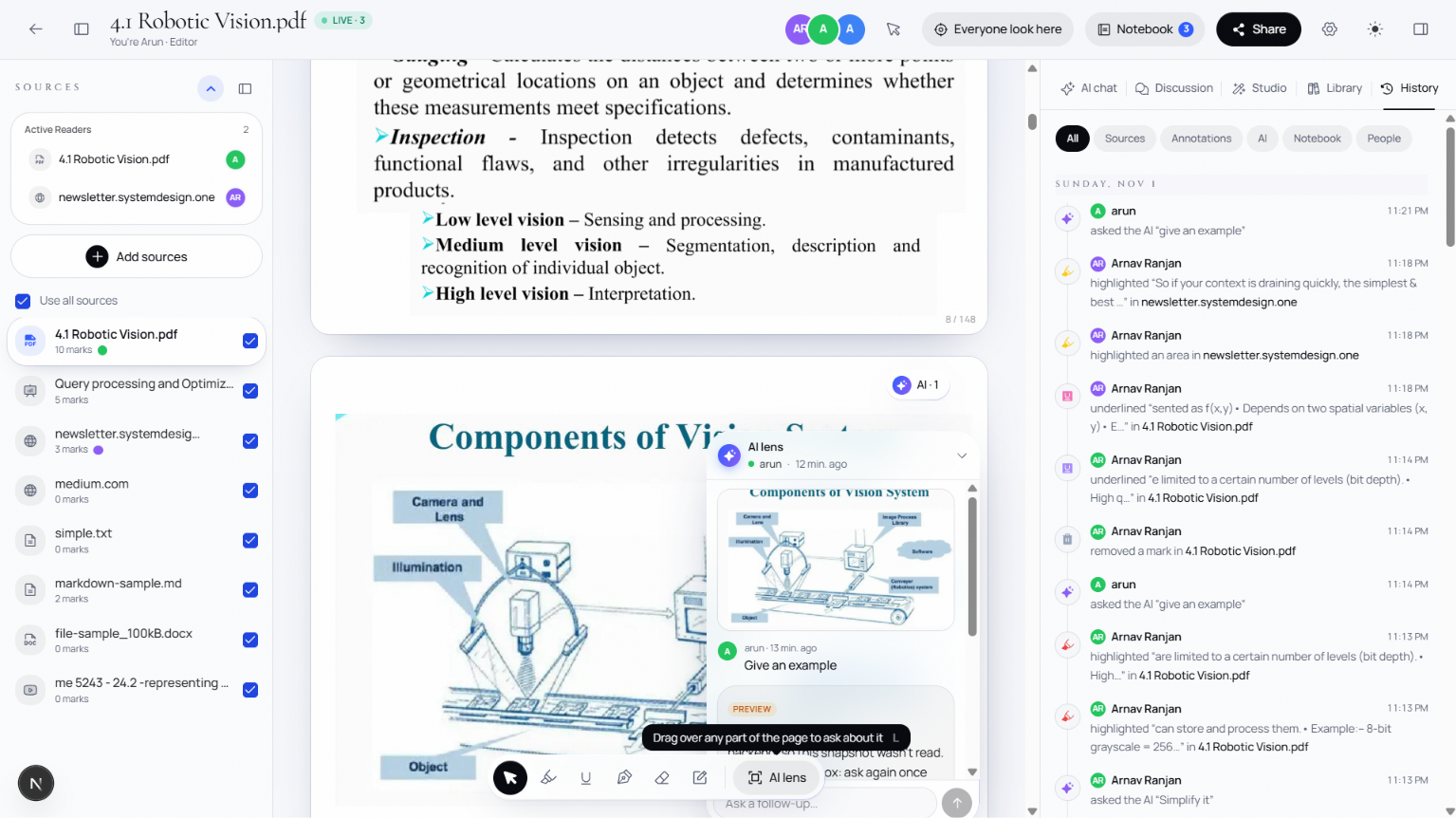
- Everyone reads the same content together, with live cursors, highlights, comment threads, follow-scroll and emoji reactions.
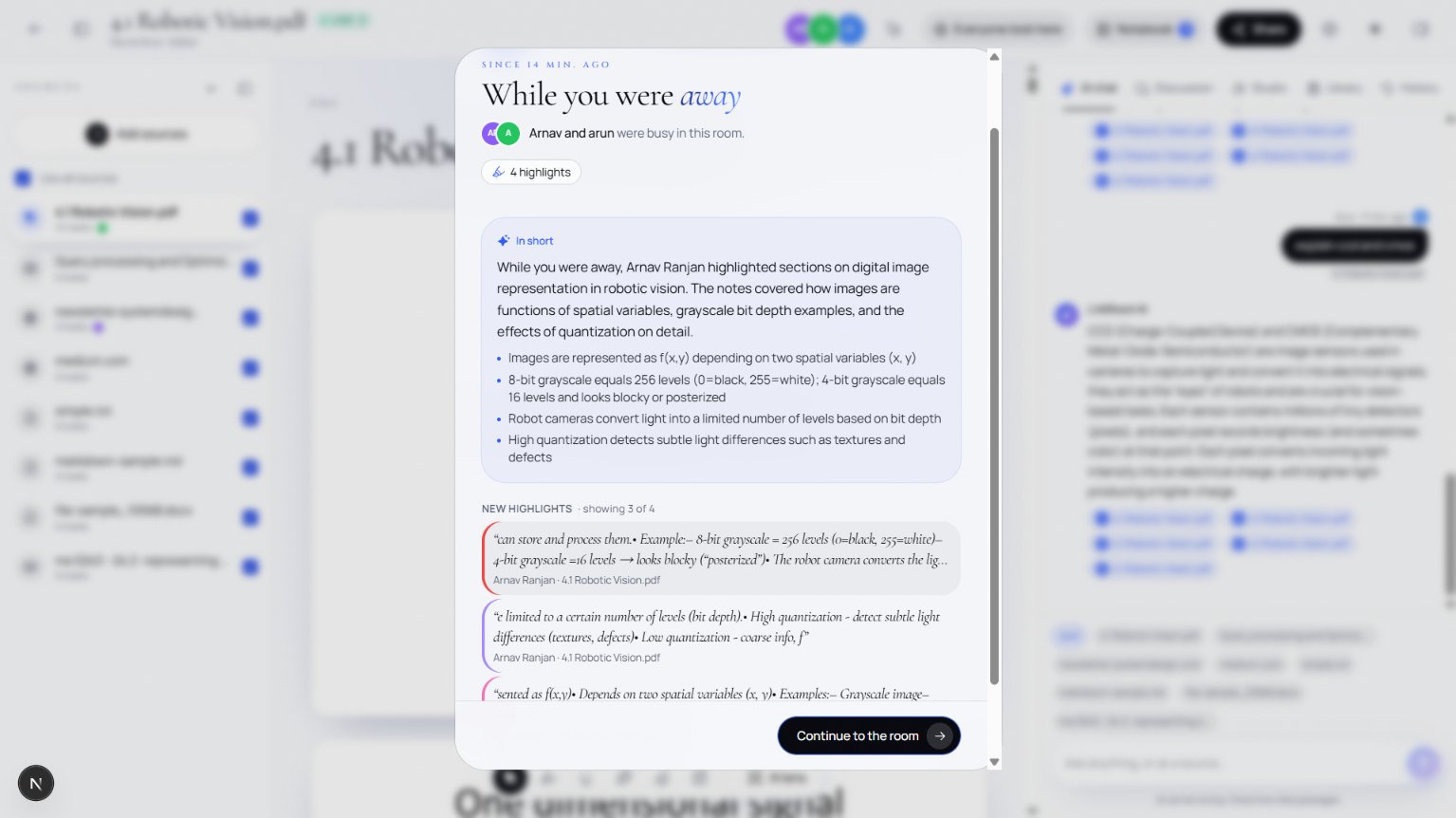
- Ask the AI for a group recap. It summarises what the group highlighted and argued about, and the recap shows up on every screen at the same time.
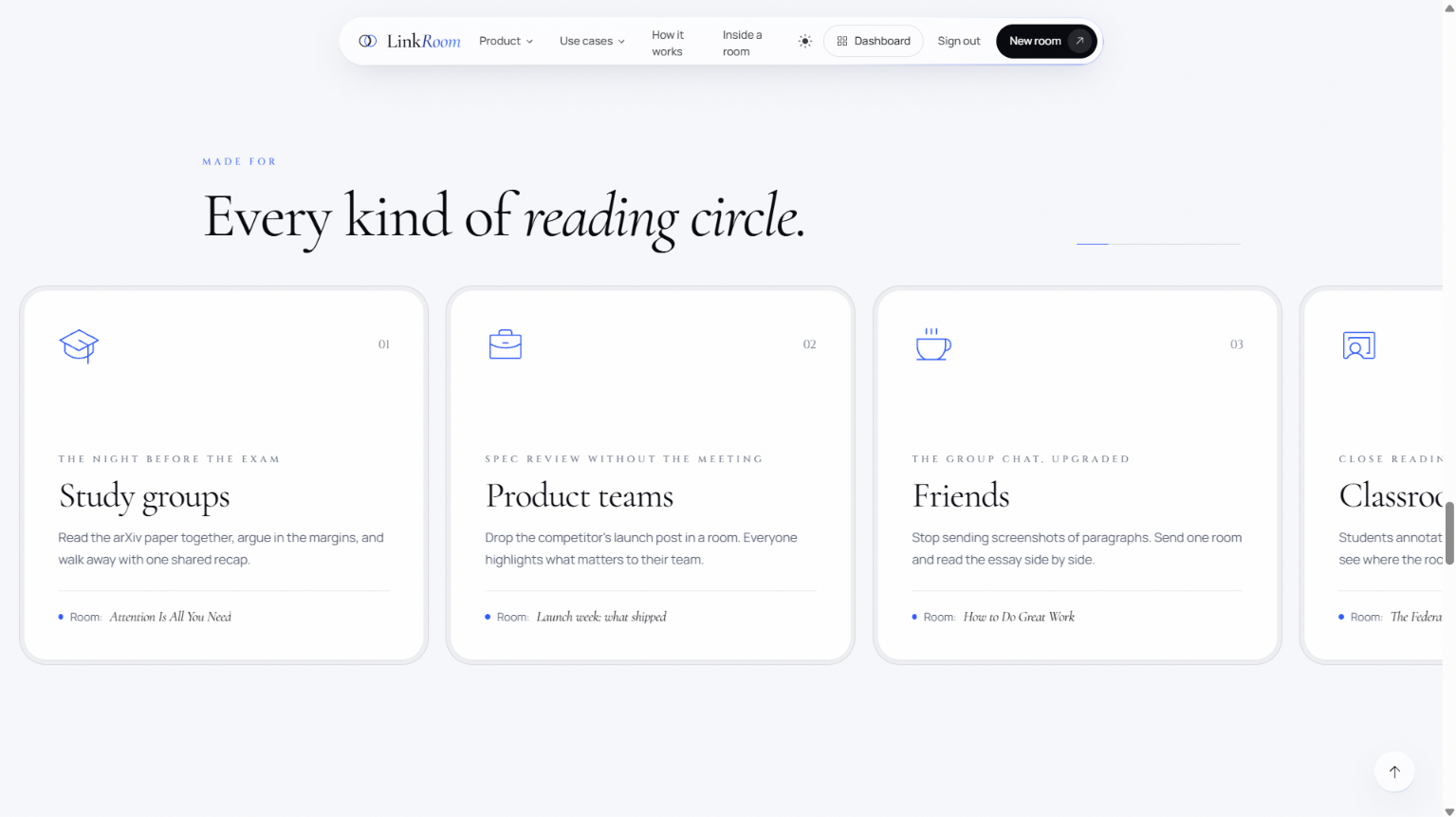
It's for study groups the night before an exam, teams reviewing docs or specs, and friends talking about an article.
How we built it
- Frontend: Next.js 16, React 19, TypeScript, Tailwind v4, react-pdf (pdf.js text layer, so PDF text can be highlighted).
- Backend: Express 5 + TypeScript. It creates rooms, extracts articles with Mozilla Readability + jsdom, sanitizes the HTML, adds block IDs and handles PDF uploads. Every route has a zod schema and Swagger docs.
- AI service: Python FastAPI. It calls Claude (Anthropic) to write the recap, and it can switch to other providers.
- Supabase: Postgres with row-level security, Auth with email verification, Storage for PDFs, and Realtime for presence, broadcast and live row changes.
- Cursors, scroll position and reactions go browser to browser over Realtime broadcast and are never saved. Highlights, comments and recaps are saved, so they're still there after a refresh.
- Testing: Vitest unit, integration and e2e tests run against a real local Supabase in Docker. pgTAP tests check the RLS policies, and CI runs on every PR.
Challenges we faced
- Messy web pages: Getting clean, safe article HTML out of any URL took a lot of work. We had to handle redirects, dot-segment tricks, response-size limits and sanitizing.
- Trusting the AI: We added guardrails so the recap only quotes real text from the document, matching whole quotes, and we keep user names clean. Long articles get cut at the AI request limit.
- Recap races: When many people press "recap" at once, a lock, a cooldown and request deadlines stop duplicate or stuck recaps.
- Security: Guests can write highlights and comments straight from the browser, so the RLS policies had to be tight, and we tested them in the database.
- 31 hours, 4 people: We had to merge many parallel branches without breaking each other's work.
What we learned
- Realtime presence and broadcast suit fast, short-lived data. The database suits anything that has to survive a refresh.
- An AI feature is only good if you can trust it, so guardrails matter as much as the prompt.
- Testing against a real database caught bugs that mocks missed.
What's next
Ask-a-question on any paragraph, answered for the whole room, and a browser extension that opens a room from any tab.
Built With
- anthropic
- claude
- docker
- express.js
- fastapi
- jsdom
- mozilla-readability
- nextjs
- node.js
- pdf.js
- pgtap
- postgresql
- python
- react
- react-pdf
- supabase
- supabase-auth
- supabase-realtime
- supabase-storage
- swagger
- tailwindcss
- typescript
- vitest
- zod
