-
-
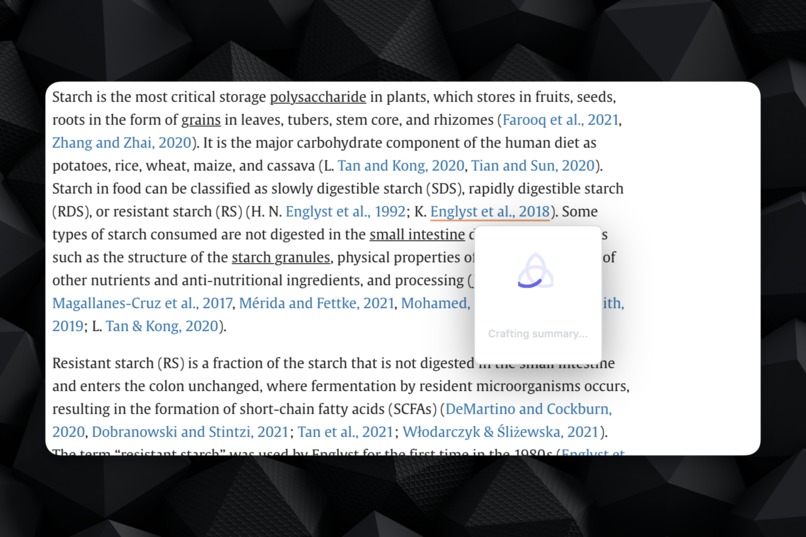
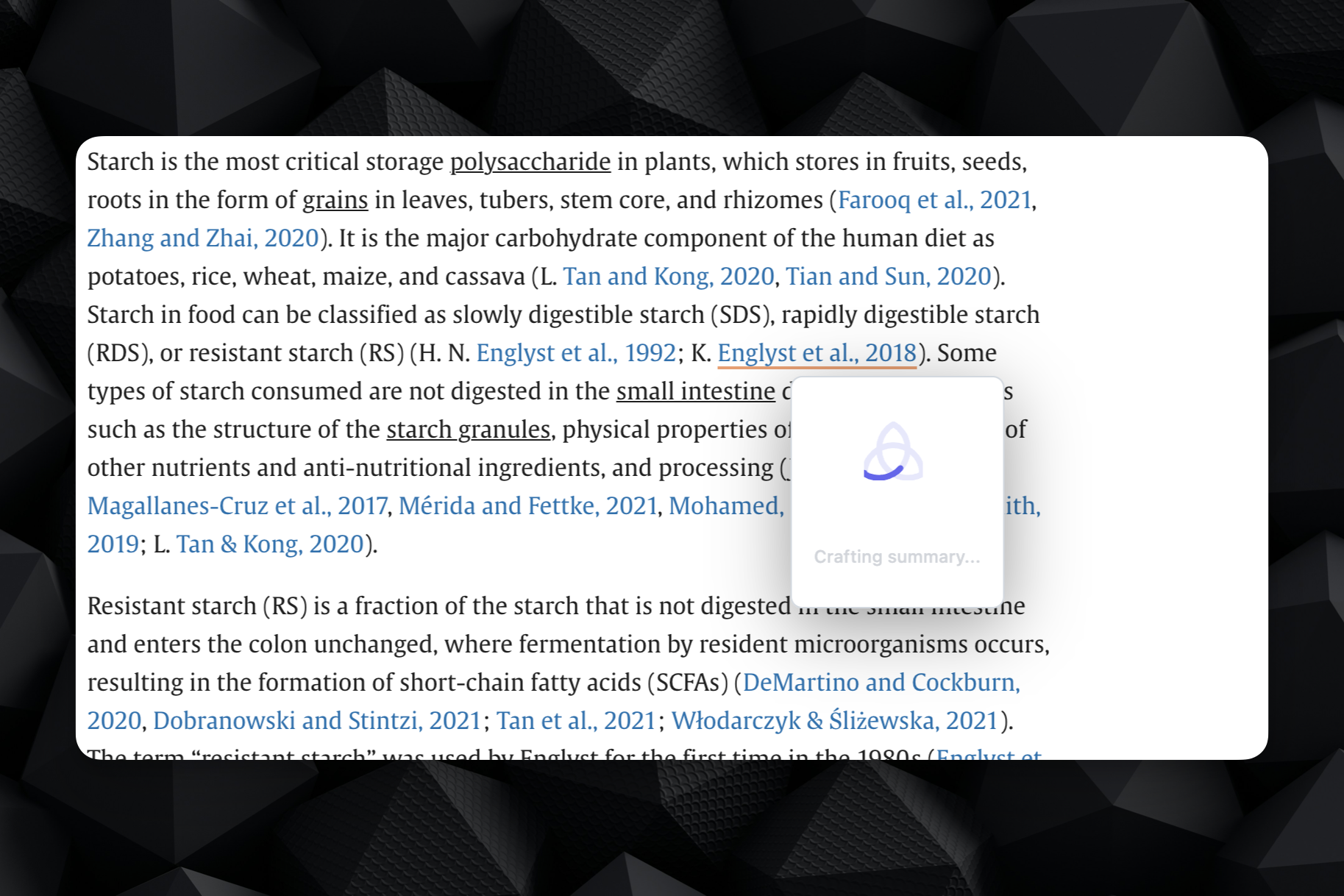
Search animation
-
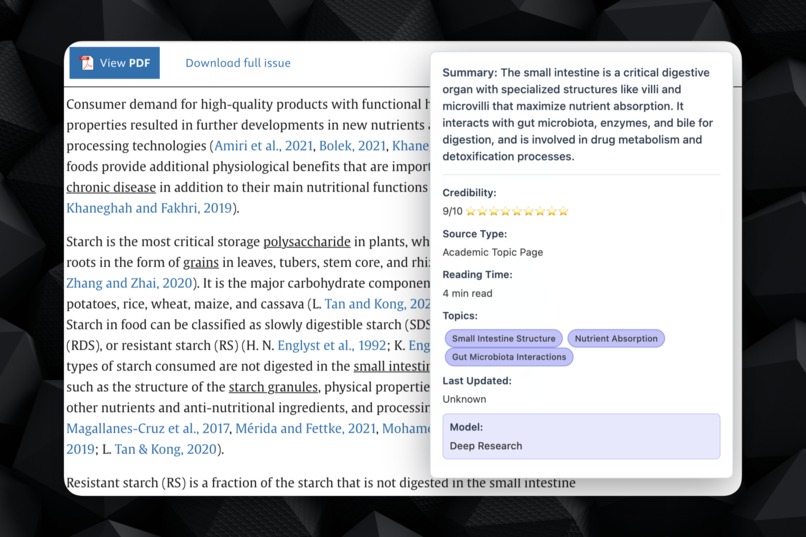
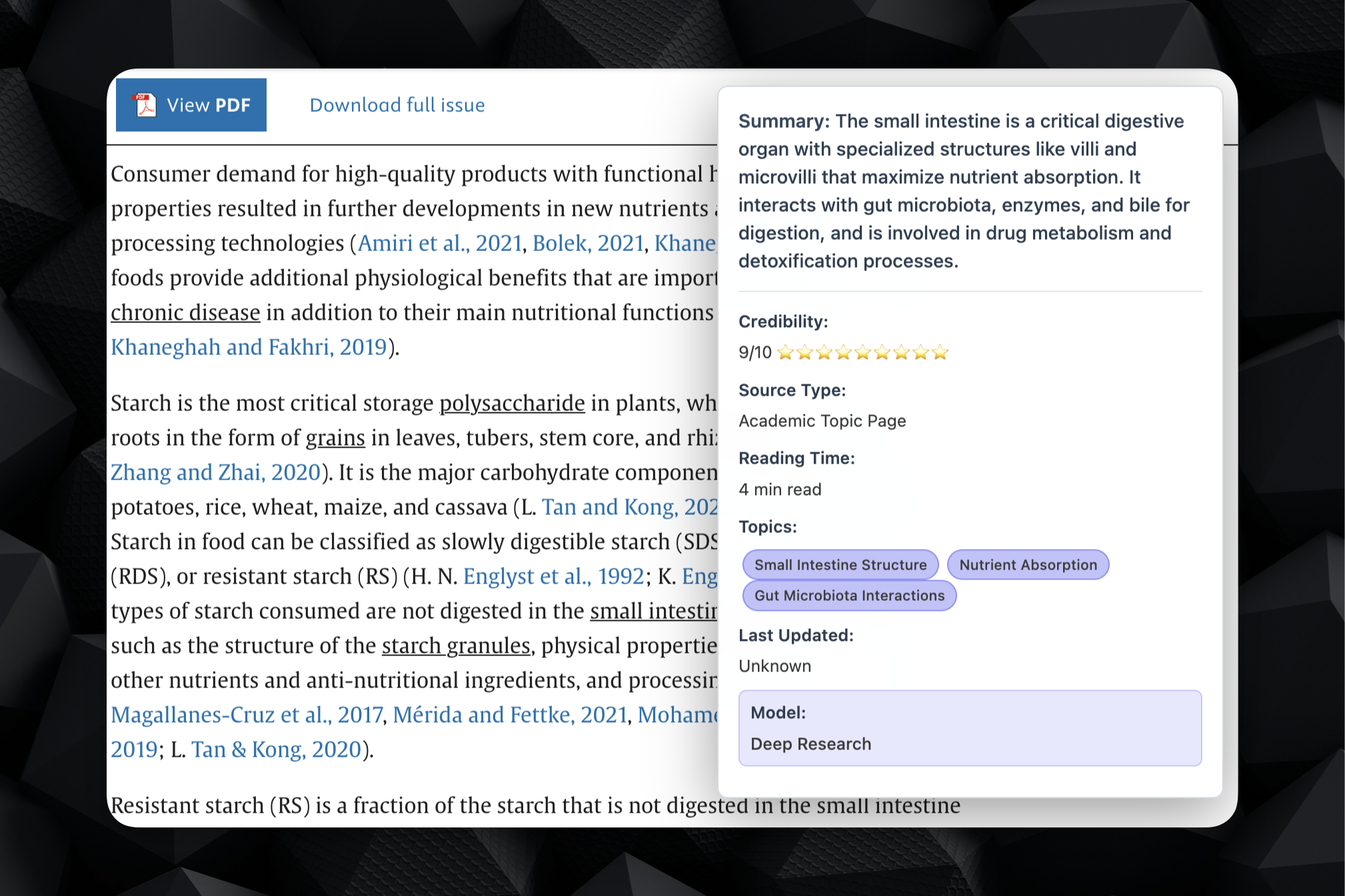
Deep Research on Link Example
-
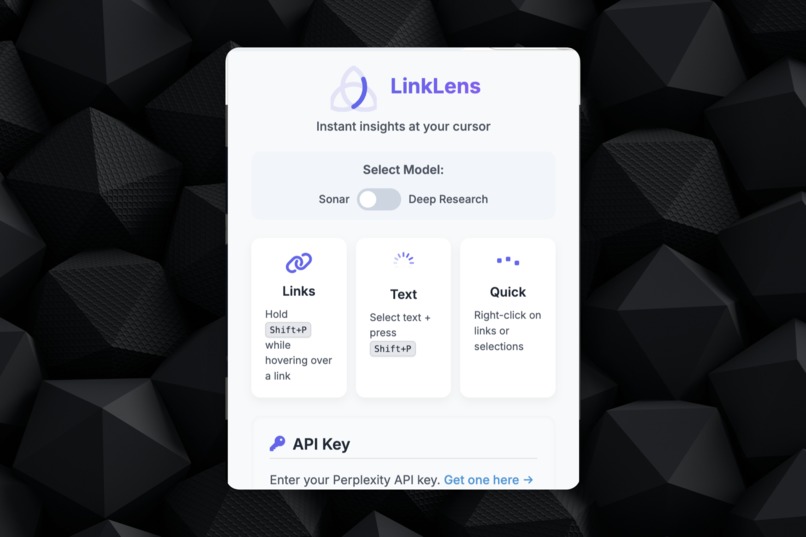
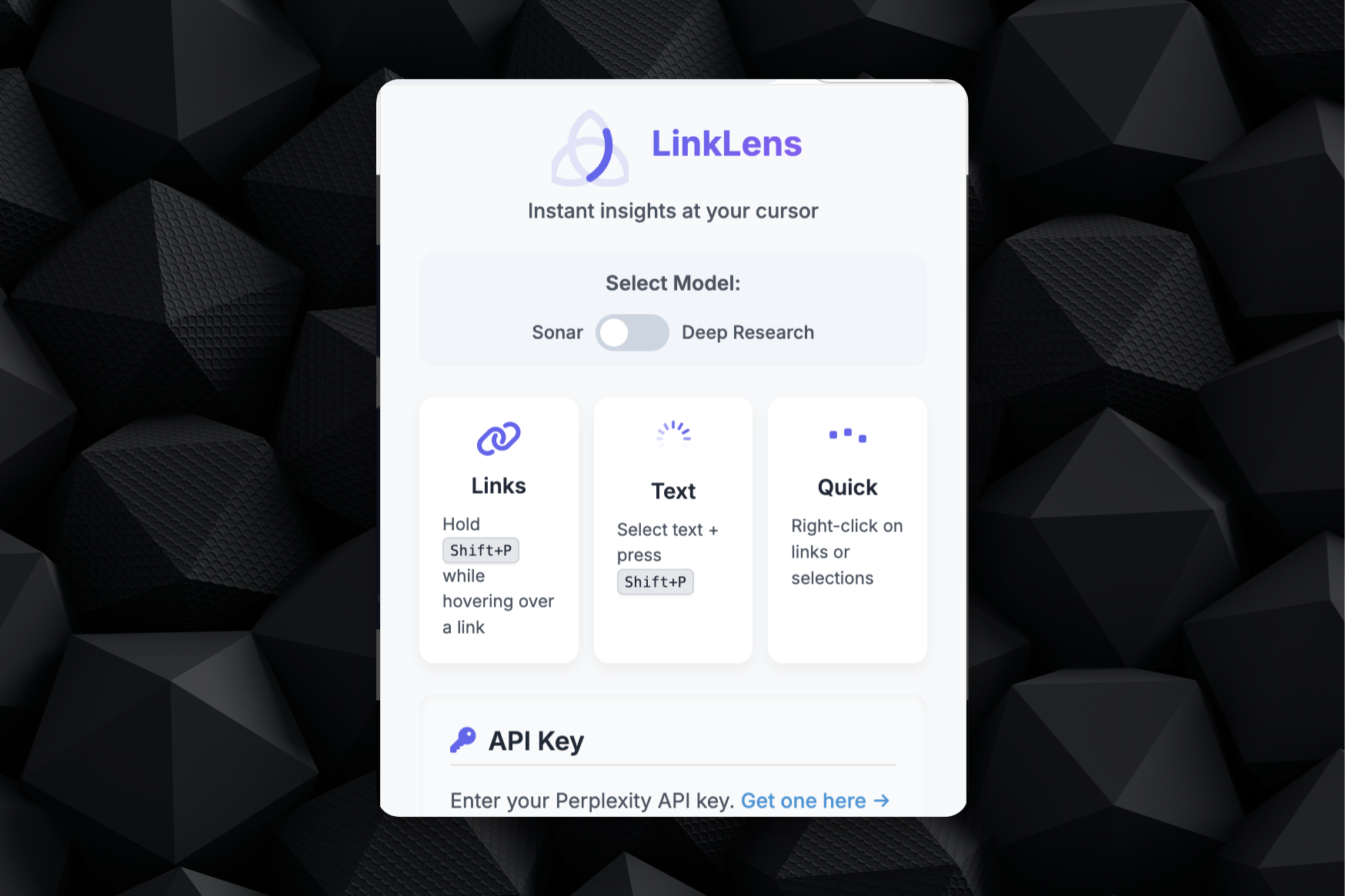
LinkLens admin panel
-
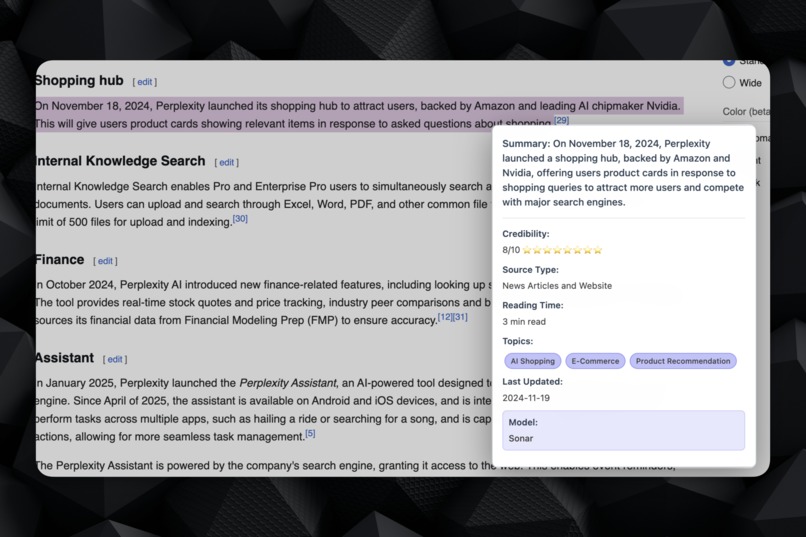
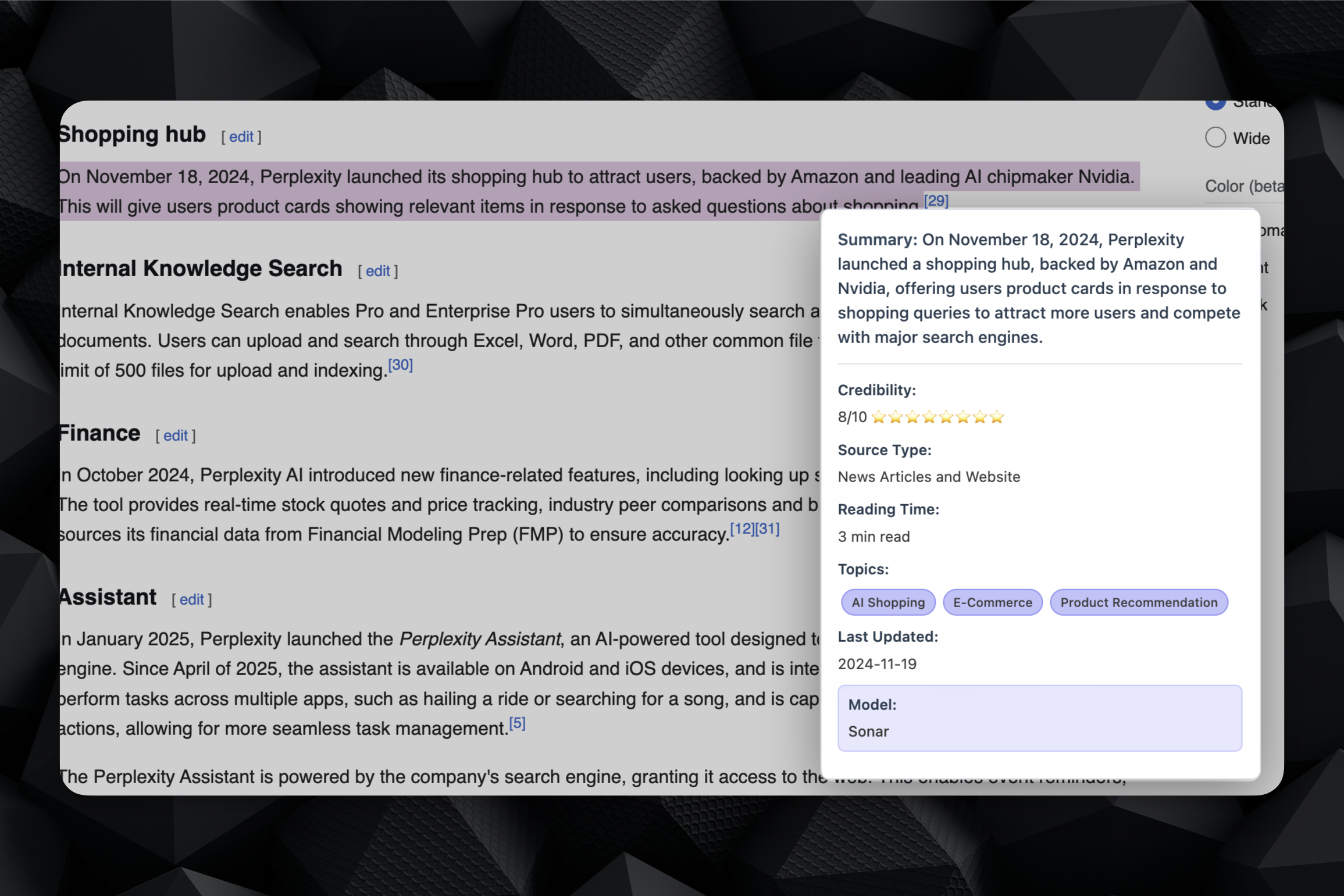
Example of Highlighted text from Linklens
Inspiration
Watching how people interacted with Ask Perplexity (@AskPerplexity) on Twitter/X, I wanted that powerful AI analysis functionality to be available anywhere on the web, not just on X.
What it does
LinkLens is a Chrome extension that brings Perplexity's AI analysis to any webpage. Users can hover over links while holding Shift+P or select text and press Shift+P to get instant AI-powered summaries, credibility scores, reading time estimates, and key topics - all without leaving their current page.
How I built it
Built as a Chrome Extension with:
- Content scripts for keyboard shortcuts and hover detection
- Background service worker handling Perplexity API calls (both Sonar and Sonar Deep Research models)
- Popup interface for settings and API key management
- Glassmorphic dark UI with smooth animations and tooltip positioning
- Structured JSON responses with credibility scoring and metadata extraction
Challenges I ran into
As a product manager learning to code, I "vibe coded" the entire project. I've made some ultra-simple Chrome Extensions before, but this was tough to get how I wanted. The biggest challenge was managing API responses (to show what I wanted) and smooth loading animations. Deep Research model responses take longer, making it difficult to provide real-time feedback to users about the analysis progress. I still haven't gotten the Deep Research part to be something I'm proud of.
Accomplishments that I'm proud of
- Created a fully functional browser extension that works on any website
- Successfully integrated both Perplexity models with 'structured output parsing' (Better prompting)
- Built multiple activation methods (keyboard shortcuts, context menus, hover detection)
- Designed an intuitive UI that doesn't disrupt the browsing experience
- Implemented proper error handling and user feedback systems
What I learned
More experience with Chrome Extension APIs, and Perplexity API integration. Learned how to upload Github files again. Learned how to do sort of a 'parse output' style prompt to Perplexity. Learned how to integrate infinite style animations.
What's next for Link Lens - Perplexity Anywhere
- Chrome Web Store publication in the coming weeks
- Streaming responses with real-time progress indicators ('Showing work')
- Enhanced loading states showing which sources are being analyzed
- Response caching to improve performance for repeated queries
- Finite Loading to help users 'feel' like they can see the model working
- Additional AI models * and customizable analysis depth settings
*See comment in 'What do I want to see in the Perplexity API'

Log in or sign up for Devpost to join the conversation.