-
-
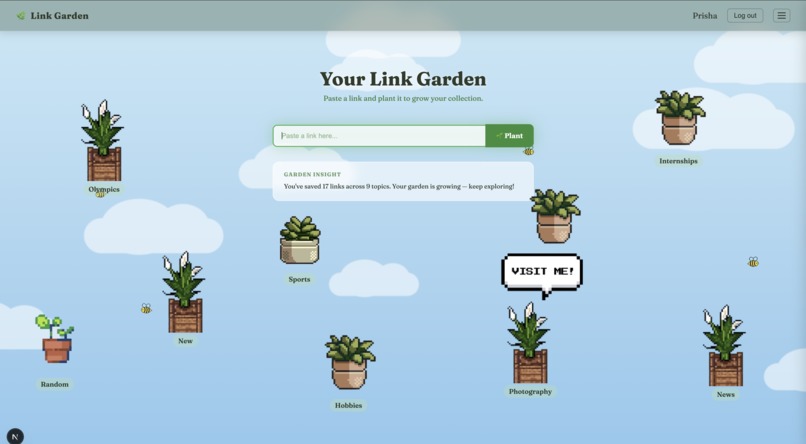
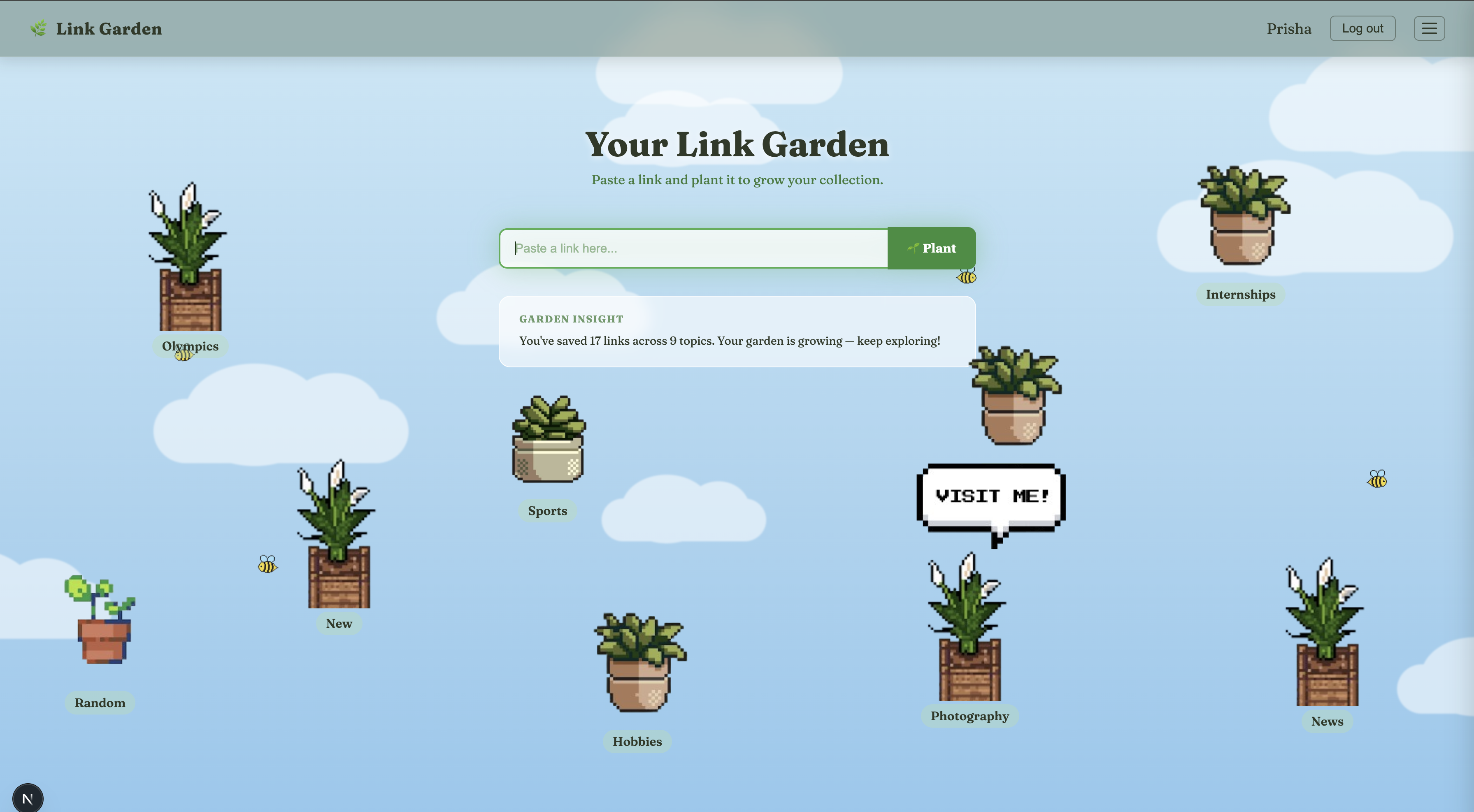
Home Page
-
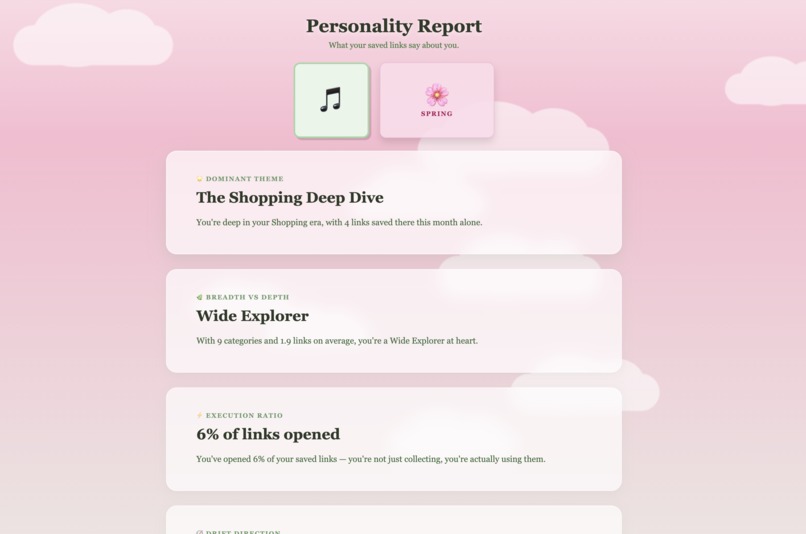
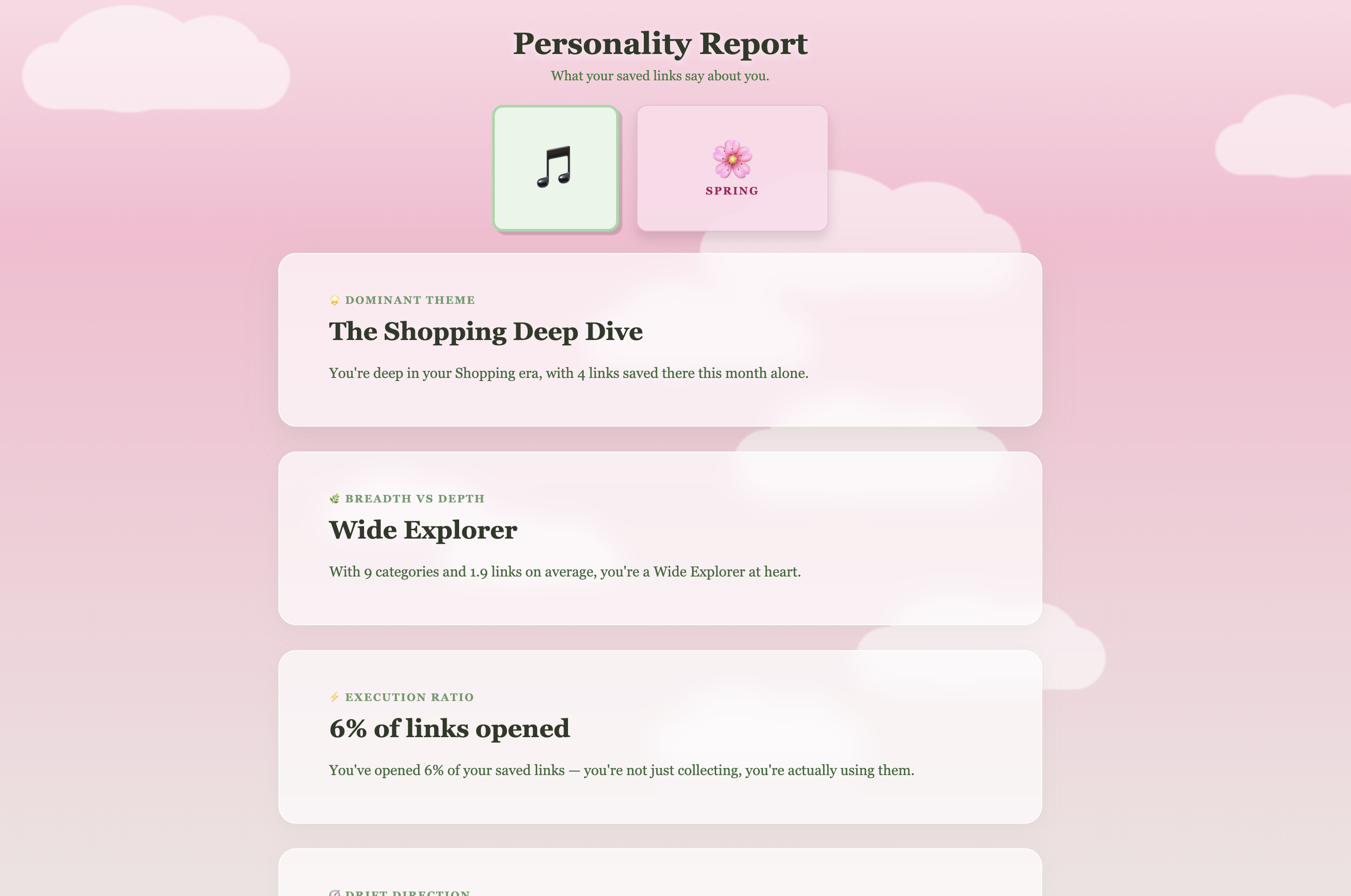
Personality Report
-
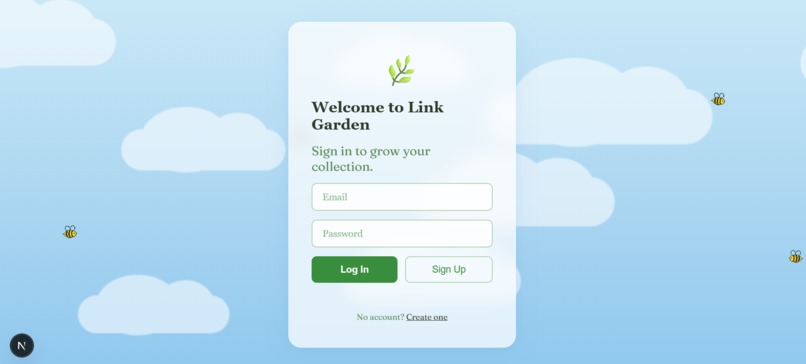
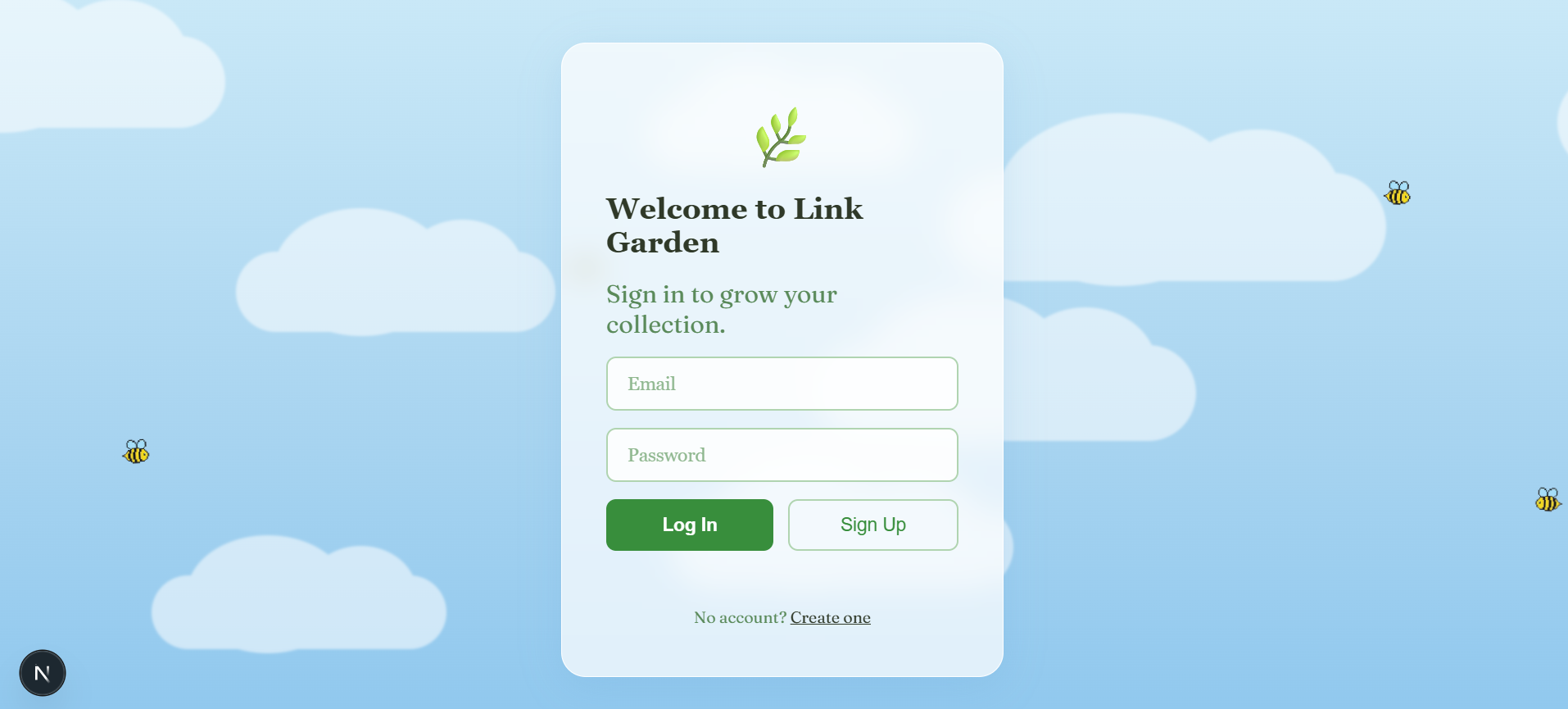
Login/Sign up page
-
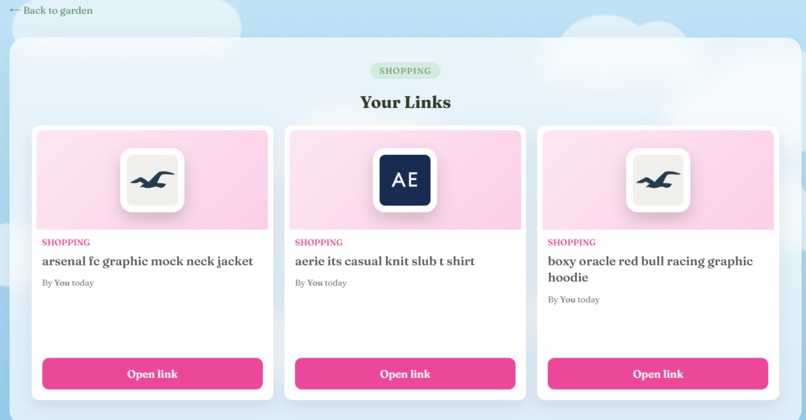
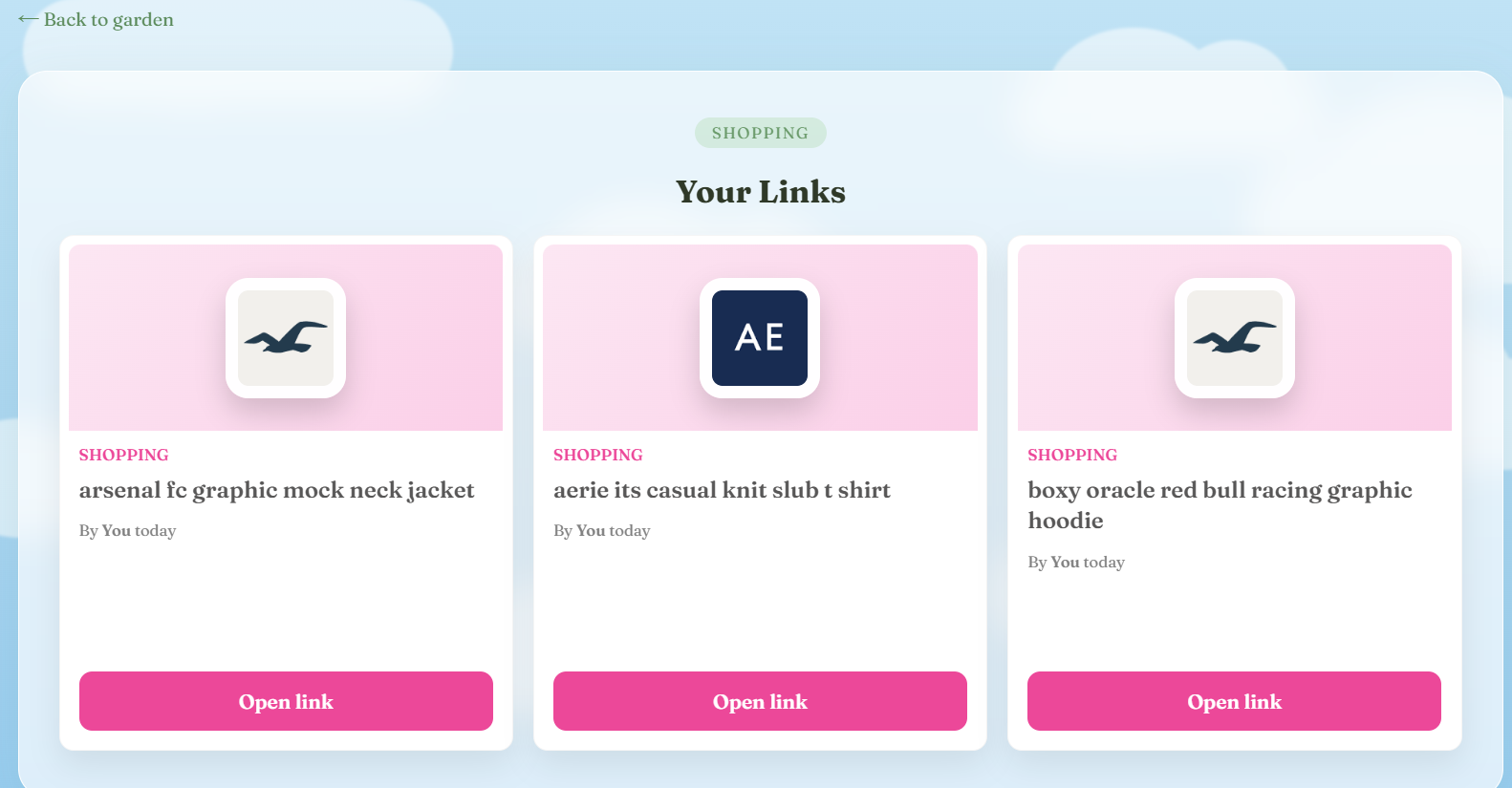
Category Links page
Inspiration
It started with a messy Notion page full of saved links, scattered ideas, and no clear system. We realized students don’t have a tool that helps them reflect on what they save or why it matters.
What it does
Link Garden transforms saved links into an interactive digital garden. Students organize links into categories, and each link becomes a clean visual card with an auto‑generated title and website logo.
Our AI then generates a personalized personality report based on what users revisit, prioritize, and ignore.
How we built it
We built Link Garden using:
- Next.js for the frontend
- Firebase for authentication and data storage
- Gemini API and OpenAI API to generate personality insights and process user behavior
Challenges we ran into
- Getting the Gemini API to consistently return valid JSON
- Extracting meaningful titles without reliable metadata
- Dynamically rendering website logos for each saved link
- Building fallback logic for anti-bot pages
Accomplishments that we're proud of
- Designed a UX where categories appear as visual, movable plants
- Identified passive saving behavior as a common student pattern
- Built a working manual grouping + AI reflection system
- Successfully generated dynamic personality reports
What we learned
We learned how to integrate AI into a full-stack web app, structure behavioral data for insight generation, animate UI elements using JavaScript, and transform raw URLs into structured visual cards.
What's next for Link Garden
Adding personalized AI recommendations that suggest new internships and articles based on a user’s evolving interests and patterns. 🌱
Built With
- css
- firebase
- geminiapi
- html
- next.js
- openai
- typescript

Log in or sign up for Devpost to join the conversation.