-
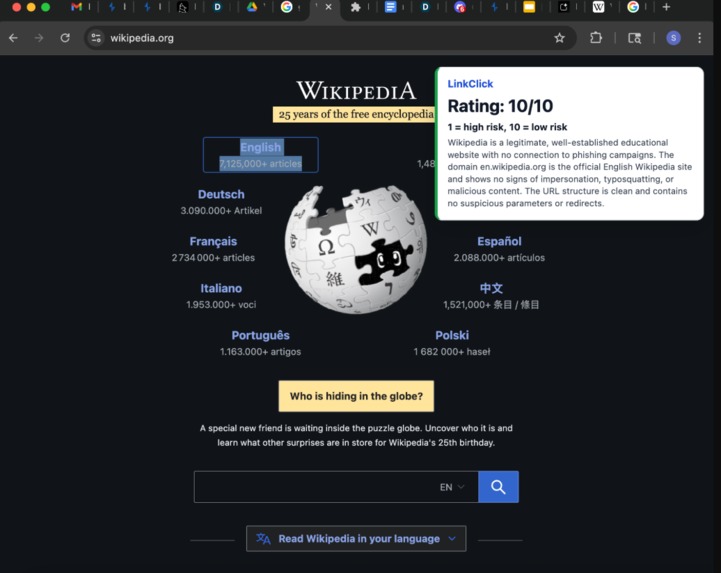
Example of LinkClick in action
Inspiration
Seeing a blatant phishing attempt is something that unfortunately most people experienced. For us, it was through people pretending to be recruiters. However, they have increasingly been getting more clever by copying a real website's URL and then changing an element that at first glimpse can't be caught: microsoft.com vs. rnicrosoft.com. If there was only something that could check a URL before hand to confirm before we fall into a trap...
What it does
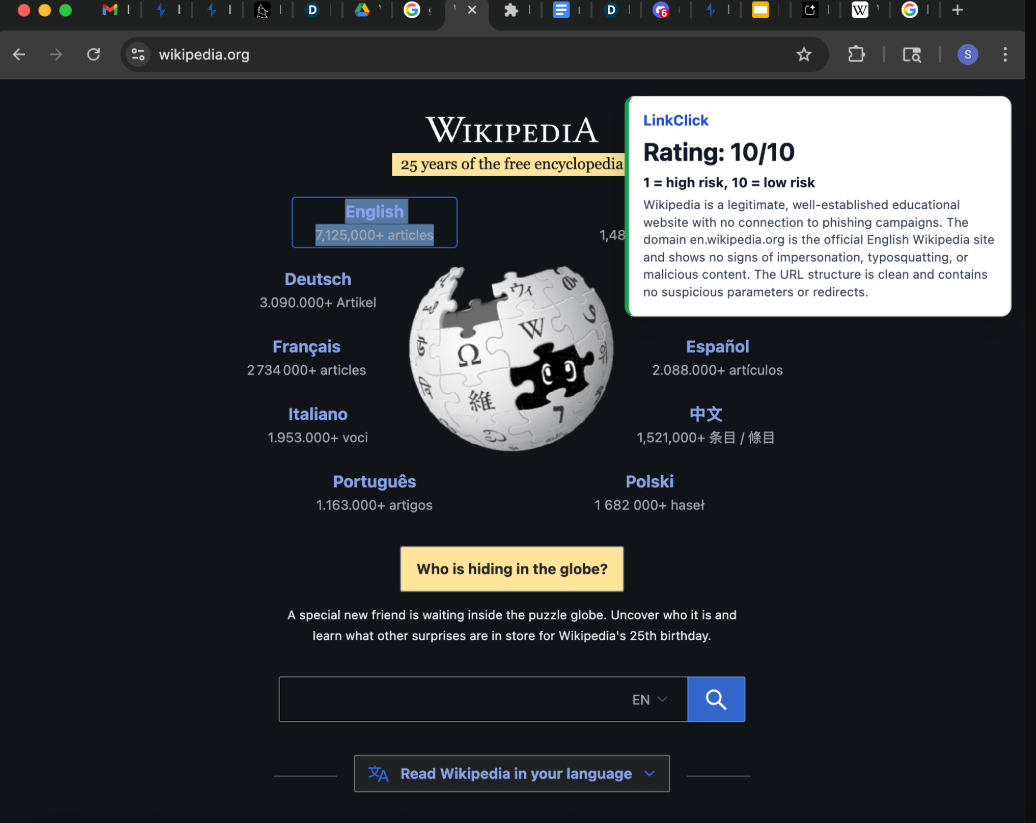
Our web extension allows you to right click a link to check its legitimacy. All the user has to do is download the extension, apply it to their browsers, and right click the link they want to check. The extension calls Gemini to asses the link and return feedback on its safety.
How we built it
link, prior skills with HTML and JS, and AI resources.
Challenges we ran into
We faced a lot of hurdles trying to develop the necessary code to get the AI connected with our extension after selecting "verify with LinkClick"
Accomplishments that we're proud of
We made our first web extension and customize its appearance, add it to the browser, and have it react to what we wanted it to!
What we learned
We learned how to be more flexible with working with AI agents, that there are many resources out there for software development, and became more familiar with GitHub.
What's next for LinkClick
We believe that LinkClick can be expanded to a fully functional web extension to protect user's data. We also believe that LinkClick can be expanded to passively check the website even if the user has already clicked on it. Ultimately, LinkClick can warn user's before a phishing scheme starts and before it gets too late.
Built With
- backboard.io
- gemini
- git
- github
- html
- javascript
- json
- python
- typescript
- valkey
- visual-studio
- vscode

Log in or sign up for Devpost to join the conversation.