-
-
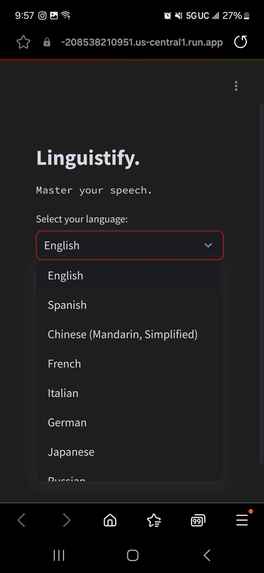
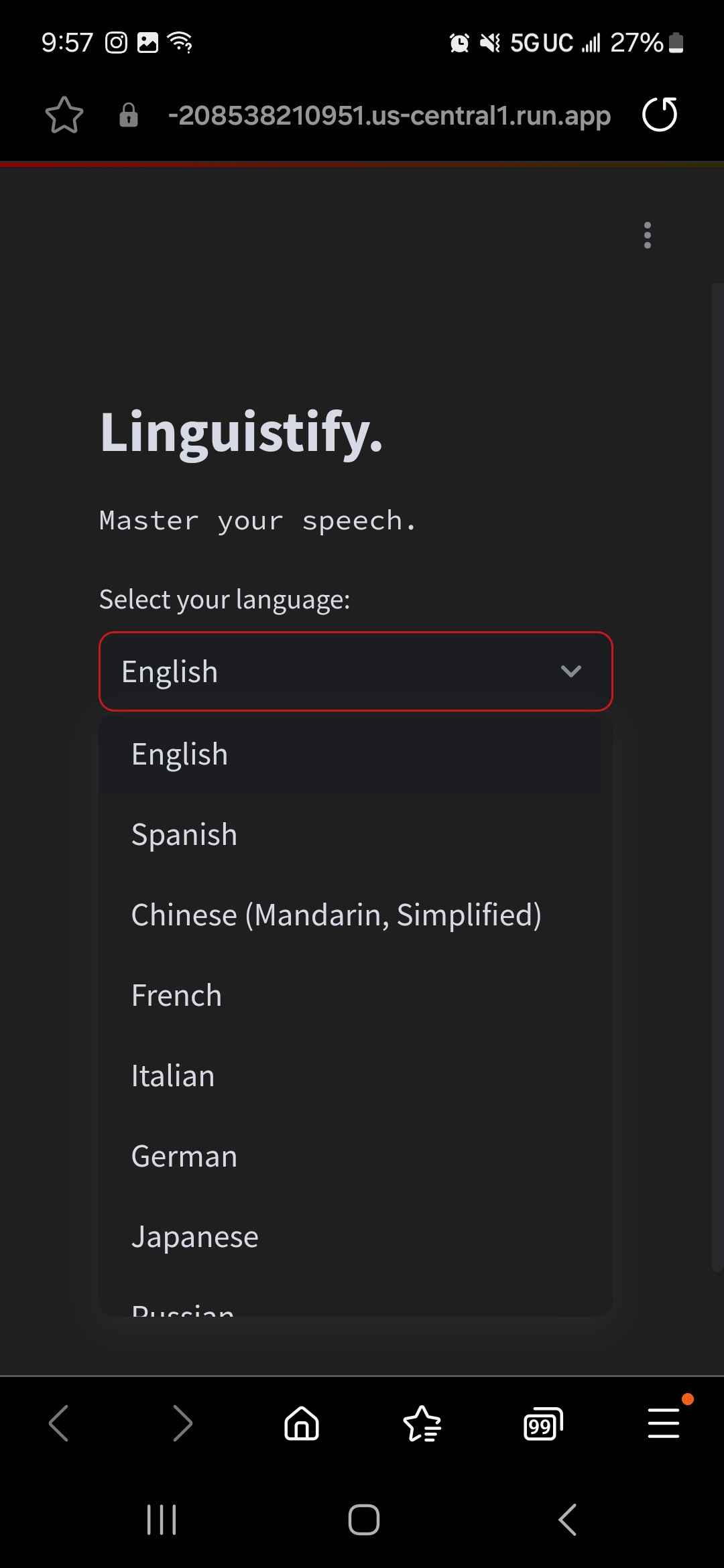
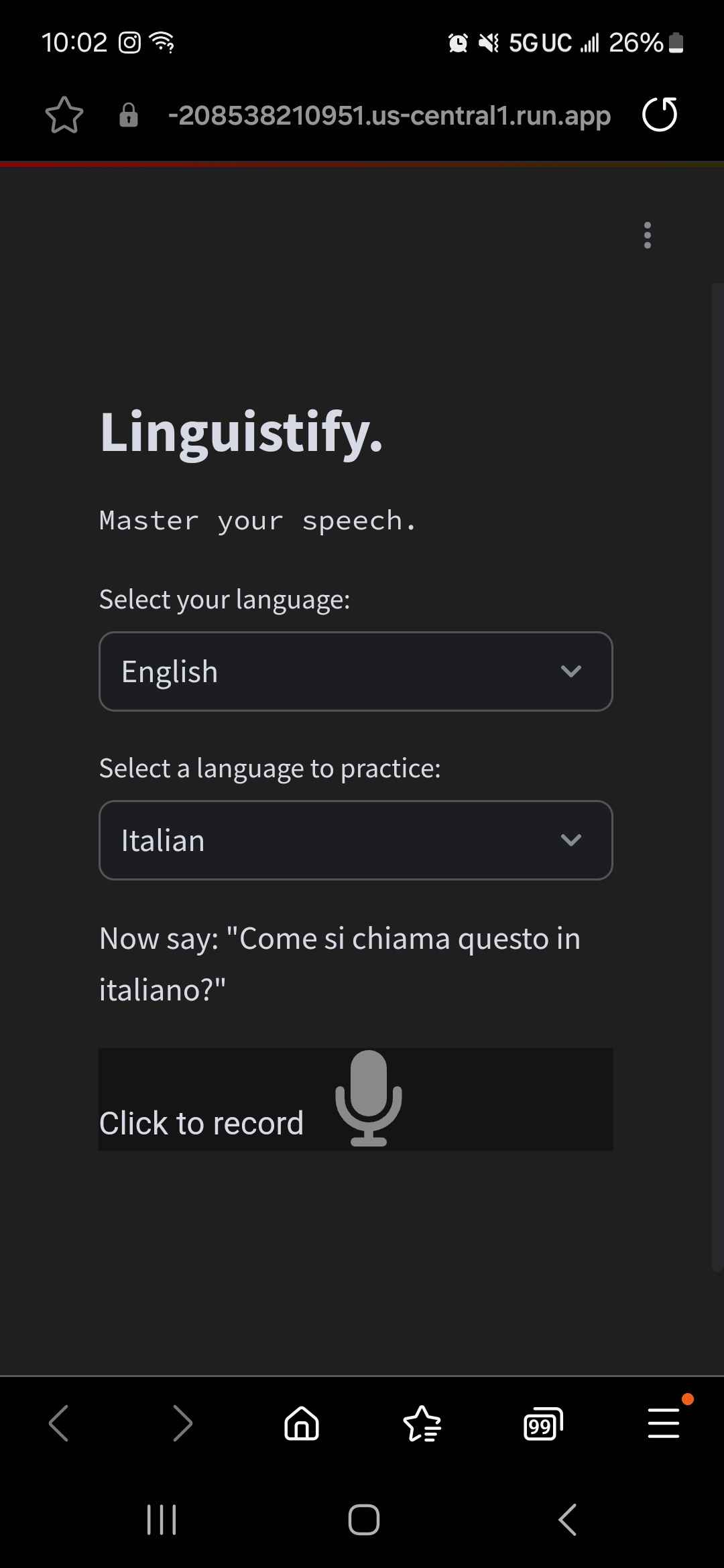
Language menu (mobile)
-
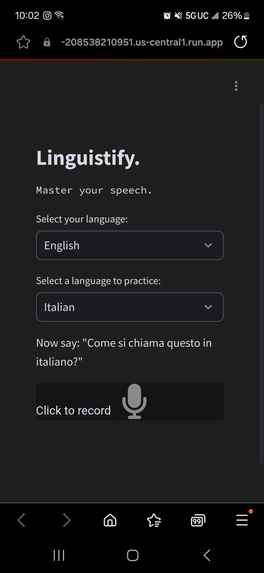
Home page (mobile)
-
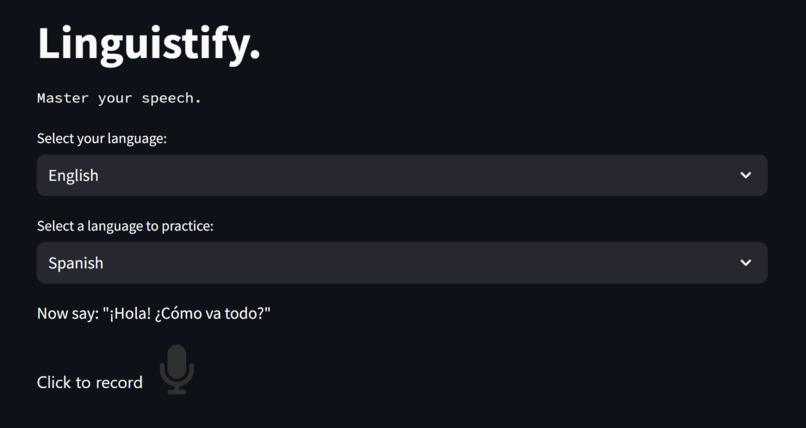
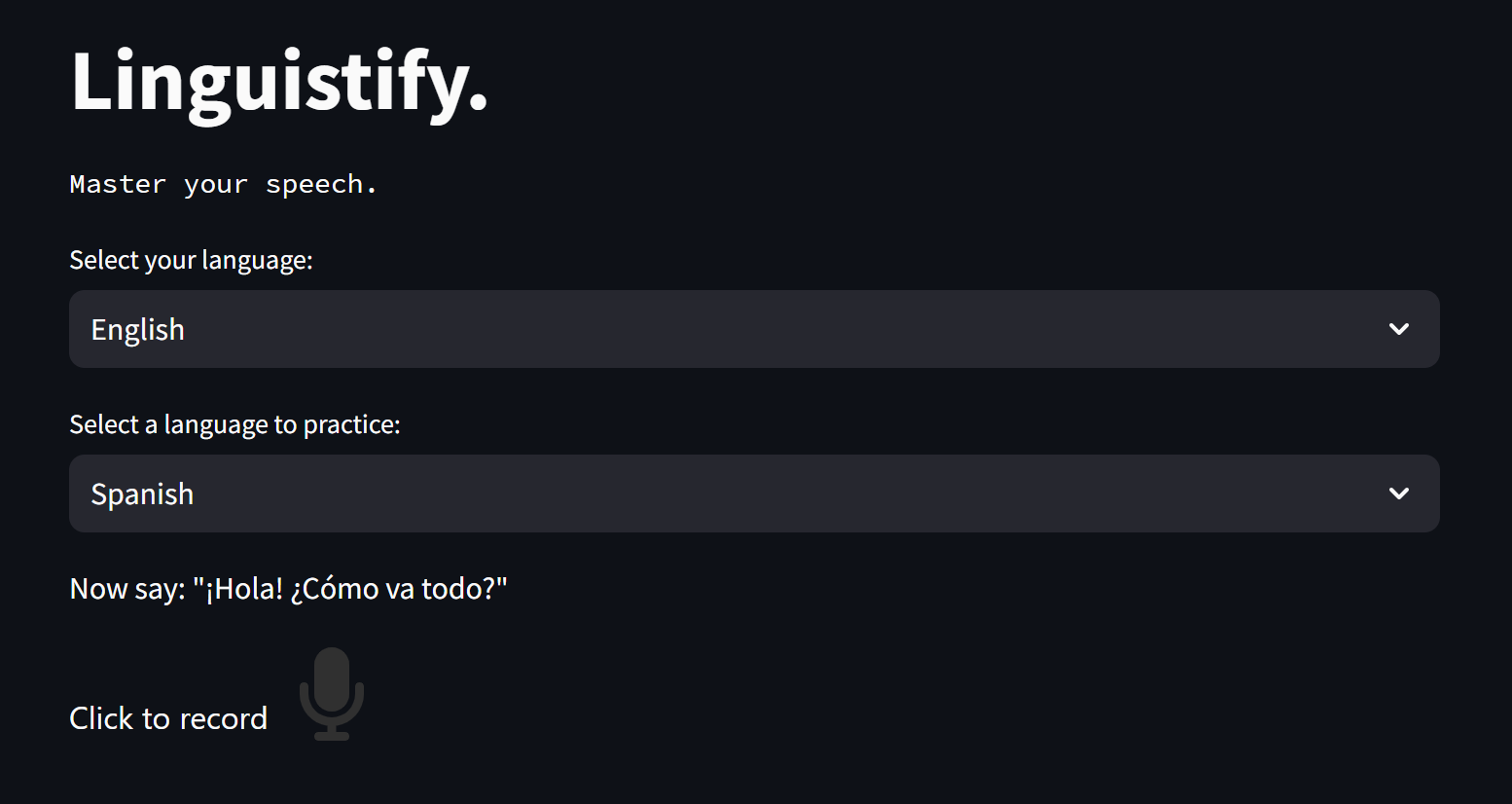
Home page (pc)
-
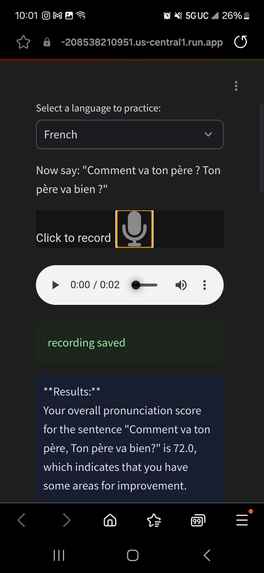
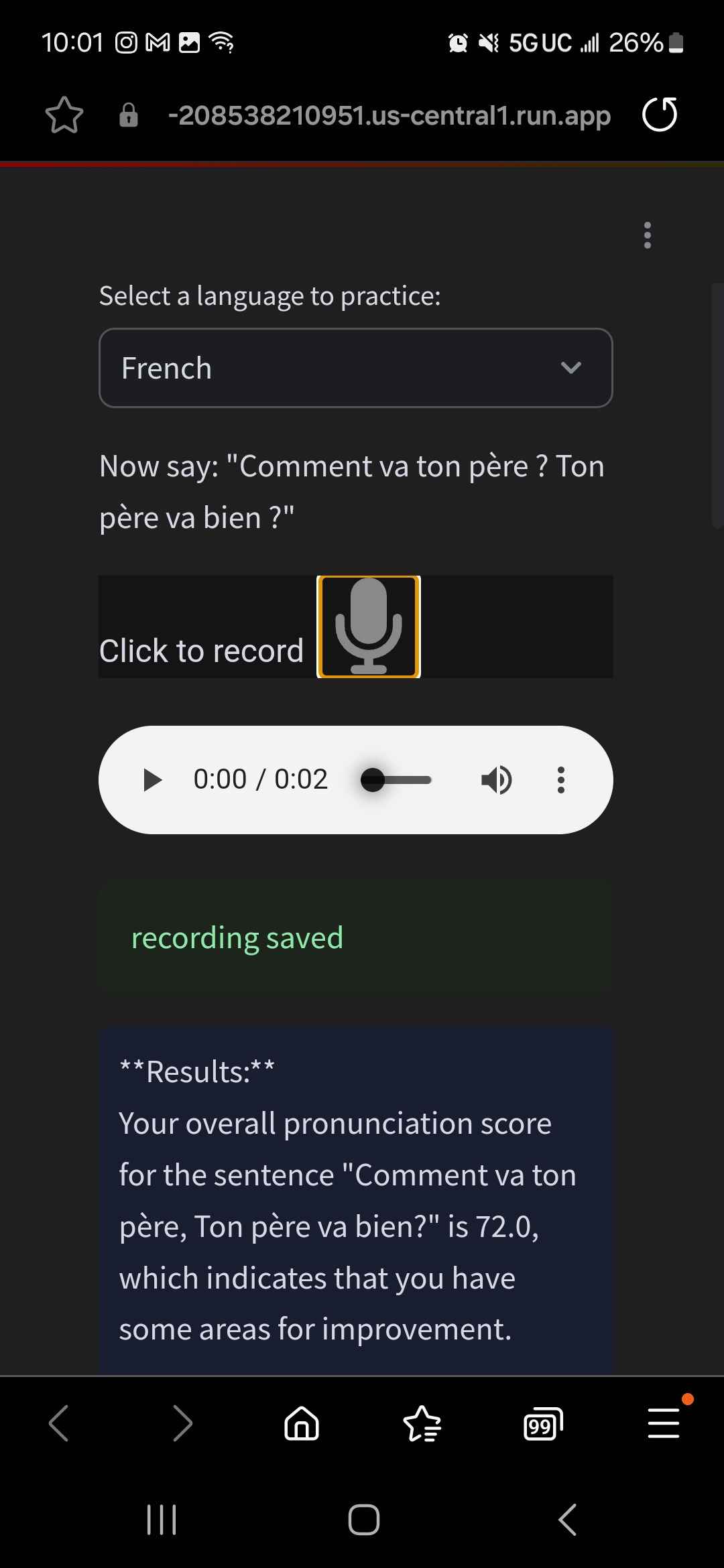
Results (mobile)
-
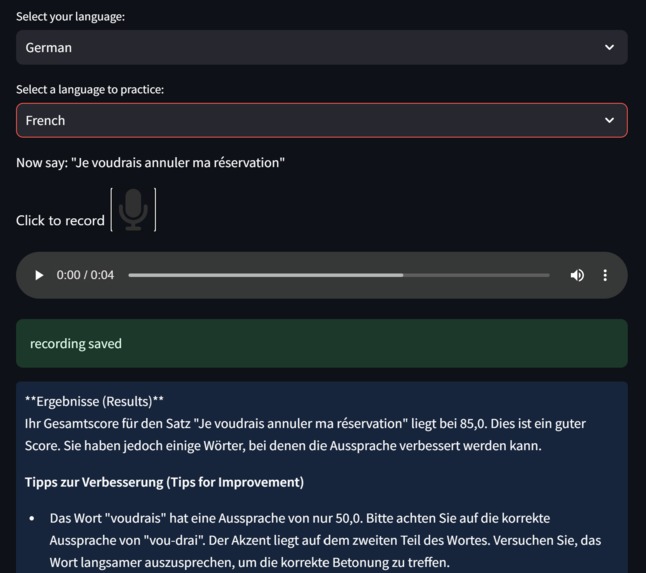
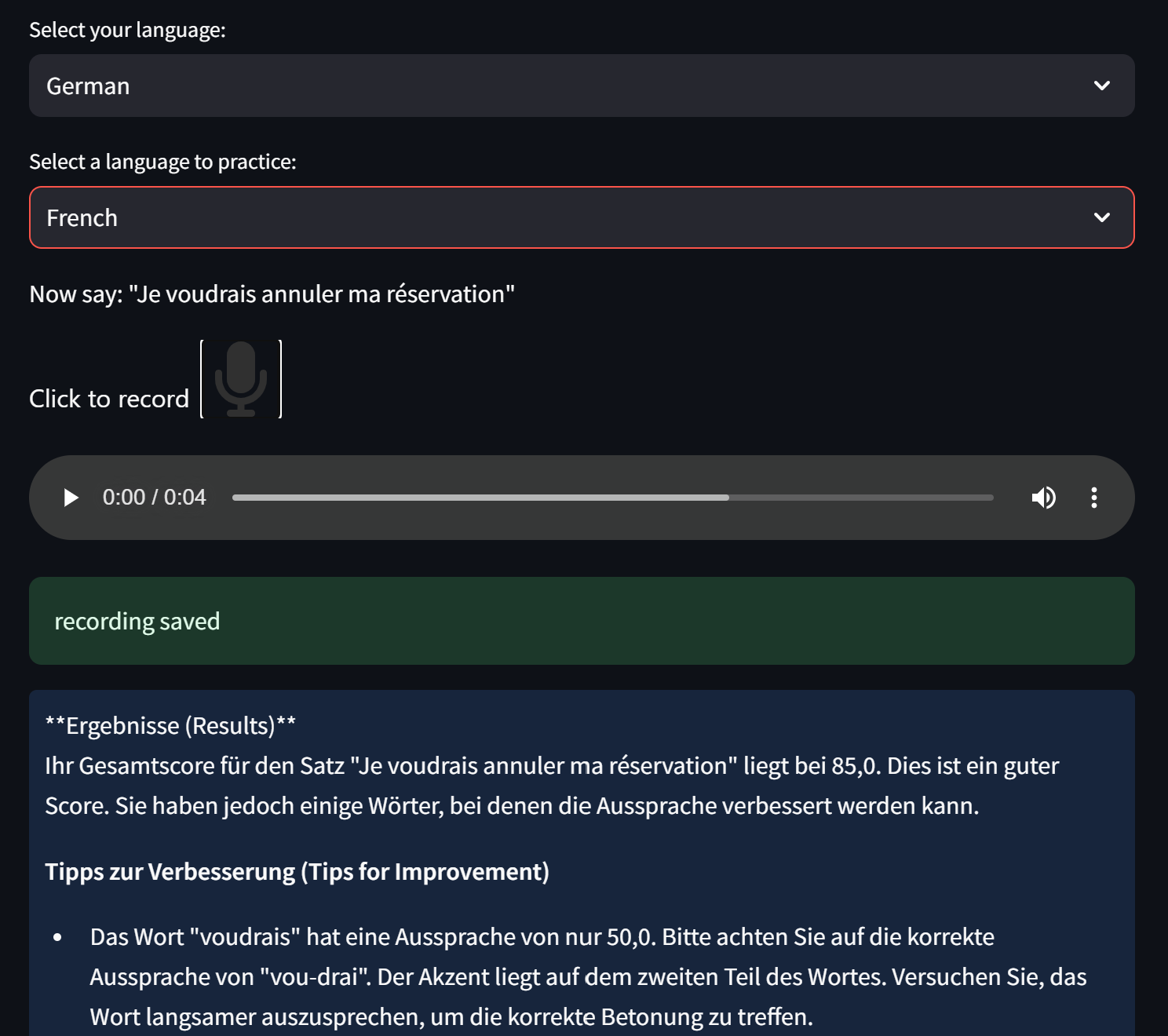
Results in different language (pc)
-
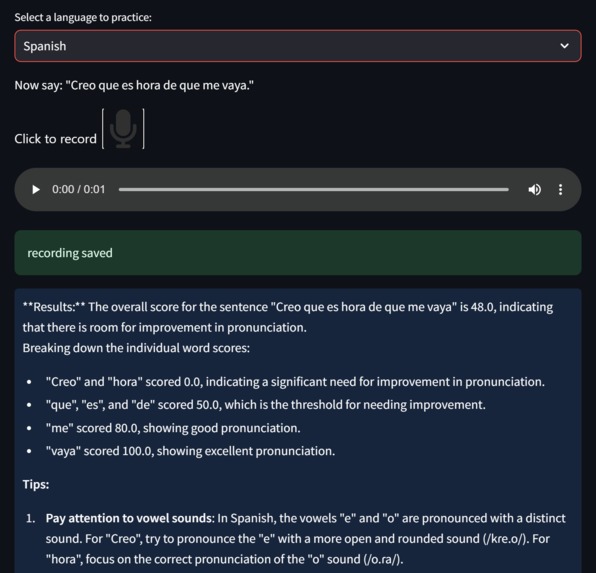
Results (pc)
-
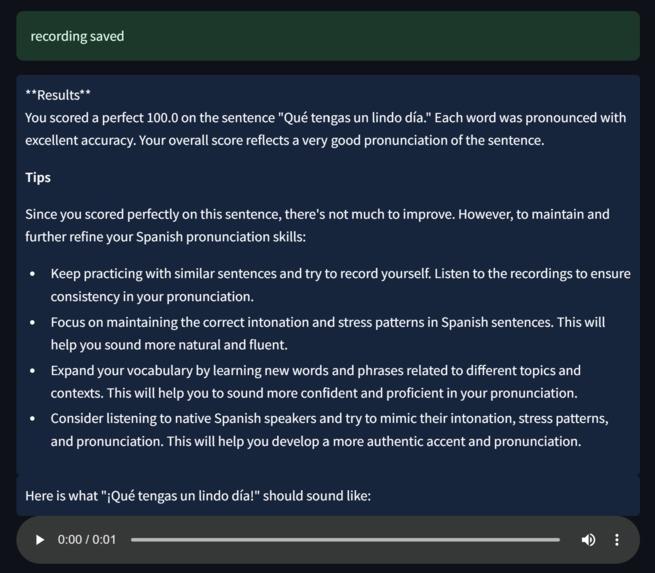
Result cont. (pc)
Inspiration
Many people nowadays want to learn new languages; however, finding partners to practice speaking those new languages with is difficult. Due to the lack of speaking practice, many lose confidence in their pronunciation of words and their ability to properly communicate with native speakers, which quickly leads to disinterest in learning new languages. Linguistify solves this problem by allowing those who wish to practice speaking new languages a chance to practice utilizing AI, which will give feedback on pronunciation and tips for how to continue improving. Whether it's an international student who wants to feel more connected with their peers, someone who wants to connect with a different culture through the native language, or a traveler wishing to make the most out of their trip, Linguistify connects people with the power of conversation.
What it does
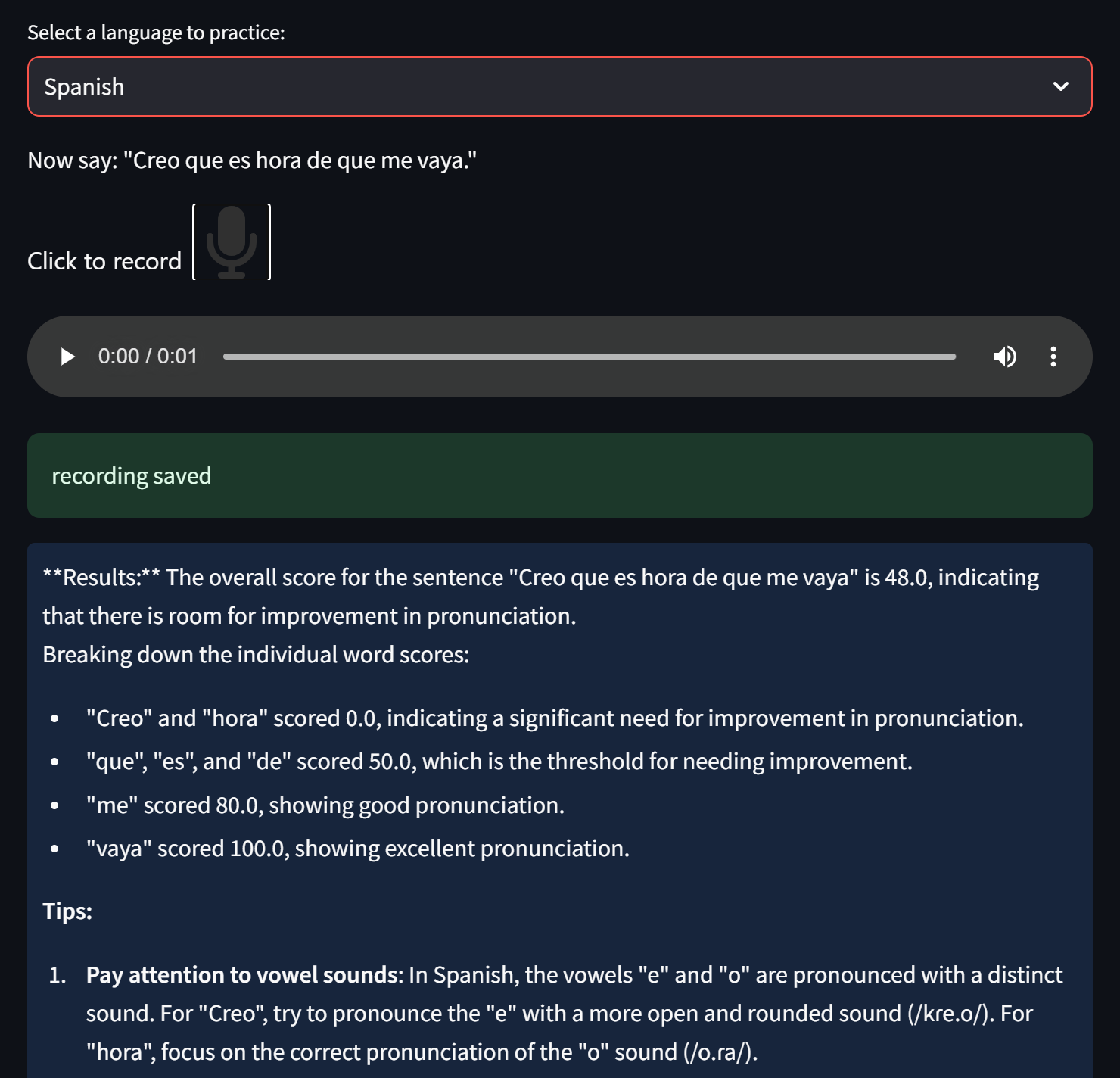
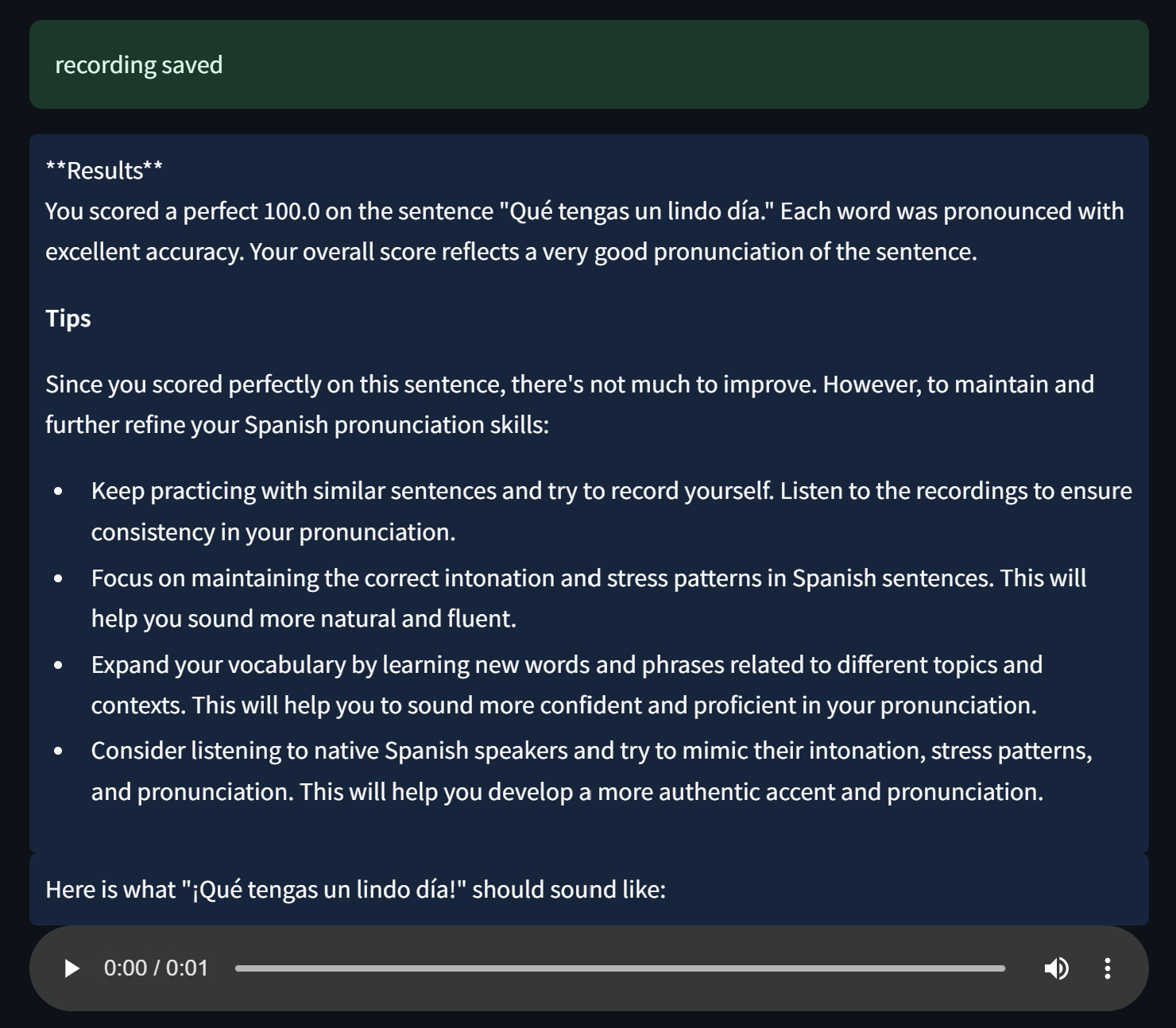
Linguistify provides the user with common phrases in the language they want to learn. The user will then record an audio sample that will be analyzed by a machine learning model, which will produce a score based on the pronunciation of the user. The results will then be passed into a large language model that provides feedback on how to improve pronunciation and how to continue practicing. Furthermore, an audio sample of the phrase is provided that gives the user a reference for how to pronounce the given phrase.
How we built it
The front end was made using Streamlit. The model for scoring pronunciation was provided by Microsoft Azure's Speech SDK and Groq was used to generate feedback for pronunciation improvement. Google Cloud was used for hosting the web app, GoDaddy was used for getting a custom domain name for Linguistify, and Google's Text-to-Speech API allowed us to integrate an audio sample that the user could reference during pronunciation practice. Google Secret Manager API allowed us to securely access environment variables stored in Google Cloud, and Docker was used to create images that would be stored in containers in Google Cloud Run, which would then be deployed through the service.
Challenges we ran into
We ran into many integration challenges when it came to connecting the front end with the back end. We had to learn how to properly use the outputs of each respective model and how to manipulate the results to fit our needs. Furthermore, we were all learning new frameworks and APIs, making it a necessity for us to learn quickly as the learning curve was steep. After resolving these initial issues, we moved on to deployment and launched the app on Google Cloud while implementing a customized link using GoDaddy. The deployment was one of the most challenging sections of the project since we needed to learn how to do it using Streamlit while many of the resources related to deployment used Flask. This led to us learning about Docker and creating images through Docker Desktop and the Google CLI. We then figured out how to create a container using Google Cloud Run and how to connect the image to the container. After this, we dealt with many issues when it came to accessing our environment variables which led to the utilization of Google's Secret Manager API and updating permissions and roles in the Google Cloud Console.
Accomplishments that we're proud of
- Learning how to use Microsoft Azure's Speech SDK
- Learning how to integrate an LLM into a project
- Learning how to host an app on Google Cloud
- Learning more about different languages
- Pushing ourselves and getting out of our comfort zones
- Improving our problem-solving and critical-thinking skills
- Integrating three AI/ML models in one application
- Overcoming a steep learning curve
- Providing a solution to an issue that everyone can relate to
- Connecting everyone one word at a time
What we learned
We learned a lot about how to utilize a variety of APIs and how to integrate AI into a project. We also learned how to leverage Google Cloud to deploy our app and how to build images and store them into containers. Finally, we learned a lot about how to work as a team and how to implement feedback given by test users, which allowed us to create a product that we are proud to call ours.
What's next for Linguistify
- More personalized features such as creating accounts and login functionality
- Saving assessment scores and showing how a user has progressed over time
- Adding more languages and phrases
- Creating lesson plans and reminders
- Allow users to practice multiple phrases in one session
Built With
- artificial-intelligence
- azure
- azure-speech-sdk
- docker
- docker-desktop
- godaddy
- google-app-engine
- google-cli
- google-client-authentication
- google-cloud
- google-cloud-console
- google-cloud-run
- google-secret-manager-api
- google-text-to-speech-api
- groq
- large-language-model
- machine-learning
- markdown
- python
- streamlit
- vscode


Log in or sign up for Devpost to join the conversation.