Inspiration
Most language learning apps for kids are flashcards in disguise. They drill vocabulary in isolation and call it learning. But research is clear: language acquisition sticks when it's tied to narrative context, not when it's memorized in lists. Apps like FabuLingua proved that kids will absorb a foreign language if you embed it in a story they actually want to follow.
LinguaQuest is built on a single principle: language isn't bolted onto gameplay — it IS the mechanism for story progression. You don't memorize "árbol" because the app told you to. You learn it because Luna asked you to find the farolito near it, and you needed to know what an árbol was to help her.
What it does
LinguaQuest is a playable demo of a story-world Spanish learning game. The player:
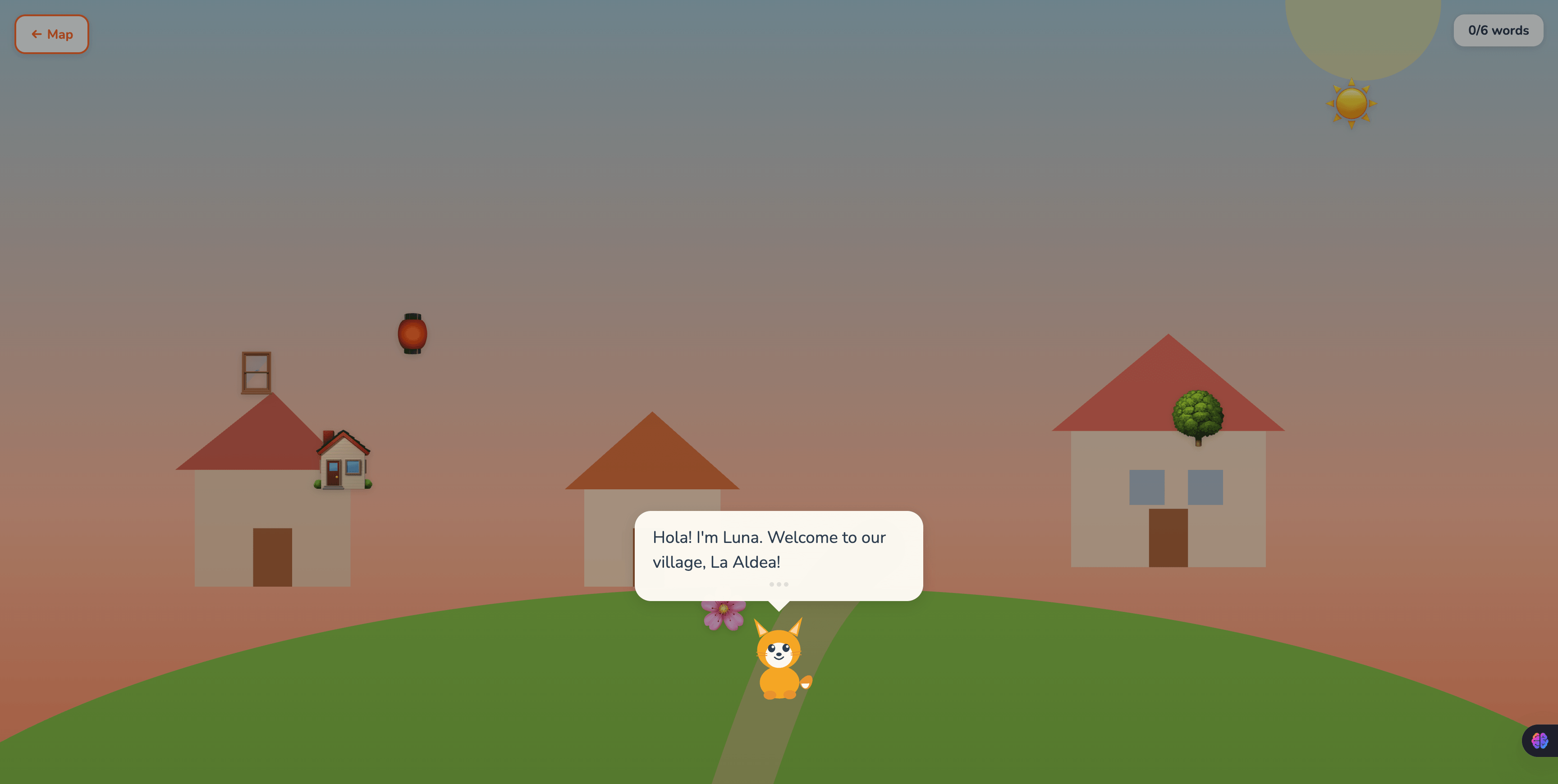
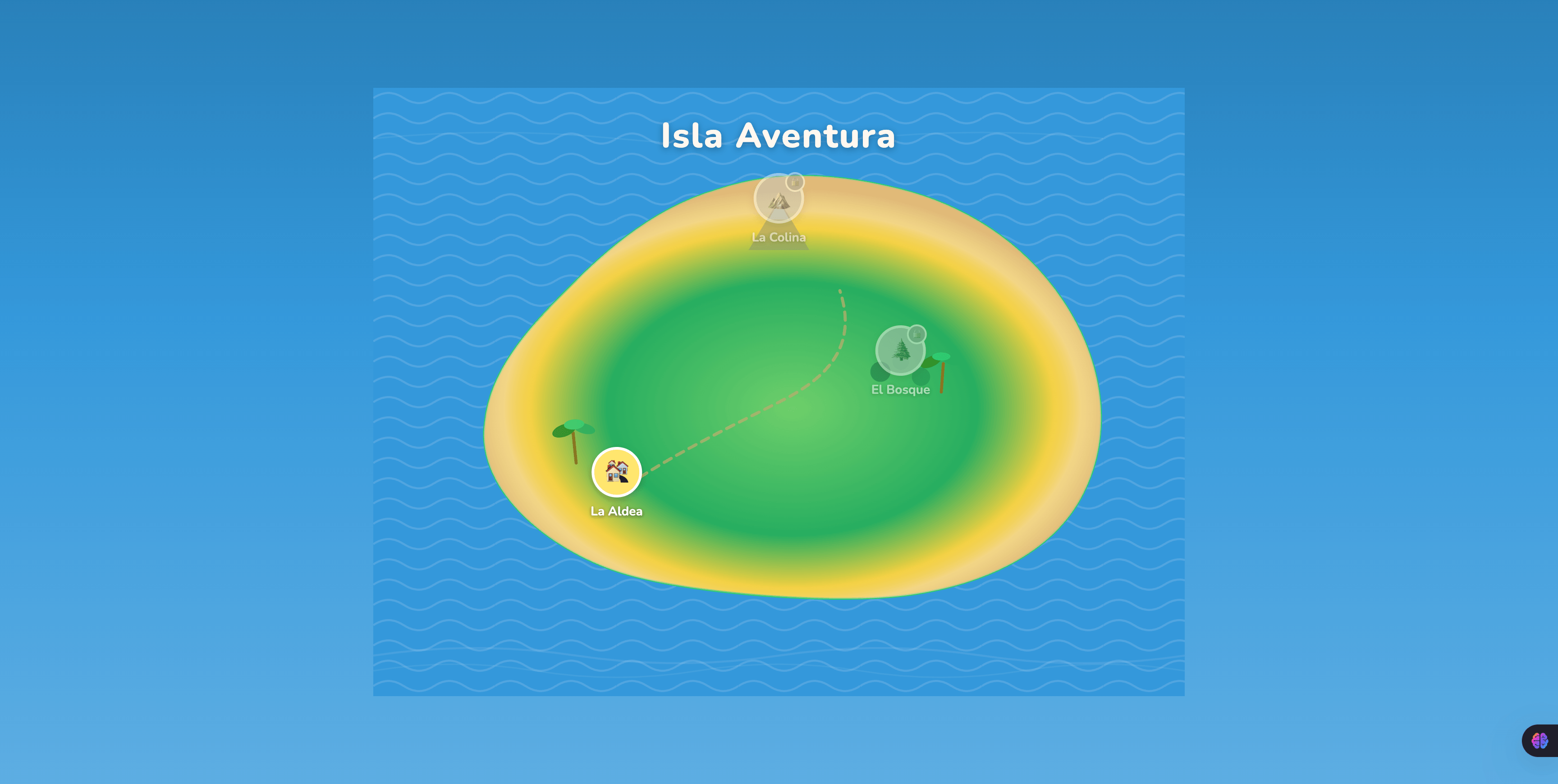
- Explores Isla Aventura — a hand-illustrated island with three locations that unlock progressively.
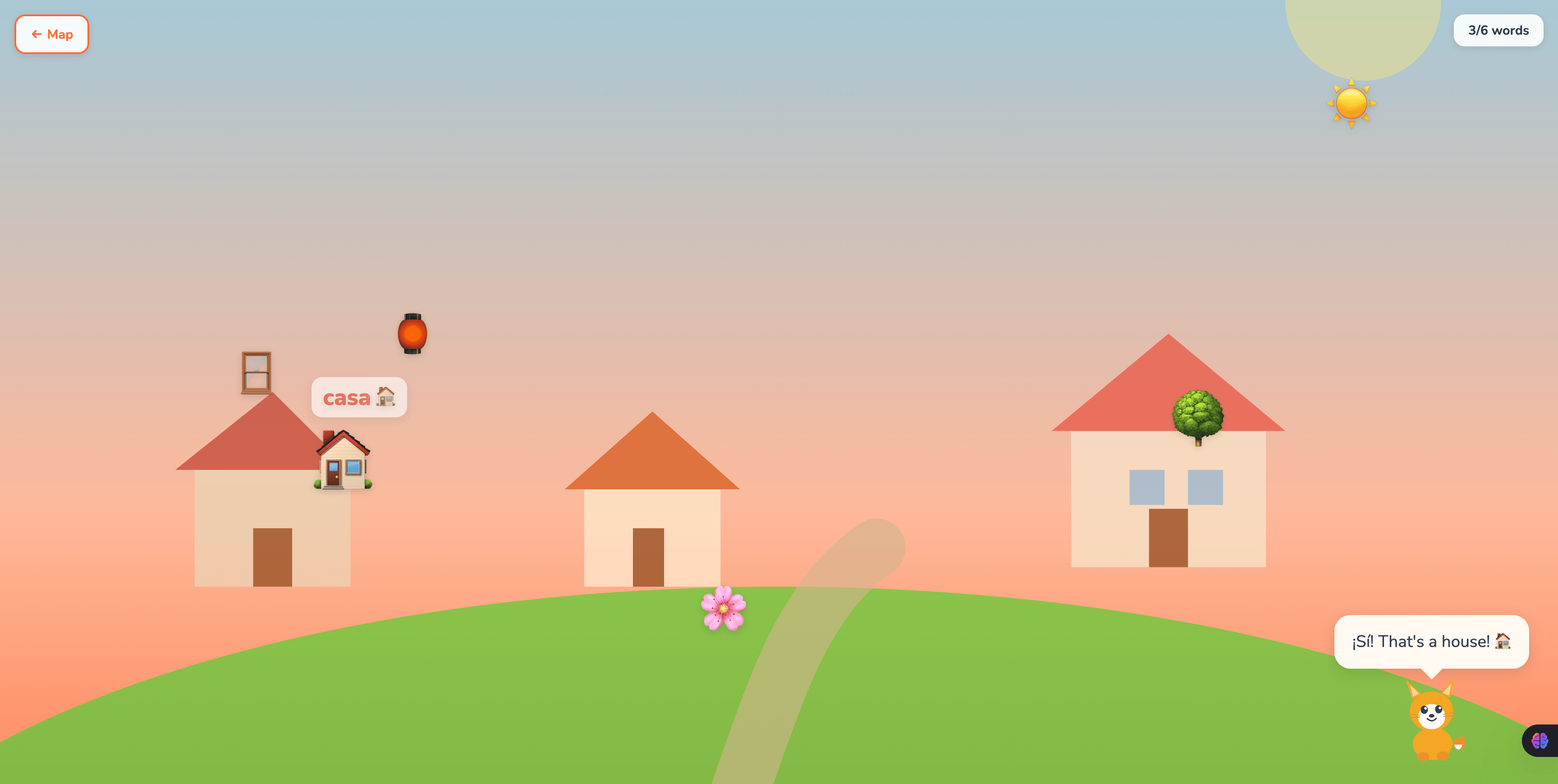
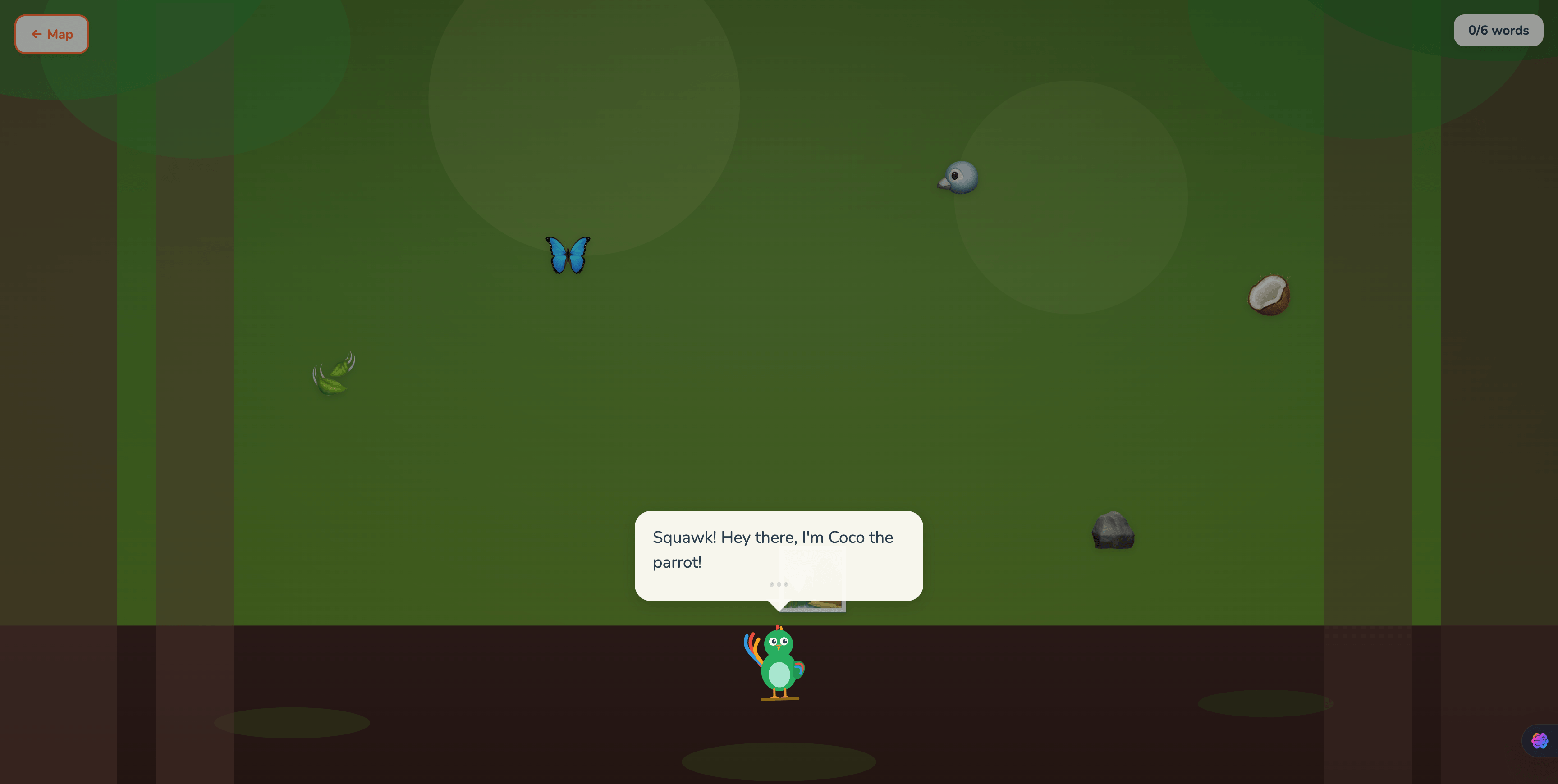
- Discovers vocabulary by tapping — objects in each scene bounce, sparkle, and float their Spanish name when tapped. Luna or Coco reacts in a bilingual speech bubble.
- Solves story puzzles — characters give instructions in mixed English and Spanish ("Find the farolito near the árbol!"), and the player must tap the correct object.
- Gets gentle hints when stuck — after 3 wrong taps, a contextual clue appears. After 5, the correct object glows. No timers, no fail states, no scores.
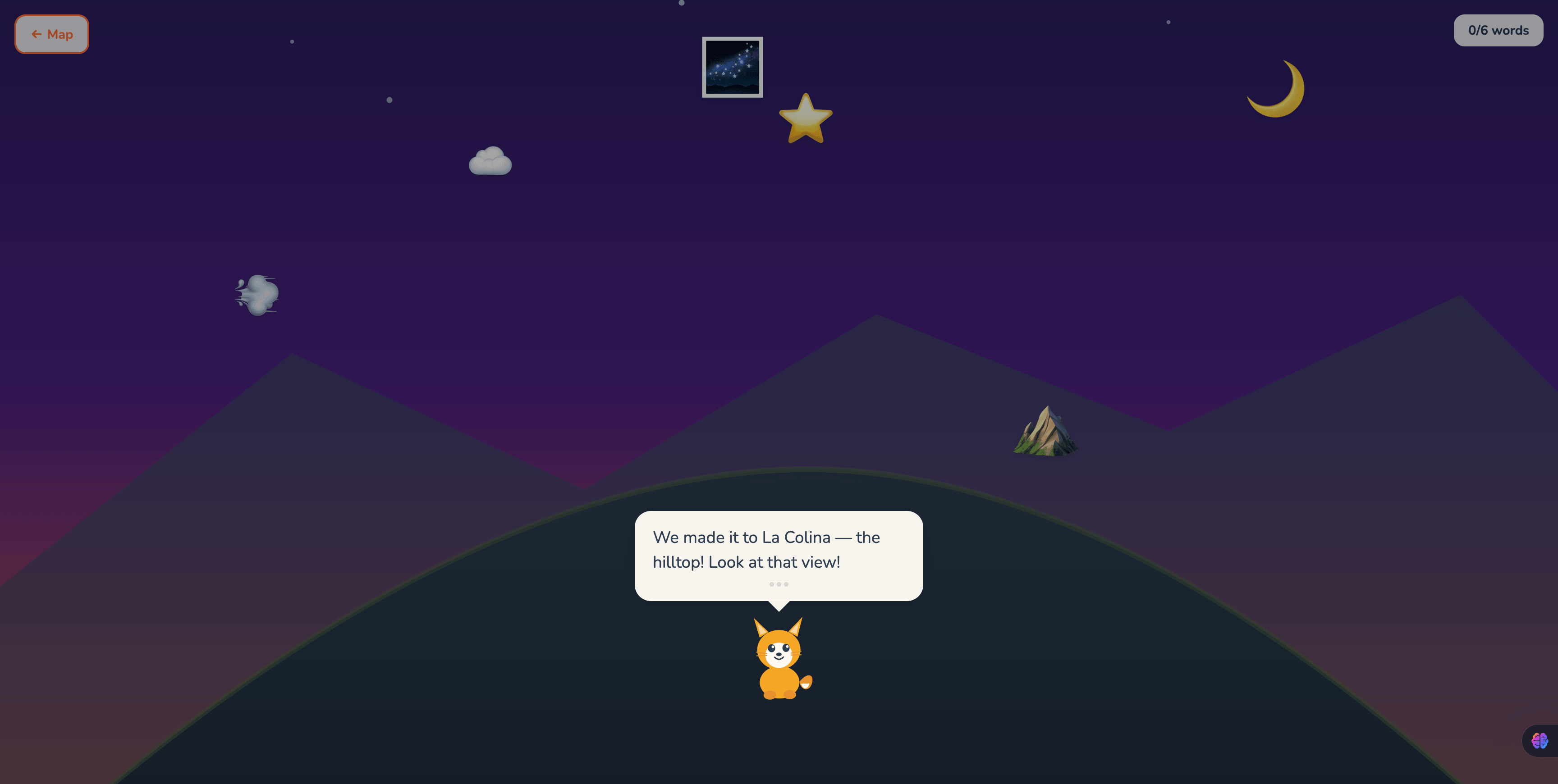
- Meets two characters — Luna the friendly fox guides Scenes 1 and 3, while Coco the mischievous parrot teases through Scene 2's streamer-recovery puzzle.
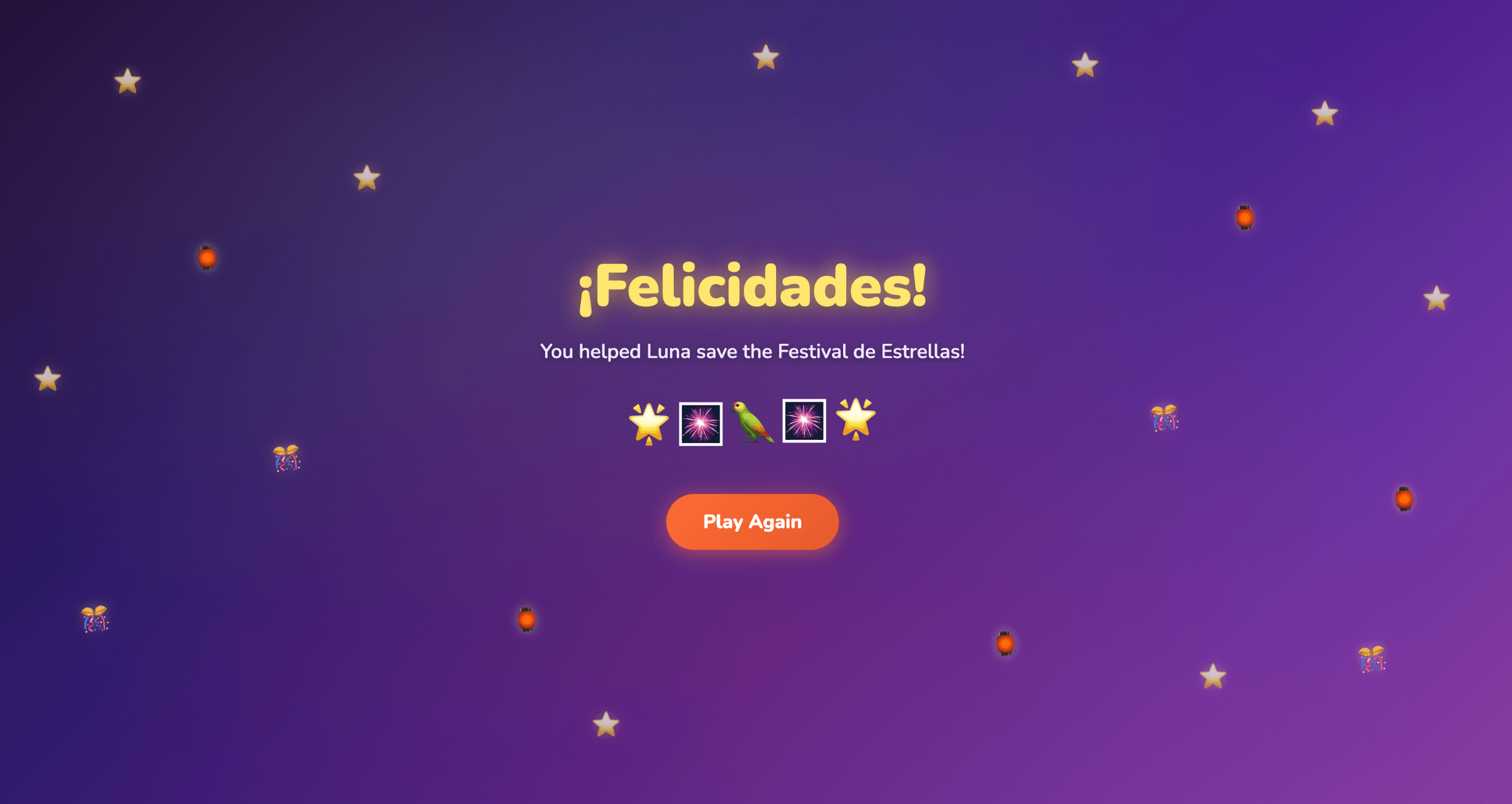
- Reaches the festival finale — Scene 3 reinforces vocabulary from previous scenes, and completion triggers a celebration screen with the Festival de Estrellas in full swing.
The app is pre-reader friendly: Spanish words are highlighted in a distinct color and paired with emoji/icons so kids who can't read fluently can still play and learn.
How we built it
The build started with spec-driven development — every line of code was preceded by a planning artifact. The full process is captured in the docs/ folder:
learner-profile.md— who I am as a builderscope.md— the original idea and what's cutprd.md— user stories, features, non-goalsspec.md— technical architecture, data models, file structurechecklist.md— 10-item build plan with verification checkpointsreflection.md— post-build retrospective
Stack:
- React 19 + TypeScript for the UI
- Vite 8 for dev server and build tooling
- Motion 12 (formerly Framer Motion) for bounce, sparkle, floating word, and screen transition animations
- Hand-coded SVG art for scene backgrounds and characters — no external assets
Architecture: The app is data-driven. Each scene is a TypeScript config object listing vocabulary, puzzle steps, character, and background type. A generic SceneView component reads the config and renders everything. Adding a new scene = adding a new config file. The same renderer handles vocab tapping, character dialogue, hint progression, and puzzle flow for any scene.
Game state lives in a single useGameState hook — central, easy to reset on "Play Again," easy to reason about. The puzzle flow lives in usePuzzleManager, a custom hook that tracks the current step, wrong-tap count, and hint state.
The whole thing was built collaboratively with Claude Code as a coding partner, using the structured planning workflow to keep the AI focused and the output high-quality. The full conversation history is implicit in the docs folder.
Challenges we ran into
The biggest one was a subtle Rules of Hooks violation in the puzzle system. The first version of PuzzleManager was a function that internally used useState, useEffect, and useCallback — but it was being called conditionally from SceneView only when the scene was in puzzle phase. When the phase transitioned from puzzle to complete, the hooks stopped being called, which violates React's Rules of Hooks and caused the screen to go blank. The fix was extracting the puzzle logic into a proper usePuzzleManager custom hook that's always called, with an isActive flag to control behavior. Classic example of why hooks must be called unconditionally in the same order on every render.
The other challenge was balancing scope against polish. The original PRD was ambitious — three fully illustrated scenes, two characters with distinct personalities, a hint system, progressive unlocking, a celebration screen. The spec called it out as risky. The choice was to lean on simple SVG art (organic shapes, gradients, key elements) instead of fully detailed scenes — and use the saved time on interaction polish. Bounce + sparkle + floating word is what makes the app feel alive, not background detail.
Accomplishments
- Three fully playable scenes with distinct settings, characters, and puzzle mechanics
- A genuinely data-driven scene architecture — adding a fourth scene would take an hour
- A hint system that helps kids without ever making them feel bad
- Hand-coded SVG art throughout (no asset pipeline, fully version-controlled)
- Responsive layout from 375px (mobile) to 1280px (desktop)
- Zero external dependencies beyond React and Motion
What we learned
Spec-driven development with an AI coding partner is faster than freestyle coding, even for an experienced dev. The PRD and spec aren't bureaucracy — they're the context that lets the AI make decisions you'd actually approve of, without you having to micromanage. Time spent in /scope and /prd paid back 5x in /build.
The data-driven architecture was the right call. It felt like over-engineering during /spec, but as soon as I had three scene configs the win was obvious. The same renderer, the same puzzle flow, the same character logic — just different data.
React's Rules of Hooks are real and Claude can violate them just like a human can. The empty-screen bug was subtle enough that the first version compiled cleanly and worked for the explore + puzzle phases. It only broke at the phase transition. Worth catching in code review even when an AI wrote the code.
What's next
- Audio/voiceover — Luna and Coco speaking aloud, native pronunciation of Spanish words on tap. Would dramatically improve the experience for pre-readers.
- More islands — the data-driven architecture is built for this. Each new island = a new map config + scene configs.
- More languages — same architecture, different vocab files.
- Vocabulary journal — a collectible "word book" that accumulates across play sessions.
- Difficulty scaling — less English scaffolding for older or returning kids.
Built With
- claude
- react
- typescript
- vite

Log in or sign up for Devpost to join the conversation.