-
-
Lingualive
-
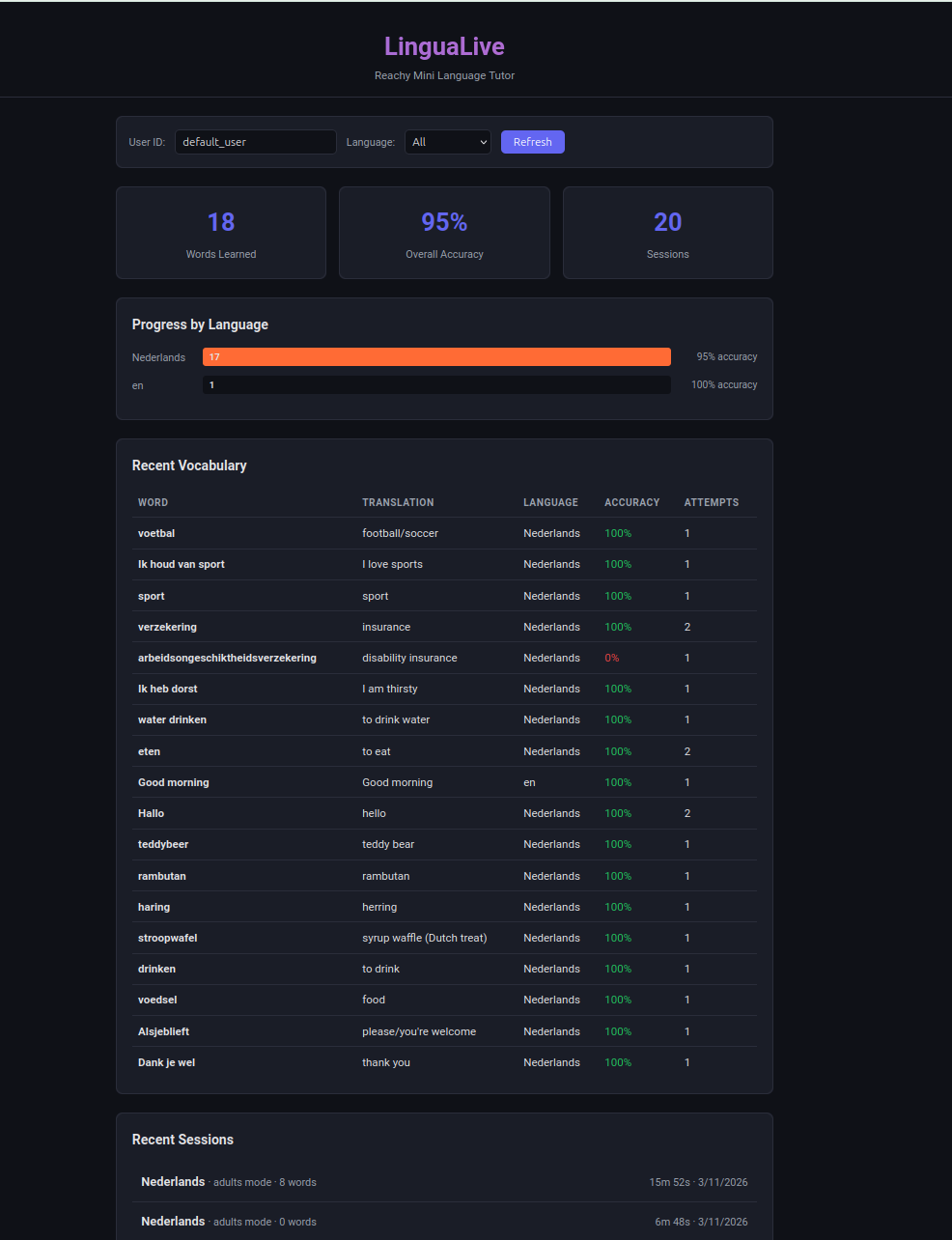
Lingua Live Progress Dashboard
-
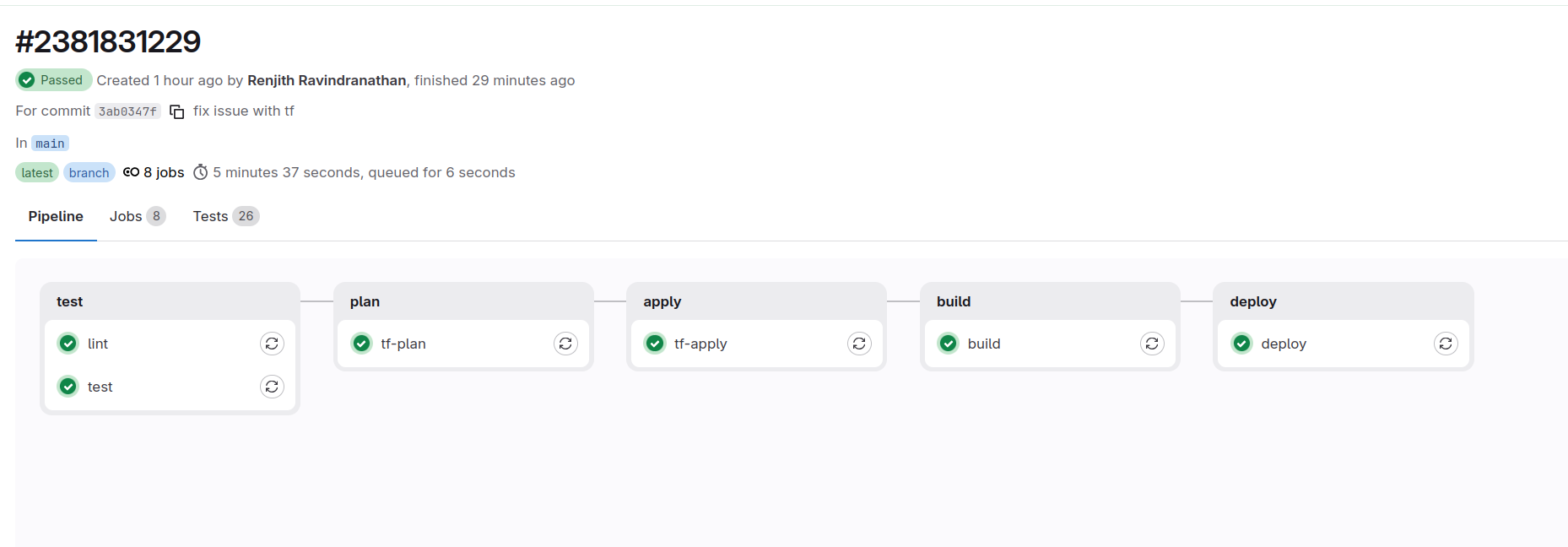
Gitlab CI
Inspiration
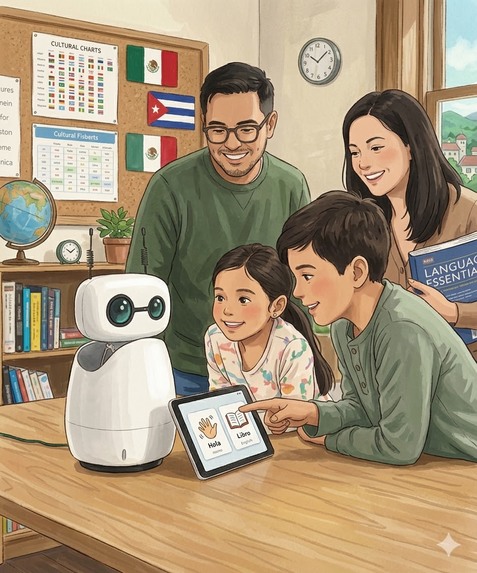
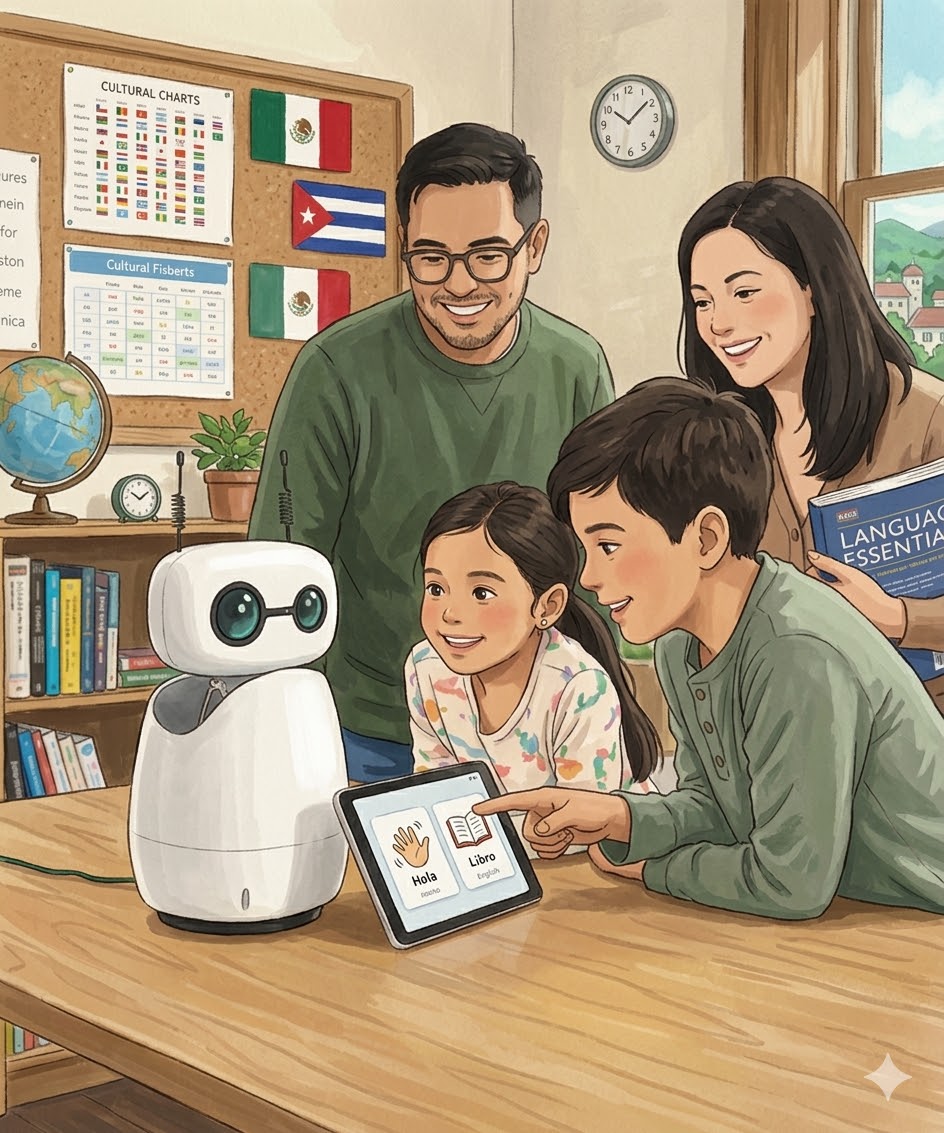
We've all tried language learning apps, and they work fine for flashcards and grammar drills. But they miss what actually makes you learn a language: talking to someone. We wanted to build something you could sit across from and have a real conversation with. A robot felt right because it gives you a physical presence to talk to, and honestly it's way less awkward than talking to a screen. The Reachy Mini with its expressive head was a perfect fit. We thought: what if we could make a robot that actually listens, responds in real time, and remembers what you learned last time?
What it does
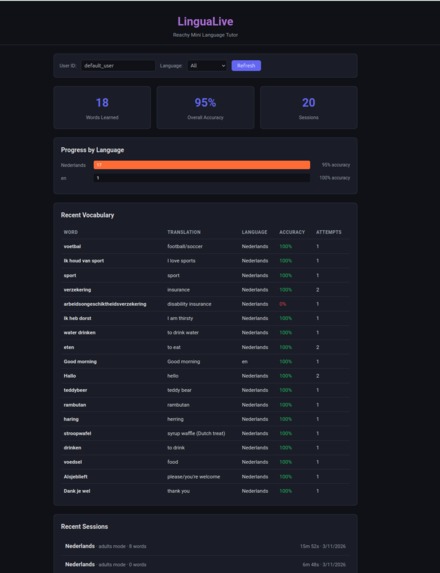
LinguaLive turns a Reachy Mini robot into a conversational language tutor. You just start talking, and it teaches you Dutch, German, Spanish,Malayalam, or English through live voice conversation. Point an object at its camera and it'll teach you the word in your target language. It nods when you get something right, shakes its head when you don't, and moves naturally while it speaks so it doesn't feel like talking to a mannequin. It tracks your vocabulary with spaced repetition, remembers your previous sessions (so it picks up where you left off), and has a web dashboard where you can see your progress. You can switch languages, difficulty levels, or between kids and adults mode mid-conversation just by asking.
How we built it
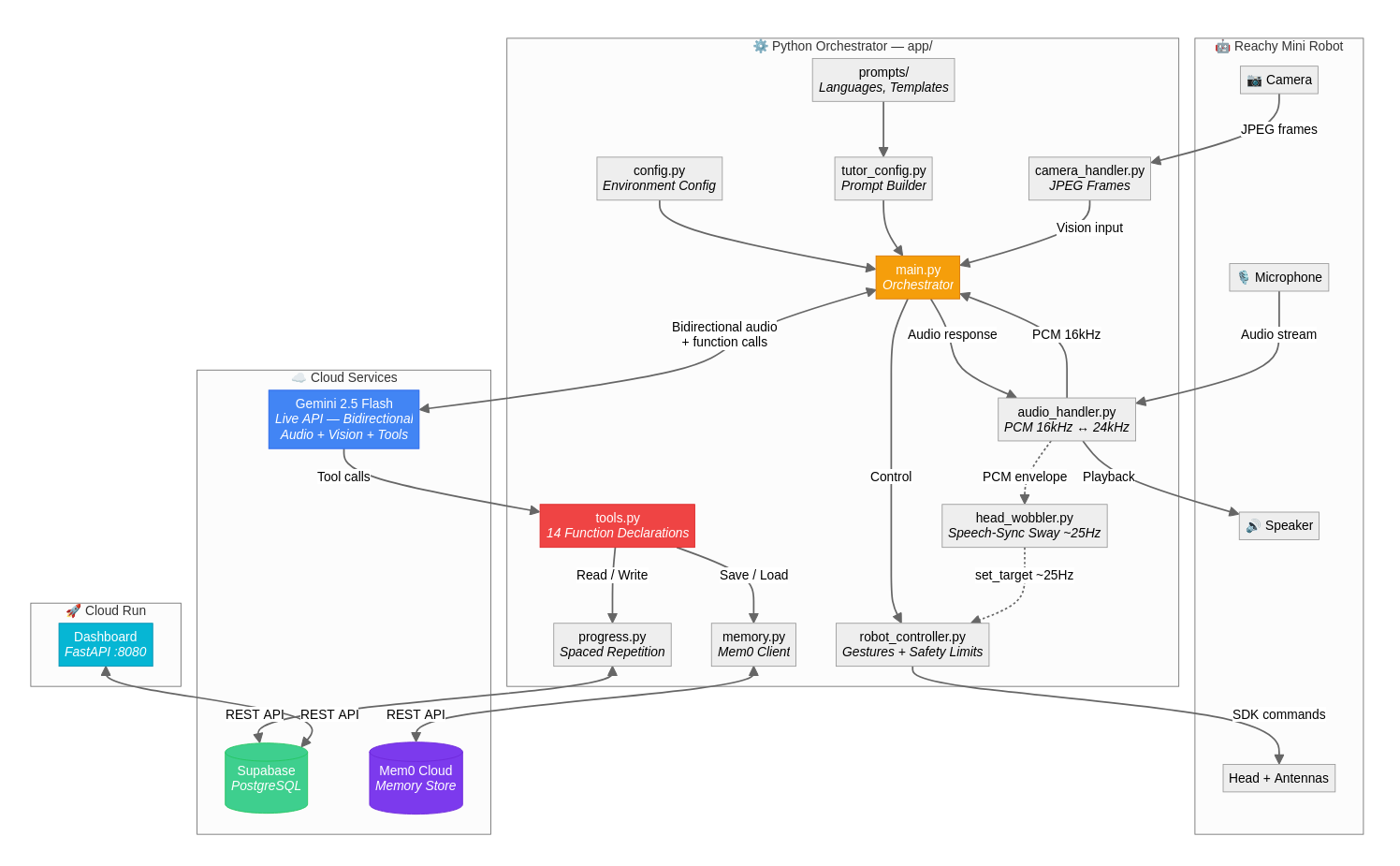
The core is Gemini 2.5 Flash's Live API, which handles bidirectional audio streaming, vision input, and function calling all over a single WebSocket. I wrote a Python async orchestrator that wires together the robot SDK, microphone/speaker, camera, and Gemini into concurrent loops. The robot's head movement during speech is driven by reading the audio envelope through a VAD with hysteresis and feeding it into threeoscillators at different frequencies, which gives a surprisingly natural sway. Progress tracking uses Supabase (PostgreSQL) with a spaced repetition model, and Mem0 Cloud stores unstructured conversation memory so the robot actually remembers past sessions. The dashboard is a FastAPI app deployed on Cloud Run. Language support is data-driven: adding a new language is just a YAML entry and a markdown prompt file, no code changes.
Challenges we ran into
Getting the Gemini Live API session to stay alive reliably was tricky. WebSocket connections would drop silently after idle periods, so I had to build reconnection with exponential backoff and send silent keepalive audio every 60 seconds. Voice interruption handling was another headache: when the user speaks over the robot, you need to instantly flush the audio playback queue and reset the head wobbler, or everything gets out of sync. The Mem0 API had inconsistent interfaces between search (v2, needs filters dict) and add (v1, takes user_id as a kwarg), which caused 400 errors until I figured out the difference. And tuning the head wobbler's VAD thresholds so it doesn't jitter on background noise but still responds to actual speech took a lot of trial and error.
Accomplishments that we're proud of
The head movement really sells the whole experience. When the robot sways naturally while speaking and nods after you answer correctly, it genuinely feels like you're talking to something alive. We're also proud that the system is fully modular: the robot is optional (it falls back to laptop mic/speaker), memory is optional, progress tracking is optional. Everything degrades gracefully. The data-driven language system means anyone can add a new language in five minutes without touching Python code. And the conversation memory actually works across sessions, which makes the second lesson feel completely different from the first.
 Session Resilience (gemini_client.py)

  Framing: "Production Live API sessions drop, handling it invisibly."

  # Two mechanisms keep the session alive across hours of use:

  # 1. Keepalive: send 200ms of silence every 60s to prevent idle timeout
  silent_chunk = b"\x00" * 6400  # 16kHz 16-bit mono
  await session.send_realtime_input(
      media=types.Blob(data=silent_chunk, mime_type="audio/pcm;rate=16000")
  )

  # 2. Reconnection: exponential backoff, preserves full session state
  delay = min(BASE_DELAY * (2 ** attempt), MAX_DELAY=30s)  # 0.5s → 1 → 2 → 4 … 30s
  await self.connect(language, difficulty, mode, user_id, memory_context)
  # memory_context survives reconnects — student progress is never lost
What we learned
Real-time bidirectional audio is a different beast from request/response APIs. You have to think about latency, buffering, interruption, and silence handling all at once. We learned a lot about async Python patterns for running multiple concurrent I/O loops without them stepping on each other. Robot control taught us that there's a big difference between "blocking trajectory" movements (gestures) and "streaming position" control (continuous sway), and you need both to make a robot feel expressive. We also learned that the gap between "demo works" and "session stays stable for 20 minutes" is where most of the real engineering happens.
What's next for LinguaLive
We want to add more interactive lesson types: storytelling where the robot narrates and you fill in words, role-play scenarios like ordering at a restaurant, and pronunciation scoring using audio analysis. Multi-user support is on the list so a classroom of kids could take turns. We'realso looking at using the camera more actively for full visual lessons where the robot describes scenes and asks questions about what it sees.And we'd love to get it running on more robot platforms beyond Reachy Mini.
Built With
- ai
- fastapi
- gitlab
- gke
- googleaistudio
- googlegemini
- mem0
- python
- reachymini
- supabase


Log in or sign up for Devpost to join the conversation.