-
-
-
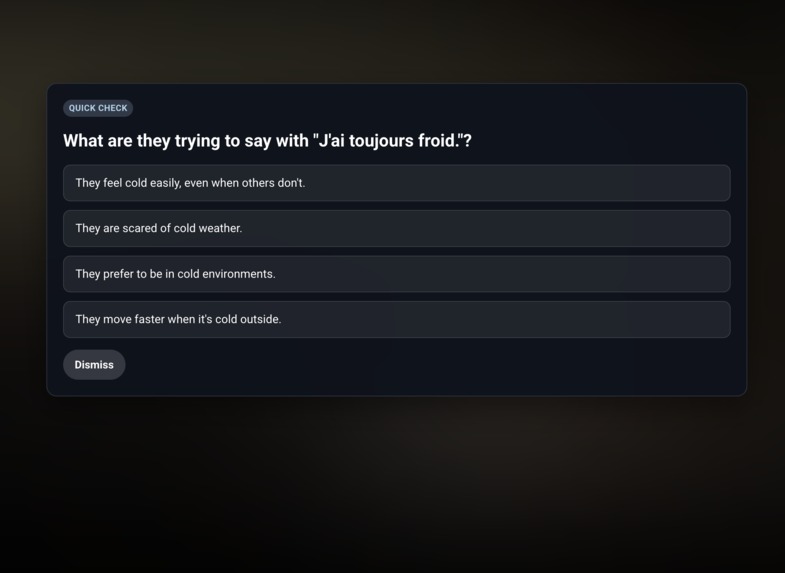
Quiz
-
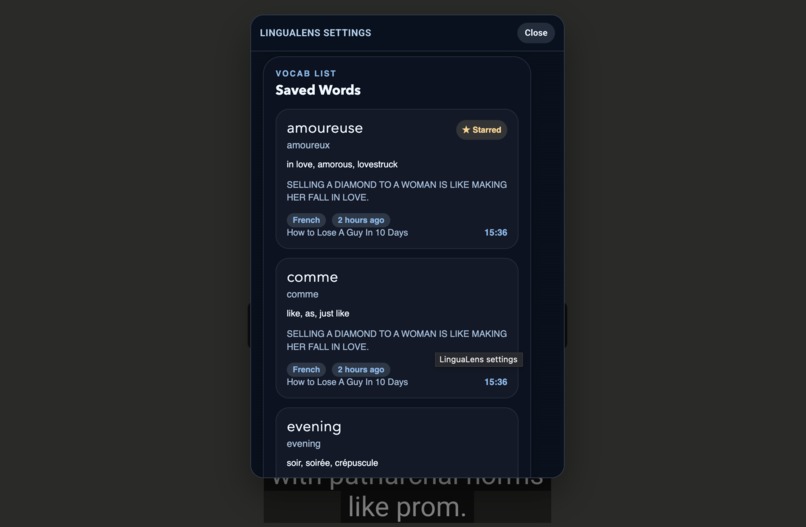
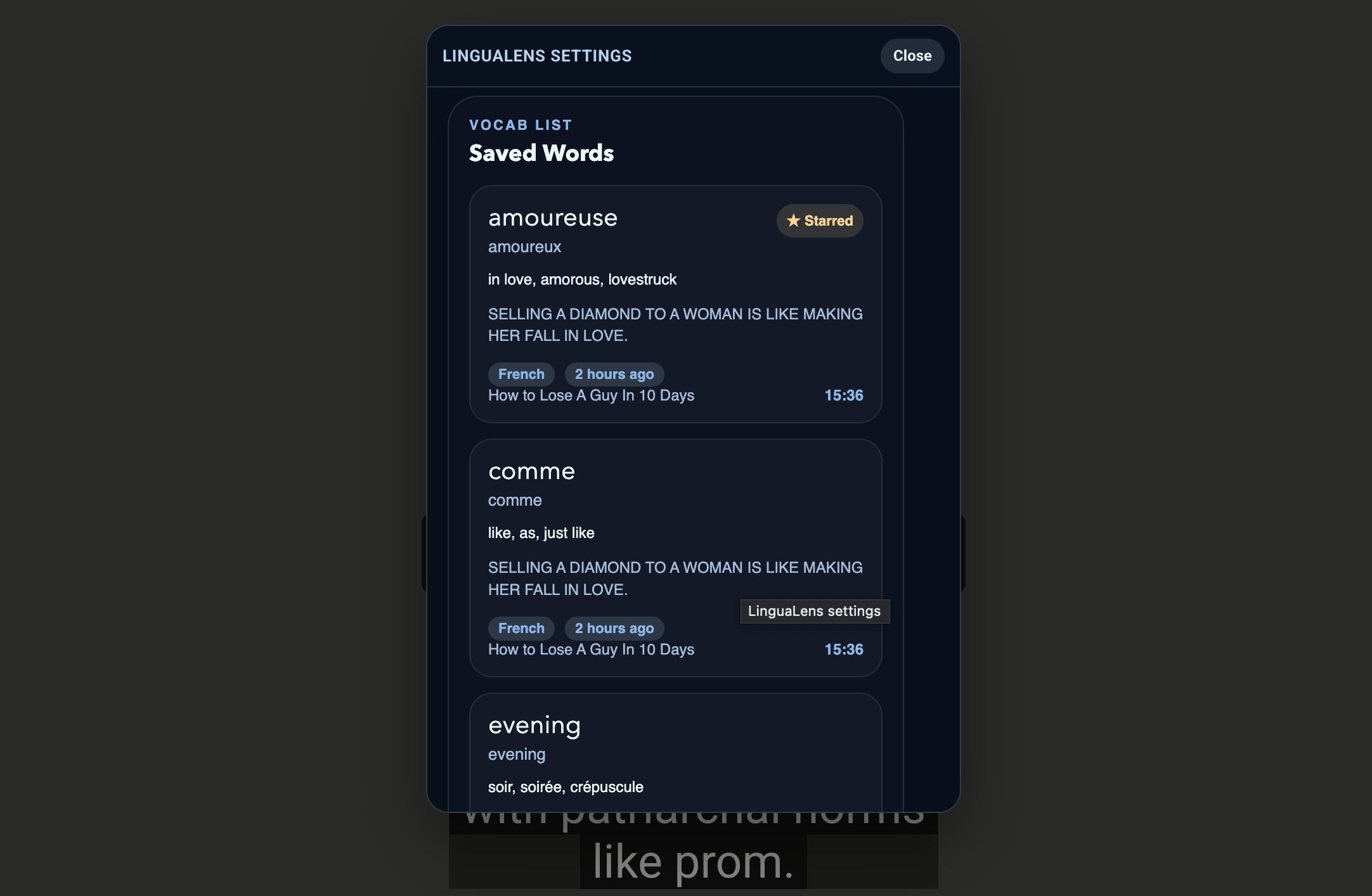
Saved words
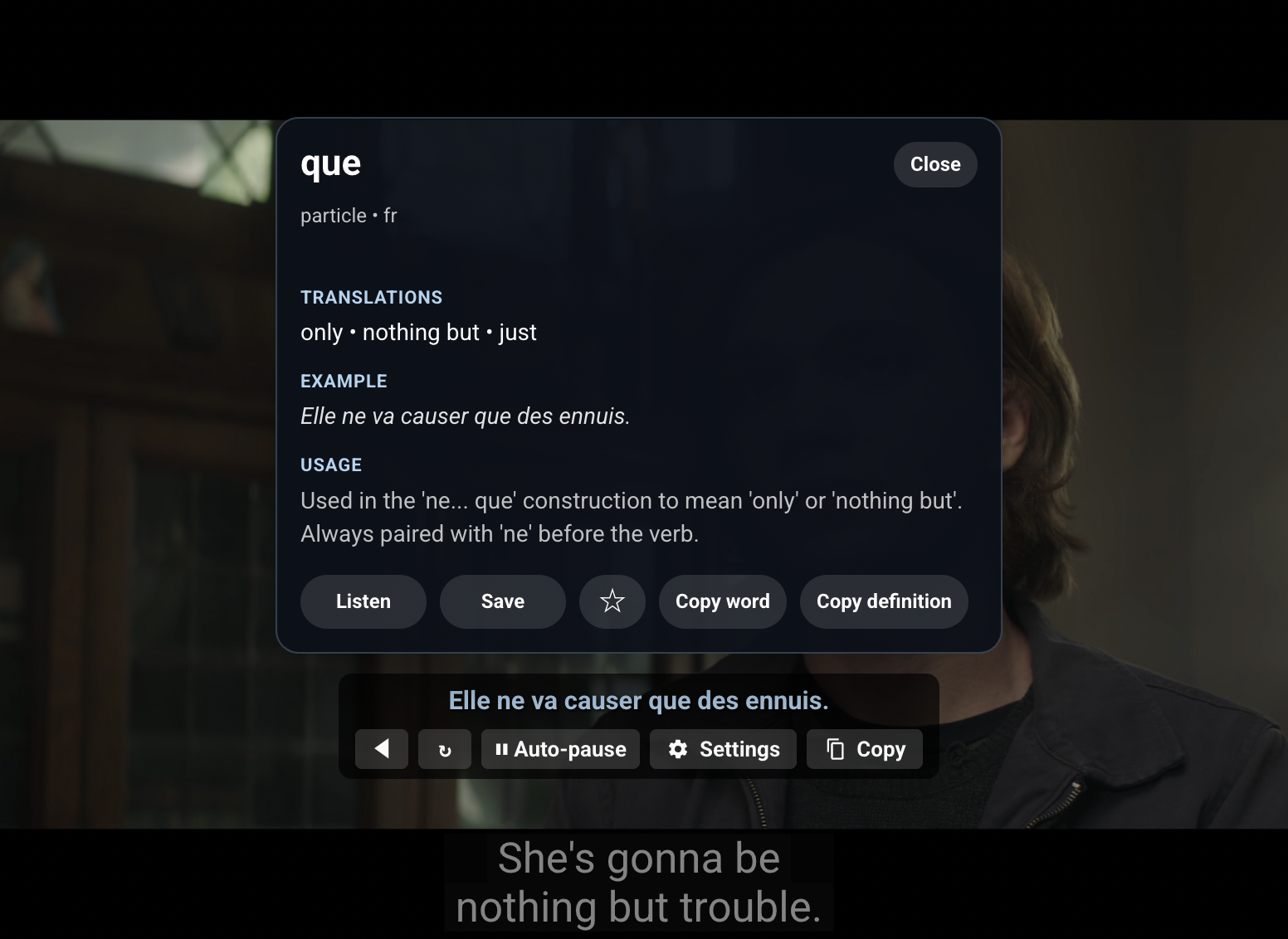
Inspiration
I built LinguaLens because language learning often feels disconnected from real life. Flashcards and drills can help, but they can also feel repetitive and abstract. At the same time, I realized that people already spend hours on YouTube watching interviews, tutorials, music, and shows in other languages.
That made me ask a simple question: why not turn that existing behavior into active learning?
I wanted to create something that lets learners stay immersed in real content while still getting the support they need. Instead of bouncing between subtitles, translators, note apps, and quiz tools, I wanted everything to happen in one place.
What it does
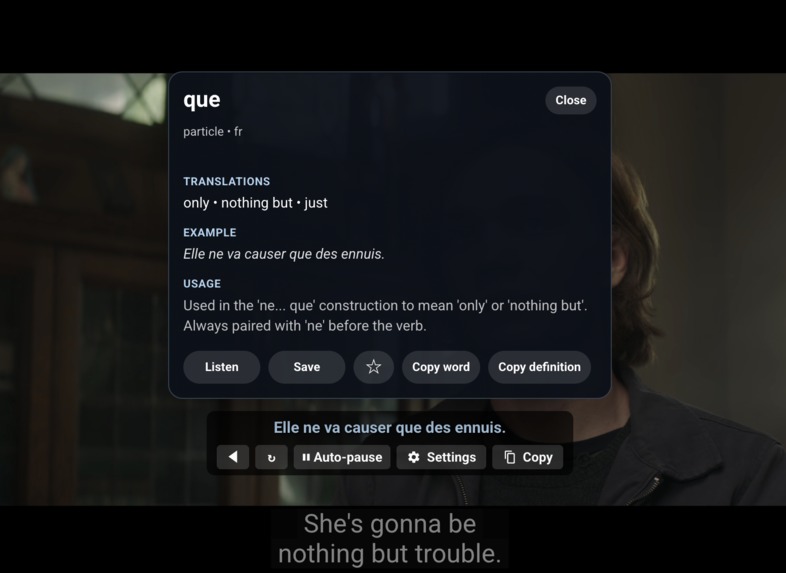
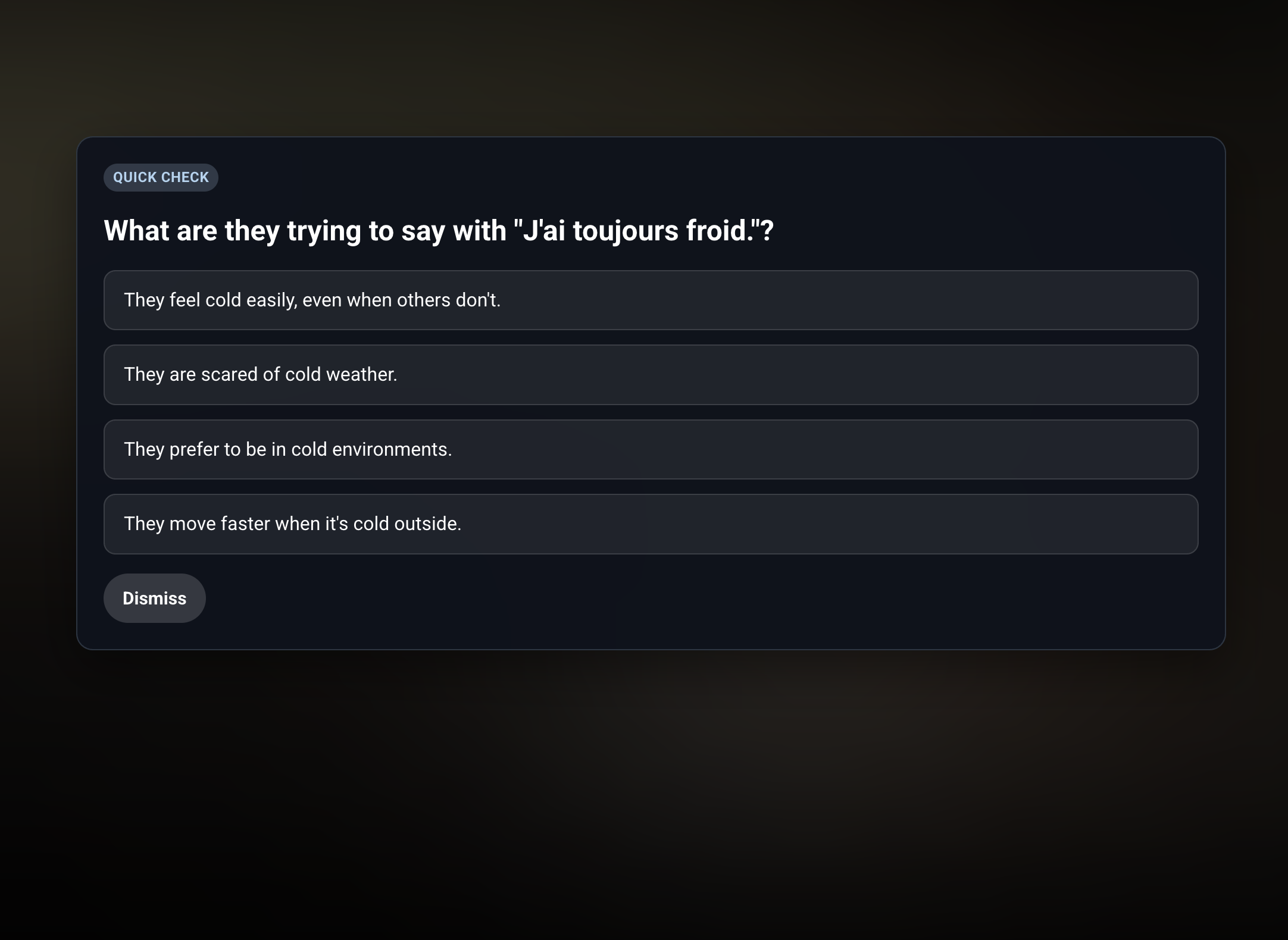
LinguaLens is a Chrome extension that turns YouTube into an interactive language-learning experience. It adds:
Dual subtitles -Instant word and phrase lookup -AI-generated comprehension quizzes -Pronunciation playback -Subtitle navigation and auto-pause study mode -Saved vocabulary and quiz history -Optional account-based sync The goal is to make watching videos feel like studying without breaking the flow of the video.
How I built it
I built LinguaLens as a Chrome Extension using Manifest V3 with plain JavaScript, HTML, and CSS.
The extension injects content scripts into YouTube pages, watches subtitle updates in real time, and renders a custom in-player overlay for translations, controls, quizzes, and word lookup. A background service worker handles external API requests and extension-wide logic.
The core technologies I used were:
-Chrome Extension APIs for storage, identity, alarms, and scripting -A subtitle engine that observes YouTube caption changes -A custom overlay for subtitles, controls, settings, and quizzes -Google Translate for subtitle translation -Gemini for contextual quizzes and word lookup -ElevenLabs for pronunciation playback -Auth0 for authentication -Supabase/Postgres for syncing user data I also designed it to be local-first, so the main learning experience still works even without sign-in.
Challenges I ran into
Responsiveness. Translation, word lookup, quizzes, and text-to-speech all depend on external APIs, so latency can quickly make the product feel clunky. I had to think carefully about caching, timing, and when to prefetch data so the experience still felt smooth.
What I learned
I learned a lot about Chrome extension architecture, especially the separation between content scripts, background workers, and local storage in Manifest V3.
I also learned that AI features work best when they are tightly scoped. Instead of treating AI like a general-purpose magic box, I got better results by giving each model task a specific role: translate a subtitle line, generate a focused comprehension question, or return a contextual vocabulary entry.
What I'm Proud Of
I’m proud that LinguaLens feels cohesive rather than just feature-packed. It takes something people already do, watching YouTube, and turns it into a more active and meaningful language-learning experience. As a solo builder, I’m especially proud of bringing together browser extension architecture, AI integrations, UX decisions, and backend sync into one working product.
What's next
-Smarter quizzes that adapt to learner level, weak vocabulary, and watch history -Better vocabulary review with spaced repetition and personalized practice -Cleaner sync so saved words, quiz history, and settings feel seamless across devices- -More pronunciation support, including broader voice coverage and speaking practice -Improved subtitle handling for more edge cases, caption formats, and YouTube UI changes
Built With
- auth0
- elevenlabs-tts-api
- google-gemini-api
- google-translate
- html/css
- javascript
- manifestv3
- supabase/postgres

Log in or sign up for Devpost to join the conversation.