The paper in her hand
A refugee from Damascus, six months in a new country, stands in her apartment holding a single sheet of paper. It is the third such paper this month. The first was a prescription she could not read. The second was a school enrollment form whose deadline she missed by two days. This third one has a red stamp on it. She does not know what the word at the top means.
The word is EVICTION.
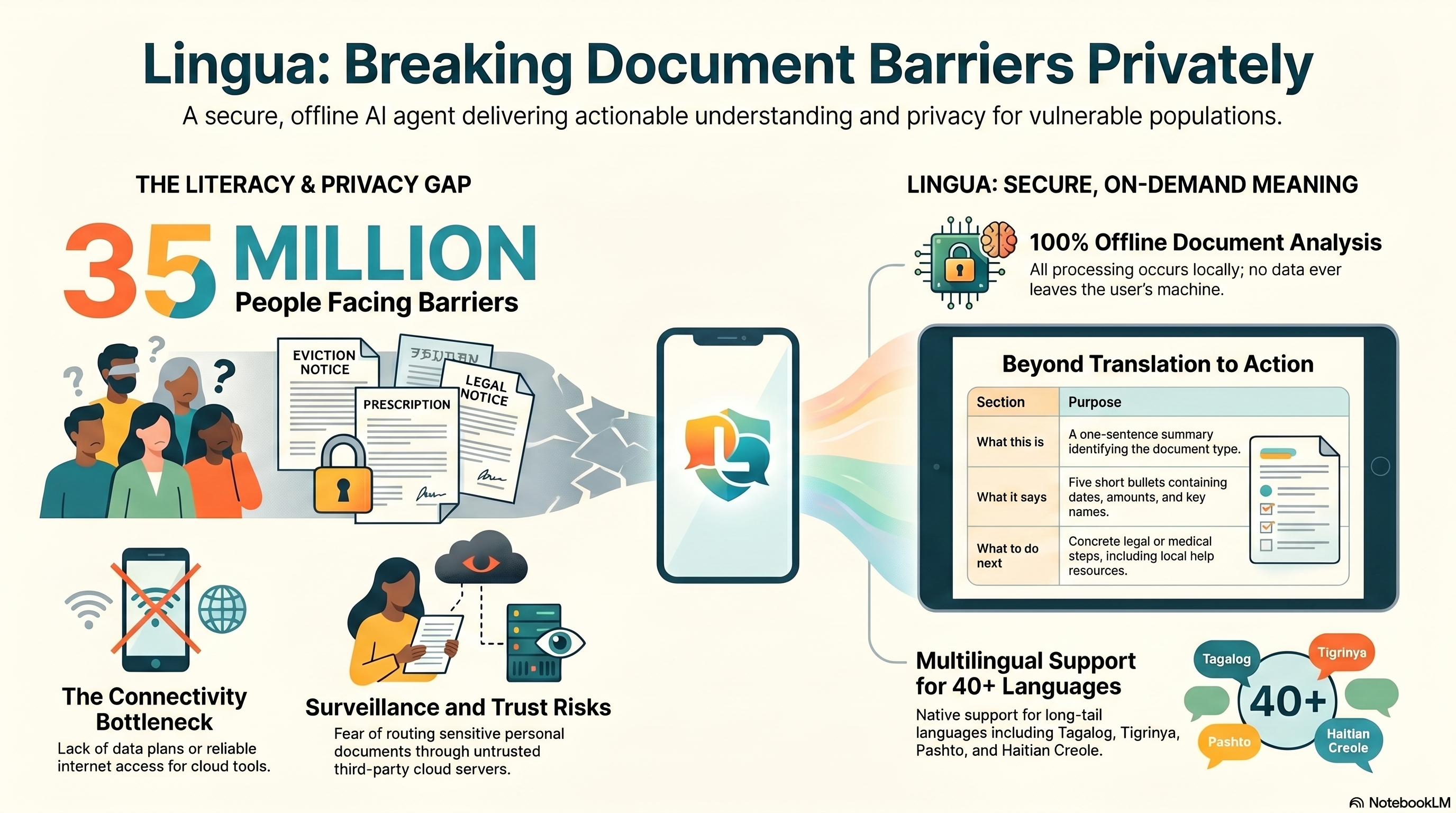
She has a phone. She does not have a data plan. The free Wi-Fi at the library closed an hour ago. Her landlord did not explain. She is afraid to ask a neighbor — her immigration status is precarious, and what looks like an innocent translation request can route through servers she does not trust. So she waits until her son comes home from school, and he tries to puzzle through it.
This story repeats itself 35 million times worldwide. It is the daily reality of being a refugee, a recent immigrant, a low-literacy adult, an elderly parent who emigrated late in life. The bottleneck is not language alone. It is meaning, on-demand, without surveillance, when there is no internet.
Lingua exists for this exact moment.
What Lingua does
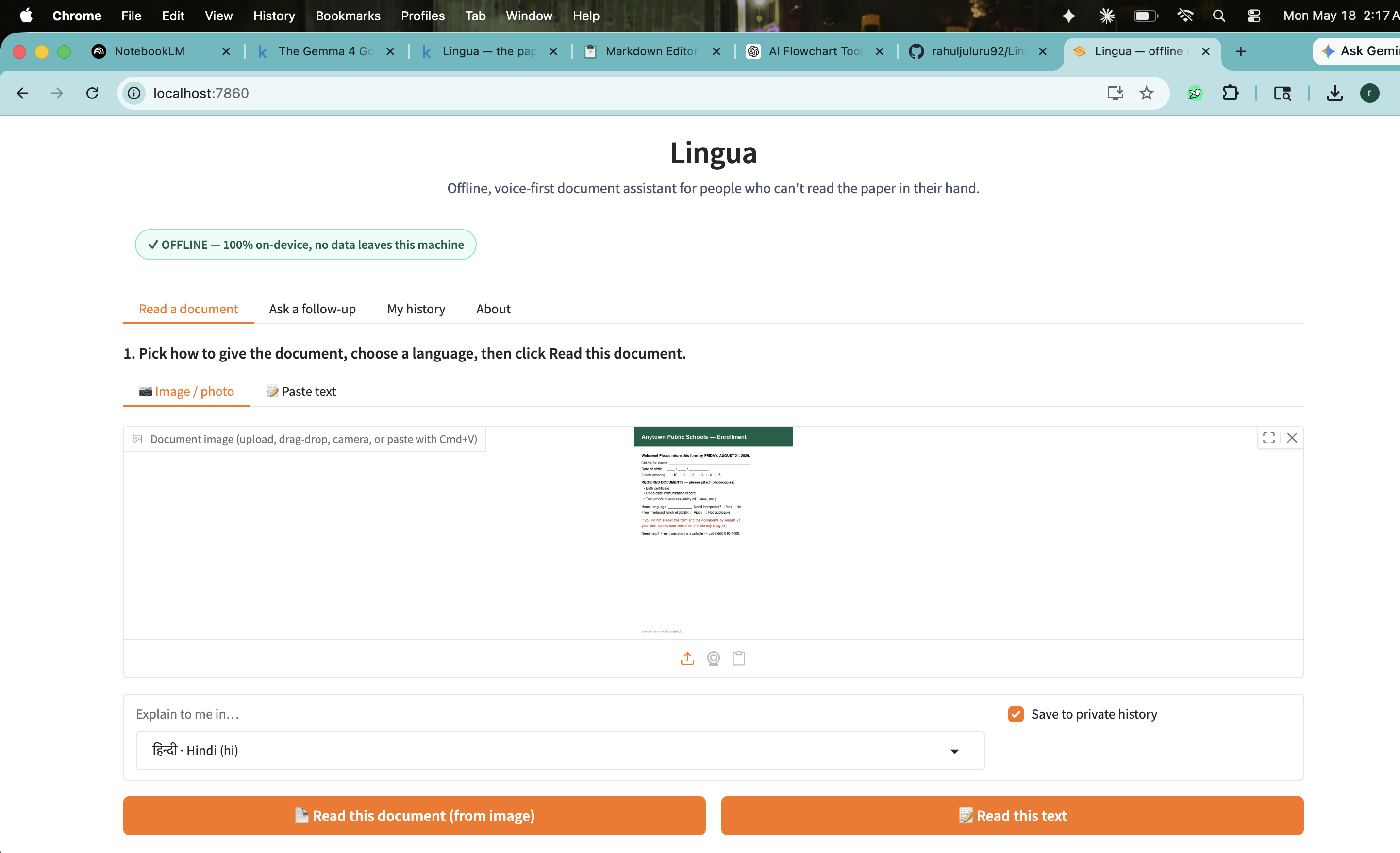
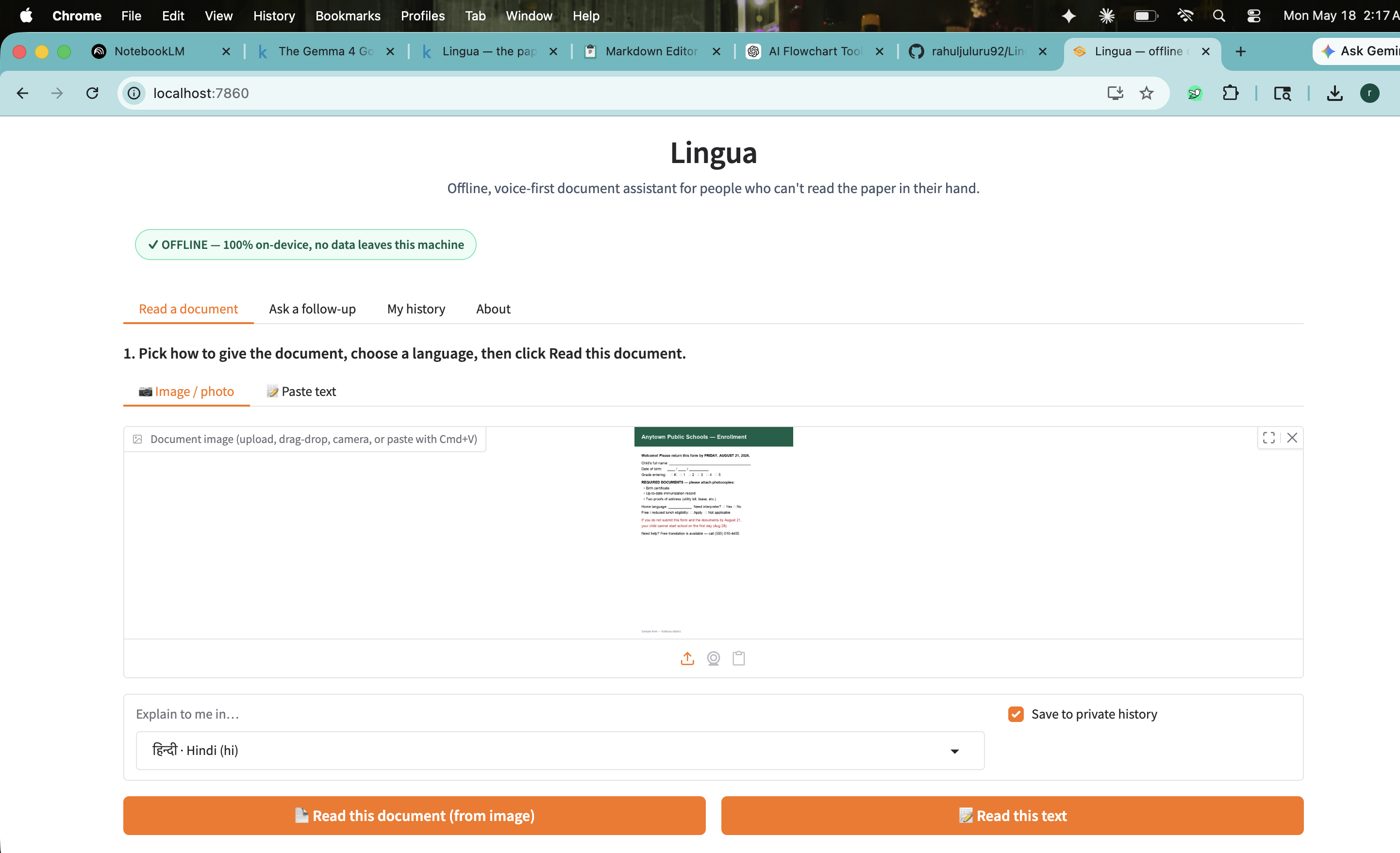
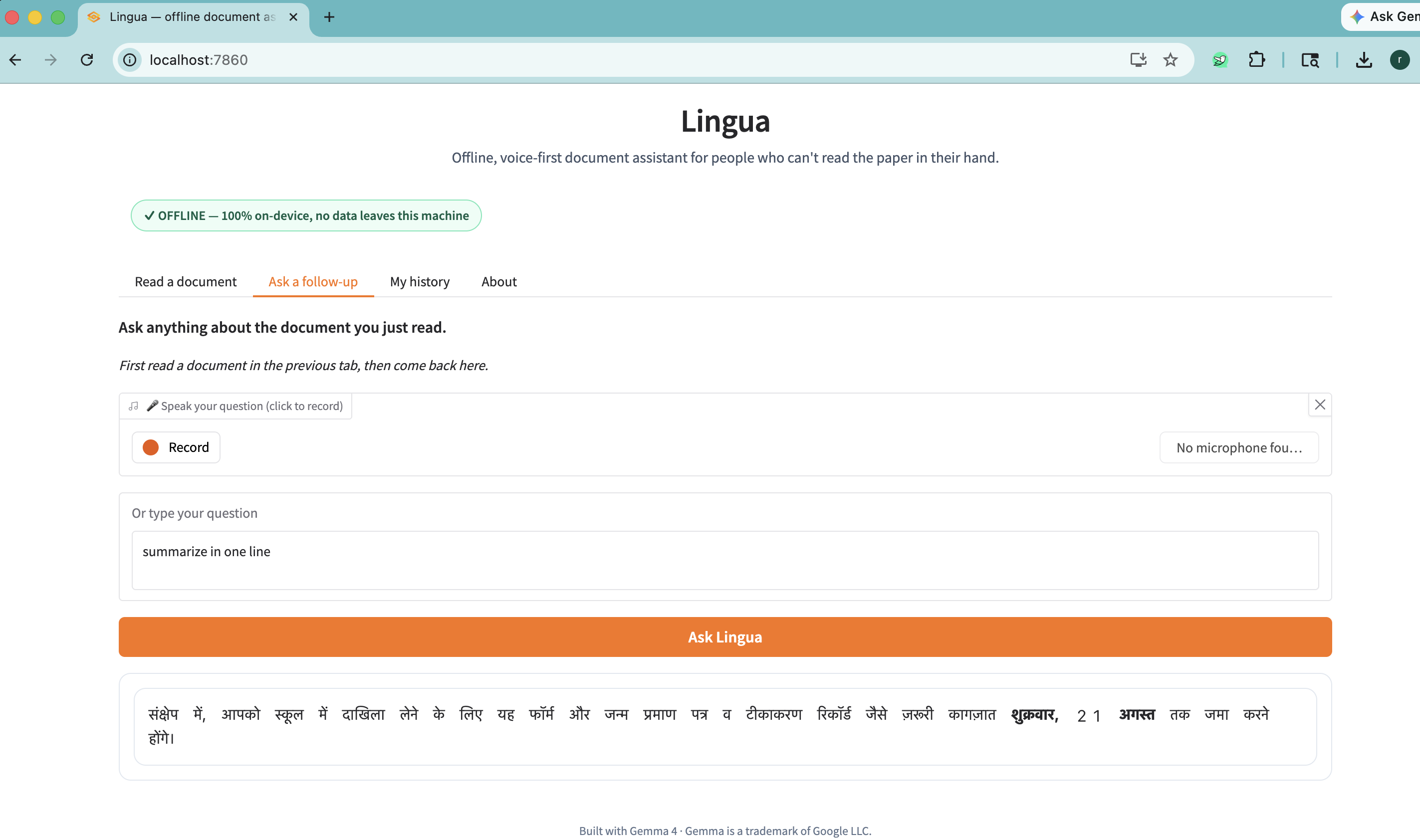
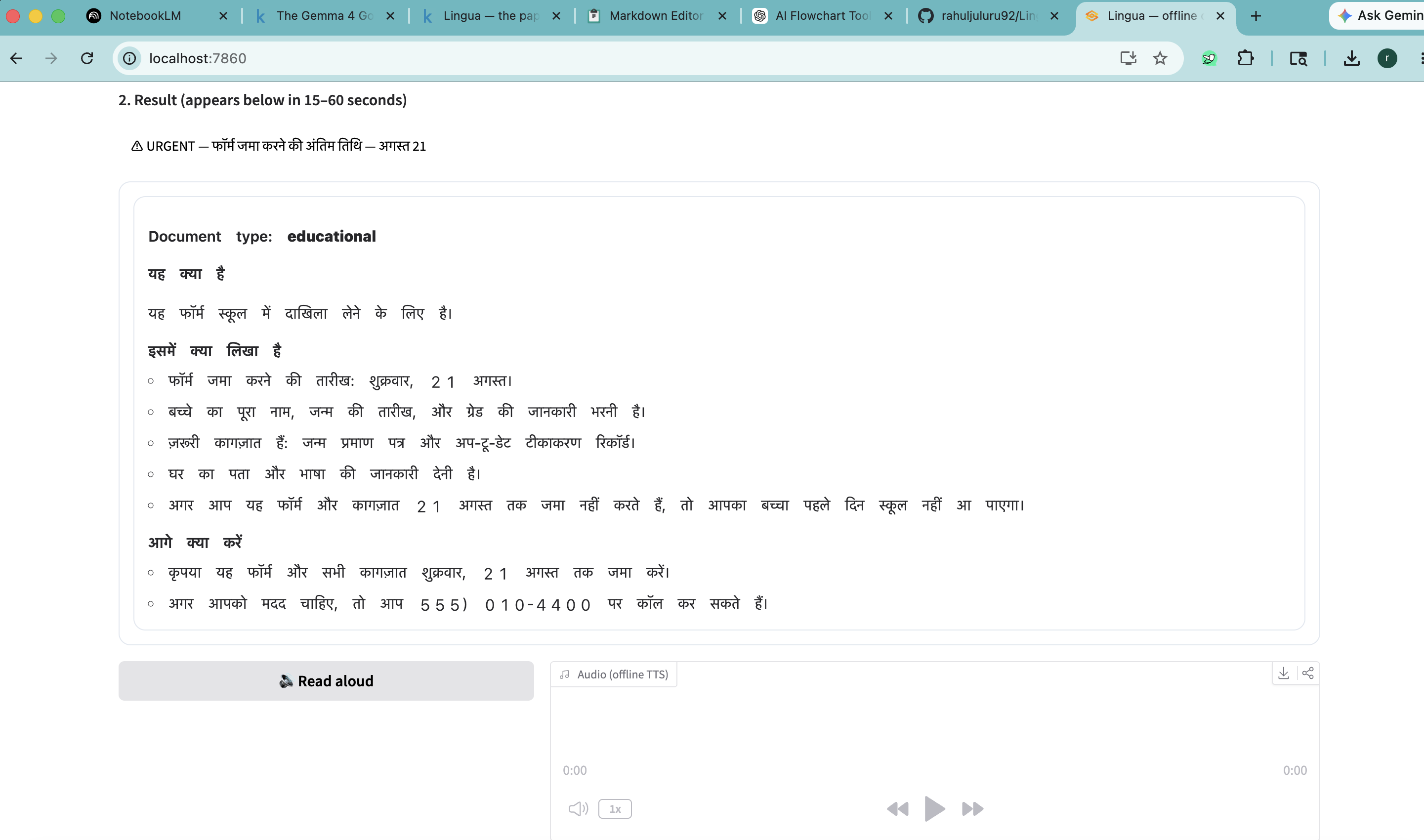
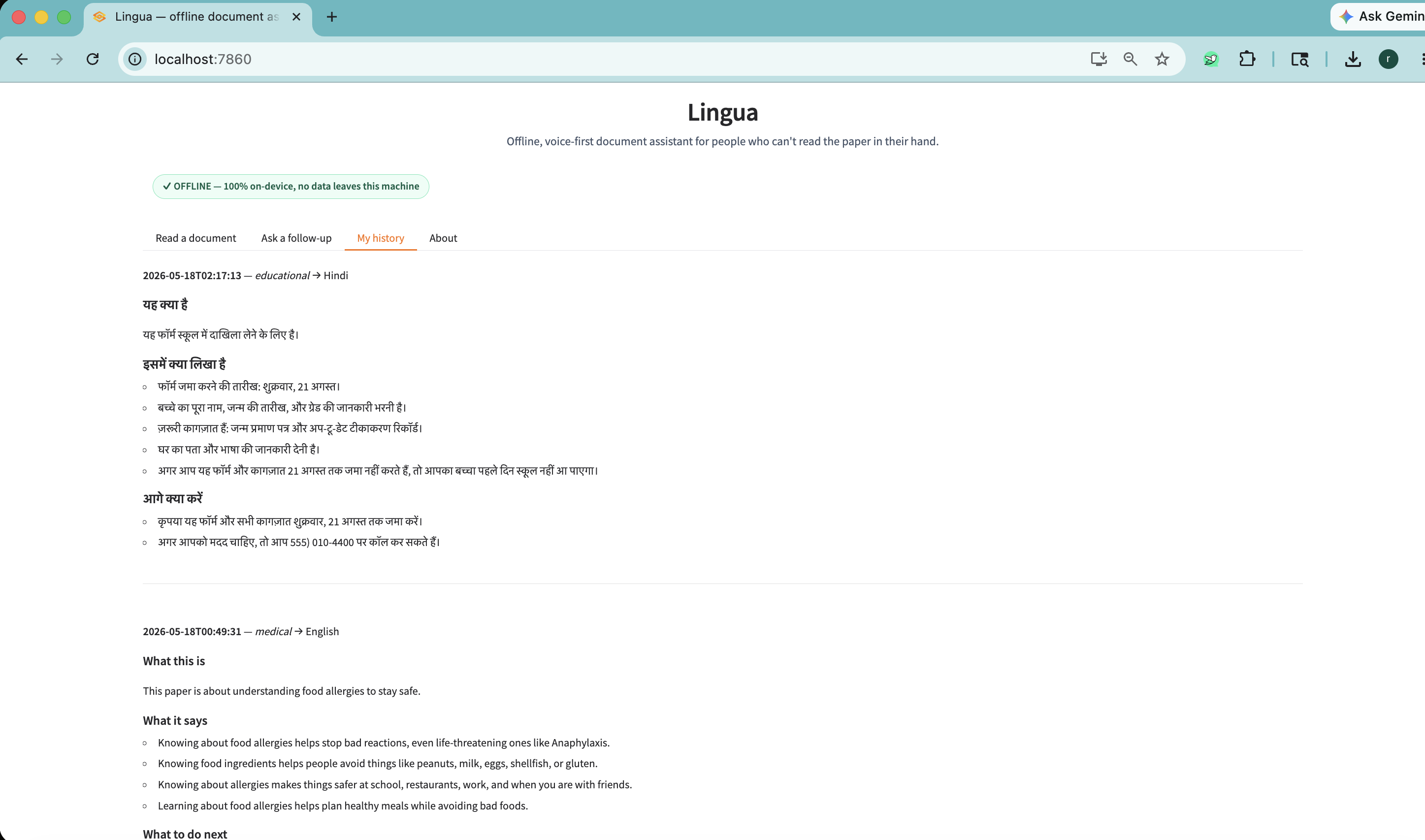
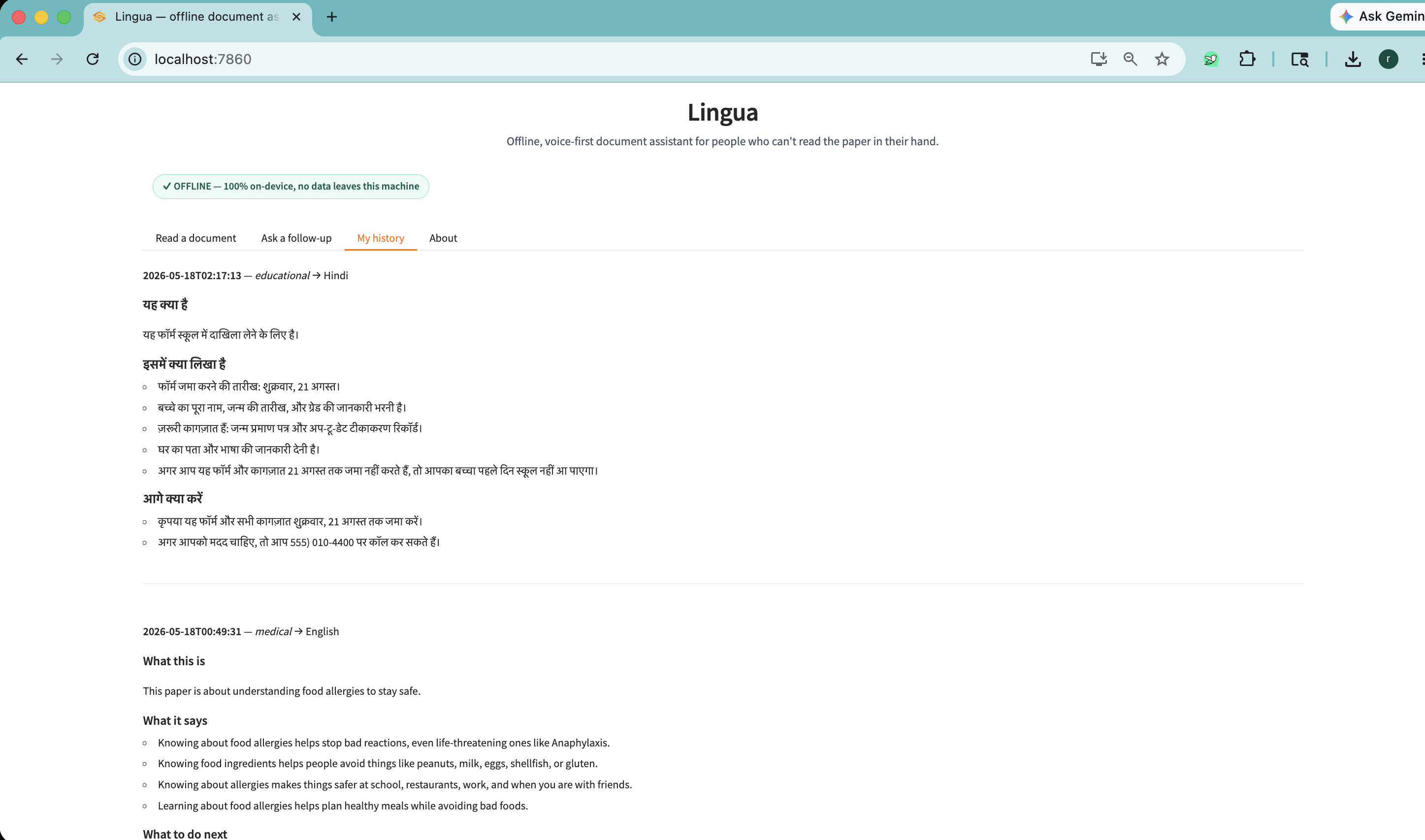
Lingua is a fully on-device document assistant. The user takes a photo of a document — or pastes the text — and picks a language from a list of forty. In about thirty seconds, Lingua replies in three sections, in their language:
- What this is. One sentence. "This is a formal notice that you must leave your home."
- What it says. Five short bullets: the amount due, the deadline, the address, the landlord.
- What to do next. Concrete steps. "Act before May 28. Call 211 for free tenant-rights help."
A red banner surfaces if there is an urgent deadline. A panel of free-help resources appears for legal-aid or medical situations. A QR code can be generated for a literate family member to scan and read. The user can ask follow-up questions by voice or text — "What does 'unlawful detainer' mean?" — and Lingua answers in their own language.
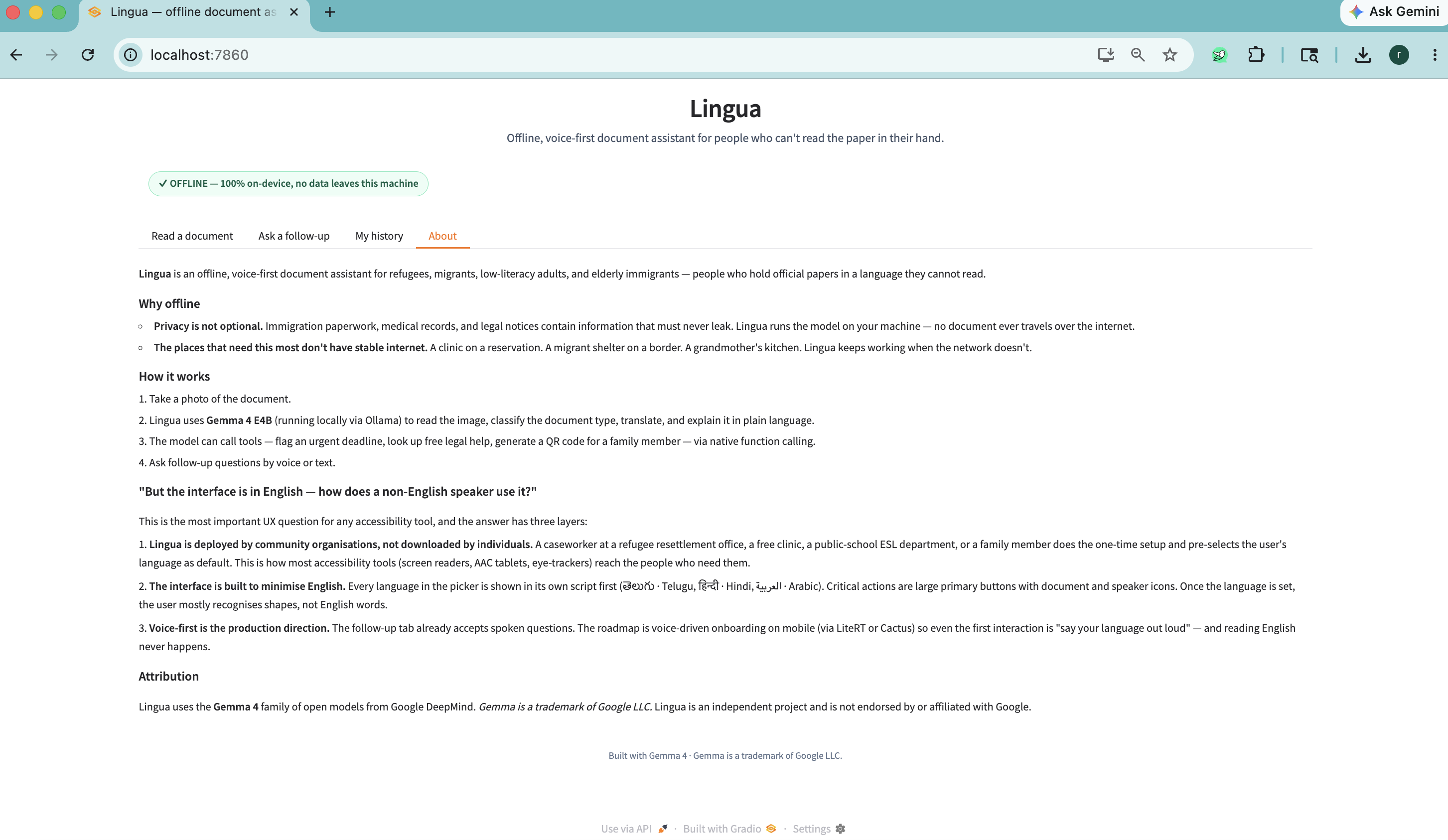
Every model call runs on the user's machine. No document data ever leaves the device. A live network probe on the badge proves it — green when offline, orange when connected.
Why Gemma 4
Lingua leans on three Gemma 4 capabilities at once.
Native multimodality. A single Gemma 4 call ingests a document photograph and produces structured language-specific output. No external OCR pipeline. The model reads the document directly — handwriting, stamps, mixed orientation, multiple columns — collapsing what would otherwise be a fragile OCR → translation → explanation chain into one prompt.
Multilingual generation across 40+ languages. Lingua's users speak Tagalog, Telugu, Tigrinya, Pashto, Haitian Creole — long-tail languages where commercial translators are uneven. Gemma 4 handles them well out of the box, so no fine-tuning was required for the prototype.
Native function calling. This is what elevates Lingua from "translator" to "agent." Each main call returns not just an explanation but a structured list of tool invocations — flag_urgent_deadline(date, what), lookup_resources(category), summarize_for_family(). The model decides, per document, which tools are appropriate: an eviction notice triggers urgent-deadline + tenant-rights lookup; a prescription triggers urgent-warning if it contains drug-interaction language; a school form triggers a deadline flag but no legal resources.
I pass think=False to Ollama on every call. Gemma 4's chain-of-thought is excellent but the latency on an 8 GB consumer laptop is too high for a voice-first user experience. With thinking off, the full pipeline completes in 15–60 seconds on an M3 with 8 GB unified memory; text-only mode runs in 3–15 seconds.
Why Gemma 4 E4B and not 31B? The promise is runs on a regular laptop with no internet. E4B fits in unified memory on an 8 GB Mac. The 31B variant would be more accurate but would defeat the digital-equity story — Lingua's target users do not own workstations.
Challenges I ran into
Gemma 4's thinking mode silently eats your output if you don't budget for it. My first vision call returned an empty string with done_reason: "length" and eval_count: 80 — the tokens were going into a hidden thinking field that the default Python client doesn't surface. The fix is think=False plus upgrading ollama ≥ 0.6.2.
Structured-output drift. Gemma 4 in JSON mode is well-behaved but occasionally wraps the payload in a code fence or appends a postscript. The orchestrator does tolerant parsing — strip fences, then regex-find the largest {…} block, then fall back to treating the whole string as the summary if nothing else works.
Tool-call grounding. On the eviction notice test, Gemma 4 correctly identified the May 28 deadline and the relevant resource category (tenant_rights) without explicit hints. On the prescription, it initially flagged the prescription-fill date as "urgent" — a false positive — so I tightened the system prompt to anchor "urgent" on actionable deadlines, not calendar dates.
Indic font + macOS voice mapping. Gradio's default Source Sans Pro has no glyphs for Telugu, Hindi, Tamil, Bengali, Kannada — so the panel would render boxes instead of text. CSS now lists Noto Sans + macOS system fallbacks. pyttsx3 crashed with run loop already started on the second TTS call; replaced with macOS's native say command which ships with Geeta (Telugu), Lekha (Hindi), Vani (Tamil), Piya (Bengali), Soumya (Kannada), and 15+ more — no extra downloads needed.
The UX paradox
A fair question: "If the user can't read English, how do they use an English-labelled interface?" The answer is the same as for screen readers, AAC tablets, and eye-trackers — these tools reach the people who need them through community organisations, not direct individual download.
Lingua is built for caseworkers at refugee resettlement offices, free-clinic intake nurses, public-school ESL departments, and prison-reentry programmes — people who already do one-time setup of accessibility tools for hundreds of clients per year. The interface itself minimises English: every language in the picker shows its own script first — తెలుగు · Telugu, हिन्दी · Hindi, العربية · Arabic. Buttons are large and icon-led. The production direction is voice-first onboarding on mobile (via LiteRT or Cactus) so reading English never has to happen.
What I learned
- Local multimodal models are now genuinely production-viable on consumer hardware. A year ago this prototype would have required a workstation; today it runs on an 8 GB MacBook.
- Function-calling-as-routing is more interesting than function-calling-as-API-bridge. The interesting design space is letting the model choose which local tools to invoke based on document content, not gluing it to remote APIs.
- Privacy claims need to be verifiable, not asserted. A live network-probe badge is worth more than a paragraph in the README.
- Latency is a UX feature, not just a number. Disabling thinking traded ~5% answer quality for 3× latency reduction — for voice-first users that's the right call every time.
Limitations and honest disclosure
- 15–60 s response time is too slow for casual mobile use. Next step: LiteRT or llama.cpp on phones.
- The free-help resource list is currently U.S.-biased; a community-maintained YAML file should ship per-country.
- Lingua is not a substitute for a lawyer, doctor, or qualified interpreter. Every output ends with a pointer to free professional help.
- Demo documents in
demo_documents/are synthetic — no real personal data was used.
Try it (3 commands)
ollama pull gemma4:e4b
pip install -r requirements.txt
python app.py   # open http://localhost:7860, then disconnect from the internet


### 6. Image gallery (upload 4 images in this order)

1. [`media/lingua_architecture.png`](media/lingua_architecture.png) — architecture diagram (HD, 1600×1200)
2. [`demo_documents/02_eviction_notice.png`](demo_documents/02_eviction_notice.png) — eviction notice demo
3. [`demo_documents/01_prescription.png`](demo_documents/01_prescription.png) — prescription demo
4. [`demo_documents/06_immigration_letter.png`](demo_documents/06_immigration_letter.png) — immigration letter demo

(Skip school enrollment / utility bill / court summons unless you want >4 slides.)

### 7. "Try it out" links

Add these as two separate links:

- **Code (GitHub):** `https://github.com/rahuljuluru92/Lingua-the-paper-she-couldn-t-read`
- **(Optional) Live demo:** leave blank — local tunnel URLs (Cloudflare/ngrok) expire when the laptop sleeps. Document users will run it locally via the 3-command install above.

### 8. Video demo link

Paste your YouTube URL here when implementing. (You indicated you have one; the field expects a single public YouTube/Vimeo URL that Devpost embeds at the top of the page.)

---

## Critical files referenced (read-only — no edits)

- [KAGGLE_WRITEUP.md](KAGGLE_WRITEUP.md) — source of the narrative
- [README.md](README.md) — secondary source, architecture diagram
- [DEPLOY.md](DEPLOY.md) — confirms the live-demo tunnel approach
- [media/lingua_cover_560x280.png](media/lingua_cover_560x280.png) — thumbnail
- [media/lingua_architecture.png](media/lingua_architecture.png) — gallery image 1
- [demo_documents/](demo_documents) — 6 sample document PNGs for gallery

## Verification

The plan produces no code changes — verification is **visual review of the Devpost preview page** before clicking publish:

1. Open the Devpost edit page in browser.
2. Confirm:
   - Title renders as "Lingua — the paper she couldn't read" (em-dash, not hyphen).
   - Elevator pitch fits without truncation.
   - Thumbnail loads.
   - Markdown renders correctly (code blocks, italics, the ASCII architecture box).
   - "Built with" tags are all selectable (Devpost auto-suggests known tags; create custom for `gemma-4` and `function-calling` if not present).
   - YouTube video embeds at top.
   - GitHub link opens the public repo.
3. Click **Preview** before **Publish** — Devpost shows exactly what reviewers see.
4. After publishing, verify on mobile: the architecture ASCII box may wrap on narrow screens. If it does, swap the ASCII block for the architecture PNG already in the gallery.
Built With
- faster-whisper
- function-calling
- gemma-4
- gradio
- llama.cpp
- macos
- multimodal-ai
- ollama
- pillow
- python
- qrcode


Log in or sign up for Devpost to join the conversation.