Inspiration
The inspiration for LingoFlip came from the desire to make language learning more engaging and interactive. Traditional methods often lack the dynamic interaction needed to keep learners motivated. LingoFlip was created to bridge that gap by offering a fun and visually appealing way to practice vocabulary and phrases. The idea was to combine the simplicity of flashcards with a modern, user-friendly interface that encourages daily practice. By incorporating animations and an intuitive design, LingoFlip aims to make language learning a delightful experience for users of all ages.
What it does
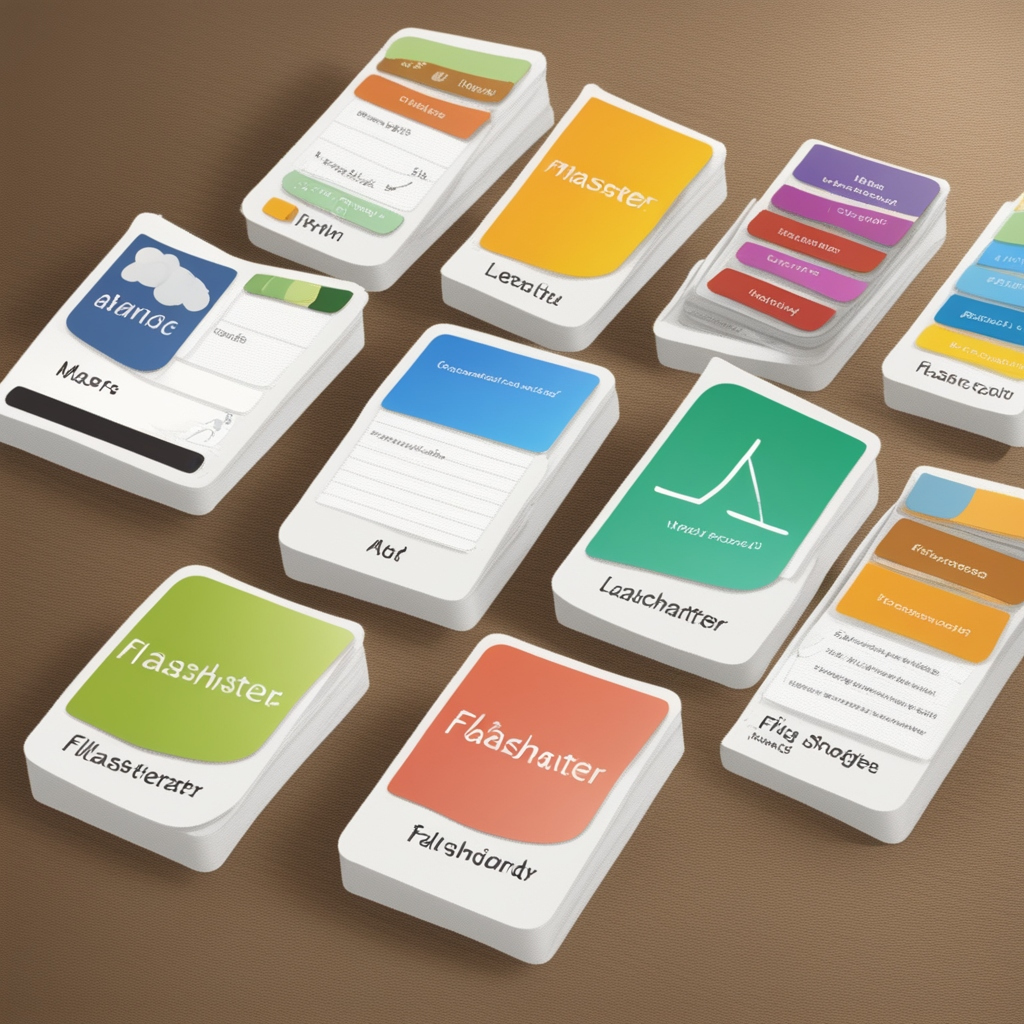
LingoFlip is an interactive language learning tool that helps users practice and memorize vocabulary through flashcards. Each flashcard displays a question or phrase on one side, and when clicked, it flips to reveal the answer or translation on the other side. The tool includes navigation buttons for users to easily move between flashcards, making it a practical resource for language learners who want to enhance their vocabulary and language skills. The smooth flip animations and user-friendly design aim to make the learning process engaging and enjoyable.
How we built it
LingoFlip was developed using a combination of web technologies to create an engaging and interactive language learning experience. Here's a breakdown of how the project was built:
HTML:
- Structure: HTML was used to create the basic structure of the flashcards, including the container for the flashcard, question, and answer sections.
CSS:
- Styling: CSS was employed to style the flashcards and add visual appeal. This included setting up the layout, colors, fonts, and the flipping animation effect.
- Animations: CSS animations were used to create a smooth flipping effect when transitioning between the question and answer sides of the flashcards.
JavaScript:
- Functionality: JavaScript was used to handle the interactive aspects of the flashcards. This included toggling the visibility of the question and answer, as well as managing the navigation between different flashcards.
- Event Handling: JavaScript functions were set up to respond to user actions such as clicking to flip a flashcard or navigating between cards.
Responsive Design:
- Media Queries: CSS media queries were used to ensure the flashcards look great on different screen sizes, from desktop monitors to mobile devices.
Project Setup:
- Version Control: Git was used for version control to track changes and collaborate on the project. The repository was hosted on GitHub for easy access and sharing.
Overall, LingoFlip combines simple yet effective web technologies to provide an interactive and visually appealing tool for language learners.
Challenges we ran into
Designing the Flip Animation:
- Challenge: Creating a smooth and visually appealing flip animation for the flashcards required precise CSS transitions and transformations.
- Solution: Extensive testing and tweaking of CSS properties like
transform,backface-visibility, andtransitionwere done to achieve a natural flip effect.
Ensuring Cross-Browser Compatibility:
- Challenge: Different web browsers can render CSS and JavaScript differently, leading to inconsistencies in how the flashcards appeared.
- Solution: Implemented and tested the design across multiple browsers to ensure a consistent experience. Adjustments were made to CSS rules and JavaScript functions as needed.
Responsive Design:
- Challenge: Making the flashcards responsive to different screen sizes and devices while maintaining usability and aesthetic appeal.
- Solution: Used CSS media queries to adapt the layout and styling for various screen sizes, ensuring that the flashcards were functional and visually appealing on both desktops and mobile devices.
Managing State and Navigation:
- Challenge: Handling the state of each flashcard (question vs. answer) and managing the navigation between different flashcards required careful JavaScript logic.
- Solution: Developed JavaScript functions to toggle the flashcard state and navigate through the flashcards efficiently. Implemented clear and maintainable code to manage these interactions.
Performance Optimization:
- Challenge: Ensuring that the flashcards performed well and did not lag, especially when dealing with a large number of cards.
- Solution: Optimized CSS and JavaScript code to minimize performance bottlenecks. Tested the application with various data sets to ensure smooth performance.
User Experience (UX) Considerations:
- Challenge: Designing an intuitive user interface that was easy to navigate and use for learners of all ages.
- Solution: Focused on user feedback and conducted usability tests to refine the design and functionality. Ensured that buttons and interactions were user-friendly and accessible.
Accomplishments that we're proud of
Smooth Flip Animation:
- Achievement: Successfully implemented a visually appealing and smooth flip animation for the flashcards, enhancing the user experience and making learning more engaging.
Responsive Design:
- Achievement: Achieved a fully responsive design that looks and functions well on various devices and screen sizes, from mobile phones to desktop monitors.
User-Friendly Interface:
- Achievement: Created an intuitive and easy-to-navigate interface that allows users to interact with the flashcards effortlessly, making the learning process enjoyable and accessible.
Cross-Browser Compatibility:
- Achievement: Ensured consistent performance and appearance of the flashcards across different web browsers, providing a reliable experience for all users.
Efficient State Management:
- Achievement: Developed robust JavaScript code to manage the state of each flashcard and handle navigation smoothly, allowing users to easily flip cards and move between them.
Performance Optimization:
- Achievement: Optimized the application to handle a large number of flashcards without lag, ensuring a smooth and responsive experience even with extensive data.
Creative Design and Aesthetics:
- Achievement: Designed a visually appealing and cohesive look for the flashcards, using color schemes and animations that enhance the overall learning experience.
Successful Git Integration:
- Achievement: Implemented version control with Git and managed the project effectively on GitHub, facilitating collaboration and tracking of changes throughout the development process.
Positive User Feedback:
- Achievement: Received positive feedback from users regarding the usability and functionality of the flashcards, validating the effectiveness of the design and features.
What we learned
Advanced CSS Techniques:
- Insight: Gained a deeper understanding of CSS transitions and animations, particularly in creating smooth flip animations and responsive design elements.
JavaScript for Interactive Features:
- Insight: Improved skills in using JavaScript to manage interactive features, including handling user interactions and managing state transitions effectively.
Cross-Browser Development:
- Insight: Learned how to address cross-browser compatibility issues, ensuring that the application performs consistently across different web browsers.
Responsive Design Practices:
- Insight: Acquired experience in implementing responsive design principles to create a user-friendly interface that adapts to various screen sizes and devices.
Version Control with Git:
- Insight: Enhanced proficiency in using Git for version control, including managing repositories, handling branches, and collaborating on projects via GitHub.
Performance Optimization:
- Insight: Developed techniques for optimizing web applications to ensure smooth performance, even with a large number of interactive elements.
User Experience (UX) Design:
- Insight: Gained a better understanding of UX design principles and the importance of creating intuitive, accessible, and engaging user interfaces.
Collaborative Development:
- Insight: Improved skills in working collaboratively on a project, including managing feedback, integrating contributions, and maintaining clear documentation.
Handling Errors and Debugging:
- Insight: Enhanced problem-solving skills by troubleshooting and debugging issues related to animations, performance, and browser compatibility.
Effective Project Management:
- Insight: Learned how to effectively plan, develop, and manage a project from start to finish, including setting milestones and tracking progress.
What's next for LingoQuest
What's Next:
User Testing and Feedback:
- Action: Conduct further user testing to gather feedback and make improvements based on user experiences and suggestions. This can help refine the flashcards and enhance usability.
Feature Enhancements:
- Action: Explore additional features such as quiz modes, progress tracking, or integration with external learning resources. Consider adding more interactive elements to make the tool even more engaging.
Localization and Accessibility:
- Action: Add support for multiple languages and ensure accessibility for users with disabilities. This can broaden the reach and inclusivity of the flashcard tool.
Performance Monitoring:
- Action: Continuously monitor the performance of the application and make optimizations as needed to ensure smooth operation under varying conditions and with large datasets.
Deployment and Scaling:
- Action: Deploy the application to a live environment and consider scaling it if needed. Ensure that it is hosted on a reliable platform and can handle user traffic effectively.
Marketing and Outreach:
- Action: Develop a strategy to promote the flashcard tool to potential users. This can include creating a website, engaging with educational communities, and leveraging social media.
Integration with Learning Platforms:
- Action: Explore opportunities to integrate the flashcard tool with popular learning management systems or educational platforms to reach a wider audience.
Continual Learning and Improvement:
- Action: Stay updated with the latest web development trends and technologies. Continuously improve the tool based on emerging best practices and user feedback.
Documentation and Support:
- Action: Create comprehensive documentation and support resources for users. This can include guides, FAQs, and troubleshooting tips to help users get the most out of the flashcard tool.
Community Engagement:
- Action: Engage with the user community to gather insights, address concerns, and build a user base that contributes to the tool's growth and improvement.


Log in or sign up for Devpost to join the conversation.