-
-
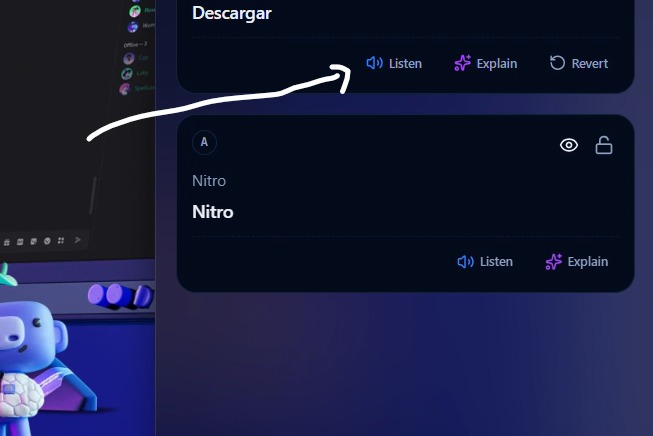
ai features
-
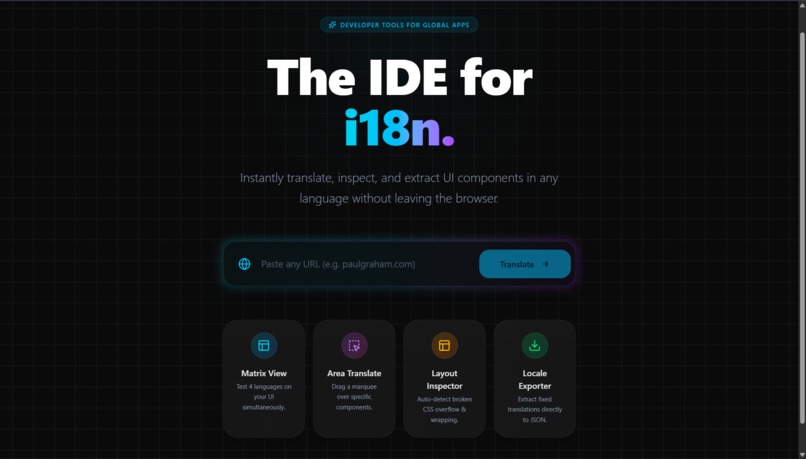
landing
-

-

-

-

-
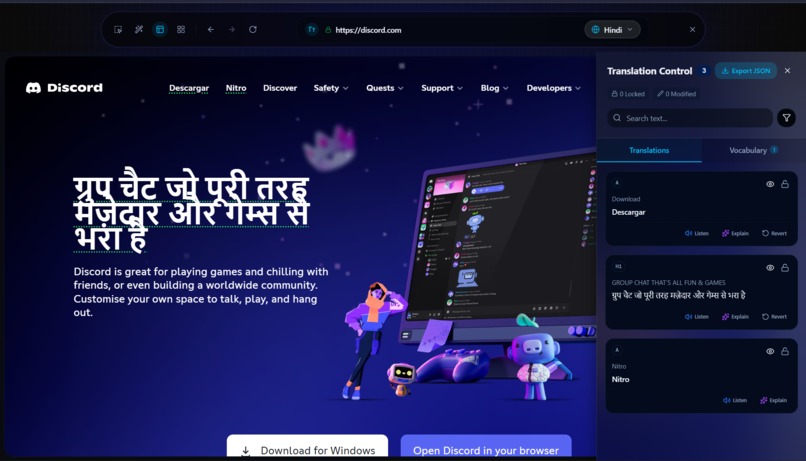
translation panel
-
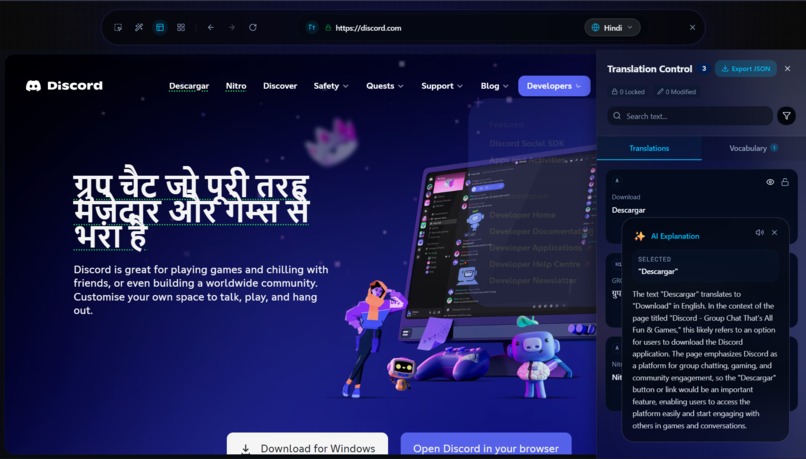
-

metrix mode
-





Inspiration
What it does## 💡 Inspiration
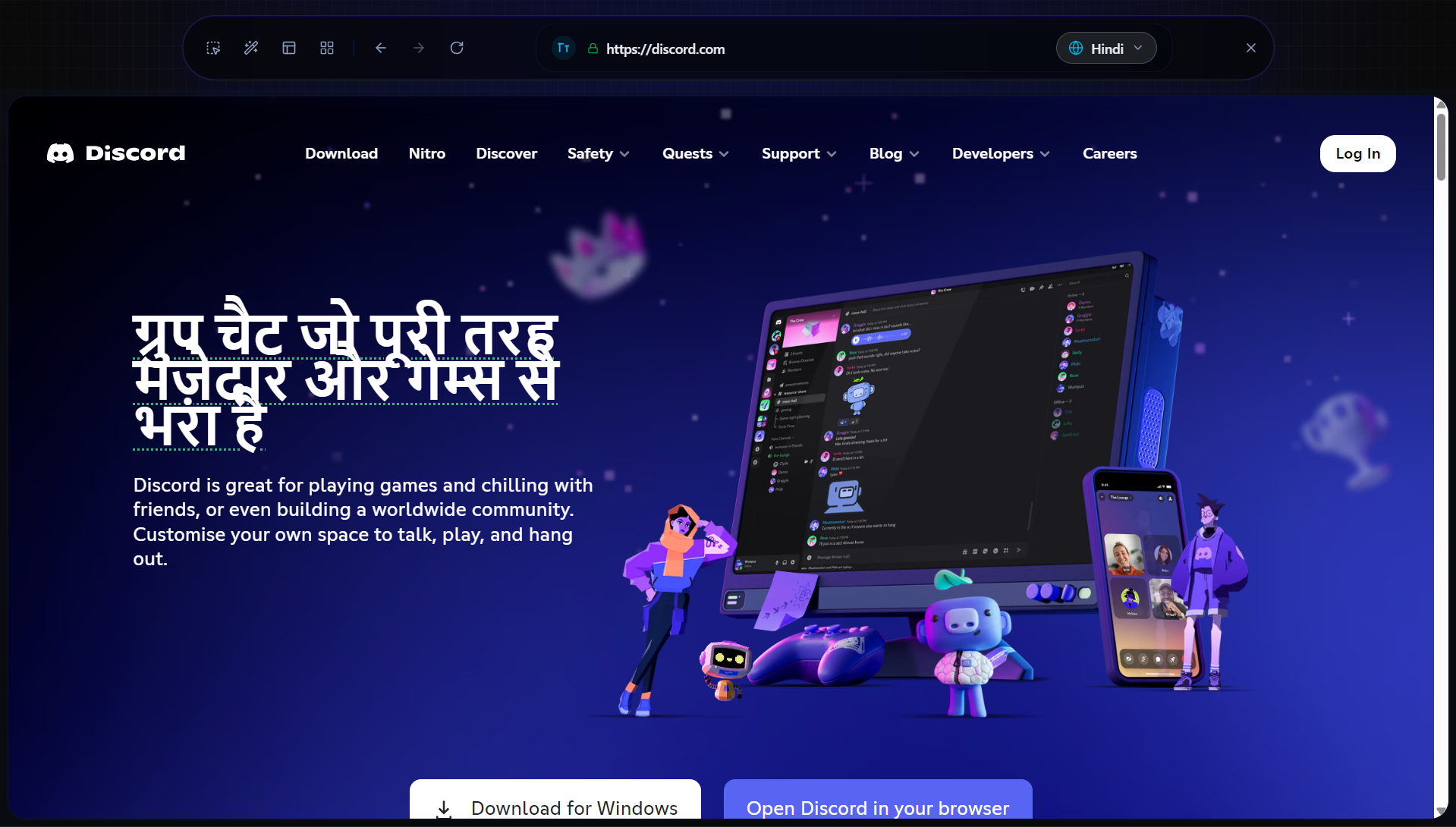
We've all been there: you find a gorgeous Japanese blog post or a beautifully designed French website. The typography is perfect, the layout is stunning. Then you hit "Translate to English" and the UI completely dies. Buttons overflow, layouts collapse, and cultural context is lost to literal translations. We realized that translating the web shouldn't mean destroying the design. We wanted to build a translator that respects both the language and the front-end developer who built the site.
🚀 What it does
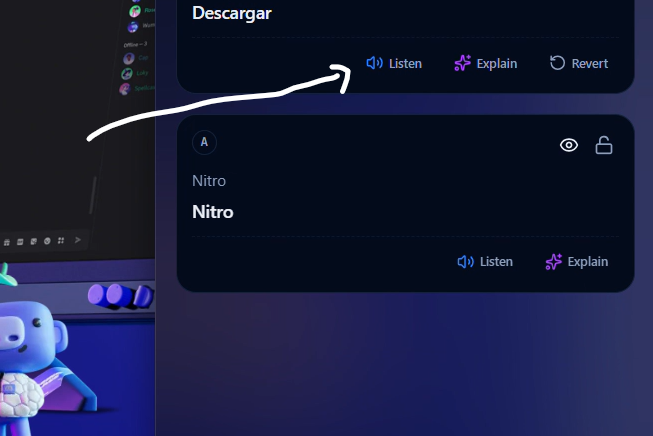
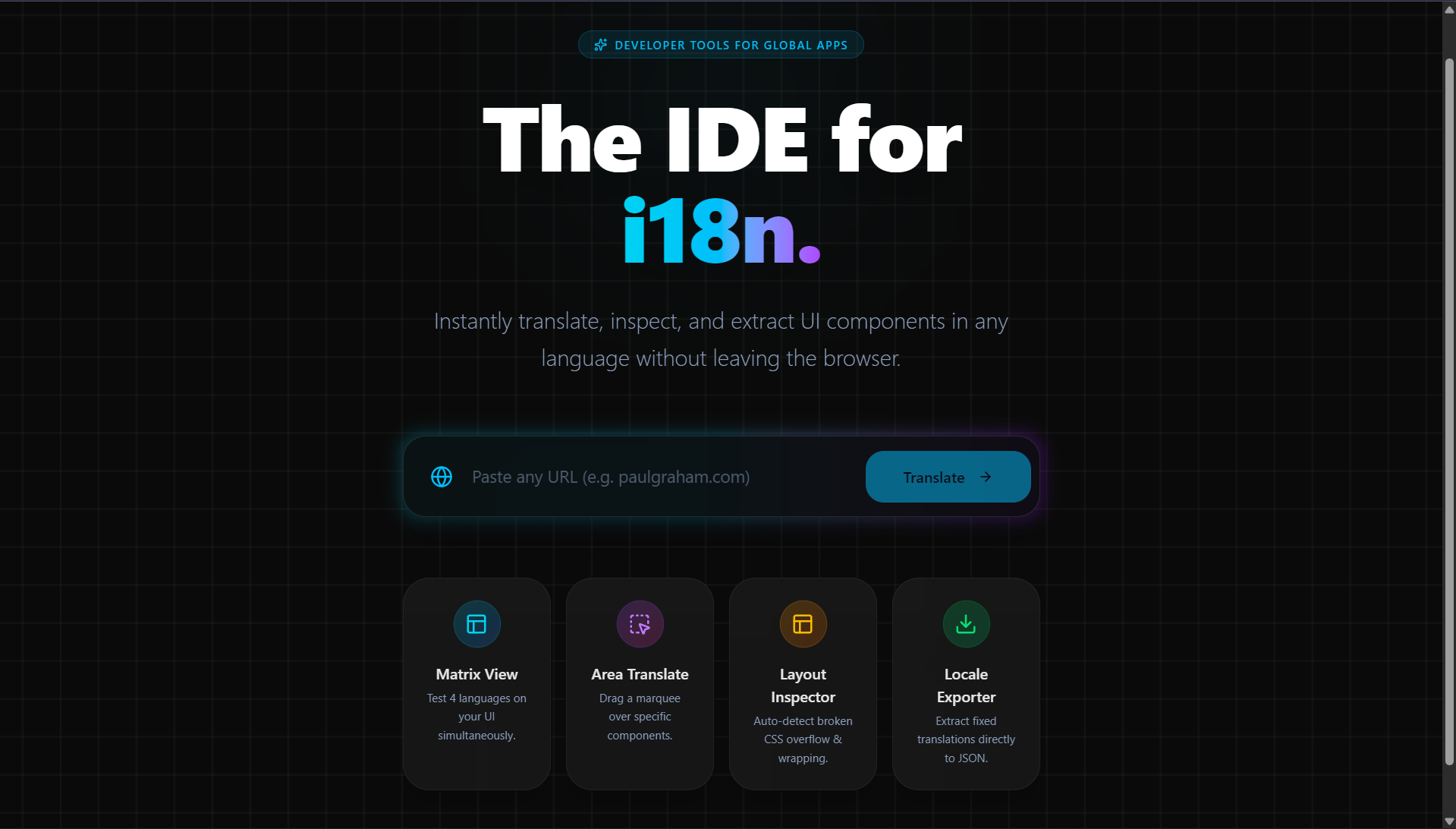
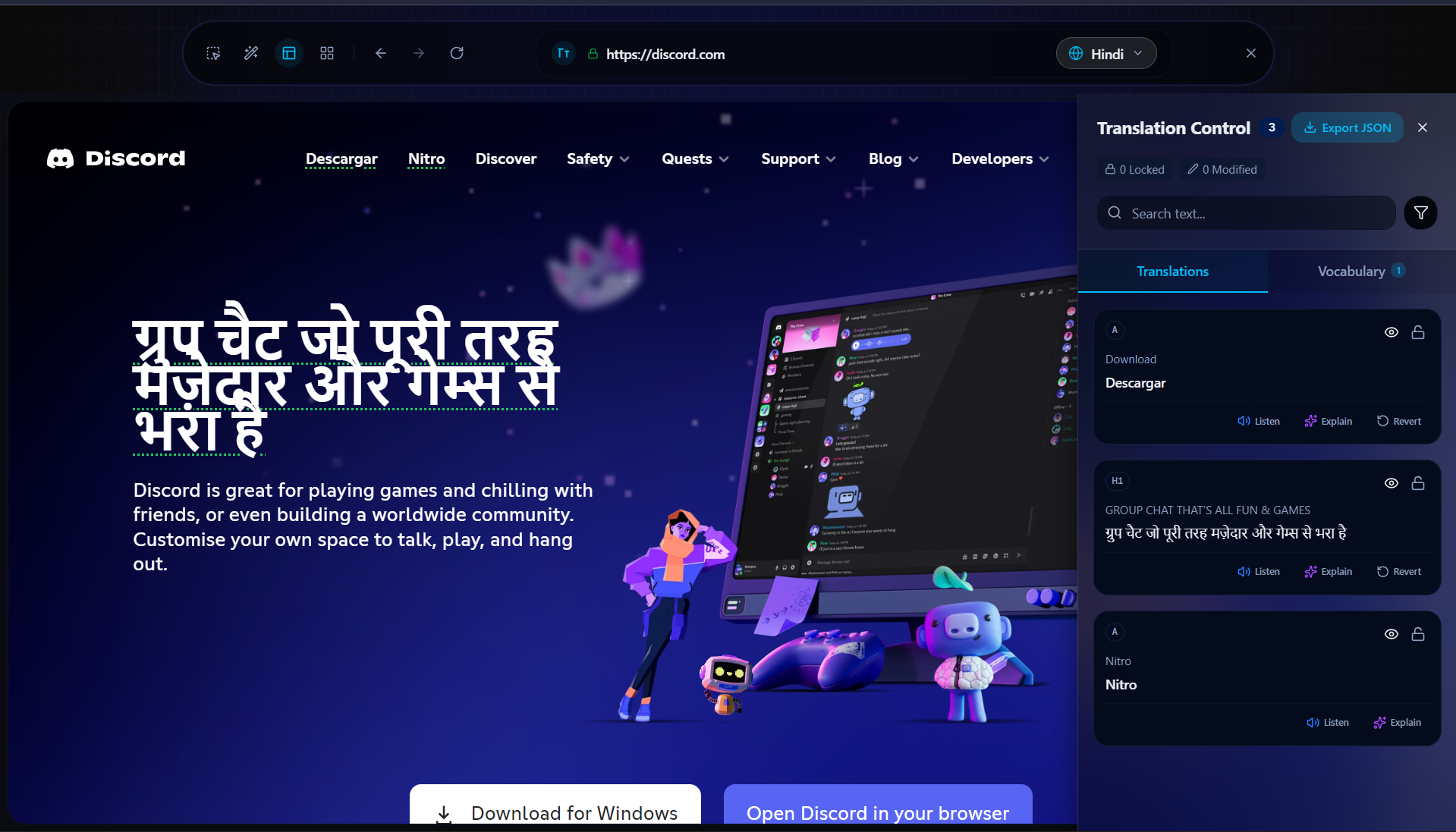
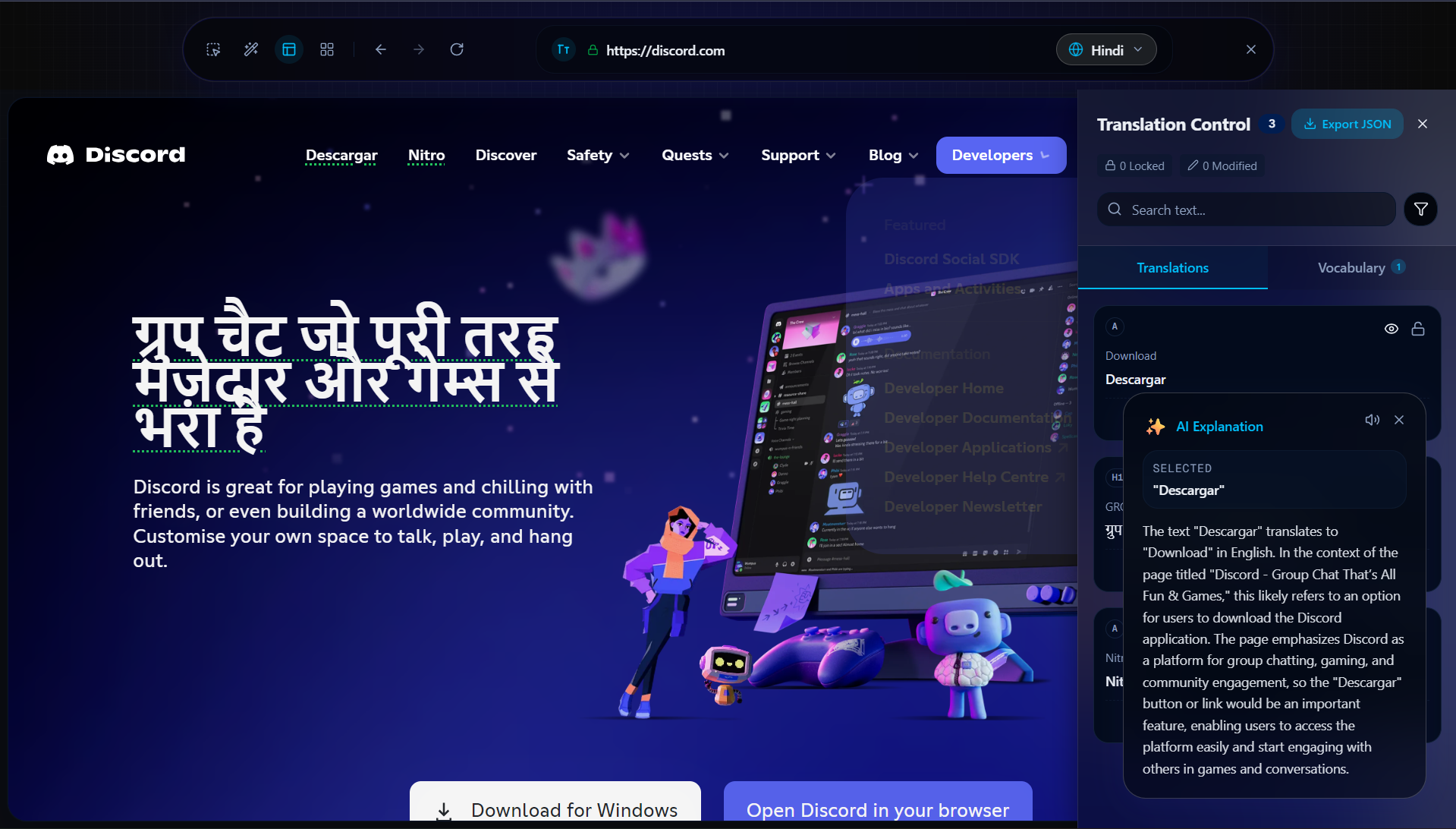
LingoLens is a layout-preserving web translator and AI assistant. It acts as a reverse-proxy engine that loads any external website inside a sandboxed environment. When you translate text (either by clicking or using the ✨ Magic Wand batch tool), LingoLens dynamically swaps the text in the DOM while respecting the original font weights, CSS properties, and spacing.
But translation isn't just about changing words—it's about context. That's where Google Gemini comes in. If you don't understand a translated phrase, you can select it and our Gemini-powered AI Toolbar will:
- ✨ Explain: Give you a context-aware explanation reading the full page.
- 📝 Summarize: Condense long articles instantly.
- 🧒 Simplify (ELI5): Break down complex topics so a 5-year-old could understand.
We also built a show-stopping Matrix Mode, which loads the same website in a 2x2 grid, translating it into four different languages simultaneously to help developers instantly spot layout-breaking translations.
🛠️ How we built it
We essentially built a browser inside a browser. The architecture is split into three main parts:
- The Proxy Engine (
/api/proxy): Built with Next.js and Cheerio, it fetches external HTML, rewrites all asset URLs (scripts, CSS, images), strips security headers (X-Frame-Options), and injects our custom runtime. - The Iframe Runtime & Bridge: We wrote a 600+ line vanilla JS bundle injected into the proxied site. It communicates with our React app via a complex
postMessageprotocol (handling 18 different message types). - The AI Brain (Gemini 1.5 Flash): We used the
@ai-sdk/googleto integrate Gemini. Instead of just sending isolated text, we send Gemini the selected text along with the surrounding article context and page title, allowing it to generate incredibly accurate explanations.
🚧 Challenges we ran into
Proxying the modern web is a nightmare. Getting complex React/SPA websites to load inside an iframe without triggering CORS errors or breaking relative asset paths required intense server-side HTML surgery using Cheerio.
Another massive challenge was Matrix Mode. Scaling four full-width iframes into a responsive 2x2 grid while keeping them all independently translatable and clickable felt like putting ships in bottles. We had to use CSS transform: scale() paired with ResizeObserver to fake a 1440px desktop viewport in each tiny quadrant.
🏆 Accomplishments that we're proud of
- Successfully building a stable reverse proxy that doesn't break modern websites.
- The seamless integration of Google Gemini — it feels incredibly natural to highlight text on a foreign website and have an AI instantly explain the cultural context.
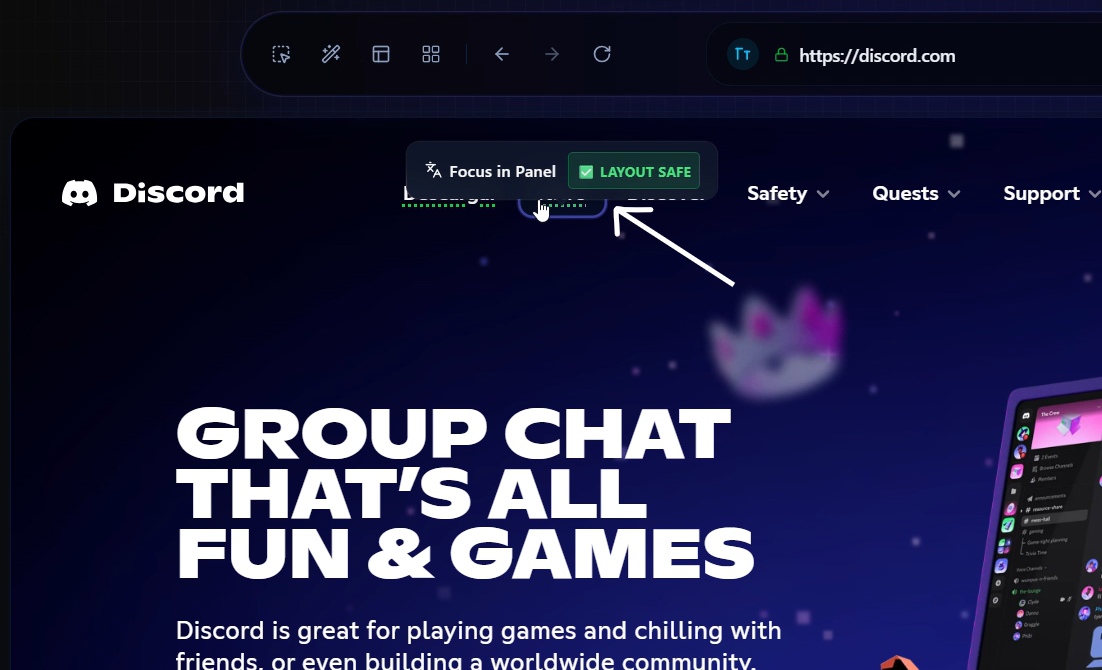
- Building the layout safety inspector that visually warns you if a translation causes text overflow.
📚 What we learned
We learned the deep, dark secrets of iframe security, CORS policies, and the postMessage API. We also learned how incredibly fast and context-aware the Gemini 1.5 Flash model is when provided with good system prompts.
🔮 What's next for LingoLens
We plan to deploy it as an actual Chrome Extension so users won't need to pass URLs through our proxy. We also want to use Gemini's multimodal capabilities to translate text inside images on the proxied websites!
How we built it
Challenges we ran into
Accomplishments that we're proud of
What we learned
What's next for Lingo-Lens
Built With
- cheerio
- gemini-api
- google-cloud
- indexeddb
- next.js
- tailwind-css
- typescript

Log in or sign up for Devpost to join the conversation.